How do I get an Orshot API key?
Sign up, open Workspace Settings and copy the key from the API section. No card required on the free plan.
Updated
Your API key authenticates every request to the Orshot API. Here's how to get one.
Create an Account#
If you don't have an Orshot account yet:
- Create your account
- Verify your email address
If you already have an account, log in here.
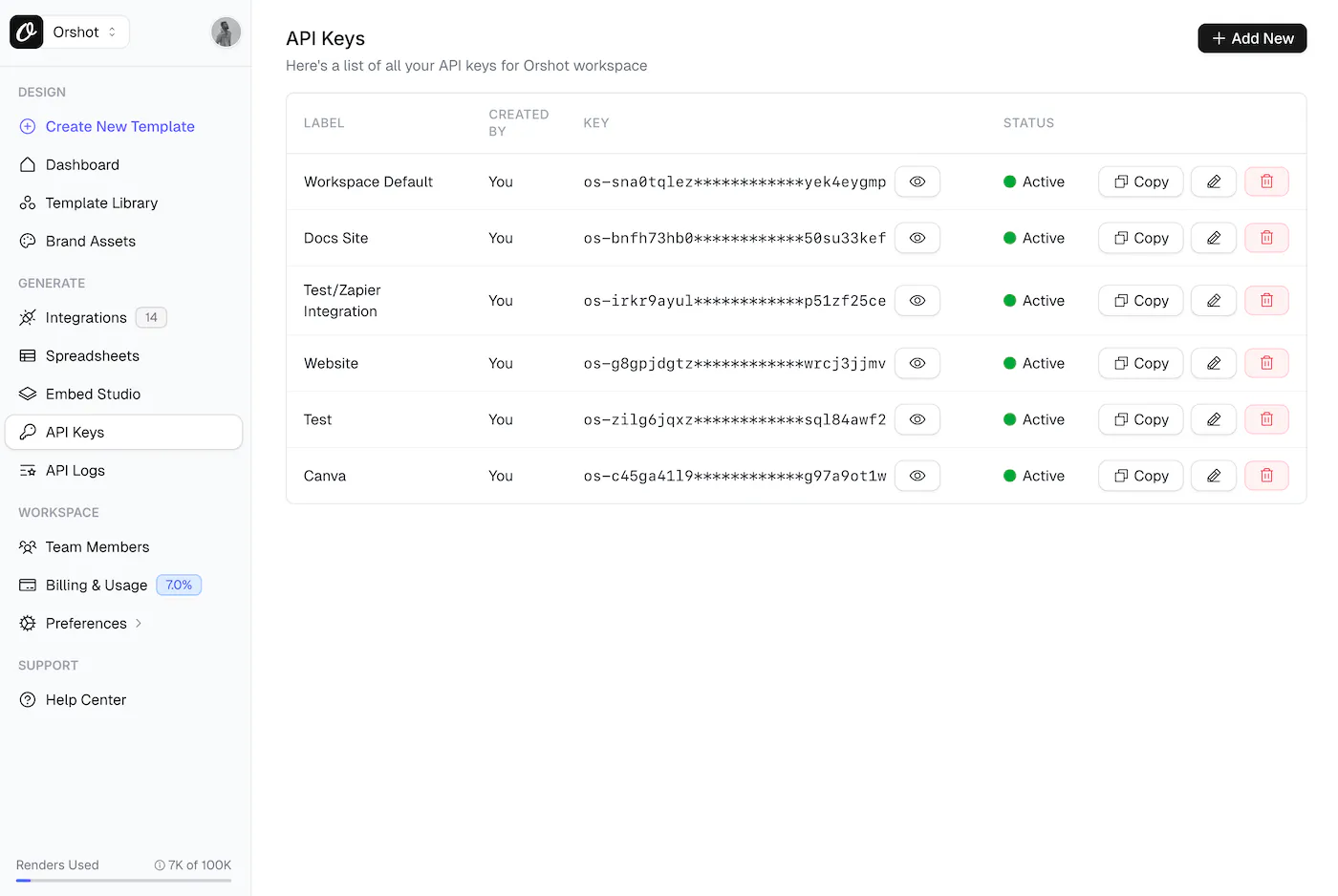
Once logged in, click API Keys in the sidebar to see all your keys.
Creating a New API Key#
If you need to create a new API key:
- Click the + Add New button in the top right
- Give your API key a descriptive label (e.g., "Production App", "Testing")
- Click Create
- Your new API key will be displayed
Managing Your API Keys#
Multiple API Keys#
You can create multiple API keys for different purposes:
- Development: For testing and development
- Production: For your live application
- Integrations: For third-party tools like Zapier or Make
Editing API Keys#
To rename or update an API key:
- Click the edit icon (✏️) next to the key
- Update the label
- Save changes
Deleting API Keys#
If an API key is compromised or no longer needed:
- Click the delete icon (🗑️) next to the key
- Confirm deletion
- Create a new API key to replace it if needed
Keep your API keys secret. Never commit them to version control or expose them in front-end code.
Next Step#
You have your API key — now create a template:
Ready to automate?
Start rendering images, PDFs and videos from your templates in under 2 minutes. Free plan, no credit card.
Get your API key- Image, PDF and video generation via API
- Visual editor with AI and smart layouts
- Zapier, Make, MCP and 50+ integrations
- White-label embed for your own app
- 100 free credits a month, no credit card required