Marketing Automation for Agents
Your AI agent designs, renders and posts on-brand images, PDFs and videos to 15+ social platforms, straight from Claude, ChatGPT or Cursor.






What Orshot for Agents can do for you:
- Generate on-brand templates
- Render carousels, videos from your data
- Manage your brand assets
- Plug API, Automation Workflows
- Post, draft, schedule social content
- Analyze your social metrics
- Tell your best time to post
- See what gets engagement, what doesn't
- Get every number you need to grow
 Add to Claude
claude mcp add orshot --transport http https://mcp.orshot.com/mcphttps://mcp.orshot.com/mcpSettings → Connectors → Add custom connector → paste the URL.
{
  "mcpServers": {
    "orshot": { "url": "https://mcp.orshot.com/mcp" }
  }
}
Paste into .mcp.json.
8 in 10 Orshot workspaces now render through an AI agent.
81% of workspaces that rendered in the last 30 days used an agent at least once. Our own accounts are left out.


Ask in plain words. Get finished files back.
Pick a job to copy the prompt and try it in your agent.
What they ask for · % of agent users
 Claude+ OrshotWorking
Import our logo, colors and fonts from acme.com, then find two stock photos of a summer beach
Set it up in one chat. It runs every week after.
Ask for a workflow instead of a one-off render. Your agent wires a trigger, your template and a destination into an Orshot Workflow that keeps rendering and posting after the chat is closed.
 ChatGPT + Orshot
Every Monday at 9am, turn our three newest blog posts into LinkedIn images and post them as a carousel.
Done. I built the workflow Weekly LinkedIn posts. It runs every Monday at 9:00 New York time, no chat needed.
Workflow created 2Render using OrshotBlog post template, 3 newest posts
 3Post to LinkedInAs one carousel post
- Run #12Monday 9:00 · 3 images posted
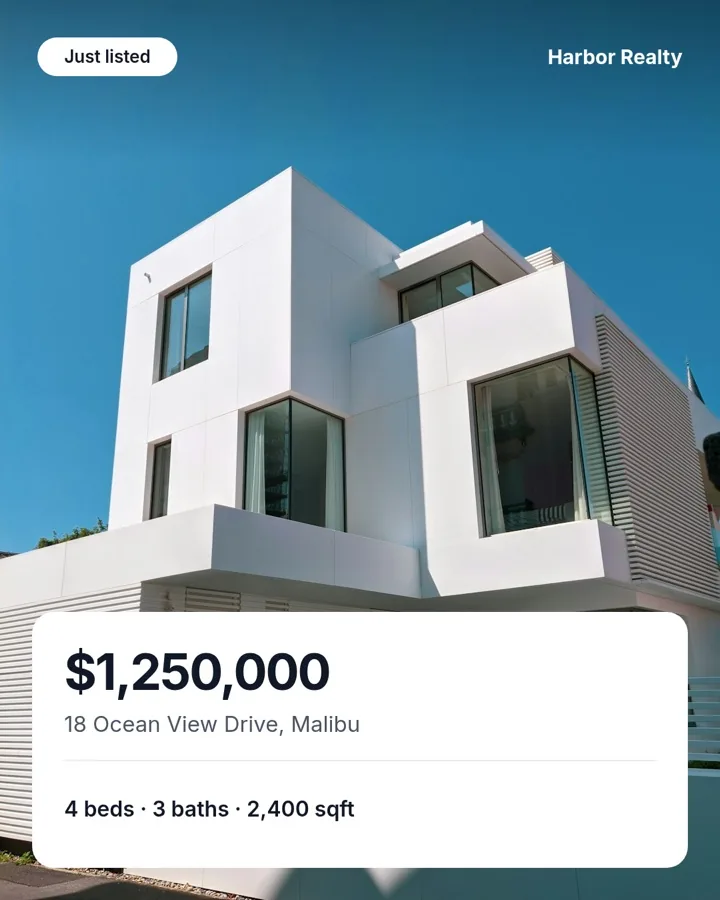
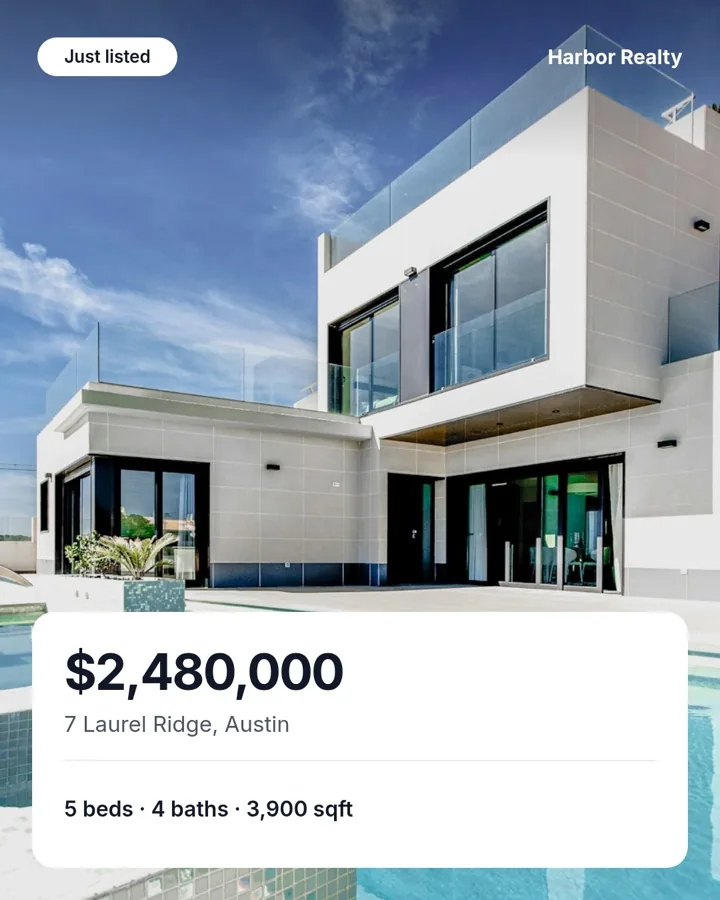
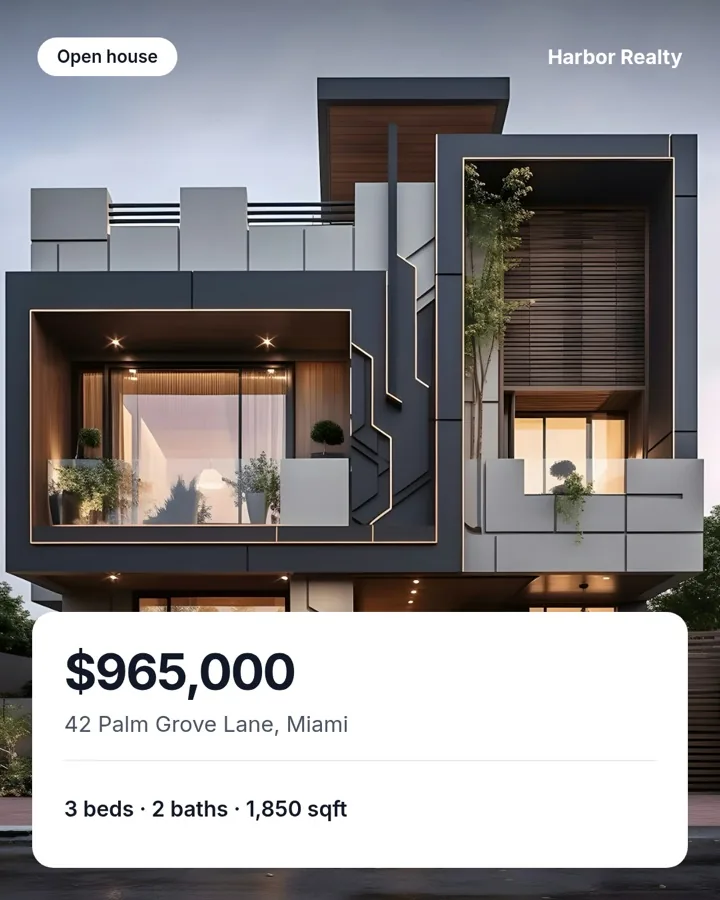
- Run #11Monday 9:00 · 3 images posted
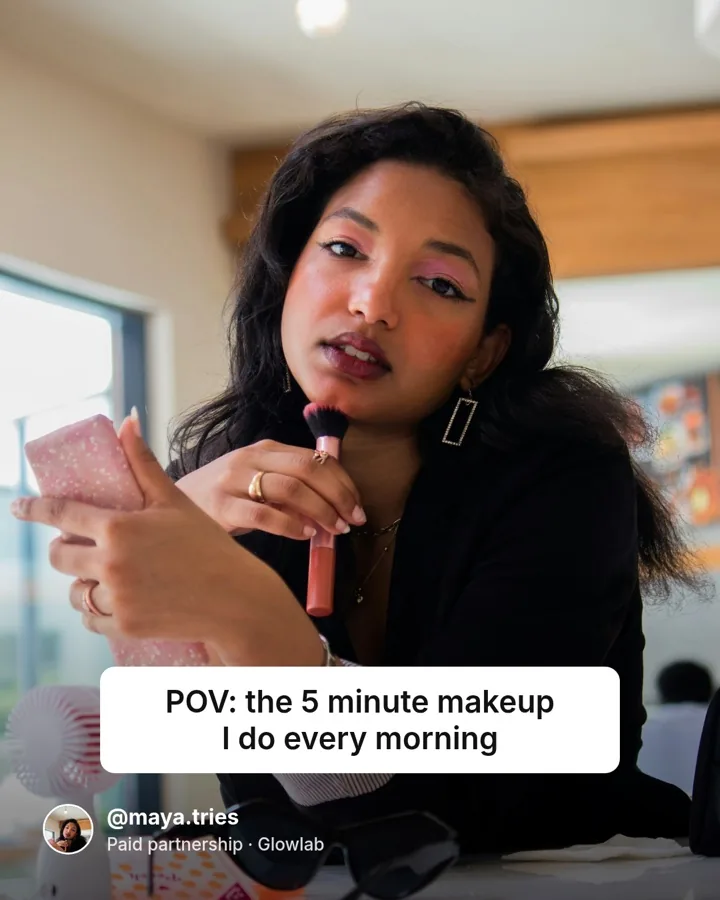


- Run #10Monday 9:00 · 3 images posted



A week's calendar in one sitting
Ask once and your agent fills the whole schedule, queued at the times you name.
Never off-brand
Fonts, colors and logos come from the workspace, so the agent cannot invent a look.
One workspace per client
Sealed brand kit, scoped access. Switch clients without switching configs.
Nothing to maintain
No Puppeteer cluster, no Figma API, no OG-image service to babysit.
Connect once, then generate branded templates on demand.
- Get from MCP setup to your first ready-to-edit template in one flow
- Keep prompts, brand kits and outputs scoped to the right client workspace
- Turn repeat campaign requests into reusable templates instead of one-off design tickets
Step-by-step guides for your agent or IDE.
Connect Orshot to the tool you already use. Each guide has the exact setup and example prompts to start rendering.










97 tools your agent gets on connection.
No endpoints to wire and no SDK to install. Your agent discovers these when it connects, and OAuth scopes them to one workspace.
Design templates from a brief
Describe a layout in plain English and your agent creates, duplicates or updates Studio templates for you.
Render assets at scale
Swap data into any template and render one at a time or by the hundreds. Ask for extra sizes and Smart Resize re-lays out the same design for each canvas in the same call.
Find and organize templates
Ask for any template by name. Your agent searches your Studio and the public library, and keeps a growing library filed away.
Keep every asset on-brand
Your agent imports your brand from your website, finds stock photos, and pulls colors, fonts, logos, video and audio from your brand kit so nothing drifts off-style.
Publish and schedule posts
Post a render to your connected accounts, hold it as a draft to read first, or schedule it for a time and timezone you name. Scheduled posts stay editable until they go out.
Track what performs
Read reach, engagement and follower growth for every connected account, see which posts did best, and find the best time to post from your own numbers.
Generate AI video and voiceovers
Not in ClaudeGenerate video clips, voiceovers and sound for a template from a short brief. Available in ChatGPT, Codex, Cursor and other MCP clients, not in Claude.
Build recurring workflows in chat
Describe the loop once. Your agent wires a trigger, data source, template and destination into a workflow that keeps running after the chat ends.
Hand off signed render links
Turn a template into a signed, cacheable URL that renders on request, tamper-proof and safe to pass around.
Switch workspaces mid-chat
Move between workspaces in one conversation. Your agent scopes every action correctly, and can check plan limits or read the audit log.
AI Design Agent in Studio
Describe the template in plain English and the Design Agent builds it on-brand.
OAuth per workspace
Production, staging and every client get isolated scopes.
Batch, no babysitting
Thousands of renders in one call. Parallel, no rate-limit retries.
Deliver to your storage
S3, R2, Dropbox or Google Drive, so renders land where your assets already live.
Signed, expiring URLs
Tamper-proof, time-limited render links you can hand off safely.
Audit every call
Per-workspace logs catch runaway loops before they bill.
Orshot turned content production from an hour-a-piece design exercise into something that runs off our existing workflow.
Consistent, on-brand, and fast enough that we actually ship daily.

Go further with MCP and agents
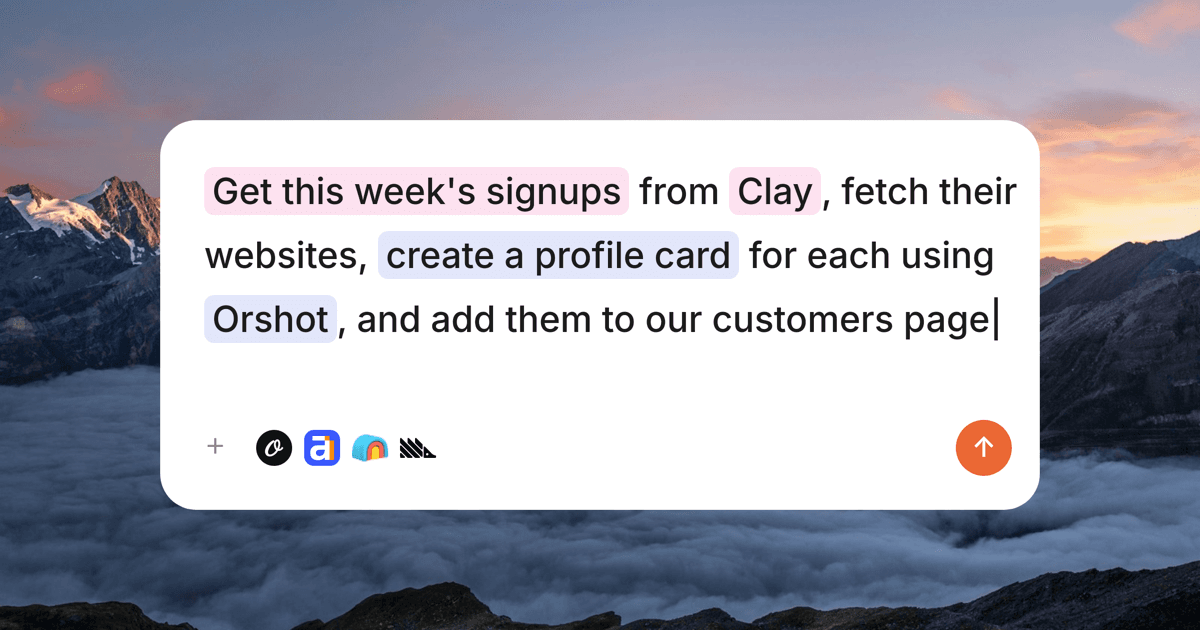
The 10 best MCP servers for marketing
The MCP servers that run marketing at Orshot — analytics, SEO, creative, revenue attribution — with real setups, honest limits, and what each costs.
10 Best AI Tools for Graphic Design with MCP(2026)
The best AI graphic design tools that support MCP and work with AI agents like Claude and Cursor for templates, banners, and content at scale.
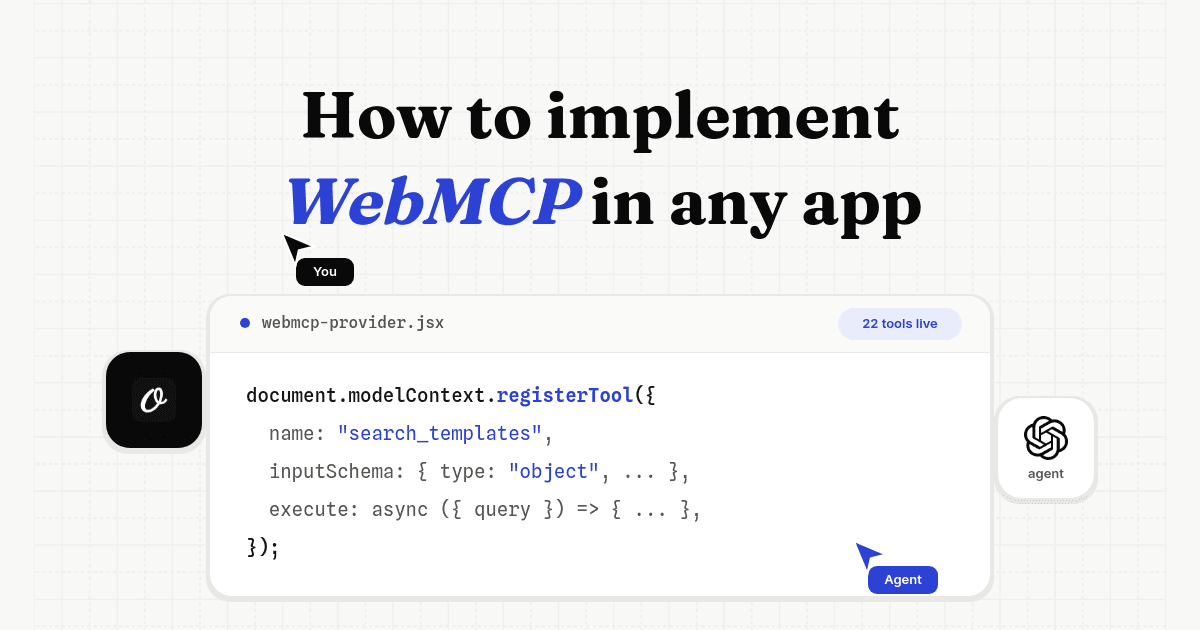
How to implement WebMCP in any app
A WebMCP tutorial from a real production rollout: working code, the auth design, tool limits, and the bugs a ChatGPT agent found in our first version.
Using a design MCP server with your AI agent
What makes Orshot a good design MCP server?
Can Claude generate images from my own Orshot templates?
What can my AI agent do with Orshot once it is connected?
Which AI agents can I use with Orshot?
Do I need to write Orshot API code for my agent to use it?
Does my agent stay on brand when it renders?
What does it cost to connect Orshot to an AI agent?
Stop building image infra. Ship the campaign.
Product launch, client retainer, overnight automation, all ship the same way. Prompt in, on-brand asset out.




