Most AI tools for graphic design stop at image generation — you type a prompt, get a one-off output, and still have to manually adjust layouts, fonts, and brand colors every time. That works for quick mockups, but not when you need consistent visuals at scale.
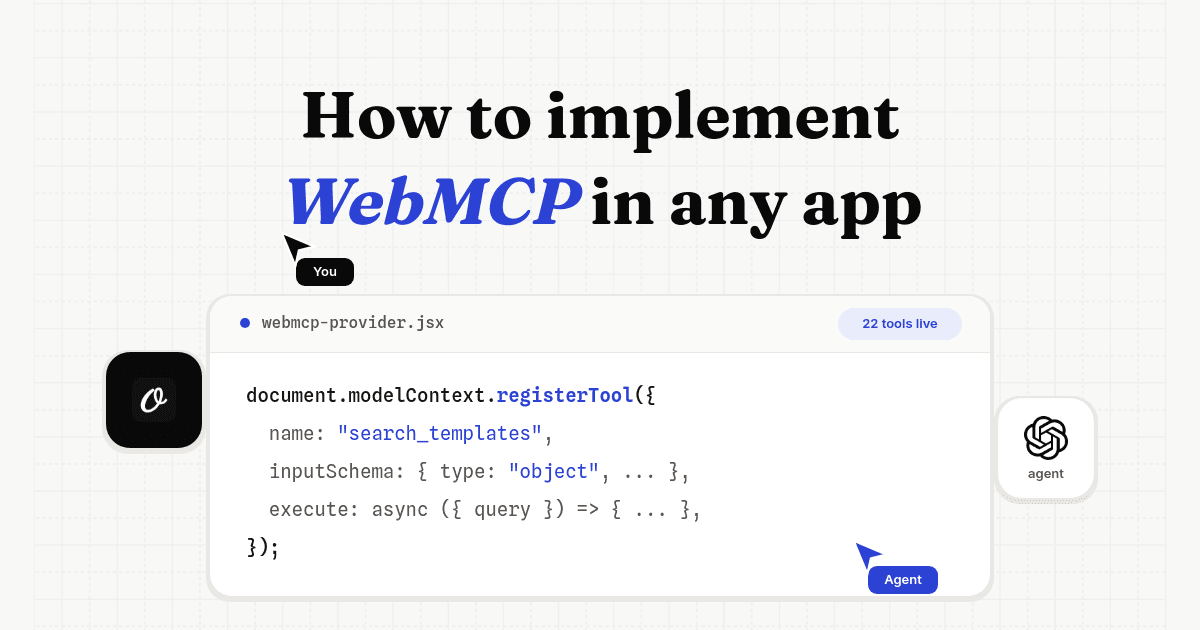
The AI design tools that actually save time in 2026 are the ones that connect to AI agents through MCP (Model Context Protocol). MCP is an open standard that lets agents like Claude or Cursor talk directly to design tools — pull your templates, swap in real data, generate hundreds of on-brand graphics, and export them, all from a single conversation. No browser, no manual tweaking, and every output follows your design system.
Here are 10 AI tools for graphic design that support MCP, ranked by how well they handle templates, automation, and agent-driven creative work. For the broader marketing stack, see the AI marketing platforms guide and the best MCP servers for marketing.
| Tool | Best For | MCP Support |
|---|---|---|
| Wonder | AI-native design canvas | Yes (Built-in) |
| Orshot | Template-based image, PDF, video generation at scale | Yes (Official) |
| Pencil | Design-to-code on canvas | Yes (Claude Code) |
| Figma | Collaborative UI/UX design | Yes (Official) |
| Canva | Quick social graphics | Yes (AI Connector) |
| Scenario | Game art and creative assets | Yes (Official) |
| AIDesigner | UI generation in IDE | Yes (MCP Server) |
| Adobe Creative Cloud + Firefly | Professional creative suite | Community MCP |
| Kittl | Print, logos, merchandise | No (API only) |
| Recraft | Vector and SVG generation | No (API only) |
1. Wonder — AI-Native Design Canvas That Ships Code
Best for: product designers, frontend developers, and design engineers
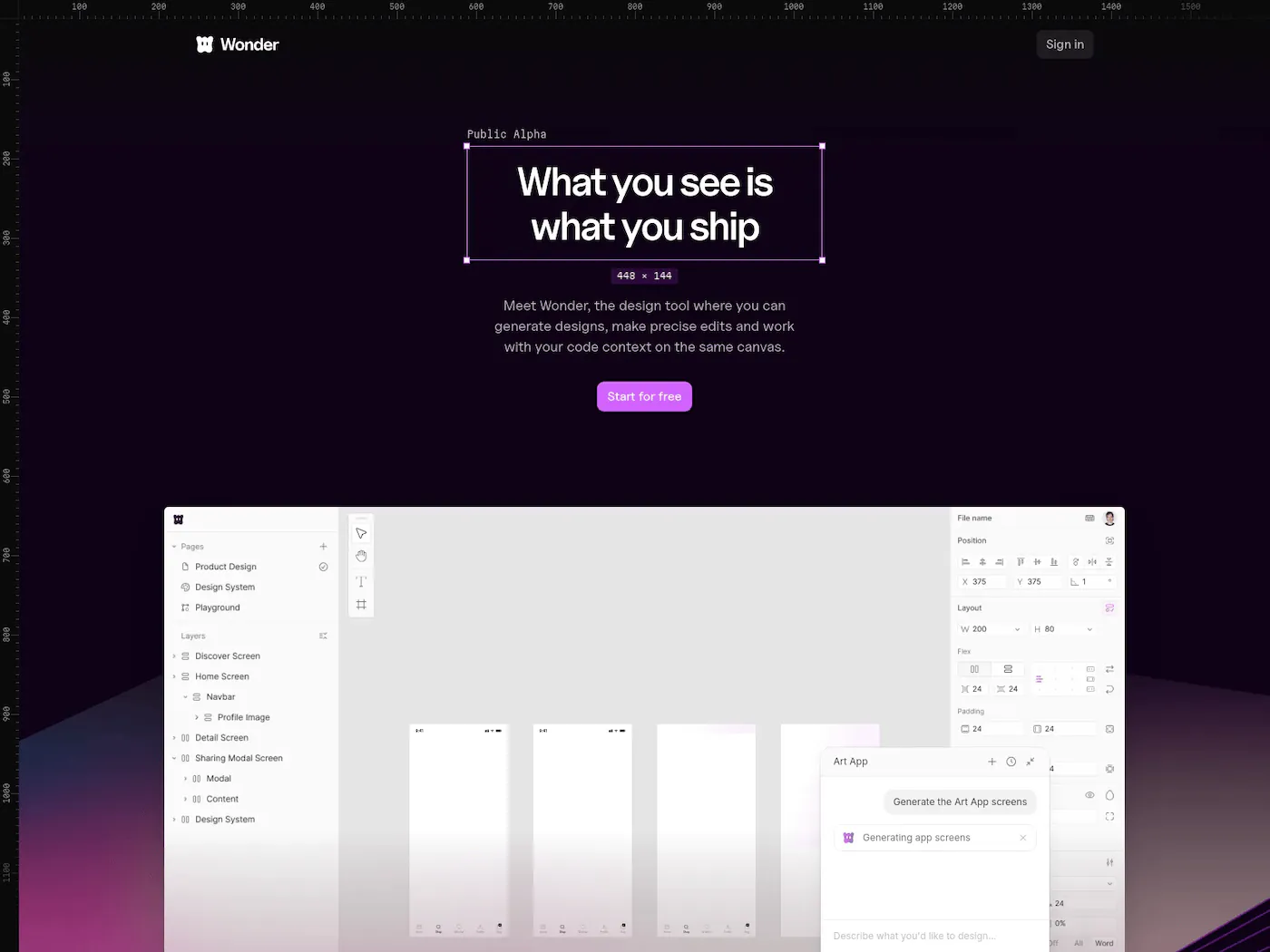
Wonder is an AI-native design tool where you describe what you need, generate it on the canvas, and ship the React + Tailwind code directly. It has a built-in MCP server, so AI agents can read the canvas, create artboards, update elements, and take screenshots — all from your coding environment.
What makes it stand out
- Built-in MCP server: agents can create and modify designs, read element trees, and take screenshots
- Design-to-code: everything on the canvas exports as React + Tailwind — no handoff needed
- AI-first workflow: chat with the AI, describe what you want, and it generates layouts and flows right on the canvas
- Design system aware: can match your existing design patterns and components
- Canvas + Code connected: start from what's already built, iterate freely, and ship straight back to production
MCP setup
MCP URL: https://mcp.wonder.so/mcp
# Claude Code
claude mcp add --transport http wonder https://mcp.wonder.so/mcp
Where it falls short
Wonder is focused on UI/product design rather than marketing graphics or template-based content. It's a design tool, not an automation platform — so it's great for building interfaces, less so for generating 500 banner variations.
2. Orshot — Automated Graphic Design from Templates at Scale
Best for: agencies, developers, and automation engineers
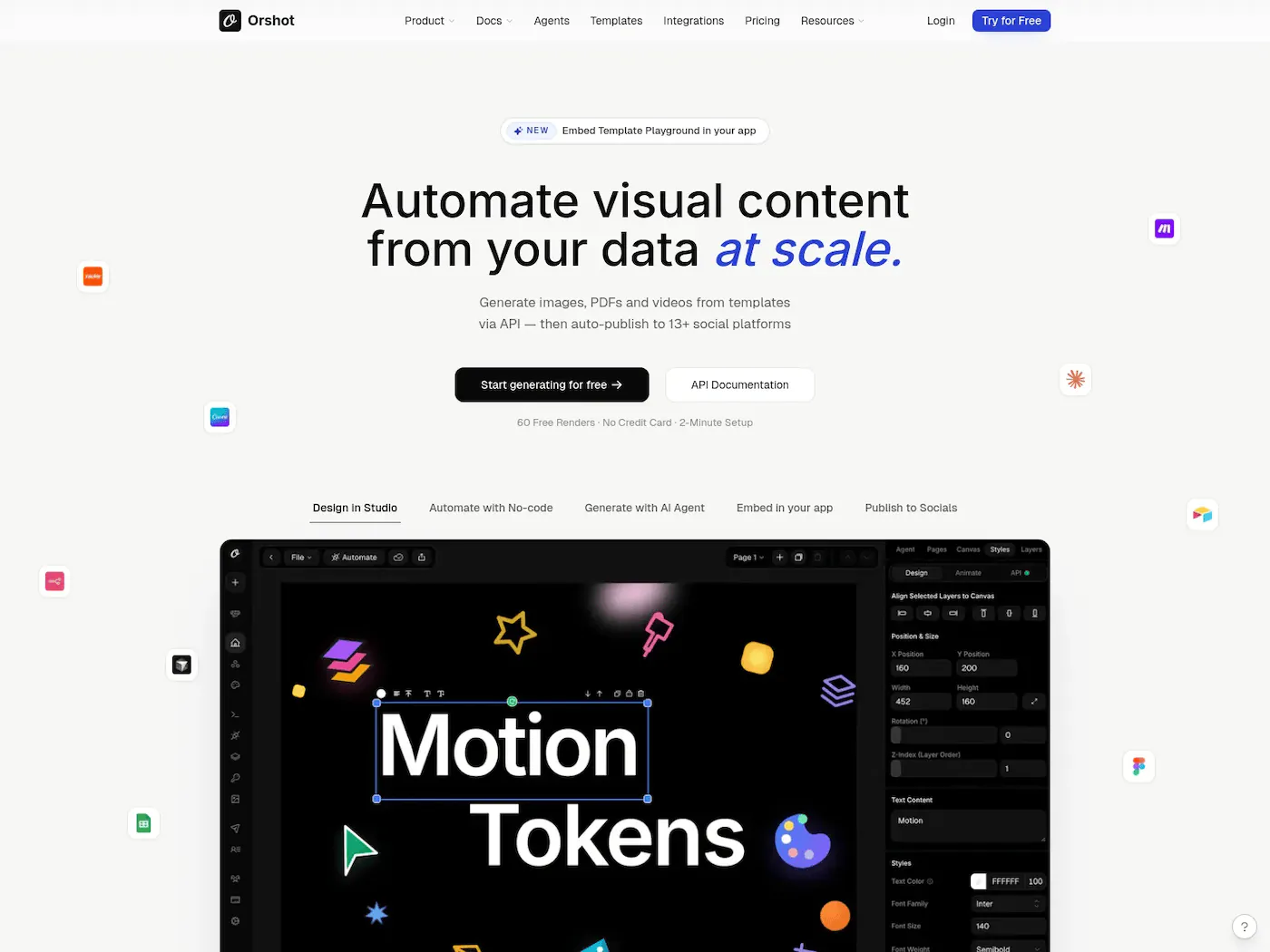
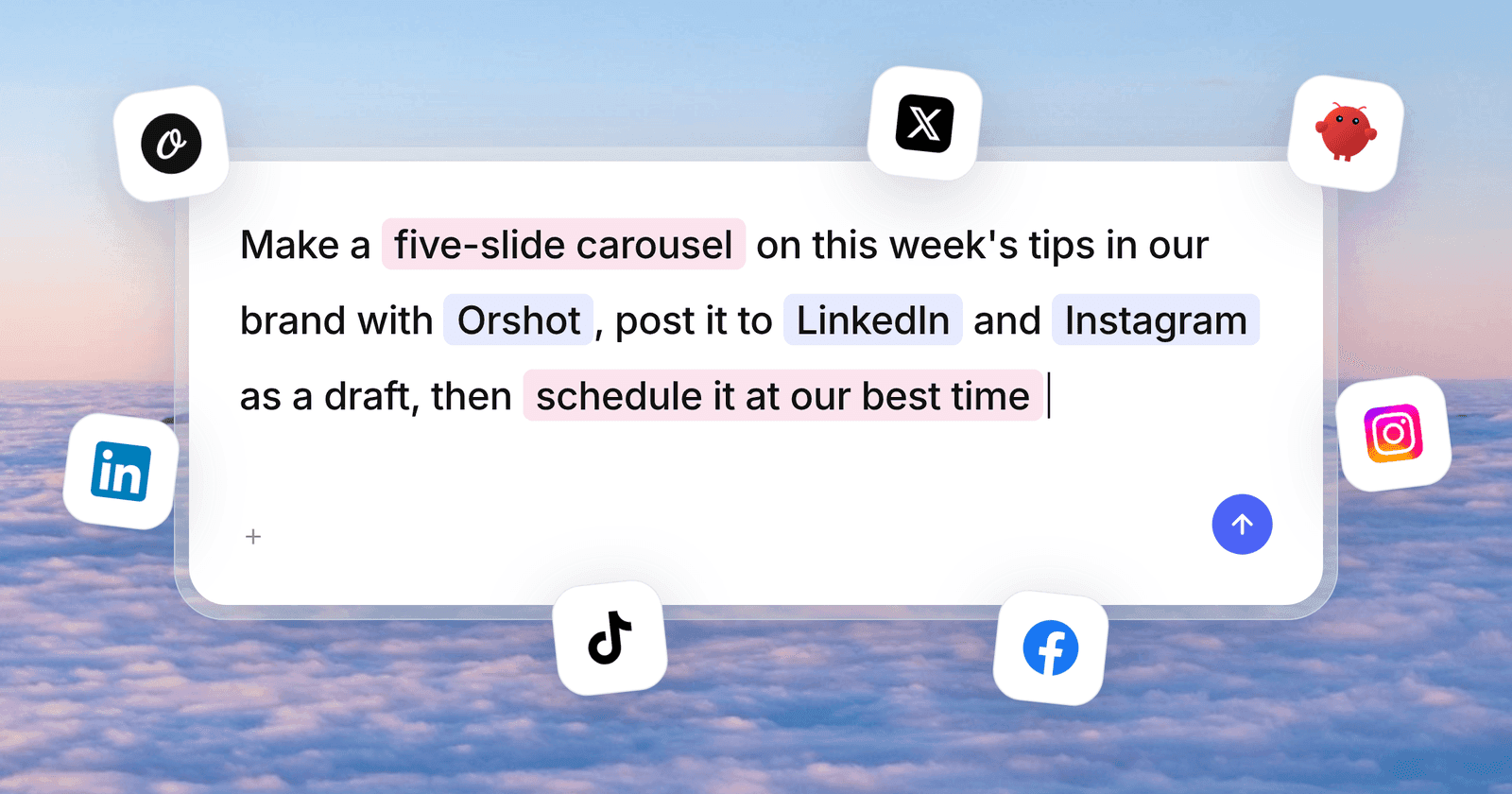
Orshot sits in a different category from the others on this list. It's not just a design canvas — it's an API for automated image, PDF and video generation. You design a template once (or generate one with AI), mark elements as dynamic, and then render thousands of on-brand variations via API, Zapier, n8n, or directly from an AI agent.
This is the tool for when you need 500 product banners, 2,000 personalized certificates, or daily social posts across 12 client accounts — and you need it done without a designer touching each one.
What makes it stand out
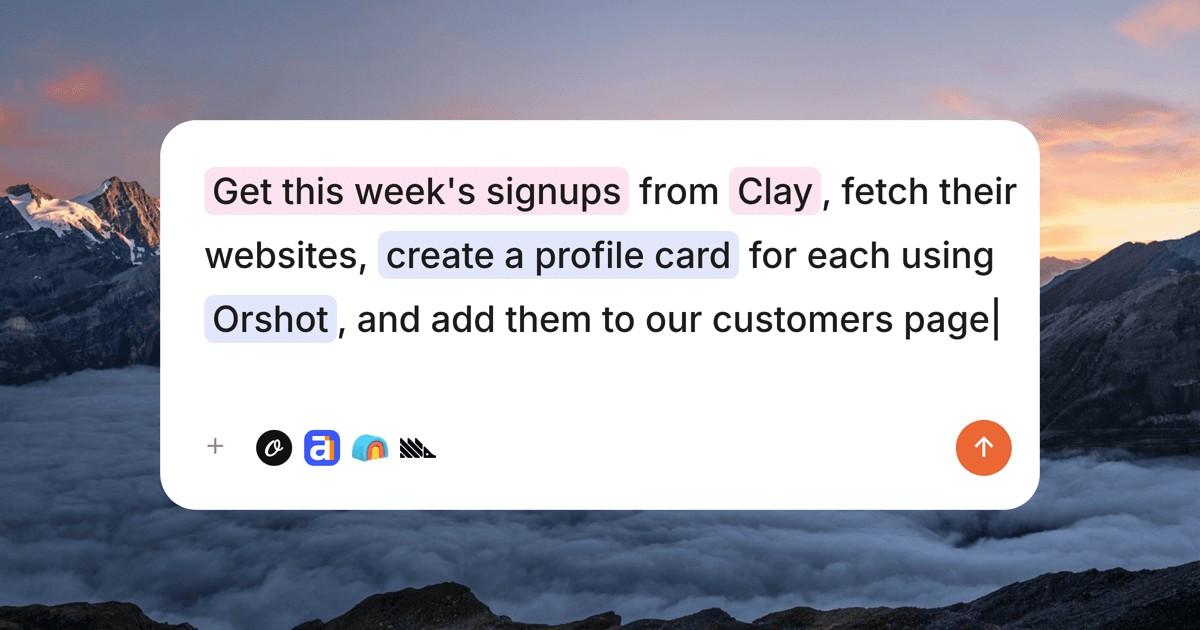
- MCP server for AI agents — go from a text prompt to a finished graphic via Claude Code, Cursor, or ChatGPT
- Design once, render thousands — parameterize any element and generate variations via API, Zapier, or n8n
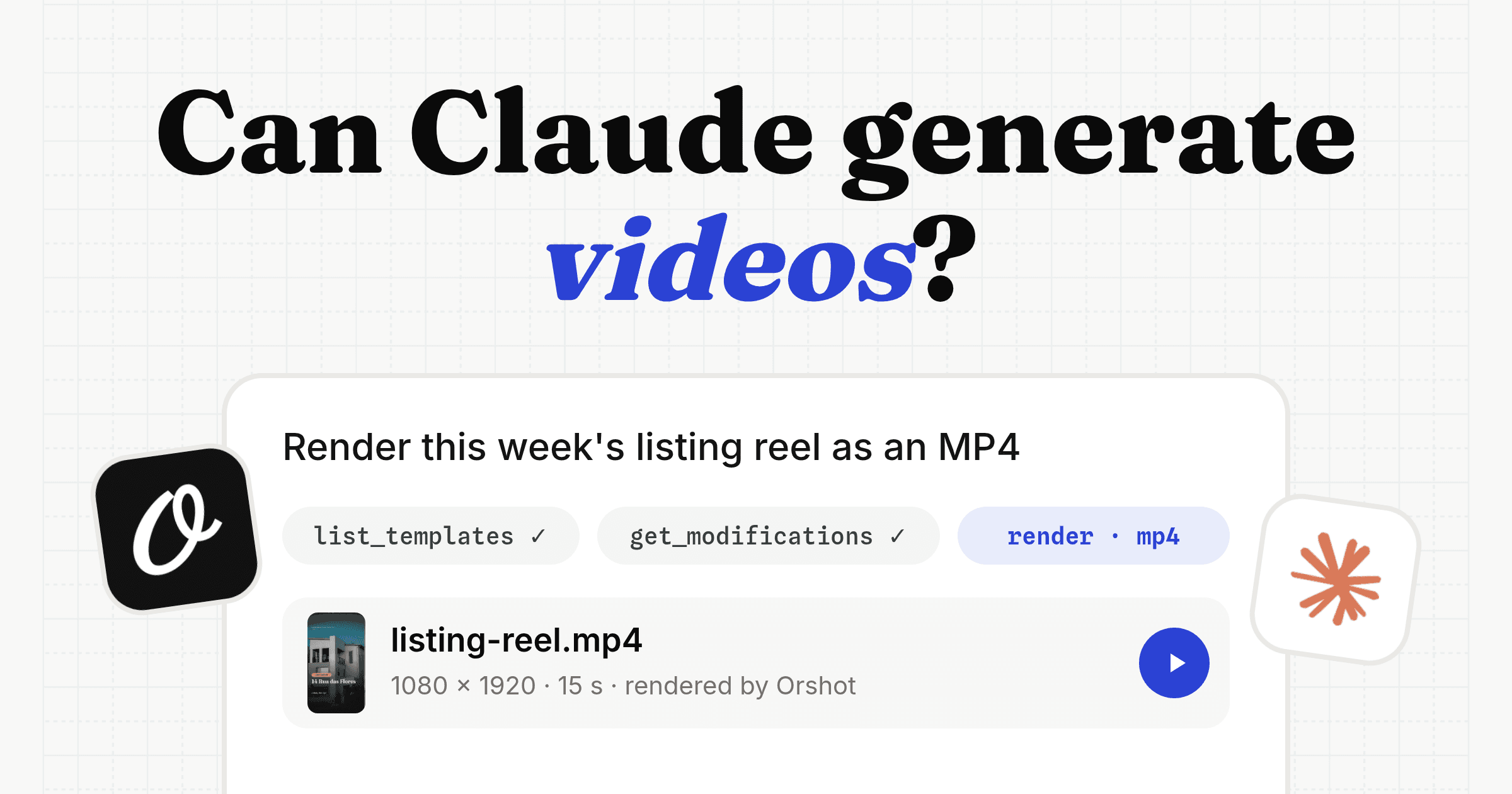
- 8 output formats — PNG, JPEG, WebP, AVIF, PDF, MP4, WebM, GIF from one template
- AI Design Agent — describe a template in plain English and it gets built with your brand kit
- Batch rendering — thousands of variants in a single API call, no queuing headaches
- Publish to 15+ social platforms — push graphics directly to Instagram, TikTok, LinkedIn, X, and more
- Multi-tenant workspaces — sealed brand kit per client with scoped OAuth for agencies
- Import from Canva and Figma — bring existing templates and make them API-callable
- 50+ template categories — social media, ads, e-commerce, certificates, invoices, and more
MCP setup
MCP URL: https://mcp.orshot.com/mcp
# Claude Code
claude mcp add orshot --transport http https://mcp.orshot.com/mcp
That one command is the whole setup for Orshot in Claude in Claude Code. In Claude Desktop and claude.ai, add it from the Claude connectors directory instead. Auth happens over OAuth either way, so there's no key to paste. Cursor, VS Code, Copilot, Windsurf and ChatGPT take the same MCP URL in their own settings. See the full list of AI agents that work with Orshot.

Where it falls short
Orshot isn't a freeform design canvas. If you need to design a one-off poster from scratch with full creative control, you'd start in Figma or Canva and then import the template into Orshot for automation.
3. Pencil — Design Canvas Inside Your IDE
Best for: developers, vibe coders, and indie hackers
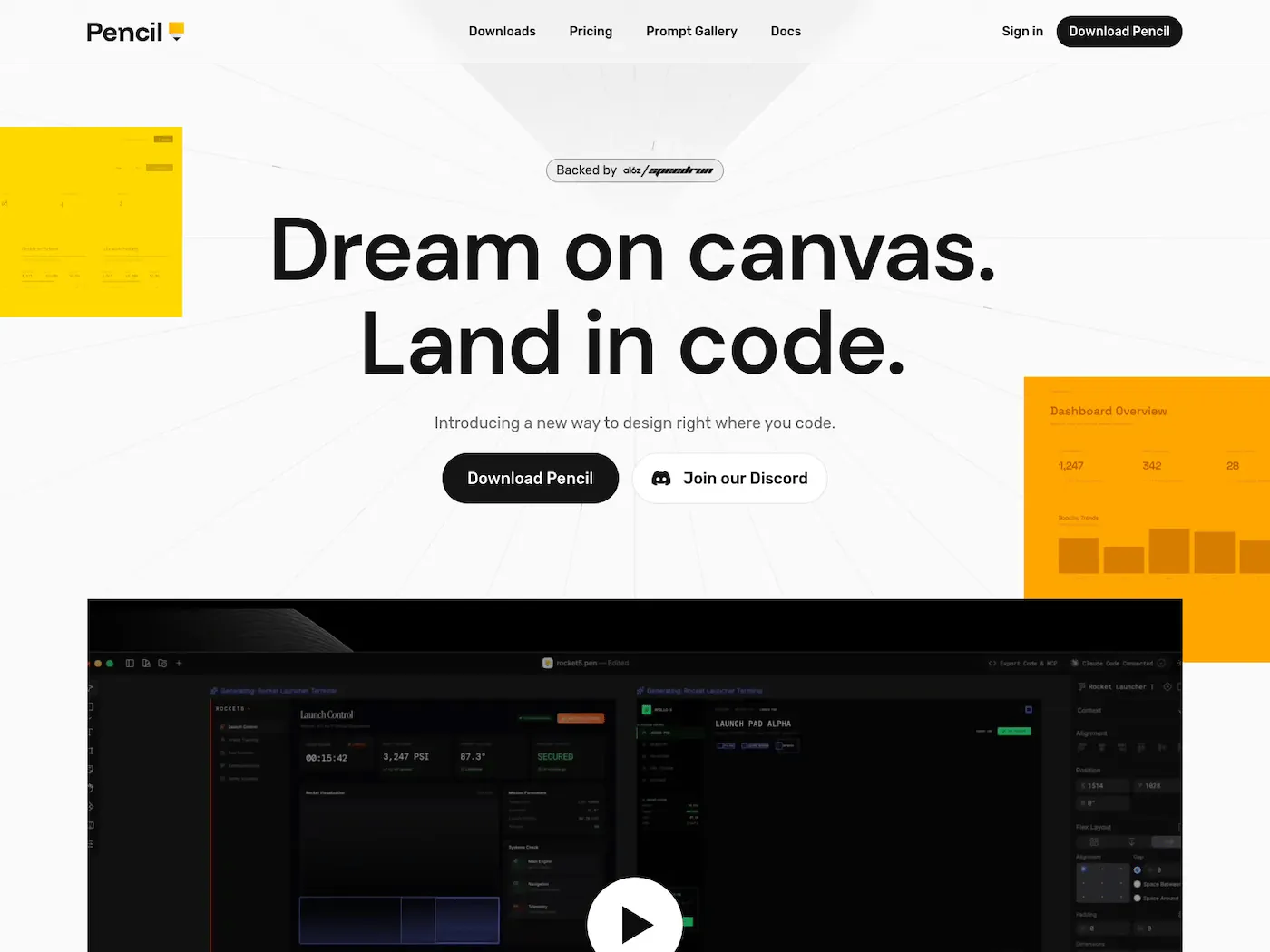
Pencil is a design canvas that lives inside VS Code or Cursor. You describe a UI, and an AI agent builds it visually on an infinite canvas — component by component. Then you copy the React + Tailwind code and ship it.
The key differentiator: designs are stored as .pen files (JSON) in your /design folder. They're version-controlled with Git, readable by AI agents, and exported as pixel-perfect code via MCP.
What makes it stand out
- Design-as-code: no cloud lock-in, designs live in your repo
- MCP integration: Claude Code can read your visual layout and generate matching code
- Familiar canvas: layers panel, properties, padding controls — like Figma, but inside your IDE
- Early access and free (requires Claude Code subscription)
MCP setup
Pencil integrates directly as a VS Code / Cursor extension with built-in MCP support. Install the Pencil extension, and Claude Code can read .pen design files and generate matching code automatically.
Where it falls short
Pencil generates fixed-dimension designs, so responsive behavior needs to be added manually. It's also focused on UI design rather than marketing graphics or templates.
4. Figma — The Industry Standard, Now With MCP
Best for: product teams, UI/UX designers, and design systems engineers
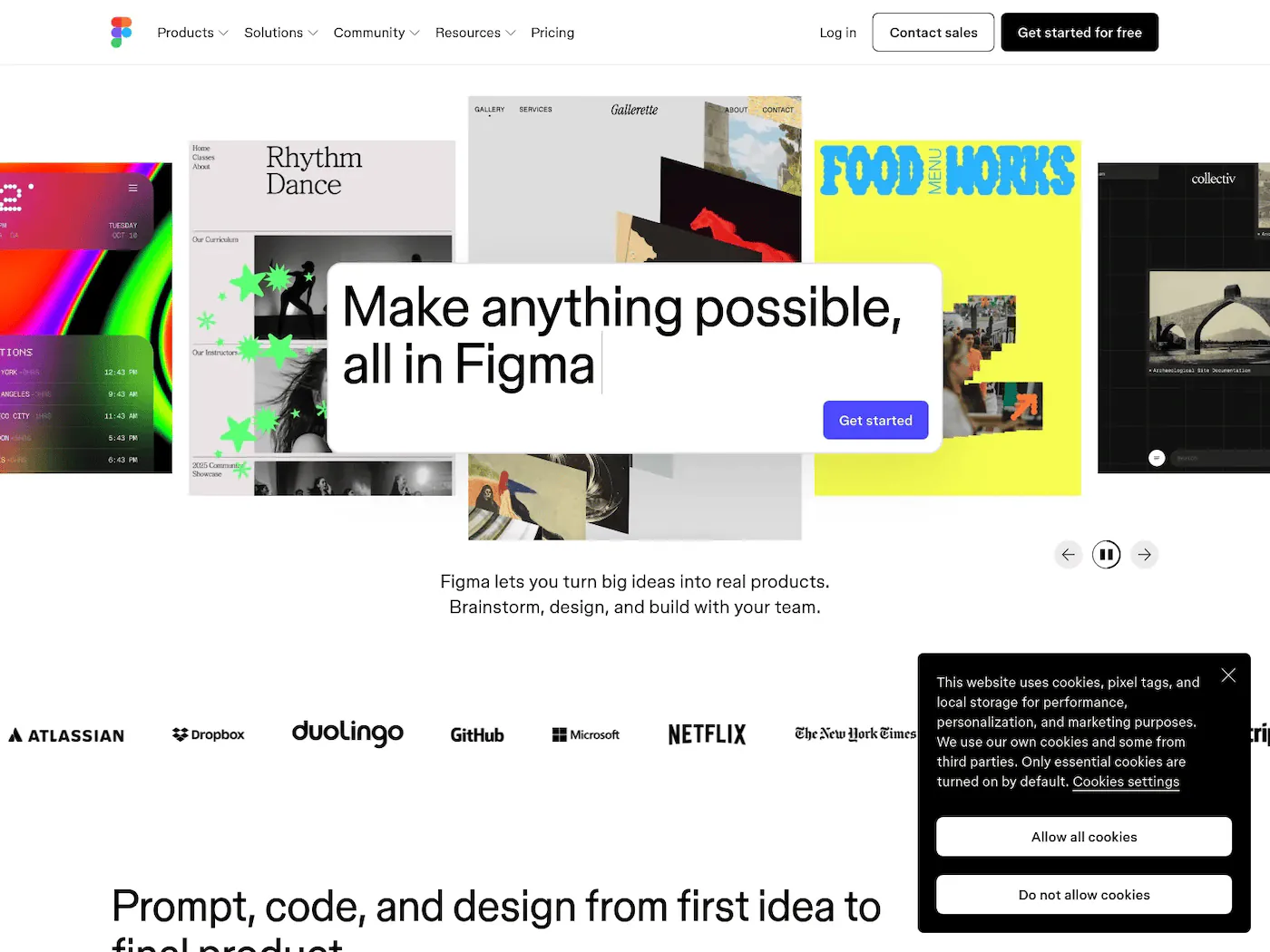
Figma needs no introduction. It's the default tool for UI/UX design, and in 2026 it's also one of the first major design tools to ship an official MCP server.
With the Figma MCP server, AI agents can pull design context, extract variables and components, and even write back to the canvas — creating frames, components, and auto layouts using your design system as the source of truth.
What makes it stand out
- Official MCP server: works with Claude Code, Cursor, VS Code Copilot, Windsurf, and more
- Write access: agents can build and update frames, components, and variables directly on canvas
- Figma Make: text-to-design generation for rapid prototyping
- Ecosystem: plugins, community files, and dev mode for handoff
MCP setup
MCP URL: https://mcp.figma.com/mcp
# Claude Code
claude mcp add --transport http figma https://mcp.figma.com/mcp
Free during beta. Works with Claude Code, Cursor, VS Code Copilot, Windsurf, and other MCP clients.
Where it falls short
Figma is an interactive design tool — it's not built for automated, high-volume image generation. You can design a template in Figma, but you can't call an API to render 10,000 variations of it. For that, you'd pair it with a tool like Orshot (which supports Figma template imports).
5. Canva — AI-Powered Design With MCP Connector
Best for: marketers, solo creators, and small business owners
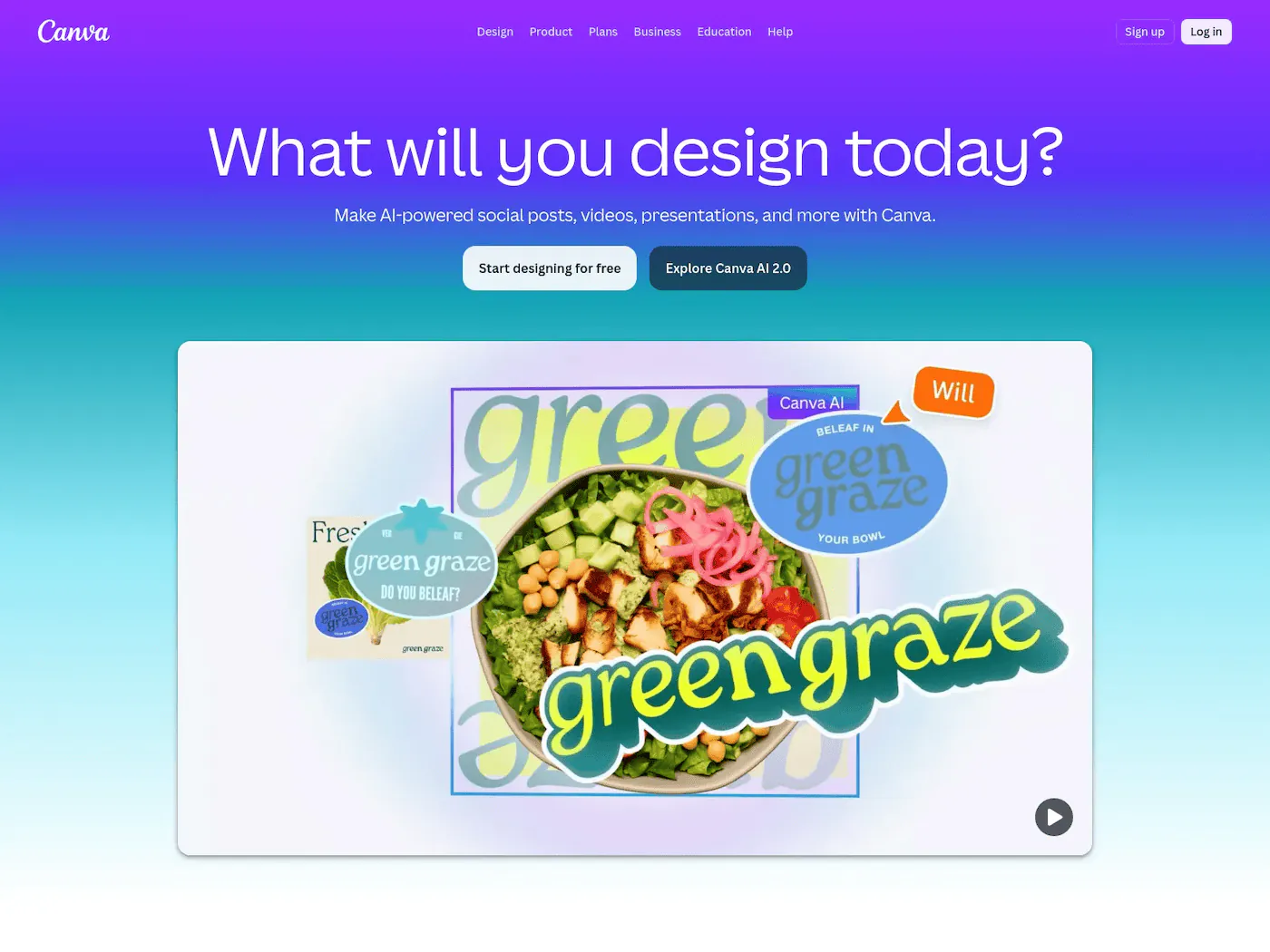
Canva is the go-to for non-designers who need to create social posts, presentations, and marketing materials quickly. In 2026, Canva shipped an MCP-compatible AI Connector that lets agents create and edit designs, manage brand assets, search the template library, and export in multiple formats.
What makes it stand out
- MCP AI Connector: agents can create designs, edit them, manage brand kits, and export — all via MCP
- 250,000+ templates: the largest template library of any design tool
- Magic Studio: text-to-design, background remover, Magic Write for copy, one-click resize
- Bulk Create: generate variations from CSV data (limited compared to API-first tools)
MCP setup
MCP URL: https://mcp.canva.com/mcp
# Claude Code (via mcp-remote)
claude mcp add canva -- npx -y mcp-remote@latest https://mcp.canva.com/mcp
Also configurable in Cursor and other MCP clients using the URL directly.
Where it falls short
Canva's MCP integration is relatively new and focused on interactive editing via agents, not high-volume automated rendering. Bulk Create works for small batches, but it's not designed for generating 10,000+ images programmatically. The API is also less developer-friendly compared to tools built API-first.
6. Scenario — AI Creative Generation for Agents
Best for: game studios, creative teams, and concept artists
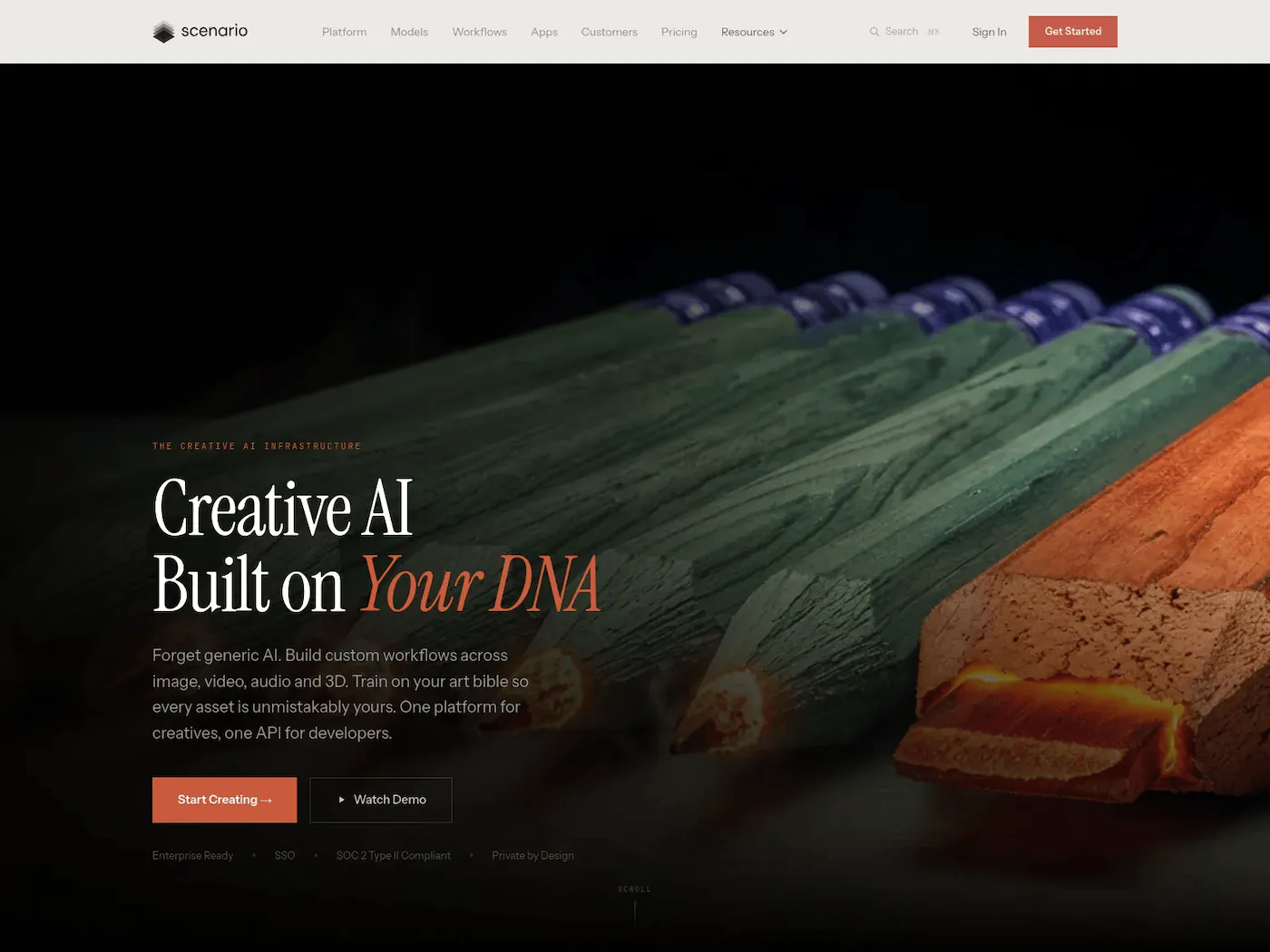
Scenario connects AI agents to 500+ models for image, video, 3D, and audio generation via an MCP server. It's aimed at game studios and creative teams who need consistent character art, environment designs, and asset variations.
What makes it stand out
- Official MCP server: 19 tools accessible from Claude, Cursor, VS Code
- 500+ AI models: image, video, 3D, and audio generation
- Custom model training: train on your own art style for consistent outputs
- Game-ready assets: focused on production-quality creative work
MCP setup
MCP URL: https://mcp.scenario.com/mcp
# Claude Code
claude mcp add --transport http scenario https://mcp.scenario.com/mcp
Supports OAuth (browser-based login) or API key authentication. Works with 11 AI coding platforms.
Where it falls short
Overkill for simple social media graphics or template-based content. Pricing can get steep for high-volume generation.
7. AIDesigner — Lightweight UI Design via MCP
Best for: developers, full-stack engineers, and rapid prototypers
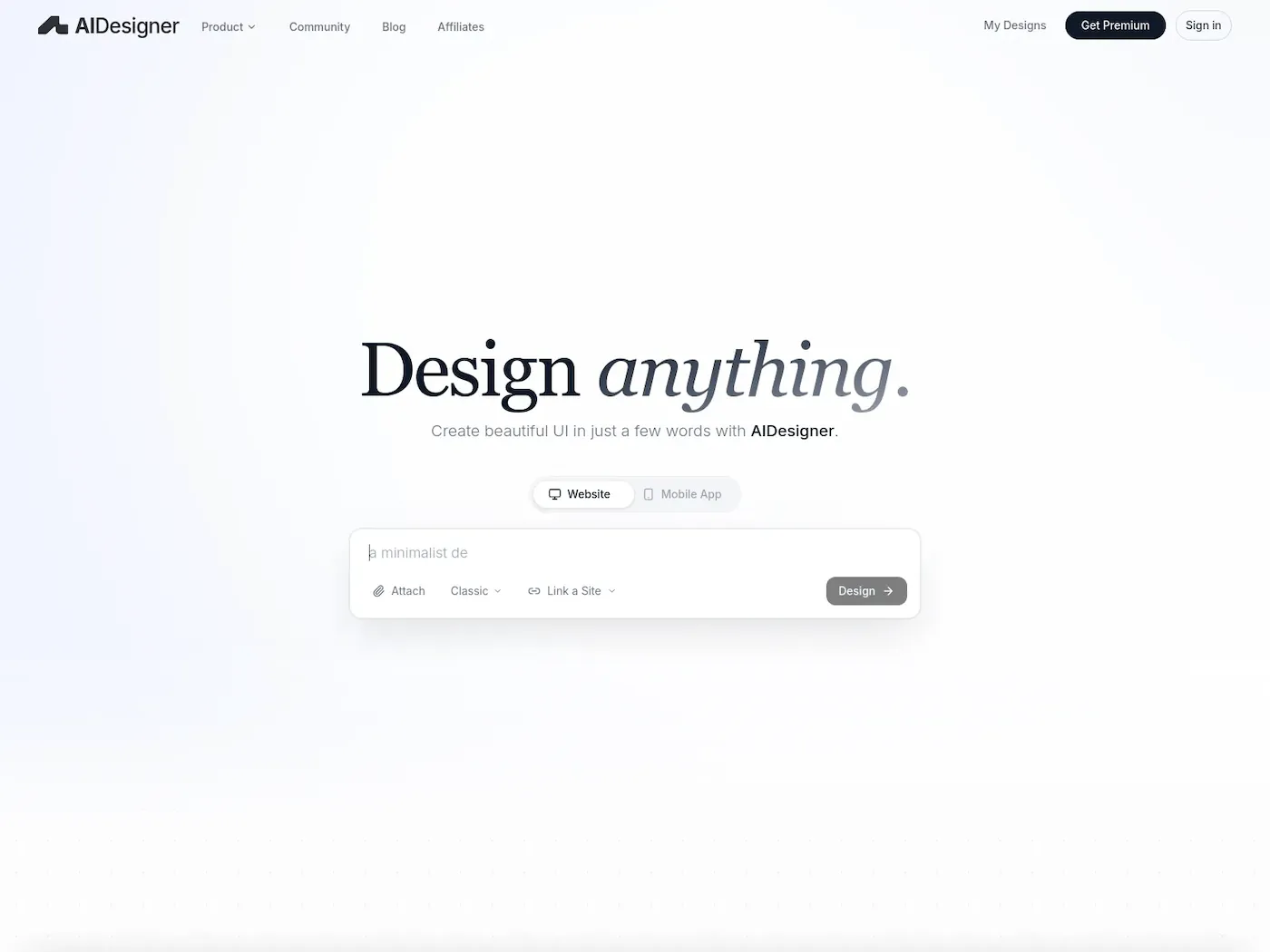
AIDesigner is a lightweight MCP server that lets coding agents generate and refine production-ready UI designs inside your IDE. It outputs Tailwind CSS with proper hierarchy and real typography.
What makes it stand out
- MCP-native: works directly with Claude Code, Cursor, Copilot, and Windsurf
- Tailwind output: designs come out as usable Tailwind components
- Fast iteration: generate, refine, and adopt designs without leaving the IDE
MCP setup
MCP URL: https://api.aidesigner.ai/api/v1/mcp
# Quick setup
npx -y @aidesigner/agent-skills init <host>
Or add the URL directly to your MCP client config.
Where it falls short
UI-focused only — no template rendering, no image export, no marketing graphics.
8. Adobe Creative Cloud + Firefly
Best for: professional designers, photographers, and creative agencies
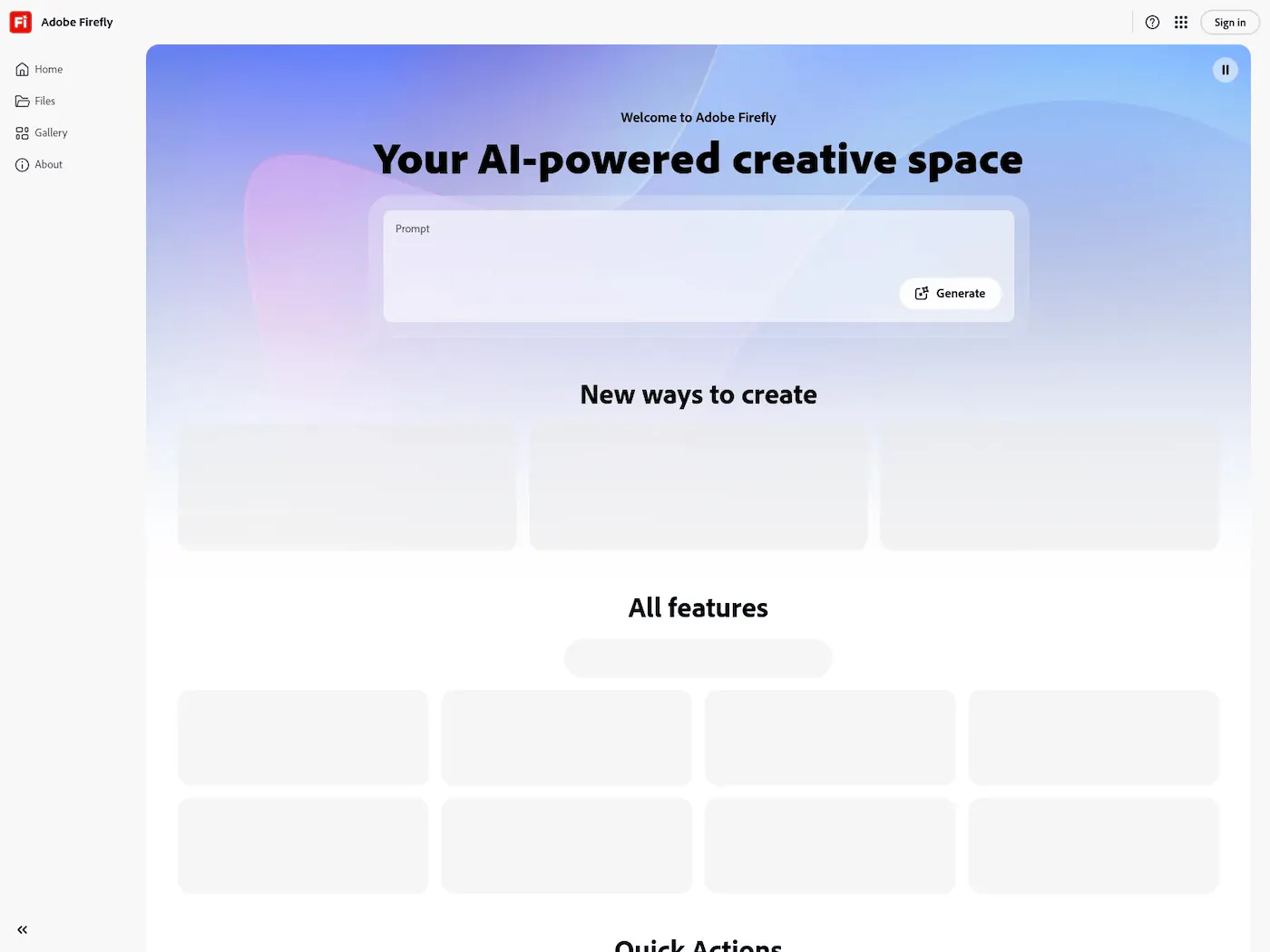
Adobe Firefly is the AI engine powering Photoshop, Illustrator, and the rest of Creative Cloud. Generative Fill, text-to-image, and vector generation are baked into the tools professionals already use.
MCP support is available through a community-maintained server (adb-mcp) that exposes Photoshop, Premiere Pro, and InDesign functionality to AI agents.
What makes it stand out
- Integrated into pro tools: Generative Fill in Photoshop, vector generation in Illustrator
- IP-safe training data: trained on Adobe Stock and licensed content
- Community MCP server: agents can control Photoshop, Premiere, InDesign (unofficial)
MCP setup
No official MCP server. Community server available at adb-mcp on GitHub — requires local Adobe apps running.
Where it falls short
No official MCP server yet. The community server requires local Adobe apps running. Pricing is steep ($23+/month per app or $60+/month for the full suite).
9. Kittl — AI-First Graphic Design for Print and Branding
Best for: graphic designers, merch creators, and brand studios
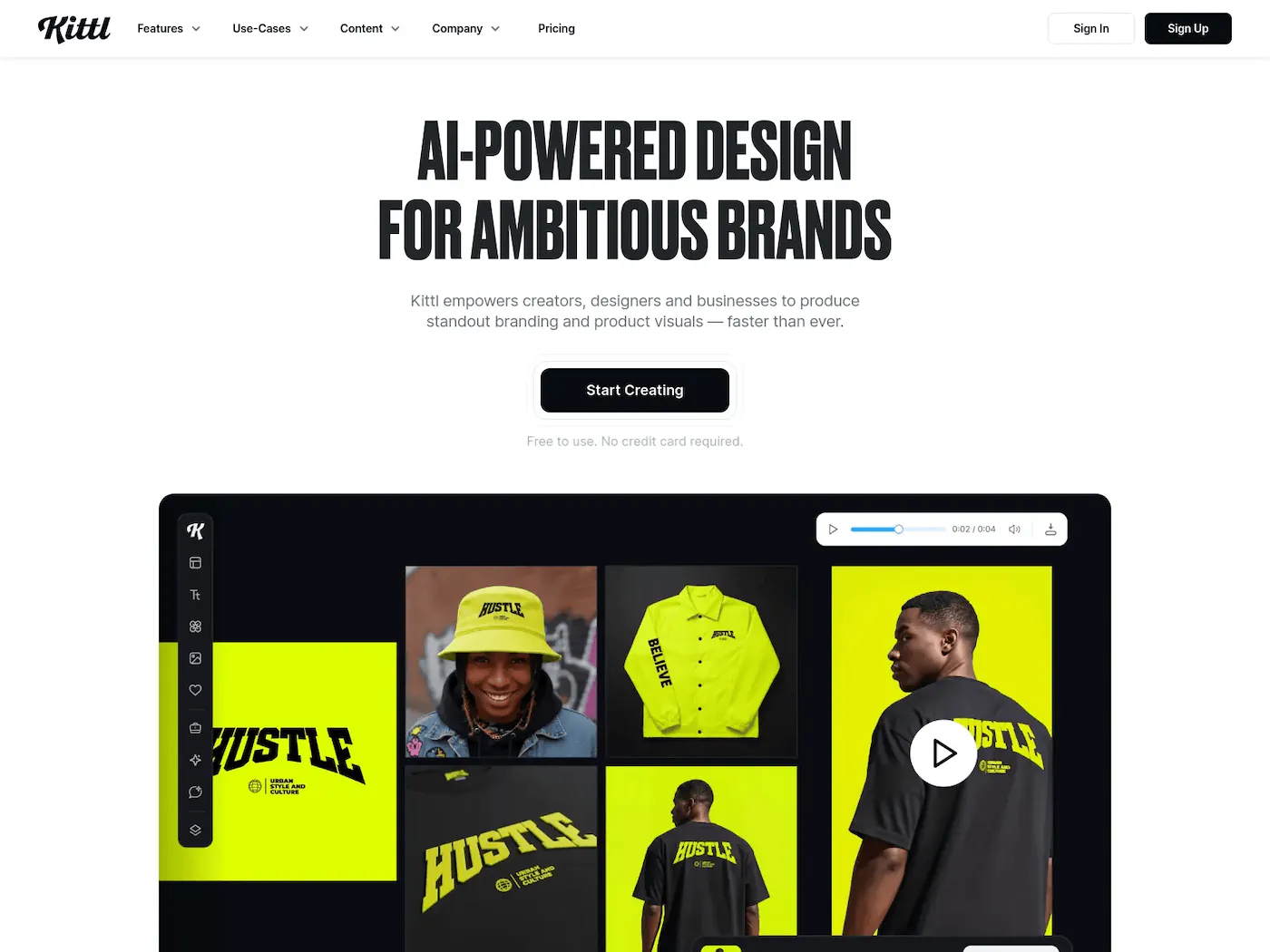
Kittl is a browser-based design platform that leans heavily into typography, logo creation, and print-ready graphics. It ships with multiple AI models (OpenAI, Flux, Ideogram, Google) and supports vector generation, which most AI tools don't.
What makes it stand out
- Multiple AI models: choose between different generators for different styles
- Vector generation: AI-generated vectors for logos and illustrations
- 10,000+ templates: focused on print, merchandise, and branding
- Creative Flows: workflow automation for repetitive design tasks
MCP setup
No MCP server available. Kittl works as a standalone browser-based tool.
Where it falls short
No MCP server — you can't connect it to an AI agent. Automation is limited to in-app workflows rather than API-driven pipelines.
10. Recraft — AI-Native Vector Graphics
Best for: icon designers, brand designers, and illustrators
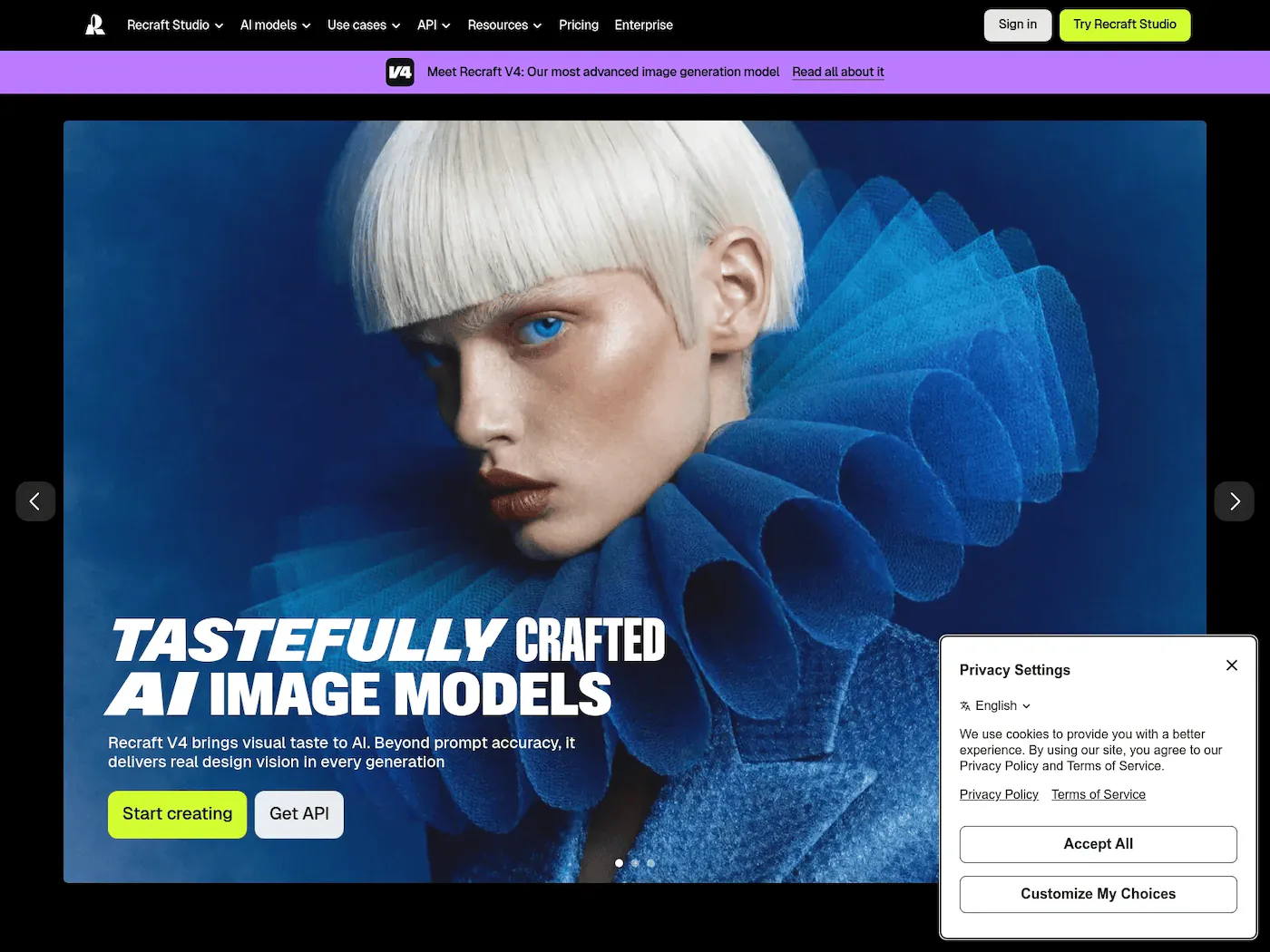
Recraft generates native SVG vectors, not raster images — which makes it unique among AI design tools. You get editable paths, not bitmaps. It also handles raster images, 3D generation, and style training.
What makes it stand out
- Native SVG output: AI-generated vectors you can actually edit in Illustrator or Figma
- Custom styles: create and reuse styles without model training
- Background removal and upscaling: built-in post-processing
- Generous free tier: 30 daily credits on free plan
MCP setup
No MCP server available. API access is offered for automation, but no native agent integration.
Where it falls short
No MCP support. API is available for automation, but there's no way for an AI agent to connect natively. Limited template or batch capabilities.
How to Choose the Right AI Graphic Design Tool
The right tool depends on what you're actually trying to do:
If you're designing UIs and want AI to speed up the process, Wonder or Pencil gives you AI-native canvases with design-to-code workflows. Figma with MCP brings the same agent power to the tool your team already uses.
If you need to generate hundreds or thousands of on-brand graphics automatically, Orshot is the clear pick. It's the only tool on this list that combines template design, API rendering, AI agent integration, and social publishing in one platform.
If you're a solo creator making social posts and presentations, Canva's Magic Studio and MCP connector will get you there fastest.
If you need AI-generated art or game assets, Scenario's MCP server gives agents access to 500+ models.
The bigger trend here is that design tools are becoming agent-accessible. The days of switching between your IDE, a browser-based editor, and an export pipeline are numbered. The best AI tools for graphic design in 2026 aren't just the ones with the best AI models — they're the ones that let your AI agent do the work for you.