TL;DR: Orshot is a Gamma.app alternative built for teams that need full design control, reliable file exports (PNG, PDF, MP4), and a REST API for bulk image generation. No AI layout guessing, no broken PowerPoint exports. Start free with 100 credits a month — no credit card needed.
Gamma made presentations fast. You type a prompt, and you get a deck in seconds. For quick internal docs or email attachments, that's great. But if you've used it beyond the honeymoon phase, you've probably hit the same walls everyone else is hitting.
Broken PowerPoint exports. Layouts that all look the same after a while. AI-generated images that hallucinate. A credit system that runs out faster than expected. And when you actually need to present to a client, things fall apart right when it matters most.
I built Orshot because I needed something different — a tool where you actually control the design, can automate generation at scale through an API, and don't have to pray that your export works in PowerPoint. Same speed, more control.
Try Orshot Free → (100 credits a month, no card needed)
Install the Orshot agent skill in Claude Code, Cursor, or Windsurf to automatically translate your Gamma.app API calls to Orshot. The skill knows both APIs and handles the mapping for you.
npx skills add orshot-hq/orshot-agent-skills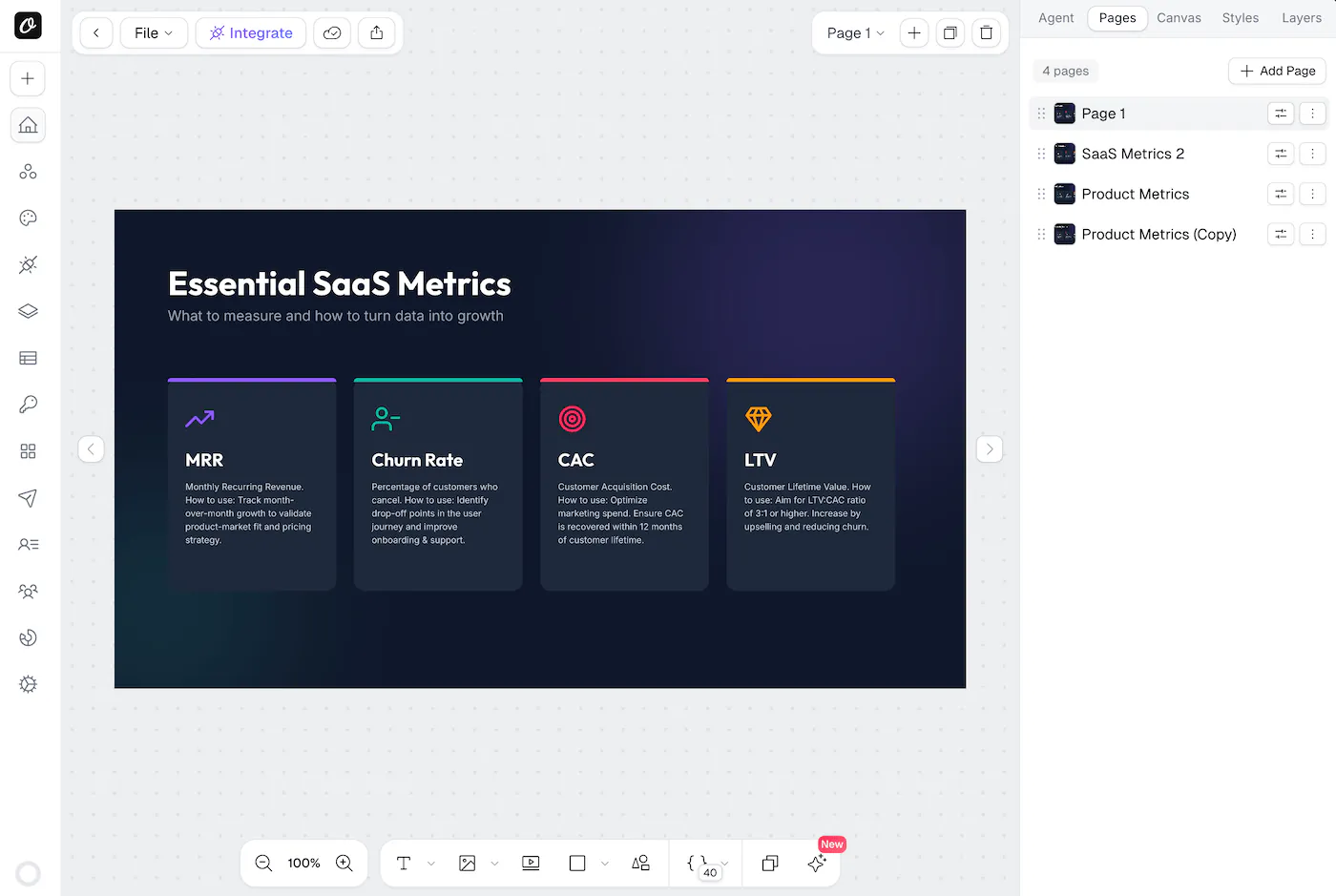
Orshot vs Gamma.app: Feature Comparison
Here's a side-by-side comparison of Orshot and Gamma.app across the features that matter most for design teams, marketers, and developers:
| Feature | Orshot | Gamma |
|---|---|---|
| Template Editor | Visual drag-and-drop Orshot Studio with Smart Stacking | AI prompt-based, Notion-style blocks |
| Design Control | Pixel-level control over every element | Limited — AI decides layout |
| Export Formats | PNG, JPG, WebP, AVIF, PDF, MP4, WebM, GIF — all reliable | PDF, PPTX (often breaks), PNG |
| API Access | Full REST API, SDKs, CLI, Dynamic URLs | API on Pro plan only |
| Multi-page Templates | Yes — carousels, PDFs, videos in one API call | Yes — but limited customization per card |
| Template Import | Canva, Figma, AI Generator | Prompt-based or import from PDF/PPTX |
| Bulk Generation | Yes — API, spreadsheet, automation tools | No — one at a time manually |
| White-labeled Design Editor | Yes via Orshot Embed | No |
| Video Generation | Advanced: MP4/WebM/GIF, per-layer animations, trim/loop/mute controls | Basic AI-generated video clips |
| Automation Integrations | n8n, Make, Zapier, MCP Server, CLI | Limited — Zapier only |
| Social Publishing | Built-in — 15+ platforms | No |
| Offline Usage | API-generated assets work anywhere offline | No — requires internet, web-based only |
| Free Tier | 100 free credits a month, resets monthly | Limited credits, Gamma branding |
| Starting Price | $39/month for 1,500 credits (1 credit = 1 image) | $10/month (Plus), limited features |
Why People Switch from Gamma.app
These are the most common Gamma.app complaints based on Reddit threads, user reviews, and conversations with people who've switched to Orshot:
1. Gamma PowerPoint Exports Break Frequently
This is the most reported Gamma.app issue. You spend time getting your deck looking good, export it to PowerPoint, and the text shifts, fonts go missing, layouts break. One user described it perfectly: "The final straw was when I had to present to a client and my 'polished' Gamma deck looked like a mess when I opened it in PowerPoint 30 minutes before the meeting."
How Orshot solves this: You design the actual output in Orshot Studio. What you see is what you get — PNG, PDF, WebP, whatever format you need. No conversion step, no broken layouts. Orshot supports 8 export formats: PNG, JPG, WebP, AVIF, PDF, MP4, WebM, and GIF.
2. Gamma Layouts All Look the Same
Gamma's Notion-style blocks produce consistent but repetitive results. After a few months, users notice their decks all share the same structure. "Every PowerPoint has the same outline or use of their context (the circle, graph, and other)" is a common complaint.
How Orshot solves this: With Orshot Studio, you design from scratch or start from any template. You control layout, typography, spacing, colors — pixel by pixel. Features like Smart Stacking let you position elements relative to each other so they auto-adjust when content changes. Your brand looks like your brand, not like everyone else's Gamma deck.
3. Gamma AI Images Hallucinate
The AI-generated images in Gamma are unreliable. Even Gamma's team acknowledged this: "The hallucination issue you mentioned is real and honestly something we're still working hard to improve." For academic, educational, or client-facing work, inaccurate AI images are a dealbreaker.
How Orshot solves this: You use your own images, stock photos, or Orshot's background removal API. No AI guessing what your image should look like. What you put in is what comes out — every time.
4. Gamma Has No API for Bulk Image Generation
Until recently, Gamma had no API at all. Even now, it's locked behind the Pro plan and designed for generating presentations — not individual images or assets at scale. If you need to generate hundreds of social media graphics, product images, or certificates, Gamma can't do it.
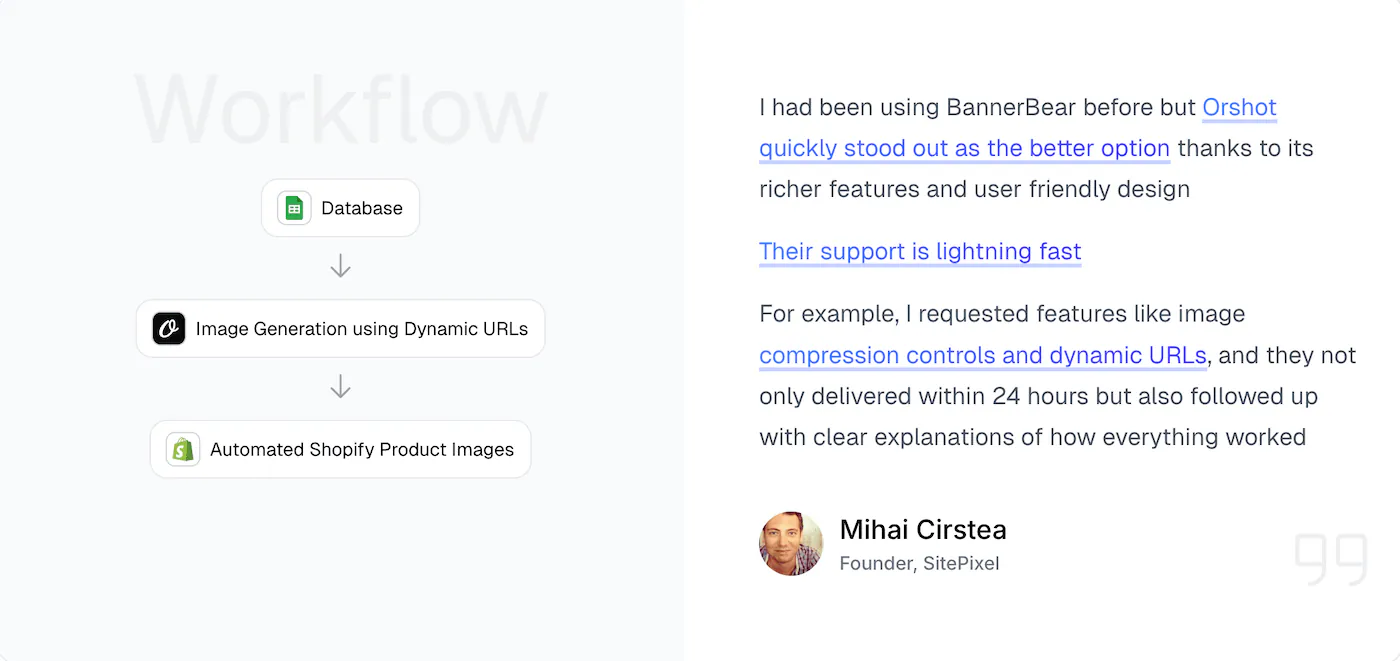
How Orshot solves this: Every Orshot template becomes an API endpoint. Generate one image or ten thousand — via REST API, SDKs (Node.js, Python, Ruby, PHP), CLI, Dynamic URLs, or automation platforms like n8n, Make, and Zapier. Orshot's Starter plan includes 1,500 credits/month at $39 — about 2.6¢ per image.
5. Gamma Is Web-Only with No Offline Access
Gamma requires an internet connection for everything. You can't edit offline, and the presentation itself is a webpage — not a file you own. As one user pointed out: "Gamma is great but be aware it doesn't give you the ability to edit offline."
How Orshot solves this: Orshot generates actual files — images, PDFs, videos. Once rendered, they're yours. Store them in S3, Google Cloud, or your own CDN via built-in cloud storage connections. Use them anywhere, offline or online.
6. Gamma's Credit System Burns Through Fast
Gamma's credit system leaves users constantly doing mental math about how many presentations they can create. The credits run out, and you're stuck either upgrading or waiting. Users report that the subscription pricing has increased over time, affecting existing subscribers too.
How Orshot solves this: Orshot's pricing is straightforward — $39/month for 1,500 credits, $99/month for 5,000. And a credit always means the same thing: 1 image, 1 PDF page, or 1 second of video — no hidden multipliers, no feature gating based on plan tiers. Every plan includes every feature — API access, video generation, social publishing, all integrations.
7. Gamma Has Compatibility Issues with Google Slides and Teams
If your workflow involves sharing files with people who use PowerPoint, Google Slides, or Teams, Gamma creates friction. The Notion-style format doesn't translate well, and export fidelity is weak. A user noted: "Biggest Gamma con for client work? Compatibility issues with Google Slides/Teams."
How Orshot solves this: Orshot generates standard image and PDF formats that work everywhere — email clients, Slack, Notion, Google Docs, presentations. There's no conversion step to worry about.
What Orshot Offers Beyond Gamma.app
Beyond solving Gamma's pain points, Orshot includes features built for developers, marketers, and design teams:
Full visual editor — Orshot Studio feels like designing in Figma or Canva. Drag-and-drop, Smart Stacking for relative positioning, keyboard shortcuts, real-time preview. Your designers can use it directly — no AI prompt engineering required.
White-label embed — Studio Embed lets you drop a full design editor into your app. Custom branding, permission controls, webhook events. Great for SaaS products that need user-facing design tools.
Multi-page templates — Create carousels, multi-page PDFs, and multi-page videos in a single template. Generate all pages with one API call. Perfect for LinkedIn carousels, Instagram slideshows, pitch decks.
Per-layer animations — Animate individual layers in video templates with enter/exit effects (fade, slide, scale), visibility timing, and staggered choreography. All controllable via API parameters.
Import from anywhere — Clone from Canva, import from Figma, or use AI to generate templates. Way faster than starting from scratch.
Social publishing — Render and post to 15+ social platforms in one API call. No Buffer or third-party scheduler needed. Post instantly, schedule, or save as draft.
More integrations — MCP Server for AI apps like Claude, CLI for terminal workflows, plus Make, Zapier, n8n. Full list here.
Actual support — I respond to chat messages. Usually within an hour. Sometimes I'll just hop on a call if something's complicated.
Pre-built API Templates
Ready-to-use utility templates you can call via API — no design work needed:
- Twitter Screenshot API - Clean tweet screenshots with customization
- Website Screenshot API - Full page captures, any viewport
- Dynamic Image Resizer API - Resize on the fly
These work great on their own or combined with your custom templates. Gamma has nothing equivalent.
When to Use Gamma.app Instead of Orshot
To be fair, Gamma is genuinely good for:
- Quick first drafts — When you need a rough deck in 2 minutes for an internal meeting
- Brainstorming — Using AI to iterate on presentation structure before you know what you want
- Simple one-off docs — Sending a quick doc over email where design doesn't matter much
If that's all you need, Gamma works fine. But the moment you need pixel-level design control, reliable exports, bulk generation, or API automation — that's where Orshot takes over.
Bottom line: Gamma is an AI presentation generator. Orshot is a design automation platform with an API. They solve different problems — but if you're hitting Gamma's limits, Orshot is the natural next step.
How to Switch from Gamma.app to Orshot
Here's how most people migrate from Gamma to Orshot:
Step 1: Design Your Templates
You have a few options:
Build from scratch — Open Orshot Studio and design your template with full control. Drag-and-drop, pixel-level positioning, your fonts and colors.
Use AI — Screenshot your Gamma output, drop it into the AI Template Generator. It'll recreate the layout, you fine-tune the details.
Import existing designs — If you have the original in Canva or Figma:
You can create multi-page templates, share through public links or embeds like the one below, and invite your team to collaborate.
Step 2: Set Up Automation
Unlike Gamma (which is manual), Orshot lets you automate everything:
Via API:
const response = await fetch("https://api.orshot.com/v1/studio/render", {
  method: "POST",
  headers: {
    Authorization: "Bearer YOUR_ORSHOT_API_KEY",
    "Content-Type": "application/json",
  },
  body: JSON.stringify({
    templateId: "your_template_id",
    modifications: {
      title: "Q1 Sales Report",
      subtitle: "March 2026 Review",
      heroImage: "https://example.com/chart.png",
      "title.fontFamily": "Inter",
      "title.color": "#1a1a1a",
    },
    response: {
      type: "url",
      format: "png",
    },
  }),
});
Via Dynamic URLs — Generate images just by changing URL parameters. No API calls needed. Learn more.
Via automation tools — Connect to n8n, Make, or Zapier for fully automated workflows.
Step 3: Test and Deploy
- Make a few test renders
- Compare the output quality
- Tweak styling in Studio if needed
- Deploy to your workflow
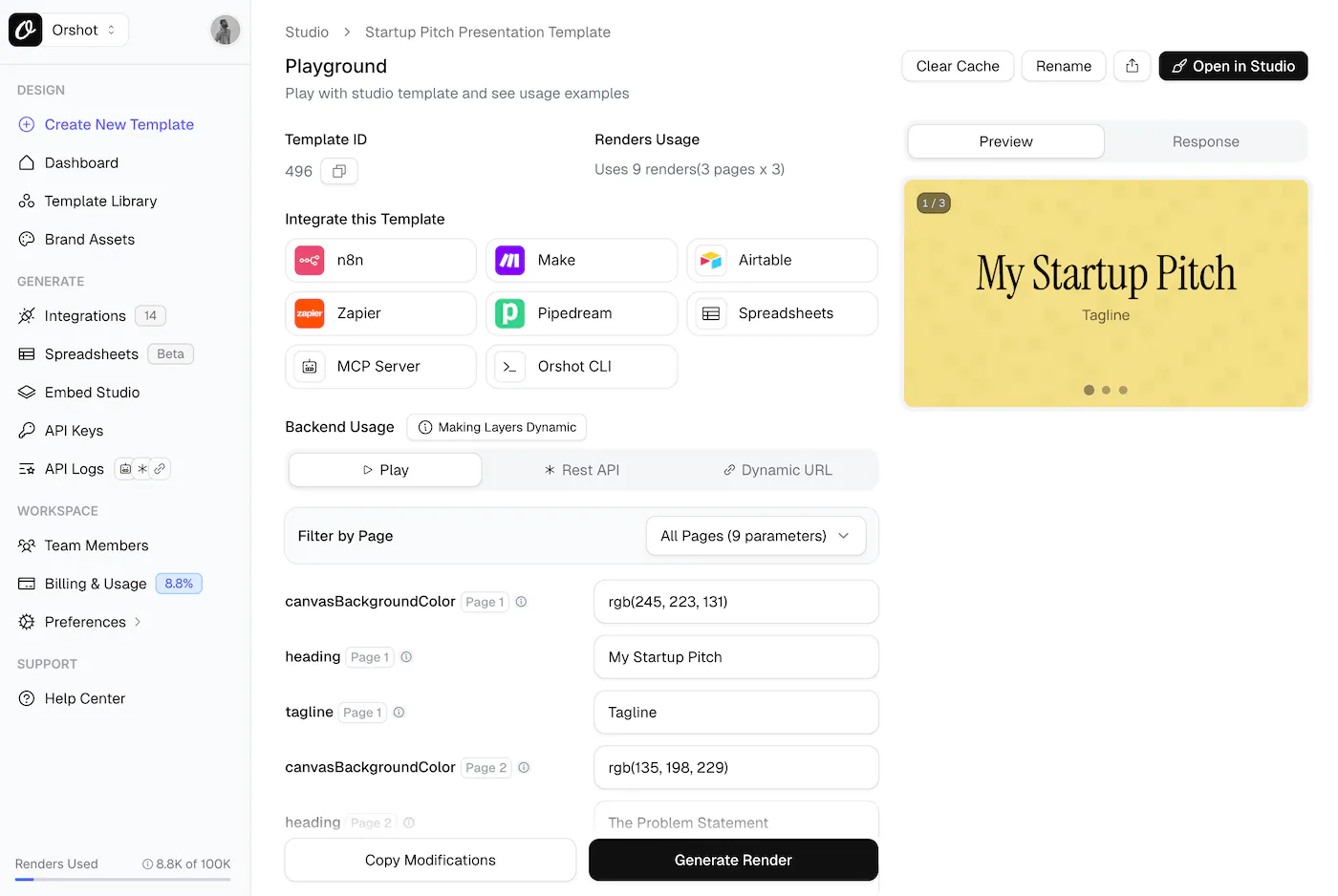
You can use the Template Playground to experiment with different content and styles before going live.
Gamma.app Alternative FAQ
How is Orshot different from Gamma?
Can Orshot generate presentations like Gamma?
Can I import my designs from Canva or Figma?
Does Orshot have an API for bulk generation?
Does Orshot support multi-page templates and carousels?
What about video generation?
Does Orshot work with n8n, Make, and Zapier?
Is there an agency partner program?
Is Orshot free to use?
Can I use Orshot to create social media images in bulk?
Does Orshot support video and animated content?
How does Orshot compare to Canva for bulk generation?
Orshot Studio: The Visual Editor
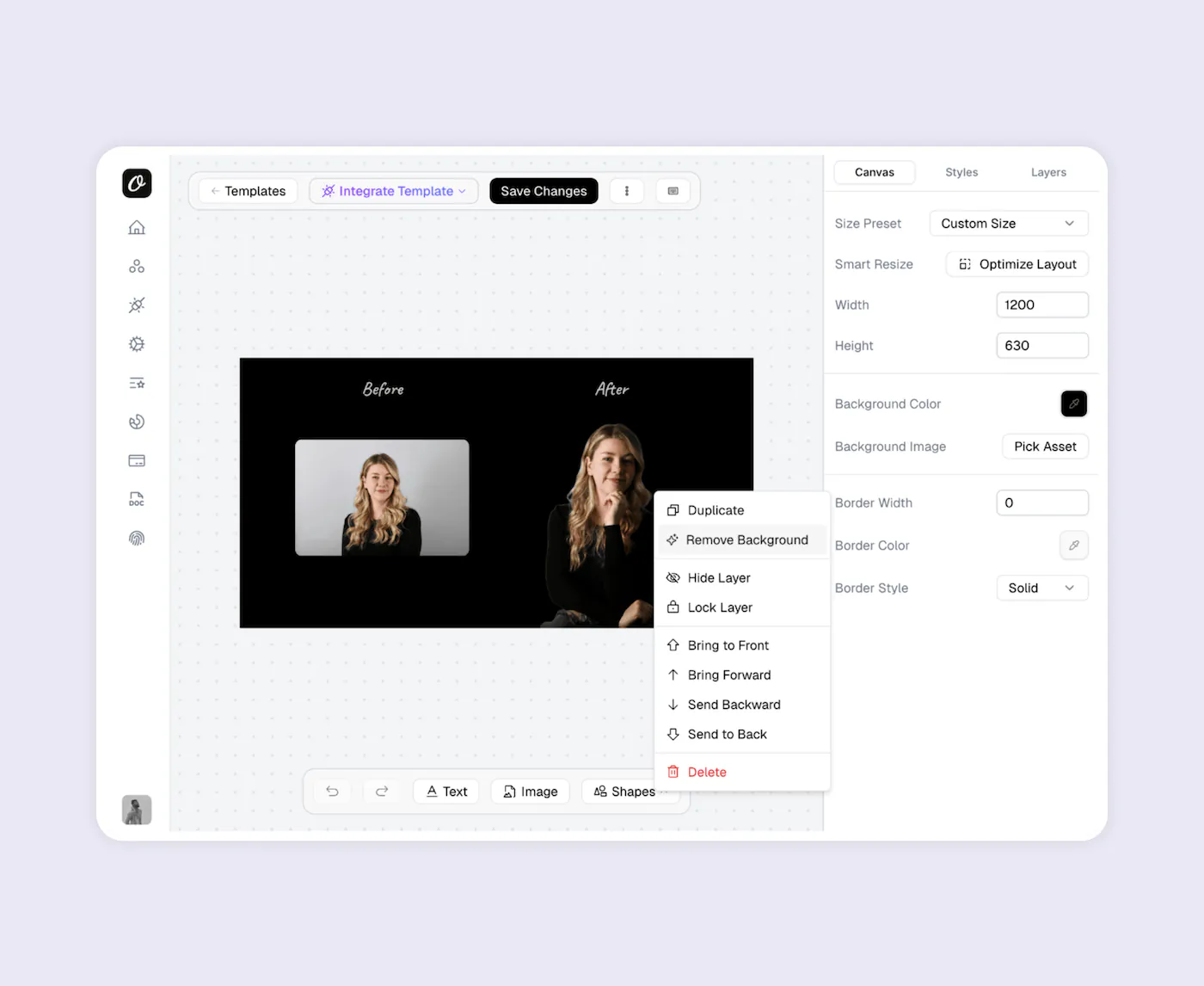
Orshot Studio is a drag-and-drop visual editor that gives you the design control Gamma's AI-driven approach can't match.
Key features:
- Smart Stacking — Position elements relative to each other. They auto-adjust when content changes
- Brand Assets — Save your logos, colors, and fonts. Use across all templates
- Custom Fonts — Upload any font. No limits on typography
- Personalization — Make any element dynamic — text, images, colors, styling
- Studio Embed — Integrate the editor into your own app with custom branding
- Multi-page Support — Create carousels and PDF templates with multiple pages
Orshot Tutorials and Examples
Video Generation using Orshot
Carousel Templates
Import from Canva
Dynamic URLs
Start Using Orshot Today
If you're hitting the limits of Gamma.app — broken exports, repetitive layouts, no API, no bulk generation — Orshot is built to solve exactly those problems. Full design control, reliable exports in 8 formats, a REST API with SDKs in 4 languages, and integrations with every major automation platform.
Get Started Free → — 100 credits a month, no credit card.
Bottom Line
Gamma is a presentation generator. Orshot is an API for automated image, PDF and video generation. If you need quick AI-generated decks for internal use, Gamma's fine for that. But if you need pixel-level design control, reliable exports, bulk generation through an API, or automation workflows — Orshot is the best Gamma.app alternative for that.
No more broken PowerPoint exports. No more repetitive Notion-style layouts. No more hallucinated images. Just a visual editor you control, templates you own, and an API that lets you generate at scale.
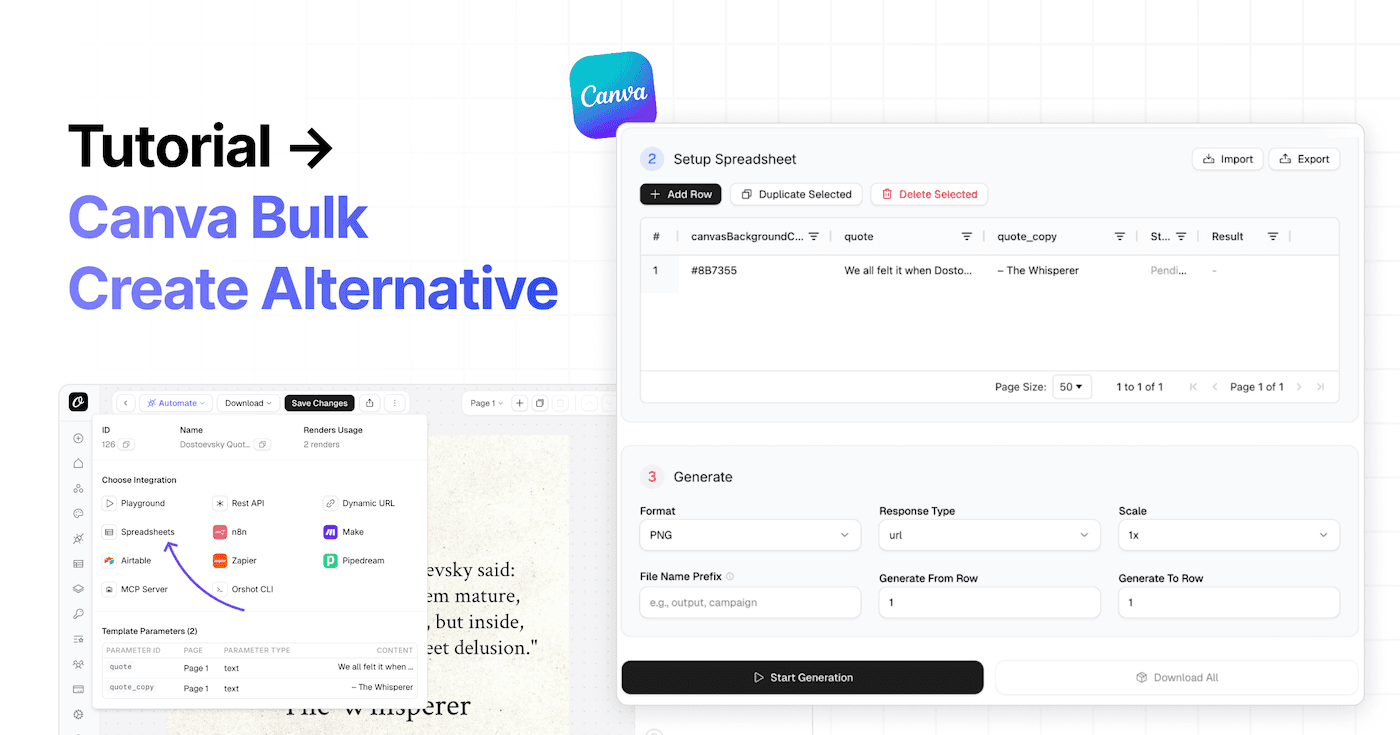
Comparing other tools too? Check out how Orshot stacks up against Placid, BannerBear, Creatomate, and Canva Bulk Create.
For Agencies
Building image, PDF or video automation for multiple clients? Check out the Agency Partner Program — free to join, unlimited sandbox workspaces, pooled credits up to 100k/month, and client handoff tools.
Try It
- Sign up — no card needed
- Design a template or import from Canva/Figma
- Test with your actual content
- See if it works for you
If you get stuck, hit the chat button. I'll help you out.