Starting today, you can create multi-page carousel templates in Orshot Studio. These templates open up new possibilities for generating dynamic presentations, social media carousels, and multi-page documents programmatically
When you open Studio, you'll see a new tab and a toolbar to organize pages in your template. Each page can have its own design, size, elements etc.
Features
- You can create multi-page templates
- Each page can have own designs, size, elements etc.
- You can parameterize layers in each template to make it dynamic
- Generate images or PDFs from the template in a single API call
- Auto-generate from automation tools like n8n, Make, Zapier etc.
- Post carousels directly to Instagram, LinkedIn, TikTok, and 10+ other platforms with Social Publish — see our social media automation tools guide for the full publishing workflow
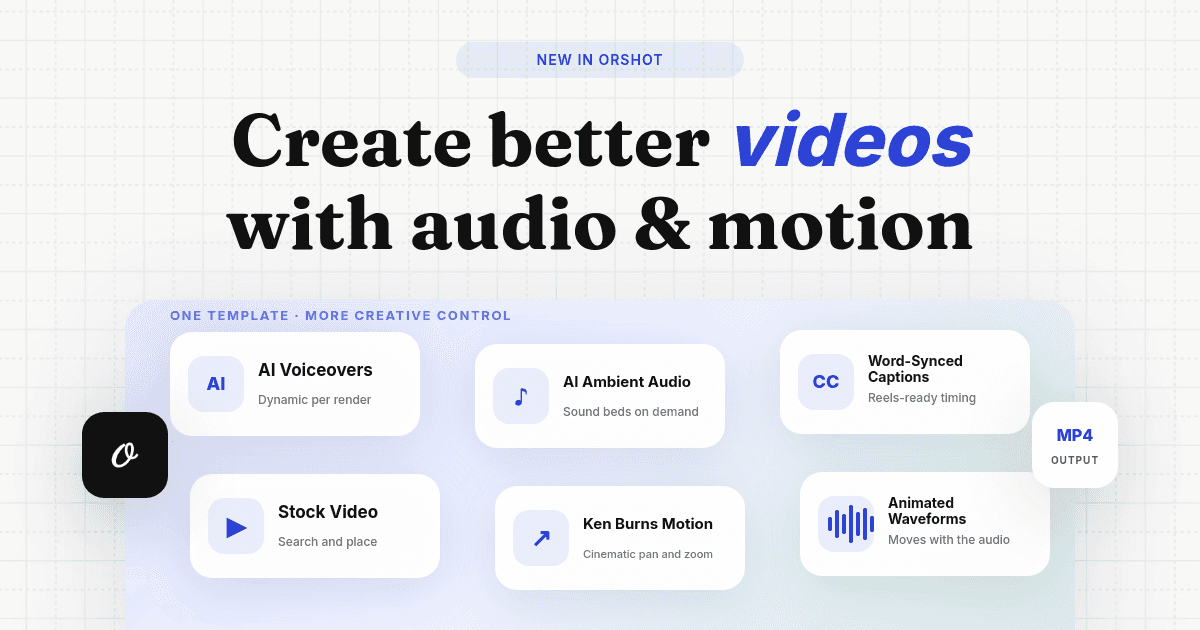
- Animate layers across pages with enter/exit effects, visibility timing, and staggered sequences — when rendered as video, all animations play frame-perfectly across pages
Here's a video to demo how you can design carousel templates in Orshot Studio