You're running a brand, an eCommerce store, or a growing startup. You know you need to be on Instagram, X, LinkedIn, TikTok, Facebook, Pinterest — probably all of them. The problem isn't knowing what to post. It's the sheer volume of work: designing visuals, resizing for each platform, writing captions, scheduling, tracking what worked, and doing it all over again tomorrow.
That's where social media automation comes in. Not just scheduling posts (every tool does that). The real bottleneck is creating the content itself — the banners, carousels, product shots, and promo graphics that actually get engagement. Then getting them published without opening six different tabs.
After testing dozens of social media automation tools, here are 11 that actually save time in 2026 — starting with the one that handles both creation and posting.
What Can You Automate on Social Media?
- Post scheduling — Queue posts days or weeks in advance and publish at optimal times
- Cross-platform publishing — Post to multiple social networks simultaneously
- Visual content generation — Create branded graphics, banners, and carousels from templates at scale
- Analytics and reporting — Track engagement, reach, and follower growth automatically
- Social inbox management — Centralize comments, DMs, and mentions from all platforms
- Content recycling — Automatically reshare evergreen posts that performed well
- Chatbot responses — Set up auto-replies for common questions and comments
Benefits of Social Media Automation
- Save time — Batch your content creation and scheduling instead of posting manually every day — for most teams that's hours back every week.
- Stay consistent — Automation ensures your accounts are active even during weekends, holidays, or busy periods.
- Post at peak times — Tools analyze when your audience is most active and schedule posts automatically for maximum reach.
- Scale your output — Go from posting once a day to multiple times across platforms without adding headcount.
- Make data-driven decisions — Built-in analytics show what's working so you can double down on high-performing content.
- Maintain brand consistency — Templates and approval workflows keep every post on-brand across all channels.
| Tool | Category | Best For |
|---|---|---|
| Orshot | Visual Creation + Social Posting | Generating marketing visuals at scale and posting to 15+ platforms |
| Buffer | Scheduling | Clean, no-fuss scheduling across platforms |
| Hootsuite | Social Management | Large teams managing multiple brand accounts |
| Later | Visual Scheduling | Instagram-focused visual content planning |
| Sprout Social | Analytics + Engagement | Brands that need detailed reporting and social listening |
| SocialBee | Category Scheduling | Recycling evergreen content automatically |
| Publer | Bulk Automation | Scheduling hundreds of posts via CSV upload |
| Pallyy | Budget Scheduling | Small businesses and creators on a budget |
| Loomly | Team Collaboration | Teams with approval workflows for social content |
| Sendible | Agency Management | Agencies managing multiple client accounts |
| Metricool | Analytics + Scheduling | Data-driven marketers who want scheduling plus deep analytics |
| HubSpot | Omnichannel Marketing | Large teams running social inside one marketing ecosystem |
1. Orshot — Automate Visual Creation + Social Posting
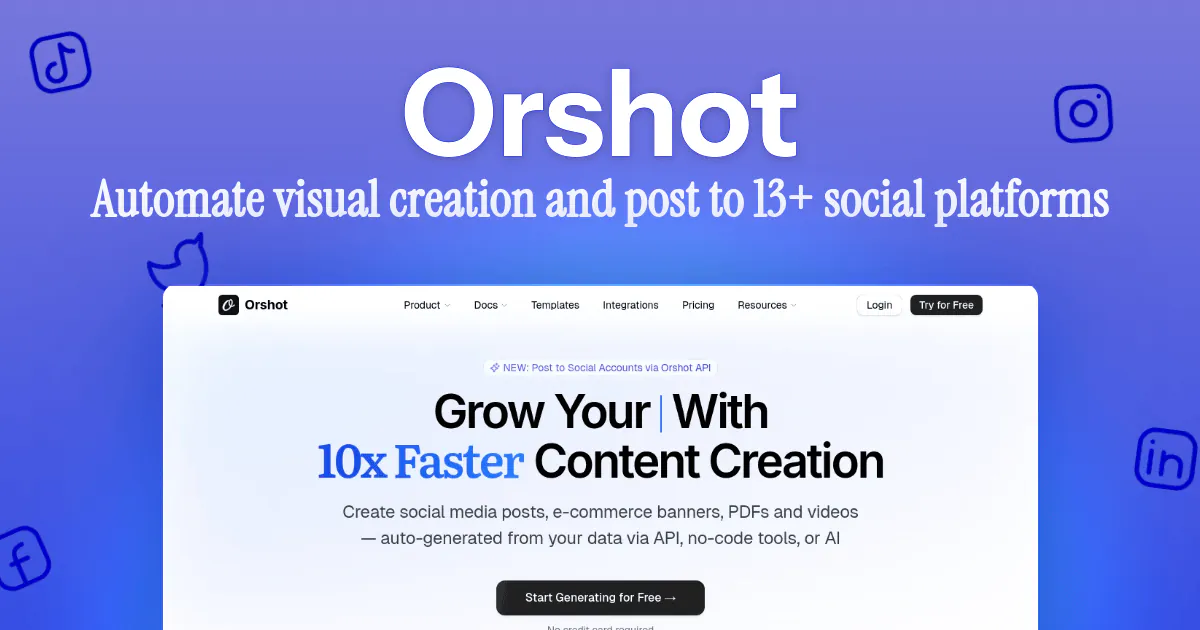
Best for: Generating on-brand marketing visuals at scale and publishing them to 15+ social platforms — all in one workflow
Here's the thing most social media automation tools get wrong: they assume you already have your content ready. They'll schedule your posts, sure. But who's creating the 15 different banner sizes, the product promo graphics, the quote cards, and the carousel slides? That's the actual time sink.
Orshot solves both problems. Design your templates once in Orshot Studio, then generate hundreds of variations automatically by swapping in different data — product names, prices, images, headlines, whatever changes. Then publish those renders directly to your social accounts. No exporting, no uploading, no switching tools.
How It Works for Social Media Automation
- Design once — Build a template in Orshot Studio (or let the Design Agent create one from a text prompt). Set dynamic parameters for anything that changes between posts.
- Generate at scale — Feed in your data via spreadsheet, REST API, or no-code tools like Make and n8n. Orshot renders every variation instantly.
- Publish everywhere — Use Orshot Publish to post directly to 15+ platforms. Publish now, schedule for later, or save as draft.
Supported Platforms for Automated Social Media Posting
Orshot Publish connects to 15 platforms out of the box:
Twitter/X, Instagram, Facebook, LinkedIn, TikTok, YouTube, Pinterest, Reddit, Bluesky, Threads, Telegram, Snapchat, Discord, WhatsApp, and Google Business.
Connect your accounts ($12/mo per account, unlimited posts), generate a render, and it goes straight to your audience. No Buffer subscription on top. No Zapier glue. Just one tool.
Automate the Full Pipeline via API
If you're already generating visuals programmatically, you can publish them in the same API call:
await fetch("https://api.orshot.com/v1/studio/render", {
  method: "POST",
  headers: {
    "Content-Type": "application/json",
    Authorization: "Bearer YOUR_API_KEY",
  },
  body: JSON.stringify({
    templateId: "your-template-id",
    modifications: {
      productName: "Summer Collection 2026",
      price: "$49.99",
      productImage: "https://your-cdn.com/product.jpg",
    },
    response: { type: "url", format: "png" },
    publish: {
      accounts: [1, 2], // your connected account ids
      content: "New drop 🔥 Summer Collection is here. Shop now →",
      schedule: { scheduledFor: "2026-08-15T10:00:00Z" },
    },
  }),
});
One API call. Generates the visual, schedules it across every account you listed. That's automated social media posting done right — the publish API docs cover drafts, per-platform settings, and carousels.
Key Features
- 01Visual Template EditorDesign social media graphics with a drag-and-drop editor. Set dynamic parameters for text, images, colors, and sizing.
- 02Bulk Visual GenerationGenerate hundreds of on-brand social media graphics from a single template — via spreadsheet, API, or no-code integrations.
- 03Built-in Social PublishingPost to 15+ platforms directly from Orshot. Schedule, draft, or publish instantly — no third-party scheduler required.
- 04Platform-Aware PublishingOne publish action posts to every selected account, with per-platform settings (first comment, board, visibility) handled per network.
- 05API-First AutomationGenerate and publish visuals in a single API call. Build end-to-end social media automation pipelines.
- 06Multi-Format OutputExport as PNG, JPG, PDF, MP4, WebM, or GIF — optimized for every social platform. Video outputs support per-layer animations for professional motion graphics.
- Create and publish social media visuals from a single platform — no tool juggling
- Generate hundreds of design variations from one template automatically
- Post to 15+ social platforms with scheduling, drafts, and per-platform settings
- API-first: build fully automated social media posting pipelines
- 100% brand consistency across every visual and every platform
Pricing: 100 free credits a month, no credit card required. Paid plans from $39/mo; connecting a social account is a flat $12/mo per account with unlimited posts.
2. Buffer — Simple Social Media Scheduling
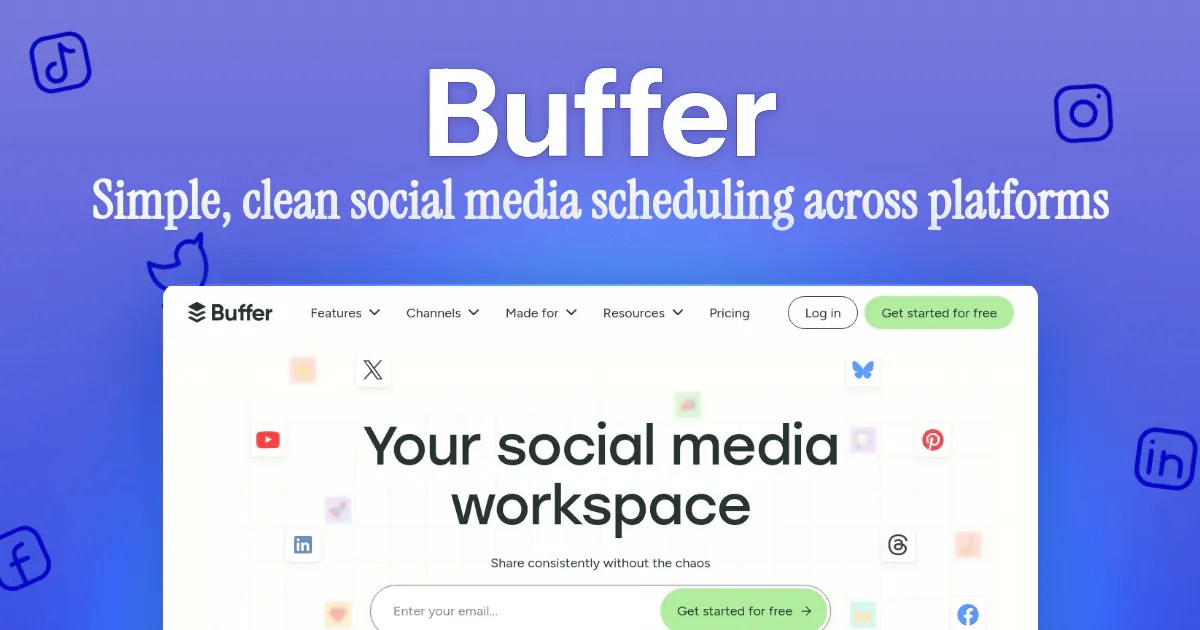
Best for: Solo creators and small teams who want clean, straightforward social scheduling
Buffer has been around since the early days of social media automation, and it's stayed relevant by keeping things simple. You queue up your posts, set a schedule, and Buffer sends them out to Instagram, X, LinkedIn, Facebook, Pinterest, and TikTok.
The AI assistant helps with caption ideas, and the analytics dashboard shows you what's performing. No steep learning curve, no feature bloat. If you already have your visuals ready and just need to schedule them, Buffer gets the job done.
Where it falls short: Buffer is a scheduler, not a content creation tool. You still need to design every graphic somewhere else before uploading it. If you're producing visual content at scale, that's a separate workflow entirely. Here's our full Buffer alternative breakdown if that's the wall you're hitting.
- Extremely clean and simple interface
- AI assistant for caption suggestions
- Supports all major social platforms
- Generous free plan for up to 3 channels
Pricing: Free for 3 channels. Paid plans from $5/mo per channel (Essentials).
3. Hootsuite — Enterprise Social Media Management
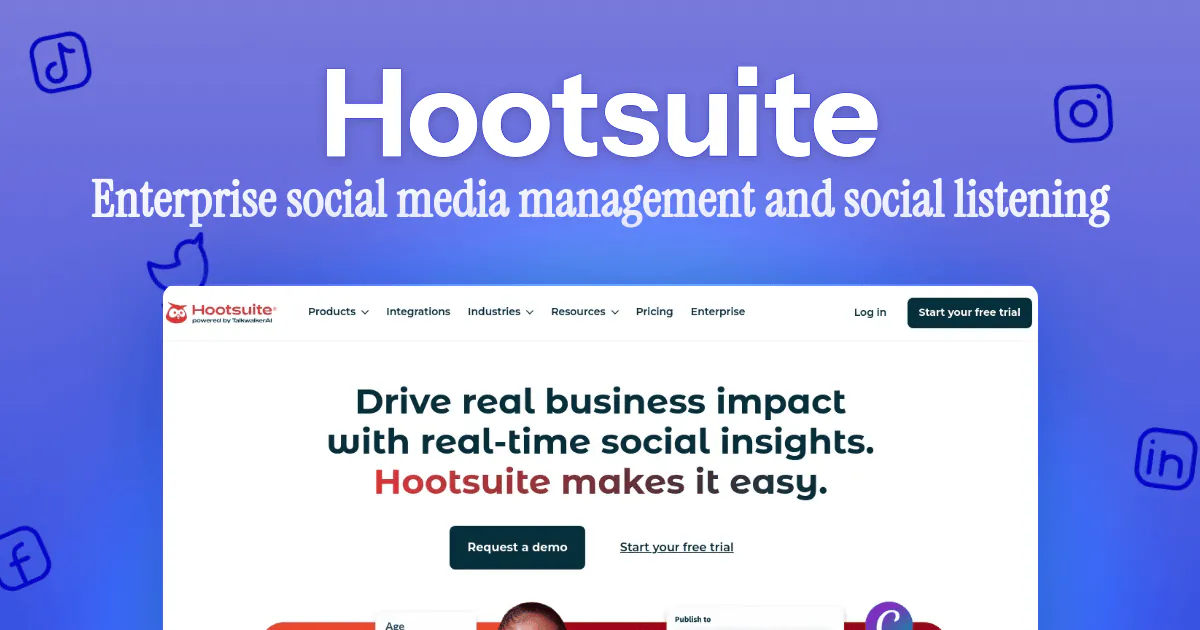
Best for: Large teams and enterprises managing multiple brand accounts across social platforms
Hootsuite is the heavyweight of social media management tools. It handles scheduling, monitoring, social listening, team collaboration, and reporting — all from one dashboard. If you're an enterprise managing 20+ social accounts across multiple brands, Hootsuite has the infrastructure for it.
The OwlyWriter AI generates captions and content ideas, and the social listening tools track brand mentions, competitor activity, and trending topics in real time. It's powerful, but it's also complex and expensive.
Where it falls short: Overkill for small teams. The pricing starts high and ramps up quickly. And like Buffer, it doesn't create your visuals — you bring those yourself.
- Comprehensive social media management for large teams
- Social listening and brand monitoring built in
- Advanced analytics and custom reporting
- Handles dozens of accounts across platforms
Pricing: From $99/mo (Standard plan); Professional is $199/mo. Enterprise pricing on request.
4. Later — Visual-First Social Media Scheduler
Best for: Instagram-first brands and creators who plan content visually
Later is built around a visual calendar — you drag and drop your images onto the schedule and see exactly how your Instagram grid will look before anything goes live. It supports other platforms too (TikTok, Facebook, LinkedIn, Pinterest, X), but Instagram is its home turf.
The Linkin.bio feature creates a mini landing page from your Instagram posts, turning your feed into a shoppable storefront. For brands and creators where Instagram is the primary channel, Later's visual-first approach makes planning way more intuitive than spreadsheet-style schedulers.
- Visual drag-and-drop calendar with Instagram grid preview
- Linkin.bio for shoppable Instagram feeds
- Best-time-to-post suggestions based on your audience
- Supports all major platforms beyond Instagram
Pricing: No free plan — 14-day trial. Paid plans from $18.75/mo billed yearly ($25 month-to-month).
5. Sprout Social — Social Media Analytics + Engagement
Best for: Brands that prioritize social listening, analytics, and customer engagement alongside scheduling
Sprout Social goes deeper on the analytics and engagement side than most social media automation tools. The Smart Inbox unifies all your messages, comments, and mentions across platforms into one stream. The reporting is thorough — competitor analysis, sentiment tracking, audience demographics, and custom report builders.
If your social media strategy is data-driven and you need to prove ROI to stakeholders, Sprout Social gives you the data to back it up. The scheduling and publishing features are solid, but the real value is in the insights and engagement tools.
- Unified Smart Inbox for all social engagement
- Deep analytics with competitor benchmarking
- Social listening and sentiment analysis
- Professional reporting for stakeholder presentations
Pricing: From $79/seat/mo billed annually ($99 monthly) on Essentials; Standard is $199. 30-day free trial available.
6. SocialBee — Content Category-Based Scheduling
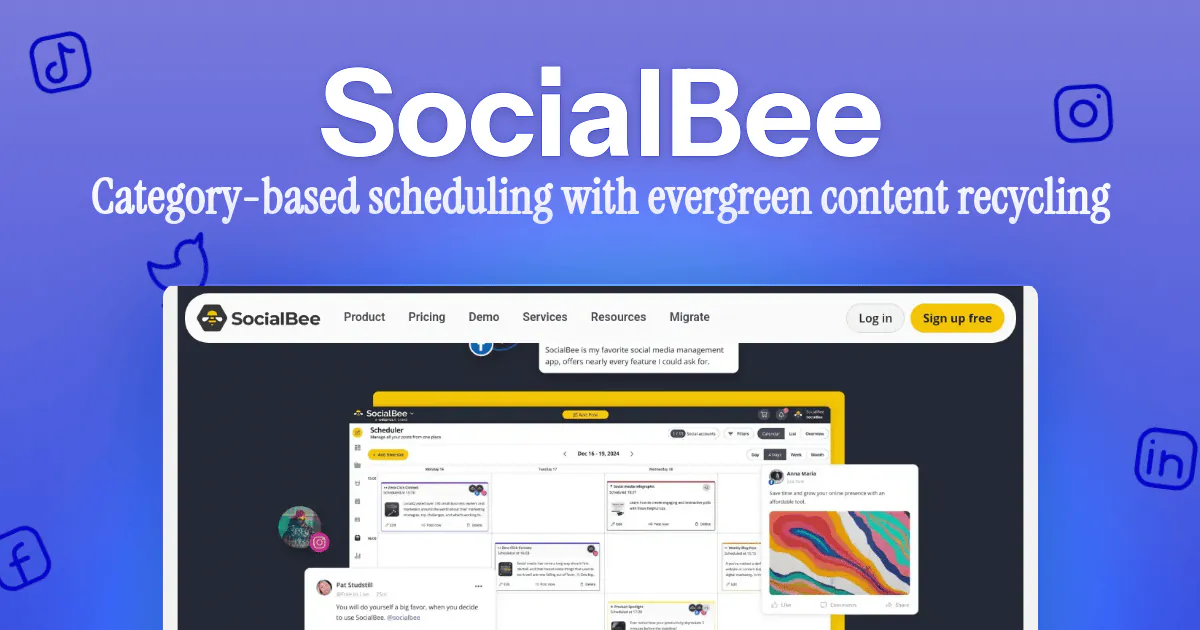
Best for: Marketers who want to recycle evergreen content and maintain a balanced content mix
SocialBee takes a different approach to automated social media posting. Instead of scheduling individual posts, you organize content into categories — promotional posts, educational content, testimonials, behind-the-scenes, etc. Then SocialBee rotates through them automatically, maintaining the content mix you set.
The evergreen recycling feature is the standout: your best-performing posts get reshared automatically so they don't just disappear after one publish. For anyone struggling to keep their feed active consistently, this category-based system takes the guesswork out of what to post next.
- Category-based posting for a balanced content mix
- Evergreen content recycling — set and forget
- AI content generation for captions and hashtags
- Canva integration for quick visual edits
Pricing: From $29/mo. 14-day free trial.

7. Publer — Bulk Scheduling and Automation
Best for: Marketers who need to schedule hundreds of posts at once via bulk upload
Publer is built for volume. If you have a month's worth of social content sitting in a spreadsheet and want to schedule it all in one go, Publer's bulk scheduling via CSV upload handles it cleanly. You can also set up recurring posts, auto-schedule based on best times, and use the browser extension to share content as you browse.
The watermark feature is handy for agencies — auto-add brand watermarks to visuals before they're posted. And the workspace system keeps multiple brands organized without switching between accounts.
- Bulk schedule via CSV for high-volume posting
- Recurring posts and auto-scheduling
- Built-in link shortening and UTM tracking
- Multi-workspace support for managing multiple brands
Pricing: Free plan for 3 accounts. Paid plans start around $5/mo per account.
8. Pallyy — Affordable Social Media Scheduler
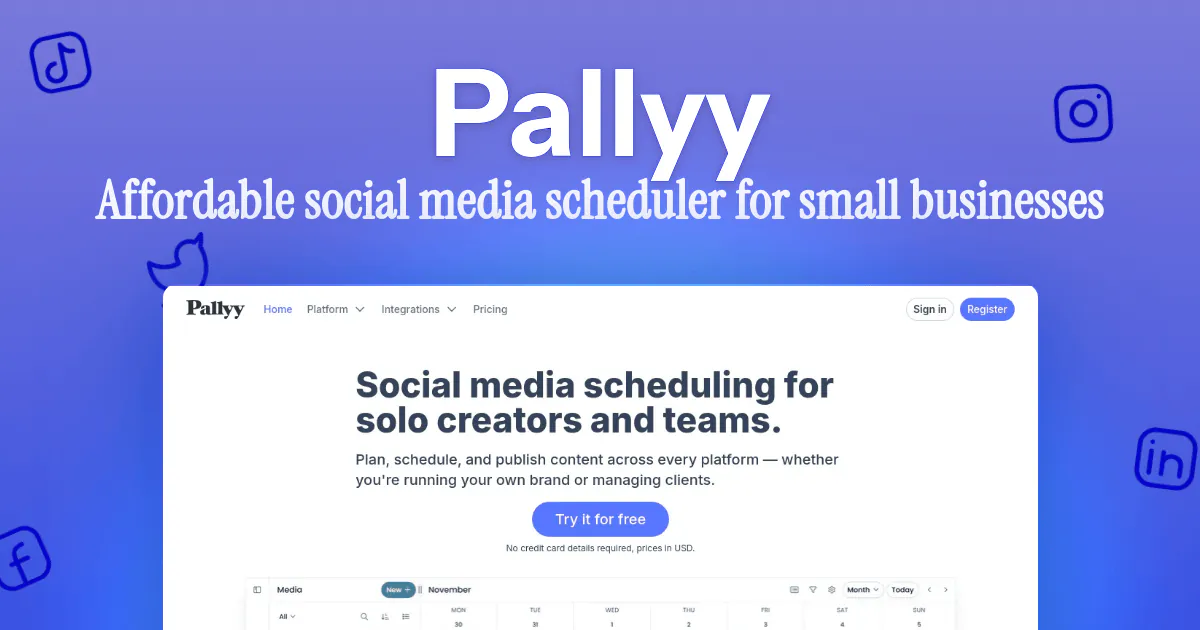
Best for: Small businesses and solo creators who want premium scheduling features at a fraction of the cost
Pallyy offers most of what the expensive tools do — visual calendar, Instagram grid preview, auto-posting, analytics, bio link page — but at a price that doesn't hurt. If you're a creator or small business that doesn't need enterprise-grade social listening or team workflows, Pallyy covers the essentials without the bloated pricing.
The interface is clean and modern, and it supports Instagram, Facebook, X, LinkedIn, TikTok, Pinterest, and Google Business. For budget-conscious social media automation, it's hard to beat the value.
- Very affordable for what you get
- Visual planning calendar with grid preview
- Bio link page builder included
- Supports all major social platforms
Pricing: Free plan for 1 social set (15 posts/mo). Starter from $15/mo; Pro at $25/mo is unlimited posts on 1 set, +$10/mo per extra set.
9. Loomly — Collaborative Social Media Calendar
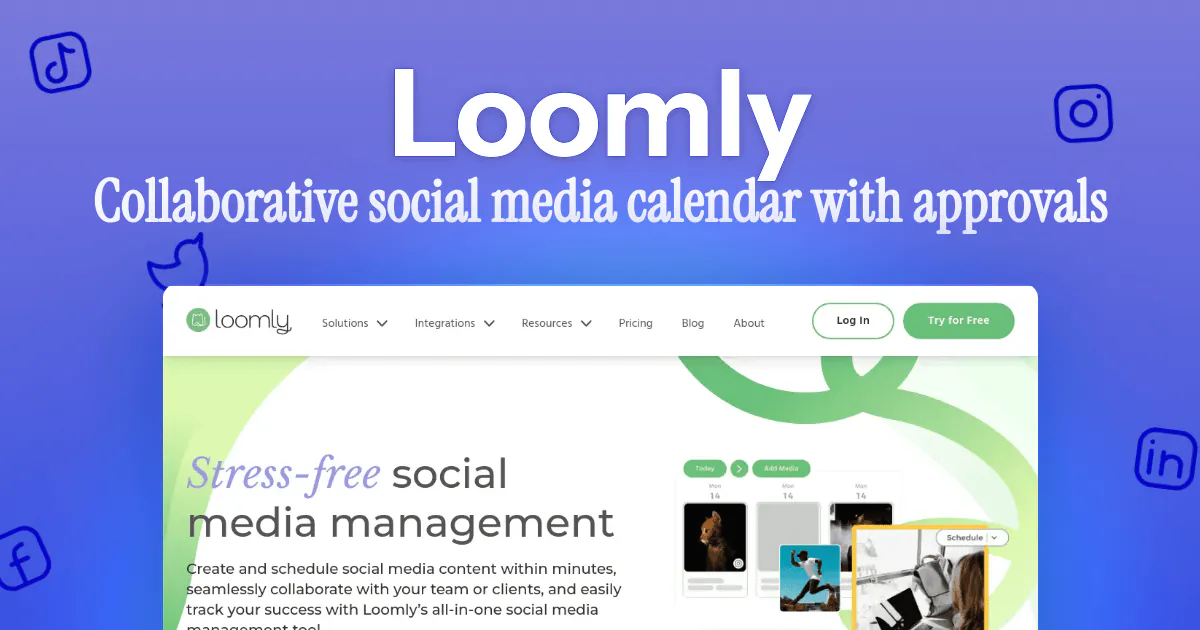
Best for: Marketing teams that need approval workflows and structured collaboration for social content
Loomly is designed around team workflows. Every post goes through a structured flow — idea, draft, pending approval, scheduled, published. Managers can review, comment, and approve before anything goes live. Post ideas and trending topic suggestions keep your calendar full.
If you have multiple people touching social content and need guardrails so nothing goes out without sign-off, Loomly's approval system is one of the best. It also includes basic asset management, so your team's images and brand files live alongside the content calendar.
- Built-in approval workflows with comments and review
- Post idea suggestions based on trends and events
- Asset library for team brand files
- Clean calendar view with status tracking
Pricing: From $65/mo month-to-month ($49/mo billed yearly), includes 3 users.
10. Sendible — Agency-Focused Social Media Tool
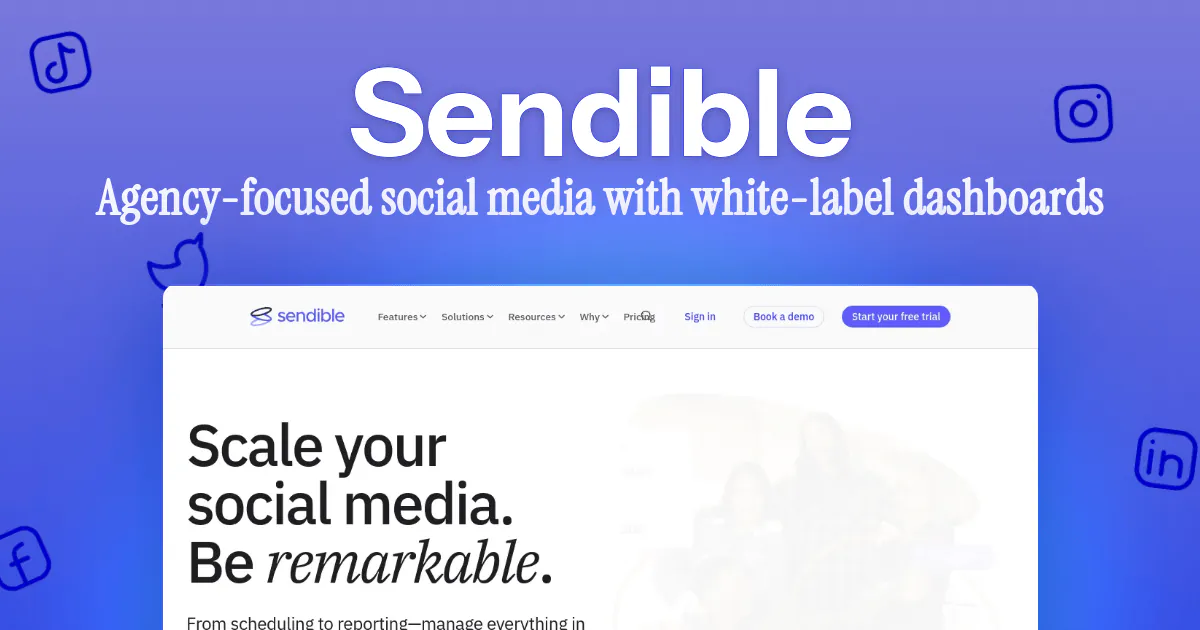
Best for: Agencies managing social media for multiple clients from a single dashboard
Sendible is built specifically for agencies. Each client gets their own dashboard with custom branding, separate reporting, and dedicated content queues. The bulk import, content suggestions, and a unified inbox for client engagement make managing 10+ clients more manageable than juggling separate logins.
The reporting is presentation-ready — automated reports go out to clients on a schedule, so you're not manually pulling data every month. If you're an agency doing social media management at scale, Sendible's multi-client architecture saves a lot of administrative overhead.
- White-label dashboards for each client
- Automated reporting sent directly to clients
- Unified inbox for managing all client engagement
- Content suggestion engine for filling gaps in the calendar
Pricing: 14-day free trial; pricing is gated behind signup (third-party sources commonly quote around $29/mo).
11. Metricool — Social Media Analytics and Scheduling
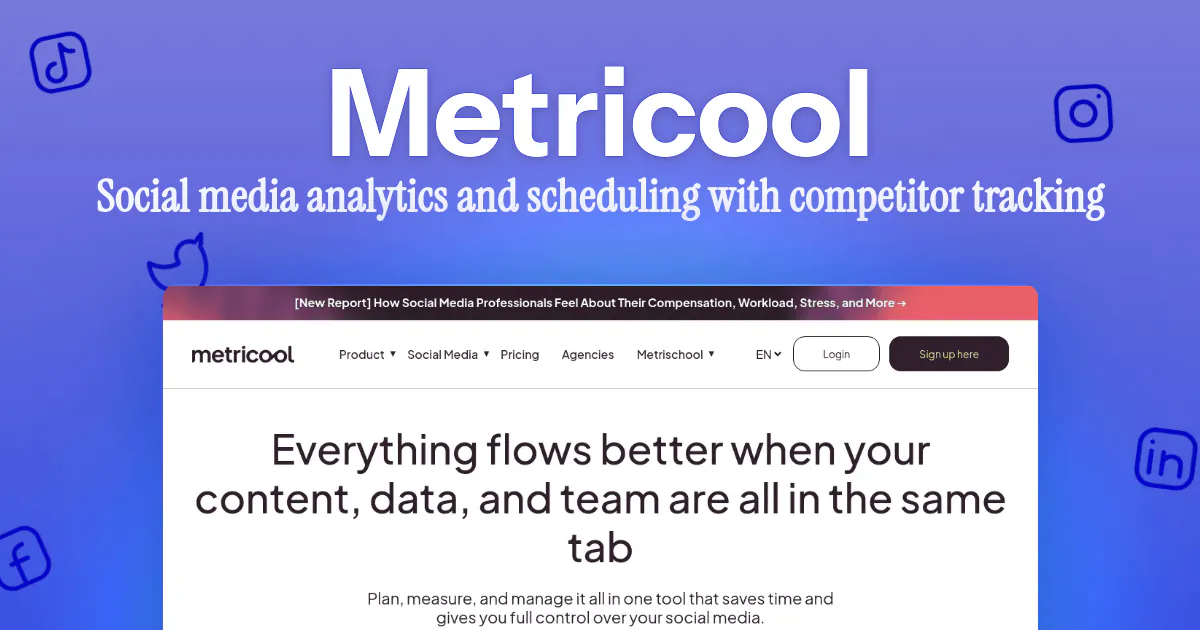
Best for: Data-driven marketers who want scheduling, analytics, and competitor tracking in one tool
Metricool combines scheduling with surprisingly deep analytics. Beyond the standard engagement metrics, it tracks competitor performance, hashtag analytics, and best posting times for your specific audience. The SmartLinks feature (similar to Later's Linkin.bio) gives you a link-in-bio page with analytics baked in.
What sets Metricool apart is the ad analytics — it pulls in performance data from your Google Ads and Meta Ads alongside your organic social metrics. If you're running both paid and organic social, having everything in one dashboard saves a lot of tab-switching.
- Combined organic and paid social analytics
- Competitor tracking and benchmarking
- SmartLinks for link-in-bio with built-in analytics
- Very generous free plan for individuals
Pricing: Free plan for 1 brand (20 posts/mo). Paid from around $18/mo.
Bonus: HubSpot — Omnichannel Social Media Management
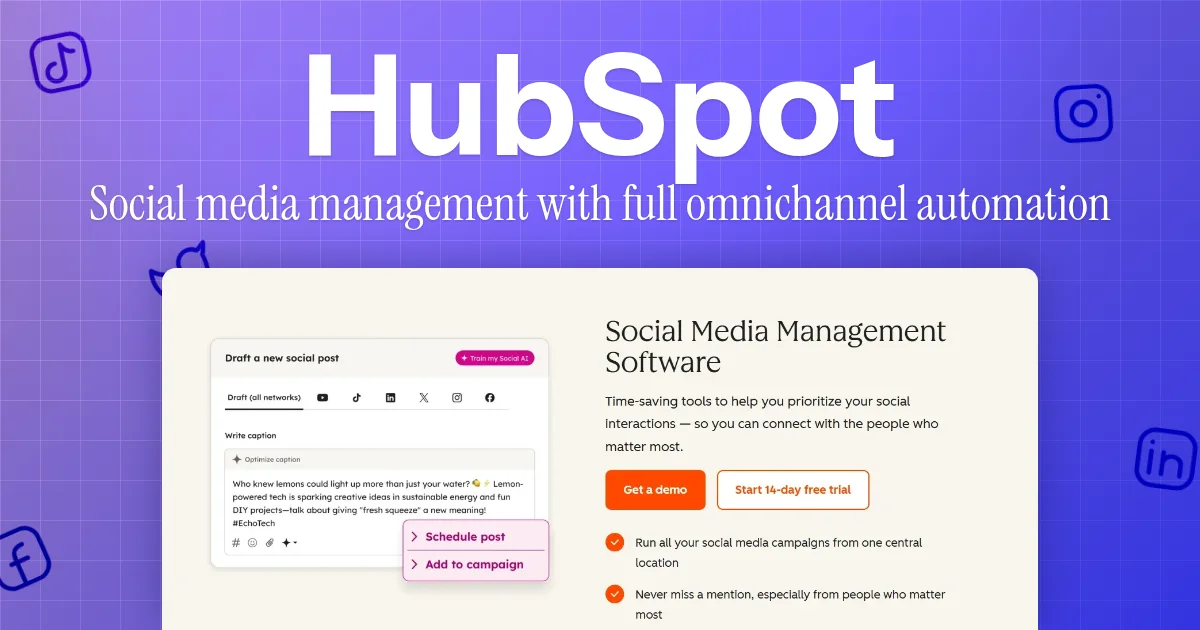
Best for: Large teams and full-stack marketing agencies managing strategies across multiple marketing touchpoints
HubSpot Social Media Management is part of HubSpot's omnichannel marketing solution, Marketing Hub. That means you get social media tools plus automation features that span email, ad networks, websites, and more, all within the same tool suite.
On the social side, HubSpot includes an AI toolset that helps with content generation and editing, recommends ideal posting times, content types and formats based on your existing social performance, and suggests replies for incoming messages.
Where it falls short: You can't use the social media tool on its own. It requires a Marketing Hub Professional or Enterprise subscription.
- Full omnichannel marketing automation solution
- Social inbox management with CRM built in
- Social listening for all popular networks + Reddit
- Revenue attribution reports
Pricing: $800/mo with 3 users (Marketing Hub Professional); $3,600/mo with 5 users (Marketing Hub Enterprise).
Free Social Media Automation Tools for Content Creators (2026)
If you're a content creator testing the waters — or you just don't have budget yet — several of the tools above have genuinely usable free tiers. Here's exactly what each free plan includes, verified against the vendors' pricing pages in July 2026:
| Tool | Free plan | The catch |
|---|---|---|
| Buffer | 3 channels, 10 scheduled posts per channel | Fine for one brand; multi-brand needs paid |
| Metricool | 1 brand, 20 posts/month, analytics included | Post cap arrives fast if you post daily |
| Pallyy | 1 social set, 15 posts/month | One set = one group of connected accounts |
| Publer | 3 accounts | Bulk CSV scheduling is paid |
| Postiz | Open source and self-hostable — free forever, 30+ platforms | You run the server; cloud plans start at $29/mo |
| Orshot | 100 credits a month, full design studio + API, no card | Credits refill monthly; publishing accounts are paid |
Two things worth knowing before you pick a free plan. First, Later no longer has one — it's a 14-day trial now, despite what most 2025-era listicles still say. Second, if you want a fully open source social media automation setup, Postiz is the one to look at: self-host it and the scheduling side costs nothing, then pair it with whatever creates your content.
The free-plan trap for content creators is that every one of these caps the scheduling, but none of them help with the part that actually eats your week — making the graphics. That's the workflow Orshot's free tier covers: generate the visuals from a template, then post them wherever your scheduler (or ours) lives.
What to Look For in Social Media Automation Software
Not all automation software is built the same. Here's what actually matters when choosing a platform for automating social media:
Multi-Platform Support
Make sure the tool supports every platform you're active on — Instagram, Facebook, X, LinkedIn, TikTok, YouTube, Pinterest, and emerging networks like Threads and Bluesky. Managing everything from one dashboard is the whole point.
Tools that support this: Orshot (15+ platforms), Hootsuite, Buffer, Later, Sprout Social, Metricool
Content Creation, Not Just Scheduling
Most tools handle scheduling well. The differentiator is whether the tool helps you create the content too. Look for built-in design tools, template systems, or AI-powered content generation that reduces the time between idea and published post. If creation is the bottleneck, our roundup of tools to automate content creation goes deeper.
AI generators like Predis.ai sit at the other extreme — they write and design the post for you, but you give up control of the layout and end up hand-fixing every batch. Our Predis.ai alternative breakdown covers that trade-off.
Tools that support this: Orshot (template-based visual generation + API), SocialBee (AI captions + Canva integration), Buffer (AI assistant), Hootsuite (OwlyWriter AI)
Analytics and Reporting
You need to know what's working. Look for engagement metrics, best-time-to-post suggestions, competitor benchmarking, and exportable reports you can share with clients or stakeholders.
Tools that support this: Sprout Social, Hootsuite, Metricool, Sendible, Later, HubSpot
Team Collaboration and Approvals
If multiple people touch your social content, you need approval workflows, role-based permissions, and shared content calendars. This prevents off-brand posts from going live and keeps everyone aligned.
Tools that support this: Loomly, Sprout Social, Hootsuite, Sendible, Publer
API and Integration Support
For advanced automation, check whether the tool offers a REST API, webhook support, or integrations with tools you already use — CRMs, eCommerce platforms, no-code tools like Make and Zapier, or custom internal systems.
Tools that support this: Orshot (REST API + Make/n8n integrations), Hootsuite, Sprout Social, Buffer
The Real Problem with Most Social Media Automation Tools
Here's what none of the scheduling tools on this list solve: creating the visuals.
Every social media automation platform assumes you show up with finished graphics. But the actual bottleneck for most teams isn't scheduling — it's producing the content in the first place. You need:
- Product banners resized for Instagram, Facebook, LinkedIn, and Pinterest
- Quote graphics for X and Threads
- Promo carousels for Instagram and TikTok
- Event announcements across every channel
- Seasonal campaign creatives — new versions every week
Doing this manually in Canva or Figma doesn't scale. Hiring a designer for every variation gets expensive fast. And generic AI image generators produce outputs that don't match your brand.
That's exactly why Orshot combines design automation with social publishing. Instead of using one tool to create visuals and another to schedule them, the entire pipeline runs in one place:
- Design a template once
- Generate hundreds of variations from your data
- Publish directly to 15+ platforms
No exporting. No uploading. No separate scheduler subscription — accounts connect inside Orshot at a flat $12/month each, unlimited posts.
If your biggest social media problem is producing enough on-brand content — not just scheduling what you already have — that's the pipeline Orshot was built for.