Go from client brief to live campaign without rebuilding every asset.
Orshot gives agencies an AI-driven content layer for marketing. Agents create campaign templates, Smart Resize turns one approved design into every channel size, the API automates the output and social publishing for each client workspace.
AI agents · client workspaces · Smart Resize · API · social publishing
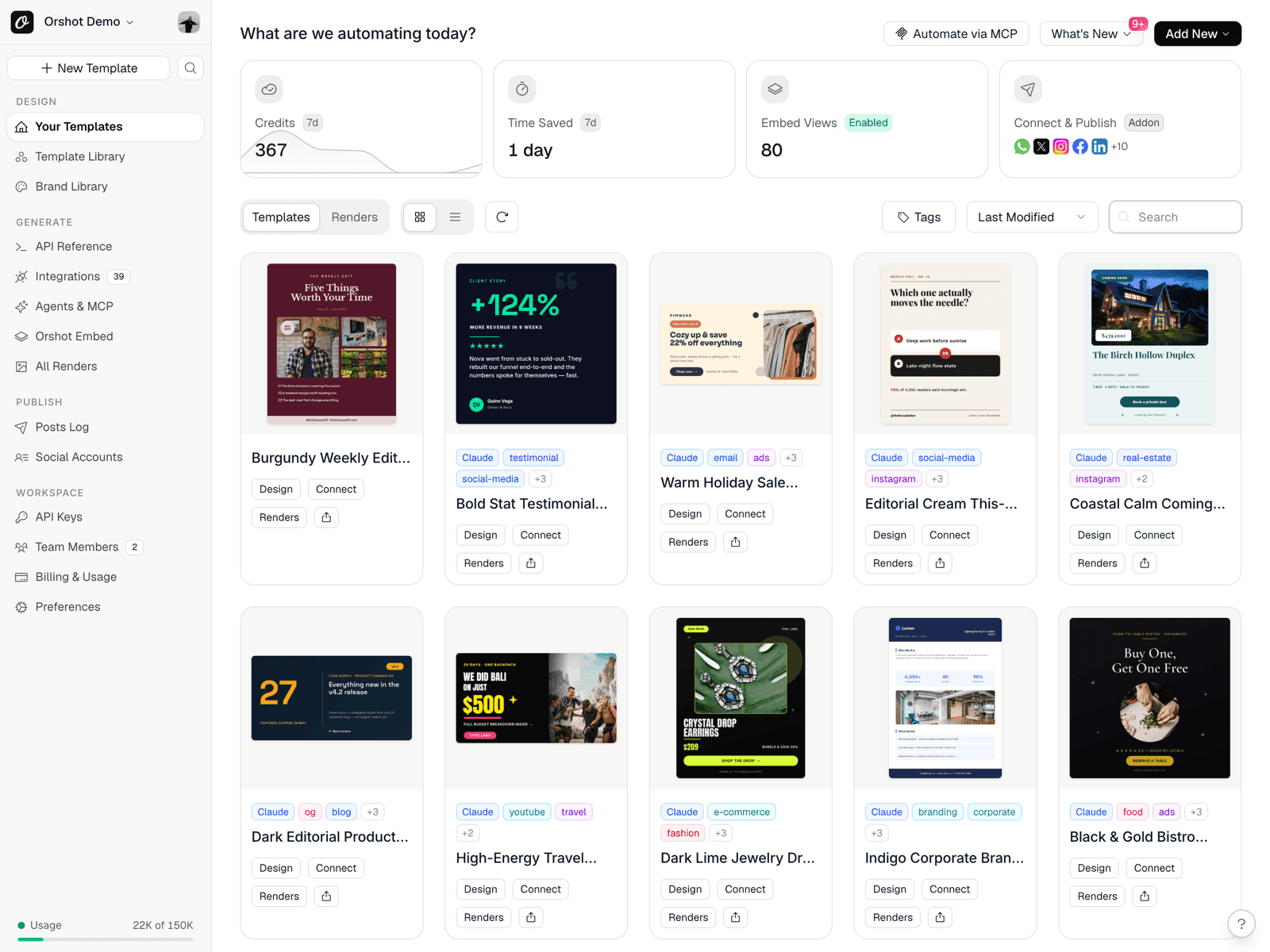
AI campaign templates
Use Orshot's MCP server with Claude, Cursor, Codex or other agents to generate editable campaign templates from a brief.
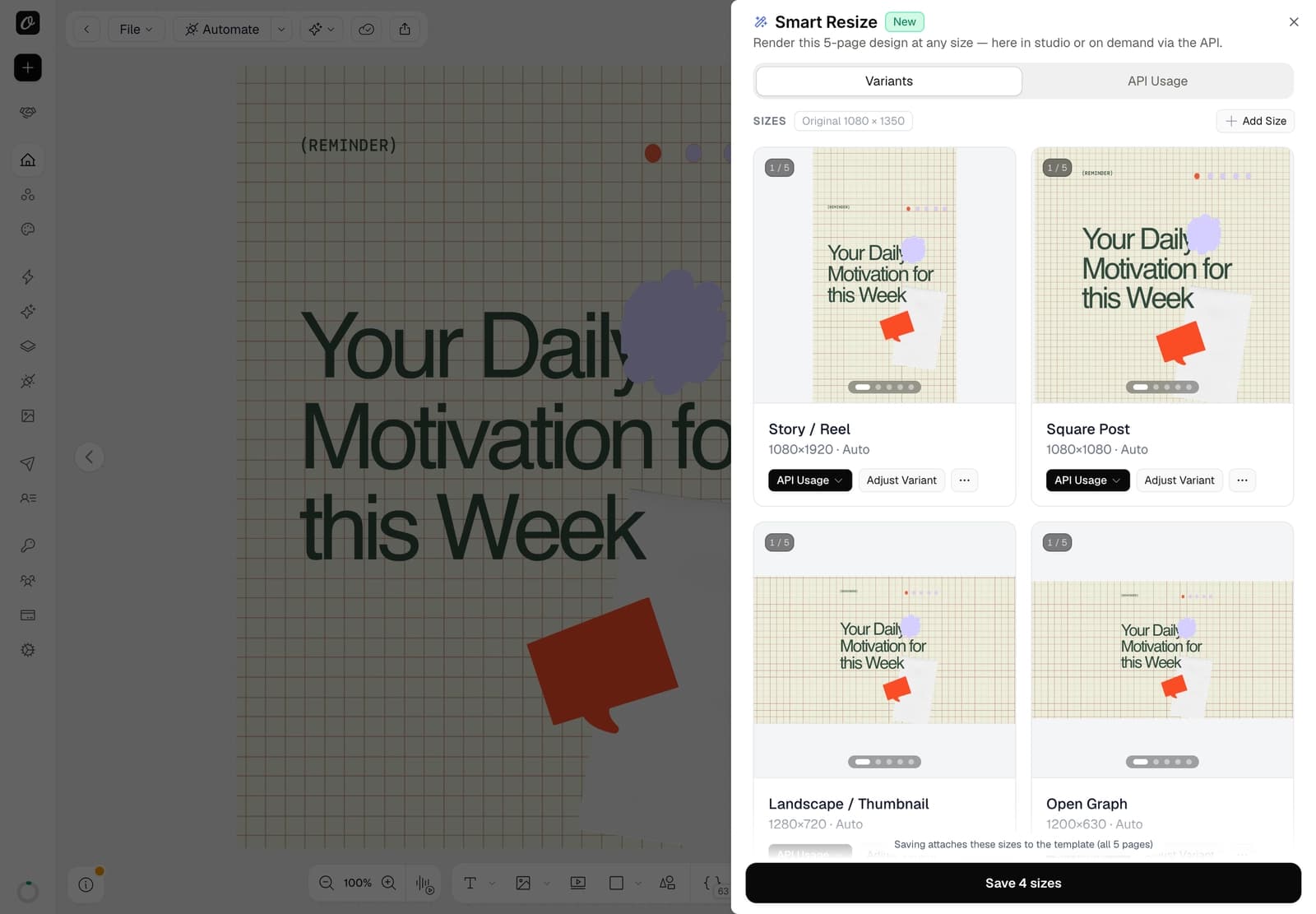
One design, every size
Smart Resize adapts approved templates into Stories, square posts, ads, thumbnails and OG images.
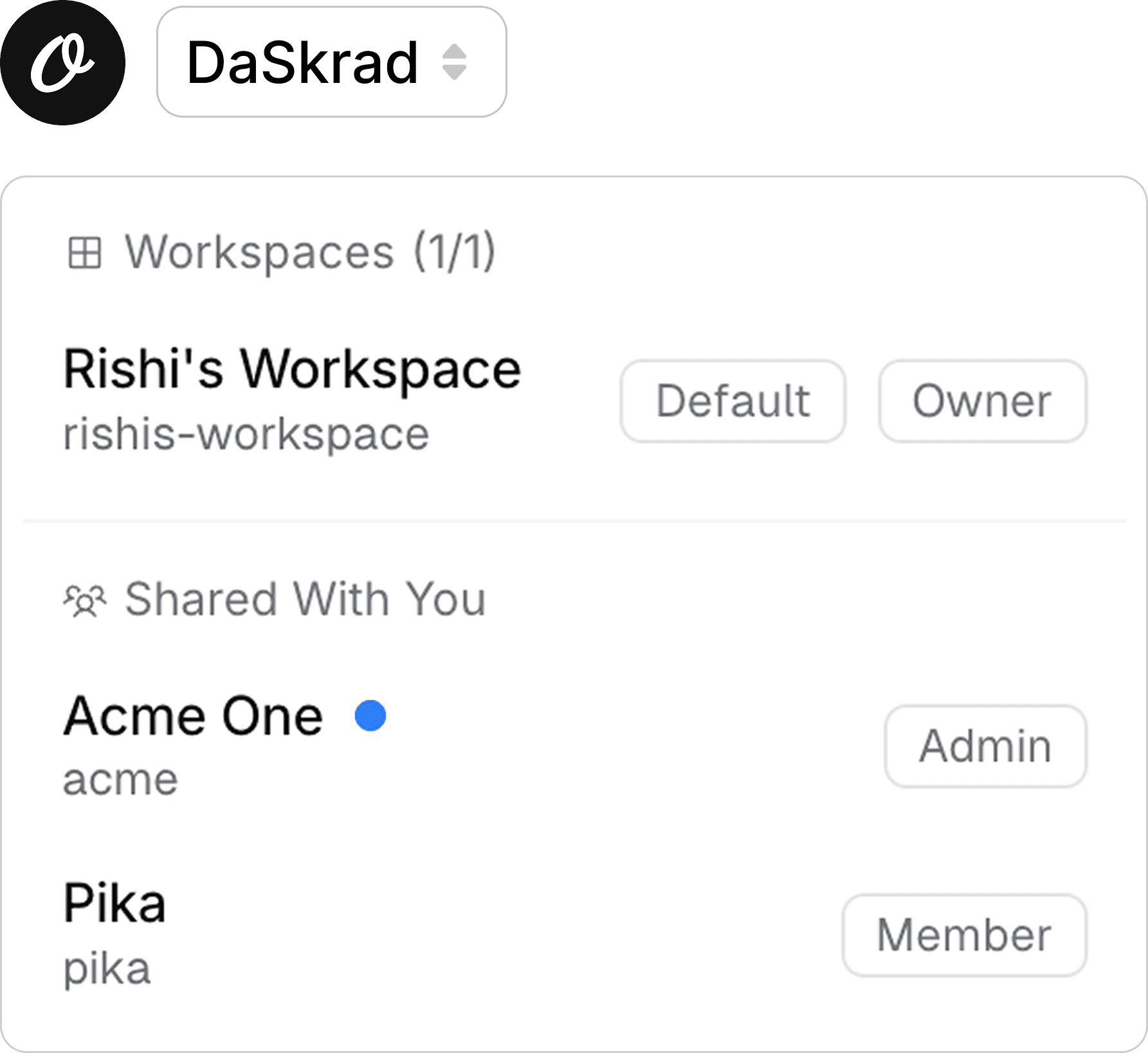
Multi-client by default
Run each client in its own workspace with separate brand assets, templates, social accounts and render logs.
Production to publishing
Render assets through API or no-code workflows, then publish or schedule them through connected social accounts.
Let agents turn campaign ideas into usable templates.
Agencies do not need another blank canvas. With the Orshot MCP server, your AI agent can work inside the right client workspace, generate a marketing campaign template, and keep the result editable in Studio.
- Generate launch graphics, ad variants, carousels, banners and video concepts from a brief
- Keep prompts and outputs scoped to the selected client workspace
- Reuse the template for future campaigns instead of regenerating one-off images
- Move from AI draft to editable design to automated render in one platform
“Build an Instagram carousel for the headphones drop: product-first, brand palette, CTA on the last slide.”
orshot_create_template_design


One approved template, all the sizes the campaign needs.
Once a campaign direction is approved, Smart Resize turns it into channel-ready formats. Stories, square posts, LinkedIn images, YouTube thumbnails and open graph images can all come from the same source template.
- Render one size or request multiple extra sizes in the same API call
- Fine-tune any size when a layout needs a human pass
- Use saved sizes for repeatable client deliverables
- Avoid the usual resize queue at the end of every campaign
Manage every client from one agency account.
Each client gets a separate workspace for brand assets, templates, API keys, connected channels and render history. Your team can switch between clients without mixing assets, credentials or campaign output.
- Separate workspaces for each client, brand and campaign environment
- Client-specific templates, brand kits, social accounts and render logs
- Role-based access for designers, account managers, developers and clients
- Workspace transfer when a client needs to take ownership later
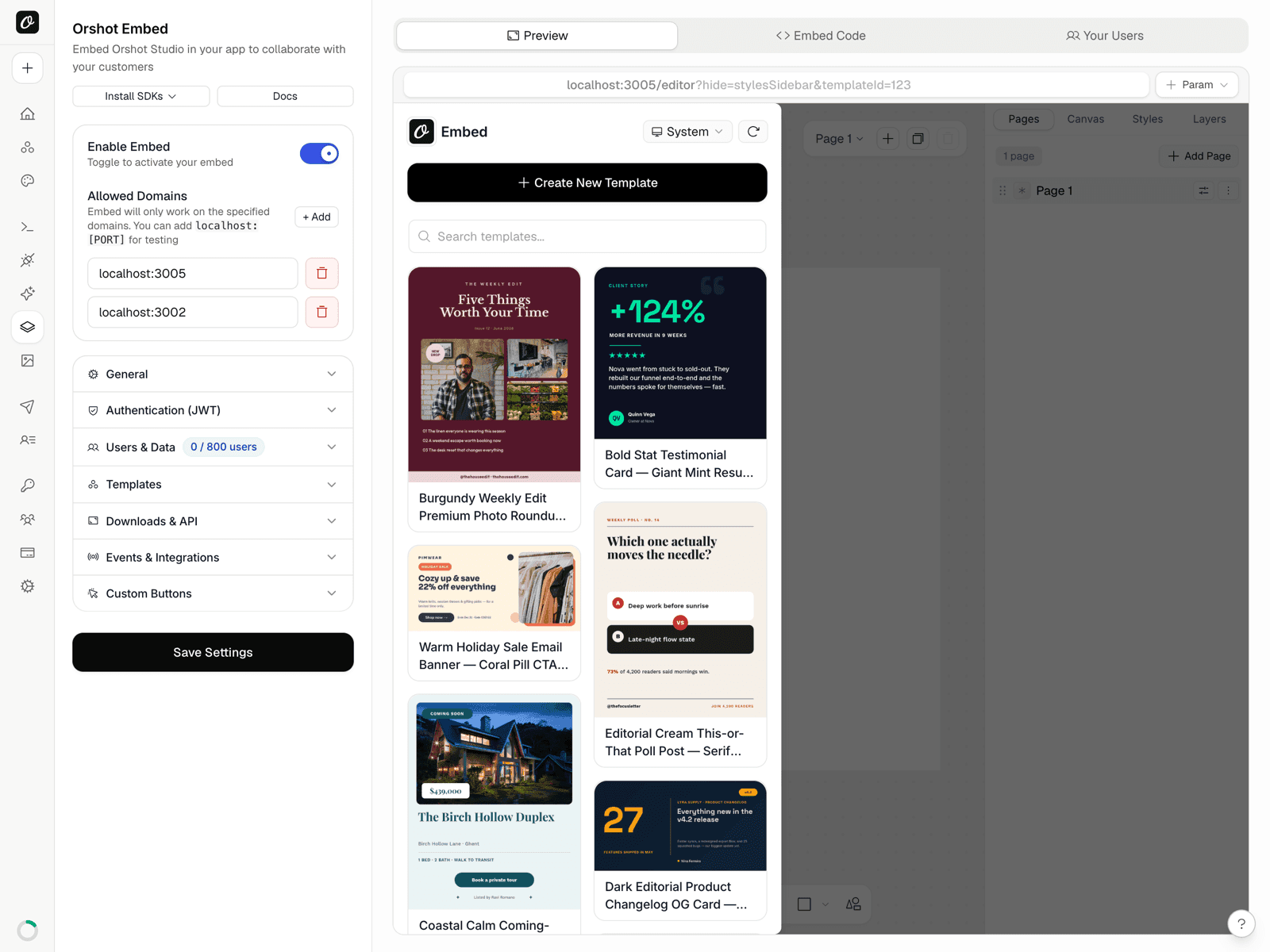
Give clients an editor inside your own portal.
With Orshot Embed, agencies can offer a client-facing editor or generator without sending people into another tool. Clients can update approved templates, your team keeps the brand system intact, and renders still flow through the same workspace.
- Embed Studio or a controlled generator in your client portal
- Keep the experience under your brand with React and Vue SDKs
- Let clients collaborate on copy and campaign variants internally
- Use workspace isolation so one client never sees another client
Turn the approved template into an automated production line.
Orshot is the visual output step for your agency workflows. Use REST, SDKs, Zapier, Make, n8n, Airtable or Google Sheets to generate campaign assets from the systems your team already uses.
- Render images, PDFs, videos and GIFs from one template engine
- Trigger production from a sheet, CRM, form, webhook or internal app
- Use dynamic fields for campaign copy, offers, dates, products and locations
- Send finished assets to S3, R2, Dropbox, Google Drive or your own app
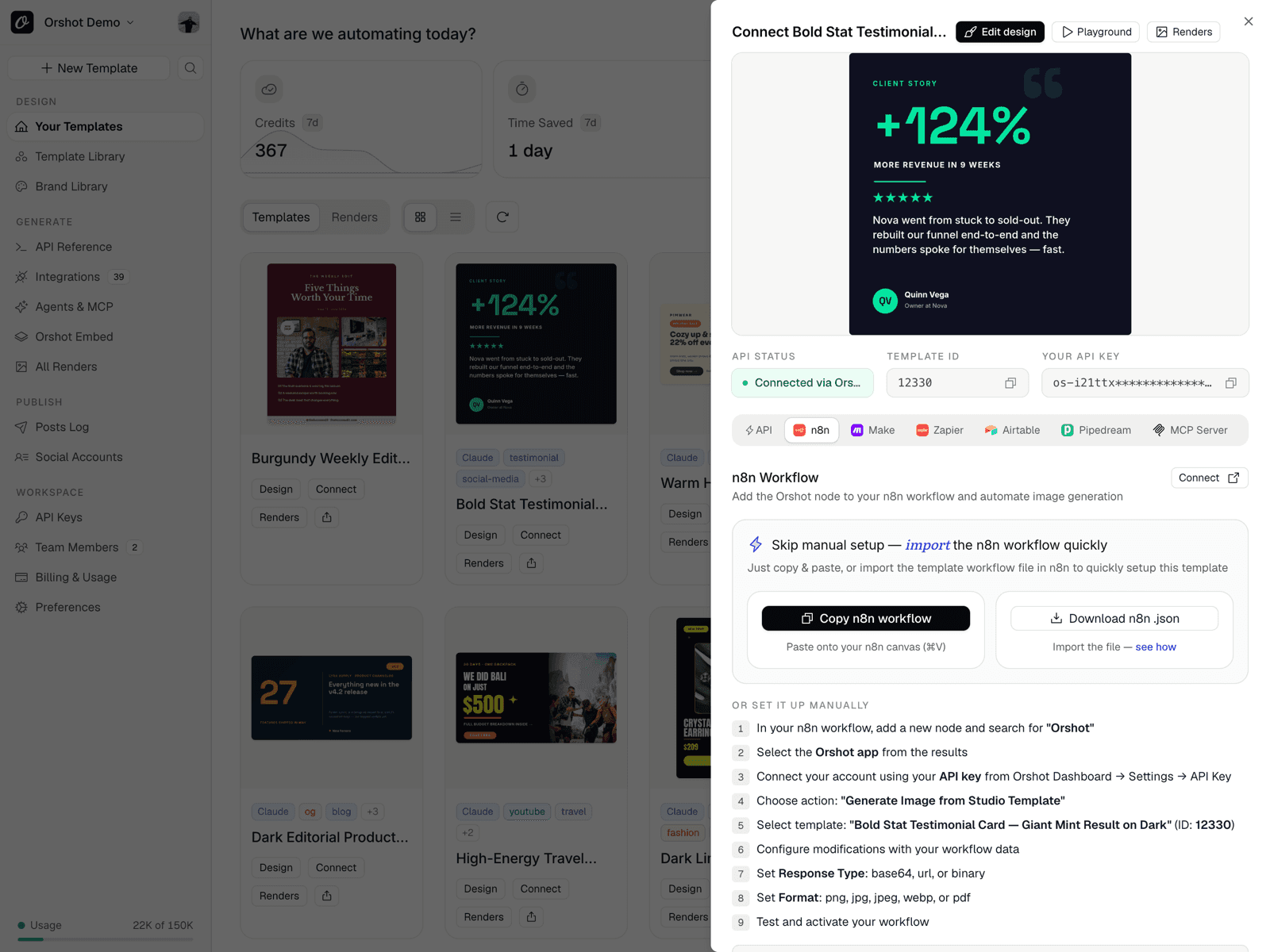
The campaign system behind the scenes. Prompt, render, publish.
Use the API, SDKs or no-code tools to turn a campaign brief, sheet row, CRM update or client request into finished images, PDFs, videos and social posts.
npm install orshotimport { Orshot } from 'orshot';
const orshot = new Orshot(process.env.ORSHOT_API_KEY);
const { url } = await orshot.renderFromStudioTemplate({
templateId: 1234,
modifications: {
title: 'Flash Sale — 50% Off Everything',
hero_image: 'https://example.com/product.jpg',
},
response: { type: 'url', format: 'png' },
});





Render the campaign, then publish it for the client.
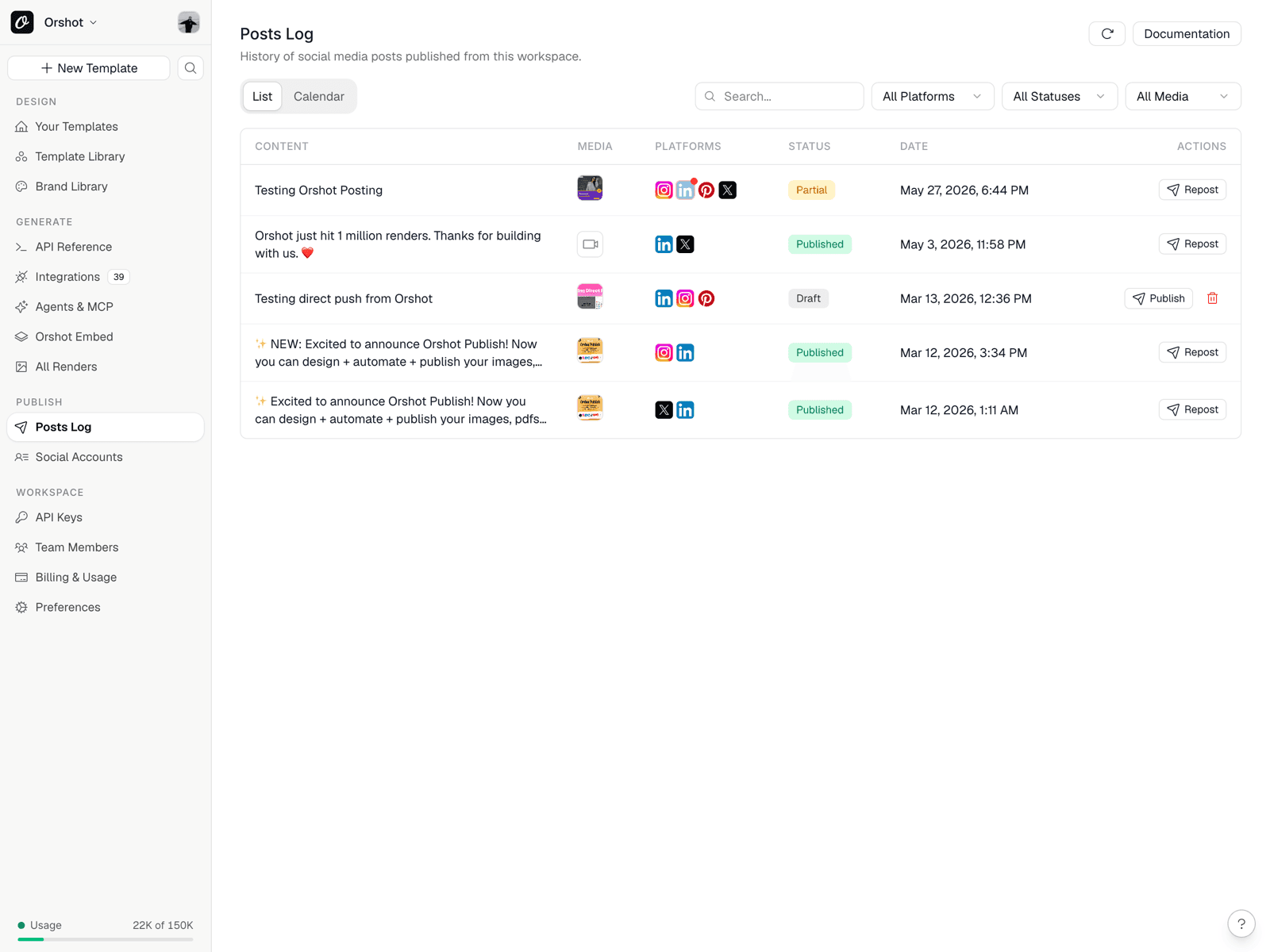
Connect each client’s social accounts once, then publish, draft or schedule posts as part of the render workflow. Orshot handles the content production and the delivery step, so agencies can offer social media content automation without stitching together a separate scheduler.
- Publish or schedule to Instagram, LinkedIn, X, TikTok, Facebook and more
- Keep every connected account scoped to the correct client workspace
- Track generated assets and published posts in one place
- Support static posts, carousels, videos and other campaign formats
Built for the people who ship client campaigns.
Campaign variants without the design queue
Turn a client request into approved variants for each channel, then generate the final assets from controlled fields.
AI speed with brand guardrails
Use agents for first drafts, then lock the parts that matter. The team scales output without cleaning up off-brand assets later.
A dependable visual layer
Add branded image, PDF and video generation to your n8n, Make, Zapier or custom workflows with predictable API inputs.
More recurring value per client
Package campaign automation, client portals and social publishing as a repeatable system instead of manual production hours.
The agency content layer, from AI draft to published campaign.
Orshot sits beside your CRM, project management tools, spreadsheets and automation stack. It handles the branded creative output those tools were never built to produce.
Agents and MCP
Connect Claude, Cursor, Codex, VS Code and other MCP clients to generate templates and renders.
Smart Resize
Create channel-specific sizes from one campaign template, then render them on demand.
White-label Embed
Give clients a controlled editor or generator inside your own agency portal.
Team collaboration
Invite designers, developers, account managers and clients with workspace-level roles.
Bring your own storage
Send finished campaign files to S3, R2, Dropbox or Google Drive.
Multi-format API
Generate PNG, JPG, WebP, PDF, MP4, WebM and GIF from the same automation flow.
Start from templates, then make them client-specific.
Use Orshot's template library for campaign visuals, carousels, documents and social assets. Add the client brand kit, dynamic fields and automation rules when the template is ready to scale.
 Skyscraper Ad Template 160x600 — 2 Gradient Variants
 Medium Rectangle Ad Template 300x250 — SaaS Claim
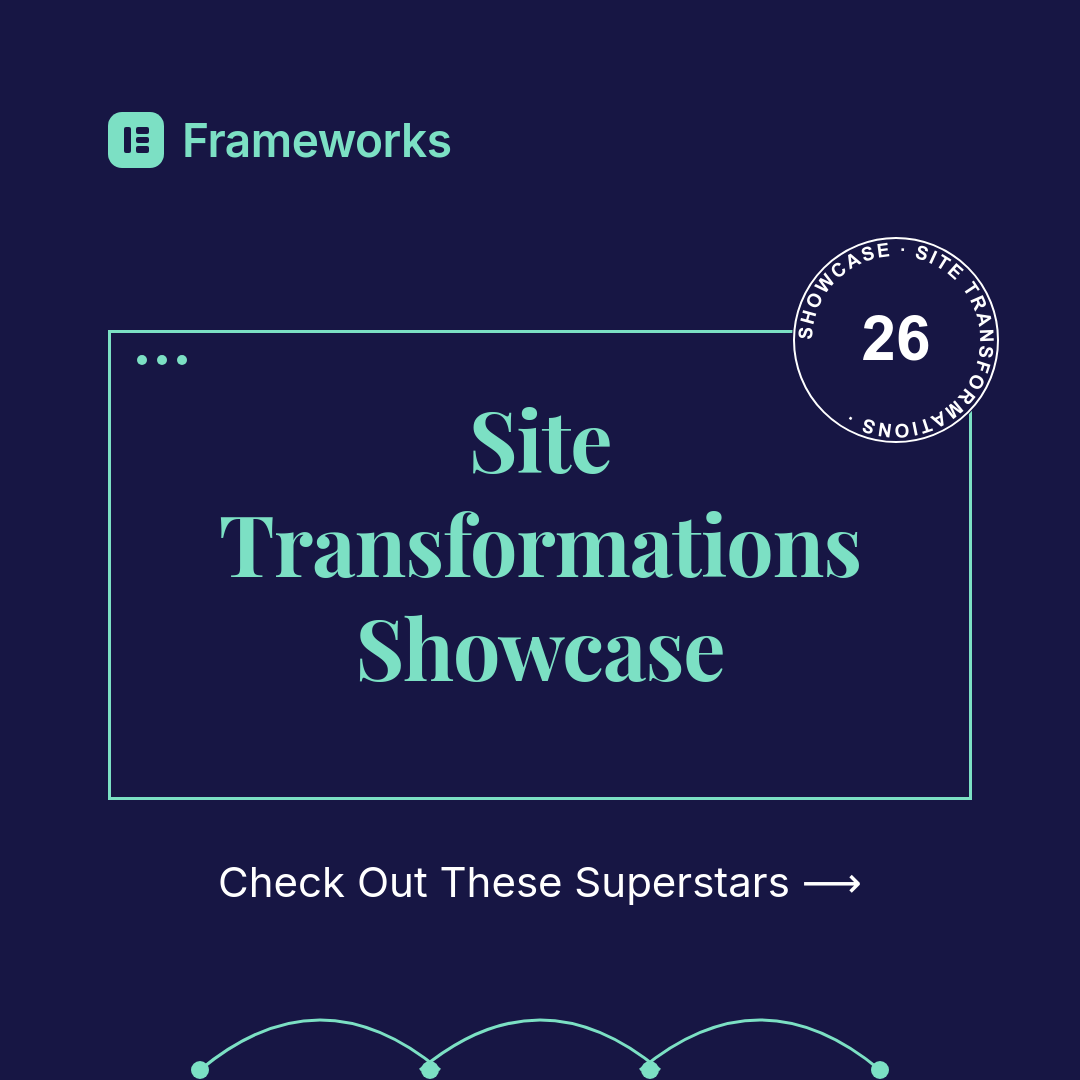 Social Feed Ad Template 1080x1080 — Showcase Badge
 Half Page Ad Template 300x600 — Coupon Offer
 Medium Rectangle Ad Template — Subscription Offer
 Social Feed Ad Template 1080x1350 — Testimonial
 Half Page Ad Template 300x600 — Animated Product
 Half Page Ad Template 300x600 — SaaS, 2 Variants
 Medium Rectangle Ad Template 300x250 — Streaming
 Billboard Ad Template 970x250 — Hiring CampaignSkyscraper Ad Template 160x600 — 2 Gradient VariantsMedium Rectangle Ad Template 300x250 — SaaS ClaimSocial Feed Ad Template 1080x1080 — Showcase BadgeHalf Page Ad Template 300x600 — Coupon OfferMedium Rectangle Ad Template — Subscription OfferSocial Feed Ad Template 1080x1350 — TestimonialHalf Page Ad Template 300x600 — Animated ProductHalf Page Ad Template 300x600 — SaaS, 2 VariantsMedium Rectangle Ad Template 300x250 — StreamingBillboard Ad Template 970x250 — Hiring Campaign
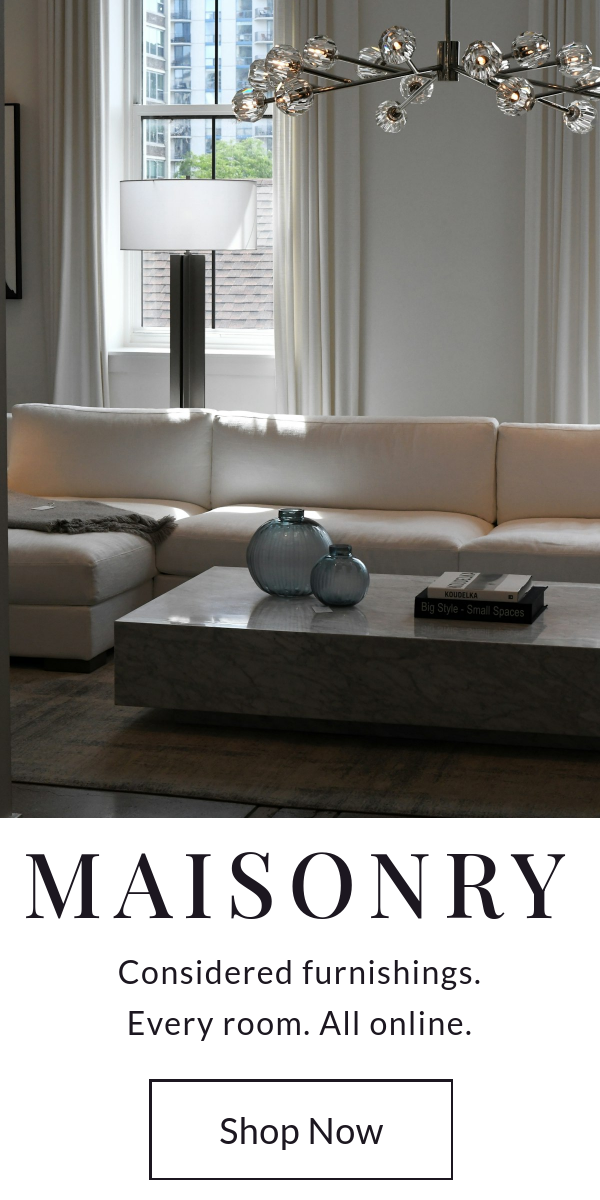 Half Page Ad Template 300x600 — Luxury Retail
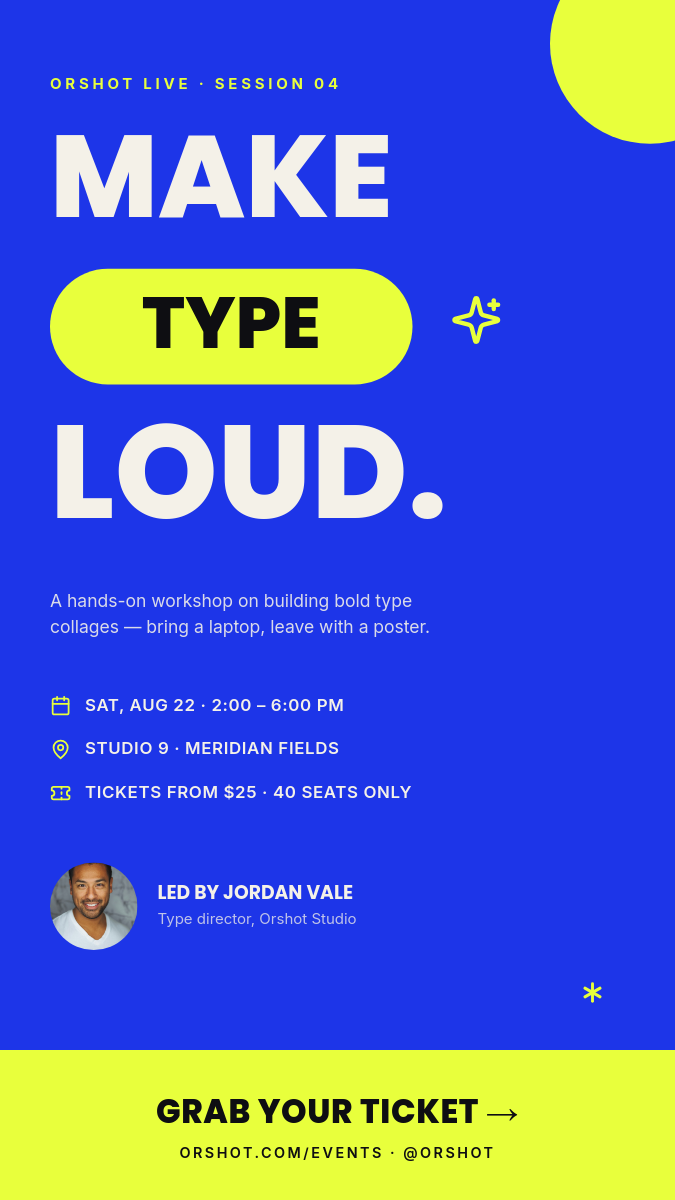 Bold Type Collage Design Workshop — Electric Story Flyer
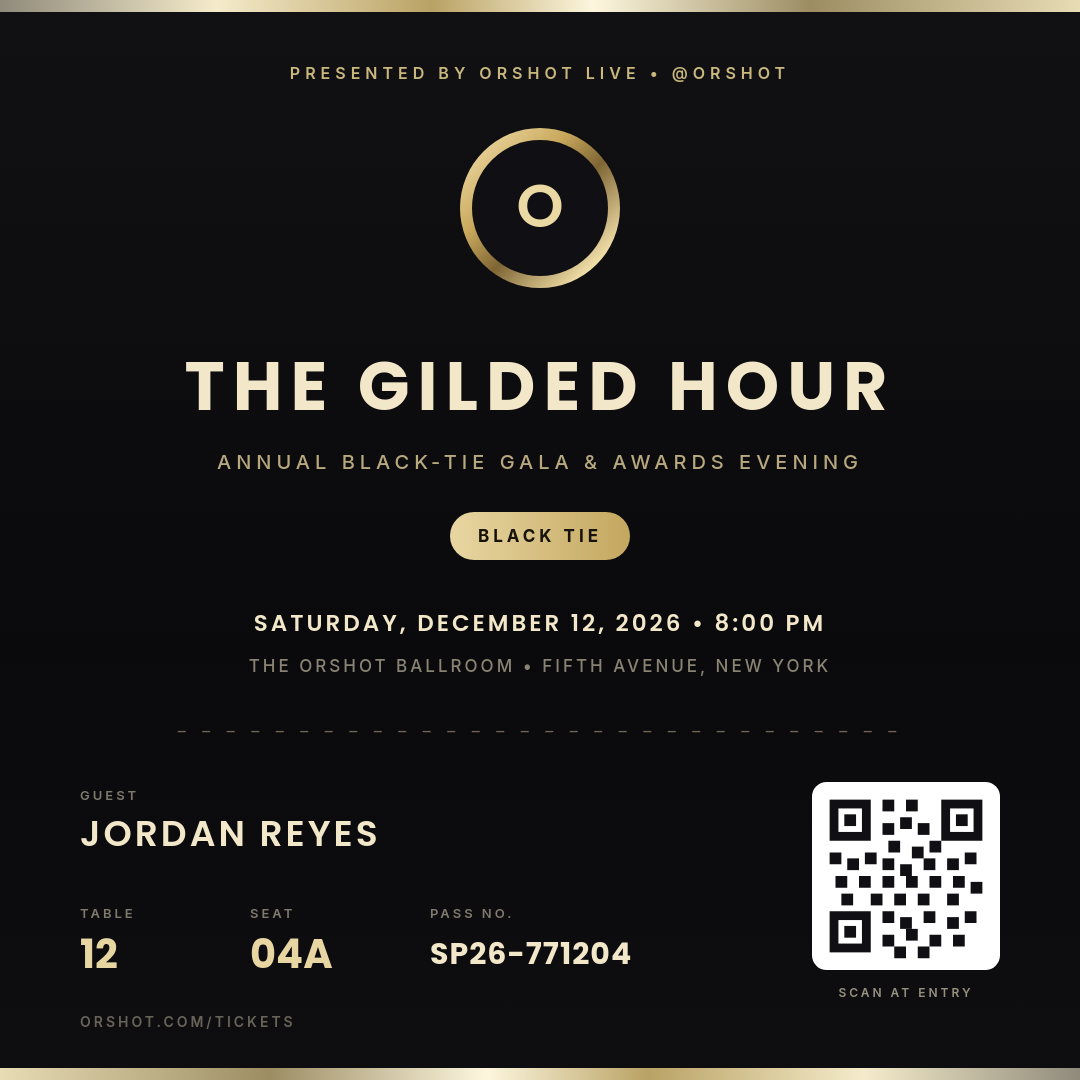 Champagne Chrome Gilded Hour — Metallic VIP Gala Pass
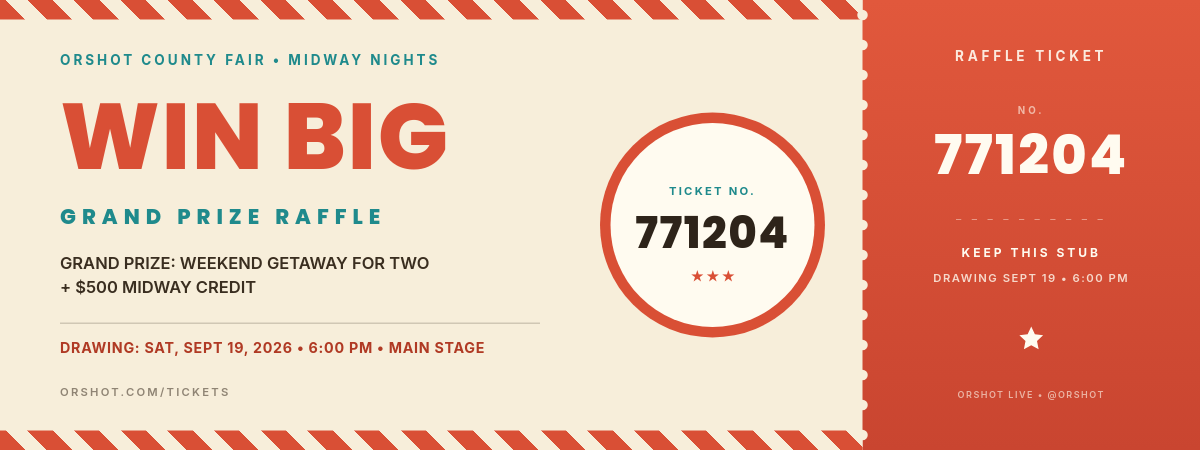 Carnival Cream Big Top Jackpot — Perforated Raffle Ticket
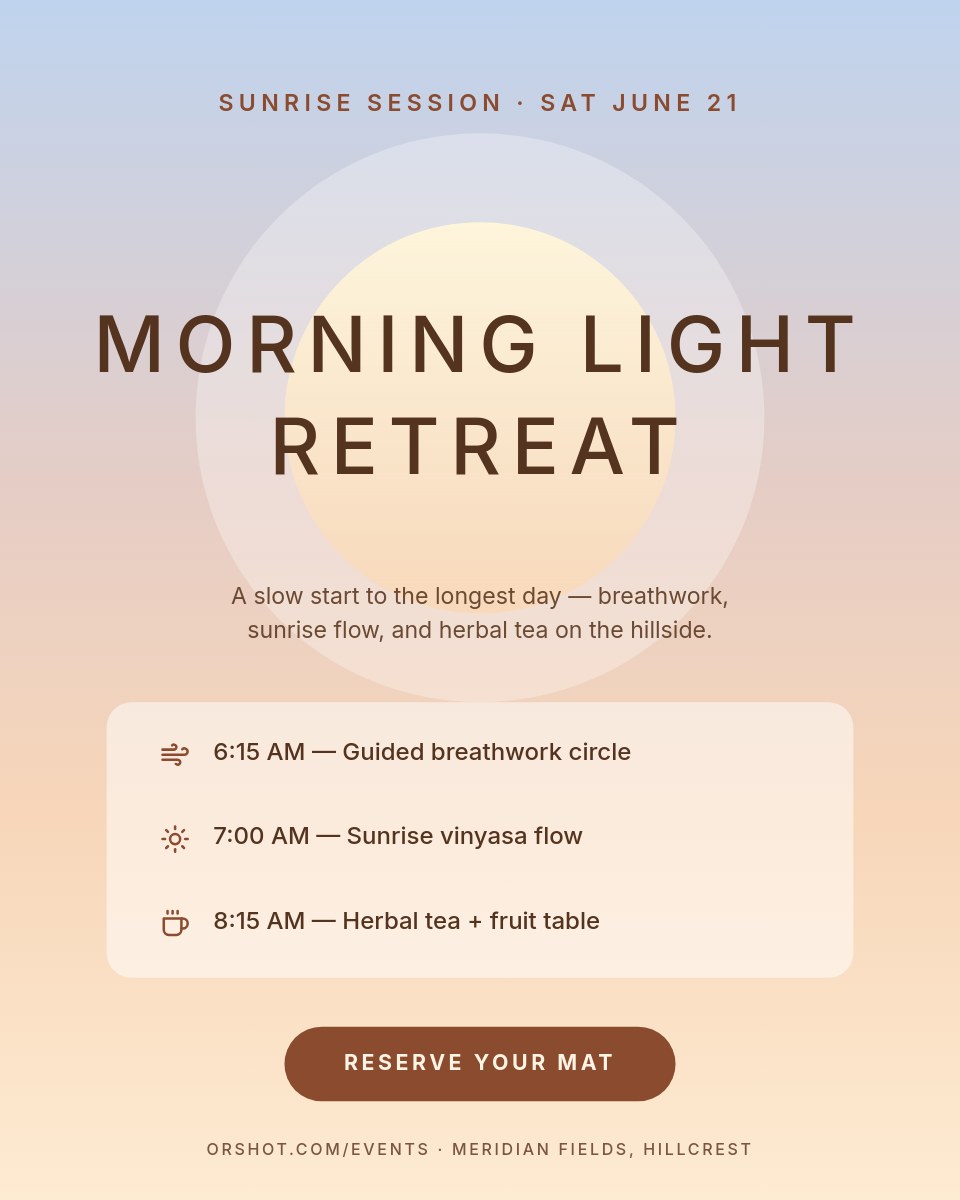 Airbrushed Sunrise Wellness Retreat — Serene Portrait Invite
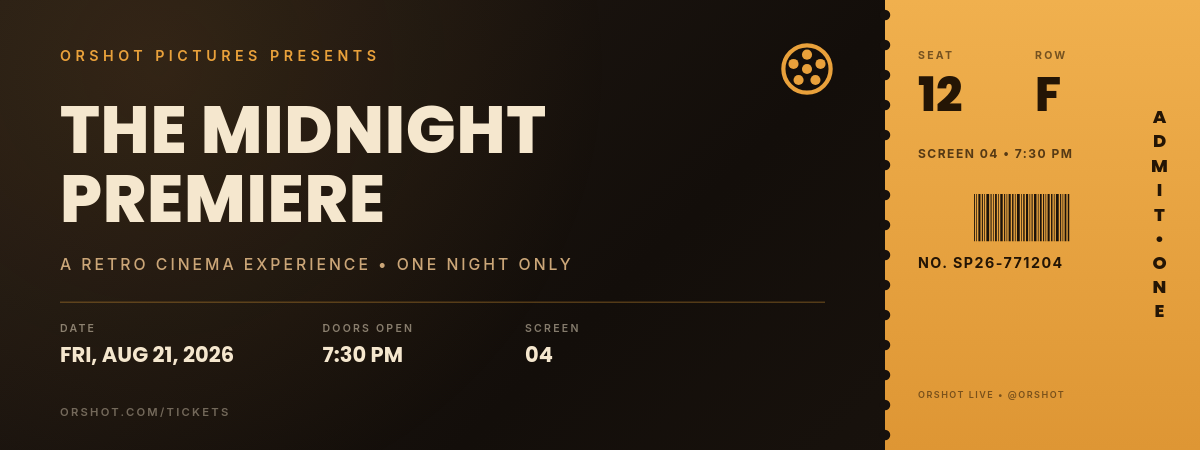 Amber Noir Midnight Premiere — Retro Cinema Admit-One Ticket
 Chrome Surge Fitness App Trial — Square Metallic Promo Ad
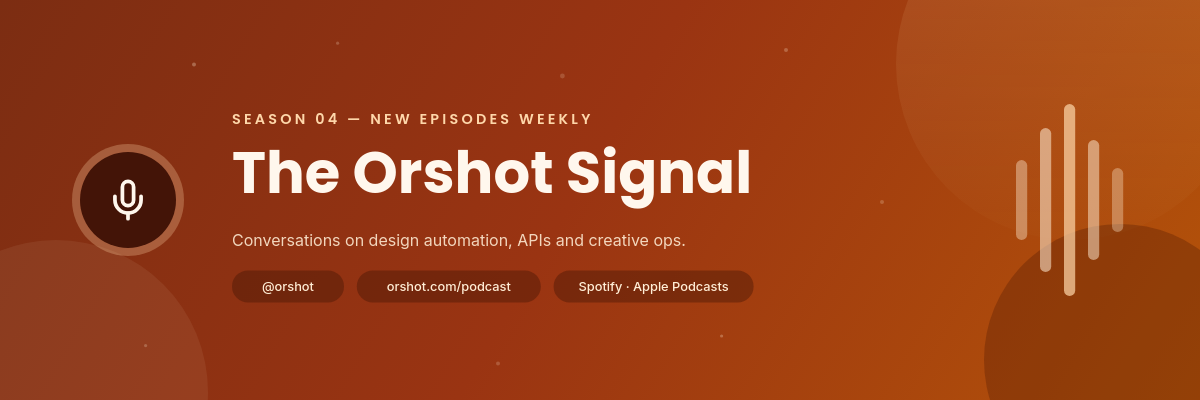 Warm Grainy Podcast Season Cover — Profile Cover Banner
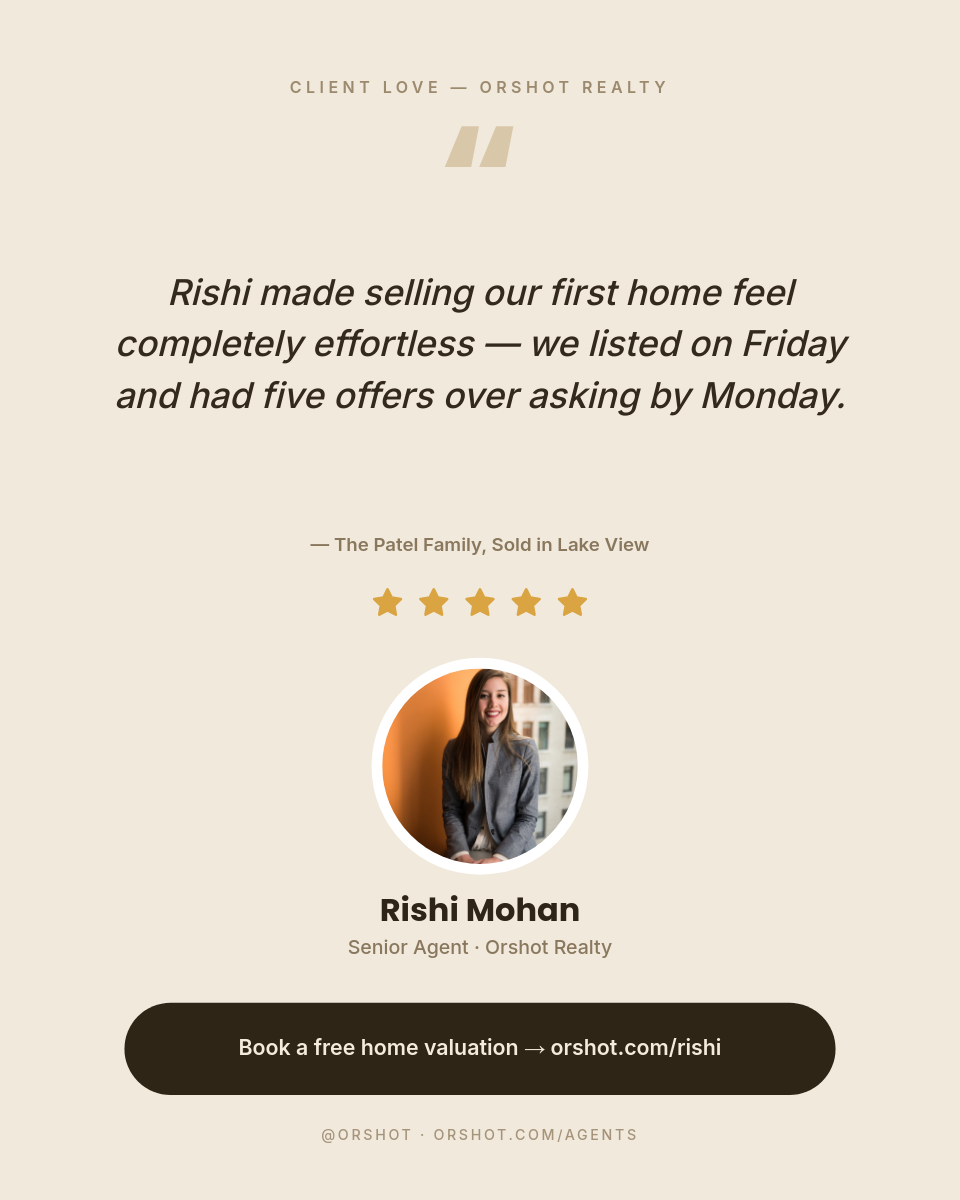 Warm Minimal Agent Testimonial — Sand Portrait
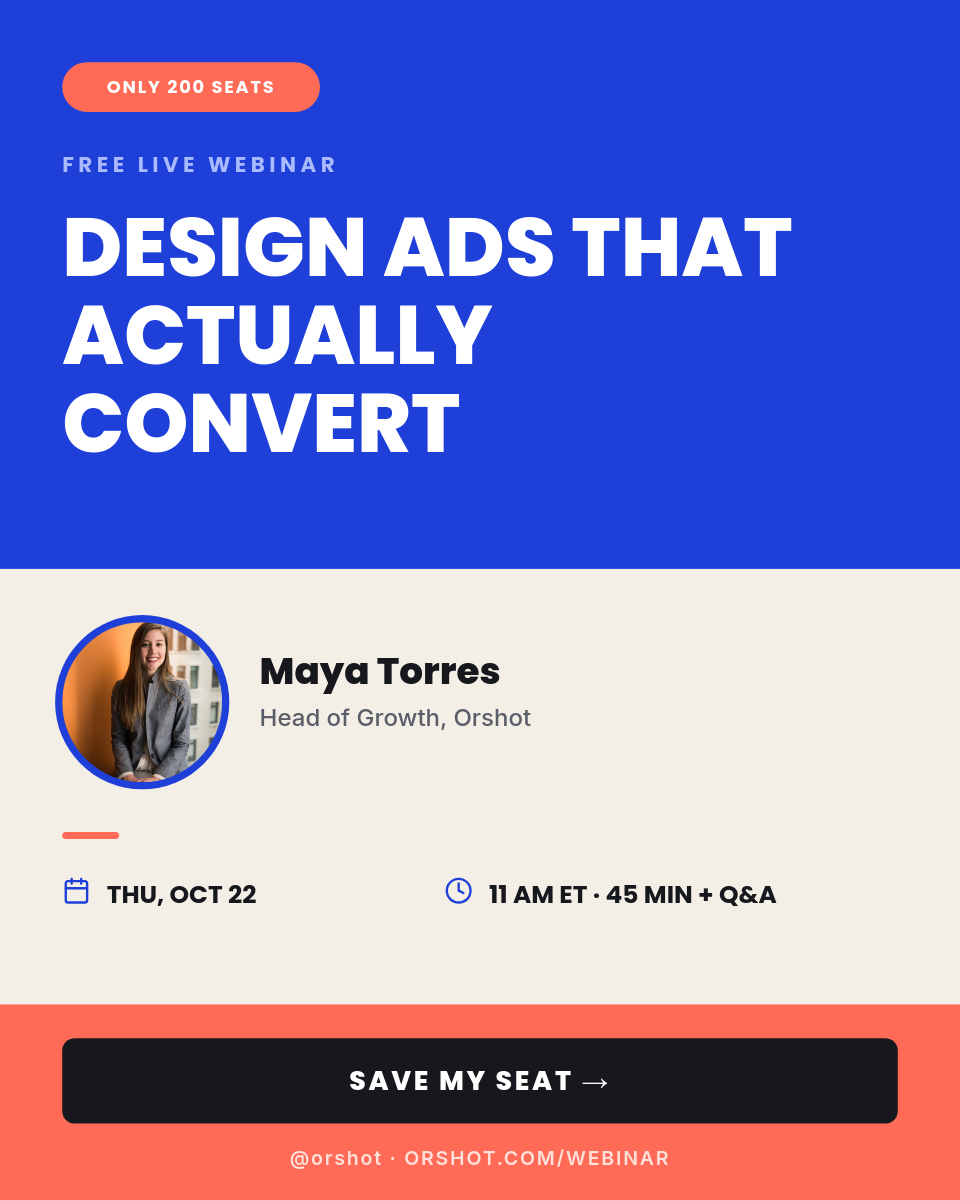 Cobalt Coral Conversion Webinar Registration — Portrait Color-Block Event AdHalf Page Ad Template 300x600 — Luxury RetailBold Type Collage Design Workshop — Electric Story FlyerChampagne Chrome Gilded Hour — Metallic VIP Gala PassCarnival Cream Big Top Jackpot — Perforated Raffle TicketAirbrushed Sunrise Wellness Retreat — Serene Portrait InviteAmber Noir Midnight Premiere — Retro Cinema Admit-One TicketChrome Surge Fitness App Trial — Square Metallic Promo AdWarm Grainy Podcast Season Cover — Profile Cover BannerWarm Minimal Agent Testimonial — Sand PortraitCobalt Coral Conversion Webinar Registration — Portrait Color-Block Event Ad
Build once for one client. Repeat it across the agency.
Start with a client workspace, generate a campaign template with an agent, resize it for every channel, automate the render flow and publish through connected accounts.