When people search for a Creatomate alternative, it usually comes down to three things:
- First, your designers can't actually work in JSON, so every small tweak requires a developer
- Second, the resolution-based credit system makes monthly costs impossible to predict
- Or third, you've outgrown the Essential plan, but the $109 Growth jump feels unnecessarily steep.
Creatomate is a solid product if you're a developer-only team rendering complex video at scale. But it was built around JSON templates and resolution-based credits. That structure breaks the moment you need a designer to edit a template, or when you start rendering more images than videos.
I built Orshot to fix exactly that.
Here's the template for this post open in Orshot's Studio. Hit play on the timeline at the bottom to watch the animation — this is the visual video editor Creatomate replaces with JSON. The same template renders as an image, a PDF, or a video.
It gives you a visual drag-and-drop editor your designers will actually enjoy using. It uses flat per-credit pricing with zero resolution math — 1 credit = 1 image, 1 PDF page, or 1 second of video. It gives you multi-page templates and a full white-label editor on every paid tier.
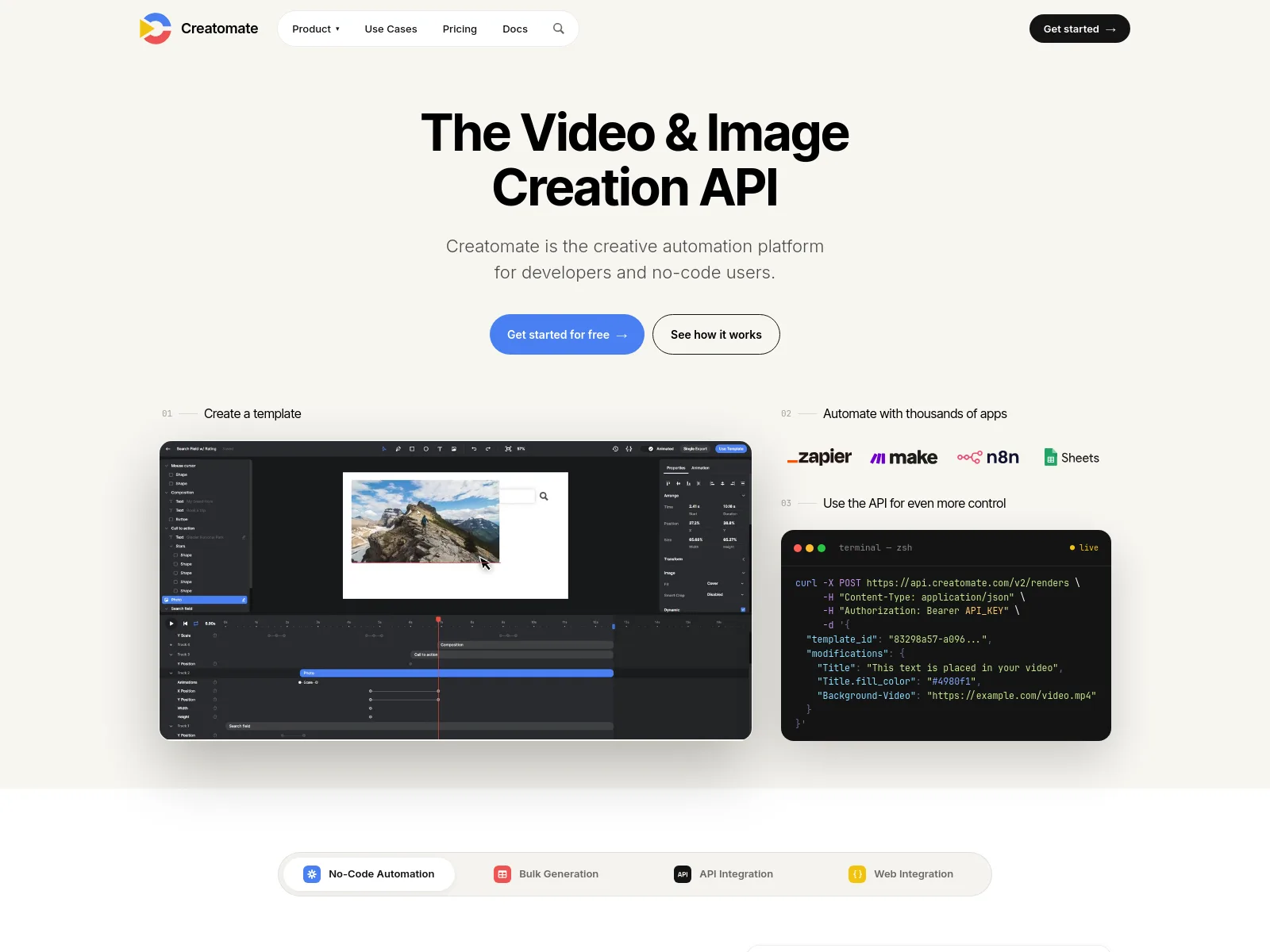
What's Different
If you're already on Creatomate, here's what changes when you switch:
| Feature | Orshot | Creatomate |
|---|---|---|
| Free tier | 100 credits a month, resets monthly | 50-credit trial |
| Entry plan | $39/month for 1,500 credits | $54/month for 2,000 credits ($45 billed annually) |
| Template editing | Visual drag-and-drop Studio | JSON templates |
| Credit model | Flat — 1 credit = 1 image, 1 PDF page or 1 second of video, at any resolution | Video credits scale with resolution and frame rate |
| Multi-page templates | Carousels, PDFs and videos in one API call | No — stitch them yourself |
| White-label editor | Studio Embed on every paid plan from $39 | JS Preview SDK (Growth+, $109) — a preview widget, not a full editor |
| Render storage | Push to Drive, Dropbox, S3 or R2 | Hosted on their CDN, auto-deleted after 30 days |
| Public self-serve forms | Template Forms — share a template as a form | No |
| Native workflows | Trigger, render and publish on a schedule | Zapier, Make or n8n |
| Social publishing | Built in, 15+ platforms | No |
| Template creation | Canva, Figma import, or AI | Manual, in JSON |
| Integrations | n8n, Zapier, Make, Pipedream, MCP server, Dynamic URLs | Zapier, Make, n8n, Pabbly |
The friction with Creatomate
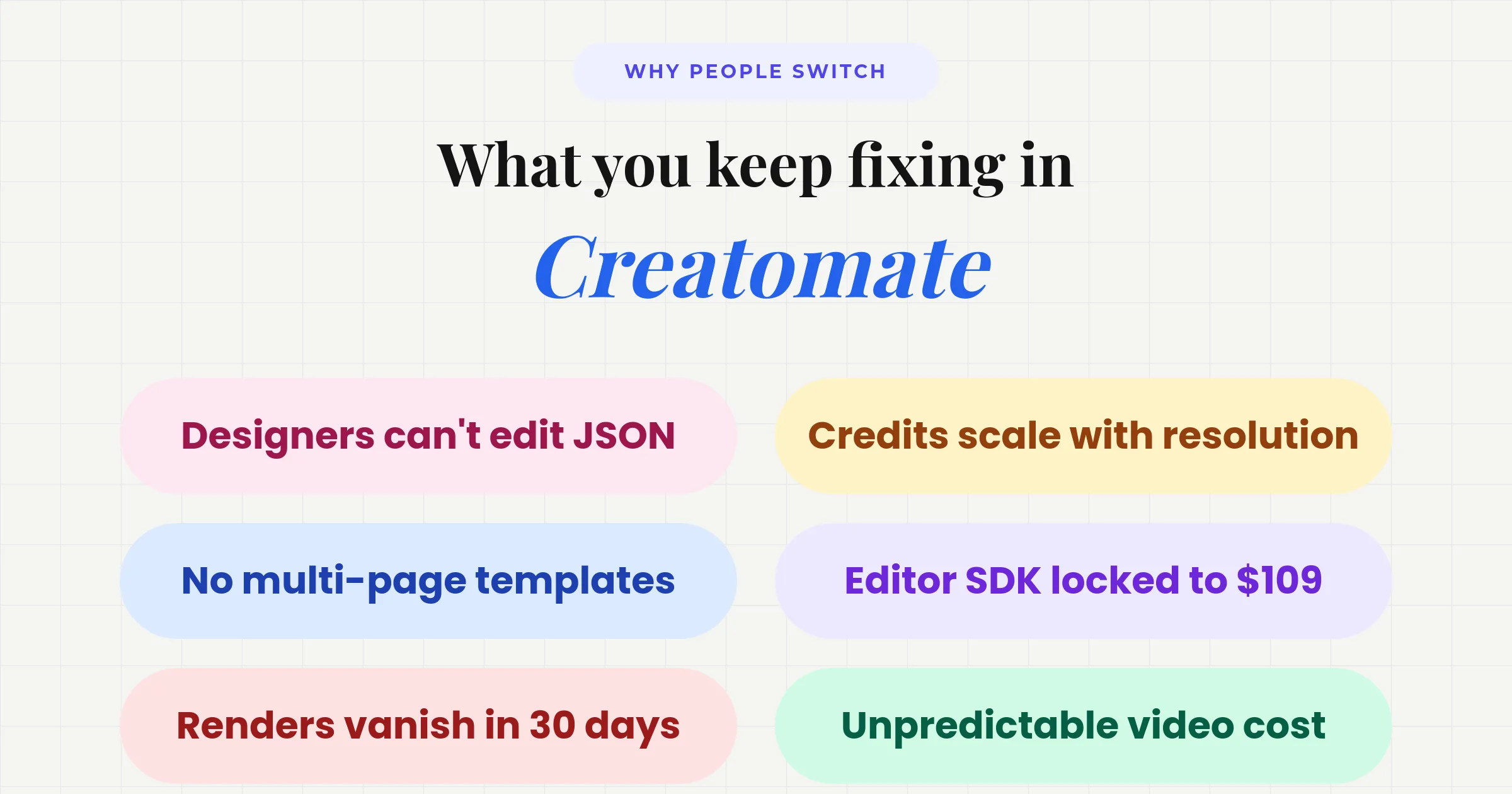
- JSON templates. Designers can't iterate without a developer in the loop.
- Resolution-based credits. 1080p eats more than 720p. Budgeting becomes guesswork.
- No multi-page. Carousels, PDFs, and slideshows have to be stitched together manually.
- JS Preview SDK gated. Locked behind the $109 Growth plan (and it's only a preview widget, not the editor).
- Renders auto-delete. Files vanish after 30 days. No first-party limits to push to your own S3/Drive.
- Tutorials over help. You get feature walkthroughs when you actually just need a quick answer.
Creatomate Pricing in 2026 (and How Orshot Compares)
Creatomate runs three plans — Essential, Growth and Beyond — and the pricing page defaults to annual billing, so the number you see first is the annual-effective rate (roughly two months cheaper than paying monthly). Here's the monthly rate against the closest Orshot plan, with the annual figure in brackets. Prices checked against creatomate.com/pricing in August 2026:
| Creatomate plan | Creatomate | Closest Orshot plan | Orshot |
|---|---|---|---|
| Essential · 2,000 credits | $54 ($45/yr) | Launch · 1,500 credits | $39 |
| Growth · 10,000 credits | $129 ($109/yr) | Grow · 20,000 credits | $160 |
| Beyond · 50,000 credits | $329 ($274/yr) | Scale · 75,000 credits | $349 |
On images the two are close — 1 image is 1 credit on both, so Essential works out to $0.027 a credit against Orshot Launch's $0.026. Read it honestly:
- On raw image credits they're competitive, and if you pay annually and render only images, their $45 for 2,000 edges Orshot's $39 for 1,500.
- Video is where the models split — but not the way a sticker price suggests. Creatomate bills video by resolution and frame rate (their own docs put 720p/25fps at about 14 credits a minute), so the same clip is cheap or expensive depending on settings, and you can't know the bill until you pick them. Orshot is a flat 1 credit per second — simpler to forecast, and it never changes because you bumped the resolution.
- The gated features are the real gap. The white-label editor, multi-page templates, own-storage sync and social publishing are included on every Orshot plan; on Creatomate the editor SDK starts at Growth and renders auto-delete after 30 days.
What Orshot adds on top
Here are a few things Orshot handles that Creatomate doesn't do at all:
- AI Design Agent — Describe what you need ("Instagram promo with headline and logo") and it builds the layers and parameters for you.
- Smart Resize & variants — Render one design at any size in a single call, the layout re-solves to fit, or return every social format at once with
extraSizes. No redesigning per aspect ratio. - Studio Embed — White-label the full editor inside your own app, with React and Vue SDKs.
- Template Forms — Share any template as a public, self-serve form for clients or teammates.
- Brand Kit — Centralize colors, fonts, logos and videos, and apply them to every render.
- Bring your own storage — Pipe renders straight into Drive, Dropbox, S3 or R2 (Creatomate deletes them after 30 days).
- Import from anywhere — Bring designs in from Canva, Figma, HTML, a URL, Polotno, Bannerbear or Templated instead of starting from scratch.
- Developer tools everywhere — OAuth 2.0 apps, an MCP server for agents with 60+ tools, a VS Code extension, a CLI, and native SDKs (Node, Python, Ruby, PHP).
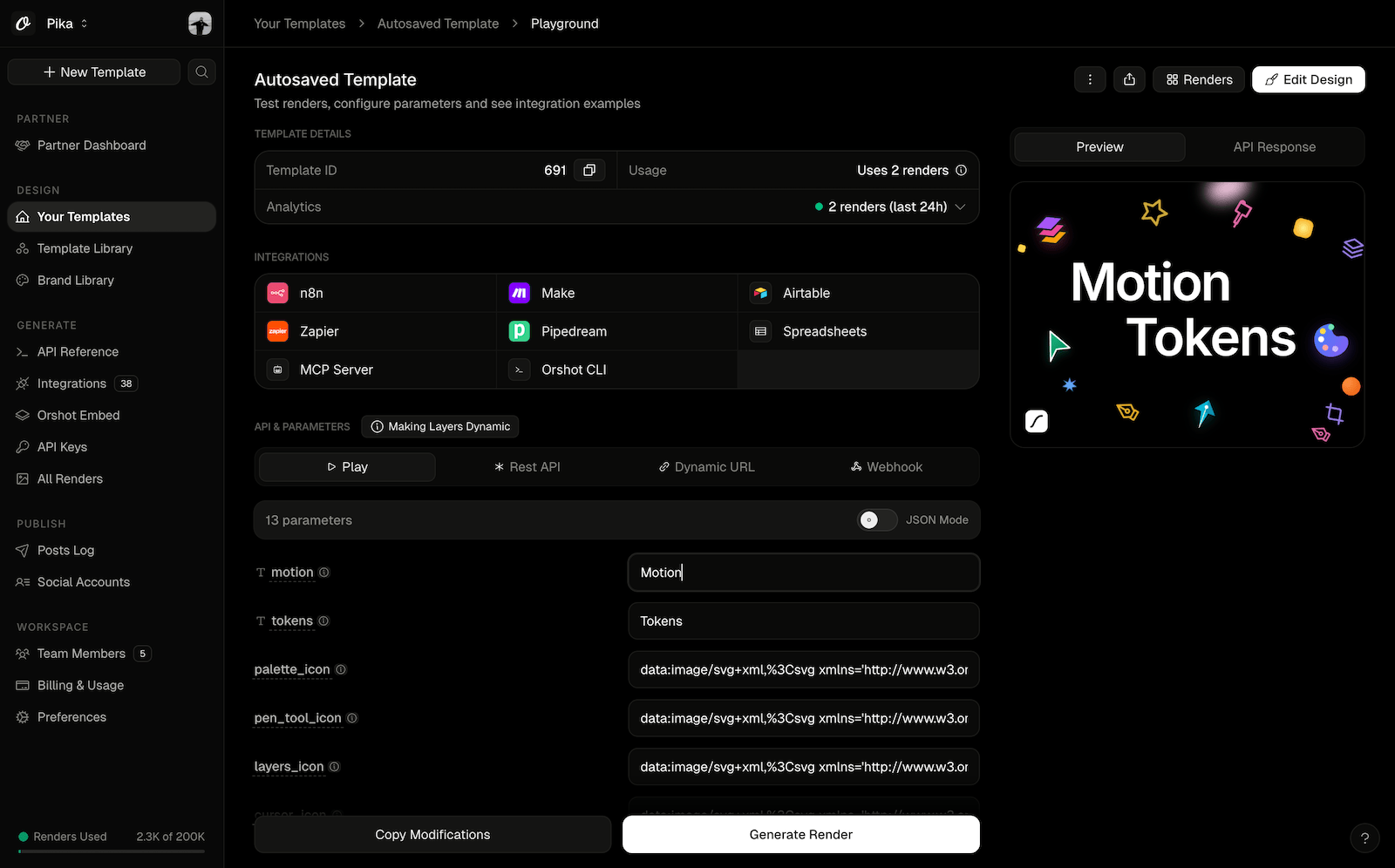
Audio, subtitles and clips, controlled by the API
Creatomate renders video, but Orshot's video is a visual template where every audio track, caption and clip is a parameter you override at render time. Set it up visually in Studio, then override any of it per render — one template becomes hundreds of on-brand videos.
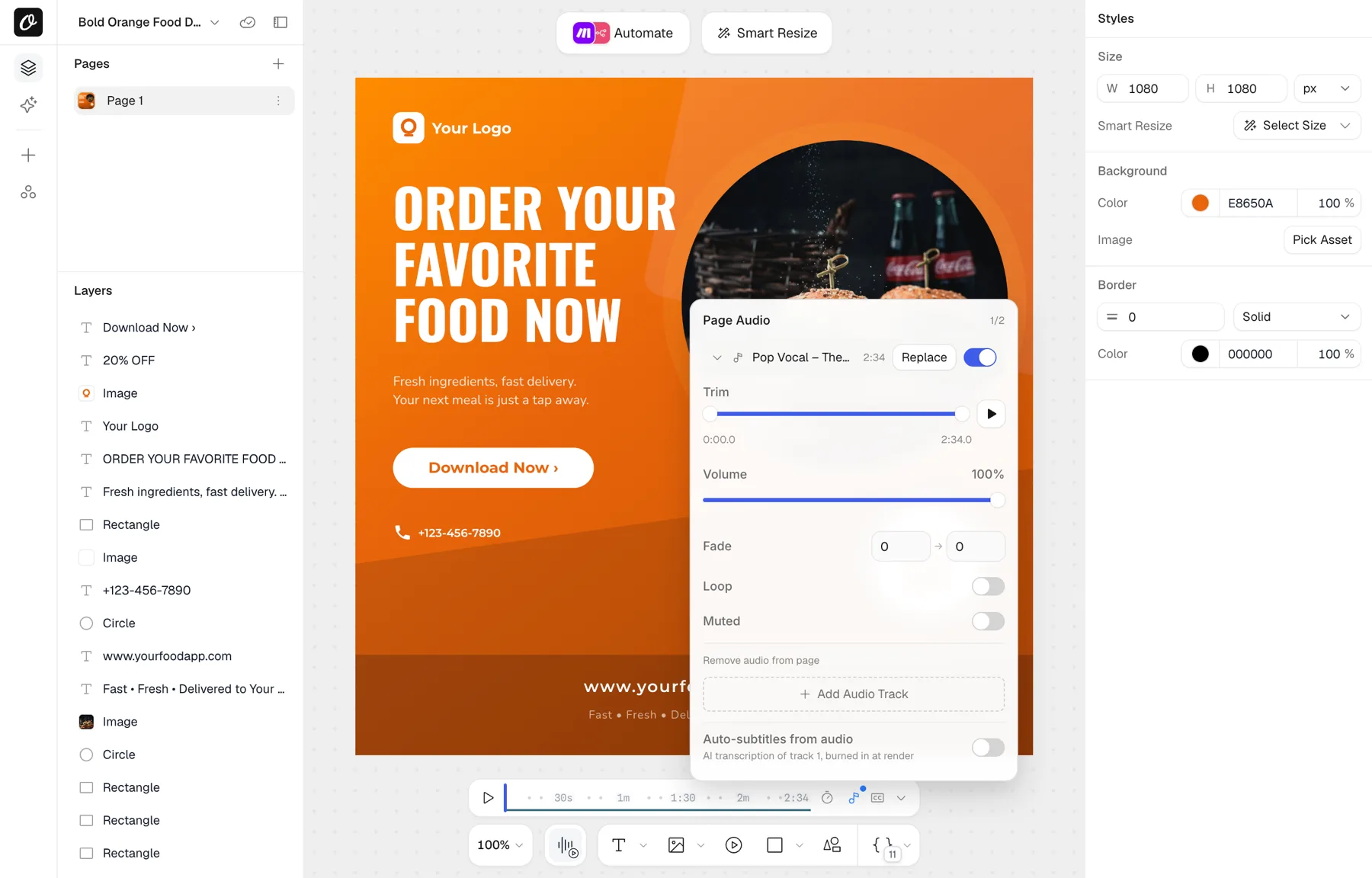
- Dynamic audio — add per-page music or a voiceover in Studio with volume, offset, loop, fade and trim, then swap the track for any render with
audioSource(one URL, or per page). - Dynamic subtitles — auto-transcribe captions from the audio or video with Whisper, or pass an
.srt/.vtt. Switch to word-by-word karaoke, and control font, size, weight, color, position, background pill, padding and shadow. - Per-clip video control — replace a clip's source and set its
trimStart,trimEnd,mutedandloopper element, per render.
await fetch("https://api.orshot.com/v1/studio/render", {
  method: "POST",
  headers: {
    Authorization: "Bearer YOUR_ORSHOT_API_KEY",
    "Content-Type": "application/json",
  },
  body: JSON.stringify({
    templateId: "your_template_id",
    modifications: {
      headline: "Launch week",
      // per-clip control, by element id
      "bgVideo.trimStart": 2,
      "bgVideo.trimEnd": 8,
      "bgVideo.muted": false,
    },
    response: { type: "url", format: "mp4" },
    videoOptions: {
      audioSource: "https://cdn.example.com/track.mp3", // swap the soundtrack
      subtitleSource: "https://cdn.example.com/voiceover.mp3", // auto-transcribed captions
      subtitleMode: "word-by-word", // karaoke-style captions
      subtitleColor: "#ffffff",
      subtitlePosition: "bottom",
    },
  }),
});
Every parameter is in the video options, video elements and subtitles docs. On Creatomate this lives in hand-written JSON and resolution-priced credits; on Orshot it's a visual timeline plus a flat 1 credit per second.
Automate the Whole Loop, Not Just the Render
A render API gives you one endpoint. Something still has to decide when to call it, where the data comes from, and where the finished file goes — usually Zapier, Make or n8n, which is a second subscription and a second thing to break. Orshot Workflows put that inside the same product as the template:
- Trigger from Google Sheets, Airtable, Notion, Google Forms, HubSpot, Shopify, Drive or a plain webhook
- Render one template or a whole batch
- Send it to social, storage, email or your own endpoint
- Repeat on a schedule, without you
The one most Creatomate users would want first — a short-form video rendered and posted straight to TikTok on a schedule. Copy it into your workspace and turn it on:
A few more working presets in the same vein: Instagram carousels from a sheet, product marketing images from a catalog, and sale and discount banners. Creatomate has no workflow equivalent — scheduling and orchestration live in Zapier, Make or n8n on their side.
Already on Make.com or n8n? Bring it with you
If you found this page searching for a Creatomate Make.com integration or a Creatomate n8n setup, you don't lose that by switching. Orshot has a first-party n8n node plus Make, Zapier and Pipedream apps, so your existing scenarios keep working — swap the render step and the rest of the flow is unchanged. There's also Orshot for agents so Claude, Cursor or Windsurf can render directly.
Post to 15+ social accounts, then see what's working
Creatomate stops at the render. Orshot takes it all the way to the post and back — from the same API:
- Publish from the render call — add a
publishobject to any render and Orshot uploads it and posts to 15+ platforms: Instagram, TikTok, LinkedIn, X, YouTube, Facebook, Pinterest, Threads and more. Post instantly, save a draft, or schedule it with astatusfield. - Or let an agent do it — with Orshot for agents, Claude, Cursor or ChatGPT can render and post on your behalf from a plain prompt.
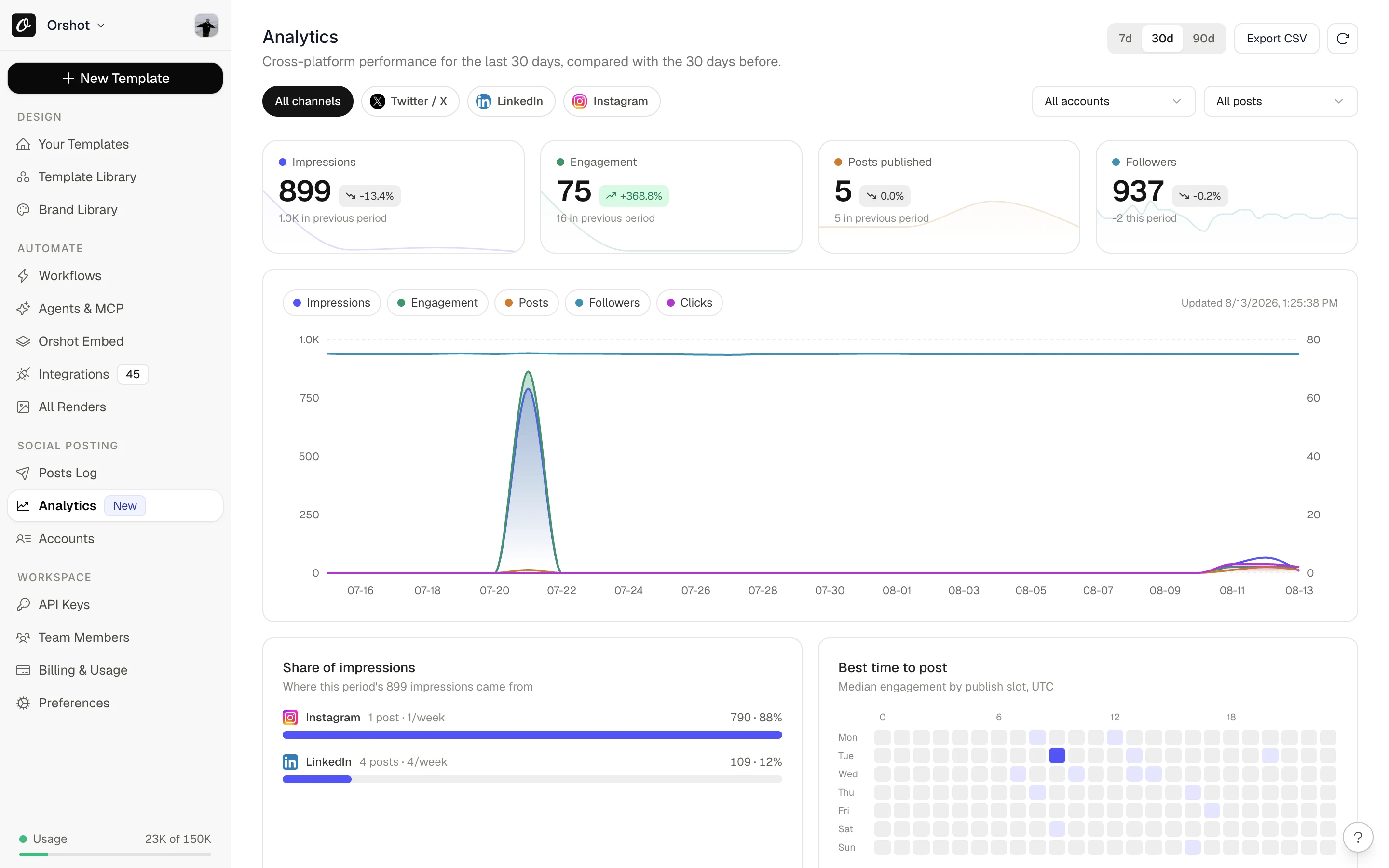
- Then measure it — social analytics tracks impressions, engagement, follower growth and best time to post for every connected account, with a daily digest email.
await fetch("https://api.orshot.com/v1/studio/render", {
  method: "POST",
  headers: {
    Authorization: "Bearer YOUR_ORSHOT_API_KEY",
    "Content-Type": "application/json",
  },
  body: JSON.stringify({
    templateId: "your_template_id",
    modifications: { headline: "Launch day" },
    response: { type: "url", format: "mp4" },
    publish: {
      accounts: [1, 2, 3], // connected TikTok, Instagram, LinkedIn
      content: "Out now →",
    },
  }),
});
On Creatomate you'd render here, then bolt on Buffer or Hootsuite to post and a separate tool to see how it did. Orshot does all three.
When Creatomate is still the right call
I want to be honest here: if you need complex programmatic multi-track video compositing beyond what a template-based workflow handles, Creatomate's JSON engine is genuinely powerful. But with Orshot's visual video timeline, page-level audio, and auto-subtitles, the gap has narrowed significantly.
For everything else — image-heavy workflows, carousels, PDFs, designers who want to edit templates without writing JSON, or a white-label editor without a $109 floor price — Orshot is the better fit.
Switching
Most people are done migrating in an afternoon.
1. Recreate templates visually
You have three options (fastest first):
- AI Design Agent — Describe the template or paste a screenshot, and get a working draft.
- Import from Canva or Figma — Perfect if you already have the source files.
- Build in Orshot Studio — Drag-and-drop everything using Smart Stacking and your Brand Kit.
Try it now — paste a public Canva share link and see it as an Orshot template:


In Canva: Share → “Public View Link” → copy the link.
2. Swap the API call
Here's how the API call changes.
Creatomate:
const response = await fetch("https://api.creatomate.com/v1/renders", {
  method: "POST",
  headers: {
    Authorization: "Bearer YOUR_CREATOMATE_API_KEY",
    "Content-Type": "application/json",
  },
  body: JSON.stringify({
    template_id: "creatomate_template_id",
    modifications: {
      "Title.text": "Hello World",
      "Image.source": "https://example.com/photo.jpg",
    },
  }),
});
Orshot:
const response = await fetch("https://api.orshot.com/v1/studio/render", {
  method: "POST",
  headers: {
    Authorization: "Bearer YOUR_ORSHOT_API_KEY",
    "Content-Type": "application/json",
  },
  body: JSON.stringify({
    templateId: "orshot_template_id",
    modifications: {
      title: "Hello World",
      image: "https://example.com/photo.jpg",
      // Override any style property natively
      "title.fontFamily": "Space Mono",
      "image.borderRadius": "32px",
    },
    response: {
      type: "url", // url, base64, binary
      format: "png", // png, jpg, webp, avif, pdf, mp4, webm, gif
    },
  }),
});
It uses the same Bearer pattern, but with flat parameter keys (plus dot notation for style overrides), and an explicit output format. Check the API docs, SDKs, or Dynamic parameters for more. Your API key lives under Settings in your Orshot dashboard, the same place Creatomate keeps theirs.
3. Run both in parallel for a day
Compare the outputs side-by-side, tweak margins in Studio, and cut over when you're ready. If anything acts weird, just hit the chat button. I (or someone on the team) will help you migrate.
Other Creatomate alternatives worth a look
Orshot makes sense if you want a visual editor, flat credits and one plan for images, PDFs and video. If your bottleneck is somewhere else, these are the tools people also weigh against Creatomate.
Bannerbear
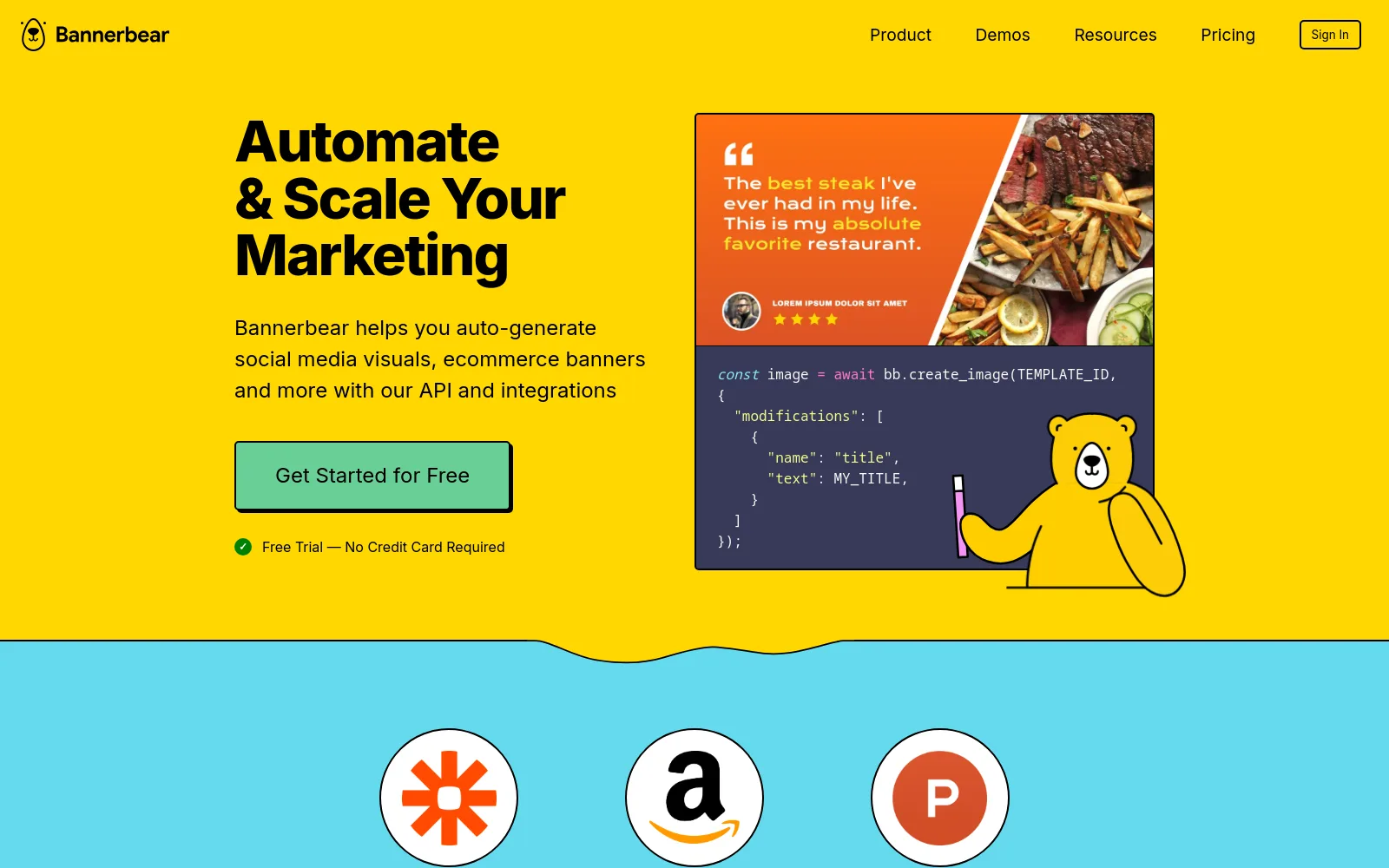
The most established name in image-generation APIs, with a deep bench of integrations (Zapier, Make, Airtable). It's image-first — video is basic and there's no visual timeline — and the bill climbs faster than Creatomate's once you scale.
Read the full Bannerbear breakdown →
Placid
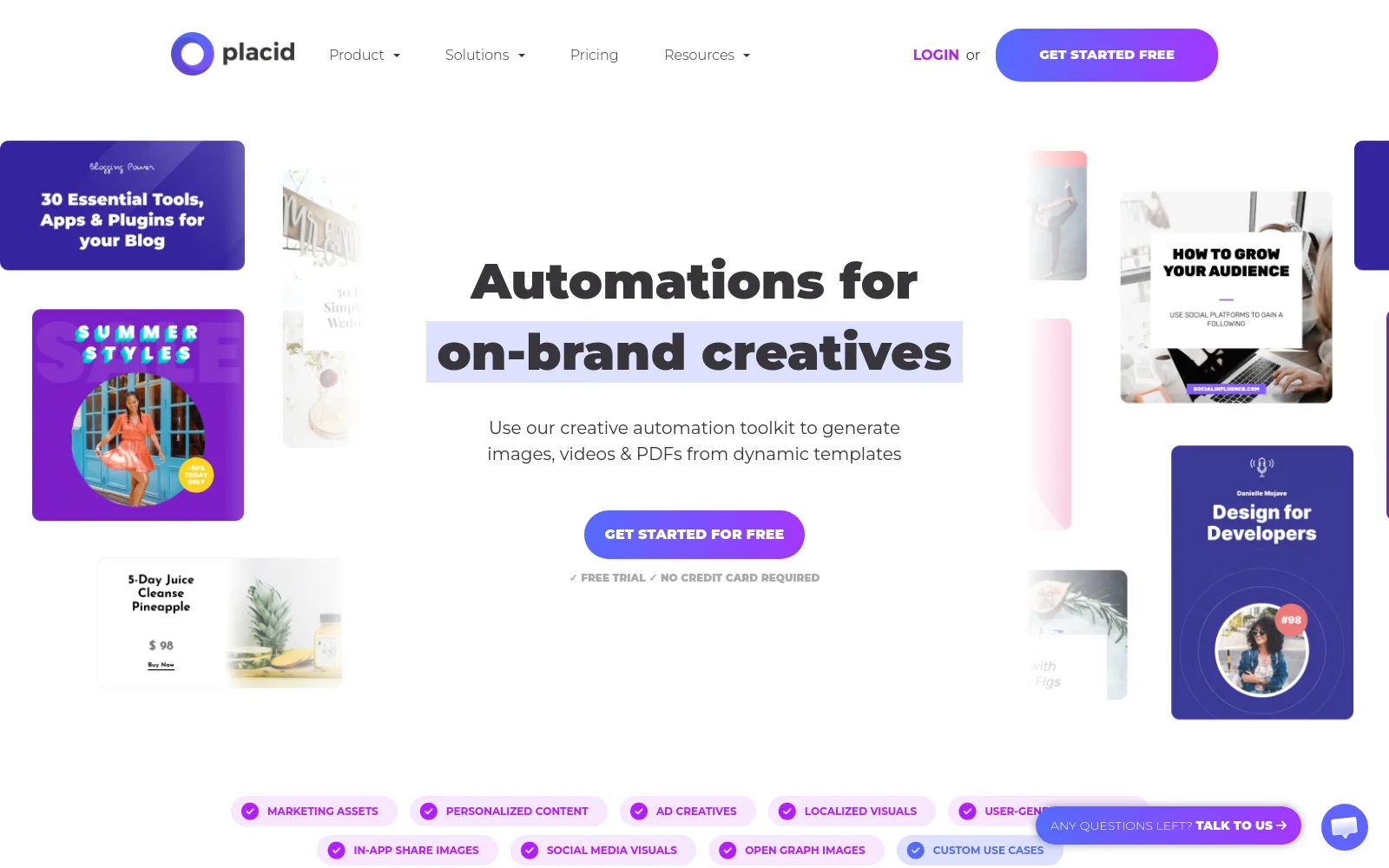
The closest to Creatomate on scope: images, PDFs and video from templates, with a real editor. The catch is the credit math — renders over 4000px multiply, PDF pages cost double, and the Editor SDK sits on the top plan.
Read the full Placid breakdown →
Templated.io
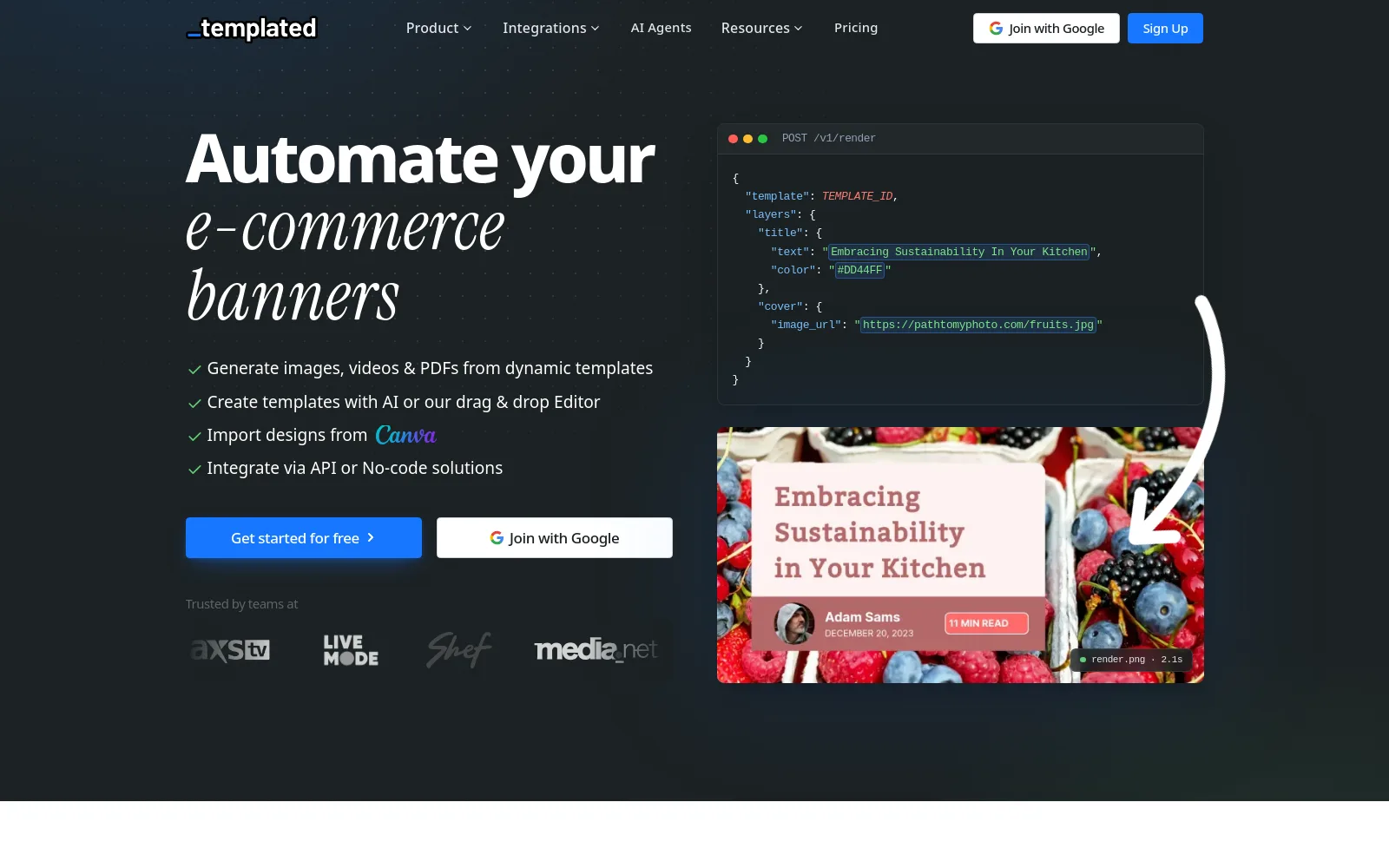
A lighter, cheaper template-to-API tool with a drag-and-drop editor and Canva import. Good if you mostly render images and want a low entry price; less suited to heavy video work.
Read the full Templated breakdown →
RenderForm
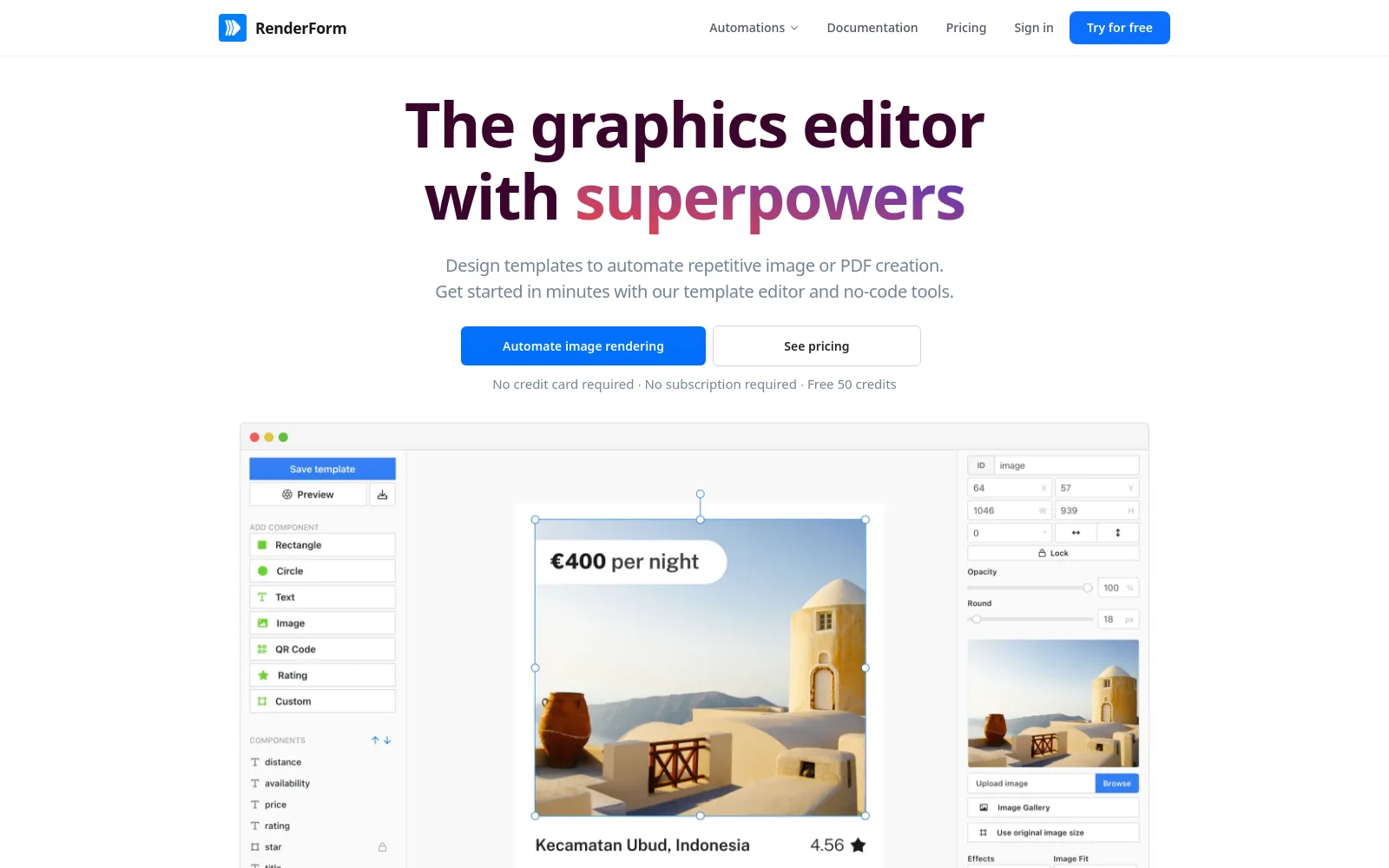
A budget-friendly image and PDF API with a component-based editor and a generous free tier. There's no video generation, so it's an image/PDF play rather than a Creatomate-style video engine.
Read the full RenderForm breakdown →
Verified pricing and feature details for these and more are in our template-based image generation tools comparison.
Common questions
What is Creatomate?
How much does Creatomate cost in 2026?
Does Creatomate have a free plan?
How do I get a Creatomate API key?
https://api.orshot.com/v1/studio/render with a Bearer token. The request shape is nearly identical, so migrating an existing Creatomate integration is mostly a find-and-replace.Does Creatomate integrate with Make.com and n8n?
Does Creatomate do video generation, and how does Orshot compare?
Do I have to learn JSON to use Orshot?
Can I embed the editor in my own app?
Bottom Line
Creatomate is a genuinely powerful JSON engine for developer teams rendering complex video at scale. But if your work is image-heavy, needs designers editing templates without touching JSON, or wants carousels, PDFs, a white-label editor and a credit that always means one thing, Orshot fits better — the same render-from-a-template model, without the resolution math or the 30-day render expiry.
Building image, PDF or video automation for multiple clients? The Agency Partner Program is free to join, with unlimited sandbox workspaces, pooled credits up to 100k/month, and client handoff tools.
If you're also comparing Bannerbear, Placid or APITemplate.io, each runs the same verified-pricing format as this page.
Try it
Sign up, recreate one template (or let our AI do it for you), and run a few real renders against it. You'll start with 100 free credits a month and we don't ask for a card.
If something isn't working right, or you just want help migrating your existing templates, hit the chat button on the bottom right. I'll generally be the one on the other end.