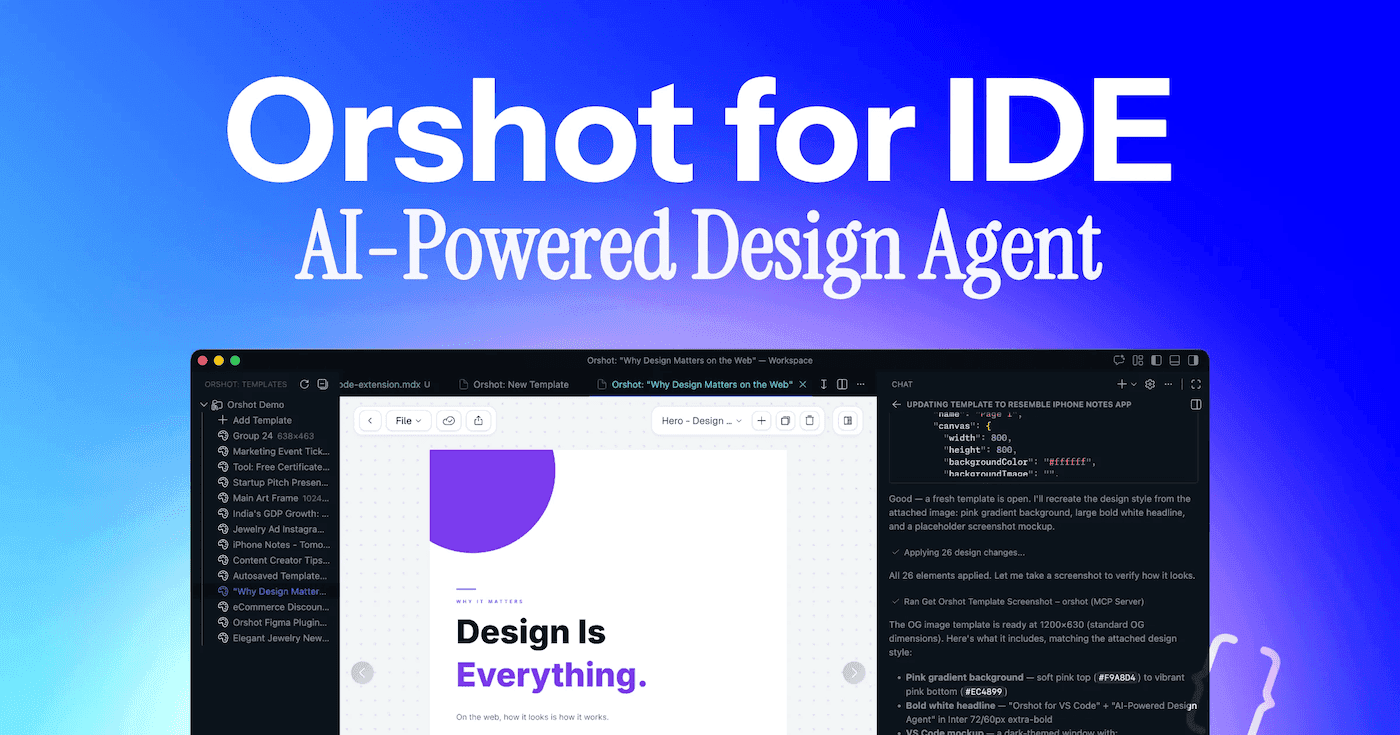
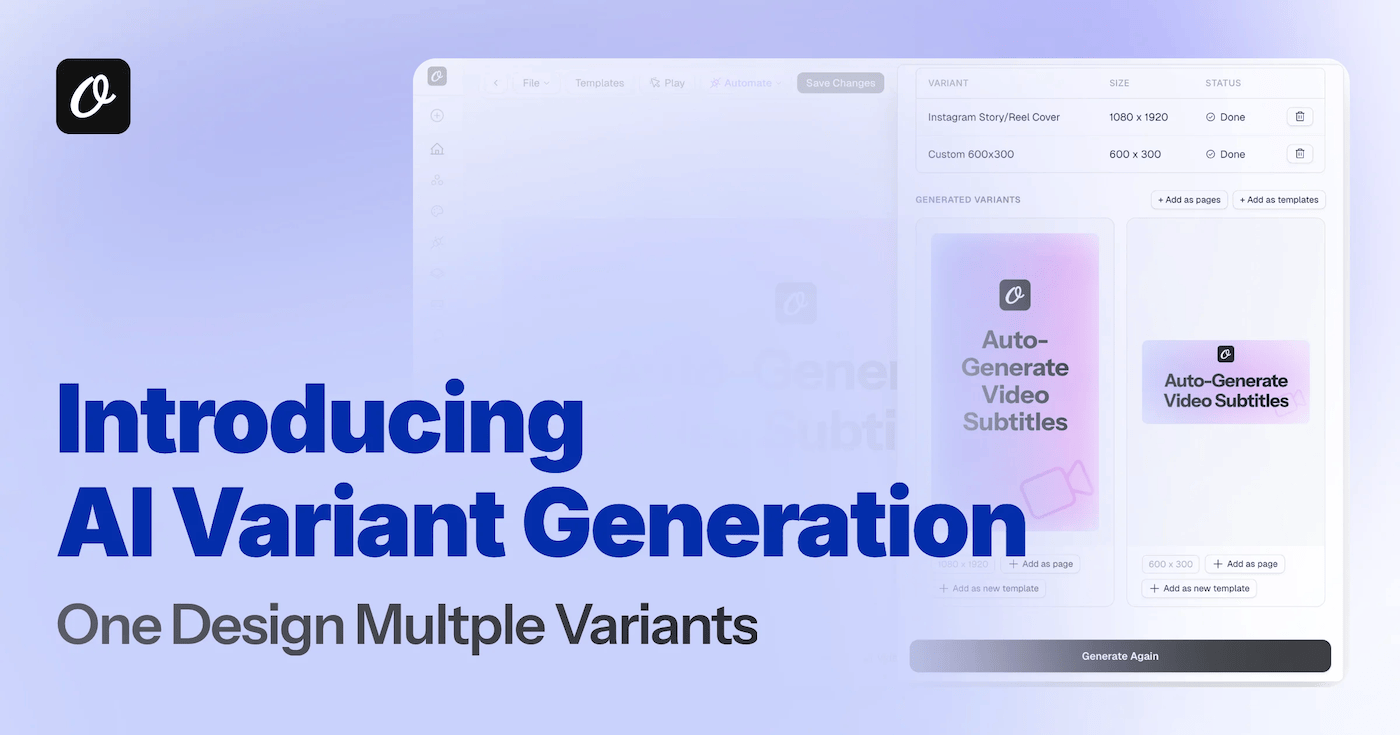
We're opening up Orshot to third-party developers. You can now build apps that connect to Orshot on behalf of users — workflow tools, IDE extensions, AI agents, and more — all powered by OAuth 2.0.
What You Can Build
- Workflow tools that generate images, PDFs, or videos from Orshot templates
- Integrations that sync Orshot with other platforms
- IDE extensions for VS Code, Cursor, and other editors
- AI agents that use Orshot via MCP (Model Context Protocol)
- Automation tools that trigger renders from external events
How It Works
1. Register Your App
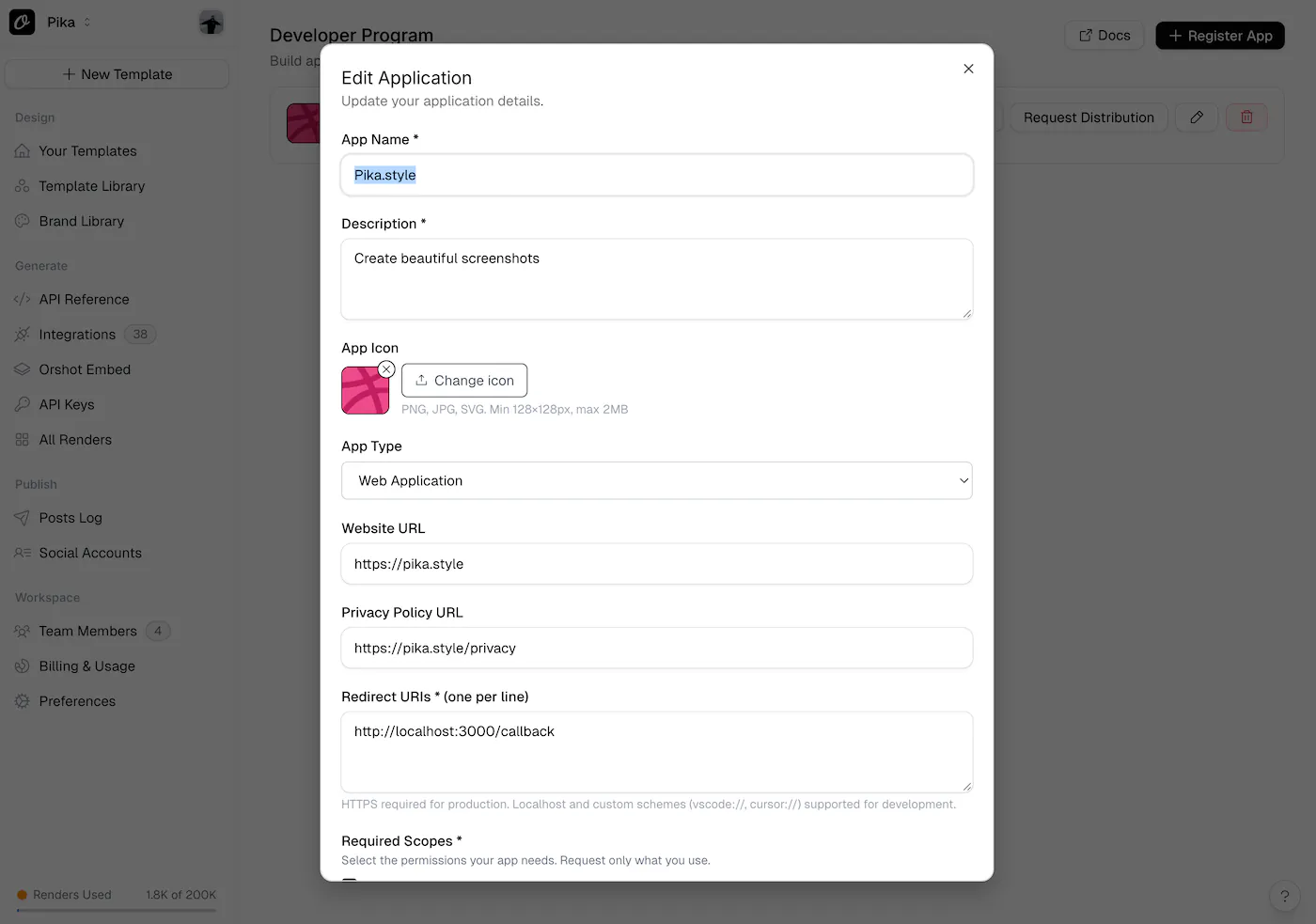
Head to the Developer Program and submit your app details — name, description, redirect URIs, and the scopes you need. You'll get a client_id and client_secret immediately.
2. Build in Development Mode
All new apps start in development mode. While in this mode, only you and your test users can authorize and use the app. This lets you build and iterate safely without affecting real users.
The consent screen shows an "unverified app" warning so testers know the app hasn't been reviewed yet. If someone outside your test users list tries to authorize, they'll be blocked.
3. Implement OAuth
We support two OAuth 2.0 flows:
- Authorization Code + PKCE — for web apps, desktop apps, and IDE extensions
- Device Flow — for CLI tools and devices without a browser
Both result in access and refresh tokens scoped to the user's chosen workspaces.
4. Call the API
Use access tokens to make API requests — list templates, generate renders, manage assets, and more. See the full list of available endpoints and code examples.
5. Publish
When your app is ready, submit it for review. Once approved, it'll be listed in Orshot's integrations directory and available to all users. Sandbox restrictions are removed automatically.
Sandbox Safety
We've built sandbox enforcement at every level to keep things safe during development:
- Authorization time — Only the app owner and test users can go through the consent flow
- API level — Every API call checks if the app is published. If not, only owner and test user tokens work. Others get a
sandbox_restrictederror - Retroactive — If you switch a published app back to private, existing tokens from non-authorized users stop working immediately
This is modeled after how Google and Shopify handle app development — you get a safe environment to build in without affecting real users.
Get Started
Or dive into the Developer Documentation to learn more about OAuth flows, scopes, token management, and publishing.