Keep your Canva designs. Get an autofill API.
Turn any Canva design into an autofill API — paste a share link, get a parameterized template, and render variants from REST, SDKs or no-code tools. Designers stay in Canva, engineers ship endpoints.
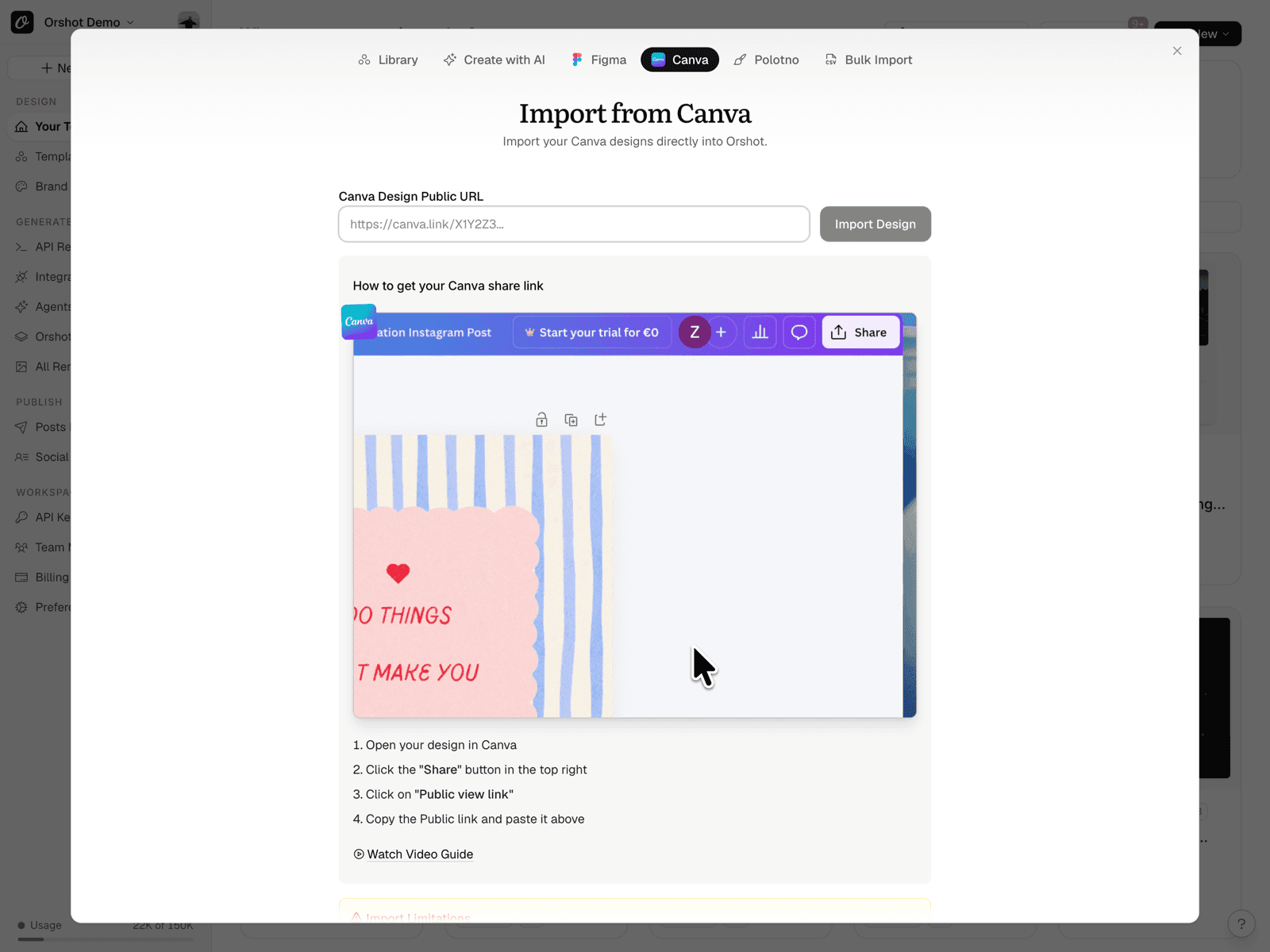
In Canva: Share → “Public View Link” → copy the link.
Import docsOr use 2,000+ templates from our library.
Templates are never a bottleneck. Import your own, select from the library, or design one with  AI Agents.
 Skyscraper Ad Template 160x600 — 2 Gradient Variants
 Medium Rectangle Ad Template 300x250 — SaaS Claim
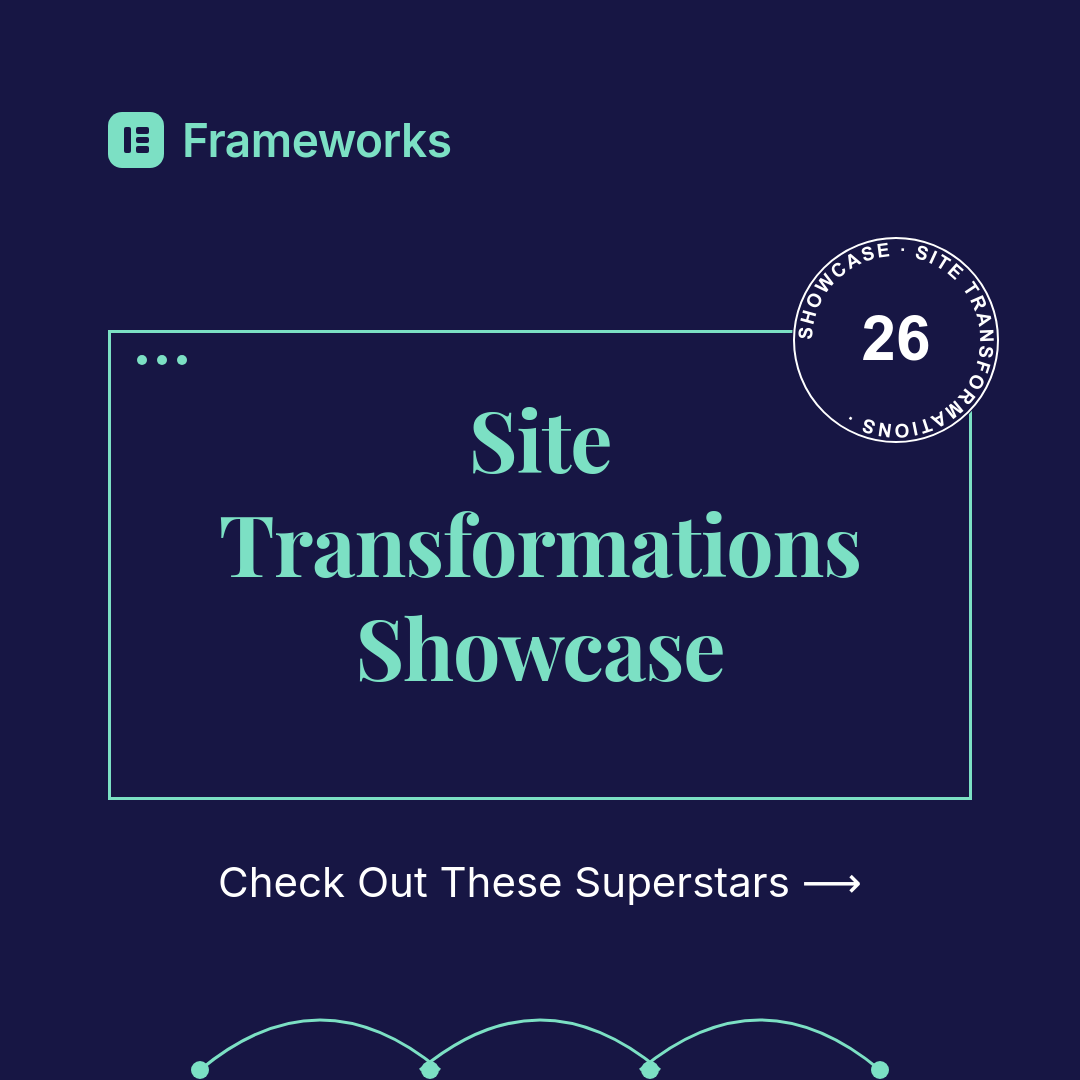 Social Feed Ad Template 1080x1080 — Showcase Badge
 Half Page Ad Template 300x600 — Coupon Offer
 Medium Rectangle Ad Template — Subscription Offer
 Social Feed Ad Template 1080x1350 — Testimonial
 Half Page Ad Template 300x600 — Animated Product
 Half Page Ad Template 300x600 — SaaS, 2 Variants
 Medium Rectangle Ad Template 300x250 — Streaming
 Billboard Ad Template 970x250 — Hiring CampaignSkyscraper Ad Template 160x600 — 2 Gradient VariantsMedium Rectangle Ad Template 300x250 — SaaS ClaimSocial Feed Ad Template 1080x1080 — Showcase BadgeHalf Page Ad Template 300x600 — Coupon OfferMedium Rectangle Ad Template — Subscription OfferSocial Feed Ad Template 1080x1350 — TestimonialHalf Page Ad Template 300x600 — Animated ProductHalf Page Ad Template 300x600 — SaaS, 2 VariantsMedium Rectangle Ad Template 300x250 — StreamingBillboard Ad Template 970x250 — Hiring Campaign
 Half Page Ad Template 300x600 — Luxury Retail
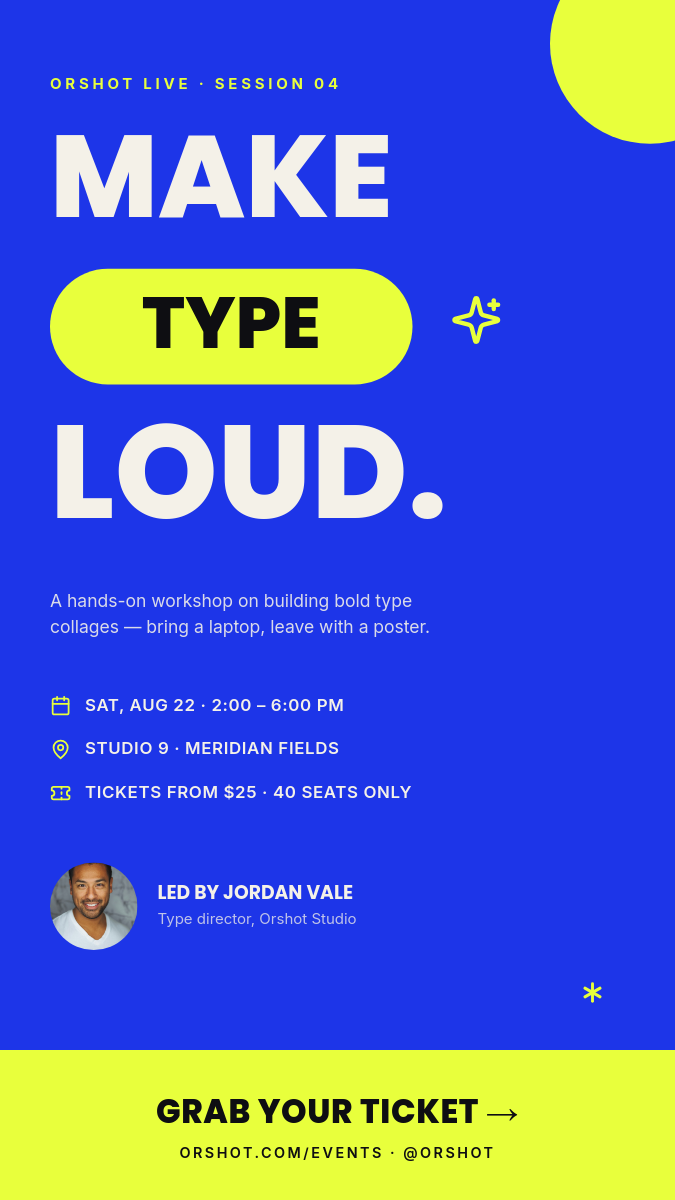 Bold Type Collage Design Workshop — Electric Story Flyer
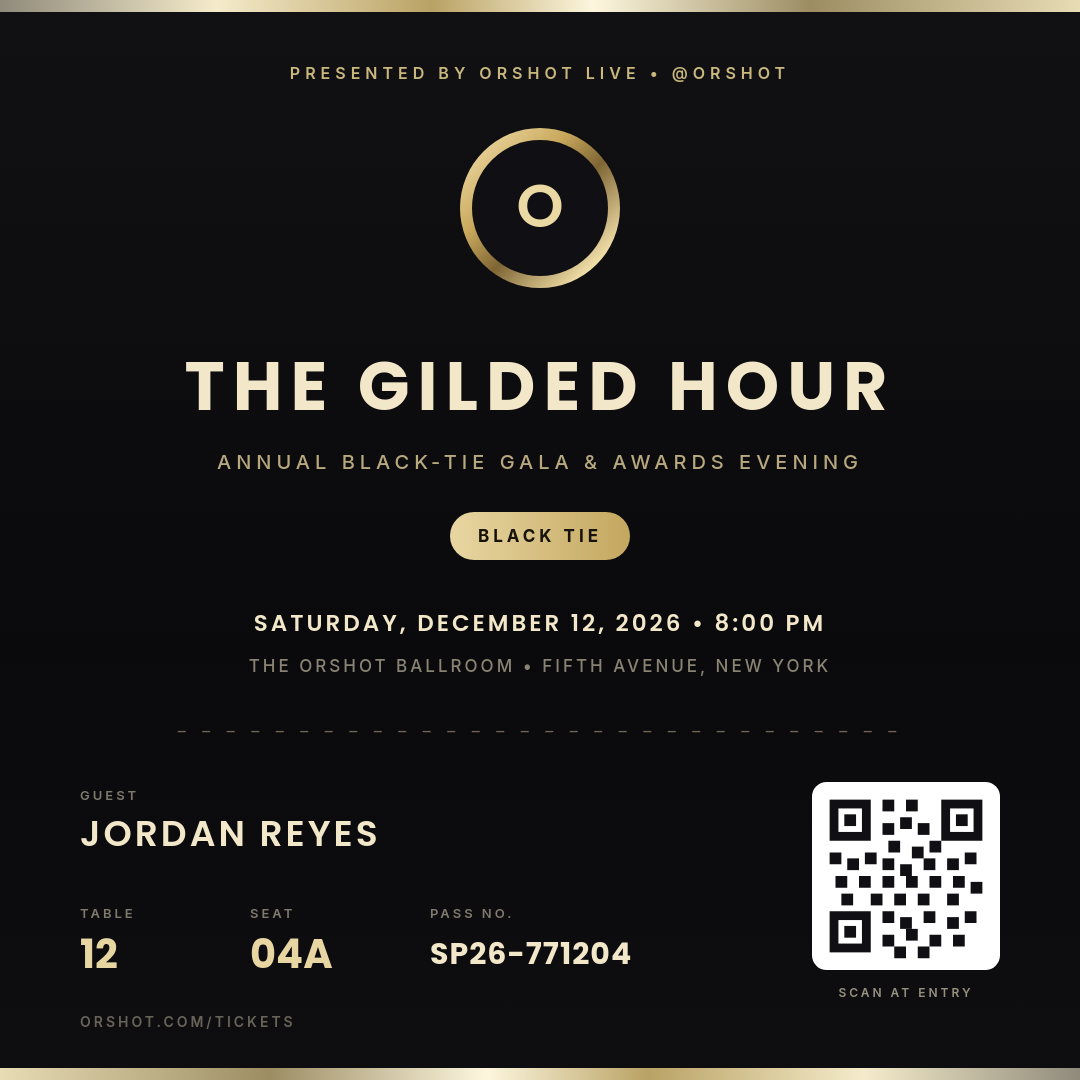 Champagne Chrome Gilded Hour — Metallic VIP Gala Pass
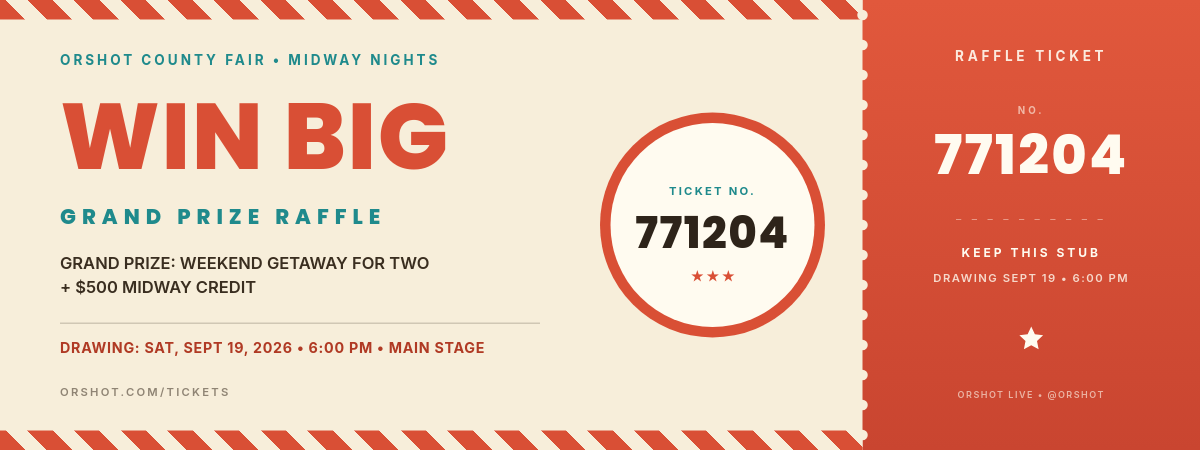 Carnival Cream Big Top Jackpot — Perforated Raffle Ticket
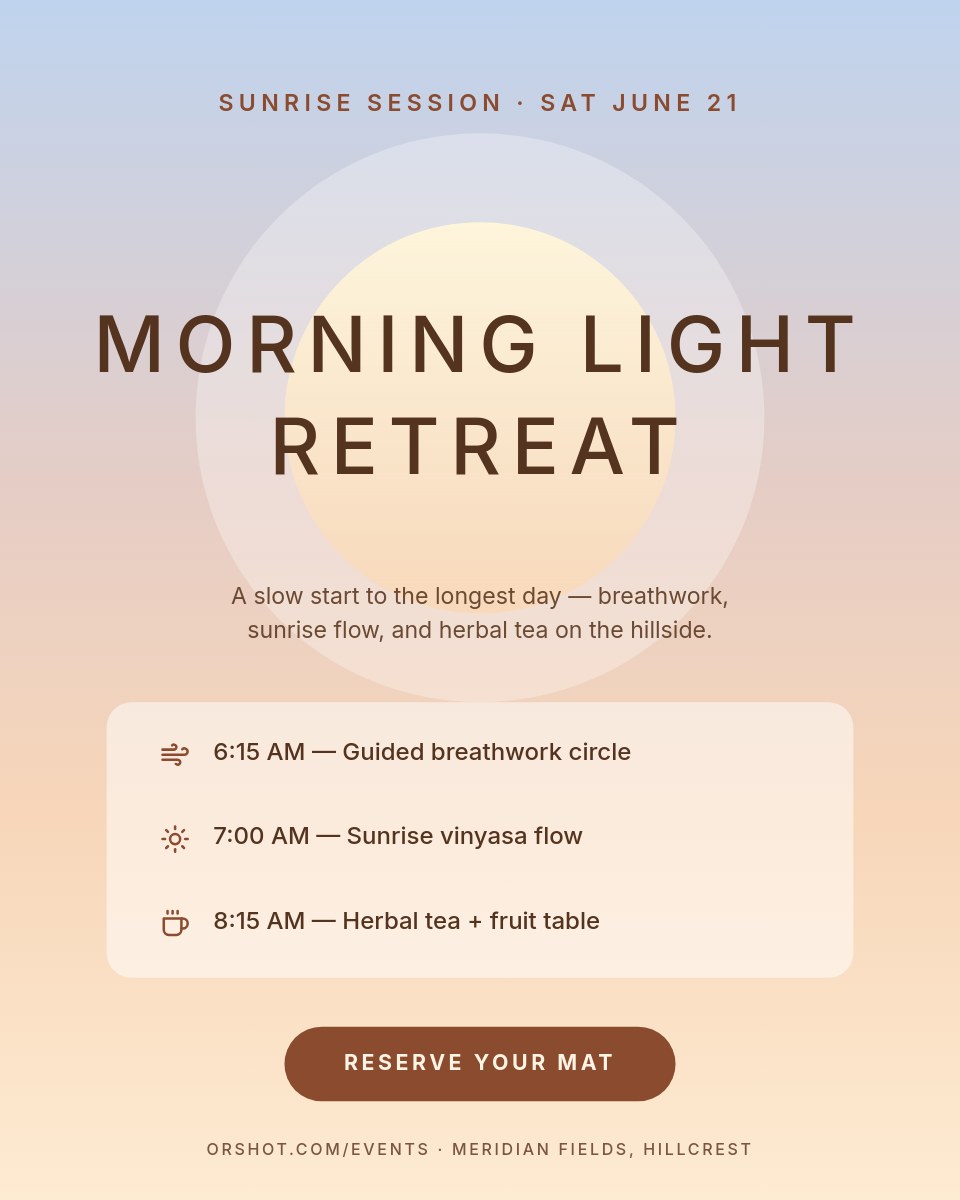 Airbrushed Sunrise Wellness Retreat — Serene Portrait Invite
 Amber Noir Midnight Premiere — Retro Cinema Admit-One Ticket
 Chrome Surge Fitness App Trial — Square Metallic Promo Ad
 Warm Grainy Podcast Season Cover — Profile Cover Banner
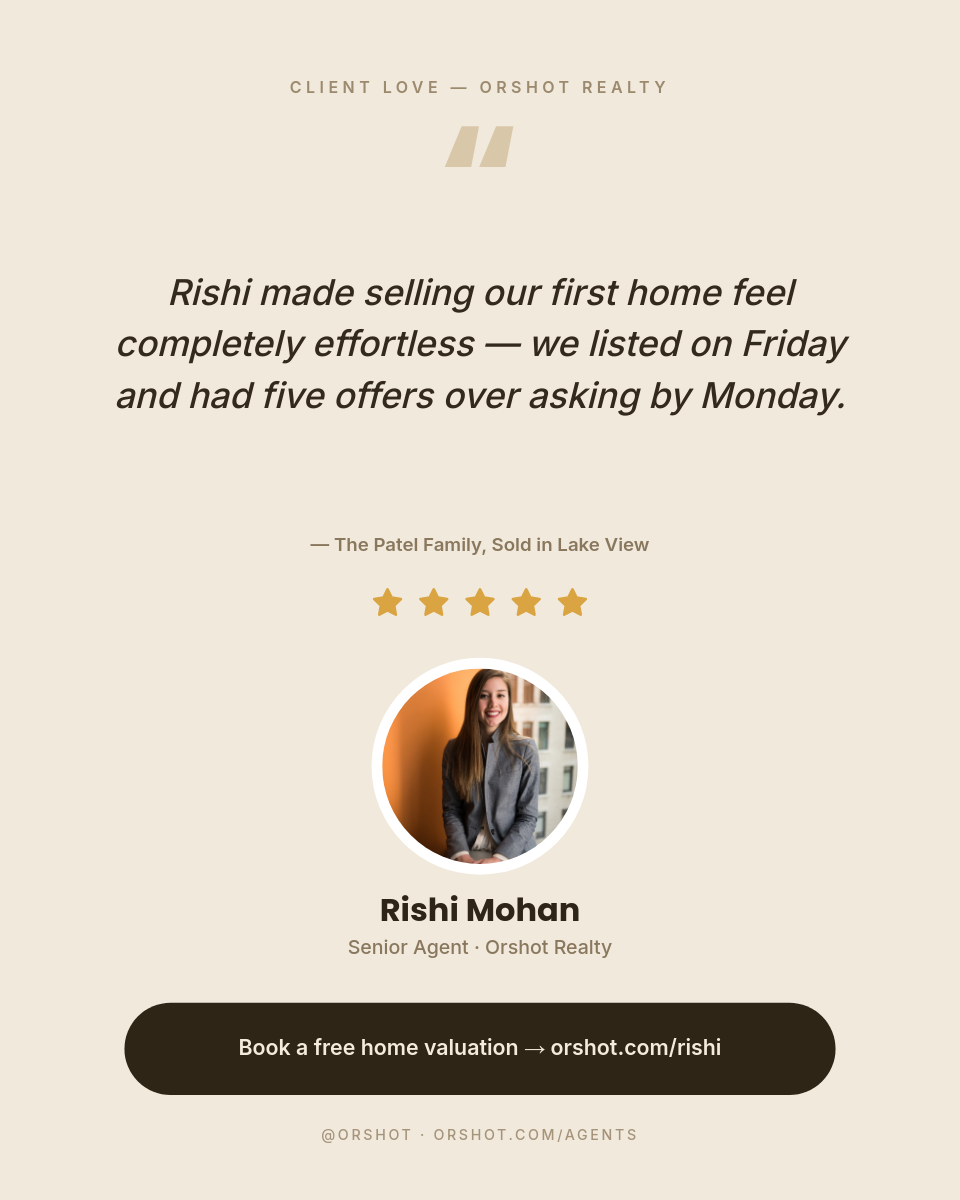 Warm Minimal Agent Testimonial — Sand Portrait
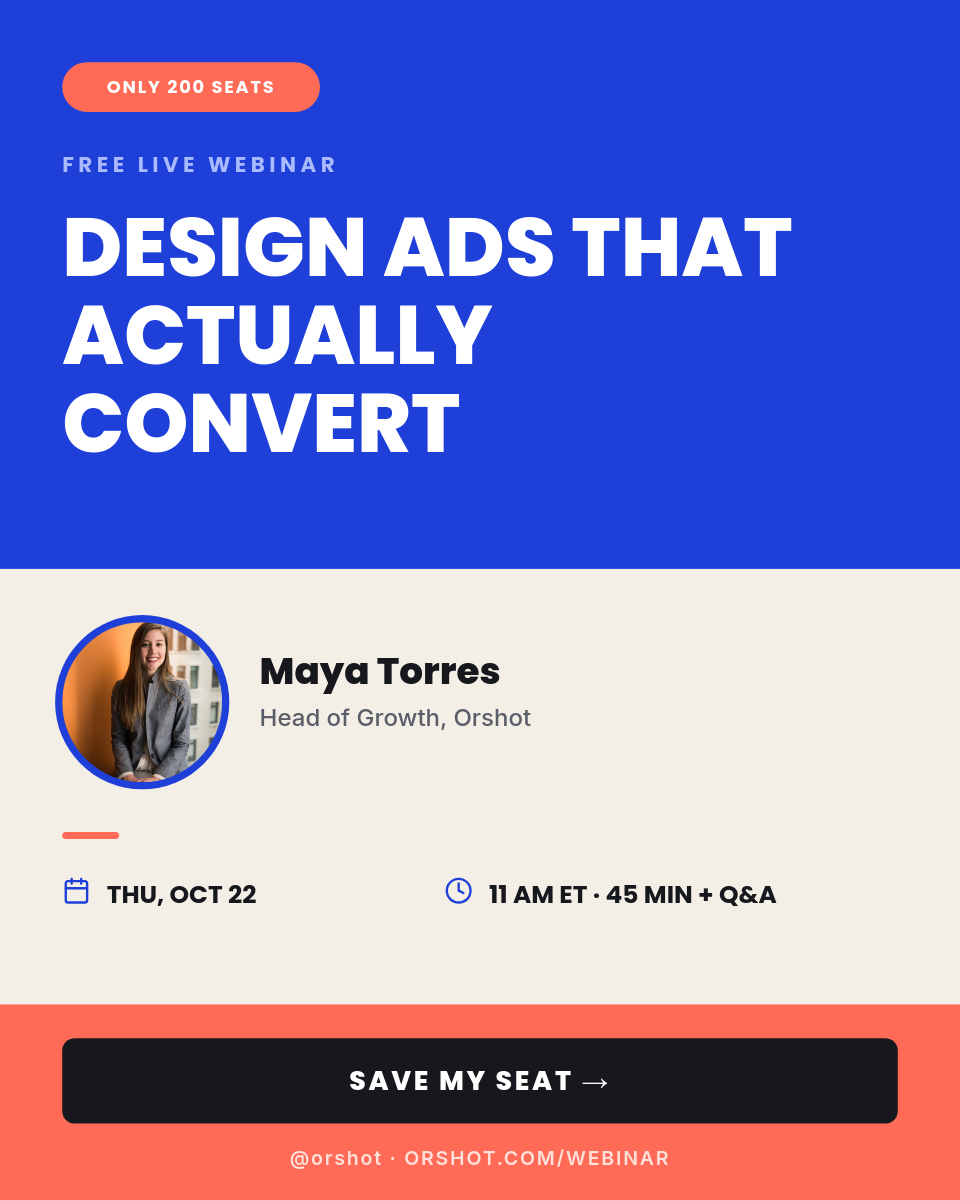 Cobalt Coral Conversion Webinar Registration — Portrait Color-Block Event AdHalf Page Ad Template 300x600 — Luxury RetailBold Type Collage Design Workshop — Electric Story FlyerChampagne Chrome Gilded Hour — Metallic VIP Gala PassCarnival Cream Big Top Jackpot — Perforated Raffle TicketAirbrushed Sunrise Wellness Retreat — Serene Portrait InviteAmber Noir Midnight Premiere — Retro Cinema Admit-One TicketChrome Surge Fitness App Trial — Square Metallic Promo AdWarm Grainy Podcast Season Cover — Profile Cover BannerWarm Minimal Agent Testimonial — Sand PortraitCobalt Coral Conversion Webinar Registration — Portrait Color-Block Event Ad
Your Canva design. Now it’s an endpoint.
Once imported, every dynamic layer is a key in your API call. Pass new text, images and colors per request — the design itself never leaves Canva's look.
npm install orshotimport { Orshot } from 'orshot';
const orshot = new Orshot(process.env.ORSHOT_API_KEY);
const { data } = await orshot.renderFromStudioTemplate({
templateId: 1234, // your imported Canva design
modifications: {
headline: 'Crystal Drop Earrings',
price: '$209',
product_image: 'https://example.com/product.jpg',
},
response: { type: 'url', format: 'png' },
});
// data.content → the rendered image URL




Paste a link. Get a template.
Drop a Canva public share URL into the import dialog. Orshot pulls the design, extracts the layers, and turns it into a parameterized template you can render from anywhere.
- Works with any Canva design — free or paid
- Text, images and colors become API parameters automatically
- Multi-page Canva designs become multi-page Orshot templates
- Re-import to sync design updates from Canva
Every layer is a modification.
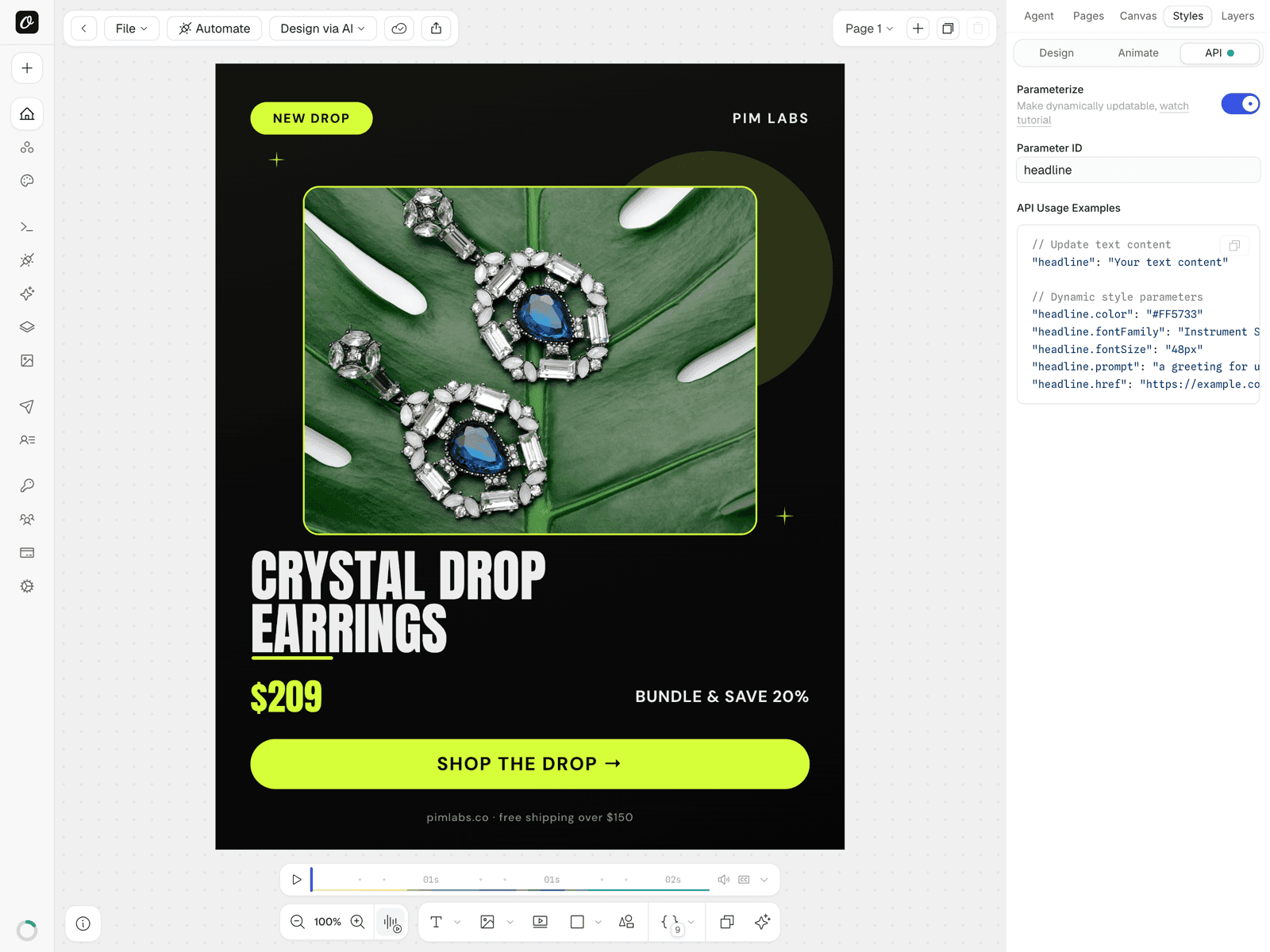
Select any imported layer, flip the Parameterize toggle and give it an ID. Your API call can now override its content and style — with copy-paste usage examples generated per layer, right in the editor.
- Override text, images and colors per request
- Dot notation for styles — headline.color, headline.fontFamily
- Use .prompt suffix for AI-generated content at render time
- Render the same design as PNG, JPG, WebP or PDF
Ship designs through your existing stack.
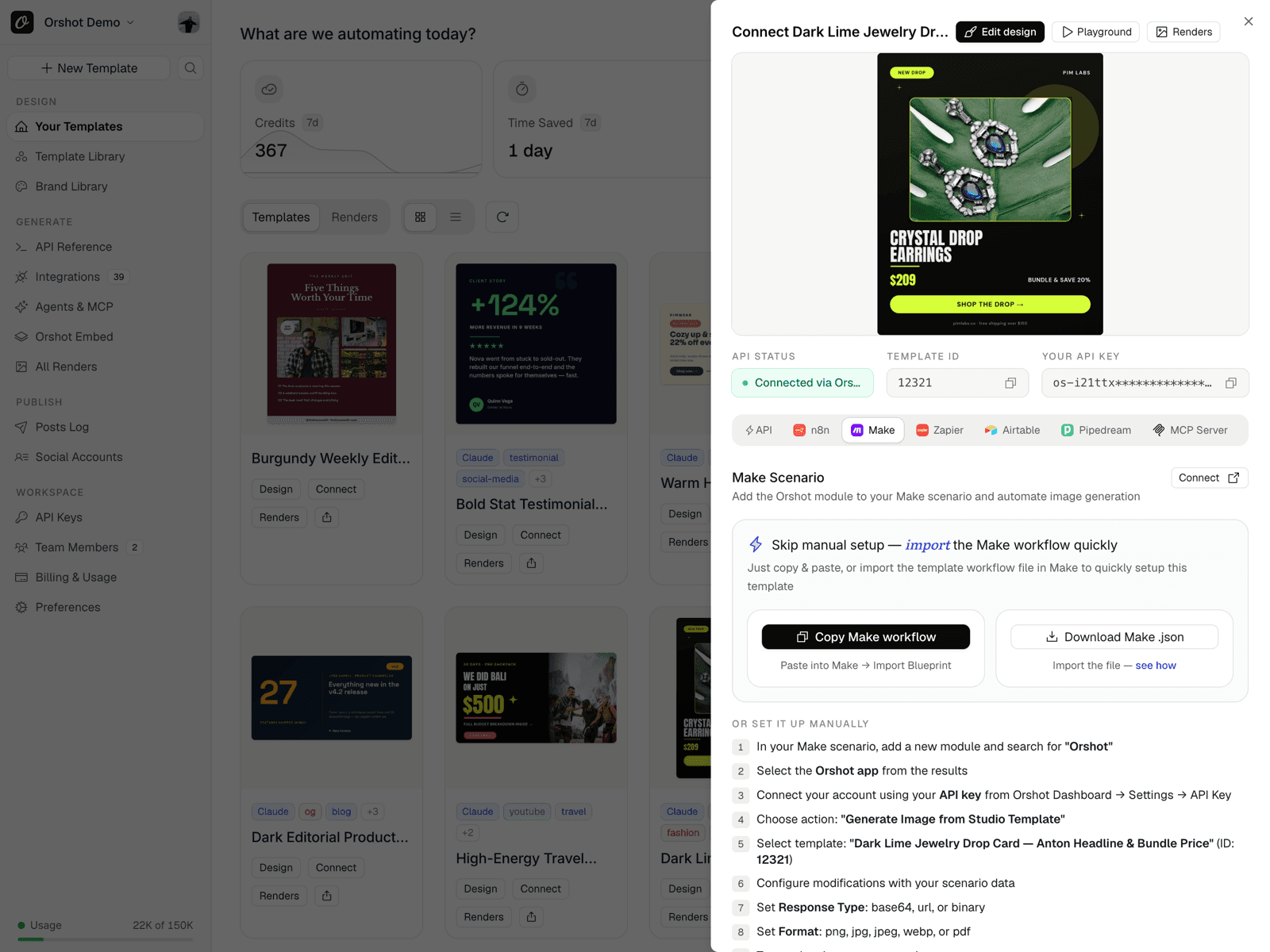
Every imported design gets a quick-connect sheet — copy a ready-made Make scenario, n8n workflow or the raw API request. Use it for automated image generation or plug into your content automation pipeline.
- Importable Make scenario and n8n workflow per template
- No-code: Zapier, Make, n8n, Airtable, Google Sheets
- Auto-publish to 15+ social platforms in one call
- Claude, Cursor and ChatGPT via the Orshot MCP server
Yes, Canva has an API. Here’s the catch.
Canva does ship a Connect API, and it can autofill and export designs. The catch is the fine print. Autofill only runs on Canva Enterprise, only against pre-built Brand Templates with data fields, and a public integration has to clear Canva's app review first. Orshot skips all of it.
- Any Canva design, free or paid, straight from a public share link
- Every layer becomes an API parameter, not just pre-set data fields
- No Enterprise plan, no app review, no template setup
- One import renders PNG, JPG, WebP, PDF and MP4
- Enterprise plan required
- Brand Templates only
- Public apps need review
One Canva import. The whole team ships from it.
An API for designs you didn't make
Marketing's Canva designs become endpoints you can call — no rebuilding them in HTML/CSS, no asking for exports, no Puppeteer.
Design in Canva, ship everywhere
Keep your Canva workflow. Imports preserve your layout and type — and every variant renders exactly as you designed it.
Canva designs in every workflow
The imported design works in n8n, Make and Zapier like any Orshot template — feed it data, render variants, publish automatically.
Stop hand-exporting variants
That Canva ad you duplicate and edit 30 times per campaign? Import it once and render all 30 variants from a spreadsheet.
Everything after the import, built in.
AI content, brand assets, every output format, publishing — your imported Canva designs get the full Orshot pipeline.
AI Design Agent
Can't find the right Canva? Describe it and let the agent build one.
Brand assets shared
Your brand logos, colors and fonts drop into every imported Canva template.
Code-first integration
SDKs, CLI, webhooks and dynamic URLs — integrate however your team ships.
Every output format
PNG, JPG, WebP, PDF or MP4 — the same imported design renders them all.
Auto-publish
Post renders to Instagram, LinkedIn, TikTok and 10+ others in the same call.
Batch variants
Render N versions of the design from one JSON array or spreadsheet.
Orshot as Canva Autofill API Alternative
Does Canva have an autofill API?
Is the Canva Autofill API Enterprise-only?
Is the Canva Autofill API free?
What can I use if I'm not on Canva Enterprise?
Can I autofill any Canva design, or only Brand Templates?
How is the Canva Autofill API different from Canva Bulk Create?
Keep designing in Canva. Stop hand-exporting.
Import your first Canva design in seconds. Render from the API, forever — 30 free credits to try it.