APITemplate.io renders images and PDFs from templates. Orshot does that too — then adds video with full timeline view, removes template cap and replaces the HTML/Jinja2 workflow with a Canva-like visual editor your whole team can use.
Same API model. Wider surface. Orshot also generates PDFs and Videos with same API call, all you need to do is change the format from png to pdf or mp4.
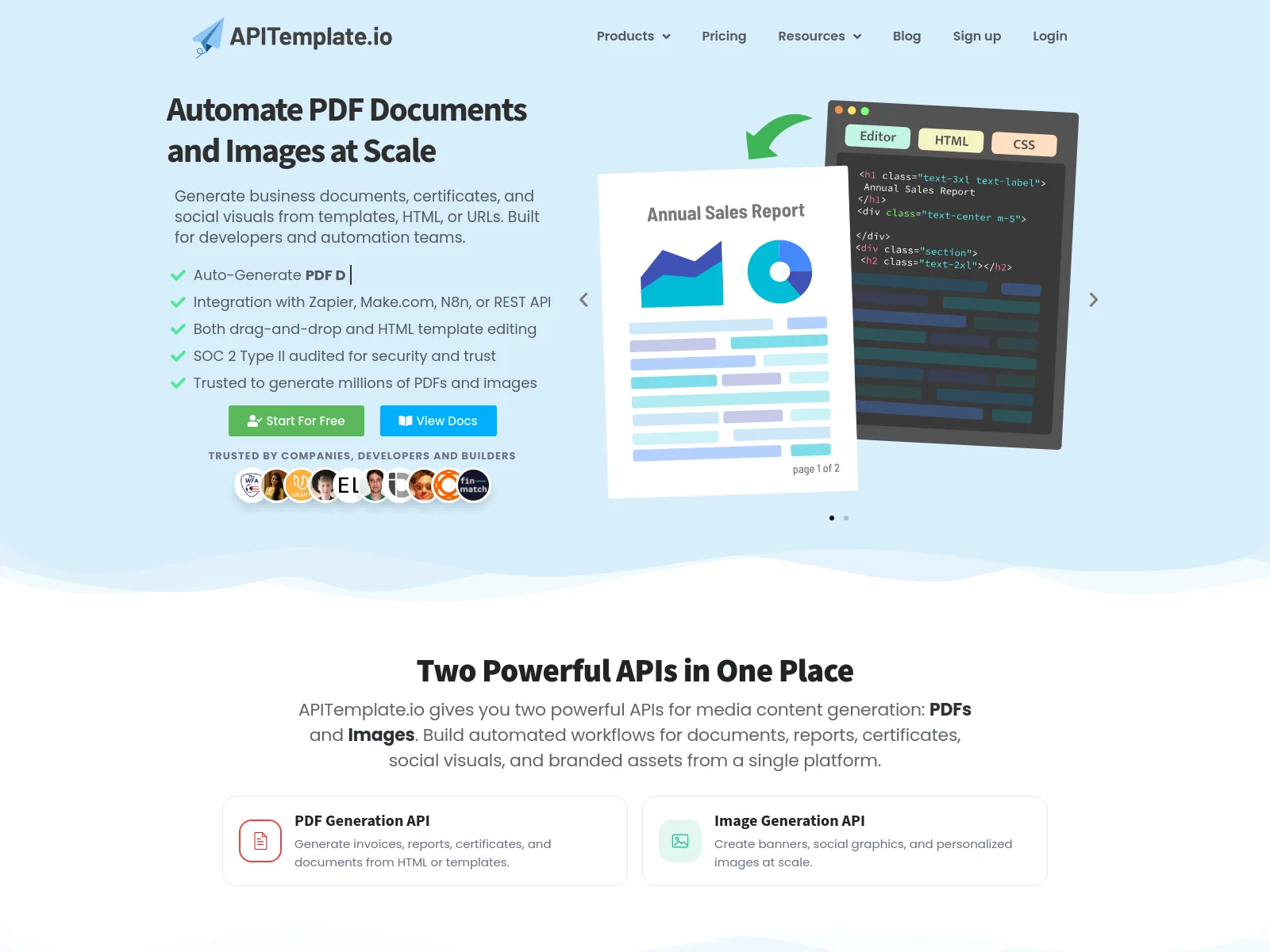
Give Orshot's Editor a try (Live Demo)
Orshot has a more modern visual editor which lets you design templates with granular controls. You can design carousels, add videos, parameterize every layer and even control them dynamically at the time of calling the API.
We also have 2,000+ and growing templates in our library, one click copy and paste and ready to be edited. So you can quickly come up with visuals and not spend a gazillion hours deciding the right font.
Side by side
| Orshot | APITemplate.io | |
|---|---|---|
| Images & PDFs in one plan | ||
| Video (MP4 / WebM / GIF) | ||
| Unlimited templates, all tiers | ||
| Visual editor for every format | ||
| Canva / Figma import | ||
| AI template generator | ||
| AI agents / MCP | ||
| Social publishing (15+) | ||
| HTML / Jinja2 templates | ||
| Native QR / barcode | ||
| SOC 2 Type II audit | ||
| Regional endpoints | ||
| Free tier | 100 credits/mo, resets monthly | 50 renders/mo, 3 templates |
| Starts at | $39/mo | $35/mo ($29 billed annually) |
APITemplate.io Pricing in 2026 (and How Orshot Compares)
Two things about their pricing page worth knowing before you compare. First, it sells two separate ladders — PDF-only plans and Image+PDF plans — so the $19 headline price only renders PDFs. Second, the page defaults to annual billing: the $29 Starter you see is the annual rate, and month-to-month is $35. Prices checked against apitemplate.io/pricing in August 2026:
| APITemplate.io plan (Image + PDF) | Monthly | Annual | Closest Orshot plan | Orshot | Orshot video |
|---|---|---|---|---|---|
| Free · 50 renders/mo · 3 templates | $0 | — | Free · 100 credits/mo | $0 | ~30 secs |
| Starter · 1,500 renders · 15 templates | $35 | $29 | Launch · 1,500 credits | $39 | ~25 mins |
| Standard · 9,000 renders · 150 templates | $89 | $69 | Launch · 5,000 credits | $99 | ~83 mins |
| Enterprise · 20,000 renders · unlimited | $179 | $139 | Grow · 20,000 credits | $160 | ~333 mins |
Read it honestly, both ways:
- At 9,000 renders they're cheaper. Their $89 Standard beats our $99 for 5,000 — about a penny a render against two. If your volume sits there and images and PDFs are all you need, that's their row.
- At 20,000 we're cheaper — $160 against $179 — and the gap keeps widening above that ($280 for 40,000, $349 for 75,000, up to 300,000 credits a month).
- The template caps are the real tax. 15 templates on Starter, 150 on Standard; every Orshot plan, free included, is unlimited. If you're generating per-client or per-campaign designs, the cap arrives before the render quota does.
- Their PDF-only Basic is genuinely cheap — $24/month ($19 annual) for 3,000 PDFs. If PDFs are the entire job and HTML templates suit your team, it's a fair deal; our pitch is everything that plan leaves out.
- Video is the column they can't fill. On Orshot 1 credit is 1 image, 1 PDF page or 1 second of video, so the same allowance renders MP4s — there's no APITemplate.io number to put next to it.

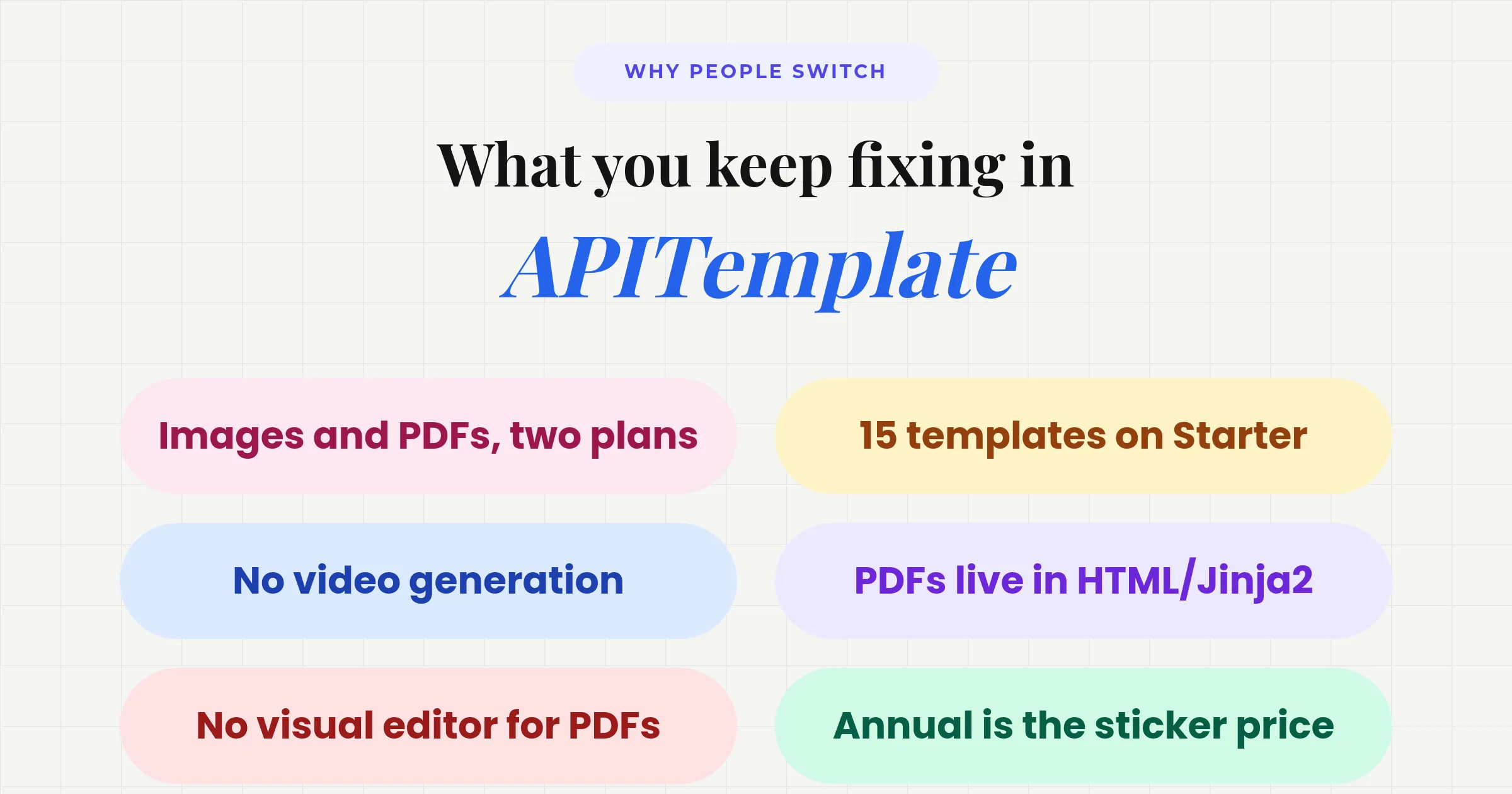
Where Orshot pulls ahead
The four that matter
- 01Every format, one planImages, PDFs, and video share a single render bucket. APITemplate.io splits images and PDFs into separate pricing tracks.
- 02Video, nativelyMP4, WebM, and GIF with per-layer animation, audio, and auto-subtitles — from the same templates. APITemplate.io has no video.
- 03Templates never cappedKeep as many designs as you want, free tier included. APITemplate.io limits you to 3 on free, 15 on Starter.
- 04Design without codeA drag-and-drop editor for every output, plus Canva clone and Figma import. APITemplate.io's PDF power lives in HTML and Jinja2.
- 05Embed design editor in your own appOrshot Embed lets you embed Orshot Studio in your own app with your own templates, in a white-labeled customizable package
Video is the gap most people hit first and Orshot basically fills that gap and enables variety of use cases in just one platform. Same template system, same API call, renders different visual types:
Built for real documents
APITemplate.io users mostly generate invoices, certificates, reports and tickets — and Orshot's PDF output is built for exactly that:
- Print-ready — CMYK color, print-scale rendering, and per-side margins for anything headed to a printer.
- Accessible & searchable — alt-text tags and a document title on every PDF, so reports pass accessibility checks.
- Clickable links — real hyperlinks inside the PDF, not flattened text.
- Multi-page & page ranges — render a 40-page report, or just pages 3–5, from one template.
- Lighter files — automatic compression shrinks photo-heavy PDFs, with custom and Google fonts embedded.
And when the output is a social visual rather than a document, Orshot also posts to 15+ platforms and tracks impressions, engagement and follower growth — none of which APITemplate.io offers.
Automate the Documents, Not Just the Render
APITemplate.io's biggest use cases — invoices, reports, certificates, tickets — are exactly the jobs where the render is the easy half. Something still has to notice the new order, pull the line items, and file the finished PDF somewhere. On their stack that's Zapier, Make or n8n; Orshot Workflows run that loop inside the same product as the template:
- Trigger from Google Sheets, Airtable, Notion, Google Forms, HubSpot, Shopify, Drive or a plain webhook
- Render one document or a whole batch
- Send it to storage, your own endpoint, or an email
- Repeat on a schedule, without you
The one most APITemplate.io users would want first — invoices generated straight from Airtable records. Copy it into your workspace and turn it on:
A few more working presets in the same vein: invoice PDFs from a form or sheet, certificates from Google Forms responses, event tickets from registrations, and client report cards on a schedule.
Post to 15+ social accounts, then see what's working
Not every render is a PDF — plenty are social graphics, and APITemplate.io stops at the file. Orshot takes it to the post and back, from the same API:
- Publish from the render call — add a
publishobject to any render and Orshot posts the image to 15+ platforms: Instagram, LinkedIn, X, TikTok, Facebook, Pinterest, Threads and more. Post instantly, save a draft, or schedule it with astatusfield. - Or let an agent do it — with Orshot for agents, Claude, Cursor or ChatGPT can render and post from a plain prompt.
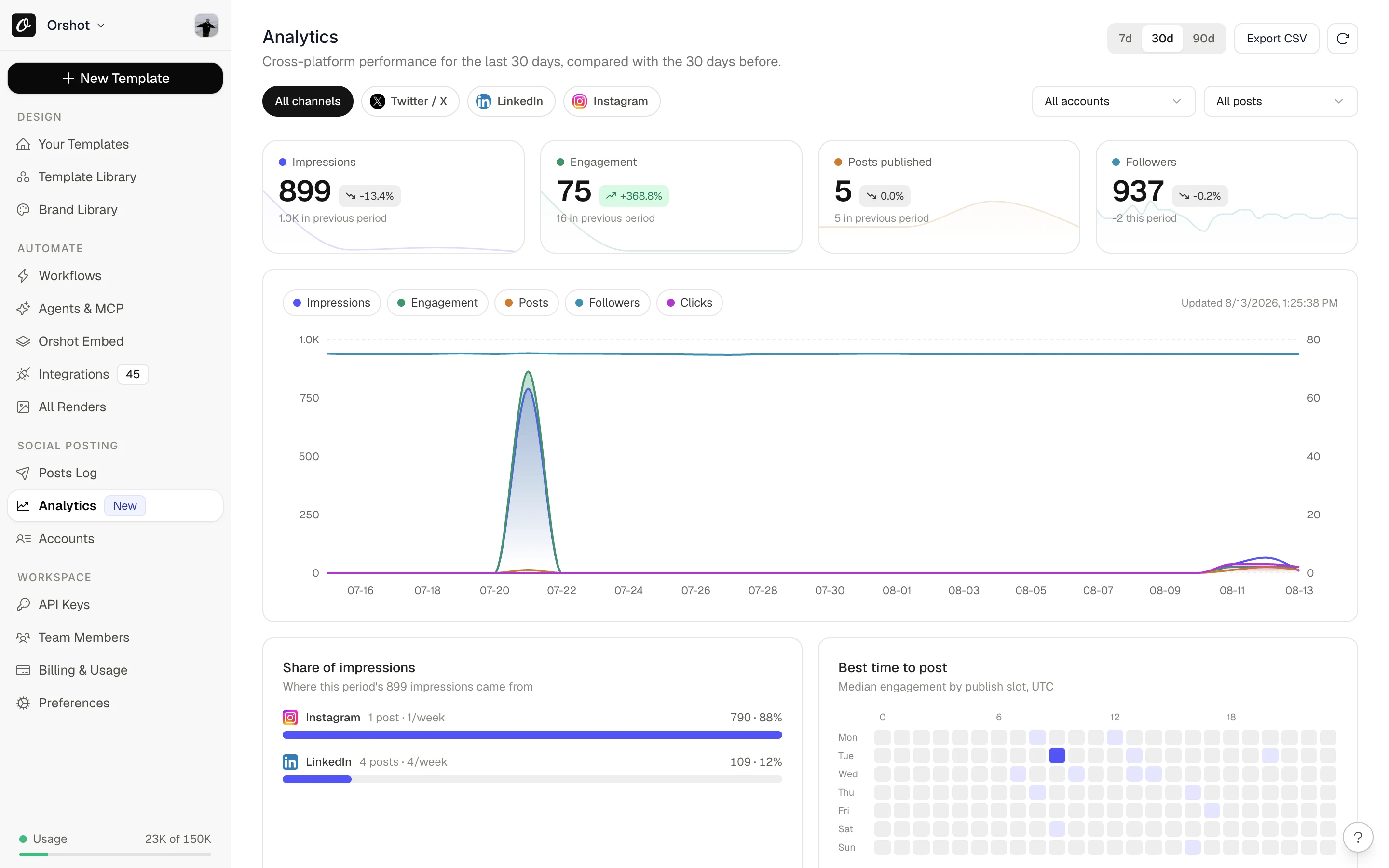
- Then measure it — social analytics tracks impressions, engagement, follower growth and best time to post for every connected account, with a daily digest email.
await fetch("https://api.orshot.com/v1/studio/render", {
  method: "POST",
  headers: {
    Authorization: "Bearer YOUR_ORSHOT_API_KEY",
    "Content-Type": "application/json",
  },
  body: JSON.stringify({
    templateId: "your_template_id",
    modifications: { headline: "New drop" },
    response: { type: "url", format: "png" },
    publish: {
      accounts: [1, 2, 3], // connected Instagram, LinkedIn, X
      content: "Just shipped →",
    },
  }),
});
APITemplate.io has none of this — you'd add Buffer plus a separate analytics tool. Orshot does all three.
When APITemplate.io wins
Orshot isn't for everyone. Stay where you are if:
- You live in HTML/CSS. High-volume HTML-to-PDF with a Jinja2-fluent team is its home turf.
- You need QR codes or barcodes. Generated natively, inside the template.
- Compliance is non-negotiable. SOC 2 Type II and regional endpoints matter in regulated industries.
- Renders-per-dollar is the only metric. Skip images and video entirely and its volume tiers can run cheaper.
Switch in three steps
1. Recreate the template once. Drop your APITemplate.io HTML into the visual editor as a starting point, pull in a Canva or Figma file, or hand a screenshot to the AI generator. Then tag the fields that vary — name, price, photo — as parameters.
Try it now — paste a public Canva share link and see it as an Orshot template:
In Canva: Share → “Public View Link” → copy the link.
2. POST your data, pick a format. Every parameter you marked becomes a key you send at render time:
await fetch("https://api.orshot.com/v1/studio/render", {
  method: "POST",
  headers: {
    Authorization: "Bearer YOUR_ORSHOT_API_KEY",
    "Content-Type": "application/json",
  },
  body: JSON.stringify({
    templateId: "your_template_id",
    modifications: {
      event: "DevConf 2026",
      attendee: "Maya Patel",
      seat: "Row C · Seat 14",
    },
    response: { type: "url", format: "pdf" }, // try jpg, webp, mp4, or gif
  }),
});
The catch APITemplate.io users feel here: that one template backs the printable PDF ticket, the confirmation-email image, and the event's promo video — flip format and the same request returns each. No engineer free? The template also renders from a plain dynamic URL or a no-code automation step.
3. Point it at your stack. Renders can land in your CMS, ride along on transactional emails, sync to your own Drive/S3 bucket, or post to your channels — pick the destination, the call doesn't change.
Other APITemplate.io alternatives worth a look
Orshot fits if you want images, PDFs and video on one plan with a visual editor. If your needs are narrower, these are the tools people also compare against APITemplate.io.
Bannerbear
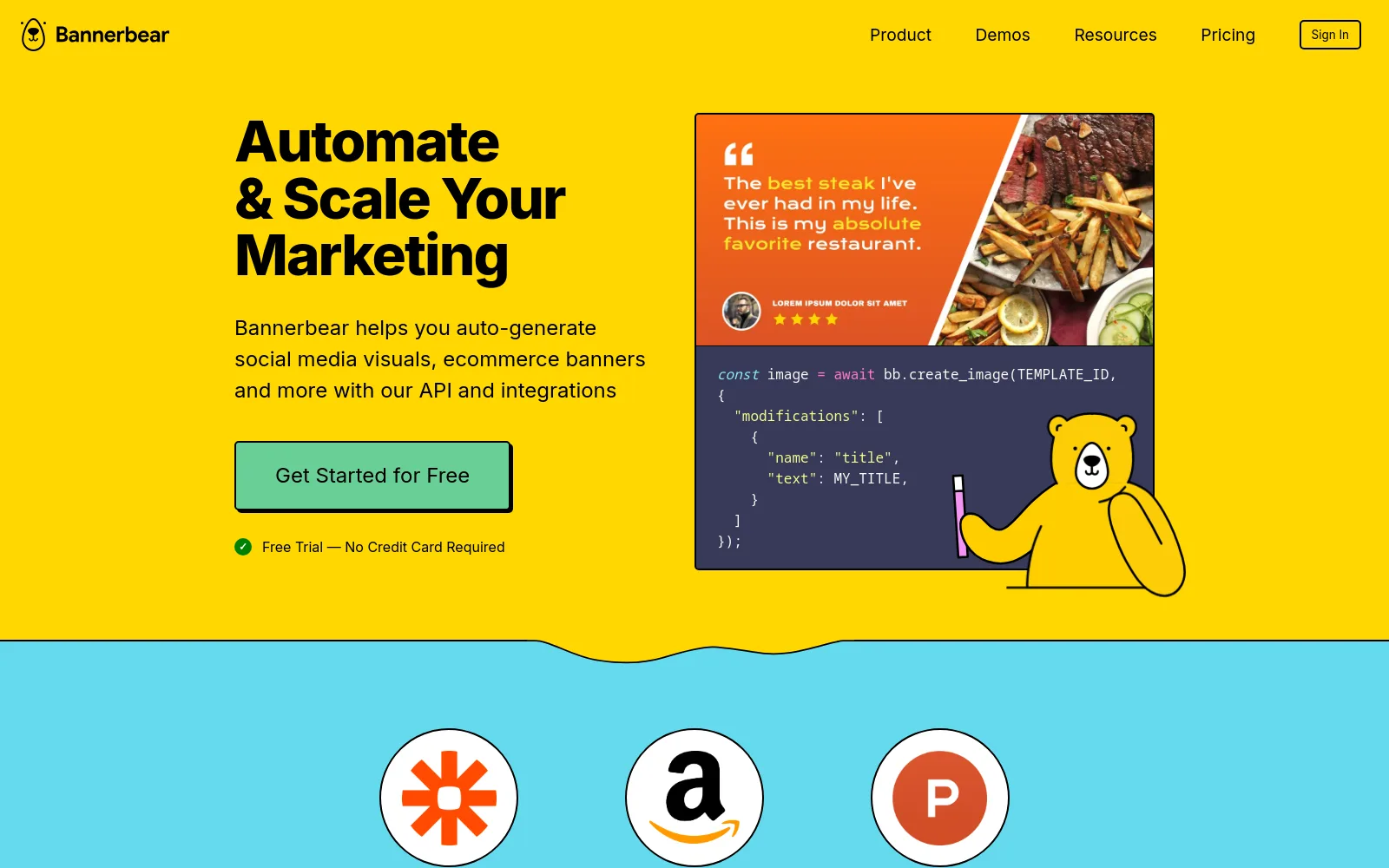
An established image and PDF generation API with a wide integration library (Zapier, Make, Airtable). Rock-solid for images and documents; video is basic, and the design lives in a fixed template editor rather than HTML.
Read the full Bannerbear breakdown →
Placid
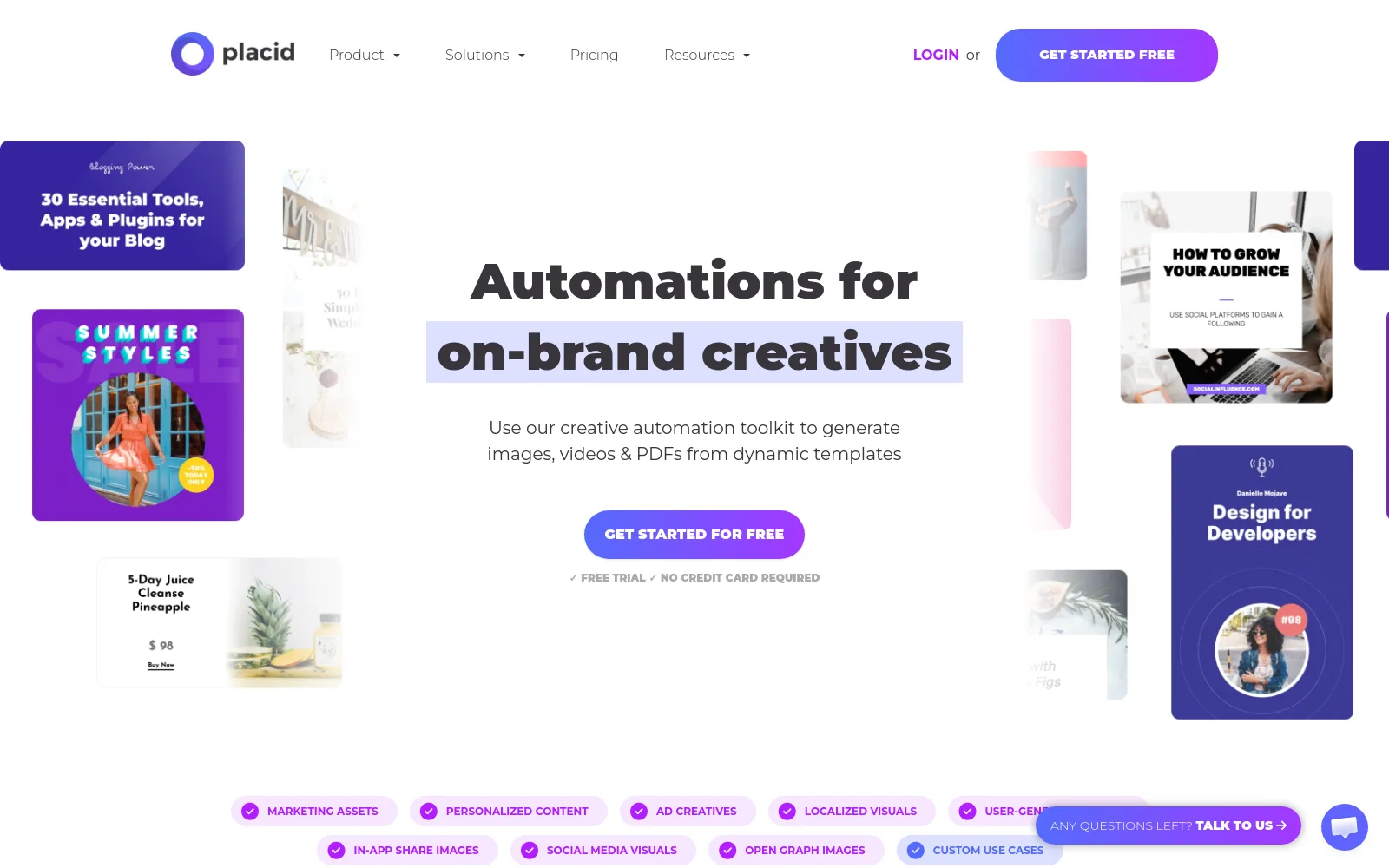
Templates for images, PDFs and video, with a proper editor and a similar render-from-your-data model. Watch the credit math — large renders multiply and PDF pages cost double — but the visual editor is a step up from HTML and Jinja2.
Read the full Placid breakdown →
Templated.io
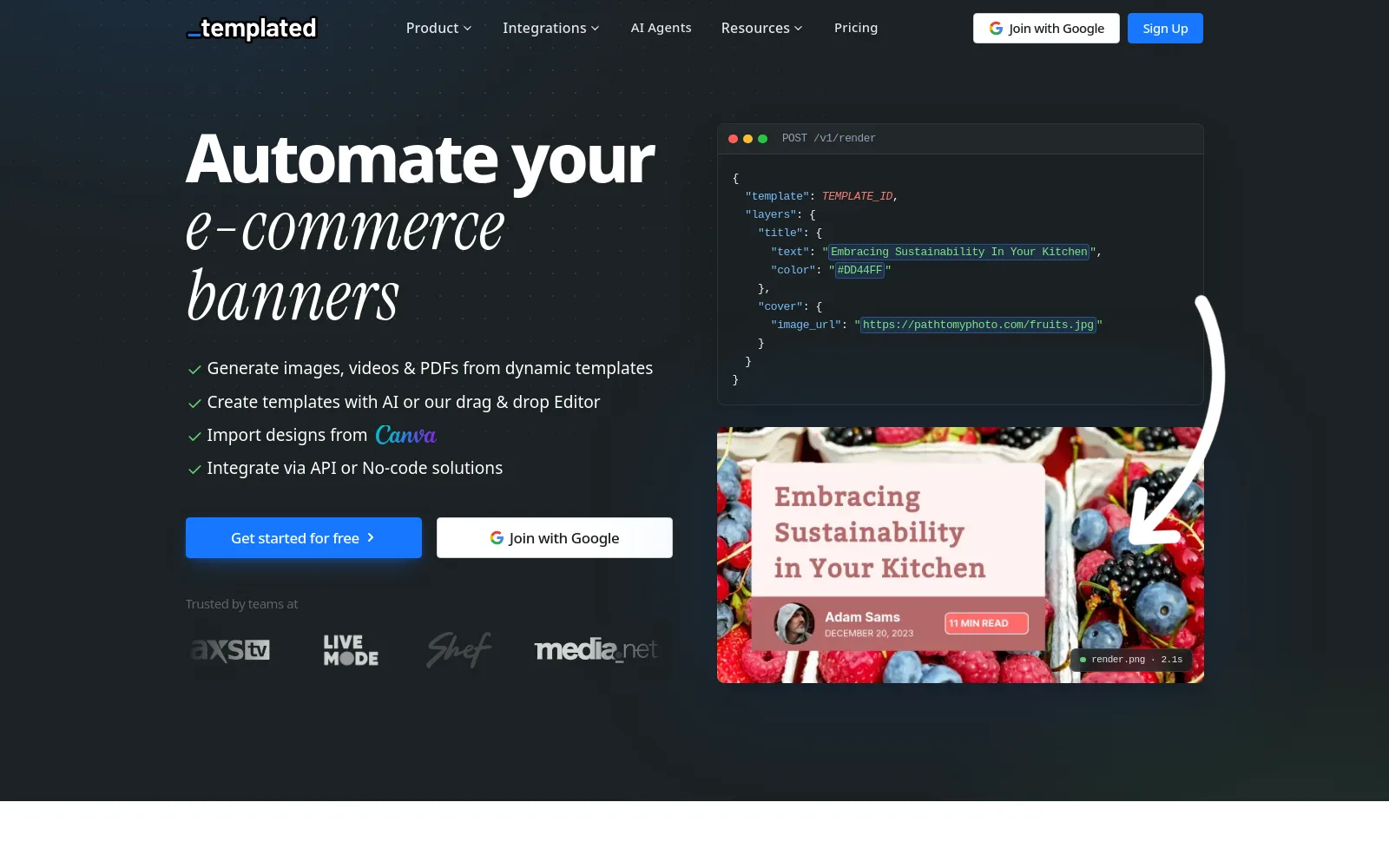
A cheaper template-to-API tool with a drag-and-drop editor, Canva import, and image, video and PDF output. A good middle ground if APITemplate.io's HTML workflow is the thing you want to leave behind.
Read the full Templated breakdown →
DynaPictures
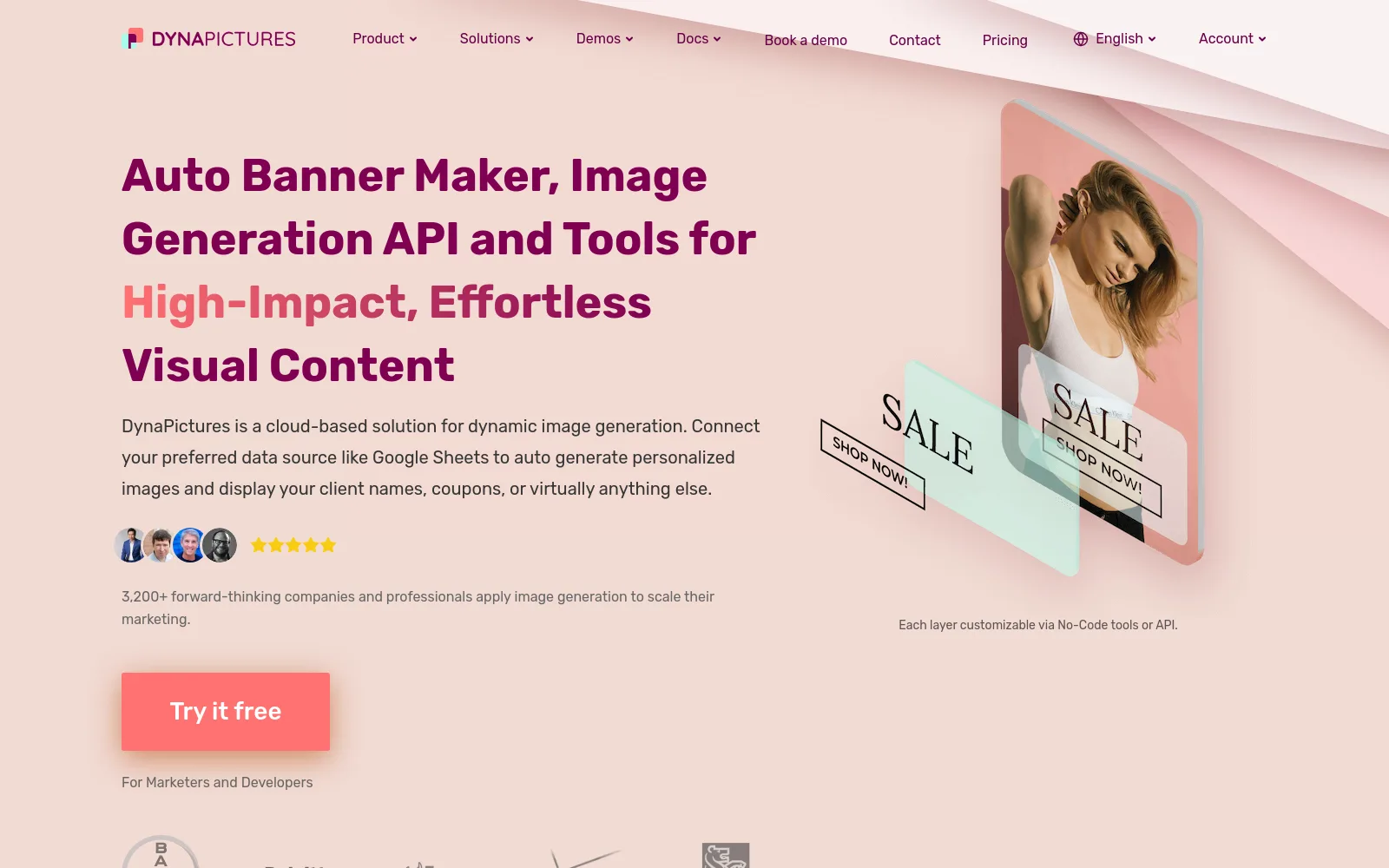
An image-generation API built around data sources — point it at Google Sheets and it renders a personalized image per row. Strong for bulk marketing images; there's no video, and PDFs aren't its focus.
Read the full DynaPictures breakdown →
Verified pricing and feature details for these and more are in our best PDF generation APIs comparison.
FAQ
Is Orshot a drop-in replacement?
How hard is the migration?
Can Orshot generate PDFs from HTML or Markdown?
Does Orshot have an n8n node?
How does pricing compare?
Does the same plan really cover video?
How much does APITemplate.io cost in 2026?
Does APITemplate.io have a free plan?
What does a render cost on each?
What do I give up by leaving APITemplate.io?
Keep the render-from-an-endpoint workflow you already know. Drop the two-plan split, the template ceiling, and the hunt for a separate video tool.
If you're weighing other tools in this space, the same verified-pricing treatment exists for Templated, Bannerbear and Placid.