DynaPictures has been around since 2020 and they've done solid work in the image automation space. German company, GDPR-focused, reliable API. If you're using it for banner generation or email personalization, it probably gets the job done.
But if you've been working with it for a while, you've likely noticed some friction. The editor feels dated compared to modern design tools. No multi-page template support for carousels. Limited integrations beyond Zapier and Pabbly. And pricing in EUR that starts at €29/month for just the basics.
I built Orshot because I needed something more flexible. Same core concept - turn templates into API endpoints - but with an editor that feels like Figma, not a web form from 2015.
Try Orshot Free (100 credits a month, no card needed)
Install the Orshot agent skill in Claude Code, Cursor, or Windsurf to automatically translate your DynaPictures API calls to Orshot. The skill knows both APIs and handles the mapping for you.
npx skills add orshot-hq/orshot-agent-skillsWhat's Different
Here's a quick comparison if you're evaluating both:
| Feature | Orshot | DynaPictures |
|---|---|---|
| Free Tier | 100 free credits a month, resets monthly | 14-day trial only |
| Starter Plan | $39/month for 1,500 credits (1 credit = 1 image) | €29/month (Lite) |
| Pro Plan | $99/month for 5,000 credits | €79/month (Pro) |
| Template Editor | Orshot Studio - Figma-like with Smart Stacking | Basic template editor |
| Multi-page Templates | Carousels, PDFs, Videos | No |
| Embed Editor in App | White-label Studio Embed - all paid plans | Widget for image generation only |
| Template Import | Canva, Figma, AI | Manual creation only |
| Video Generation | MP4/WebM/GIF with per-layer controls and animations | No |
| Modern Integrations | n8n, Make, MCP Server, CLI, Dynamic URLs | Zapier, Pabbly, Integrately |
| Agency Program | Free Partner Program with sandbox workspaces | No |
| Social Publishing | Built-in — 15+ platforms | No |
The Real Gaps with DynaPictures
From what I've seen talking to users who've switched:
The editor is clunky — DynaPictures' template editor works, but it feels like a web form. No drag-and-drop positioning, no smart alignment, no keyboard shortcuts. If your team includes designers, they'll struggle. Orshot Studio feels like Figma - layers panel, smart guides, relative positioning with Smart Stacking.
No multi-page templates — Instagram carousels, LinkedIn slideshows, multi-page PDFs - DynaPictures can't do these natively. You'd generate each page separately and stitch them yourself. Orshot handles multi-page templates in a single API call, including multi-page videos.
Limited integrations — DynaPictures has Zapier, Pabbly, and Integrately. That's it. No n8n support (huge for self-hosted automation), no MCP Server for AI tools like Claude, no CLI for terminal workflows. Orshot connects with all of these plus Make, Dynamic URLs, and more.
No embeddable editor — DynaPictures has a widget for end-users to fill forms and generate images. But you can't embed an actual design editor in your app. Orshot Studio Embed gives your users a full Canva-like editor inside your product - white-labeled, with webhooks for template changes.
No agency support — If you're an automation agency building for multiple clients, DynaPictures doesn't offer any special program. Orshot's Agency Partner Program gives you unlimited sandbox workspaces, pooled credits, and client handoff tools - completely free.
What You Get Extra
Beyond solving these gaps:
-
Import templates from anywhere - Clone from Canva, import from Figma with our plugin, or use the AI Template Generator to create templates from screenshots.
-
Better video support - Export to MP4, WebM, or GIF. Control each video layer with
.trimStart,.trimEnd,.muted, and.loopparameters. Add per-layer animations like fade in, slide transitions, and scale effects with visibility timing and staggered choreography. DynaPictures doesn't do video at all. -
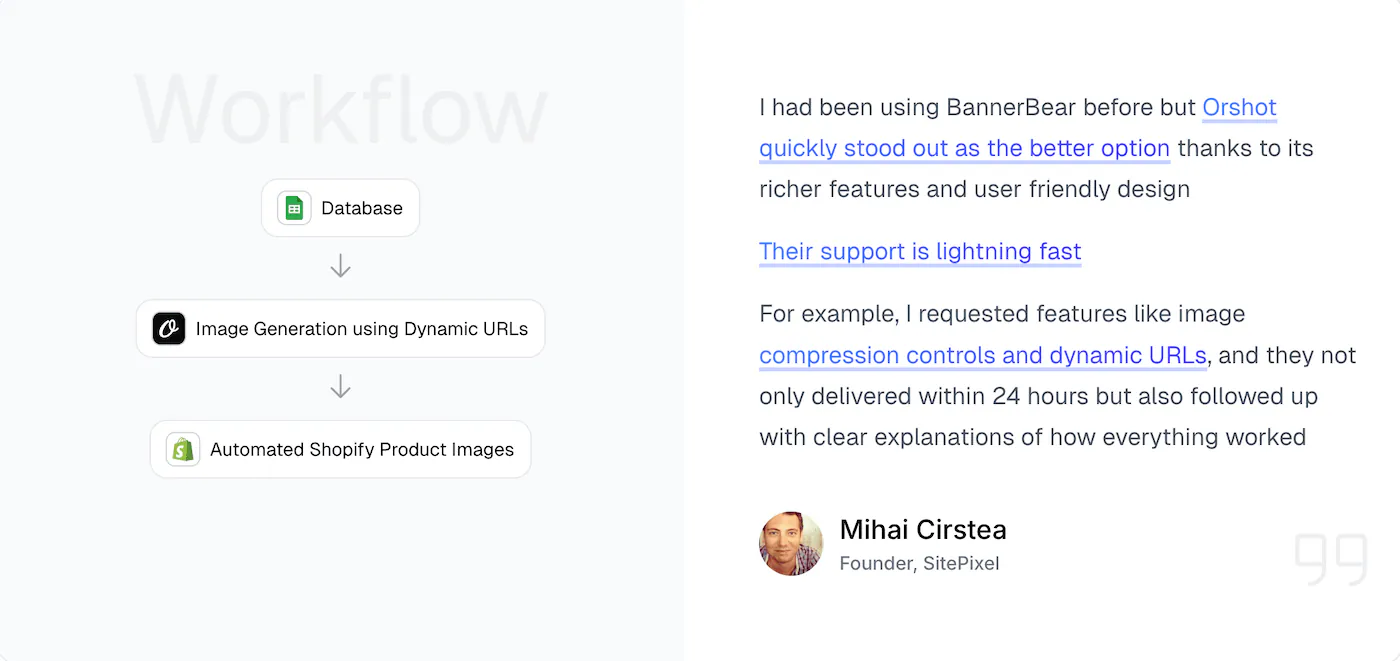
Dynamic URLs - Generate images on the fly by passing parameters in the URL. No API call needed for simple use cases. Learn more.
-
Social Publishing - Render and post directly to 15+ social platforms from the API or dashboard. Skip the download-upload-post cycle entirely.
-
Actual support - I respond to chat messages, usually within an hour. Sometimes I'll just hop on a call if something's complicated.
Utility Templates
We have pre-built API templates for common tasks:
- Twitter Screenshot API - Clean tweet screenshots
- Website Screenshot API - Full page captures
- Dynamic Image Resizer API - Resize on the fly
These work standalone or combined with your custom templates.
Switching from DynaPictures
Here's how most people do it:
Step 1: Recreate Your Templates (15-30 min)
Rebuild in Studio - Open your DynaPictures template, recreate it in Orshot Studio. The editor is more intuitive, so it usually goes faster than expected.
Use AI - Screenshot your DynaPictures output, drop it into the AI Template Generator. It'll recreate the structure, you fine-tune.
Import from Figma - If you have designs in Figma, use our plugin to import directly.
Step 2: Update Your API Calls (10 min)
DynaPictures API:
const response = await fetch("https://api.dynapictures.com/designs/{id}", {
  method: "POST",
  headers: {
    Authorization: "Bearer YOUR_API_KEY",
    "Content-Type": "application/json",
  },
  body: JSON.stringify({
    format: "jpeg",
    params: [
      { name: "title", text: "Hello World" },
      { name: "image", imageUrl: "https://example.com/photo.jpg" },
    ],
  }),
});
Orshot API:
const response = await fetch("https://api.orshot.com/v1/studio/render", {
  method: "POST",
  headers: {
    Authorization: "Bearer YOUR_ORSHOT_API_KEY",
    "Content-Type": "application/json",
  },
  body: JSON.stringify({
    templateId: "your_template_id",
    modifications: {
      title: "Hello World",
      image: "https://example.com/photo.jpg",
    },
  }),
});
Cleaner structure, same concept. Full docs at orshot.com/docs.
Step 3: Test Your Integration
Use the free plan (100 credits a month) to validate everything works before going live. No credit card needed.
For Agencies
If you're building image automation for clients, check out the Agency Partner Program:
- Free to join
- Unlimited sandbox workspaces for development
- Pooled credit quota (up to 100k/month)
- Client handoff tools when they're ready to subscribe
Try It
DynaPictures works. But if you want a better editor, multi-page support, modern integrations, and the ability to embed a design studio in your app - give Orshot a try.
Start Free → (100 credits a month, no card)
Questions? Hit me up via chat on the site or email hi@orshot.com.