We've added a built-in Elements Library to Orshot Studio — a searchable collection of icons, illustrations, and logos you can drop into your templates instantly
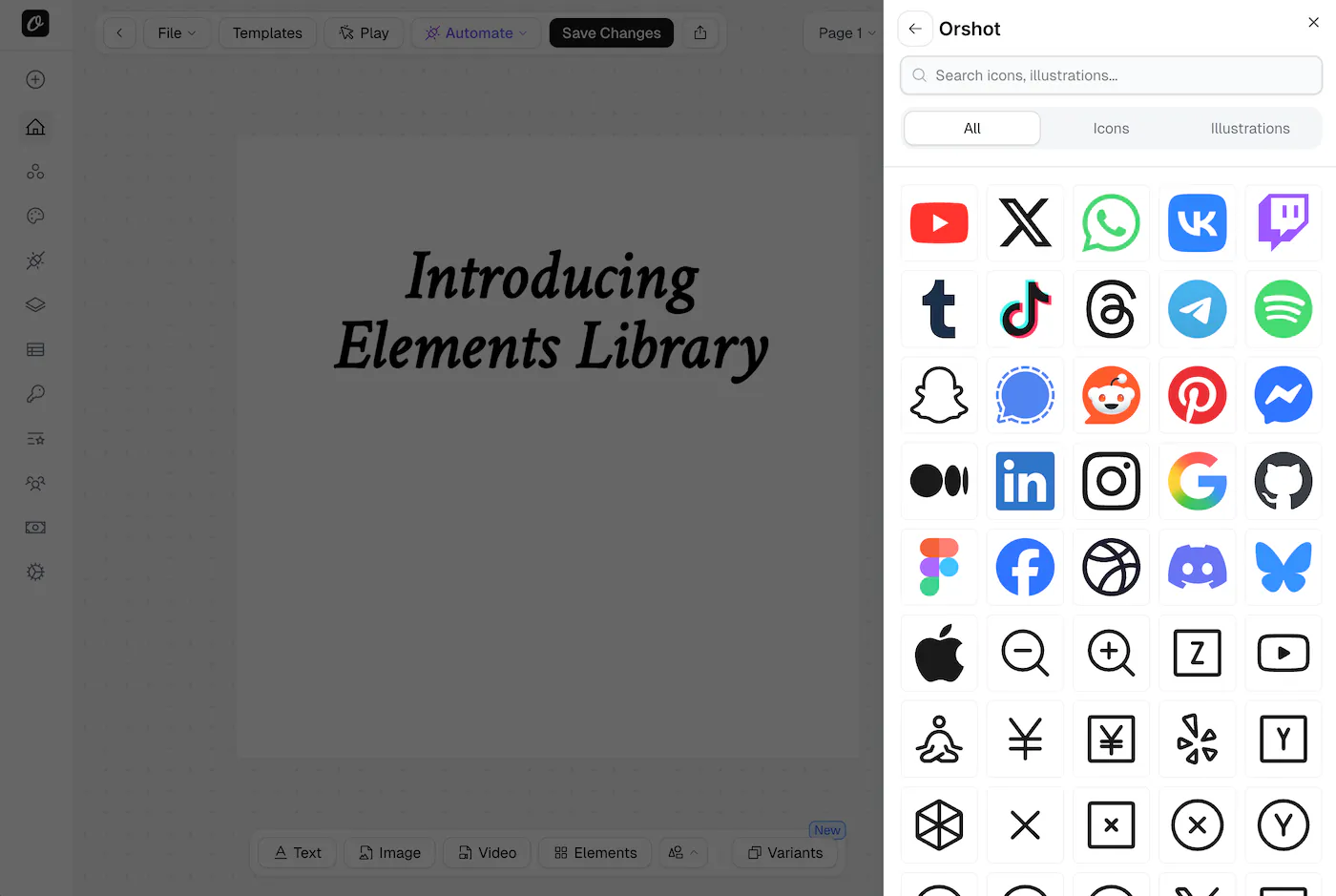
No more hunting for SVGs or uploading assets manually. Press E or click the Elements button in the toolbar to open the library and start adding elements to your designs
What's Included
- Icons — A large collection of commonly used icons in SVG format
- Social Media Logos — YouTube, X, WhatsApp, Instagram, GitHub, LinkedIn, Discord, and many more — all in their original brand colors
- Illustrations — Decorative elements to enhance your templates
How It Works
- Open the Elements Library from the toolbar or press E
- Browse categories (All, Icons, Illustrations) or search by name
- Click any element to add it to your canvas
- Resize, reposition, and style it like any other element
SVG Color Override
Elements with a single color (like monochrome icons) can be recolored using the Fill Color option in the style panel. Multi-color elements like brand logos retain their original colors by default — the color override only applies when you explicitly set one
Dynamic with Parameters
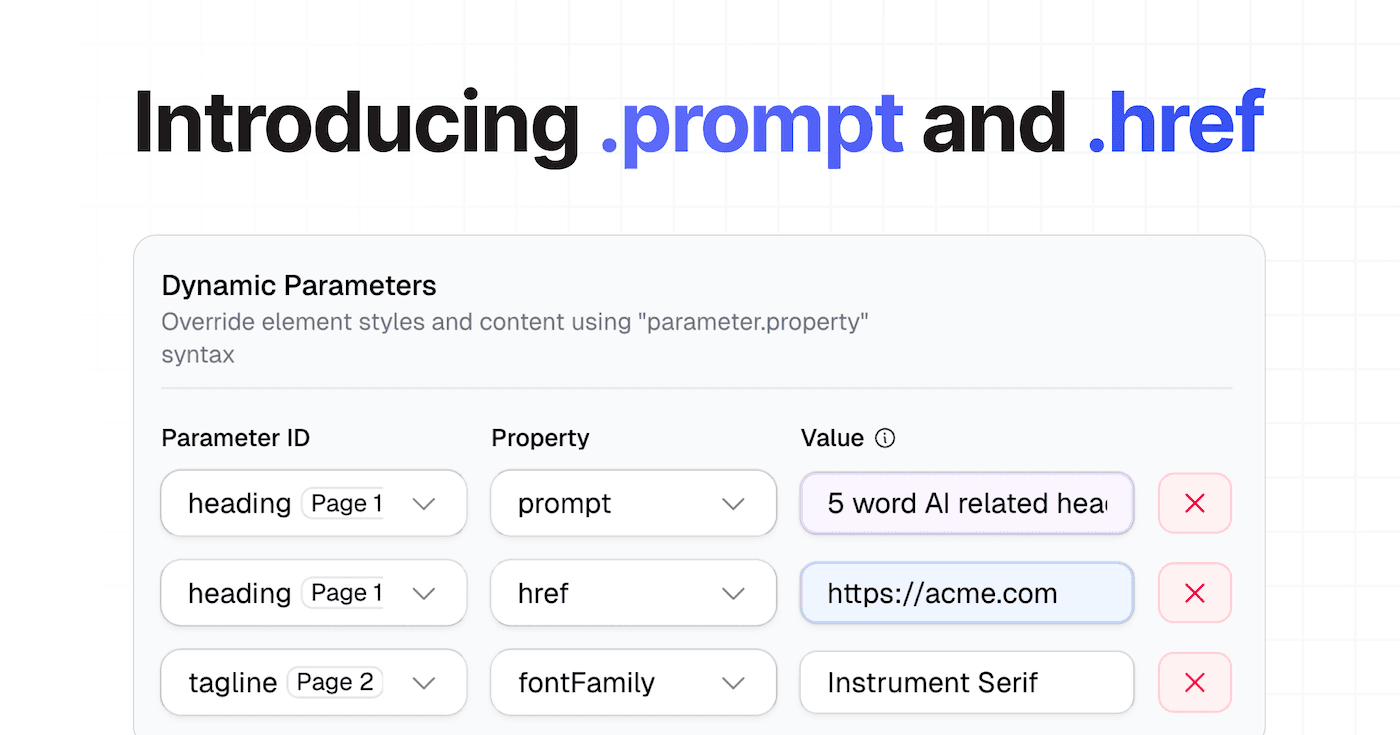
Just like images, elements support parameter IDs — so you can swap icons or logos dynamically via the API at render time. Set a parameter ID on an element and pass a different image URL when generating