 Orshot for WordPress
Every post gets its image, the moment you publish.
Design a template once. The Orshot plugin fills in your post title, category and author, then sets the featured image and social image for you.
Free plugin · 100 free credits a month · no API keys
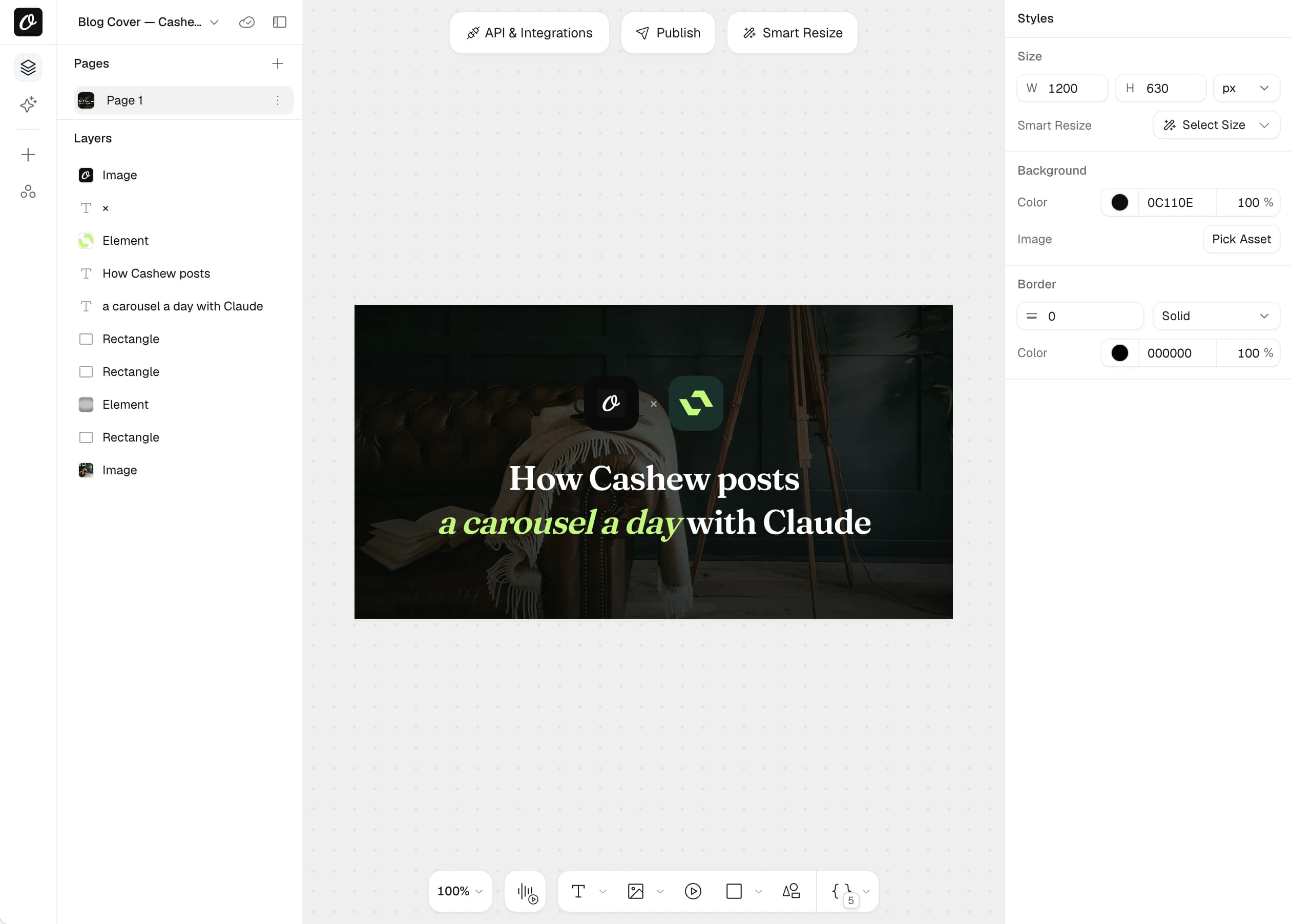
Featured images
Made from your template every time you publish.
Social previews
og:image and twitter:image set on every post.
Orshot Image block
Generate an image right inside the block editor.
Media library
Everything lands in your library as a normal upload.
Your post fills the template for you.
Pick a template, match its fields to your post, save. That is the whole setup.
- Title, excerpt, category, author, date and site name
- Choose posts, pages or any custom post type
- Regenerate any time from the editor sidebar
- Post Title
title - Post Excerpt
excerpt - Category
category - Author Name
author - Publish Date
date - Site Name
site
A proper preview on X, LinkedIn and Facebook.
A 1200×630 image is made on publish and the right tags are added to your post. No theme edits.
- Sets og:image and twitter:image
- Large image card on X by default
- Works next to Yoast and Rank Math
<meta property="og:image" content=".../uploads/my-post-og.png" /><meta property="og:image:width" content="1200" /><meta property="og:image:height" content="630" /><meta name="twitter:image" content=".../uploads/my-post-og.png" />
On brand, not a stock thumbnail.
Start from 2,000+ templates or build your own in Orshot Studio. Mark a layer as dynamic and it becomes a field WordPress can fill.
- Your fonts, colors and logo
- Import designs from Canva or Figma
- Browse your templates without leaving WordPress
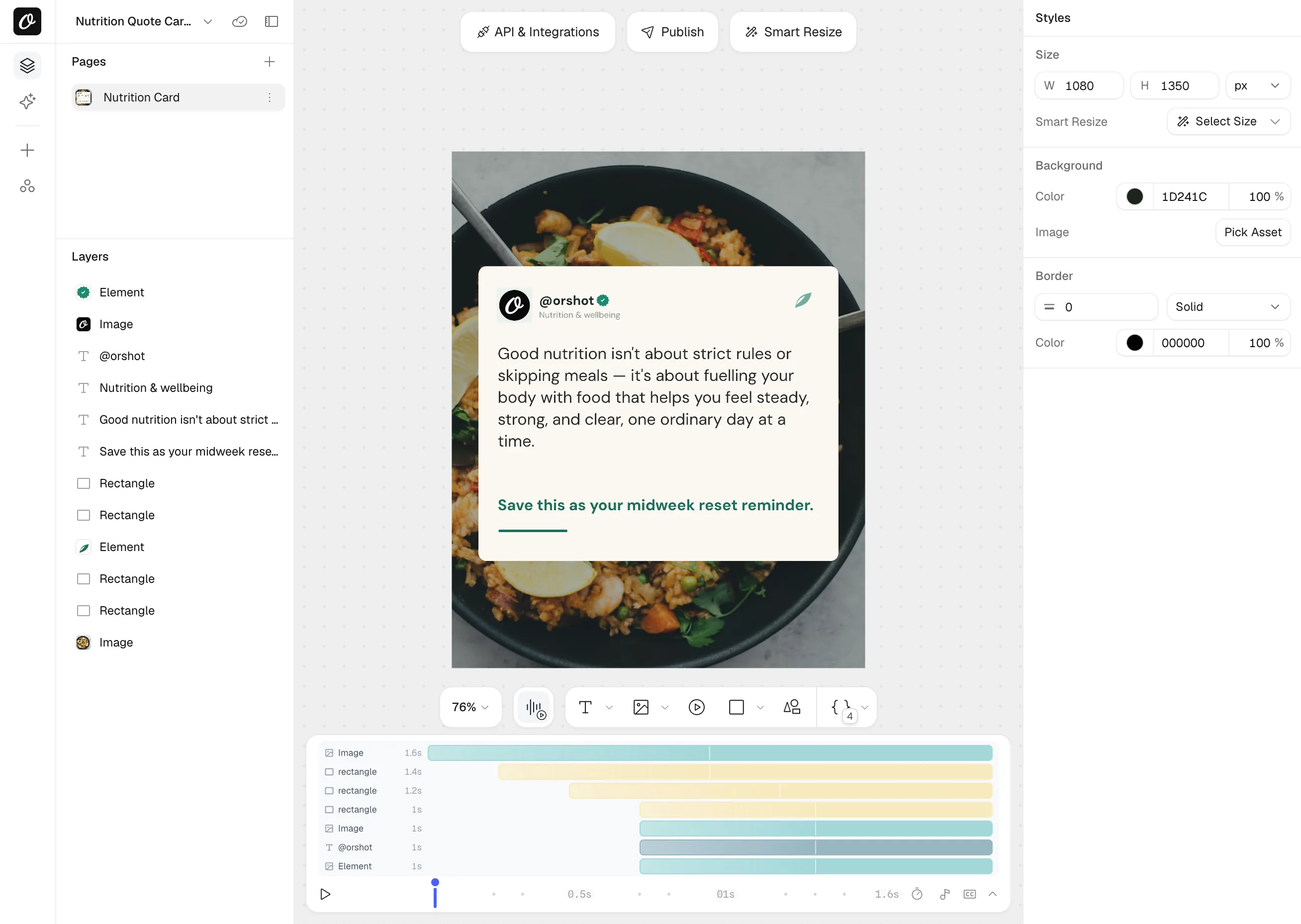
Send any render to your media library.
Add your site as a storage connection. Images made through the API, n8n, Make or Zapier upload to WordPress on their own.
- Paste one upload token to connect
- Same templates, same designs
- Works with images, PDFs and videos
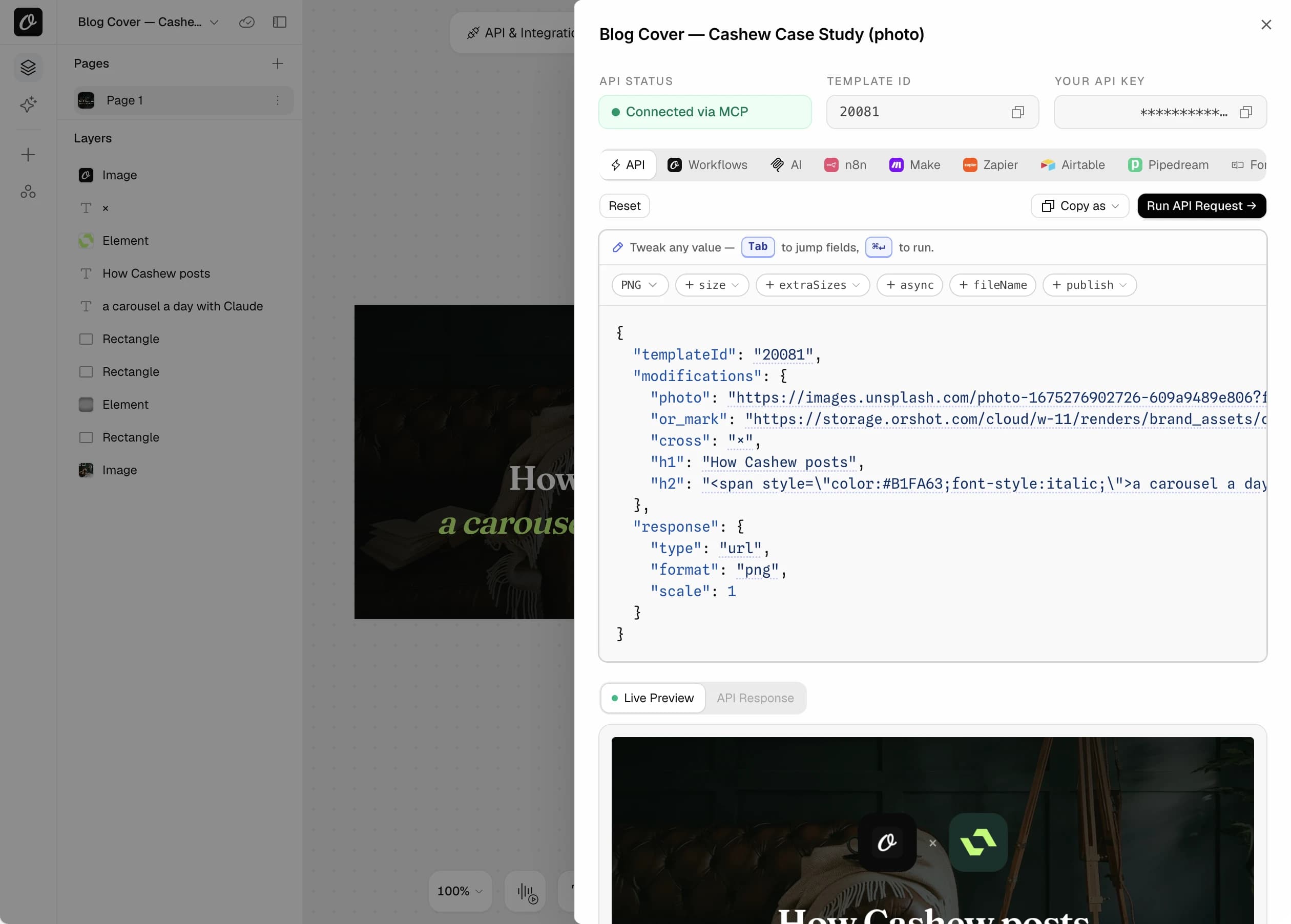
One plugin. Any site that publishes often.
Stop making covers by hand
Write, hit publish, done. The cover matches every other post on your blog.
Many posts a day, one look
Every author's post gets the same branded image without a designer in the loop.
A template per client site
Set it up once per site. Clients publish and the images take care of themselves.
Changelogs, docs and events
Turn on custom post types and each entry gets its own share image.
Pick what you need. See the setup.
Never ship a post without a cover
Publish a post and the featured image is already set, with the title and category on it. Works for pages and custom post types like events or changelogs too.
Uses: WordPress plugin- 1Install the plugin and click Connect to Orshot
- 2Pick a template and map Post Title and Category
- 3Tick the post types that should get a cover
An og:image that is just a URL
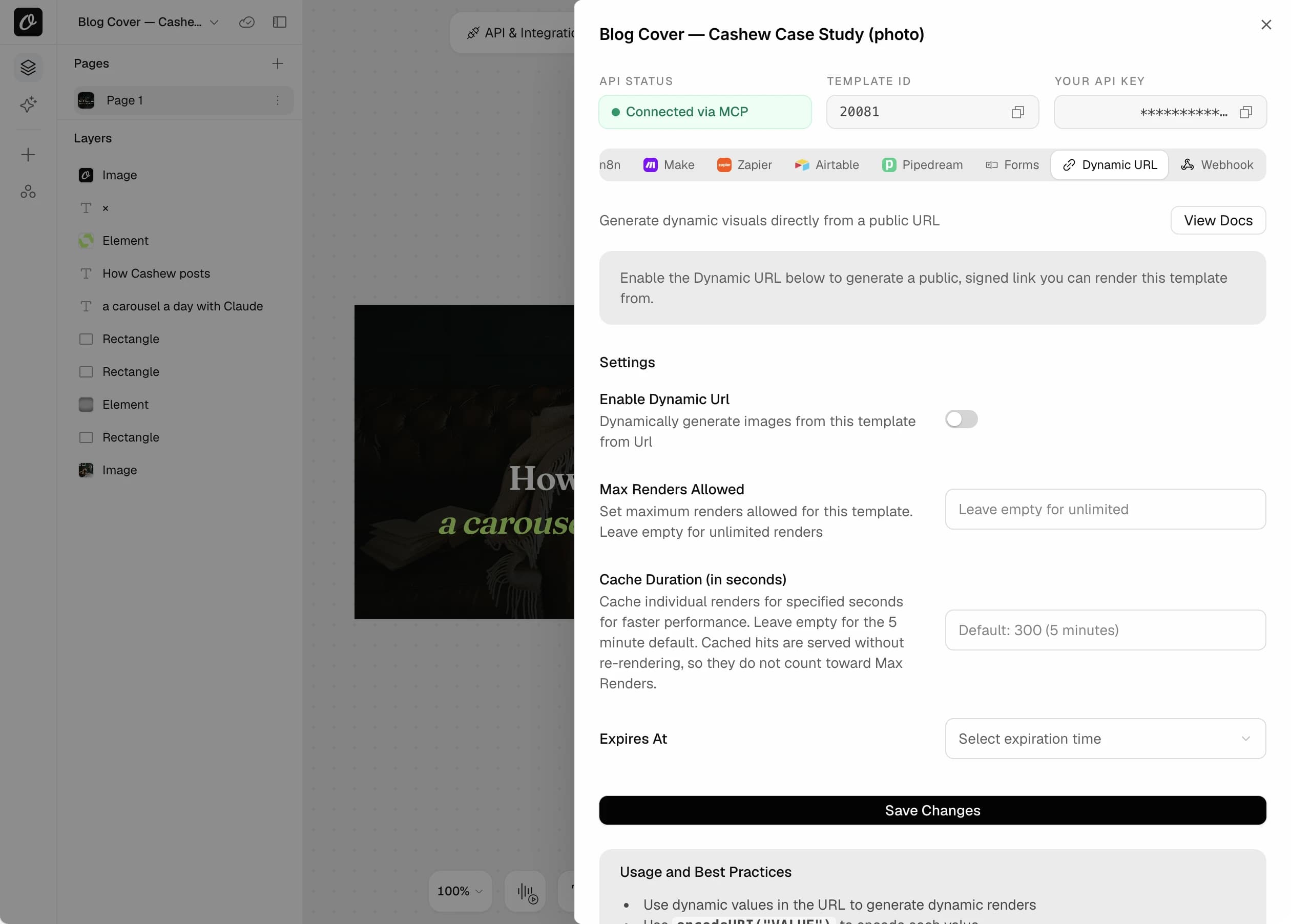
Turn on Dynamic URL for a template. Put the post title in the query string and that link is the image. Change the template and every post updates.
- 1Open the template and enable Dynamic URL
- 2Set a credit limit, cache time and expiry if you want
- 3Copy the URL and print it in og:image with the post title
https://api.orshot.com/v1/studio/dynamic-url/my-post.png
  ?templateId=1234&title=My%20post%20title&sign=...
Quotes, stats and callouts without leaving the editor
Add the Orshot Image block, choose a template and generate. The image is saved to your media library and placed in the post.
Uses: Orshot Image block- 1Add a block and search for Orshot Image
- 2Pick a template from your workspace
- 3Click Generate Image
Ask for the image. It shows up in WordPress
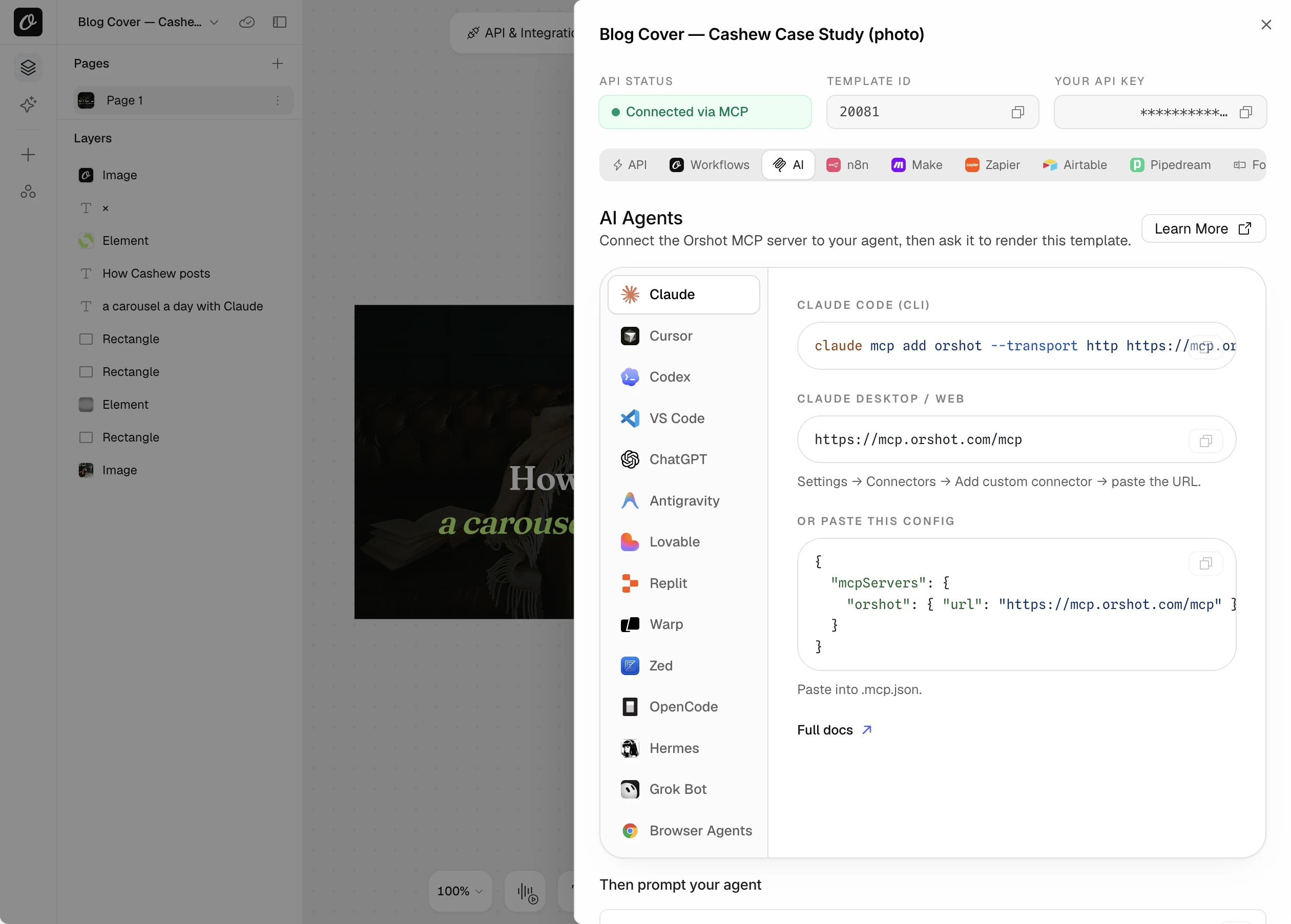
Connect Orshot to your agent over MCP. It can design the template, render the image and post it. With your site added as a storage connection, renders land in your media library.
- 1Connect Orshot to Claude, ChatGPT or Cursor
- 2Add your WordPress site as a storage connection
- 3Ask in plain words
Make a cover for my post "10 ways to speed up WordPress" using the blog cover template, then share it on LinkedIn.
Rather write code? Four ways to wire it up.
The plugin is optional. Render on publish through the API, or skip the API and put a Dynamic URL straight into og:image. Dynamic URL renders are cached, and you can set a render limit and an expiry per template.
// Render once when a post is published, save it to the media library.
add_action('publish_post', function ($post_id, $post) {
  $res = wp_remote_post('https://api.orshot.com/v1/studio/render', [
    'timeout' => 30,
    'headers' => [
      'Authorization' => 'Bearer ' . ORSHOT_API_KEY,
      'Content-Type'  => 'application/json',
    ],
    'body' => wp_json_encode([
      'templateId'    => 1234,
      'modifications' => [
        'title'    => html_entity_decode(get_the_title($post_id), ENT_QUOTES),
        'category' => get_the_category($post_id)[0]->name ?? '',
        'author'   => get_the_author_meta('display_name', $post->post_author),
      ],
      'response' => ['type' => 'url', 'format' => 'png'],
    ]),
  ]);

  $image_url = json_decode(wp_remote_retrieve_body($res))->data->content;

  require_once ABSPATH . 'wp-admin/includes/media.php';
  require_once ABSPATH . 'wp-admin/includes/file.php';
  require_once ABSPATH . 'wp-admin/includes/image.php';

  $attachment_id = media_sideload_image($image_url, $post_id, null, 'id');
  set_post_thumbnail($post_id, $attachment_id);
}, 10, 2);
// No plugin, no API call. The image URL itself is the template.
// Turn on Dynamic URL for the template and copy its sign value.
add_action('wp_head', function () {
if (!is_singular('post')) return;
$og = add_query_arg([
'templateId' => 1234,
'title' => rawurlencode(html_entity_decode(get_the_title(), ENT_QUOTES)),
'category' => rawurlencode(get_the_category()[0]->name ?? ''),
'sign' => ORSHOT_URL_SIGN,
], 'https://api.orshot.com/v1/studio/dynamic-url/' . get_post_field('post_name') . '.png');
printf('<meta property="og:image" content="%s" />', esc_url($og));
printf('<meta name="twitter:image" content="%s" />', esc_url($og));
});// Next.js front end, WordPress as the CMS.
export async function generateMetadata({ params }) {
const post = await getPostFromWordPress(params.slug);
const og = new URL(
`https://api.orshot.com/v1/studio/dynamic-url/${post.slug}.png`,
);
og.searchParams.set("templateId", "1234");
og.searchParams.set("title", post.title);
og.searchParams.set("category", post.category);
og.searchParams.set("sign", process.env.ORSHOT_URL_SIGN);
return {
title: post.title,
openGraph: { images: [{ url: og.toString(), width: 1200, height: 630 }] },
};
}Small plugin, a lot of busywork gone.
Everything the plugin does, at a glance.
Blog post covers
A featured image with the post title on it, for every post.
OG images for sharing
Links to your posts look good on X, LinkedIn, Slack and WhatsApp.
Images inside a post
Add the Orshot Image block, pick a template, generate. It embeds inline.
Share new posts on socials
Render the image and post to X, LinkedIn or Instagram in one API call.
Refresh on update
Change a headline and the image is made again with the new title.
Custom post types
Events, case studies, changelogs. Anything registered on your site.
One click connect
Approve the connection from your Orshot account. No keys to manage.
Renders into WordPress
Push images from your automations straight to the media library.
Works with AI agents
Connect Claude, ChatGPT or Cursor. Renders can land in your media library.
Questions about the WordPress plugin
Do I need an Orshot account?
I already use Yoast or Rank Math. Will this clash?
Which post types are supported?
Where are the images stored?
Do I need an API key?
Can I redo an image after editing a post?
Install it today. Your next post makes its own image.
The plugin is free and the free plan includes 100 credits a month. Setup takes about five minutes.







