Piktochart is a fantastic tool for creating infographics and reports manually. If you need to make one beautiful presentation, it's a great choice.
But what if you need to generate 100 individualized reports for your clients? Or create a new infographic summary every time your data updates?
That's where Piktochart hits a wall. You're stuck manually editing templates, copy-pasting data, and exporting files one by one. It's tedious, error-prone, and unscalable.
I built Orshot to solve this exact problem. Orshot combines a Canva-like design editor with a powerful API, allowing you to automate the design process completely.
Try Orshot Free (30 free credits included)
Install the Orshot agent skill in Claude Code, Cursor, or Windsurf to automatically translate your Piktochart API calls to Orshot. The skill knows both APIs and handles the mapping for you.
npx skills add orshot-hq/orshot-agent-skillsDemo
Try Orshot Studio with this demo template
The Automation Gap
The main reason teams look for a Piktochart alternative is automation.
| Feature | Orshot | Piktochart |
|---|---|---|
| Generation Method | API & Integrations (Automated) | Manual (Drag & Drop) |
| Data Connection | Connect to n8n, Make, Webhooks, or Zapier | Limited integrations |
| Integrations | Webhooks, Native MCP Server, Direct API | Standard (e.g., Google Drive export) |
| Use Case | Programmatic SEO, Automated Reporting, Social Automation | One-off Presentations, Manual Infographics |
| Pricing | Based on generation volume (starts free) | Per user/seat model |
| Developer Tools | SDKs (Node, Python), CLI, API Docs | None |
| Output Formats | IMG, PDF, Video (MP4/GIF/WebM) | IMG, PDF, PPT |
| Social Publishing | Built-in — 15+ platforms | No |
Why Switch to Orshot?
1. You Need an API
Piktochart doesn't have a public API for generating content. Orshot is built API-first. You design a template once, and then use our API to generate thousands of variations by simply sending JSON data.
// Example: Generating a report cover
{
  "templateId": "123",
  "modifications": {
    "title": "Q1 Performance Review",
    "client_name": "Acme Corp",
    "chart_image": "https://chart-service.../chart.png"
  }
}
2. Powerful Integrations (No Code Needed)
You don't need to be a developer to automate your designs. Orshot integrates seamlessly with tools like n8n, Make, and Zapier.
- Webhooks: Trigger an image or PDF generation whenever a form is submitted or a database row is added.
- Workflow Automation: Connect your Airtable or Google Sheets data directly to your design templates.
3. A Familiar "Canva-like" Editor
Moving to a developer tool shouldn't mean losing design capabilities. Orshot Studio offers a drag-and-drop experience that feels just like Canva or Piktochart, but with powerful features for automation like Smart Stacking (auto-adjusting layouts based on text length).
4. Better Pricing for Scale
Piktochart charges per user. If you have a team, that adds up. Orshot charges based on usage. Whether you have 1 person or 10 people designing templates, you only pay for the images and PDFs you generate.
- Free Plan: 30 free credits with no expiry. See pricing.
- Pro: Starts at $39/mo for 1,500 credits (1 credit = 1 image or PDF page).
5. Embed Design Editor in your App
Orshot Embed feature lets you embed the editor inside your app. You can give your users their own templates library and a white-labeled experience without moving out of your app.
6. Developer Friendly SDKs
If you are building an application, relying on manual tools is a non-starter. We provide official SDKs to integrate design generation directly into your product.
6. Publish Directly to Social Media
Skip the download-upload-post cycle entirely. Orshot's Social Publishing addon lets you render an image and post it directly to 15+ platforms — Twitter/X, Instagram, LinkedIn, Facebook, TikTok, Discord, WhatsApp, and more. Publish from the dashboard or automate via the API. $12/month per connected account, unlimited posts.
The AI Advantage
While Piktochart has basic AI for charts, Orshot uses AI to automate the entire creative process.
Smart Design Variants
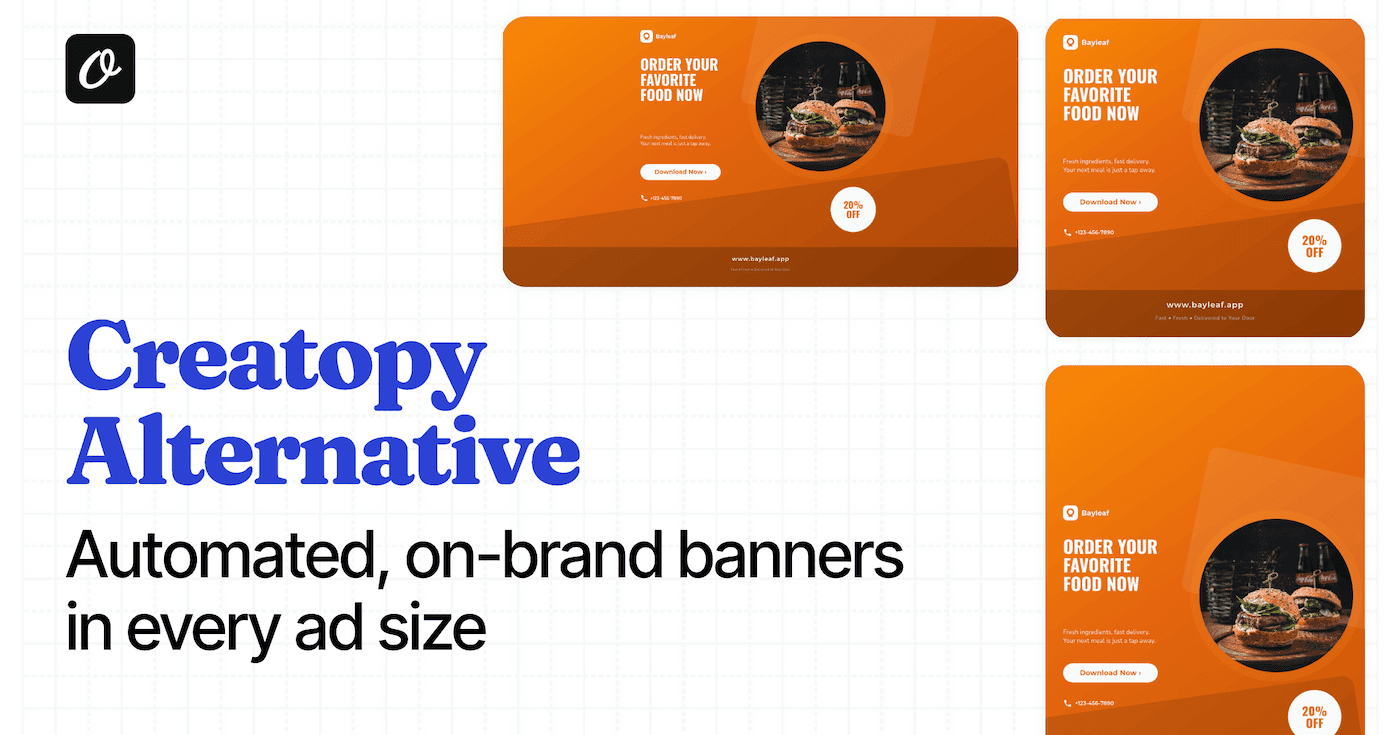
Never manually resize a design again. Create one "master" template, and let our AI Variant Generator automatically repurpose it for Instagram Stories, LinkedIn banners, and Twitter posts—adjusting the layout intelligently to fit each format.
AI Content Generation
With Dynamic Parameters, you don't even need to provide all the content. Use the .prompt modifier in your API calls to let AI write headlines or generate images for you on the fly.
{
  "modifications": {
    "headline.prompt": "Write a punchy title about Q3 sales growth",
    "background_image.prompt": "Corporate office skyline, minimalistic style"
  }
}
AI Template Generator
Stuck on a design? Just describe what you need ("A modern tech conference certificate"), or upload a screenshot of a design you like. Orshot's AI will build a fully editable, API-ready template for you in seconds.
Beyond Static Images: Video Generation
Piktochart is great for static PDFs. Orshot brings your reports to life with video.
You can generate MP4, WebM, and GIFs programmatically. Add video layers, control trim/loop settings via API, and turn a static report into an engaging social media reel automatically.
Frequently Asked Questions
Is there a free alternative to Piktochart?
Does Piktochart have an API?
How can I automate Piktochart designs?
Can I generate PDF reports automatically?
Is Orshot better for teams?
Can I import Canva or Figma designs?
Does Orshot support video and GIFs?
What is the best tool for bulk infographic generation?
How to Switch
- Recreate your Template: Open Orshot Studio and recreate your Piktochart design. It's intuitive and fast.
- Connect Data: Use the API or a no-code tool (like Make/n8n) to map your data fields to the template layers.
- Automate: Run your workflow and watch the content generate itself.
Ready to stop the manual grunt work?