Every marketer, eCommerce owner, and content creator hits the same wall eventually: there's too much content to make and not enough hours to make it.
You need product banners, social posts, certificates, ad creatives, invoices, carousels — and you needed them yesterday. Manually creating each one in Canva or Figma doesn't scale. Hiring a designer for every variation gets expensive fast.
That's where automated content creation comes in. Not the "let AI write a soulless blog post" kind. The kind where you set up systems that produce on-brand, ready-to-publish content — images, PDFs, videos, copy — with minimal manual effort.
Here are 10 tools that actually help you automate content creation in 2026, broken down by what they're best at.
| Tool | Category | Best For |
|---|---|---|
| Orshot | Content Creation + Automation | Automating images, PDFs, videos from templates |
| Make | No-Code Automation | Connecting apps to build automated workflows |
| n8n | Technical Automation | Complex, self-hosted automation workflows for devs |
| Canva | Design | Batch creating simple social graphics via CSV |
| Buffer | Social Media | Scheduling and distributing content across channels |
| Scribe | Documentation | Automatically capturing screen recordings into guides |
| Notion | Planning | Planning content and managing team workflows |
| Jasper | AI Copywriting | Generating marketing copy and blog drafts at scale |
| Repurpose.io | Video Repurposing | Republishing video content across multiple platforms |
| Typefully | Social Media (Text) | Scheduling and auto-posting for X and LinkedIn |
1. Orshot — Automated Visual Content from Templates
Best for: Generating images, PDFs, and visual content at scale from reusable templates
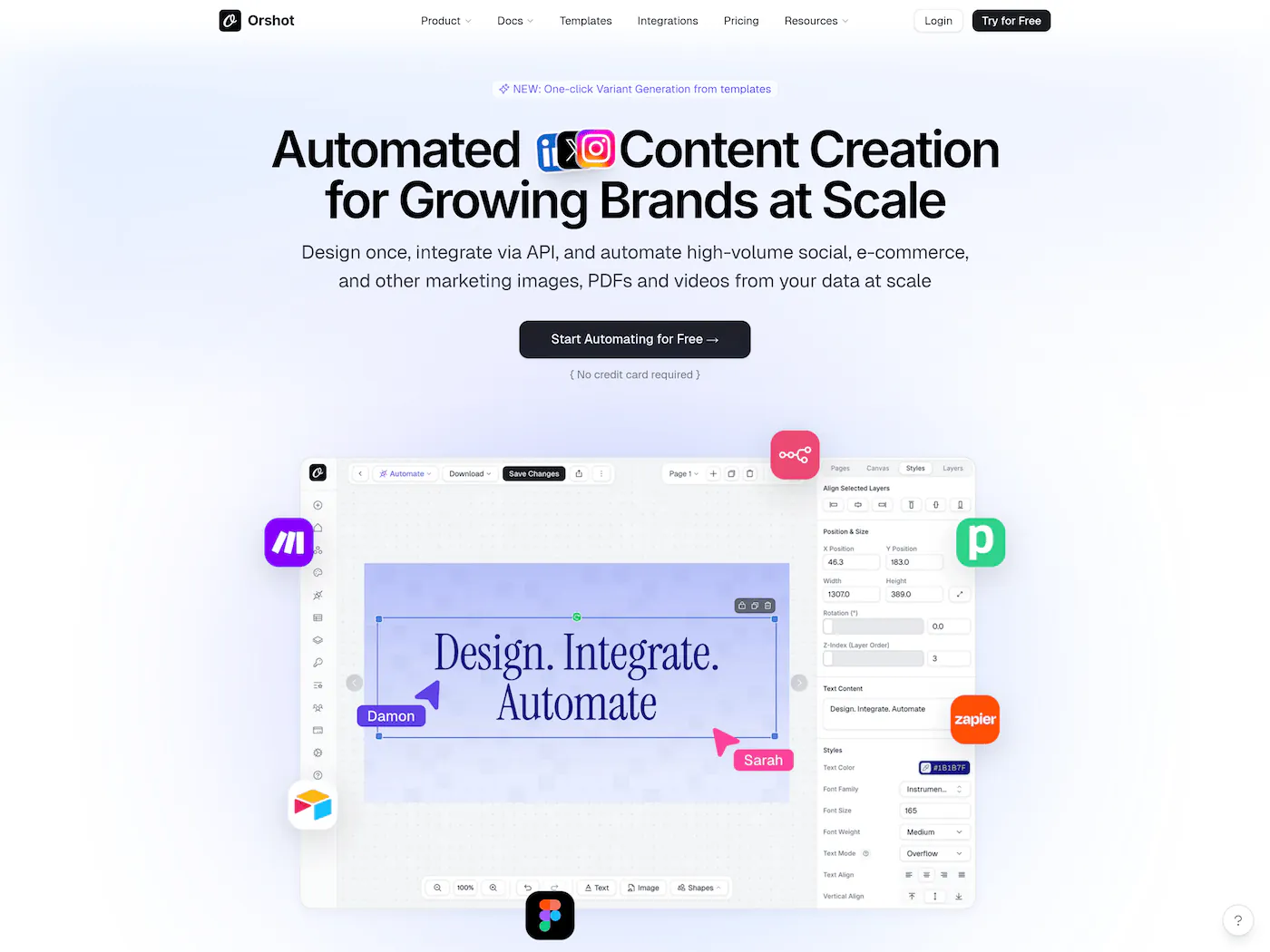
If you're creating the same types of visuals over and over — product banners, social media graphics, certificates, invoices, ad creatives — Orshot is built exactly for this. It generates the visuals and can post them directly to 15+ social platforms like Instagram, LinkedIn, Twitter, TikTok, and more — all in a single API call.
The workflow is simple: design a template once in Orshot Studio (or optionally let the Orshot Design Agent build it via text prompt), mark the parts that change as dynamic parameters, then generate hundreds of variations by feeding in data through a spreadsheet, the REST API, or no-code tools like Zapier and Make. You can publish instantly, schedule posts for later, or save them as drafts.
What makes it different from standard AI image generators: Every output is pixel-perfect and on-brand because it's based on your actual design logic — not static AI image generation. Even if you use the Design Agent to help structure your canvas, the final render uses real editable layers with animation support for video outputs. No hallucinated text or weird layouts. Just your template + your data = done.
Use cases people actually run on Orshot:
- Auto-generating Shopify product banners when new products are added
- Bulk generating PDF certificates for online courses
- Creating branded retail ads without a designer
- Automating invoice and receipt generation via API
- Generating unique images for programmatic SEO pages
- Creating animated video content at scale with per-layer animations, choreography, and staggered effects
- Automate repetitive visuals like product banners, certificates, and social posts
- Turn a single design into thousands of personalized variations instantly
- Free up design time by connecting directly to your data or CMS
- Launch programmatic SEO campaigns with unique images for every page
- Maintain 100% brand consistency across all marketing channels without manual review
Pricing: 100 free credits a month, no credit card required. Paid plans from $39/mo.
Orshot's Social Publishing means you don't need a separate tool like Buffer to get content out the door. Generate and publish from one place — no extra steps.
2. Make (formerly Integromat) — Visual Workflow Automation
Best for: Connecting apps and automating multi-step content workflows without code
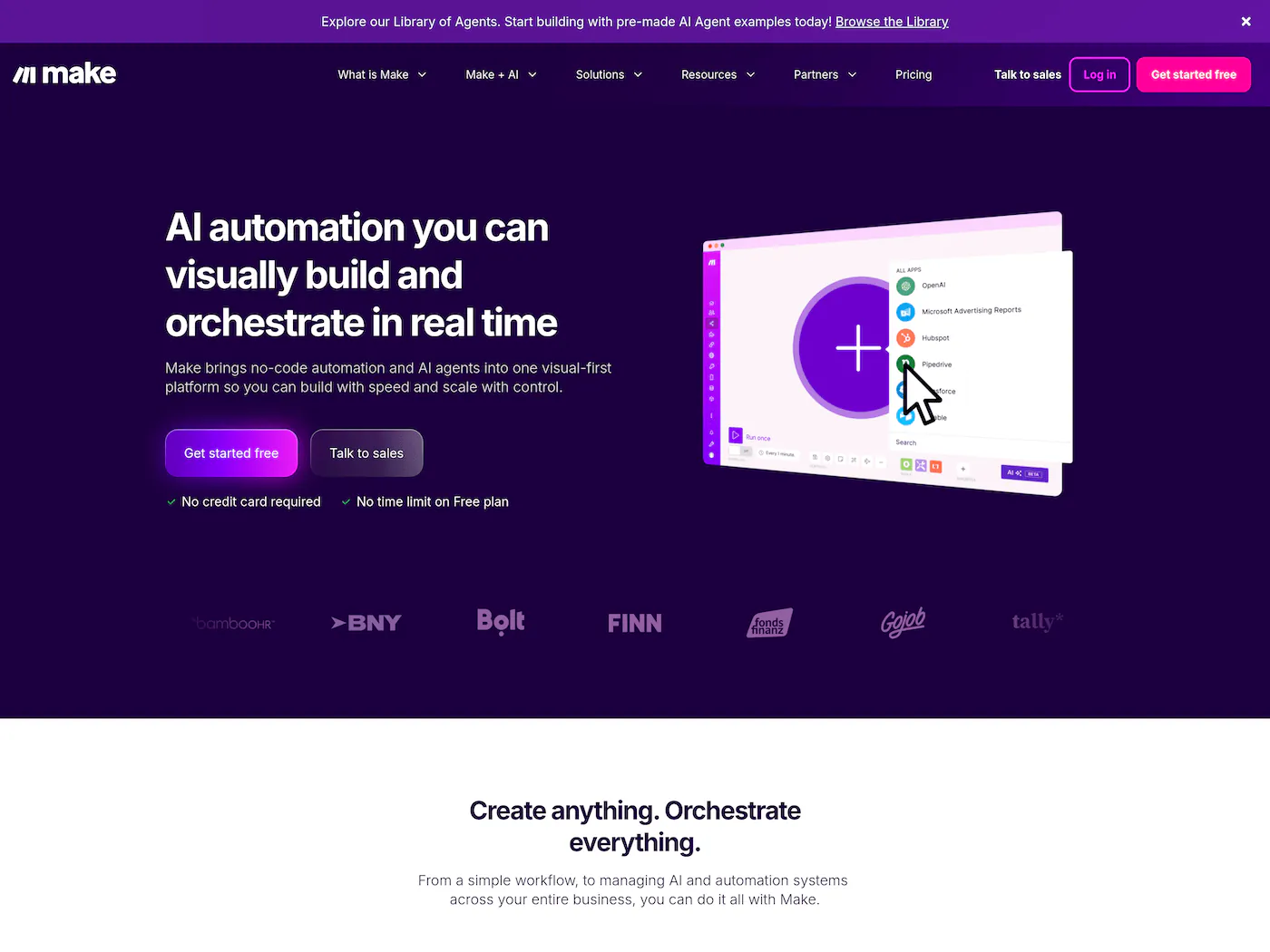
Make lets you build automated workflows visually. You drag and drop modules — think "when a new row is added to Google Sheets, generate an image in Orshot, post it to Instagram via Buffer, and log it in Notion."
It's not a content creation tool by itself, but it's the glue that connects your content tools into an automated pipeline. If you're serious about content creation automation, you'll probably end up using Make (or n8n) to orchestrate everything.
- Visual drag-and-drop workflow builder
- Thousands of app integrations
- Generous free plan for getting started
- Handles complex multi-step automations
Pricing: Free plan available. Paid plans from $9/mo.
3. n8n — Open-Source Workflow Automation

Best for: Developers and technical teams who want full control over their automation workflows
Similar to Make, but open-source and self-hostable. n8n is popular with technical teams who want to build complex content creation automation workflows without vendor lock-in. You can set up flows that pull data from your CMS, generate visuals via an API, post to social platforms, and track performance — all in one workflow.
If you're comfortable with a bit of JSON and want maximum flexibility, n8n is hard to beat — especially for complex workflows like automating social media posts and videos, document processing, and internal tools.
- Open-source and self-hostable
- No vendor lock-in
- Highly customizable workflows
- Active community and marketplace
4. Canva (Bulk Create) — Batch Visual Design
Best for: Non-designers who need to create visual content for social media and marketing
Everyone knows Canva. But a lot of people miss the Bulk Create feature — you upload a CSV of data and Canva generates multiple designs from a single template. It's a lightweight version of automated content creation, and it works well for simple use cases like social media quote graphics or event invitations.
Where it falls short: No API access on most plans, limited programmatic control, and Bulk Create doesn't support complex layouts or conditional logic. If you need to automate content creation beyond manually uploading a CSV, you'll outgrow it quickly.
- Easiest design tool for non-designers
- Massive template library
- Bulk Create feature for batch generation
- Generous free tier
Pricing: Free plan available. Pro from $13/mo.
Relevant → Canva Bulk Create Alternative
5. Buffer — AI-Assisted Social Media Scheduling
Best for: Scheduling and auto-publishing social media posts across platforms
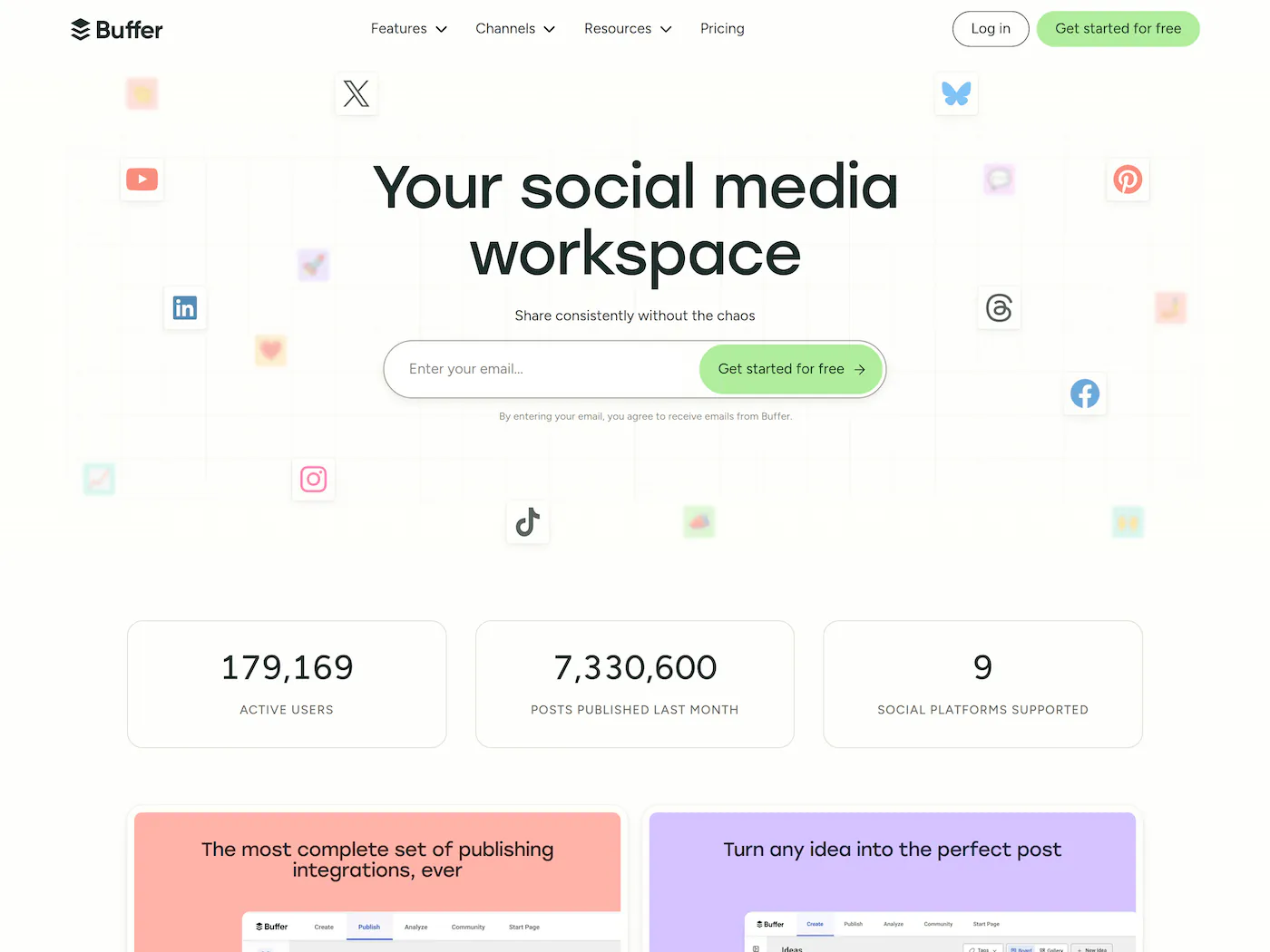
Buffer handles the distribution side of content creation automation. Write or generate your posts, set up a publishing schedule, and Buffer pushes them out across Instagram, X, LinkedIn, Facebook, and more.
Their AI assistant helps generate post ideas and captions, but the real value is in the scheduling automation — set it and forget it. Pairs well with visual content tools like Orshot for a full pipeline: generate the image automatically, then schedule it via Buffer.
- Clean, simple scheduling interface
- AI assistant for caption ideas
- Supports all major social platforms
- Free plan covers 3 channels
Pricing: Free plan for 3 channels. Paid from $6/mo per channel.
6. Scribe — Automated Step-by-Step Guides
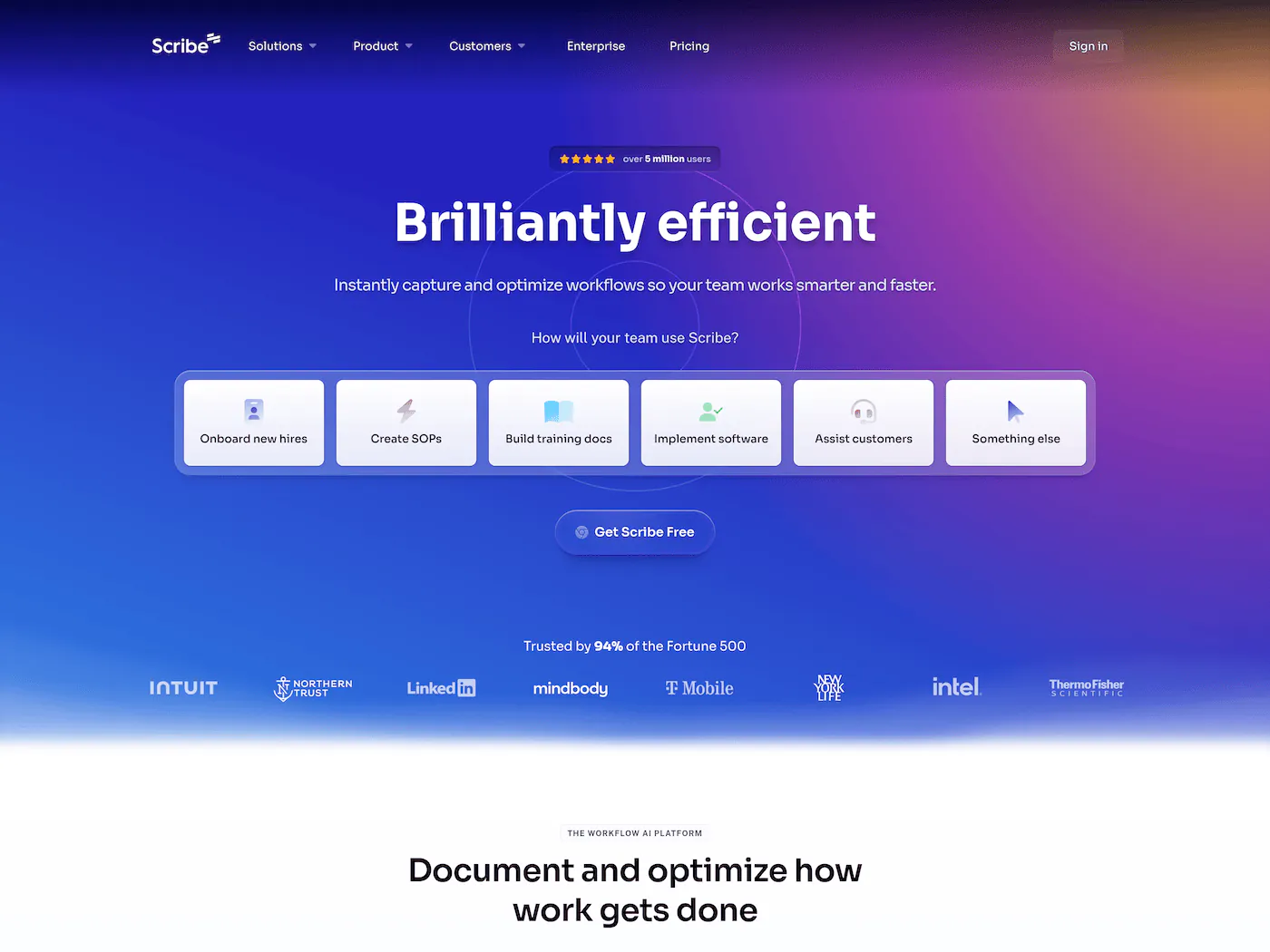
Best for: Automatically creating how-to guides, tutorials, and SOPs by recording your screen
If you spend hours taking screenshots, cropping them, and writing out instructions for help articles or team documentation, Scribe will feel like magic. You just hit "Record," do the process once in your browser or desktop app, and Scribe automatically generates a step-by-step guide with screenshots, clicks, and text instructions.
It's automated content creation for educational and support content. Instead of writing a "how-to" blog post from scratch, you can record the process and embed the Scribe guide (or export it to PDF/Markdown).
- Automatically generates guides from screen recordings
- Highlights clicks and keystrokes perfectly
- Edits are easy — change text, redact sensitive info
- Export to PDF, Markdown, or embed directly
- massive time saver for documentation
Pricing: Free plan available. Pro from $23/mo.
7. Notion — AI-Powered Content Planning and Drafting
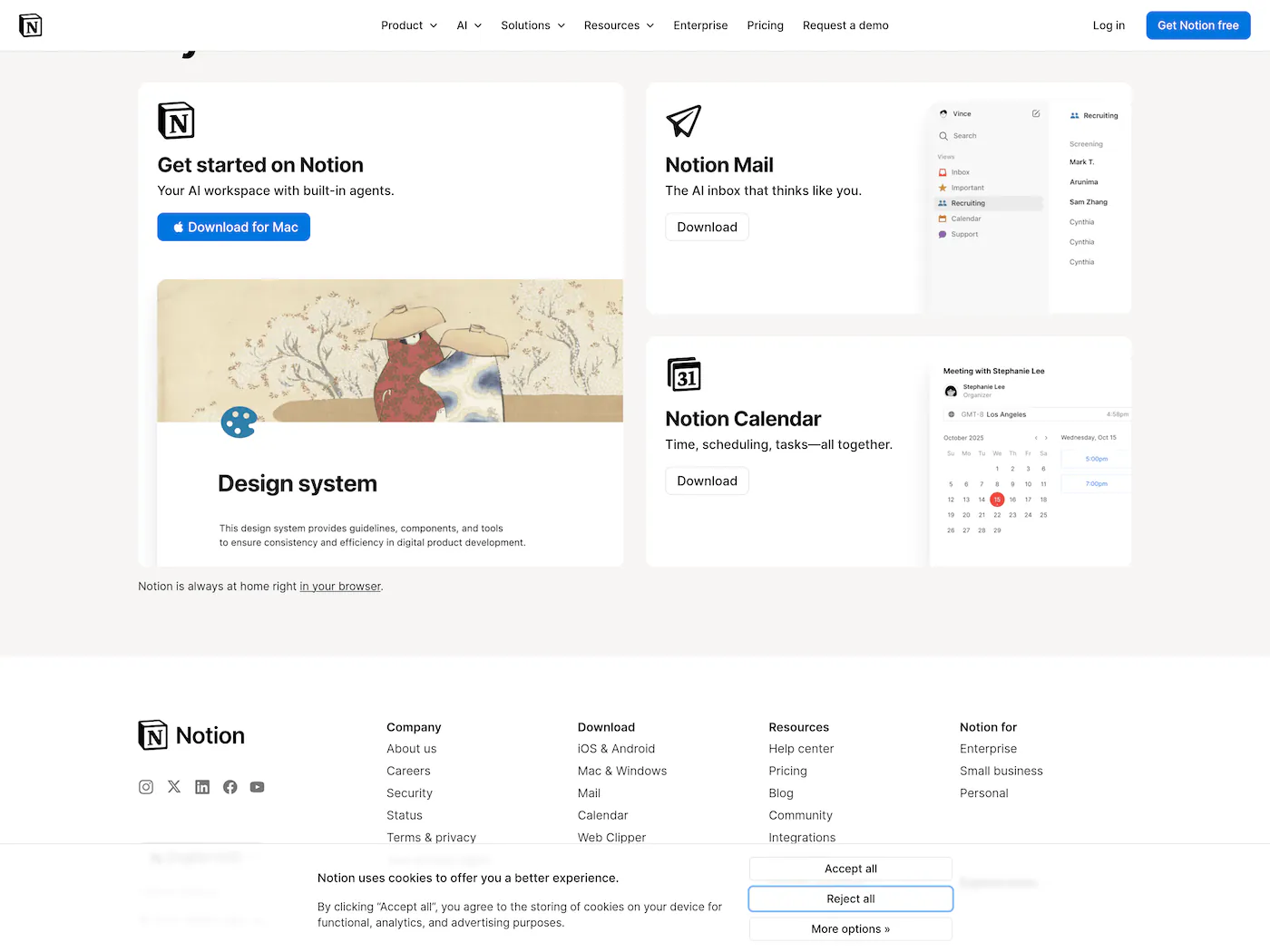
Best for: Content teams who need to plan, draft, and manage content workflows in one place
Notion isn't just a docs tool anymore. With Notion AI and their database-driven workflow, it's become a legitimate content creation automation hub. You can build content calendars, use AI to draft posts from outlines, auto-assign tasks when content moves through stages, and template everything.
The real power is in combining databases with automation. Create a content pipeline where moving a card to "Ready to Publish" triggers downstream actions via Make or n8n — generate the social image in Orshot, schedule in Buffer, update your tracker. All from one Notion board.
- All-in-one workspace for planning, writing, and tracking
- Notion AI for drafts, summaries, and brainstorming
- Database templates for repeatable content workflows
- Great for team collaboration and approvals
8. Jasper — AI Copywriting at Scale

Best for: Generating marketing copy, blog drafts, and ad variations
Jasper is the go-to ai tool for content creation on the copywriting side. It generates blog posts, email sequences, ad copy, product descriptions, and landing page content. The brand voice feature lets you train it on your existing content so outputs match your tone.
It won't replace a good writer, but it's excellent for first drafts and generating variations — especially for ad copy A/B testing where you need 20 versions of the same headline.
- Brand voice training for consistent tone
- Templates for every content type — ads, emails, blogs, social
- Team collaboration and campaign workflows
- Good for generating content variations at scale
Pricing: From $49/mo per seat.
9. Repurpose.io — Cross-Platform Content Distribution
Best for: Automatically republishing content across multiple platforms
Record once, publish everywhere. Repurpose.io takes your content from one platform (YouTube, TikTok, podcast) and automatically reformats and publishes it to others. It handles aspect ratio changes, platform-specific formatting, and scheduling.
This is content creation automation in the truest sense — you do the creative work once, and the tool handles every downstream distribution channel automatically.
- True set-and-forget automation
- Handles reformatting for each platform automatically
- Supports all major content platforms
- Great for repurposing podcasts and video content
10. Typefully — Automated Twitter/LinkedIn Content
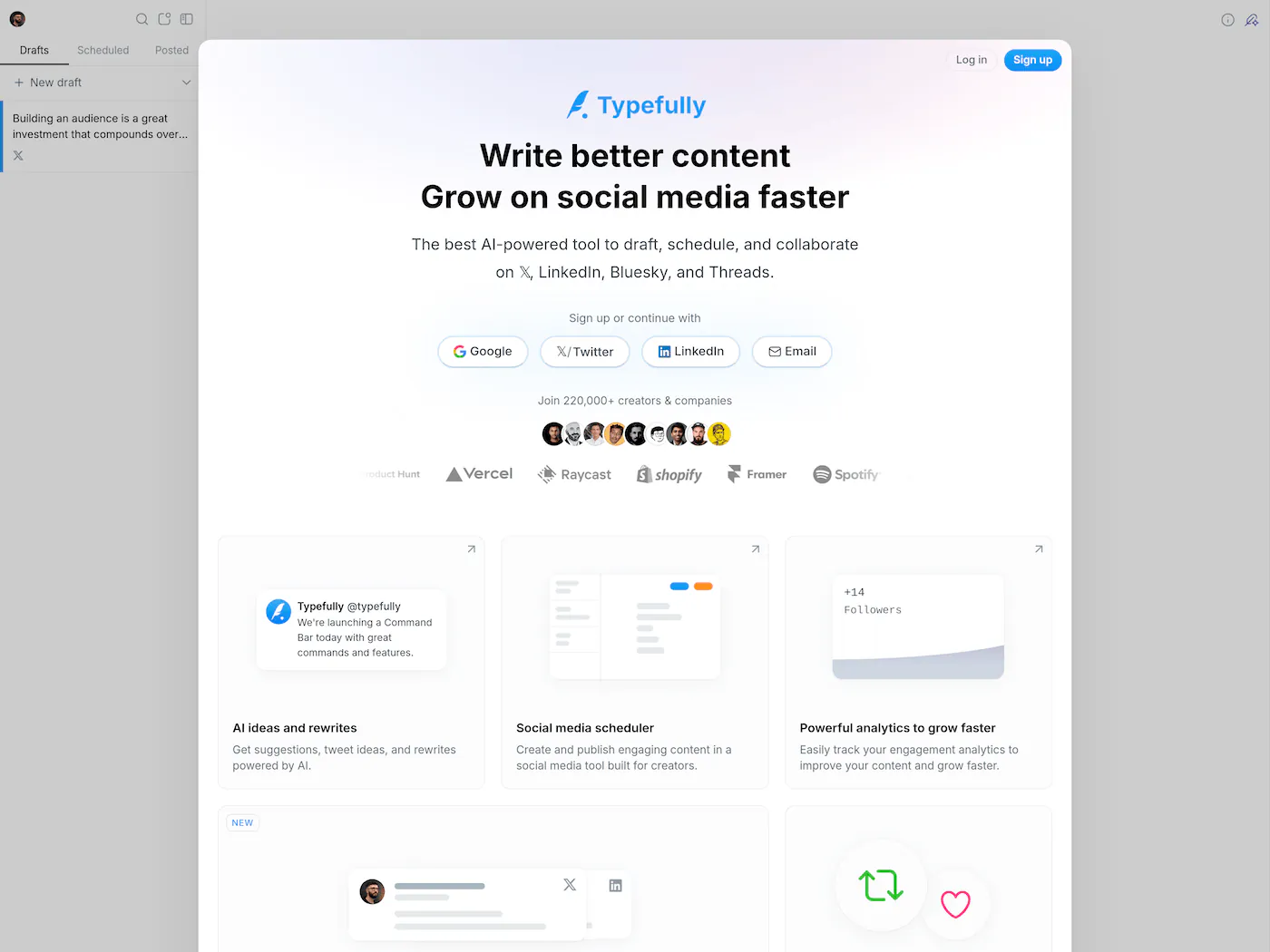
Best for: Scheduling, writing, and auto-publishing threads and posts on Twitter and LinkedIn
Typefully is a focused tool that does one thing well — helps you write, schedule, and auto-publish content on Twitter/X and LinkedIn. It has an AI writing assistant for drafts, a queue system for consistent posting, and analytics to see what's landing.
What makes it stand out in content creation automation is the auto-repost feature — your best-performing posts get automatically reshared at optimal times. Write once, let it keep working. Simple, no bloat.
- Focused and distraction-free writing experience
- Auto-repost of best-performing content
- AI writing assistant built in
- Analytics to see what resonates
3 Automated Content Creation Workflows You Can Build Today
The real magic happens when you connect these tools together. Here are three practical content creation automation workflows you can set up right now:
1. The "Idea-to-Instagram" Pipeline
Tools: Notion + Orshot + Buffer (connected via Make/n8n)
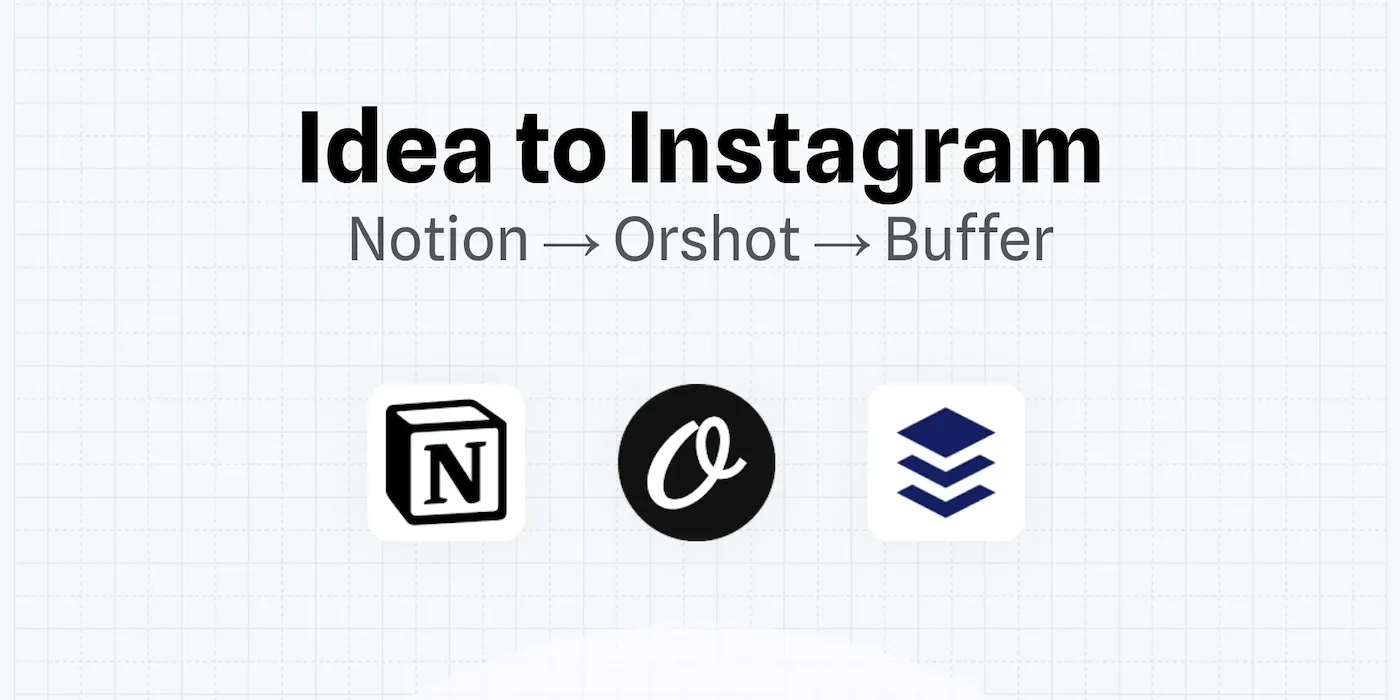
Instead of manually designing every Instagram story or LinkedIn post, set up a database in Notion for your content calendar. When you move a card to "Ready," an automation triggers Orshot to generate the visual asset using your pre-designed template and the text from your Notion card. The final image is then automatically scheduled in Buffer.
Result: You just write the text; the design and scheduling happen automatically.
2. The Video Repurposing Engine
Tools: YouTube + Repurpose.io + TikTok/Shorts
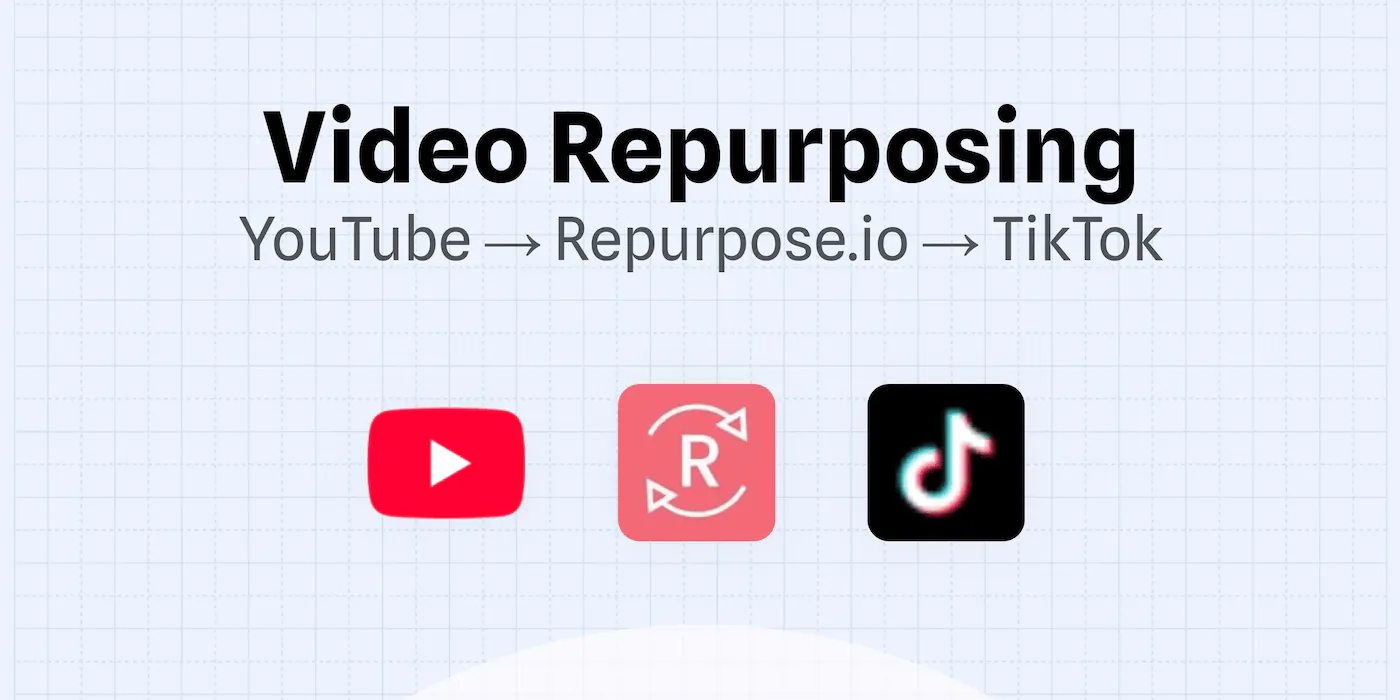
If you create long-form video or podcasts, never upload manually to social channels again. Connect your YouTube or podcast feed to Repurpose.io. Set up a workflow where every new standardized clip is automatically reformatted (vertical for TikTok, square for LinkedIn) and published or scheduled.
Result: One video upload turns into 10+ pieces of content across platforms without extra effort.
3. Automated Certificates & Documents
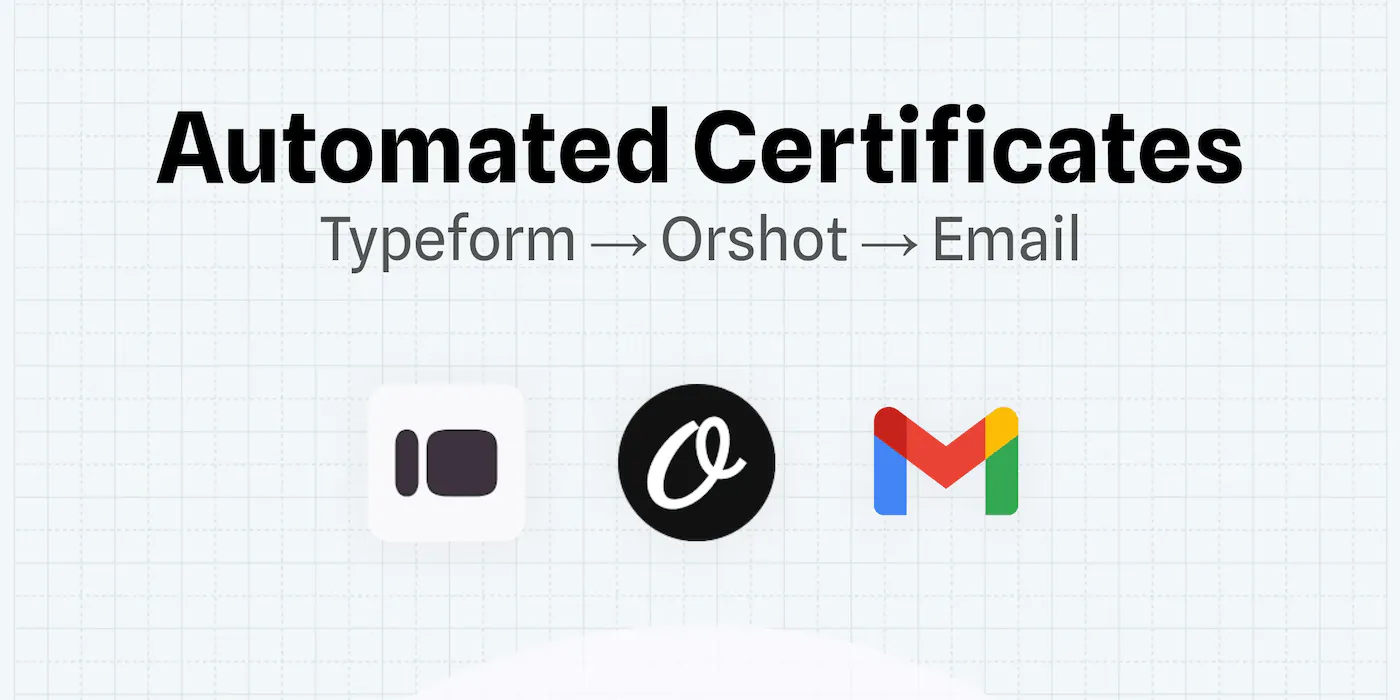
Tools: Google Sheets/Typeform + Orshot + Email
Perfect for course creators or event organizers. When someone completes a Typeform survey or a new row is added to Google Sheets (e.g., "Student Name," "Course Completed"), use Orshot to generate a personalized PDF certificate or report. Ensure the automation emails it directly to the user.
Result: Instant, personalized follow-ups that look manually designed but run on autopilot.
How to Pick the Right Tool
The best approach to automated content creation is usually a combination of tools, not a single platform:
- For visual content (images, PDFs, banners, certificates) → Orshot
- For copy and text (blogs, captions, ad copy) → Jasper or your LLM of choice
- For tutorials and guides → Scribe
- For distribution (scheduling, cross-posting) → Buffer, Repurpose.io, or Typefully
- For content planning and drafting → Notion
- For connecting everything together → Make or n8n
The tools that save the most time are the ones that automate the repetitive production work — not the creative decisions. Design your template once, write your brand guidelines once, set up your workflow once. Then let the tools handle every variation, every platform, every new product launch.
You don't need a massive budget or a dev team to start automating content creation. Pick one workflow — like auto-generating social graphics from a spreadsheet — and expand from there.