Almost every PDF generation API comes down to one of two approaches.
- HTML/CSS → PDF: you write the markup, the API renders it through a browser or print engine and hands you a PDF. Maximum control, but you own every pixel and there's no UI for non-developers.
- Template-based: you design a document once in a visual editor, then hit an endpoint with data (
{ "invoice_no": "1042", "total": "$49" }) and get a pixel-perfect PDF back. Less raw control, far less maintenance, and a marketer or ops person can edit the template without touching code.
Neither is "better". They fit different teams. This list covers both, ranked for how most developers actually ship invoices, certificates, reports, contracts and other PDF documents at scale in 2026.
I build Orshot, one of the tools below, so weight my ranking accordingly — but I've tried to be fair about where each one genuinely wins.
The shortlist at a glance
| Tool | Free tier | Starting price | Visual editor | Images too | HTML/CSS |
|---|---|---|---|---|---|
| DocRaptor | 5 docs/mo | $15/mo | |||
| Orshot | 100 credits/mo | $39/mo · 1,500 credits | |||
| APITemplate.io | 50/mo | $24/mo · 3,000 | |||
| PDFMonkey | 20 docs/mo | €5/mo · 300 docs | |||
| PDFShift | 50/mo | $9/mo · 500 | |||
| CraftMyPDF | 50/mo | $29/mo · 1,200 | |||
| PDF Generator API | 14-day sandbox | €52/mo · 1,000 | |||
| Api2Pdf | First month free | $1/mo + usage |
Prices checked on each vendor's pricing page on September 25, 2026, monthly billing. Tiers move, so confirm before you commit.
What each PDF API costs at your volume
Starting prices hide how billing scales, so here's the cheapest monthly plan (or plan plus overage) that covers each volume. It assumes one-page PDFs.
| Tool | Billed per | 1,000 PDFs | 10,000 PDFs | 100,000 PDFs |
|---|---|---|---|---|
| Orshot | PDF page | $39 | $160 | $480 |
| DocRaptor | Document | $75 | $299 | $2,500 |
| APITemplate.io | $24 | $89 | Custom quote | |
| PDFMonkey | Document | €10 | €50 | €500 |
| PDFShift | 5 MB of output | $24 | $99 | $249 |
| CraftMyPDF | $29 | $99 | $499 | |
| PDF Generator API | 1 to 5 pages | €52 | €177 | €621 |
| Api2Pdf | Compute time + MB | about $1.49 | about $5.91 | about $50 |
| DocSpring | $99 | $499 | $4,999 |
A few things the table makes plain:
- Api2Pdf is the cheapest at every volume for plain HTML to PDF, assuming small files (about 0.1 MB each). Heavier documents cost more.
- At 100,000 PDFs a month, Orshot ($480) costs less than DocRaptor, CraftMyPDF, PDFMonkey and DocSpring. Only PDFShift and Api2Pdf cost less, for plain HTML.
- Orshot and CraftMyPDF pause at your plan limit instead of charging overage. PDFMonkey's euro prices exclude VAT.
1. DocRaptor — best HTML/CSS fidelity
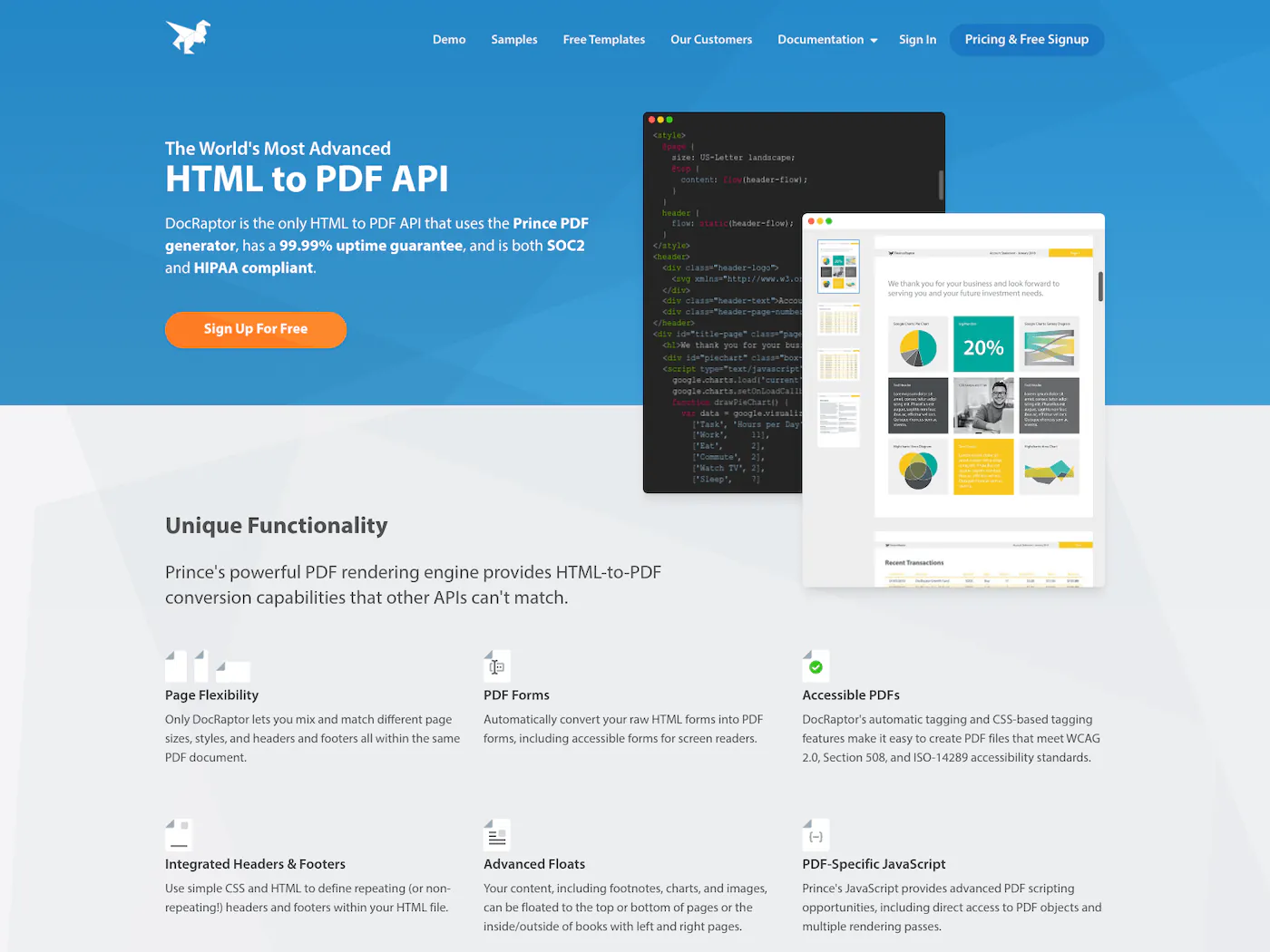
DocRaptor is the one to beat for print-grade output. It renders through the Prince engine, which gives you the most faithful CSS support of anything here — page breaks, headers and footers, footnotes, and proper print styling that browser-based renderers fumble. It also produces accessible (tagged) PDFs and is SOC 2, HIPAA, and GDPR compliant, so it shows up a lot in regulated industries.
Pricing starts free for 5 documents a month, then $15/mo, with unlimited watermarked test documents so you can develop without burning quota.
- Best-in-class CSS fidelity via the Prince engine
- Accessible, tagged PDFs (PDF/UA, WCAG, Section 508)
- SOC 2, HIPAA, and GDPR compliant
- Unlimited free watermarked test docs while you build
- No visual editor — you write all the HTML/CSS
- PDF and Excel only; no images or video
- Per-document pricing climbs at high volume
Where it fits: complex, paginated documents where layout fidelity and compliance matter more than having a visual editor. It's PDF (and Excel) only — no images or video.
2. Orshot — template-based PDF generation at scale
I'll keep my own pitch short. Orshot turns a template into an API endpoint — design once in the Studio editor, then POST your data and get a PDF back. Multi-page documents and carousels render in a single call, which matters for invoices and reports that run long.
Here's a live-preview of Orshot Studio with a design-rich document template (you can also play with the design):
Where it pulls ahead is a designer-friendly Canva like editor which can be used to create rich PDF and document designs, and the same plan also generates images and video — no separate products or add-ons. So if you need invoice PDFs and social images and the occasional video clip, it's one API key and one bill instead of three vendors.
You also get SDKs for Node, Python, Ruby, and PHP, native automation via n8n, Make, Zapier, an MCP server for AI agents, a CLI, and Dynamic URLs. Output formats cover PNG, JPG, WebP, AVIF, PDF, MP4, WebM, and GIF, and you can import templates straight from Canva or Figma. Already have your documents in HTML and CSS? Import them and they become editable templates, so you keep your markup and gain the visual editor.
A render is one POST: pass a templateId plus your modifications and ask for a PDF. Here's what that looks like for the documents people generate most:
An invoice template with fields for the number, customer and total. pdfOptions.title sets the title PDF readers show.
curl -X POST https://api.orshot.com/v1/studio/render \
  -H "Authorization: Bearer $ORSHOT_API_KEY" \
  -H "Content-Type: application/json" \
  -d '{
    "templateId": "<INVOICE_TEMPLATE_ID>",
    "modifications": {
      "invoice_no": "INV-1042",
      "customer_name": "Acme Inc.",
      "due_date": "Oct 15, 2026",
      "total": "$1,290.00"
    },
    "response": { "type": "url", "format": "pdf" },
    "pdfOptions": { "title": "Invoice INV-1042" }
  }'
A real estate listing flyer for print. dpi: 300 sizes the page for print (text stays vector), cmyk matches what print shops expect, and re-encoding photos as JPEG keeps a photo-heavy flyer from running past 20 MB.
const res = await fetch("https://api.orshot.com/v1/studio/render", {
  method: "POST",
  headers: {
    "Content-Type": "application/json",
    Authorization: `Bearer ${process.env.ORSHOT_API_KEY}`,
  },
  body: JSON.stringify({
    templateId: "<FLYER_TEMPLATE_ID>",
    modifications: {
      property_address: "42 Harbor View Rd, Portland, ME",
      agent_name: "Dana Whitfield",
      agent_headshot: "https://example.com/agents/dana.jpg",
      photo_1: "https://example.com/listings/42-harbor/front.jpg",
      logo_primary: "https://example.com/brand/logo.png",
    },
    response: { type: "url", format: "pdf", fileName: "42-harbor-view-flyer" },
    pdfOptions: {
      dpi: 300,
      colorMode: "cmyk",
      margin: "0px",
      imageFormat: "jpeg",
      imageQuality: 85,
    },
  }),
});
const { data } = await res.json();
console.log(data.content); // print-ready PDF URL
Need an exact page size instead of the template's own? Pass size as WIDTHxHEIGHT. 2480x3508 is A4 portrait at 300 DPI, and the design adapts to it. Sizes you save in the Studio come back exactly as you approved them.
curl -X POST https://api.orshot.com/v1/studio/render \
  -H "Authorization: Bearer $ORSHOT_API_KEY" \
  -H "Content-Type: application/json" \
  -d '{
    "templateId": "<TEMPLATE_ID>",
    "modifications": { "headline": "Spring Menu", "price_1": "$14" },
    "response": {
      "type": "url",
      "format": "pdf",
      "size": "2480x3508",
      "fileName": "spring-menu-a4"
    }
  }'
One certificate per attendee. Loop over your list and each call returns its own PDF URL, named after the person.
const attendees = [
  { name: "Sarah Chen", course: "UX Design" },
  { name: "Omar Haddad", course: "UX Design" },
];

for (const a of attendees) {
  const res = await fetch("https://api.orshot.com/v1/studio/render", {
    method: "POST",
    headers: {
      "Content-Type": "application/json",
      Authorization: `Bearer ${process.env.ORSHOT_API_KEY}`,
    },
    body: JSON.stringify({
      templateId: "<CERTIFICATE_TEMPLATE_ID>",
      modifications: { name: a.name, course: a.course },
      response: {
        type: "url",
        format: "pdf",
        fileName: `certificate-${a.name.toLowerCase().replace(/\s+/g, "-")}`,
      },
      pdfOptions: { title: `${a.course} Certificate` },
    }),
  });
  const { data } = await res.json();
  console.log(a.name, data.content); // hosted PDF URL
}
A client proposal deck, rendered as one PDF. Prefix a field with its page number to fill that page, and use includePages to send only the pages this client needs.
const res = await fetch("https://api.orshot.com/v1/studio/render", {
  method: "POST",
  headers: {
    "Content-Type": "application/json",
    Authorization: `Bearer ${process.env.ORSHOT_API_KEY}`,
  },
  body: JSON.stringify({
    templateId: "<PROPOSAL_TEMPLATE_ID>",
    modifications: {
      "page1@client_name": "Northwind Traders",
      "page1@headline": "Q4 Growth Plan",
      "page2@headline": "What we'll ship",
      "page2@step_1": "Audit and baseline in week one",
      "page2@step_2": "Launch the new landing pages",
      "page4@image": "https://example.com/case-study.png",
    },
    response: {
      type: "url",
      format: "pdf",
      includePages: [1, 2, 4],
      fileName: "northwind-q4-proposal",
    },
  }),
});
const { data } = await res.json();
console.log(data.content); // one PDF with pages 1, 2 and 4
A contract filled from your CRM or database. You get back a hosted URL to the PDF, ready to store, email or attach to the deal.
import os, requests

res = requests.post(
    "https://api.orshot.com/v1/studio/render",
    headers={"Authorization": f"Bearer {os.environ['ORSHOT_API_KEY']}"},
    json={
        "templateId": "<CONTRACT_TEMPLATE_ID>",
        "modifications": {
            "client_name": "Northwind Traders",
            "start_date": "October 1, 2026",
            "monthly_fee": "$2,400",
        },
        "response": {"type": "url", "format": "pdf"},
    },
)
pdf_url = res.json()["data"]["content"]  # hosted PDF URL
Each response hands back a hosted URL to the finished PDF. The same call swaps "format": "png" or "mp4" for an image or video.
For invoices, certificates and multi-page reports built this way, with the request and the PDF it returns side by side, see the PDF generation API page. Margins, DPI, CMYK color, compression and page ranges are all set per render.

- PDFs, images, and video on a single plan
- Design once in Studio, render with one API call
- Multi-page documents and carousels in one call
- SDKs, an MCP server, a CLI, and Dynamic URLs
- Native n8n, Make, and Zapier — no-code friendly
- HTML and CSS come in as a template, not as raw markup on every call
- Doesn't fill or merge existing PDF files; it generates new ones
Where it fits: you want one predictable bill for PDF, image, and video, with an editor a non-developer can actually use, whether you start from a blank canvas, Canva, Figma or your existing HTML. If you want to send different raw HTML on every request, a dedicated HTML-to-PDF converter fits that better.
3. APITemplate.io — editor meets HTML
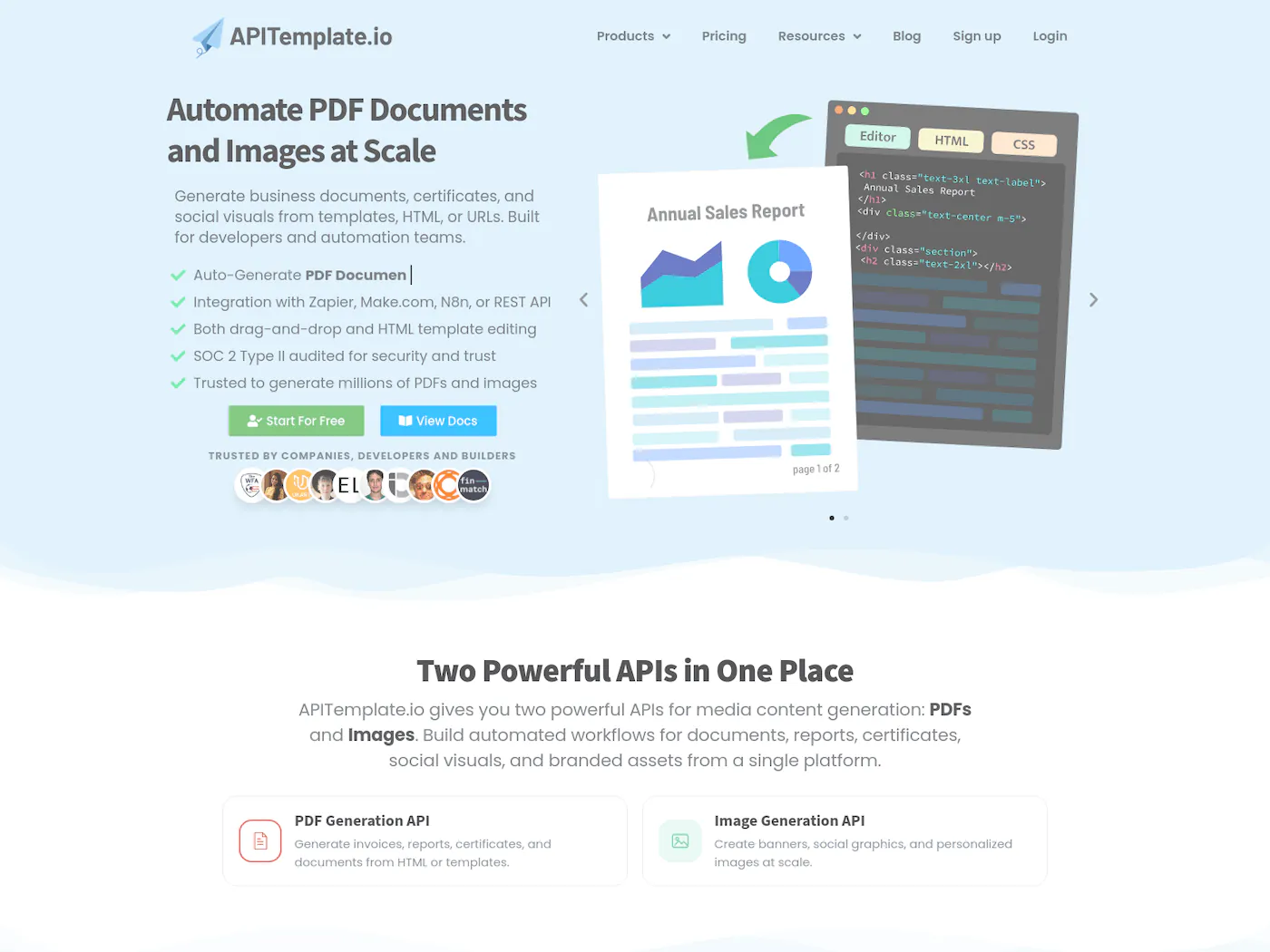
APITemplate.io straddles both worlds: a drag-and-drop template editor and the option to render raw HTML/CSS. It does PDFs and images, gives you 50 free API calls a month, and PDF-only plans start at $24/mo for 3,000 PDFs ($35/mo for 1,500 if you also need images).
- Visual editor and raw HTML/CSS both supported
- Generates both PDFs and images from templates
- Connects to Zapier, Make, n8n, Airtable, and Bubble
- Regional endpoints (US, EU, APAC) for lower latency
- No video output
- Editor can lag on complex or large templates
- Lowest advertised price is annual-billing only
Where it fits: teams that want HTML flexibility without giving up a visual editor, and that need image generation alongside PDFs but not video.
4. PDFMonkey — lean and transparent
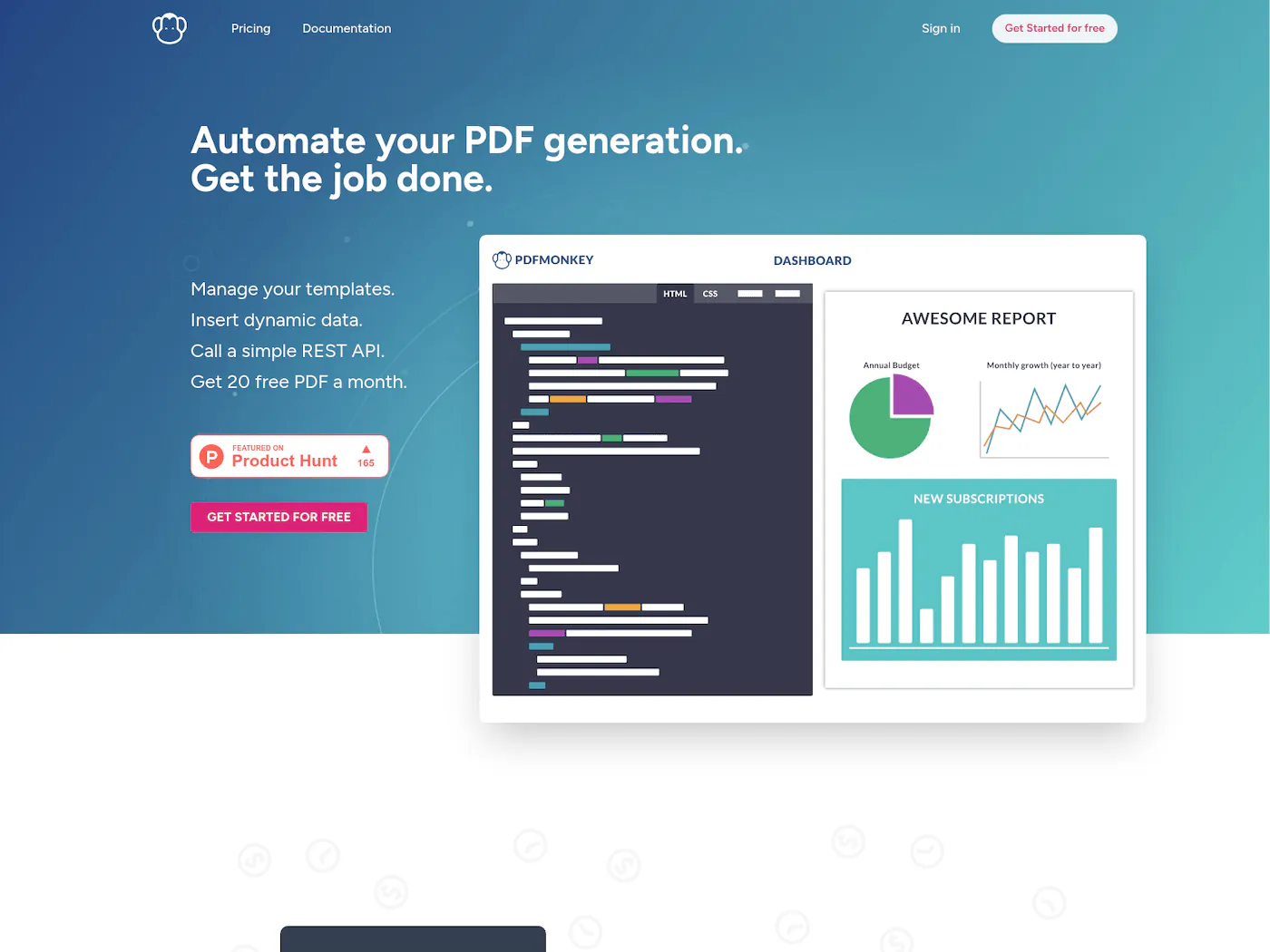
PDFMonkey is built on the idea that PDF generation should be a thin, predictable layer over your HTML templates, nothing more. It's a favorite for side projects and small teams. The free tier is 20 documents a month, and paid starts at €5/mo for 300 docs.
The catch to plan around is document retention: generated PDFs are kept only briefly (a day on Starter, a week on Pro), so store your own copies if you need them long-term.
- Transparent, low-cost pricing from €5/mo
- Forever-free tier with 20 documents a month
- Familiar HTML/CSS templates plus a visual builder
- Native Zapier, Make, and n8n integrations
- Generated PDFs are deleted within days — store your own
- Free tier blocks external images, fonts, and CSS
- Unlimited retention only on higher-priced plans
Where it fits: developers who like writing HTML templates, have modest volume, and want simple, transparent pricing.
5. PDFShift — minimal API-first HTML to PDF
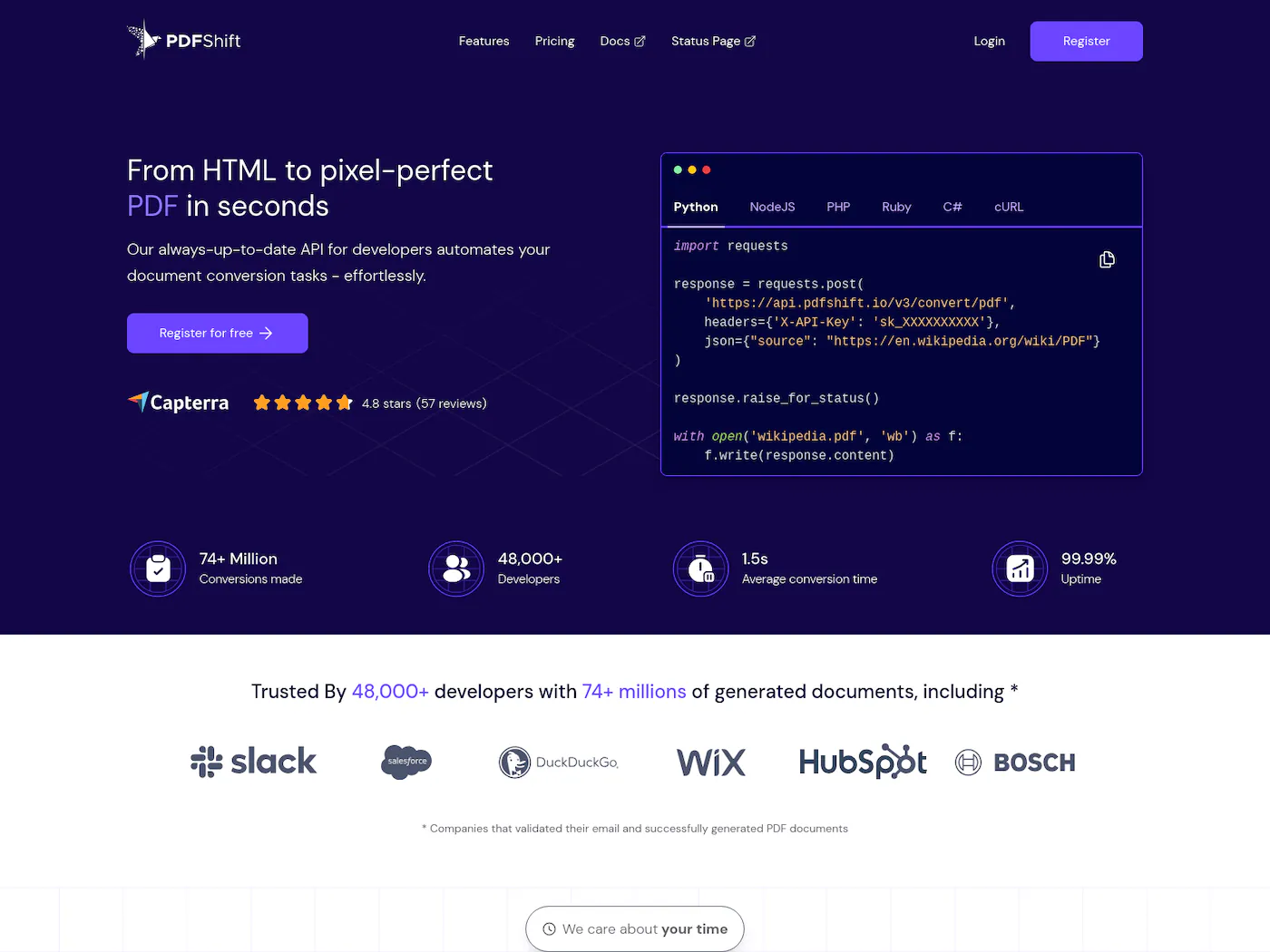
PDFShift is the most stripped-down option: send HTML, get a PDF, done. No template editor, just a clean credit-based API with 50 free conversions a month. Worth knowing before you commit: there's a file-size cap (~5 MB per PDF even on paid plans), so very heavy documents can hit a wall.
- Dead-simple HTML-to-PDF endpoint, live in minutes
- Clean, well-documented credit-based API
- Chromium rendering for accurate output
- Free sandbox mode for unlimited testing
- Large files burn extra credits, raising cost
- No visual template editor or no-code builder
- Small free tier pushes you to paid quickly
Where it fits: developers who already have their HTML and want a no-nonsense conversion endpoint, not a platform.
6. CraftMyPDF — drag-drop templates
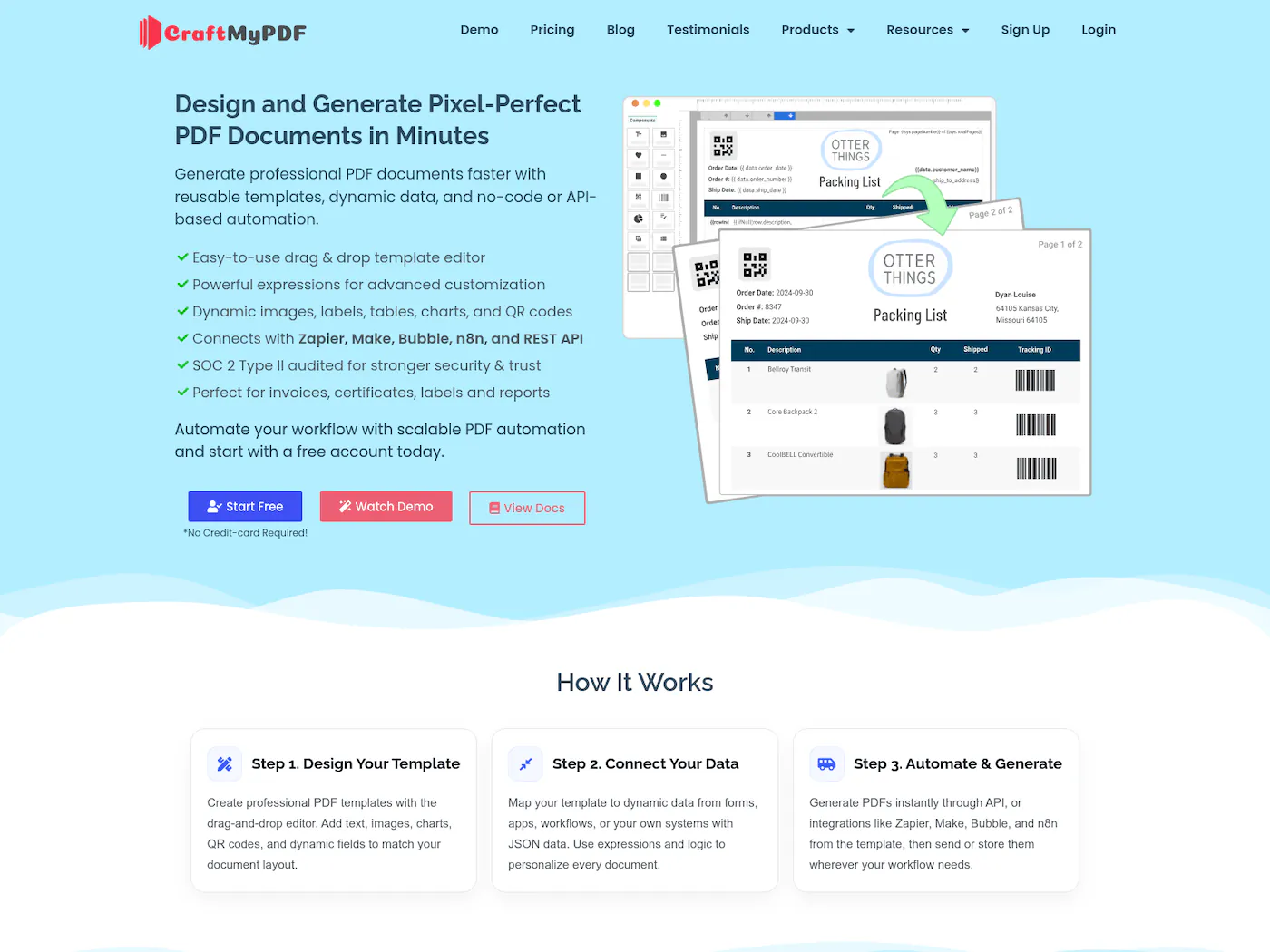
CraftMyPDF leans into the visual side: a solid drag-and-drop editor for PDFs and images, aimed at people who'd rather not hand-write layout. The free plan covers 50 documents a month, and paid starts at $29/mo for 1,200 PDFs.
- Polished drag-and-drop editor, no HTML needed
- Generates both PDFs and PNG/JPEG images
- Solid no-code integrations: Zapier, Make, Bubble, n8n
- AI auto-detects fields when building templates
- Templates capped per plan tier
- Can slow down on complex or high-volume jobs
- No video output — PDFs and images only
Where it fits: teams that want a polished template editor for documents and don't need video.
7. PDF Generator API — built for embedding
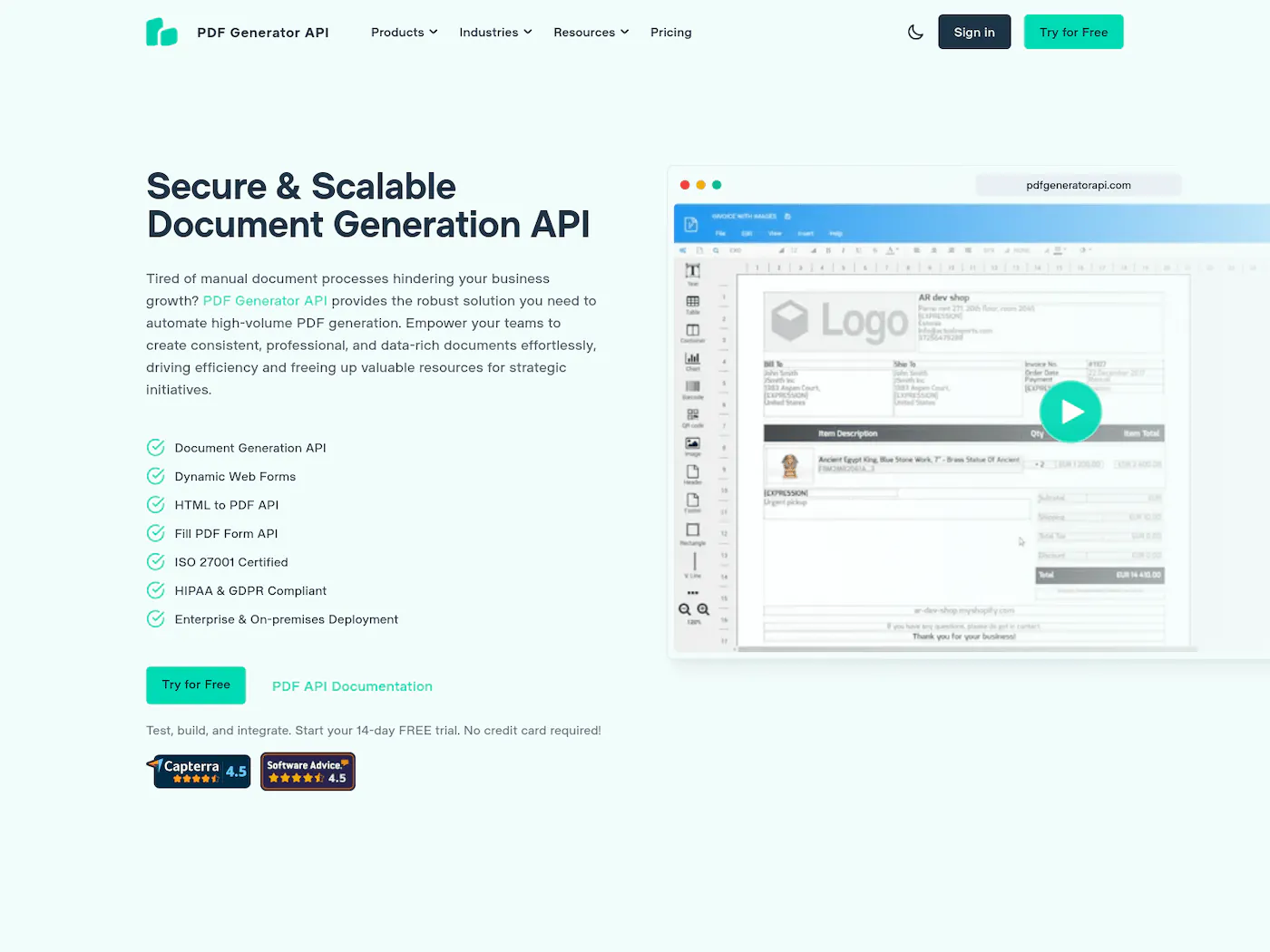
PDF Generator API is aimed at SaaS products that want to let their own users design and edit PDF templates. It ships an embeddable, end-user-facing editor and prices on volume rather than locking features behind tiers. There's a 14-day sandbox with 1,000 credits, then plans start at €52/mo for 1,000 credits.
- Embeddable editor your own users can use
- Built for multi-tenant SaaS with per-customer templates
- Drag-and-drop WYSIWYG editor, no designers needed
- Free 14-day sandbox to test before paying
- Embedded editor is gated to higher-priced tiers
- Overkill if you just need server-side PDFs
- Per-page credit math is easy to underestimate
Where it fits: you're building a product and want customers to customize their own document templates without leaving your app.
8. Api2Pdf — pay only for what you render
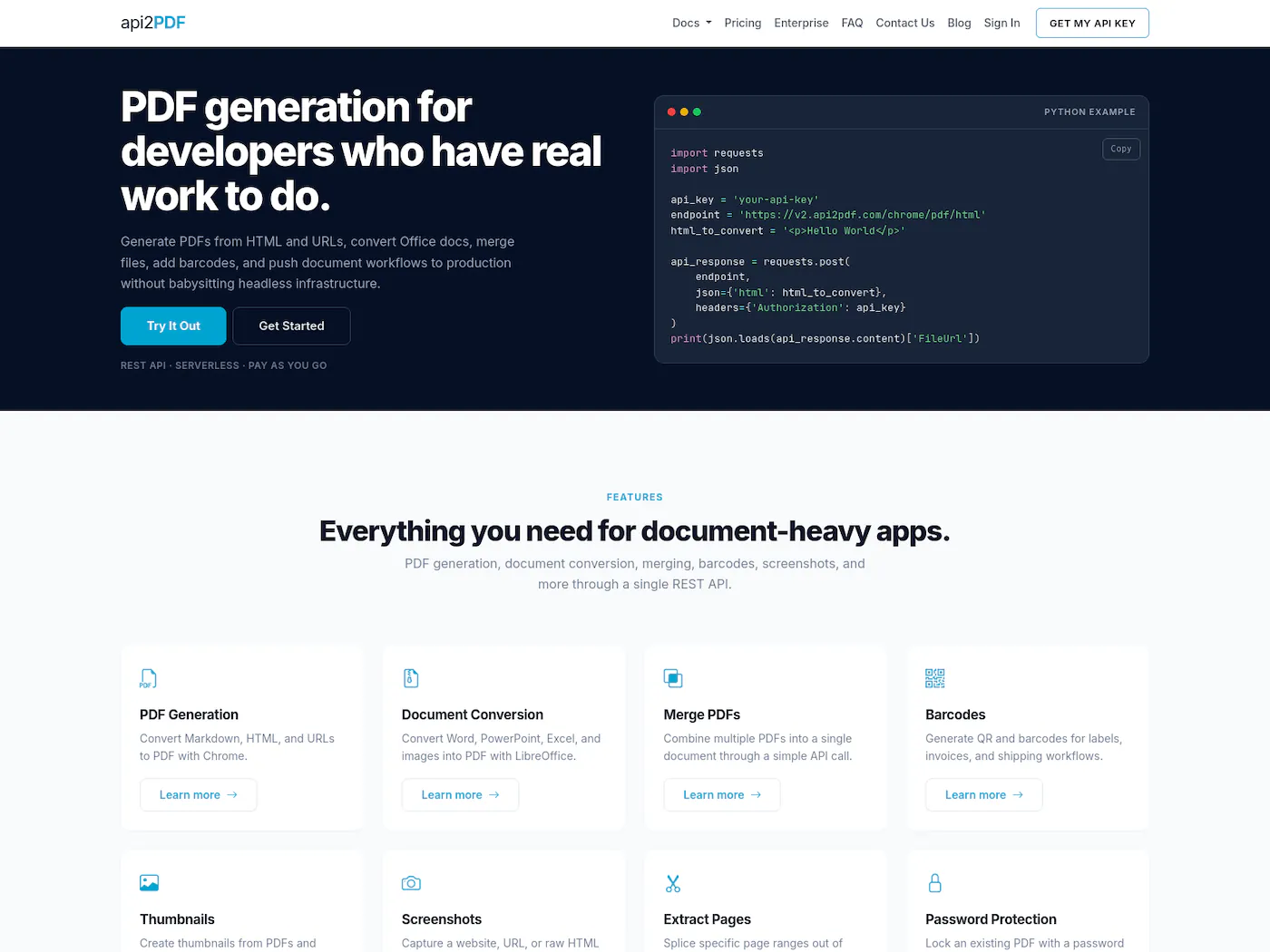
Api2Pdf is a thin, serverless wrapper over engines like headless Chrome, wkhtmltopdf, and LibreOffice, plus PDF merging. Pricing is pure pay-per-use: a $1/mo base fee plus compute time and bandwidth, which works out to a fraction of a cent for a small PDF. It's the cheapest path at unpredictable or very high volume, but there's no editor and no template management; it's plumbing.
- Pure pay-per-use with no monthly commitment
- No rate limits or request queuing
- Multiple engines: headless Chrome, wkhtmltopdf, LibreOffice
- Built-in PDF merge, thumbnails, and barcodes
- No template management or visual editor
- Usage-based billing makes per-PDF cost hard to predict
- Per-request caps: 2 GB RAM, 90-second timeout
Where it fits: high or spiky volume where usage-based billing wins and you don't need any UI.
How to choose
The honest decision tree: pick DocRaptor if you need the best CSS fidelity and compliance for complex print documents. Pick PDFMonkey or PDFShift if you're a developer who just wants HTML in, PDF out, at small scale. Pick APITemplate.io or CraftMyPDF if you want a visual editor for documents and images. Pick PDF Generator API if you're embedding template editing into your own product. Pick Api2Pdf if pure usage-based pricing fits your volume. And pick Orshot if you'd rather not run three separate vendors for PDFs, images, and video — and want an editor anyone on the team can use.
Whatever you choose, the test is the same: can you go from template to a clean API call in an afternoon? Browse real setups in our use-cases library to see what's possible before you commit.








Bottom line: Every tool here will turn data into a PDF over an API. The split is approach — DocRaptor and the HTML-first tools give you raw control; APITemplate, CraftMyPDF, and Orshot give you a visual editor. Orshot's edge is doing PDF, image, and video under one predictable price.