
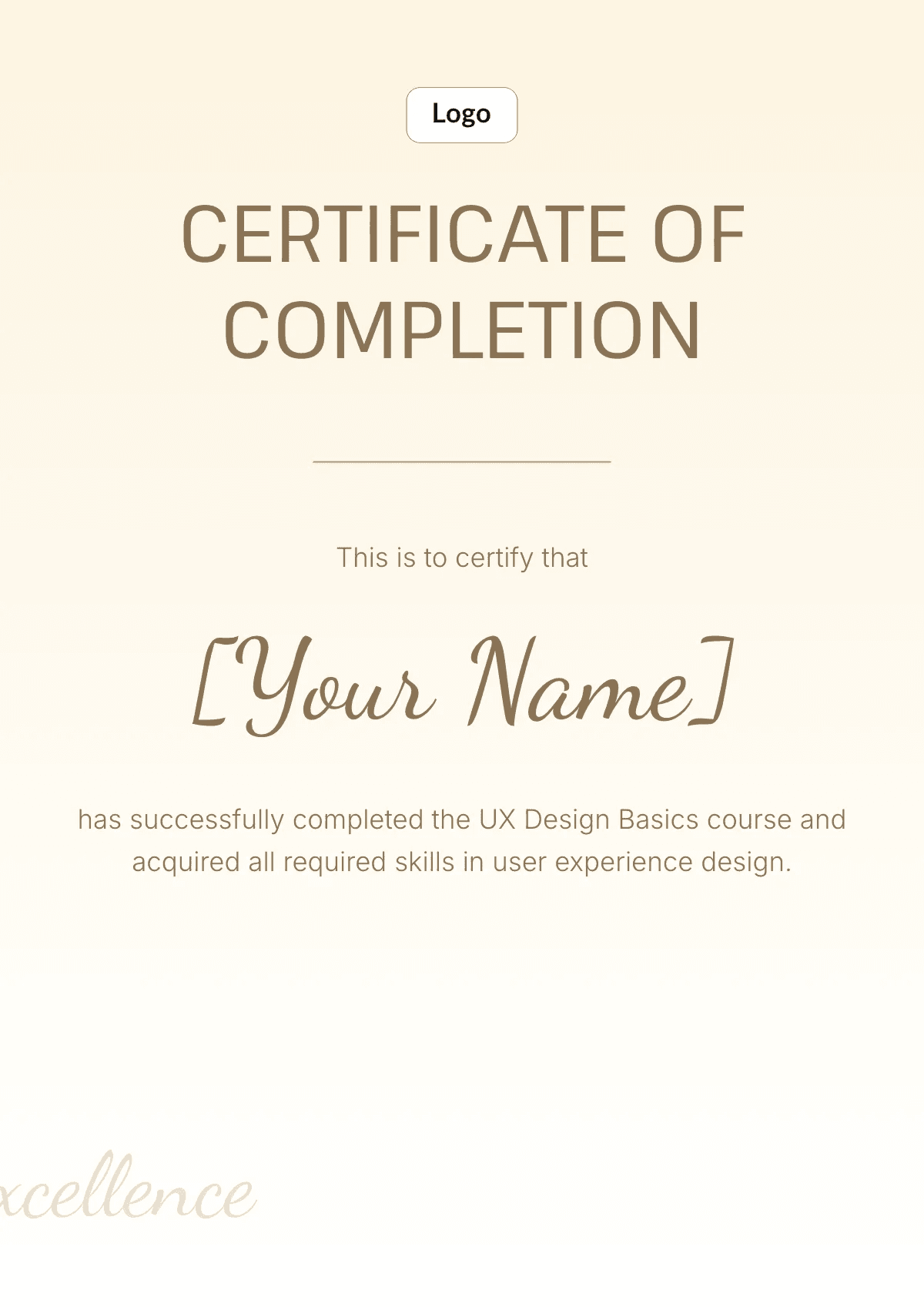
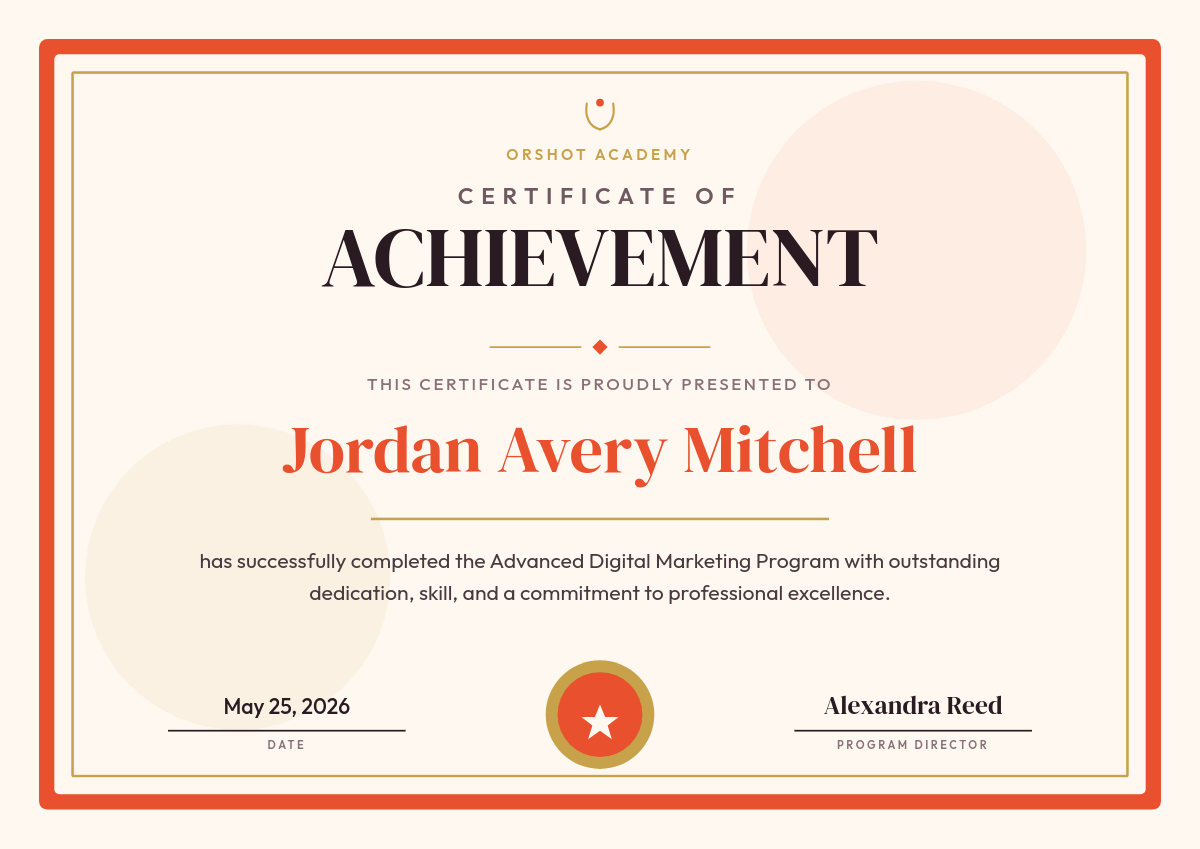
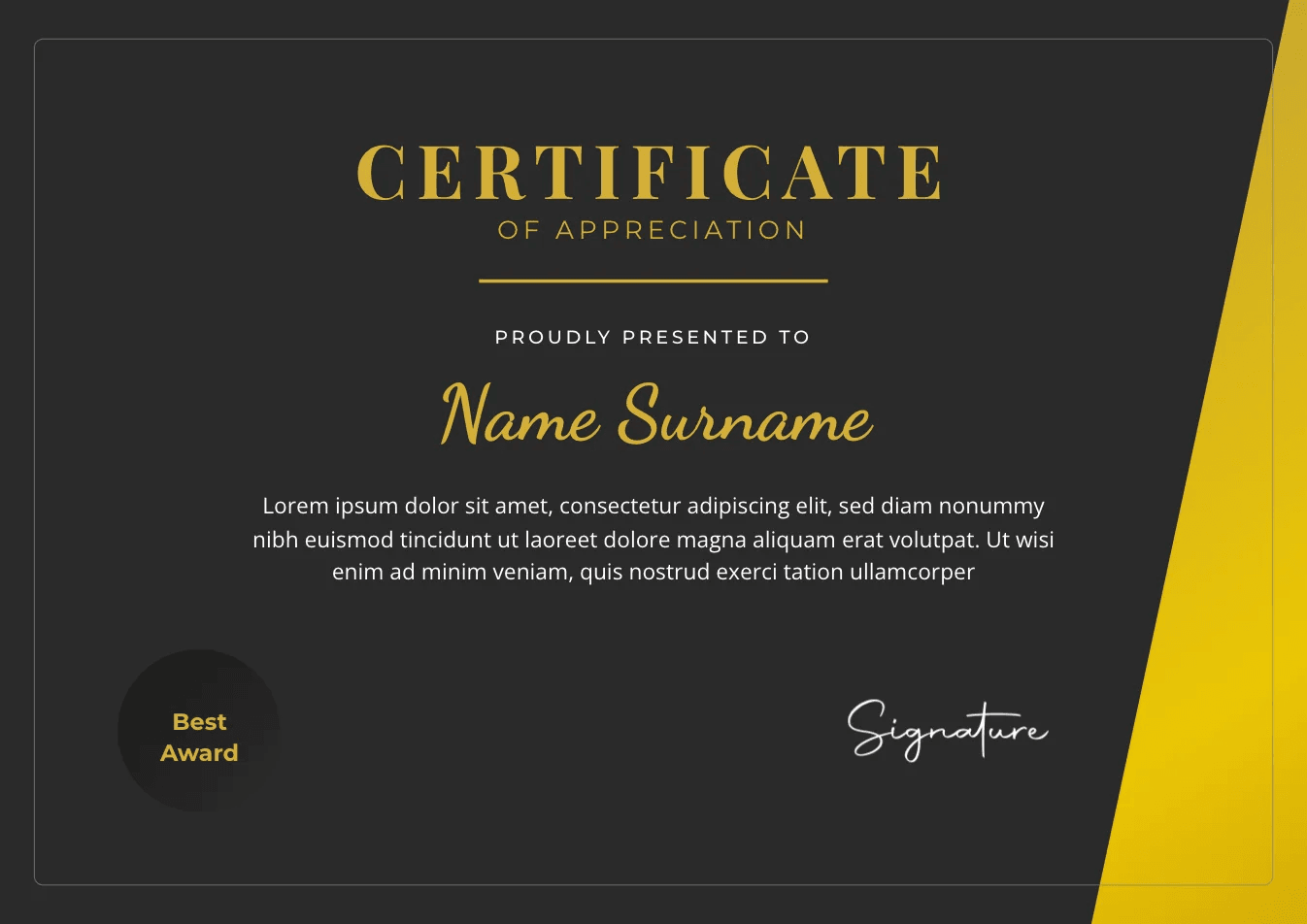
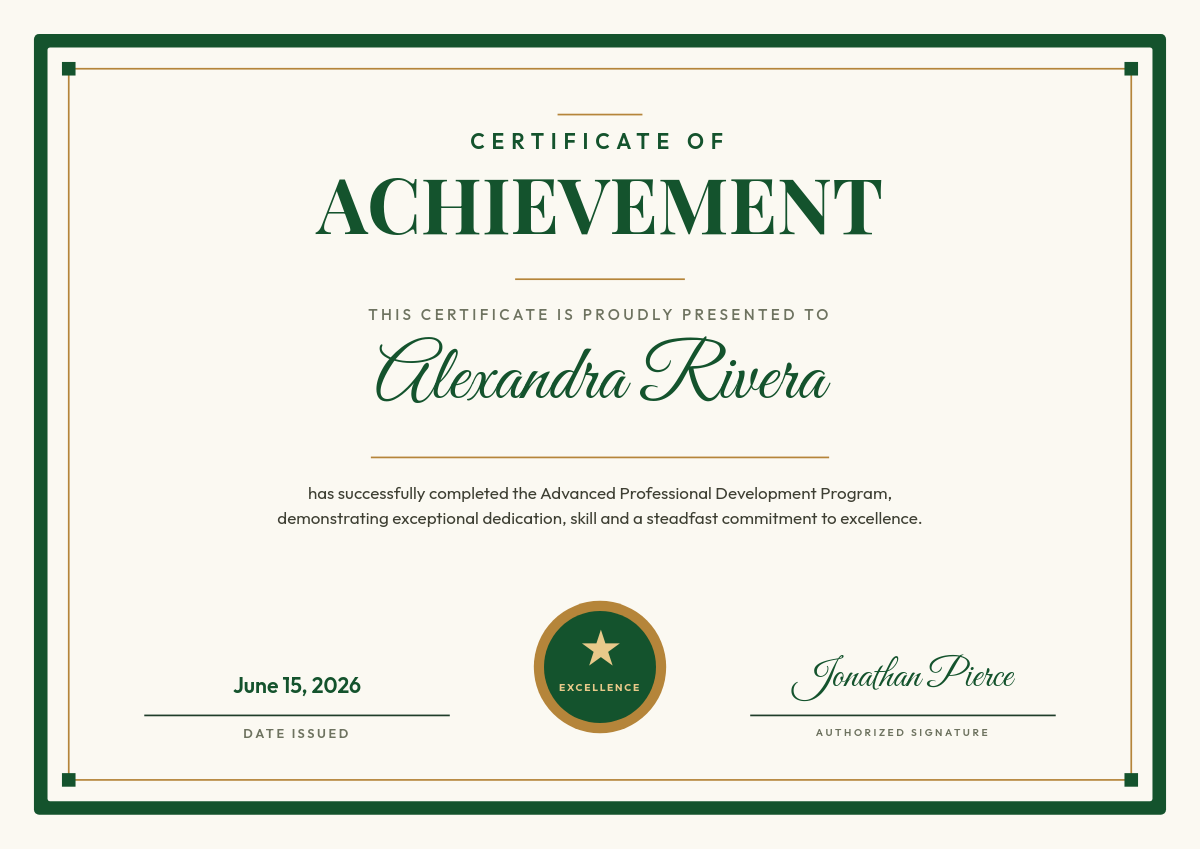
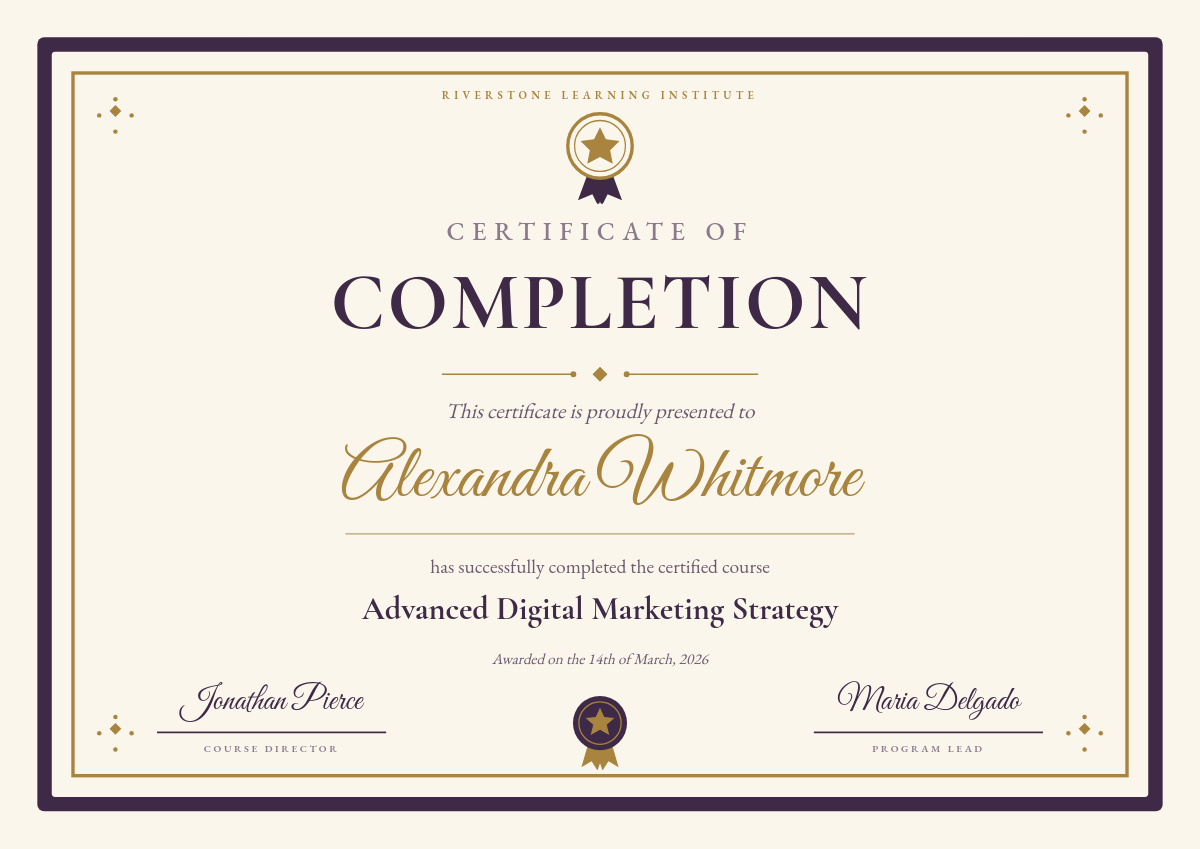
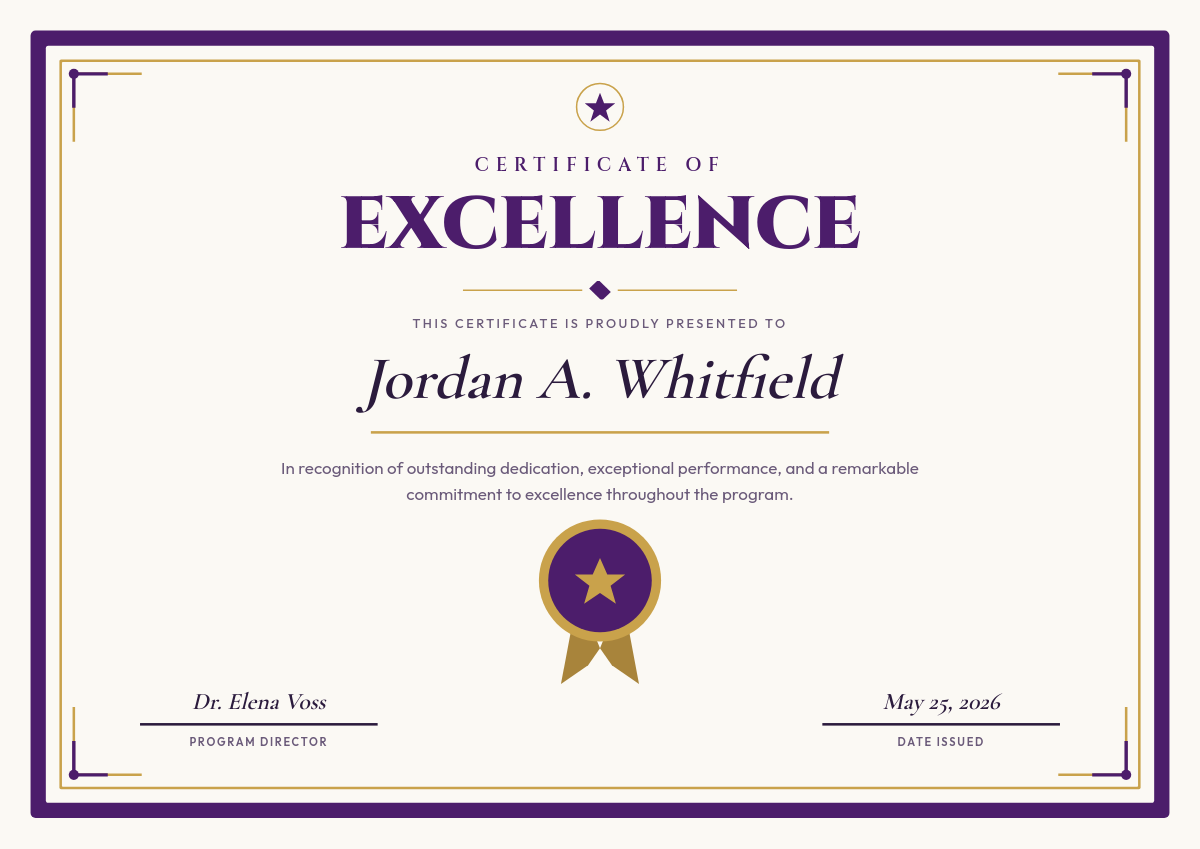
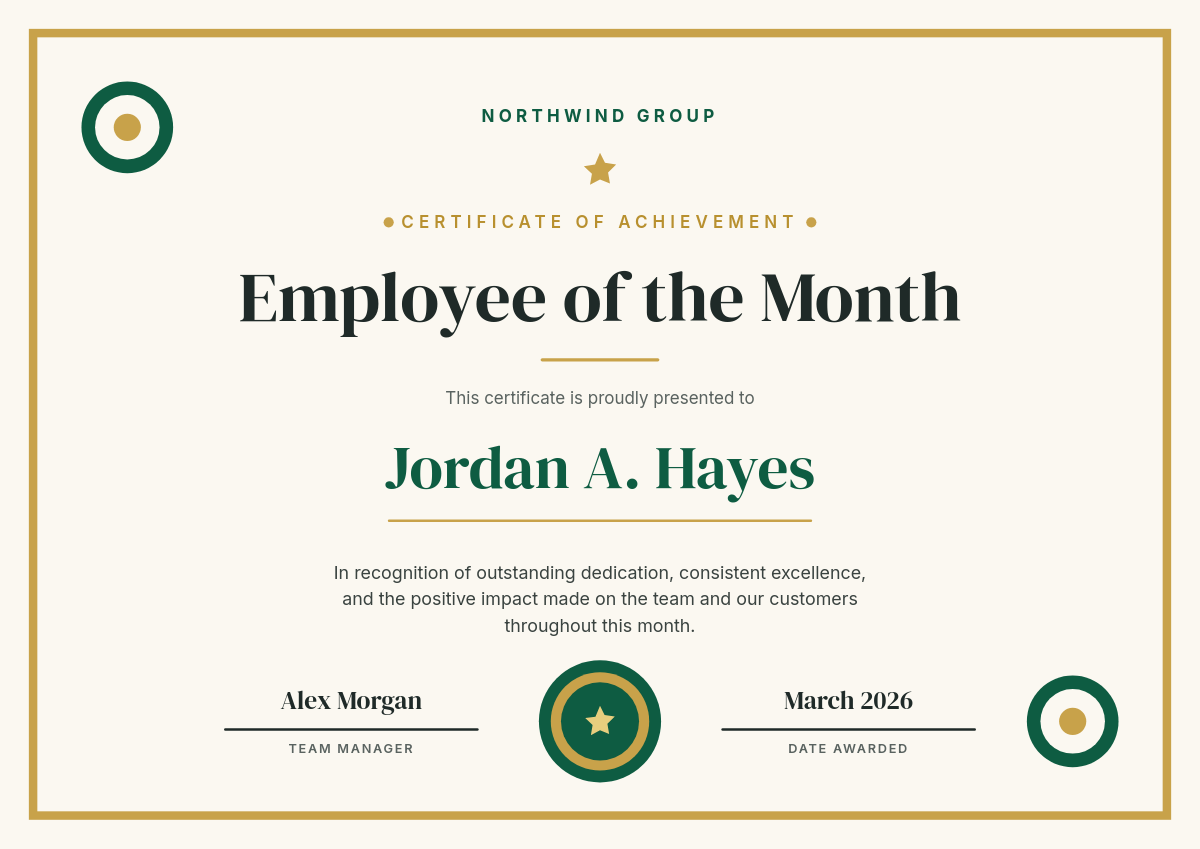
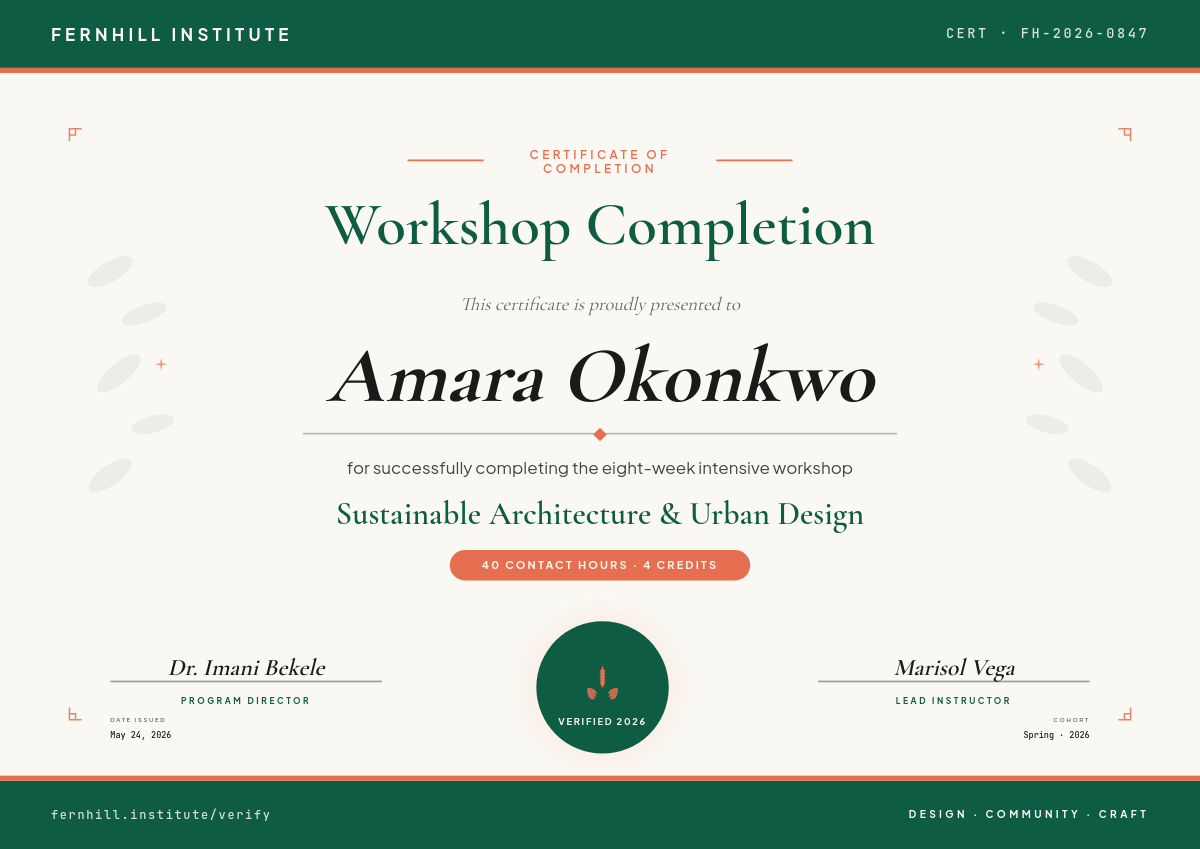
Google Forms is where course quizzes, workshop registrations, and training sign-offs already live. What it can't do is hand the person a certificate afterward. This workflow closes that gap: every new form response becomes a personalized PDF certificate, generated and filed without anyone touching a design tool.
What happens on each submission
- Someone submits the form. The workflow polls Google Forms and picks up the new response, usually within a few minutes.
- Fields are read from the response. The name question, the date, a quiz score, and anything else you collect are pulled out as values.
- A certificate is rendered. Those values fill the placeholders on your Orshot template, and Orshot renders a PDF that looks identical for response number 1 and response number 1,000.
- It's emailed or saved. The finished certificate lands in your Google Drive folder ready to send, or goes straight to the person if you add an email step.
Form answers become certificate fields
The form's questions map straight onto the template's placeholders. A response like this renders like this:
One row becomes one certificateClick a row
| AName | BQuiz | CScore | DSubmitted | |
|---|---|---|---|---|
| 1 | Ana Petrova | Food Safety Level 2 | 92% | July 8, 2026 |
| 2 | Jordan Blake | Food Safety Level 2 | 85% | July 8, 2026 |
| 3 | Fatima Noor | Food Safety Level 2 | 97% | July 9, 2026 |
Orshot renders
Certificate
PDF
Rendered from row 1, one per row
Long names don't break the layout. Text fitting shrinks or wraps within the box you designed, which is exactly the thing Docs-based generators get wrong.
Set it up once
There's no Apps Script to babysit, no add-on quota to hit. Get it running in four steps:
- Pick a template from the library or build your own in the studio.
- Connect the form and select which one to watch.
- Map the answers to placeholders: name to name, date to date, score to score.
- Activate it and leave it. Idle checks are free; you only spend credits when a certificate actually renders.