

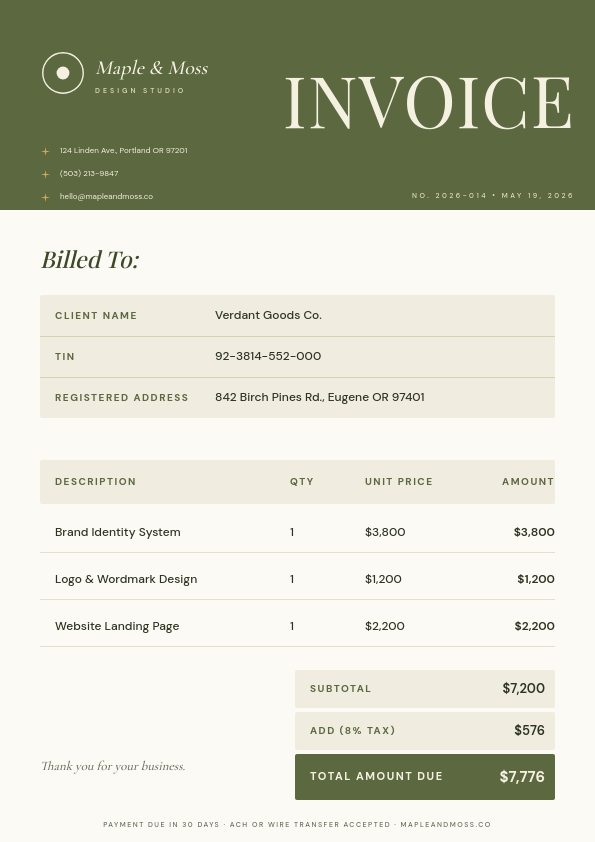
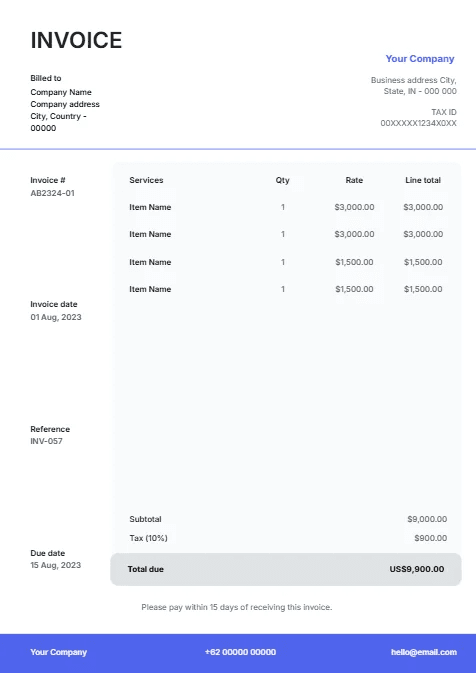
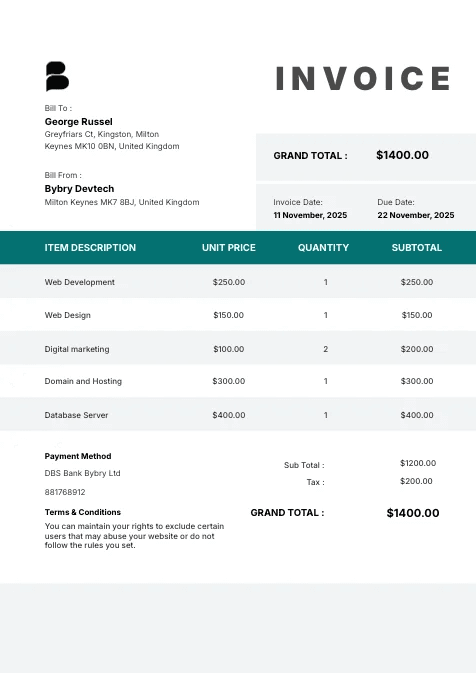
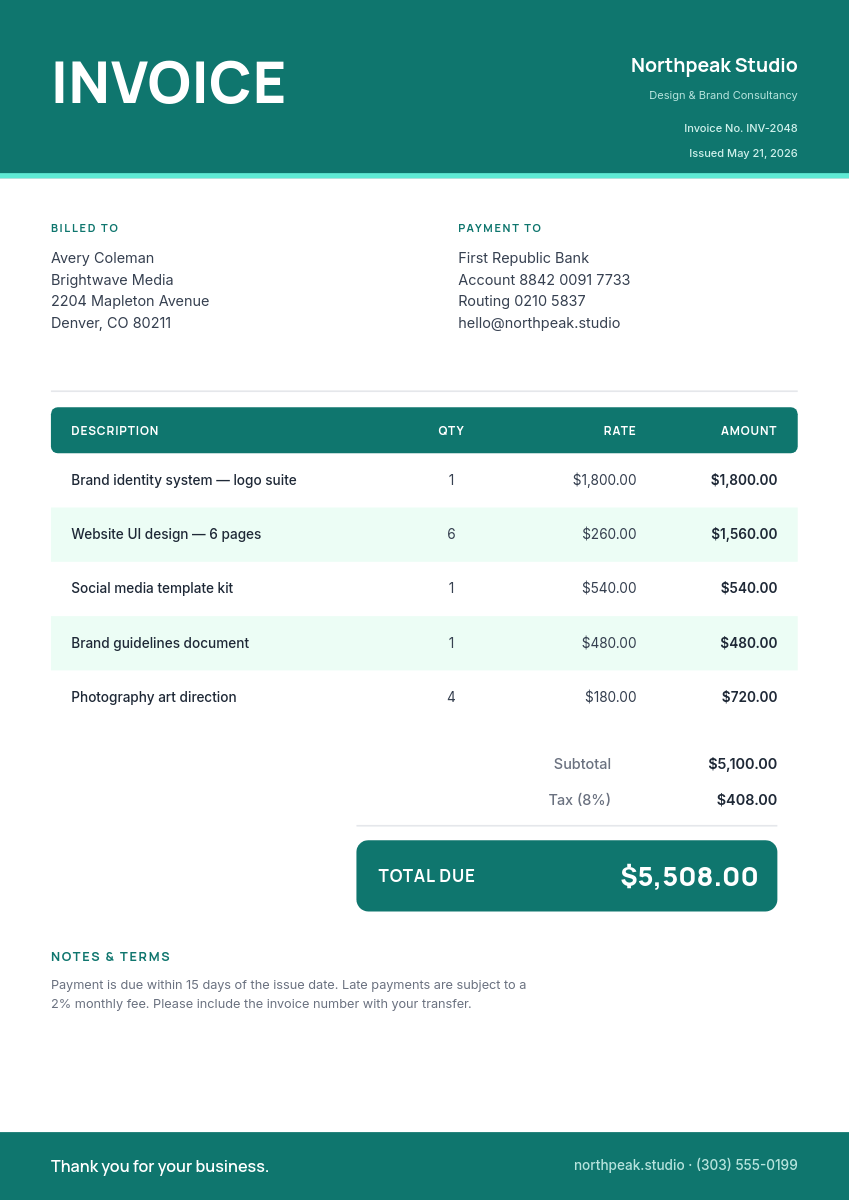
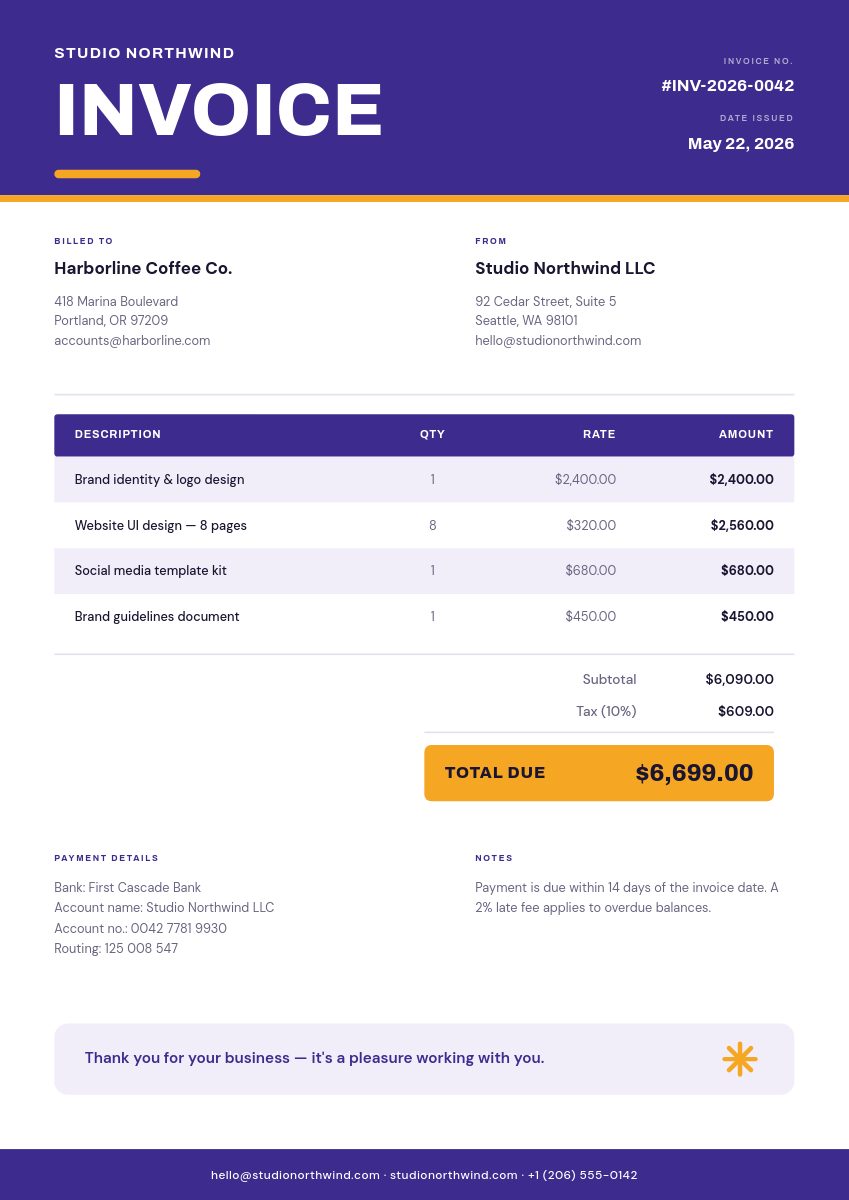
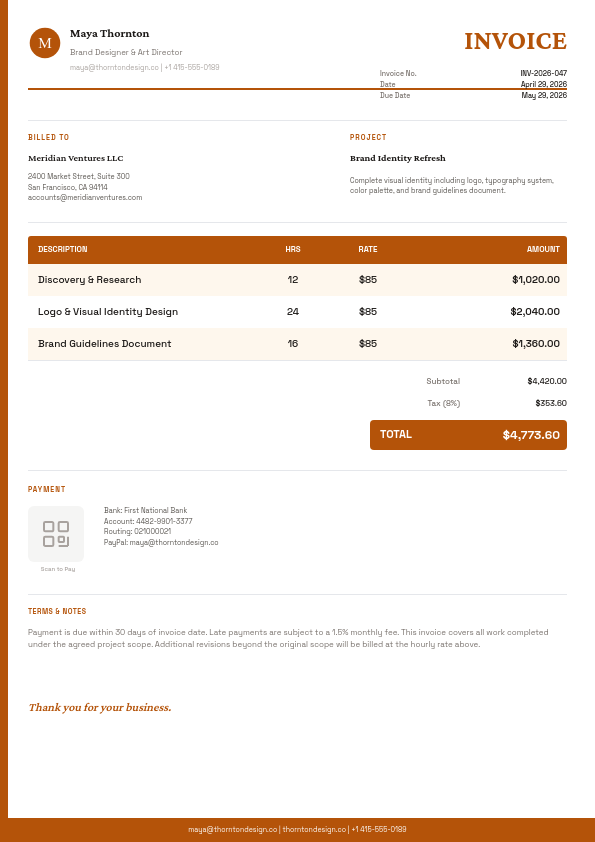
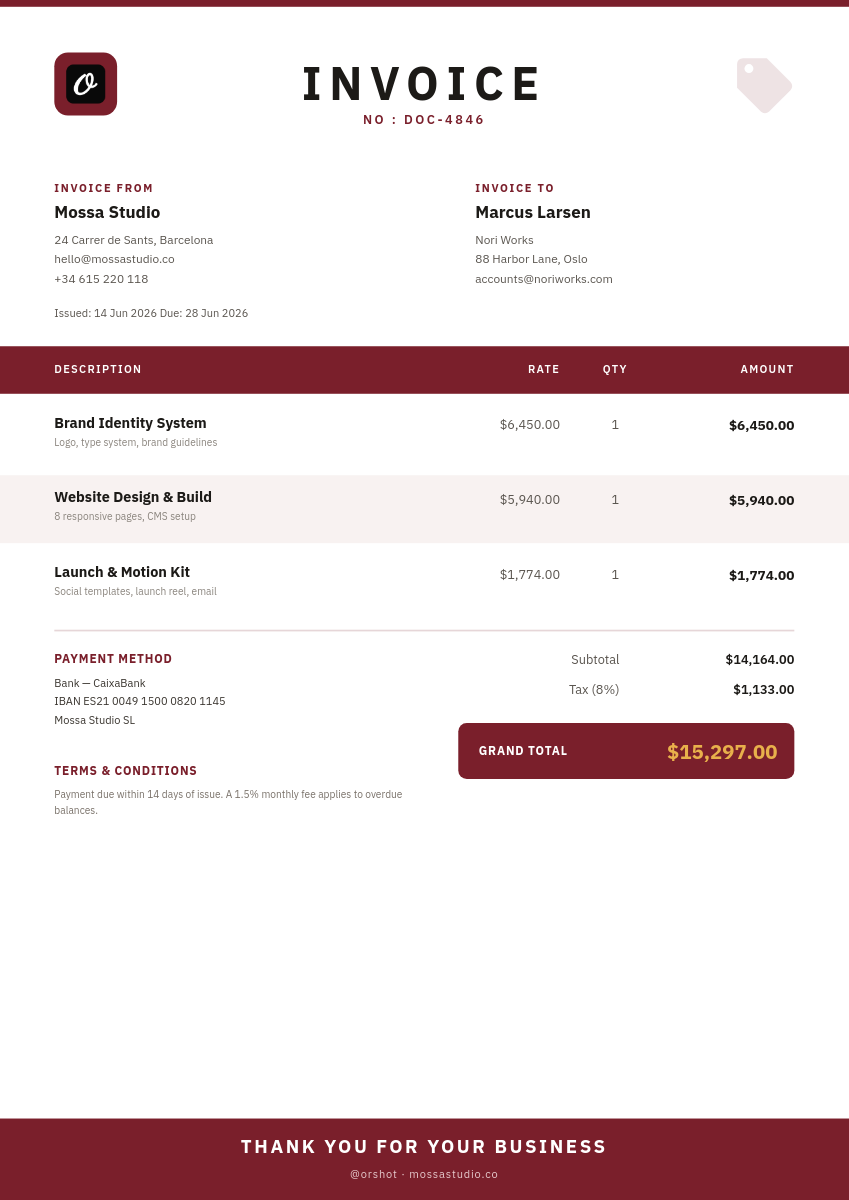
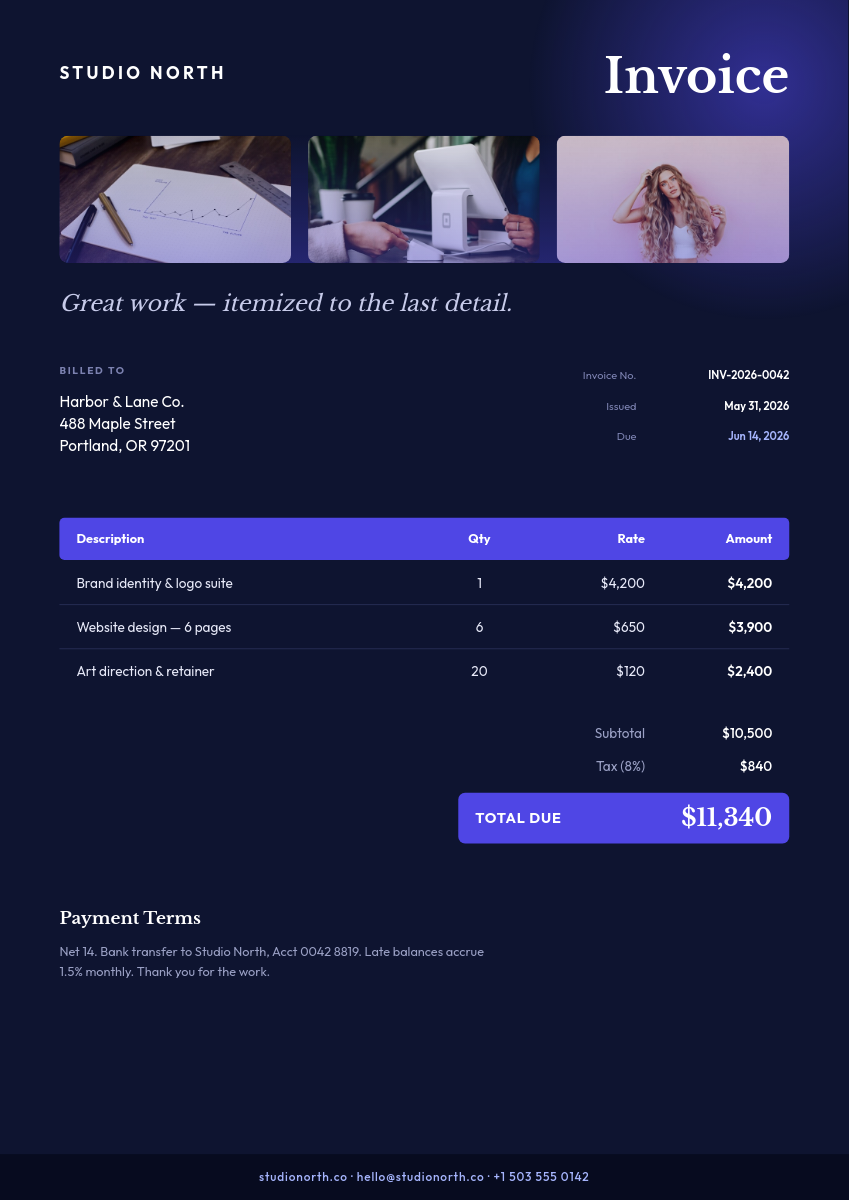
Invoicing from a database usually means exporting, pasting into a document, and fixing the layout every single time. This workflow skips all of it. You keep your invoices as Airtable records, design the invoice once, and Orshot renders a finished PDF for every record and files it for you.
Click a record to see it render as an invoice:
One row becomes one invoiceClick a row
| AClient | BItem | CAmount | DDue | |
|---|---|---|---|---|
| 1 | Northwind Co. | Website redesign | $4,200 | Aug 1, 2026 |
| 2 | Lumen Labs | Monthly retainer | $1,500 | Aug 5, 2026 |
| 3 | Harbor & Kin | Brand assets | $2,800 | Aug 9, 2026 |
Orshot renders
Invoice
PDF
Rendered from row 1, one per row
What the workflow does with each record
- A new record lands in your Airtable base, an invoice, an order, whatever you track.
- The workflow reads its fields: client, line item, amount, due date.
- Those values fill your invoice template, so the layout is already right.
- Orshot renders a finished PDF and saves it to Google Drive or Dropbox.
- A write-back drops a link to the PDF onto the record, so your base and your files stay in sync.
Not just invoices
The same setup handles anything that is one document per record, so the invoice template is only a starting point. Point the workflow at a different design and it produces:
- Receipts for every order record
- Quotes and estimates a new lead can receive as a branded PDF
- Order confirmations the moment a record is created
Keep an invoice number column in Airtable and each PDF carries its own number, the same way it carries the client name.

