

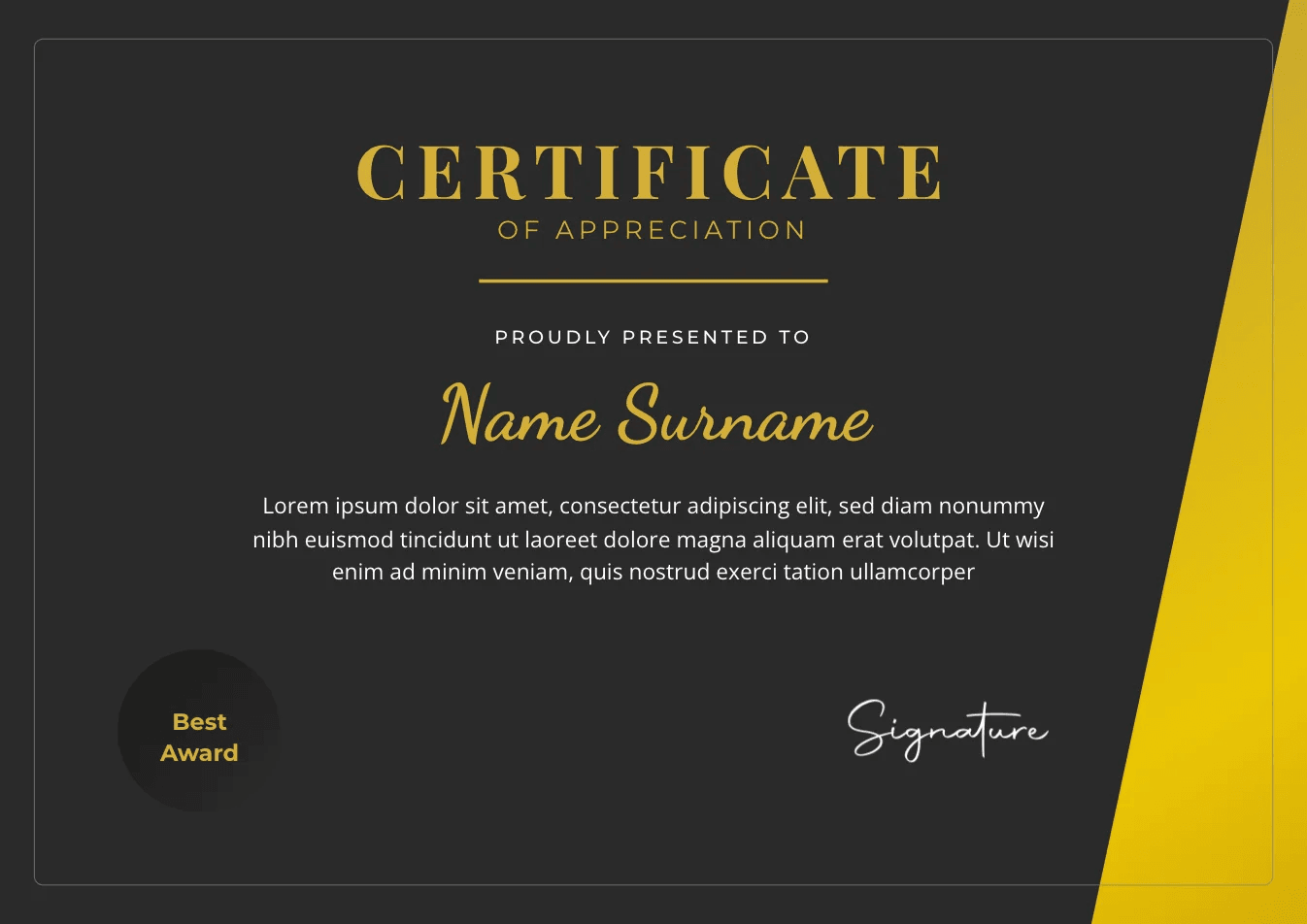
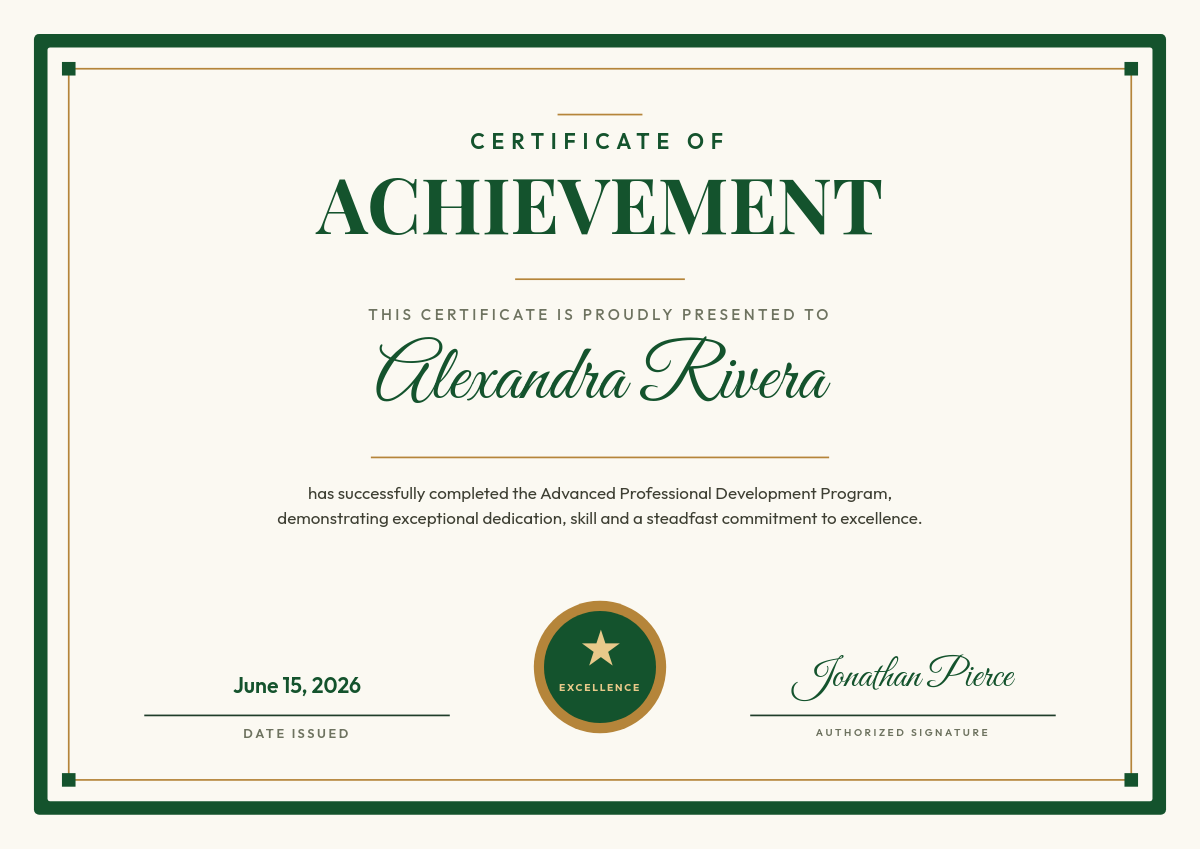


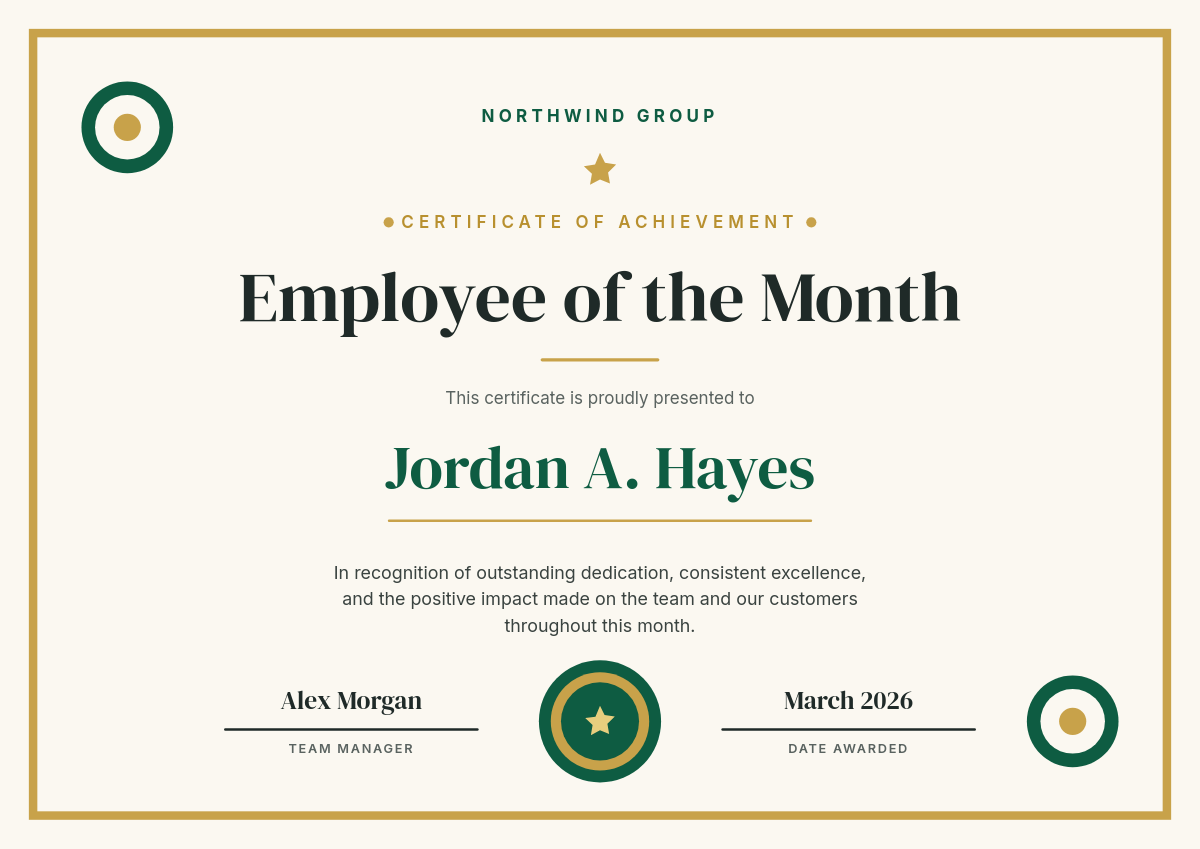

A certificate generator is only useful if it handles the version of the problem you actually have: not one certificate, but a whole list of them. This workflow turns a Google Sheet of recipients into a folder of finished, personalized PDF certificates. Each row becomes its own certificate. Click through the rows to see how the mapping works.
One row becomes one certificateClick a row
| AName | BCourse | CCompleted | DScore | |
|---|---|---|---|---|
| 1 | Alexandrina Konstantinopoulos | Data Analytics 101 | July 2, 2026 | 94% |
| 2 | Li Wei | Data Analytics 101 | July 2, 2026 | 88% |
| 3 | Sam Carter | Data Analytics 101 | July 3, 2026 | 91% |
Orshot renders
Certificate
PDF
Rendered from row 1, one per row
What goes on each certificate
Every field on the design is a placeholder pulled from a column, so the layout stays identical while the values change per row:
- Recipient name from your name column, with automatic text fitting so "Alexandrina Konstantinopoulos" sits in the same box as "Li Wei".
- Course or program title, the same across a cohort or different per row.
- Completion date and an optional score or grade.
- A unique ID or QR code, if you add that column, so each certificate links to its own verification page.
- Your logo, brand fonts, and colors, baked into the template and exact on every render.
Who runs this
Certificates of completion
Online courses and bootcamps, rendered per student with name, course, and date pulled from the enrollment sheet.
Employee training certificates
Compliance and onboarding programs where HR needs identical formatting and a record of who was certified when.
Award certificates
Competitions, hackathons, and school events, generated the evening results are finalized instead of the week after.
Membership certificates
Associations and clubs, refreshed every renewal cycle from the member list you already maintain.
Add ten more rows next week, run the workflow again, and only the new certificates render.