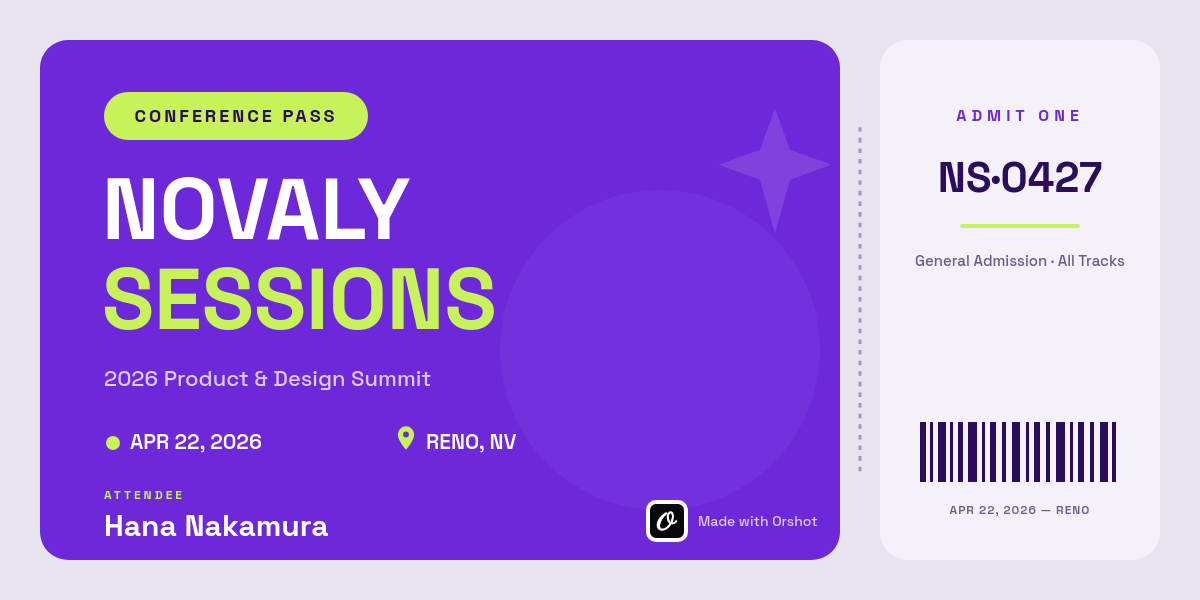



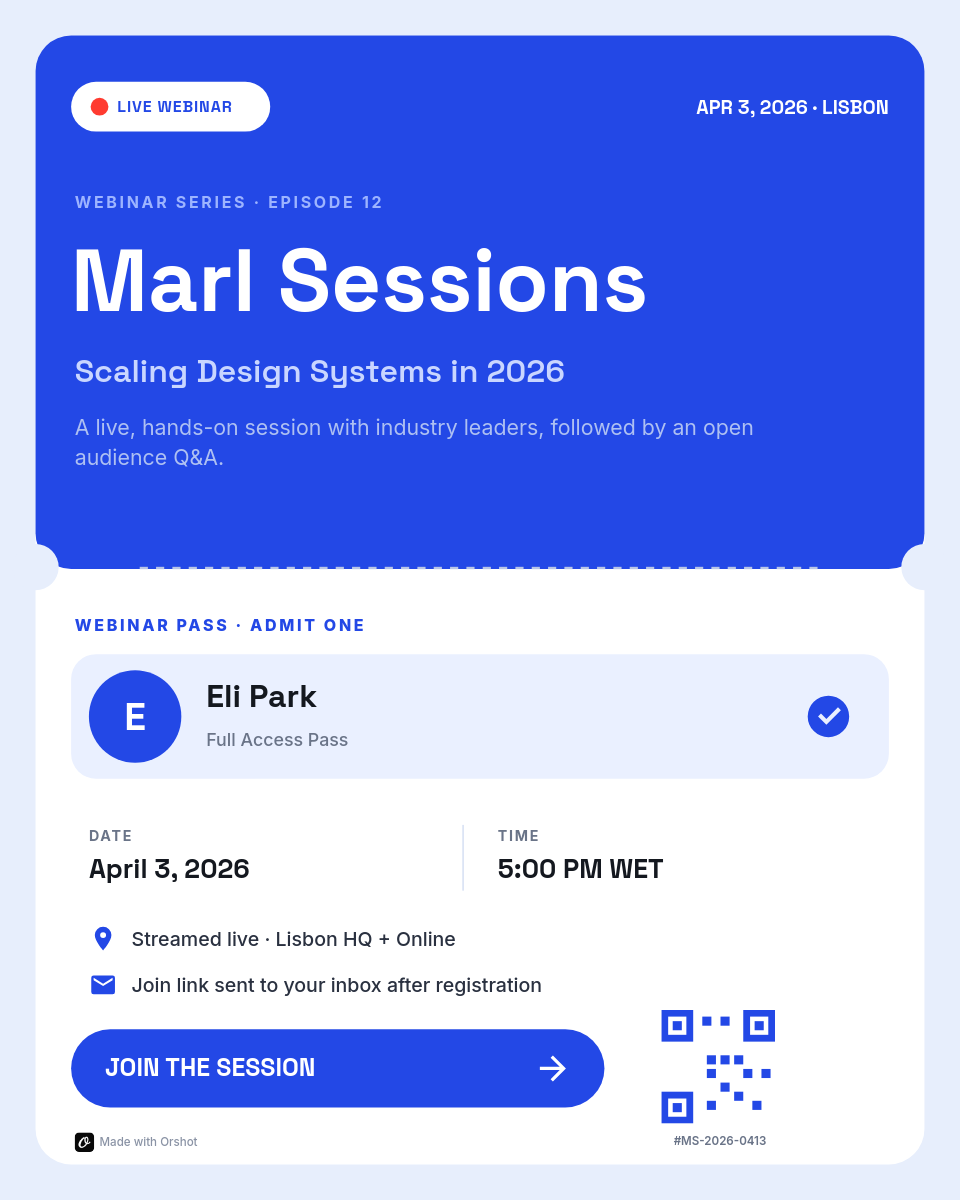
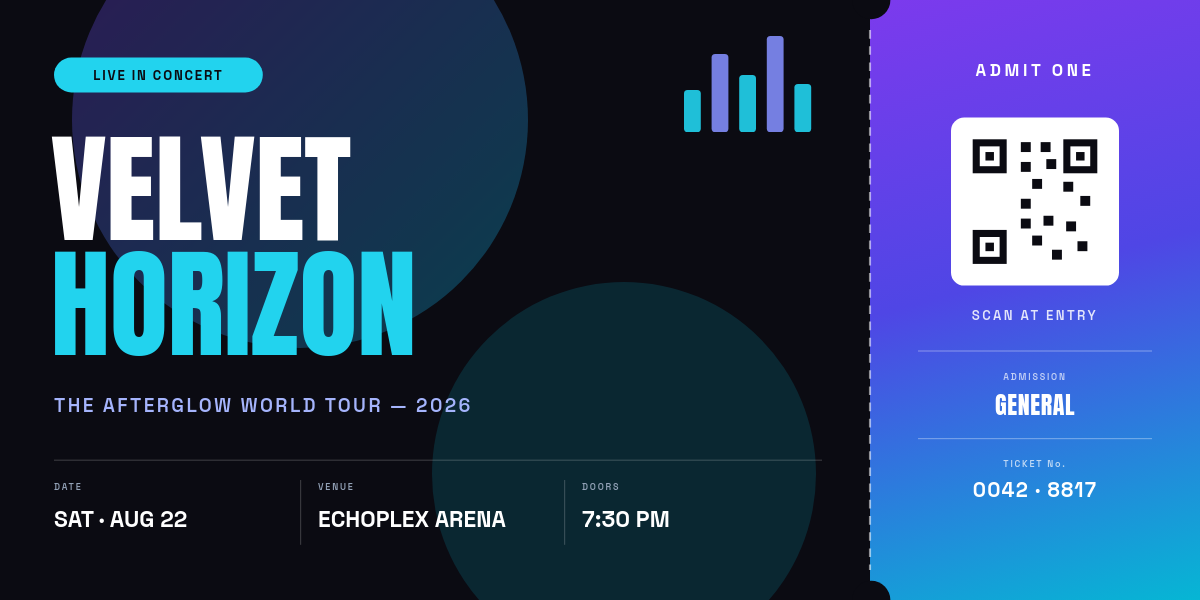


The moment someone registers for your event, they expect something back that feels like a ticket, not a bare confirmation email. This workflow produces that artifact automatically: every new registration row becomes a personalized, branded ticket with the attendee's name and their own QR code, filed in Drive and ready to send.
Who sends these
Community conferences and meetups
No ticketing platform's per-ticket fee in the budget, but attendees still deserve a real ticket.
Workshops and paid trainings
The ticket doubles as the receipt and the door pass.
School and fundraiser events
Signups collected through free form tools, with tickets as the touch that makes the event feel organized.
Launches and private dinners
A designed, name-on-it invitation ticket sets the tone before anyone arrives.
What is on each ticket
The template defines the design once, and the sheet fills in what changes per person:
- The attendee's name, pulled from the registration row so the ticket reads as personal.
- A unique QR code from the ID column, scannable at the door without a ticketing SaaS in the loop.
- Tier and seat details that can switch colors or labels, so staff spot VIPs at a glance.
- Your event branding, venue, and date, baked into the template and identical on every ticket.
One row becomes one ticketClick a row
| AName | BTicket type | CSeat | DTicket ID | |
|---|---|---|---|---|
| 1 | Priya Sharma | VIP | Table 2 | TKT-0041 |
| 2 | Daniel Okoye | General | Open | TKT-0042 |
| 3 | Mei Lin | Speaker | Reserved | TKT-0043 |
Orshot renders
Ticket
PDF
Rendered from row 1, one per row
With the new-row trigger active, ticket generation keeps pace with signups all the way to doors-open, and late registrations get the same ticket everyone else did, minutes after submitting.