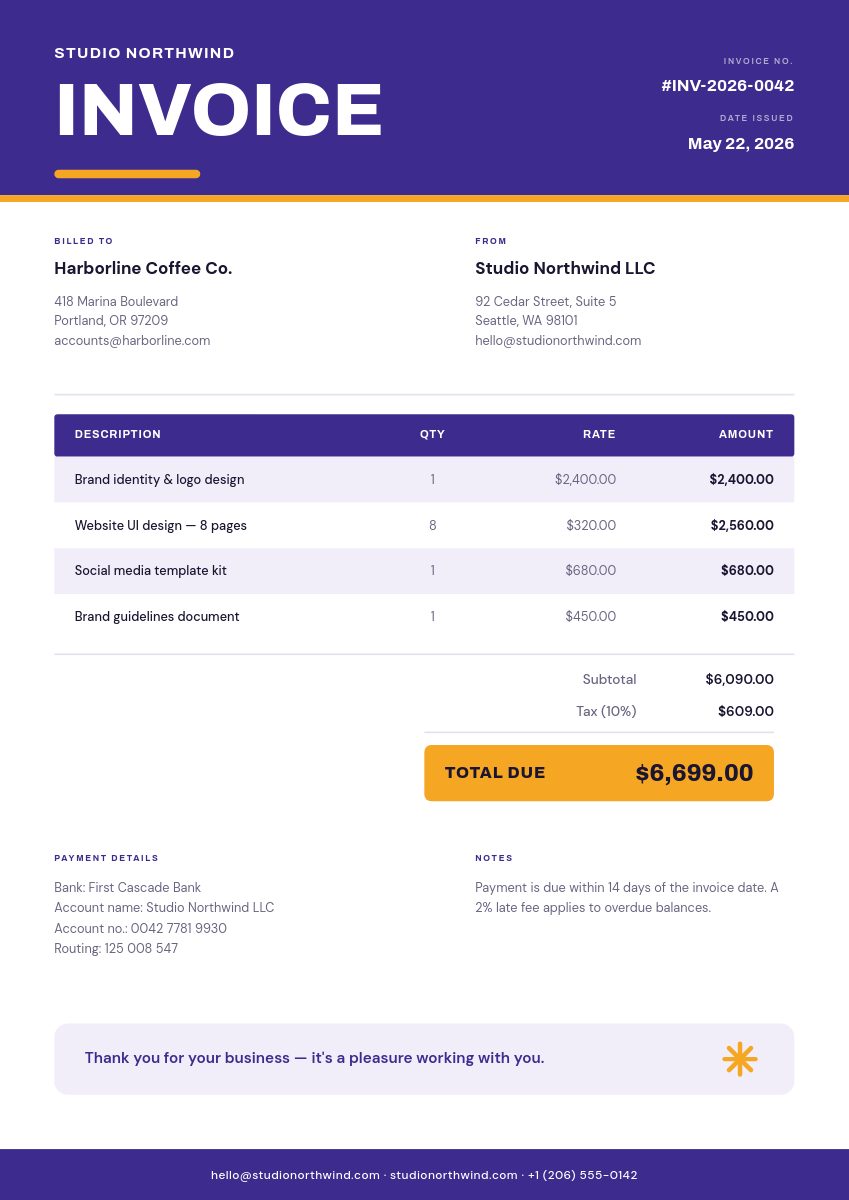
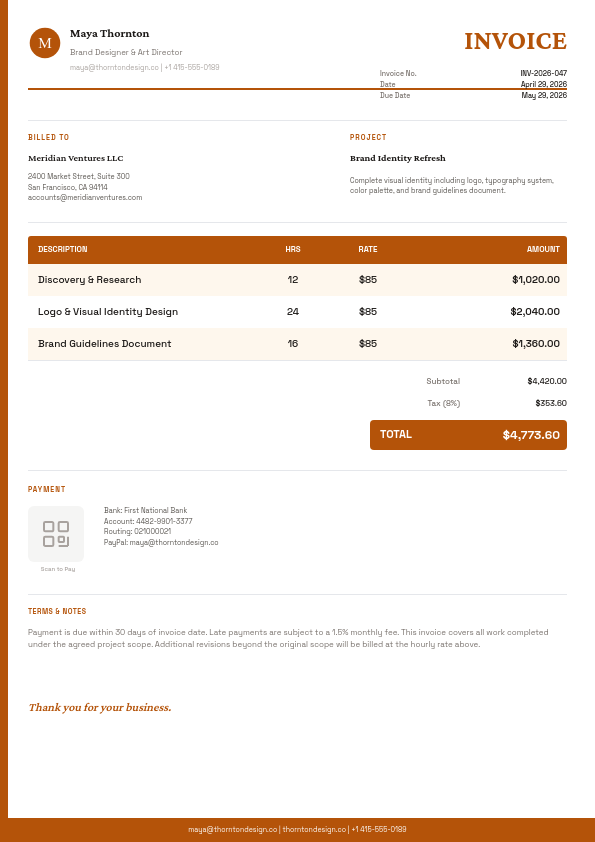
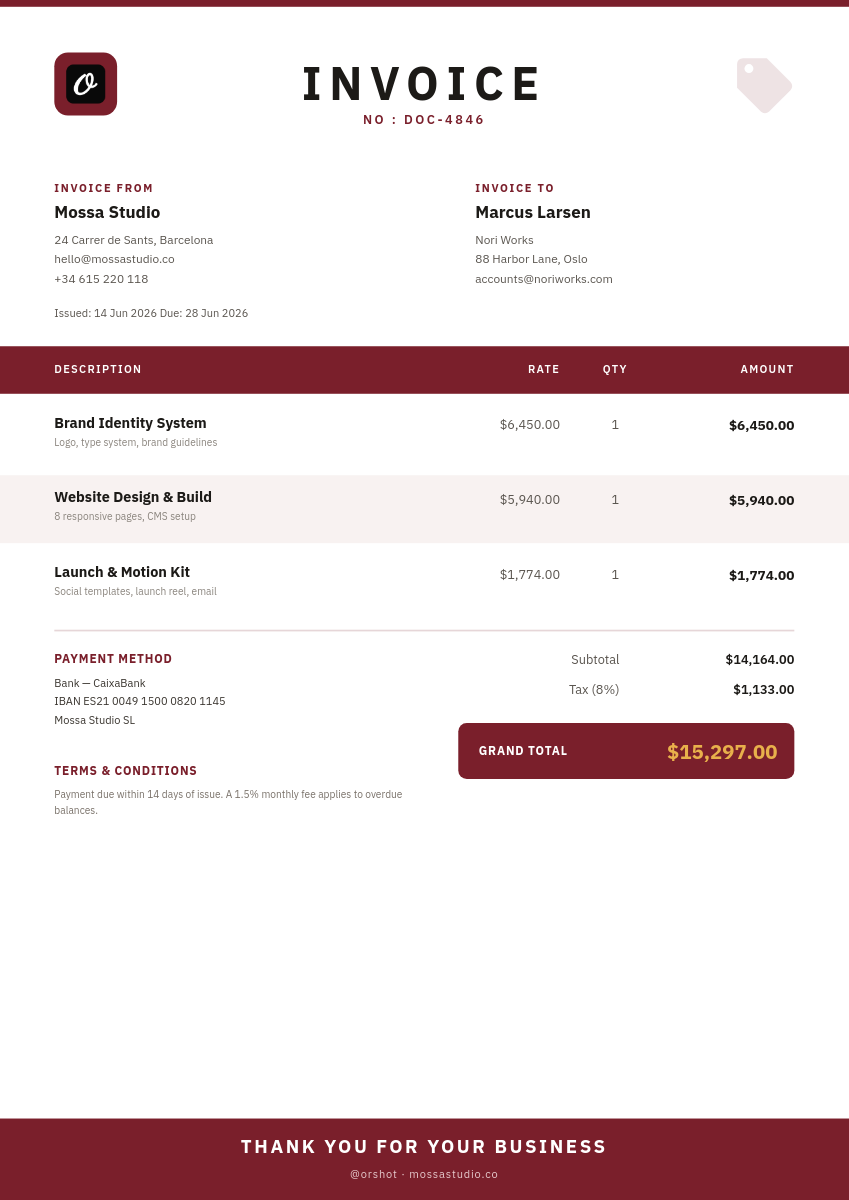
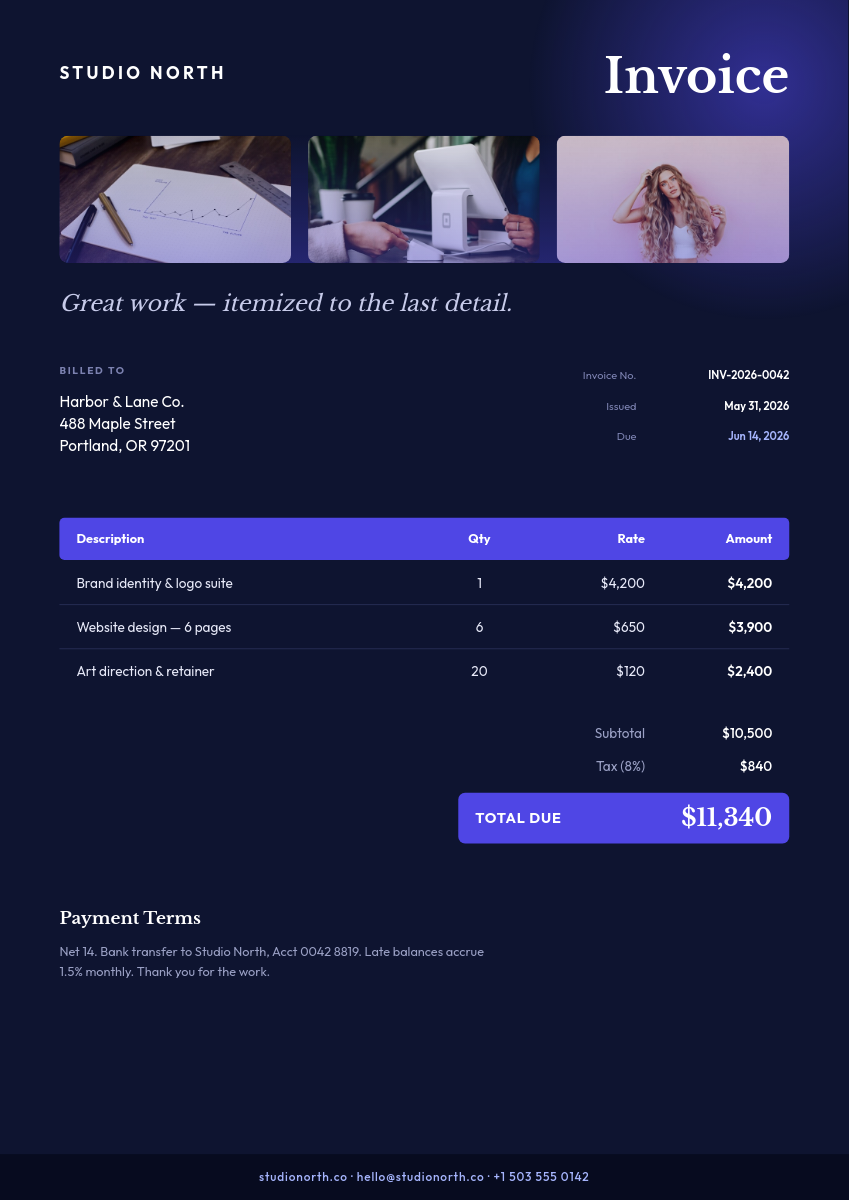
Plenty of freelancers, agencies, and small teams run billing from a spreadsheet. The orders are there, the amounts are there, and then the month ends and someone spends an evening copying it all into an invoice template one client at a time. This workflow does that evening's work automatically: every row in your sheet becomes a branded invoice PDF in Google Drive.
What the workflow does with each row
- Reads the row on your schedule, picking up orders added since the last run.
- Fills your invoice template, dropping the client, line items, amount, and due date into their placeholders.
- Renders a PDF with your logo, fonts, and brand colors, so client 3 and client 300 get the same polish.
- Files it in Drive under a name derived from the row, ready to send.
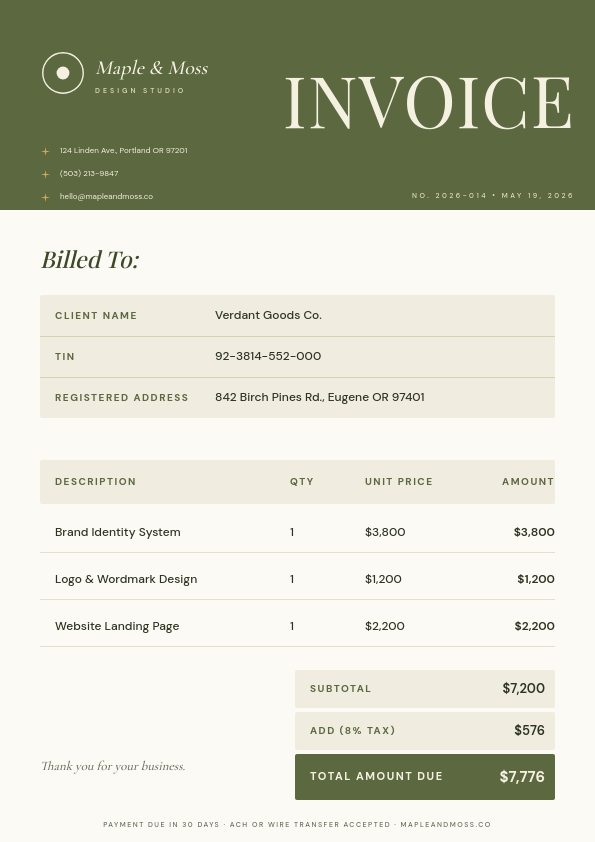
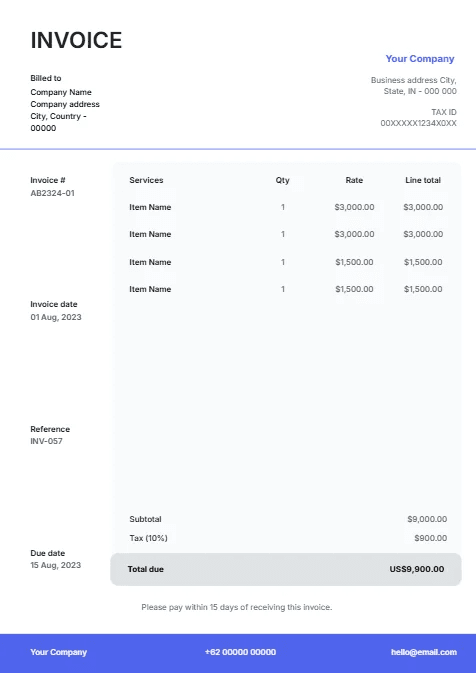
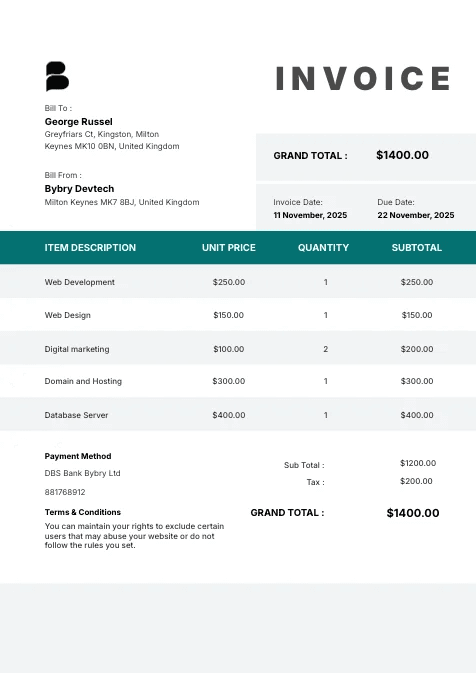
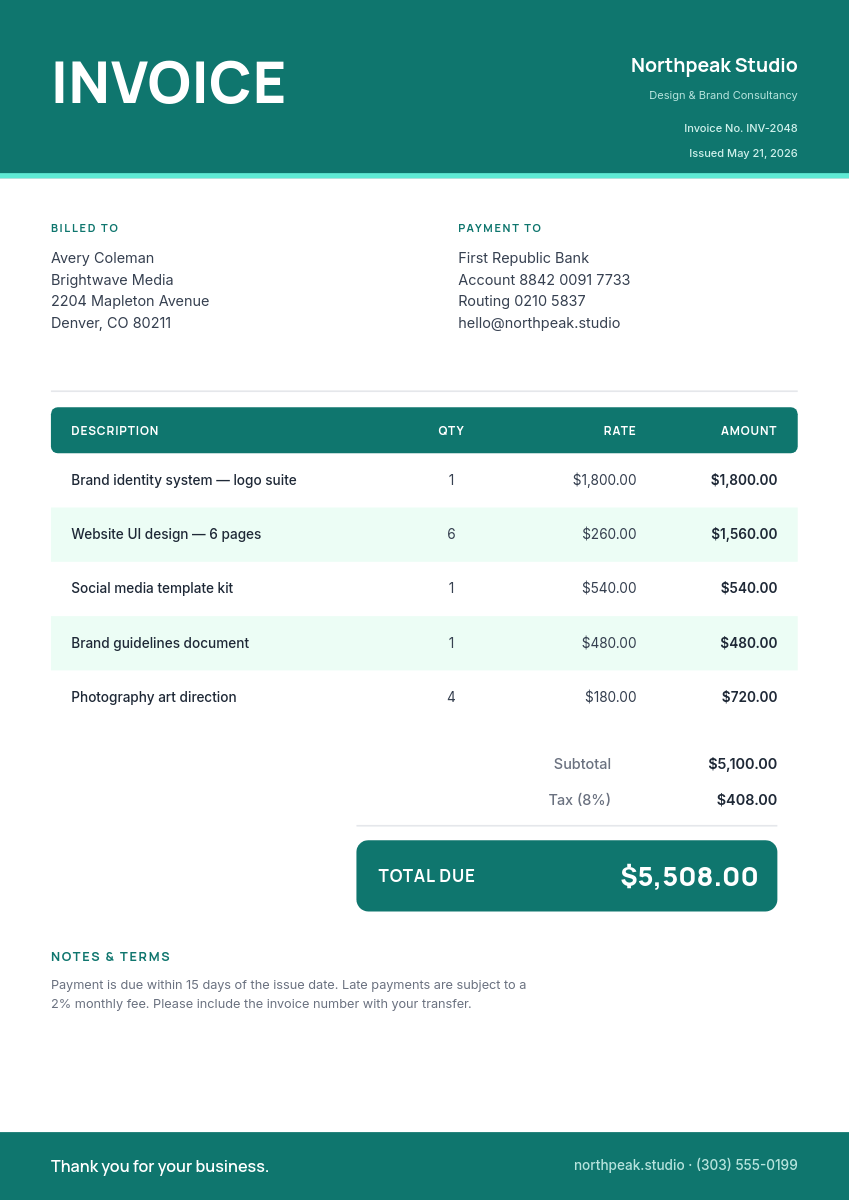
Totals, tax lines, and payment instructions live in the template design, so they're always formatted correctly and never mistyped. Here is a sheet of orders and the invoice each row produces:
One row becomes one invoiceClick a row
| AInvoice # | BClient | CDescription | DAmount | EDue | |
|---|---|---|---|---|---|
| 1 | 2026-041 | Northwind Co | Retainer, June | $2,400 | July 15 |
| 2 | 2026-042 | Acme Labs | Landing page build | $3,150 | July 20 |
| 3 | 2026-043 | Corner Cafe | Menu design | $800 | July 22 |
Orshot renders
Invoice
PDF
Rendered from row 1, one per row
Not just invoices
The same row-to-PDF pattern covers any document shaped like an invoice. Swap the template and you have:
- Receipts for paid orders, using the same layout with a paid stamp in place of a due date.
- Quotes and estimates, by trading the invoice number for a quote number and a valid-until date.
- Order confirmations that go out the moment a row lands, so customers get a branded PDF instead of a plain email.