You can now animate individual layers in Orshot Studio — fade ins, slide transitions, scale effects, staggered sequences — all configurable per layer, and rendered frame-perfectly in your video output.
What You Can Do
Animate Any Layer
Select a layer, switch to the Animate tab, and pick from 9 enter and 9 exit animation types — fade, slide (4 directions), scale, and scale+slide combos. Each animation has configurable duration, easing (including a spring curve), and custom parameters.
Control Visibility Timing
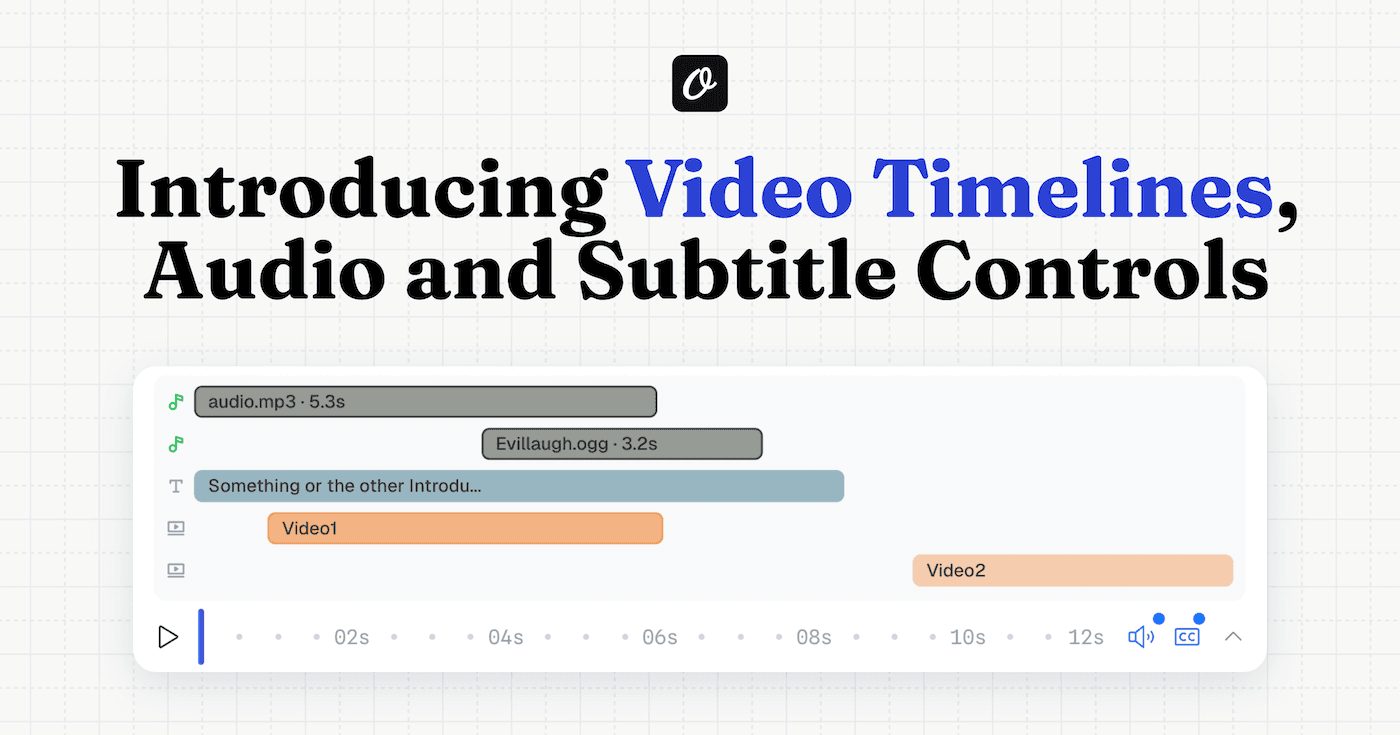
Set exactly when each layer appears and disappears using Show At and Hide At values. A title can fade in at 0.5s, an image can slide in at 1s, and a CTA can scale in at 2s — all from the same template.
Stagger Multiple Layers
Select multiple layers and use the new Stagger Delay feature to create choreographed sequences. Set the delay between layers, drag to reorder the animation sequence, and hit Apply Stagger — Orshot sets the timing for you automatically.
Preview Instantly
Every change auto-previews on the canvas. You see exactly what the final video will look like before rendering.
Copy & Paste Animations
Right-click → Copy Animation, then paste it onto other layers. Fast way to keep consistent motion across your template.
Works with Your Existing Workflow
- API renders include animations automatically — no extra parameters needed for your existing video templates
- Override via API — pass
title.showAt,title.enterType, ortitle.enterDurationas dynamic parameters to control animations programmatically - All video formats — animations render in MP4, WebM, and GIF output
- Frame-perfect output — every frame is deterministic, so renders are consistent every time
Get Started
Animations are available now for all plans. Open any template in Orshot Studio, select a layer, and switch to the Animate tab.
For a full reference of animation types, easing options, and stagger configuration, check the Animations documentation.