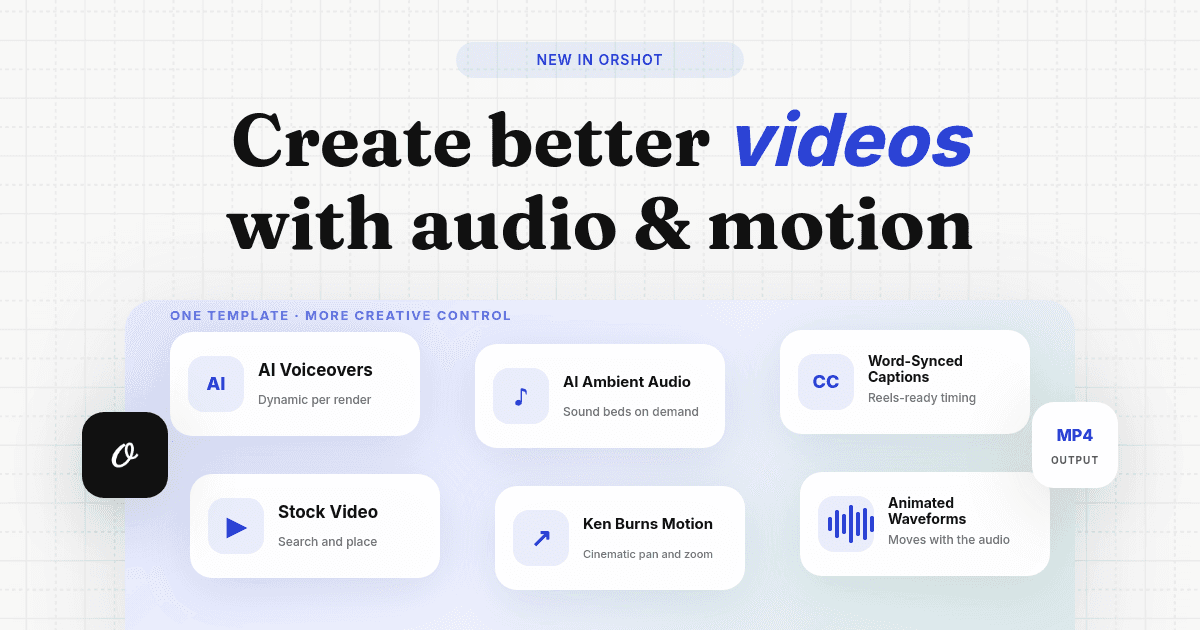
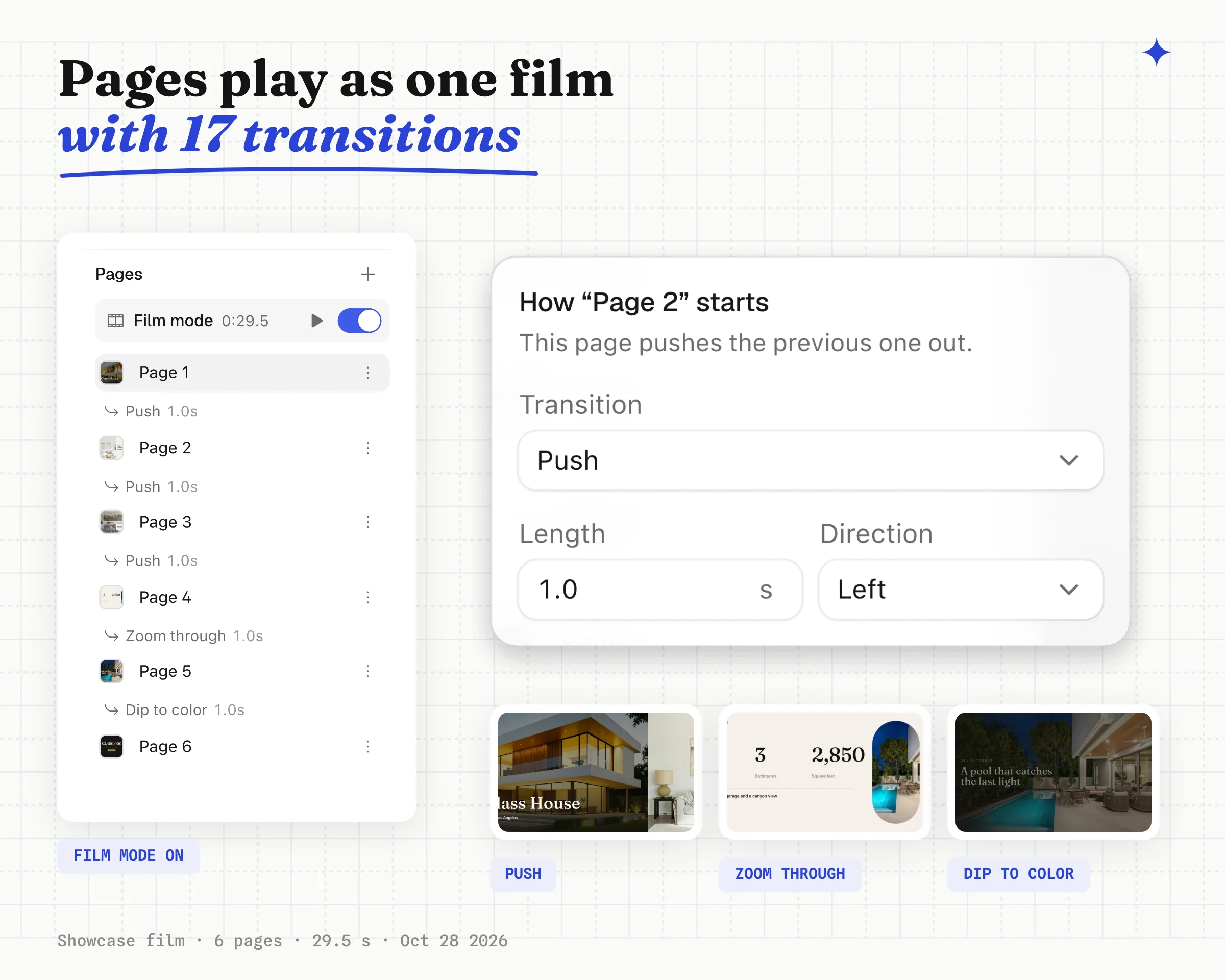
Your video templates now come out as finished films. Pages cut into each other with real transitions, one music track runs under the whole video, and a layer can make a sound as it moves.
You can build the film in Studio, or ask your AI agent to build it for you. Either way, every API call renders a new version of it. The video below was made entirely in Orshot's Film mode.
One finished video from a multi-page template
- Turn on Film mode and your pages play as one video. The API renders the same film as a single mp4, so there are no clips to stitch together afterwards.
- Choose how each page comes in from 17 transitions, from a quick Cut to Push, Wipe, Cube or Zoom through.
- Layers that share an id glide from one page to the next with Match, so your logo stays in place across the cut.
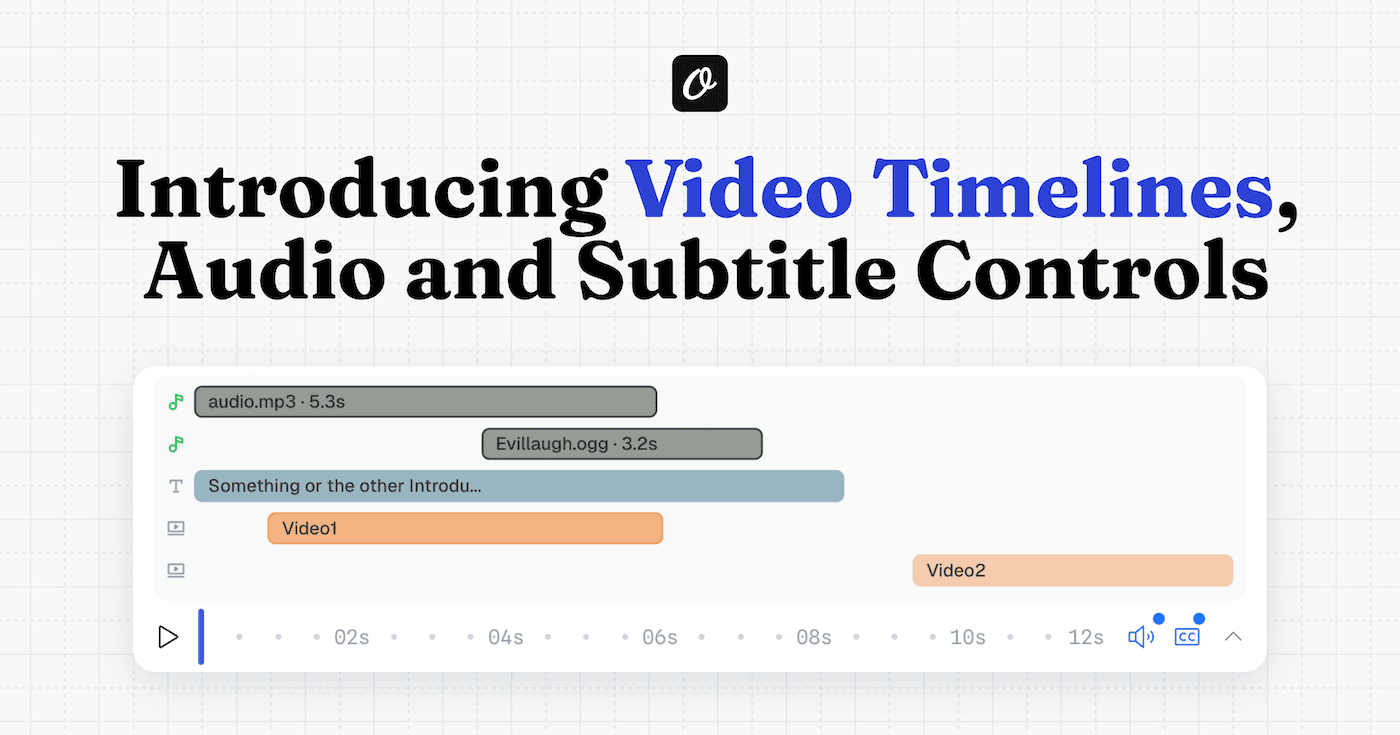
- Music plays once from the first page to the last instead of starting over on every page.
Videos that sound finished, with no music hunt
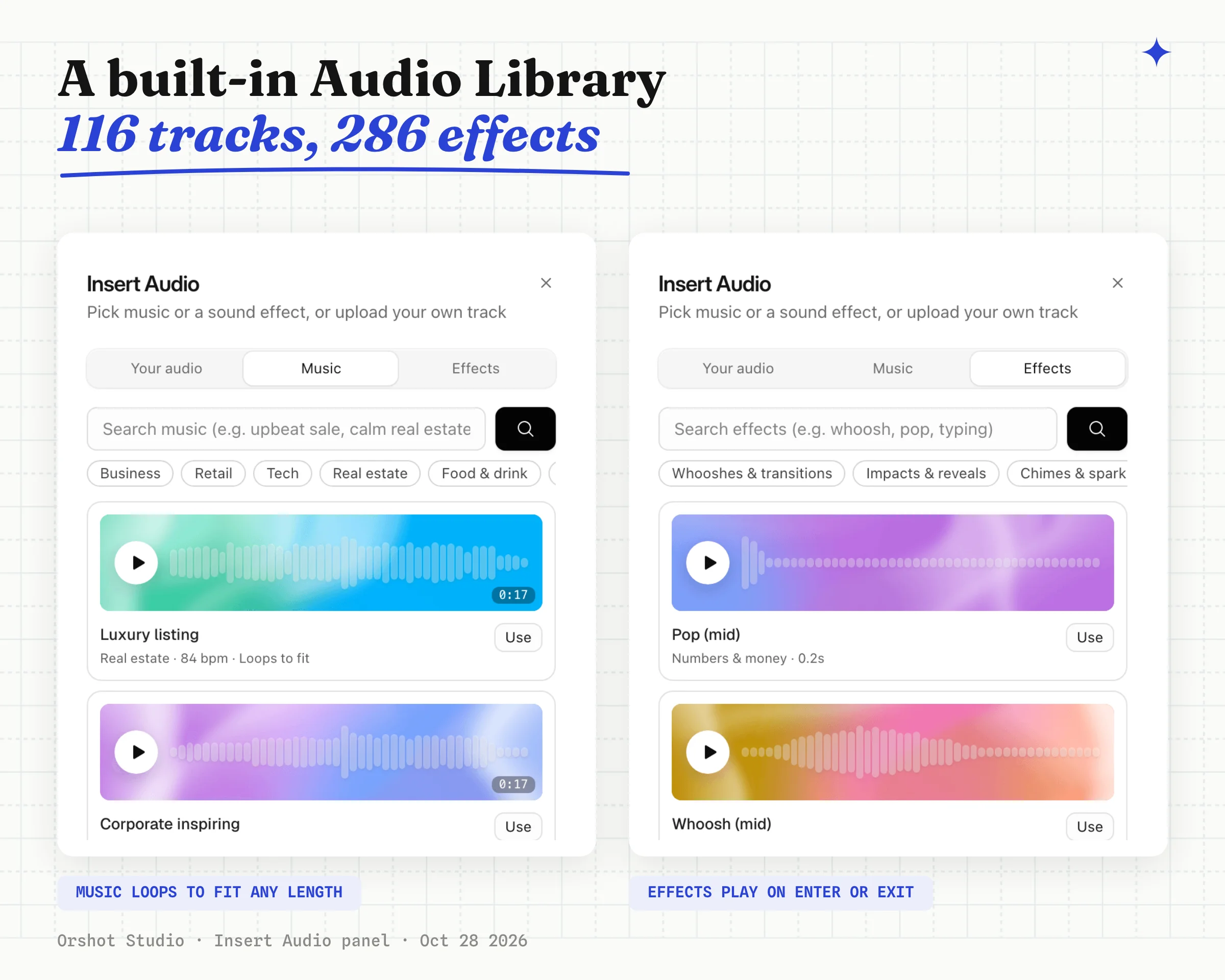
- Pick from 116 music tracks in 19 categories without leaving Studio. Search by what the video is for, like "upbeat sale" or "calm real estate".
- Every track fits your video's length. It loops with a crossfade and ends on its own outro on the last frame, so a 17 second track works on a 60 second film.
- 286 sound effects put a whoosh on a transition or a click on a button.
- Attach a sound to a layer and it plays when the layer enters or leaves, in time with its animation.
Ask your agent for the film
Connect Claude, ChatGPT or Cursor through Orshot for agents and you can get a film without opening Studio. Your agent gets the same templates, transitions and Audio Library that you use in Studio.
Make a vertical reel for our new listing: a modern family home with
3 beds, 2 baths and a garden, $749k, open house Sunday 2 to 4.
Add music and render it as an mp4.
The agent plans the scenes, picks stock photos, sets the transitions, adds a track and sound effects from the Audio Library and sends back the mp4.
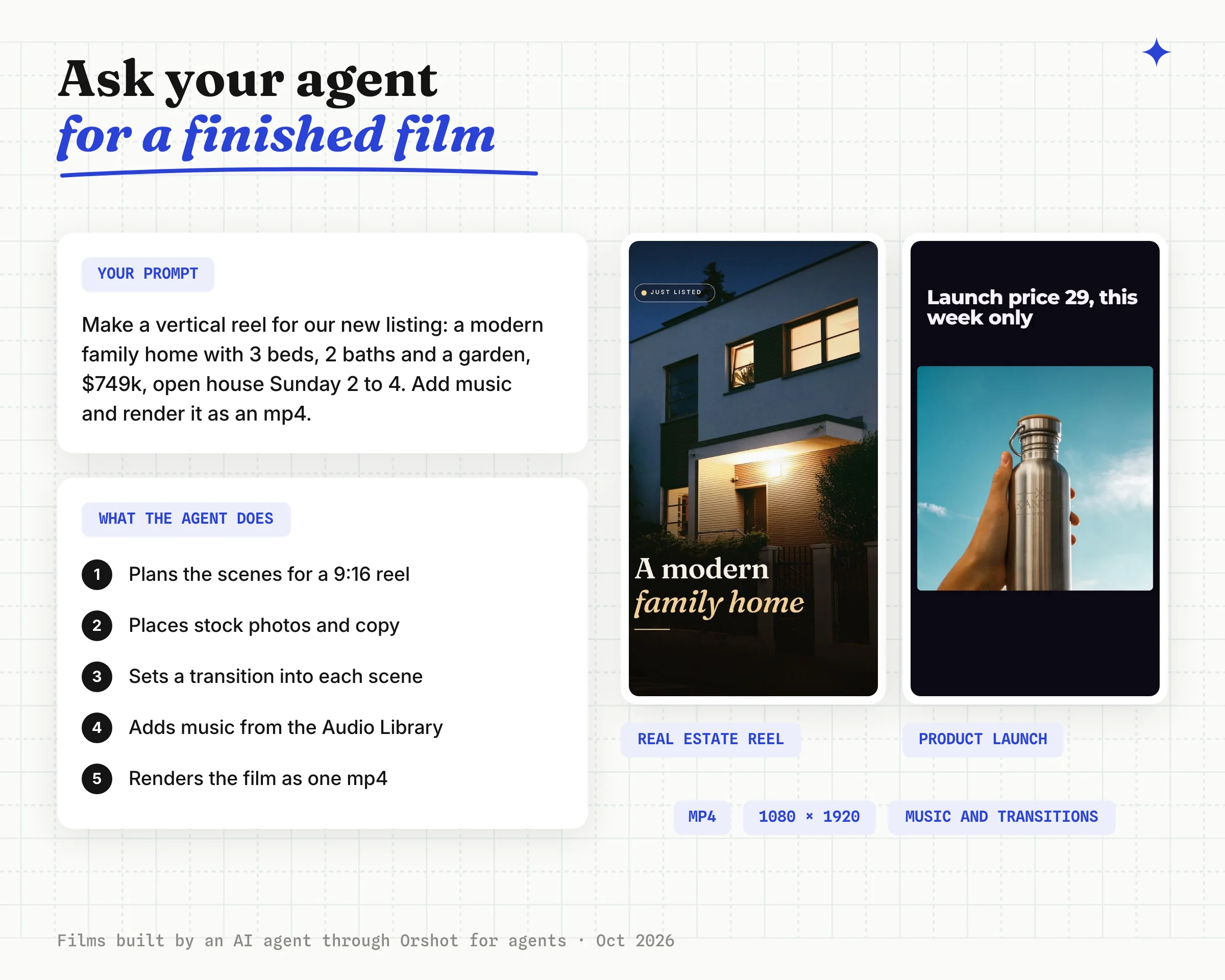
Here's the listing reel the agent rendered, with the music it added. Nobody touched it in Studio.
Once the first film is right, there's more you can hand to the agent:
- Change it by asking. "Swap the music for something more upbeat" or "make the last cut a dip to black" updates the template, and the next render has it.
- Put it on repeat. The film is a regular Orshot template, so n8n, Make, Zapier or your own code can render a new one for every listing with one API call.
- Mix both. Let the agent draft the film, fine-tune the timing in Studio, then automate it.
Preview the whole film before you render
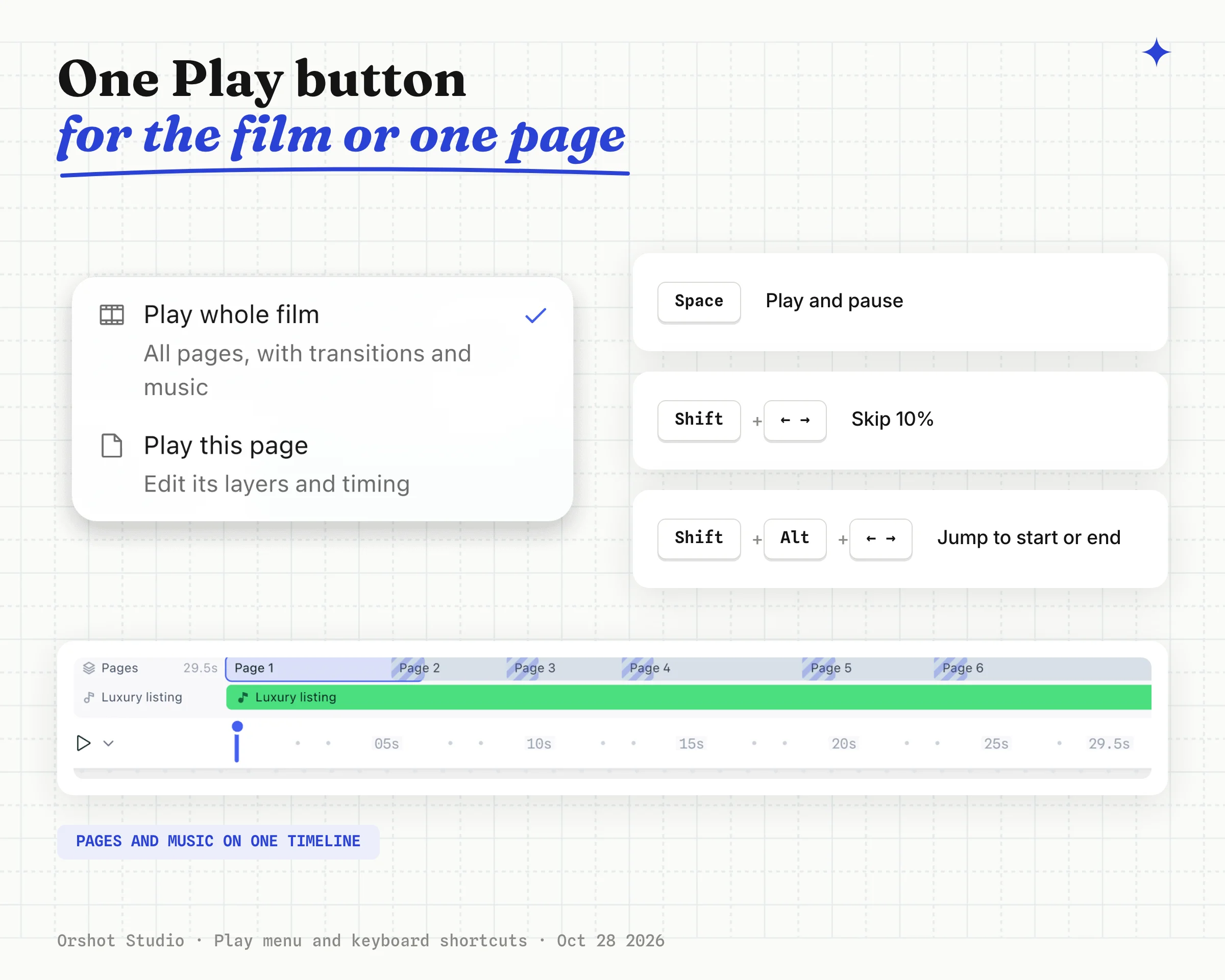
- One Play button plays the whole film or just the page you're editing.
- The pages panel lights up the page on screen while the film plays, so you always know where you are.
- Space plays and pauses, Shift + ← / → skips 10% and Shift + Alt + ← / → jumps to the start or end.
- Video clips stay in sync with the page when you play, seek or pause.
Render a new film with every API call
- Film mode needs no new endpoint. Send
format: "mp4"with your usual call and you get the whole film back as one file. - Change a template's music through Update Template as a track on the
filmobject. - Leave music out of one request with
videoOptions.music: false, or mute layer sounds withvideoOptions.sound: false. - Templates you already have render exactly as before.
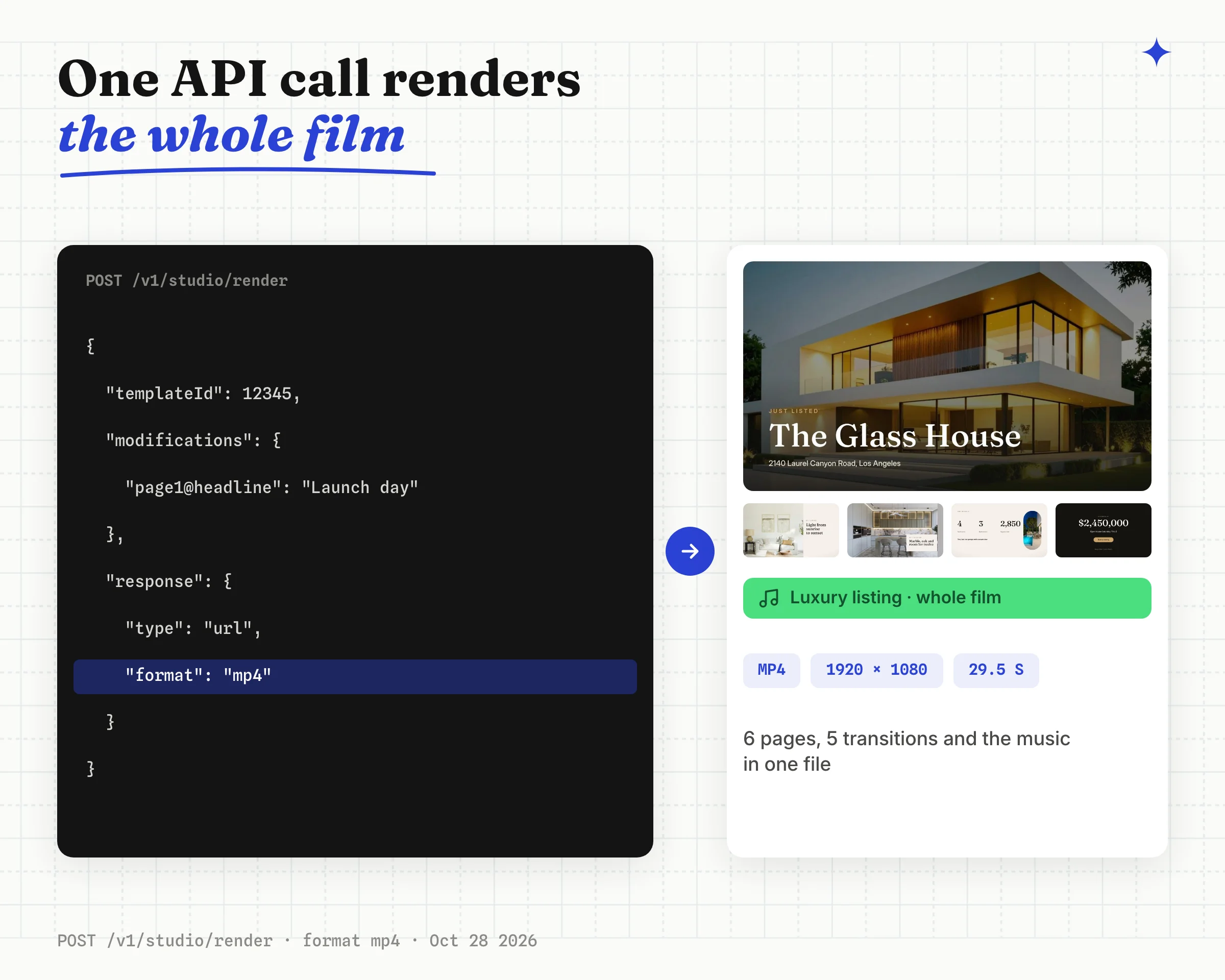
{
  "templateId": "<YOUR_TEMPLATE_ID>",
  "modifications": { "page1@headline": "Launch day" },
  "response": { "type": "url", "format": "mp4", "mode": "async" },
  "videoOptions": { "sound": false }
}
Renders got sharper and faster too:
- Scale plans can render video at 2x for sharper output.
- Video clips with few keyframes render up to 4x faster and no longer freeze.
- Drawn SVG illustrations can animate part by part, like a line chart drawing itself in.
- Canva imports bring video clips in as video layers.
The full schema for films, tracks and transitions is on the Film page, and the sound options are in Audio and Subtitles.
Open any multi-page video template in Orshot Studio, turn on Film mode and press Play, or ask your agent to make one. Music and layer sounds are on plans with audio; see pricing for what each plan includes.