You can now generate videos from your Orshot Studio templates. Add video elements to your designs, make them dynamic with parameters, and render MP4, WebM, or GIF outputs via the REST API
Key Features
- Video Elements - Add video layers to your templates just like images or text
- Dynamic Video URLs - Pass custom video URLs at render time using parameters
- Trim Controls - Set start and end times to use specific portions of videos
- Playback Options - Control loop, mute, and autoplay settings per video
- Multiple Formats - Generate MP4, WebM, or GIF outputs
- Audio Support - Include or exclude audio from your video renders
- Layer Animations - Add enter/exit animations (fade, slide, scale), visibility timing, and staggered choreography to any layer. Every animation renders frame-perfectly into your video output
How It Works
- Create a template in Orshot Studio
- Add a video element and configure its settings
- Set a parameter ID to make the video URL dynamic
- Call the render API with
response.format: "mp4"and pass your video URL
API Example
curl -X POST https://api.orshot.com/v1/render \
  -H "Authorization: Bearer YOUR_API_KEY" \
  -d '{
    "template_id": "your-template-id",
    response : {
      "type": "url",
      "format": "mp4",
    },
    "modifications": {
      "videoElement": "https://example.com/your-video.mp4",
      "videoElement.trimStart": 0,
      "videoElement.trimEnd": 10,
      "videoElement.muted": false,
      "title.enterType": "fadeIn",
      "title.enterDuration": 0.8,
      "title.showAt": 0.5
    }
  }'
Video Tutorial
Pricing
Video generation is billed at 1 credit per second of video (per second or part thereof). A 10-second video uses 10 credits. You can generate video lengths from 3 minutes upto 10 minutes based on plan
Videos are also supported in multi-page/carousel templates, so you can basically have multiple pages, each having multiple videos in a single template. This helps in generating a series of videos from a single API call
(Pricing and limits can be revised later based on cost and performance improvements)
Get Started
Video generation is available today on all paid plans. Open Studio, add a video element to your template, and start generating dynamic videos programmatically. You can check the Rest API documentation here
Once generated, you can also publish videos directly to TikTok, Instagram Reels, YouTube, LinkedIn, and more using Social Publish — no extra tools needed.
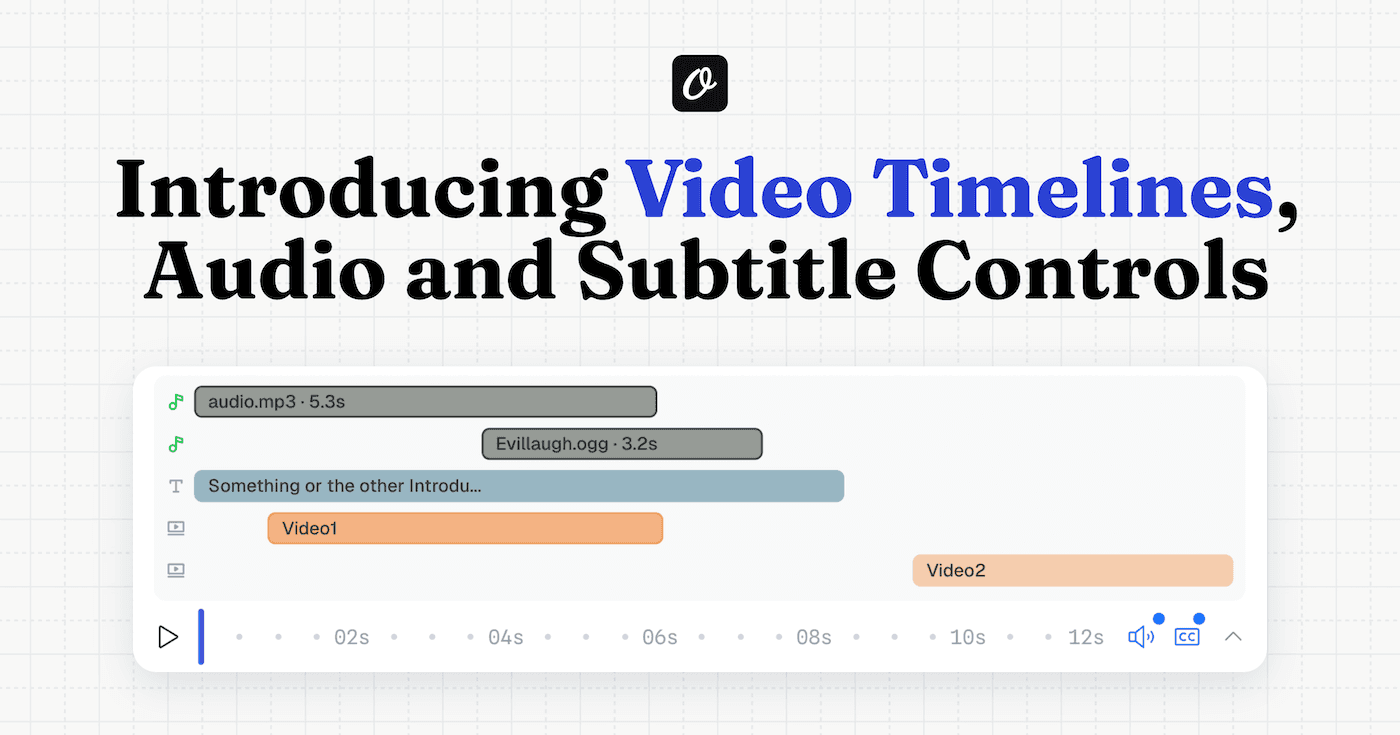
With this addition, Orshot now generates Images + PDFs + Videos. Since launch, we've added a full video timeline with page-level audio tracks and auto-generated subtitles, plus per-layer animations — all configurable visually in Studio and controllable via API