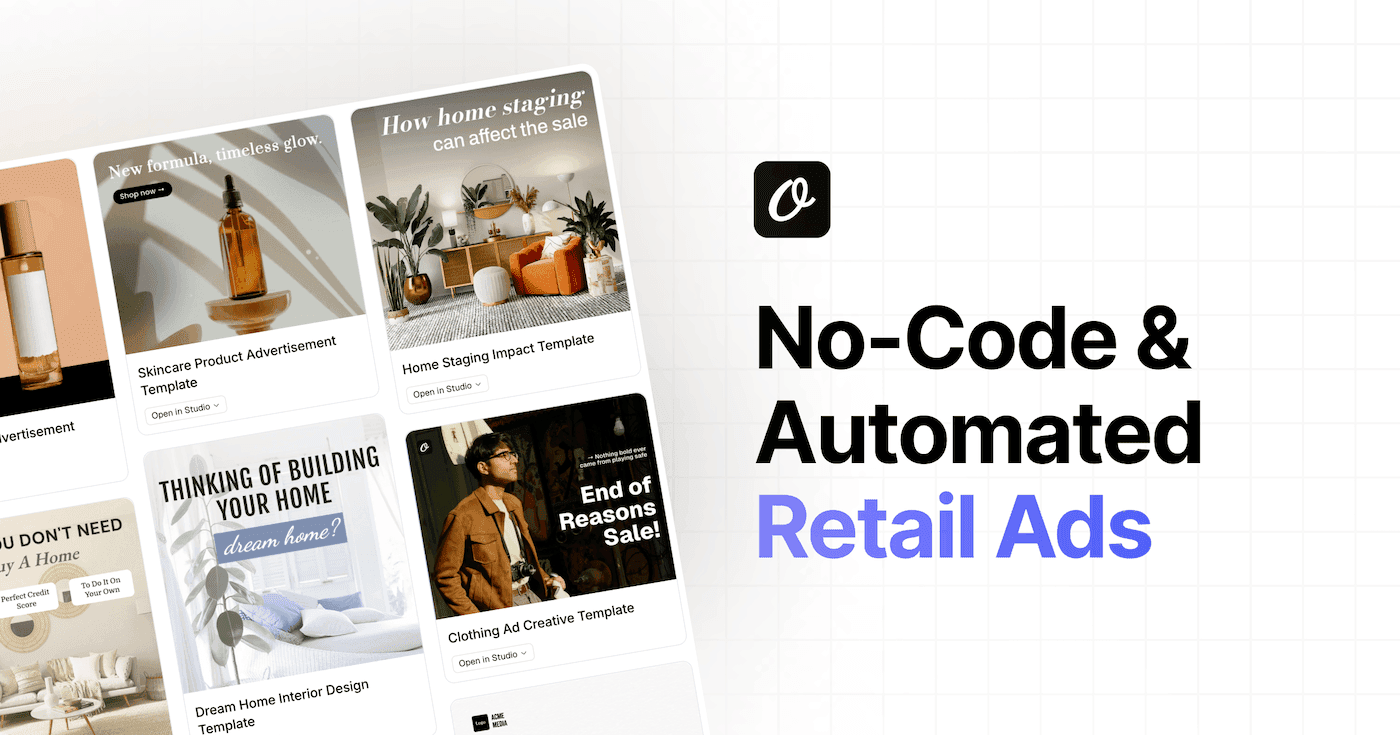
If you need to generate images programmatically — social graphics, certificates, product banners, OG images — you need an image automation API built for template automation. Not an AI art generator. Not Midjourney. A system where you design a template once, then call an API with dynamic data and get a pixel-perfect image back every time.
I've used most of these tools while building Orshot, and I've talked to enough teams making the switch to know what actually matters: editor quality, per-image pricing, integration options, and whether the thing works reliably at scale.
Pricing changes often, so confirm each vendor's current plan before you commit.
Here are the 8 best image generation APIs for template automation worth considering.
Quick Comparison
| Tool | API Price | Included Usage | Video | Multi-page | Embed Editor | Social Publish | AI | MCP |
|---|---|---|---|---|---|---|---|---|
| Abyssale | $45/mo | 450 credits | MP4/GIF | |||||
| Orshot | $39/mo | 1,500 credits | MP4/WebM/GIF | 15+ platforms | ||||
| Bannerbear | $49/mo | 1,000 | Basic | |||||
| Placid | $19/mo | 500 | ||||||
| Creatomate | $54/mo | 2,000 credits | Primary | |||||
| RenderForm | Free | Limited | ||||||
| DynaPictures | $29/mo | 1,000 | ||||||
| Contentdrips | $39/mo | 1,000 API calls | Carousels | LinkedIn, IG |
1. Abyssale
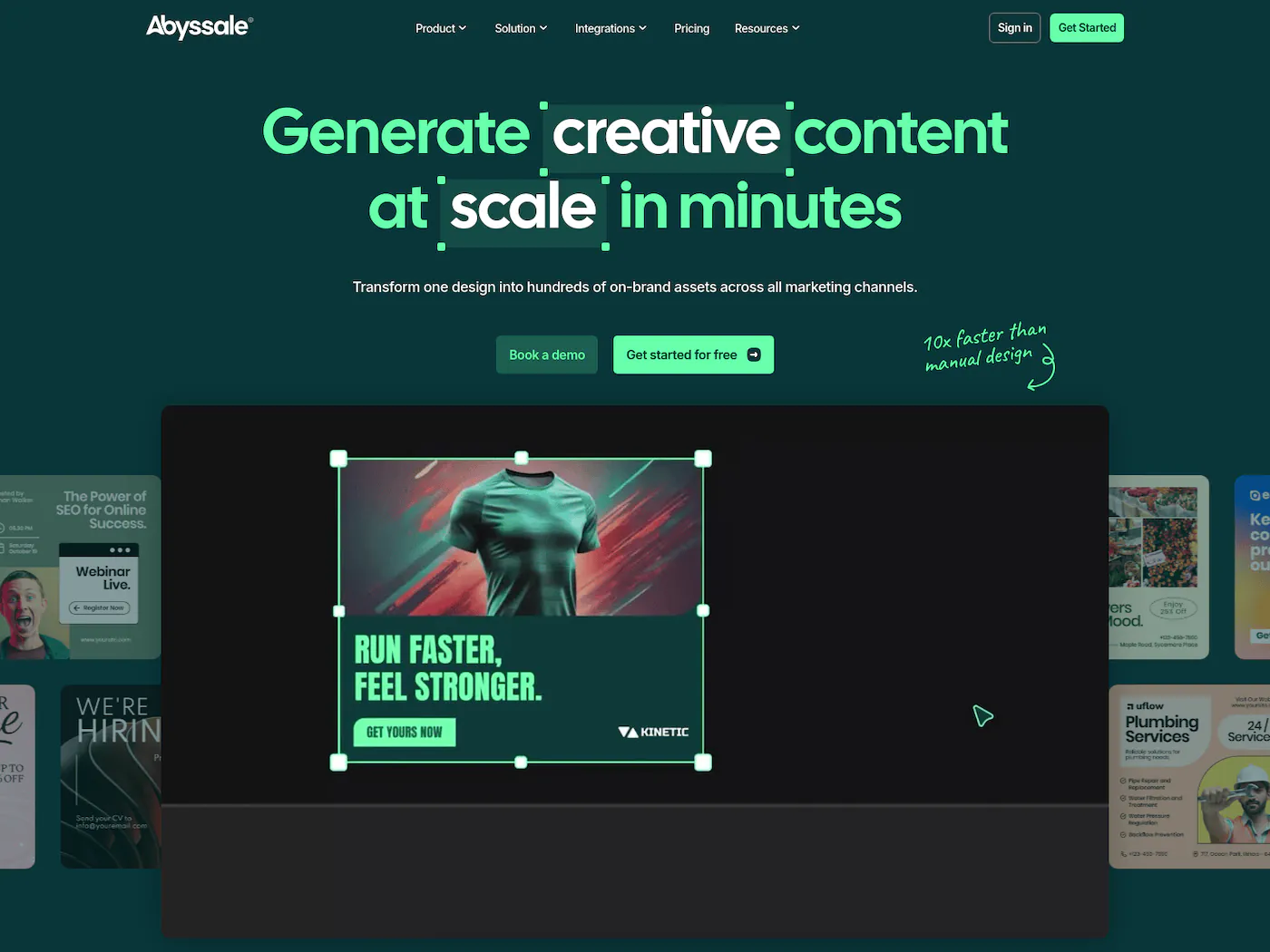
Abyssale focuses on ad creative automation — generating hundreds of banner variations across sizes and formats for paid campaigns. Their dynamic layout engine automatically adapts content to different aspect ratios, which is genuinely useful when you're running campaigns across Google, Meta, and display networks simultaneously.
The editor is capable and the multi-size generation is where Abyssale really shines — you design one base creative and it outputs every format you need. They also support video output (MP4, GIF, HTML5) and multi-page documents for print. The in-app Start plan costs $15/mo for 150 credits ($12/mo billed annually), while API and no-code automation require Pro at $45/mo for 450 credits ($36/mo billed annually). Their AI ("Abyssale Intelligence") auto-adapts designs to different formats. The platform is less general-purpose than some alternatives — it's built for ad creative teams, and that focus shows in both the features and the limitations. No embeddable editor, no social publishing, no MCP server.
If your workflow is "design one banner, output 20 sizes," Abyssale handles that better than most. For general-purpose template automation beyond ad creatives, you'll need something more flexible.
Pricing: API access from $45/mo for 450 credits ($36/mo billed annually). The app-only Start plan is $15/mo for 150 credits ($12/mo annually). 14-day free trial with 30 credits, no card required. No permanent free tier.
Best for: Performance marketing teams generating ad creatives across multiple sizes and platforms.
Read the full Abyssale comparison →
2. Orshot
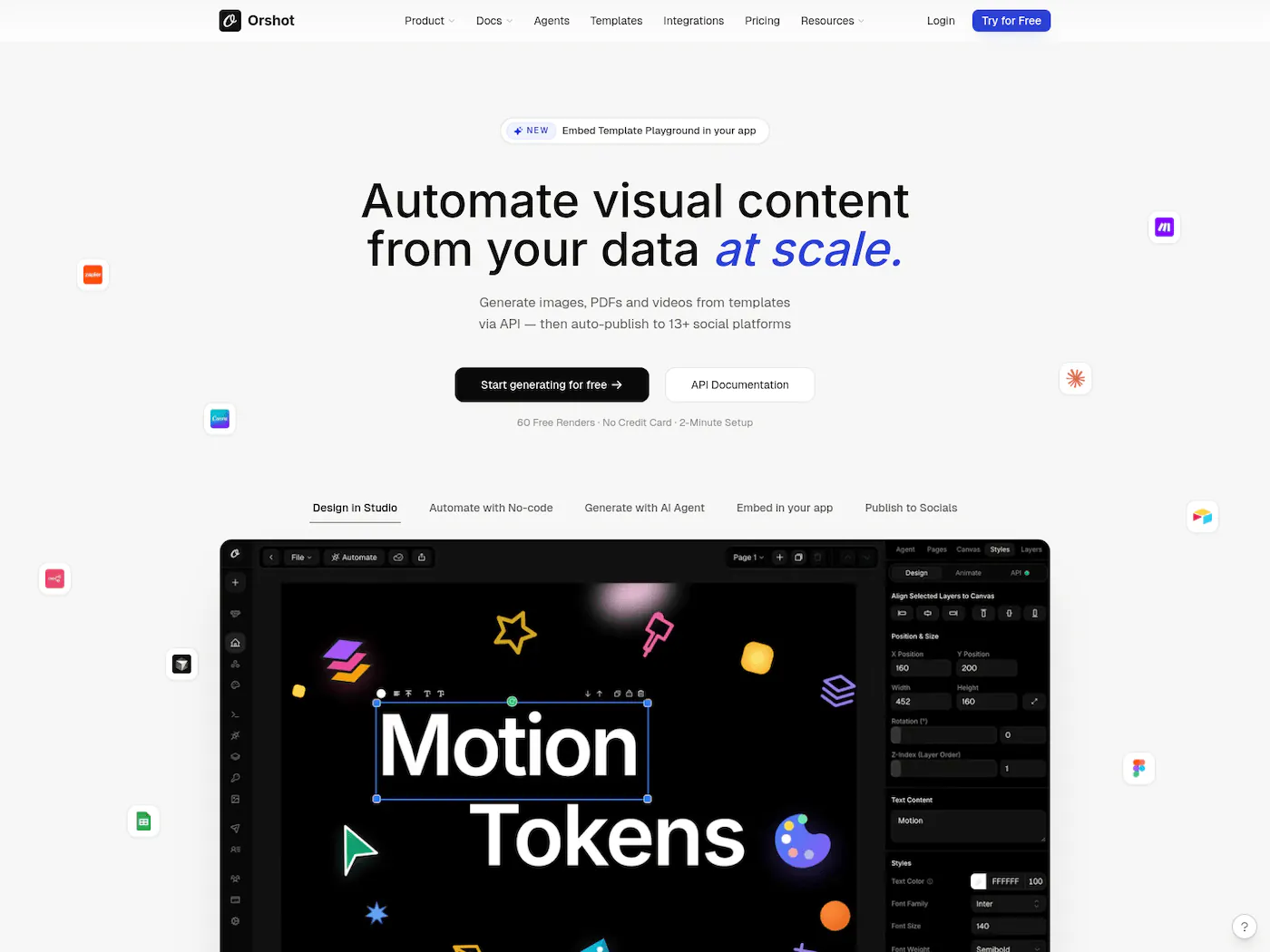
Orshot is a template-based image, PDF and video generation API that pairs a visual editor (Orshot Studio) with a REST API. It's what I built after hitting limitations with the other tools on this list, so take this section with a grain of salt.
Orshot is $39/month for 1,500 credits as of August 2026, roughly $0.026 per image. One credit is one image, one PDF page, or one second of video, all from the same pool. No separate video plan, no per-format add-on. The free tier is 100 credits a month with every feature unlocked, no card needed.
- Image, PDF and video from one template — PNG, JPG, WebP, PDF, MP4, WebM and GIF, all covered by the same credit pool.
- Multi-page templates — carousels and multi-page PDFs, with configurable margins, DPI and color modes.
- Embeddable editor — white-label Studio via React and Vue SDKs, so your users design inside your product on your domain.
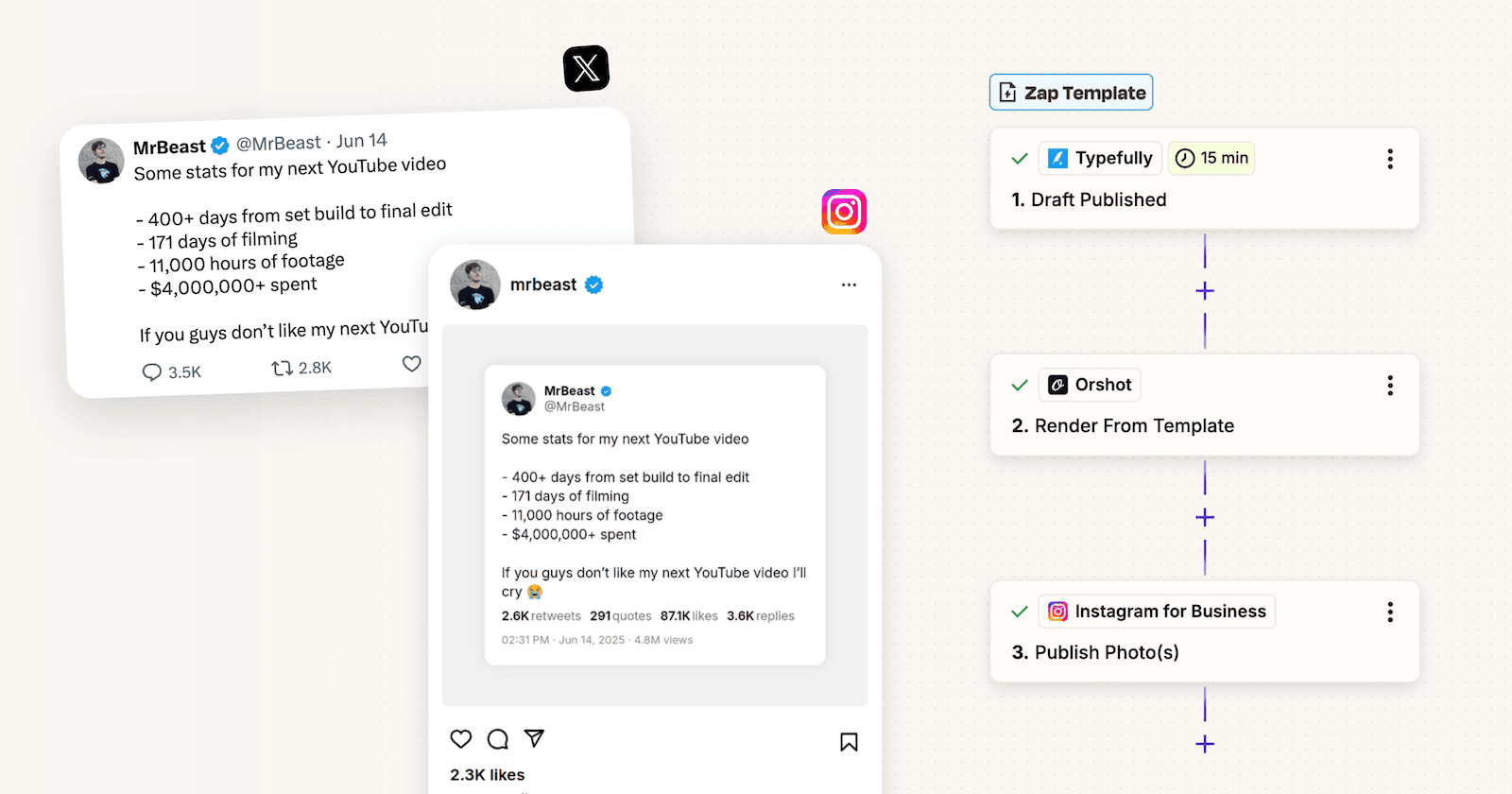
- Social publishing — post to 15+ platforms including Instagram, X, LinkedIn, TikTok and YouTube, so generate and publish happen in one workflow.
- Social analytics — engagement and follower metrics per account and per post, and the best time to post, in the same place the content is made.
- Built for AI agents — a hosted MCP server that works with Claude, Cursor, ChatGPT and 30+ other agent clients, so an agent can render from your templates directly. An AI Design Agent generates new templates from a text prompt.
- No-code automation — Make, Zapier, n8n, and Dynamic URLs that generate an image from a plain URL with query parameters and no API call at all.
- Template imports — bring existing designs from Canva and Figma rather than rebuilding them by hand.
One caveat: Orshot is younger than Bannerbear, so there's less third-party tutorial content and community example code to lean on when you get stuck.
Pricing: $39/mo for 1,500 credits (1 credit = 1 image, 1 PDF page, or 1 video second), verified August 2026. Free tier with 100 credits a month, all features unlocked.
Best for: Teams that need multi-format output (images, PDFs, videos) and integrations beyond just the REST API.
3. Bannerbear
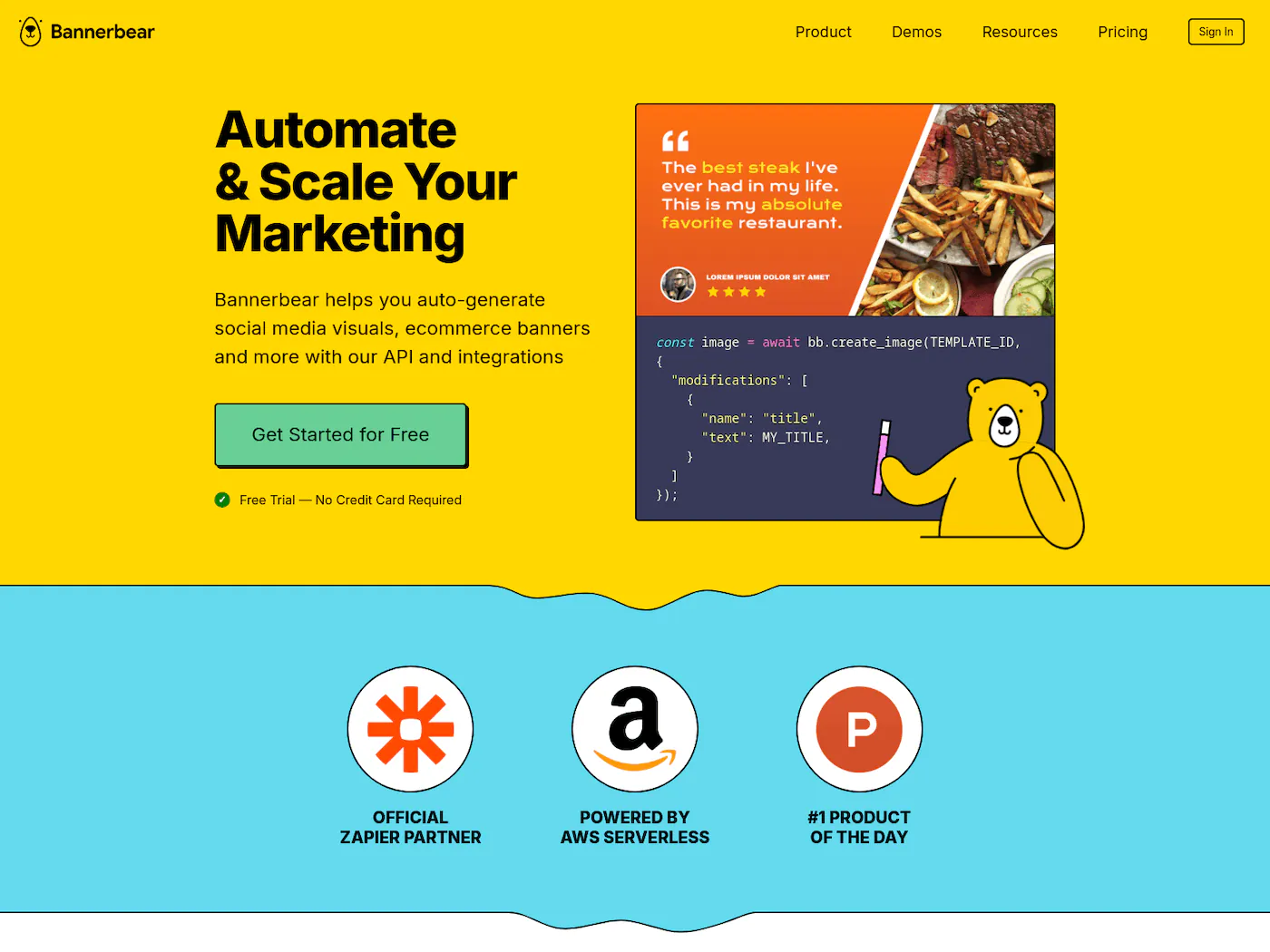
Bannerbear basically pioneered this category. You design templates in their editor, expose dynamic fields, then hit the API to generate images with your data. It's been around since 2019 and has the most documentation and community examples of any tool in the space, [ref] ↗
The editor is functional but feels dated compared to newer tools. Where Bannerbear shows its age is pricing — $49/month gets you 1,000 renders, which gets expensive at volume. No multi-page templates, no video beyond basic overlays, no embeddable editor. Some users on Indie Hackers have noted it can feel "overkill" for single use cases like certificates when you're paying for features you don't use, [ref] ↗
Still the most battle-tested option. If you've been using it and it works, there's no urgent reason to switch. But if you're starting fresh, the value isn't there anymore.
Pricing: $49/mo for 1,000 renders. One-time trial with 30 API credits, no card required.
Best for: Teams already invested in Bannerbear's ecosystem who need reliability above all else.
Read the full Bannerbear comparison →
4. Placid
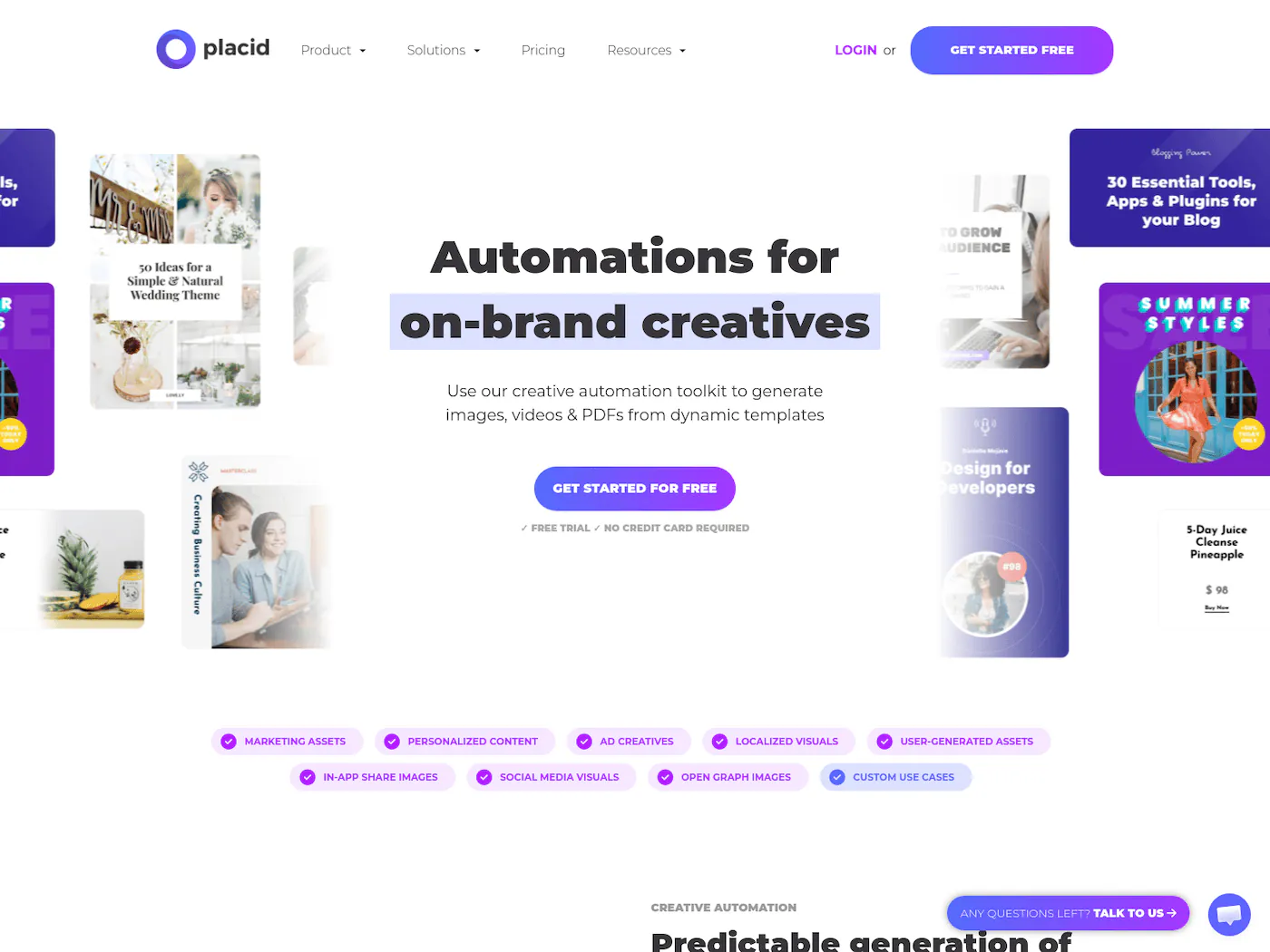
Placid has arguably the most polished visual editor in this category. Templates ship with good defaults, and their Figma import actually works well. The no-code integrations (Zapier, Make, Airtable) are mature and well-documented. Placid is particularly popular for automating OG images and WordPress social graphics.
The trade-off is pricing. $19/month sounds cheap until you realize that only gets you 500 credits. At scale, the per-image cost is higher than most alternatives. They've added video automation and an embeddable Editor SDK for white-labeling, plus an MCP server for AI agent integration. No multi-page templates though.
If your volume is low and you care about editor polish above everything else, Placid is a good pick. Just do the math on credits before committing.
Pricing: From $19/mo for 500 credits. Free tier available.
Best for: Marketing teams generating low-to-medium volume visuals who want a polished design experience.
Read the full Placid comparison →
5. Creatomate
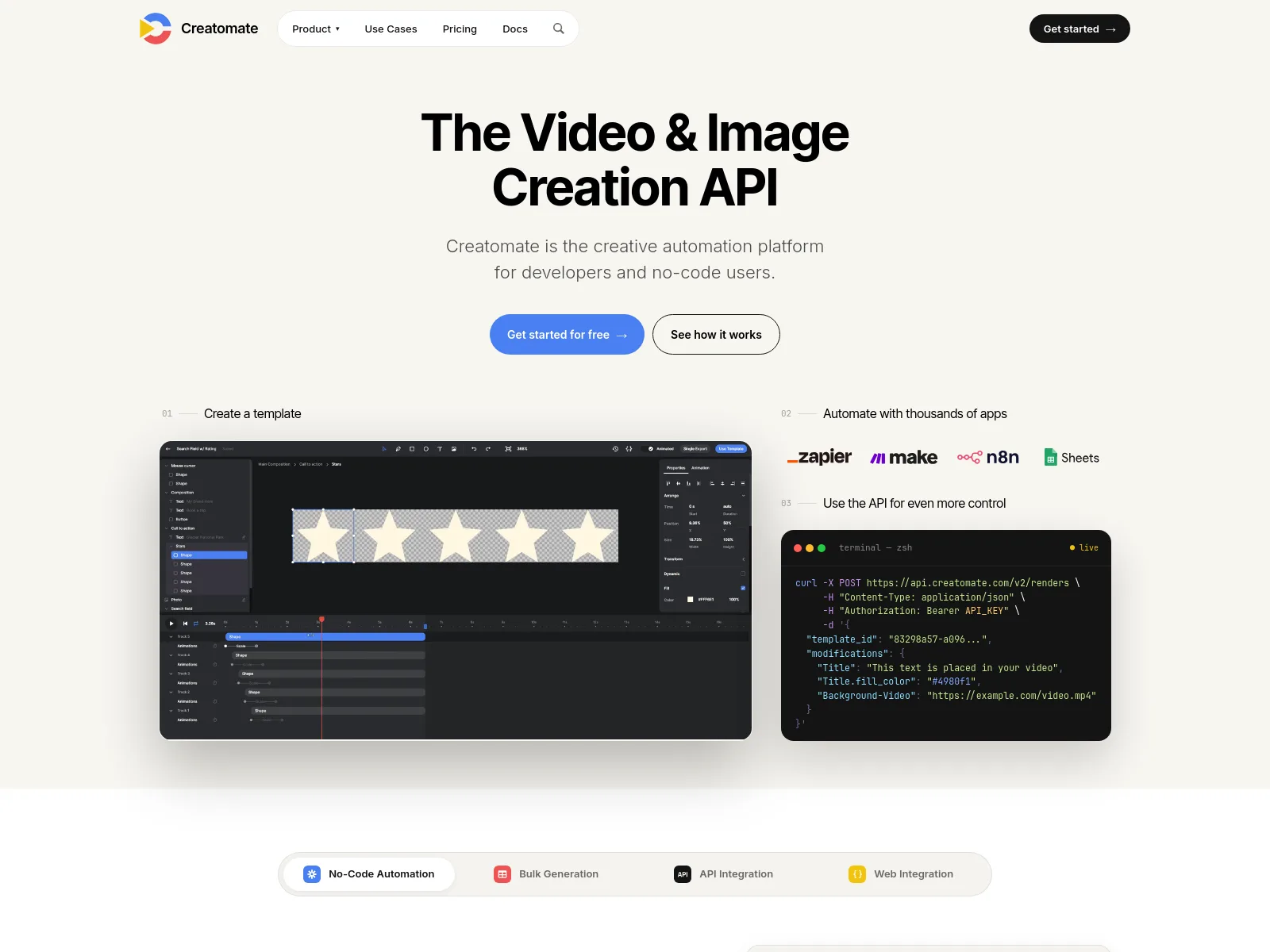
Creatomate is the strongest option if video is your primary output. The editor handles motion design, keyframing, and timeline-based editing in ways that the image-first tools can't match. It also generates images and PDFs, so it's not video-only. Compared with Bannerbear's entry plan, Creatomate includes substantially more video generation capacity, [ref] ↗
The learning curve is steeper than Bannerbear or Placid — the editor is powerful but less intuitive for simple image templates. Pricing uses a credit system ($54/mo for 2,000 credits) where video renders cost more credits than images, so your effective cost depends heavily on your output mix.
If you need programmatic video generation alongside images, Creatomate is the answer. If you only need images, you're paying for video capabilities you won't use.
Pricing: From $54/mo for 2,000 credits. Full-featured trial with 50 API credits, no card required.
Best for: Teams whose primary need is automated video generation, with images as secondary output.
Read the full Creatomate comparison →
6. RenderForm
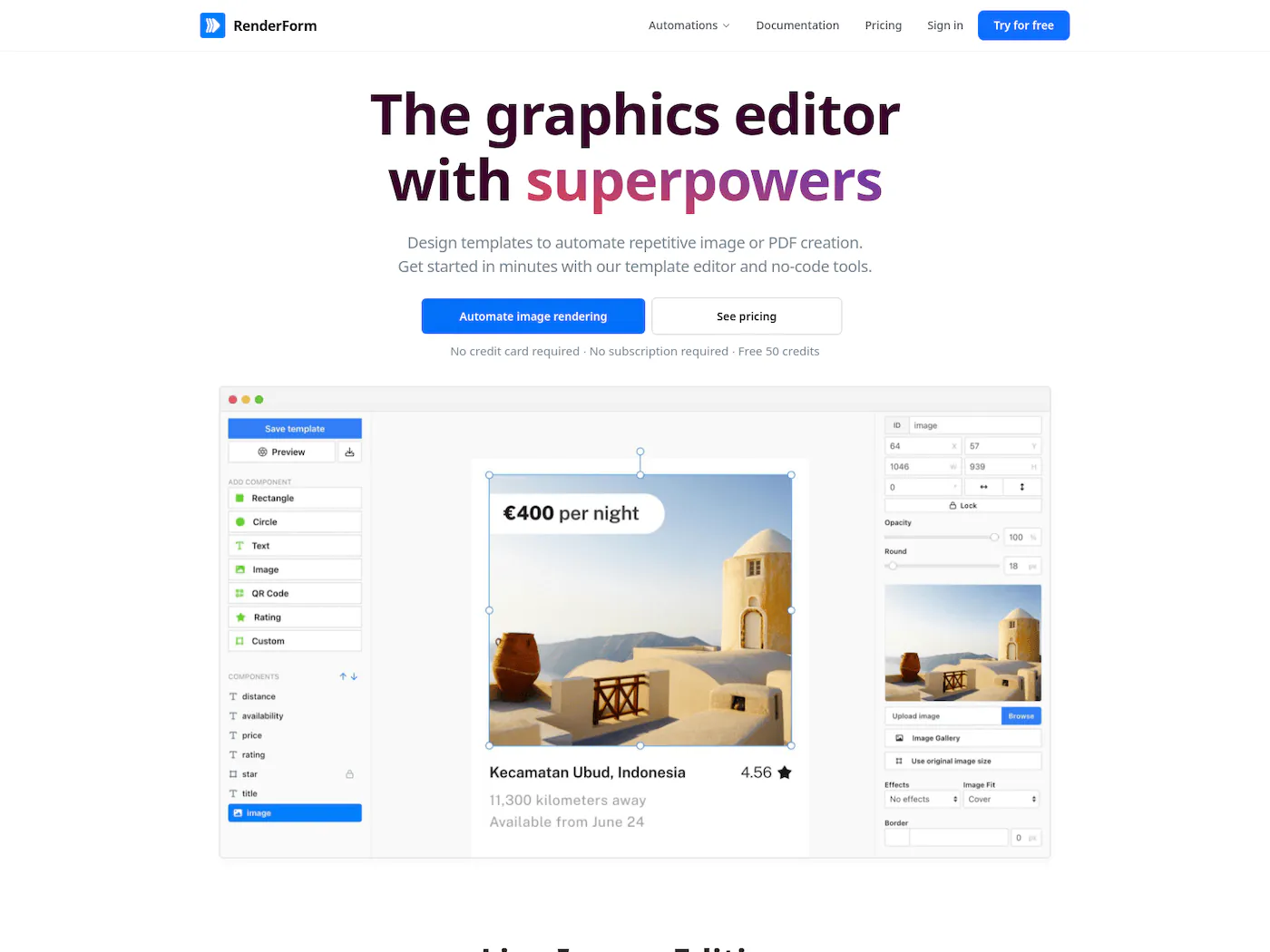
RenderForm offers both a visual editor and HTML/CSS templates, giving developers more control over output than purely visual editors. The API is straightforward, and they have a decent free tier to test with. Over 500 bundled fonts is a nice touch.
The visual editor is basic compared to Placid or Orshot — functional but not where you'd design anything complex. The HTML/CSS option is the real draw for developer teams who want pixel-perfect control without fighting a WYSIWYG editor.
Worth noting: images generated on the free tier include a watermark, and render URLs expire after a set period on lower plans.
Pricing: Free plan available. Paid plans for higher volume.
Best for: Developer teams comfortable with HTML/CSS who want a hybrid visual + code approach to template creation.
Read the full RenderForm comparison →
7. DynaPictures
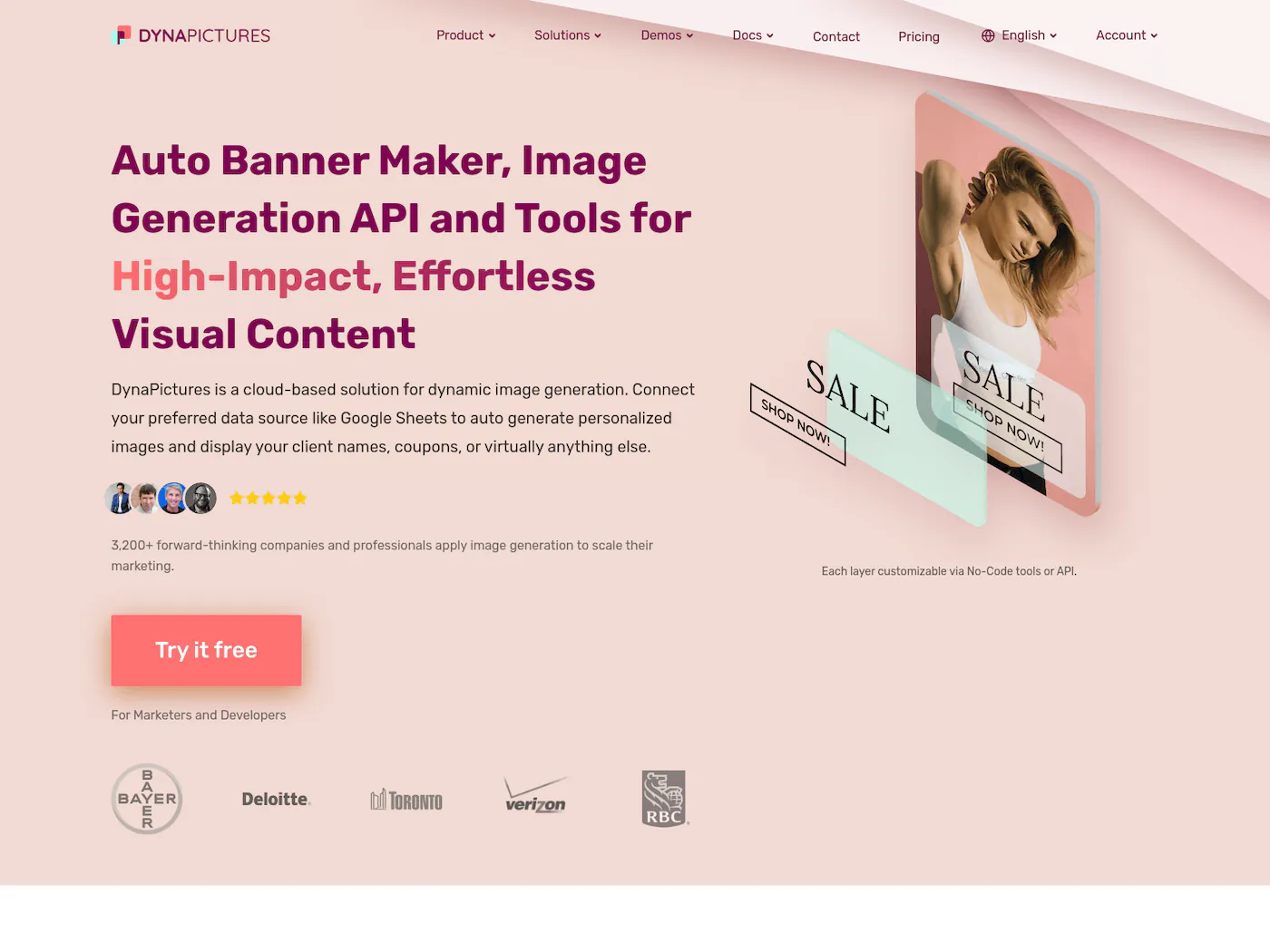
DynaPictures is the simplest tool on this list. The value prop is straightforward: create a template, connect your data, generate images. It integrates with HubSpot, Mailchimp, and marketing automation platforms that the developer-focused tools often ignore. DynaPictures claims batch generation speeds of 200-300 milliseconds per image, [ref] ↗
The editor is basic and there's no video generation, but they do support multi-page templates and PDF output — useful for LinkedIn carousels and batch documents. If you're a marketing team that needs personalized email banners or social graphics from CRM data, DynaPictures connects to your stack without requiring a developer to set up the API integration.
Not the most feature-rich, but does one thing well and keeps it simple.
Pricing: From $29/mo for 1,000 renders. Free trial available.
Best for: Marketing teams using HubSpot or Mailchimp who need personalized visuals without touching code.
Read the full DynaPictures comparison →
8. Contentdrips
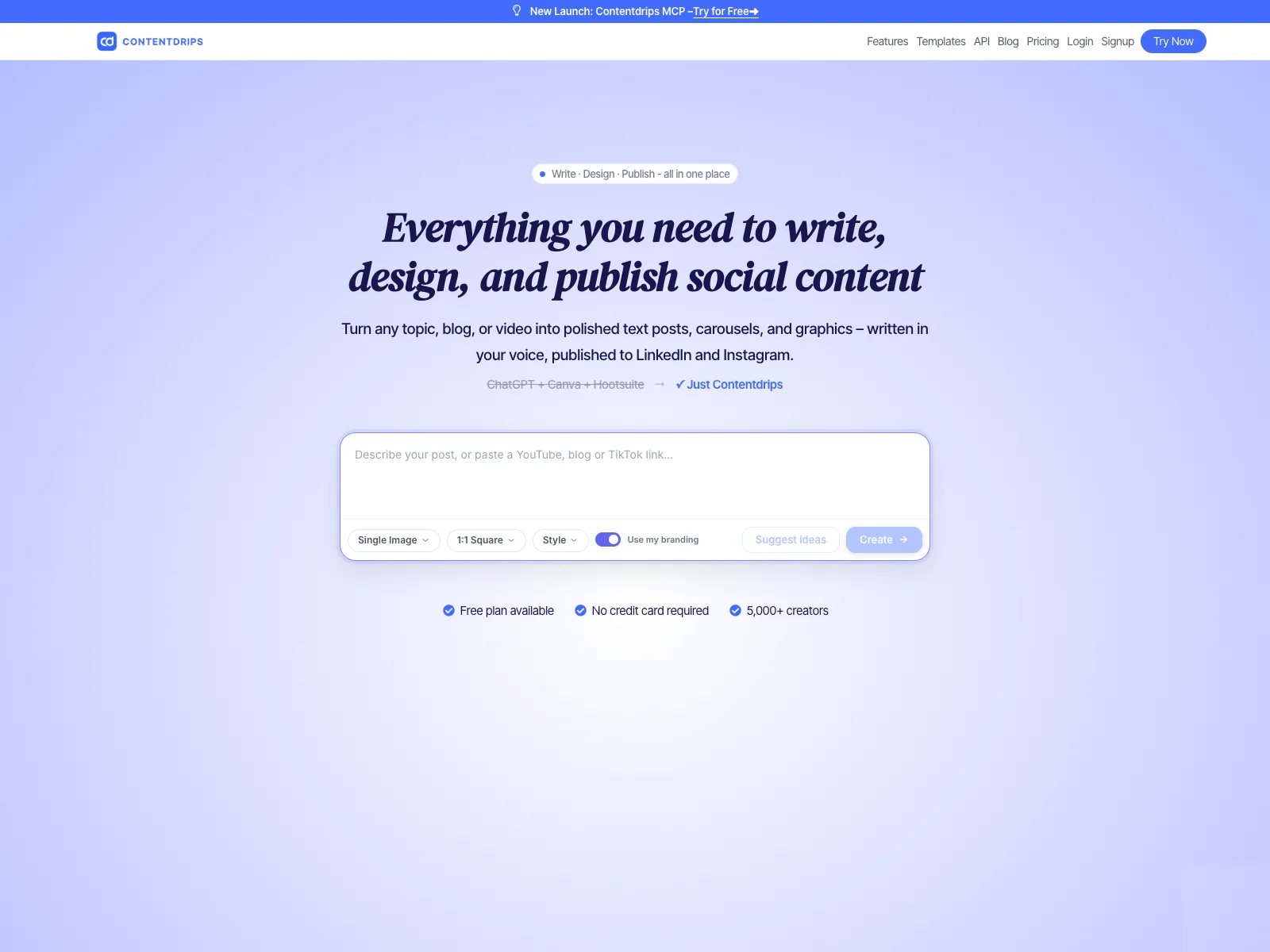
Contentdrips started as a social media content tool and added an API later. The templates are specifically designed for LinkedIn, Twitter/X, and Instagram — carousels, quote cards, thread screenshots. It also has built-in scheduling and publishing to LinkedIn and Instagram, which most image generation APIs don't offer.
They've added AI-powered design (generates carousels from prompts, matches your writing style) and a white-label Embed API for platforms that want to offer design tools to their users. The limitation is flexibility — the editor is opinionated about layout and styling, which makes it fast for social content but limiting for anything else. No certificate templates, no product banners, no general-purpose image automation.
Good for social-first teams. Not a general-purpose image generation API.
Pricing: REST API from $39/mo for 1,000 calls. The separate Contentdrips app starts at $15/mo; the API has a 10-call free tier.
Best for: Content creators and social media managers who need quick, branded social graphics without design work.
Read the full Contentdrips comparison →
When to Use What
- You need the cheapest API entry point → RenderForm (50 free watermarked renders; paid credits from $9)
- You need breadth at the price → Orshot ($39/mo for 1,500 credits covering images, PDFs, and video)
- Video is your primary output → Creatomate
- You want the prettiest editor → Placid
- You're already on Bannerbear and it works → Stay on Bannerbear
- You want HTML/CSS template control → RenderForm
- You're in HubSpot/Mailchimp and need personalized banners → DynaPictures
- You only make social content → Orshot or Contentdrips
- You need images, PDFs, videos, carousels and social publishing from one tool → Orshot