 Claude MCP
Generate images, PDFs and videos in Claude.
Add Orshot to Claude to render images, PDFs and videos from your templates, publish straight to social, and post at the best time to grow engagement.
100 free credits a month · no credit card · hosted MCP, no local install







What Orshot for Agents can do for you:
- Generate on-brand templates
- Render carousels, videos from your data
- Manage your brand assets
- Plug API, Automation Workflows
- Post, draft, schedule social content
- Analyze your social metrics
- Tell your best time to post
- See what gets engagement, what doesn't
- Get every number you need to grow
Add to Claudeclaude mcp add orshot --transport http https://mcp.orshot.com/mcphttps://mcp.orshot.com/mcpSettings → Connectors → Add custom connector → paste the URL.
{
  "mcpServers": {
    "orshot": { "url": "https://mcp.orshot.com/mcp" }
  }
}
Paste into .mcp.json.
8 in 10 Orshot workspaces now render through an AI agent.
84% of workspaces that rendered in the last 30 days used an agent at least once. Our own accounts are left out.





One sentence, real files back.
Claude picks the right Orshot tool, renders from your templates and replies with the links. No dashboard, no export step.
- Resize one design to every social format in a single call
- Publish the render straight to social, in the same step
- Draft and schedule a week of posts at your best times
- Generate certificates, invoices and reports as PDFs
Render this week's quote graphic from my template and post it to LinkedIn.

Interactive cards, right in the chat.
In the Claude web and desktop apps, renders come back as interactive cards: flip through pages, watch workflow runs, and open the finished post.
- Flip through pages and variants without re-rendering
- Watch workflow status and run history at a glance
- Open the template, workflow or post in Orshot in one click

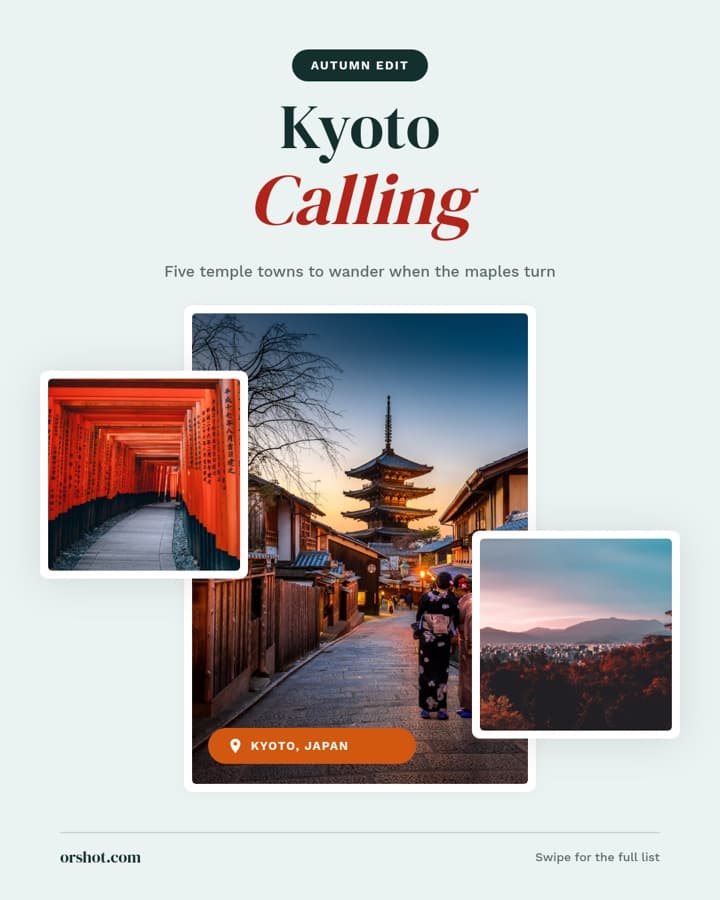

Copy a prompt, get an editable template.
Paste one into Claude and you get a real Orshot template back, with every text and photo ready to change through the API.
- 1080×1920 · MP4
Product reel
Make a 6-second 9:16 reel for our new Midnight Cold Brew. Use a close-up photo with a slow push-in, the name in a big serif, the price ($4.50) and a Shop now button that gets pressed at the end.
- 1080×1350 · PNG × 5
Tips carousel
Design a 5-slide Instagram carousel for my newsletter account: a bold cover that says 'Habits that grow a newsletter from zero', three tip slides with big numbers, and a follow slide. Cream, black and one orange accent.
- 1080×1350 · PNG
Product card from a sheet
Create a product card template with the product photo, name, price, compare-at price and a 'New in' badge. Then render one for every SKU in my product sheet.
- 1414×1000 · PDF
Course certificate
Design a landscape certificate of completion with the recipient's name, course, date, signature and a certificate ID. Then render a PDF for each attendee in my CSV.
On-brand carousels, documents and reels, from a prompt.
Describe the piece and Claude builds it from your templates: a LinkedIn carousel, a one-page document, a reel cover, already in your fonts and colors.
“Create an Instagram post template with a headline, subtitle and product image.”
“List my studio templates and tell me which ones have a video layer.”
“Build an Instagram carousel for the headphones drop: product-first, brand palette, CTA on the last slide.”
orshot_create_template_design


Render images, video and PDFs from your data source.
Point Claude at a Google Sheet, an Airtable or a list of rows and it renders one asset per record from a template you designed once: product shots, certificates, thumbnails, the lot.
“Render the launch template as a 1080×1920 story and a 1200×630 OG image.”
“Make an Instagram carousel from the promo template with these three headlines.”
“Render a banner for every campaign in rows A1–A500: offer, dates and the campaign artwork.”
orshot_render_template × 500


Post to 15+ social platforms, via Claude and API.
Claude posts to the accounts you have connected, holds a draft for you to read first, or schedules a whole week for the times and timezone you name. Every one of those actions is an API call too.
“Render this post and publish it to Instagram and LinkedIn.”
“Render the announcement and save it as a draft to all my connected accounts.”
“Render the Just Sold post for 12 Maple Ave and publish it to our Instagram and Facebook.”
orshot_list_social_accountsorshot_render_templateorshot_publish_social_post
 +412reach
 +38%engagement
Automate the loop, or drop the API into your codebase.
Have Claude wire up an Orshot Workflow that keeps running after the chat: a trigger, a data source, your template and a destination. Or skip Claude and call the REST API straight from your own app.
“Set up a workflow that renders a fresh OG image whenever I add a blog row in Airtable.”
“Run my weekly-report workflow and show me the last run's outputs.”
“Set up a workflow: every Monday 9am, render the Weekly Deals template from the newest Google Sheet row and post it to our Slack.”
orshot_list_workflow_nodesorshot_create_workfloworshot_run_workflowConnects to your workspace, touches nothing else.
OAuth 2.0, standards-compliant
Authorization code with PKCE and dynamic client registration, per the MCP Authorization spec. Tokens stay in your MCP client; the server does not store them.
Scoped to your workspace
Each connection accesses only the Orshot workspaces of the account that authorized it. Disconnect from your client at any time to end access.
Tool calls only
The server receives tool calls and their inputs, nothing else. It never reads your conversation, files or memory, and it only talks to Orshot's own API.
Annotated, permission-aware tools
Every tool declares read-only or write behavior, and destructive actions like delete and publish are marked so your client asks before running them.
Full details in the MCP server reference, the help center, the privacy policy and the terms of service. Questions from your security team? Write to hi@orshot.com.










Orshot turned content production from an hour-a-piece design exercise into something that runs off our existing workflow.
Consistent, on-brand, and fast enough that we actually ship daily.

Go further with MCP and agents
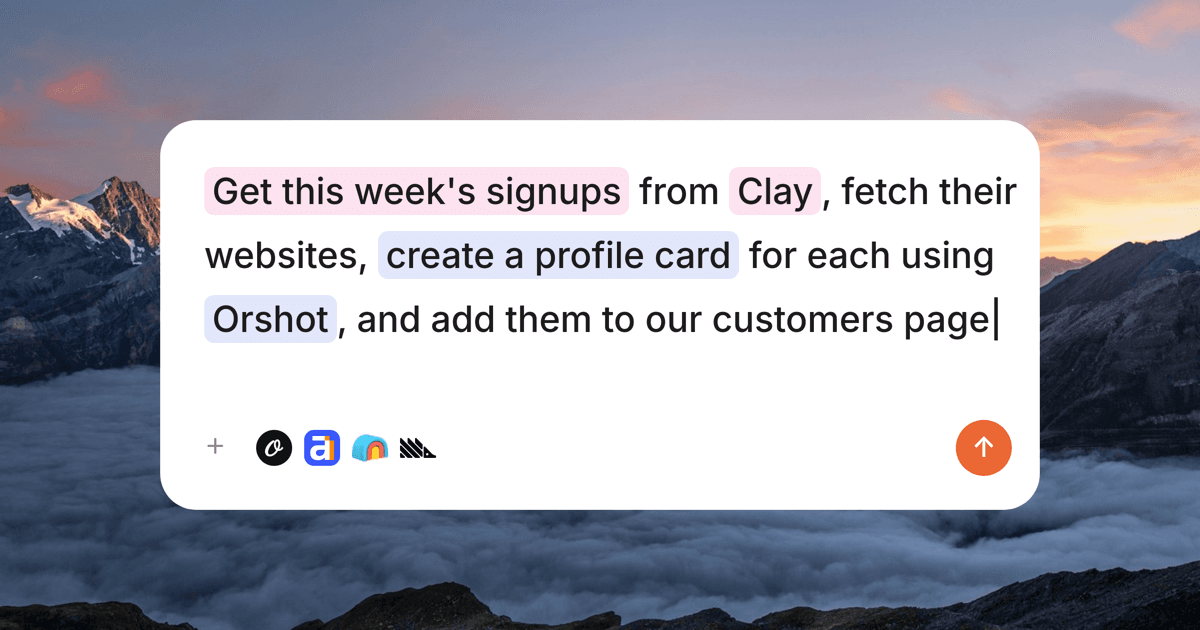
The 10 best MCP servers for marketing
The MCP servers that run marketing at Orshot — analytics, SEO, creative, revenue attribution — with real setups, honest limits, and what each costs.
10 Best AI Tools for Graphic Design with MCP(2026)
The best AI graphic design tools that support MCP and work with AI agents like Claude and Cursor for templates, banners, and content at scale.
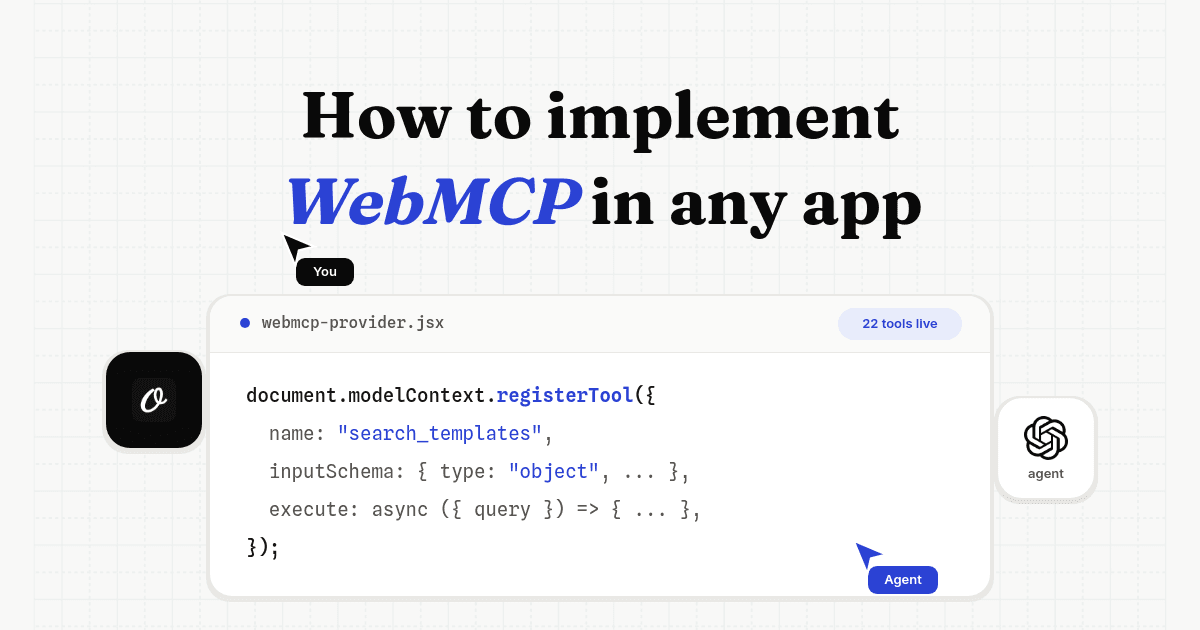
How to implement WebMCP in any app
A WebMCP tutorial from a real production rollout: working code, the auth design, tool limits, and the bugs a ChatGPT agent found in our first version.
Using Orshot with Claude
Does this work in Claude Code, Claude Desktop and claude.ai?
Do I need a paid Claude plan?
Can Claude render PDFs and video, not just images?
Does Claude render from my own templates and brand kit?
What are the interactive cards in Claude?
What can Claude do with Orshot once connected?
Is the Orshot MCP server free to use?
What data can the Orshot MCP server access?
How are risky actions like delete or publish handled?
Can Claude post to my social accounts?
Give Claude your templates. 100 free credits every month to try.
No credit card. Connect the hosted MCP server, then let Claude render images, PDFs and video from your Orshot templates.




