All Templates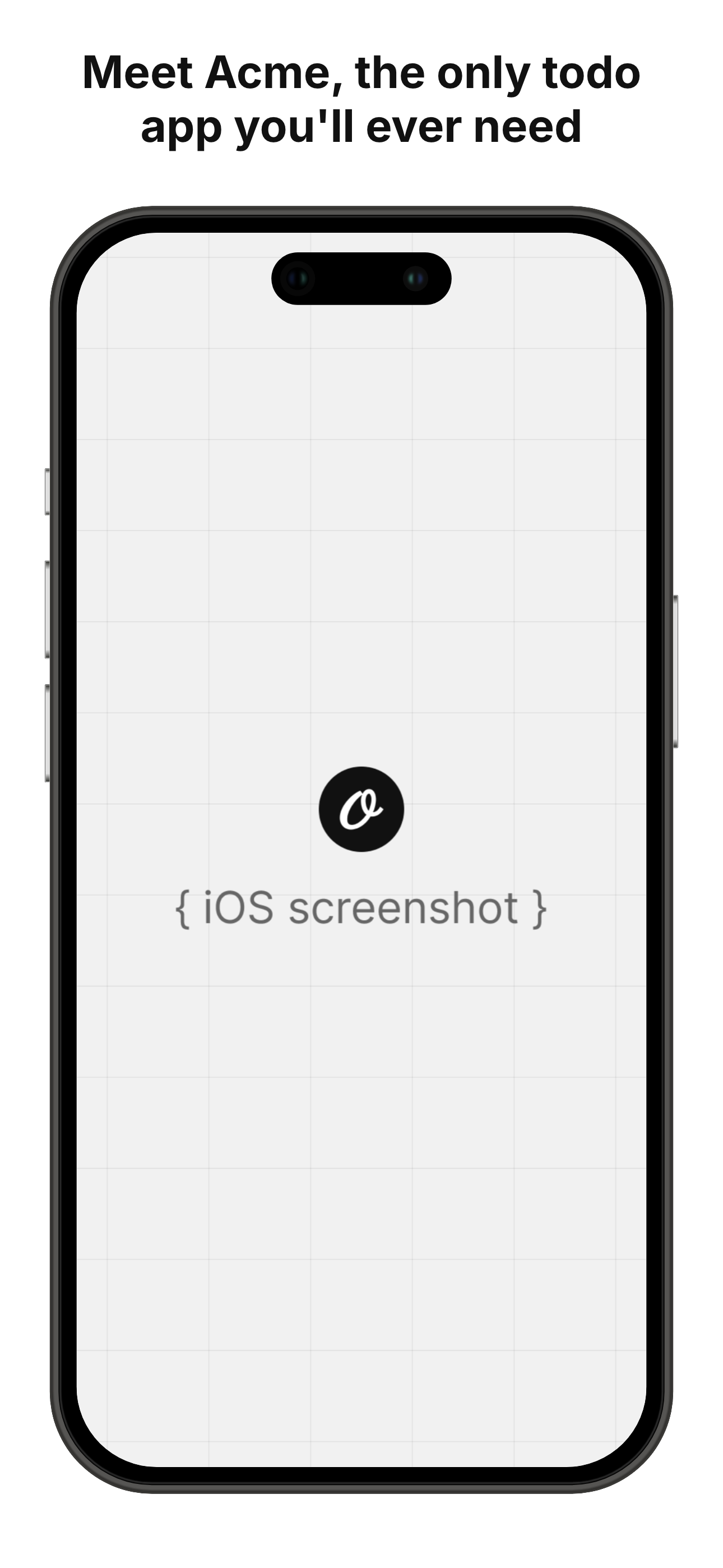
App Store Screenshot
Generate App Store screenshot with your app's iOS screenshot
- 100% customizable in the editor
- Render via API, Zapier, Make & n8n
- Export PNG, JPG, PDF & MP4
- Generate at scale from a spreadsheet
- Remix it with the AI design agent
Automate
Automate this template via API & Agents
Render PNG and WebP via API, n8n, Make, Zapier or an AI agent.
1Trigger
Receiving data
App Store Screenshot template
- title
- Meet Acme, the…
- screenshotImage
- iphone-2.png
- textColor
- #111
3Render and deliver
 Instagramapp-store-screenshot.pngpng
- Your backendapp-store-screenshot-2.pngpng
 LinkedInapp-store-screenshot.webpwebp
01
Start from this template
Skip the blank canvas — this design is ready to make your own.
02
Customize it free
Edit text, colors and images in the Orshot editor in minutes.
03
Render or automate
Export instantly, or generate at scale via API, Zapier, Make & n8n.
We've built a new tool to generate customizable multiple App Store Screenshots from templates in just one-click
For developers
Backend Usage
You can generate App Store Screenshot renders using Rest API and Orshot SDKs
await fetch("https://api.orshot.com/v1/generate/images", {
  method: "POST",
  headers: {
    "Content-Type": "application/json",
    Authorization: "Bearer <ORSHOT_API_KEY>",
  },
  body: JSON.stringify({
    "templateId": "app-store-screenshot-simple",
    "response": {
      "format": "png",
      "type": "base64",
      "scale": 1
    },
    "modifications": {
      "size": "",
      "title": "Meet Acme, the only todo app you'll ever need",
      "screenshotImage": "https://pika.style/templates/demo-images/iphone-2.png",
      "textColor": "#111",
      "backgroundColor": "#fff"
    }
  }),
});
Modifications
You can customize the template using following modifications
| Key | Description | Type |
|---|---|---|
| size | Select the App Store Screenshot size variant | select |
| title | Title for first screenshot(clips after 2nd line) | string |
| screenshotImage | A URL or base64 string of iOS screenshot | string |
| textColor | A CSS color value for the title text | string |
| backgroundColor | A CSS color value for the background | string |
More templates
View all