All Templates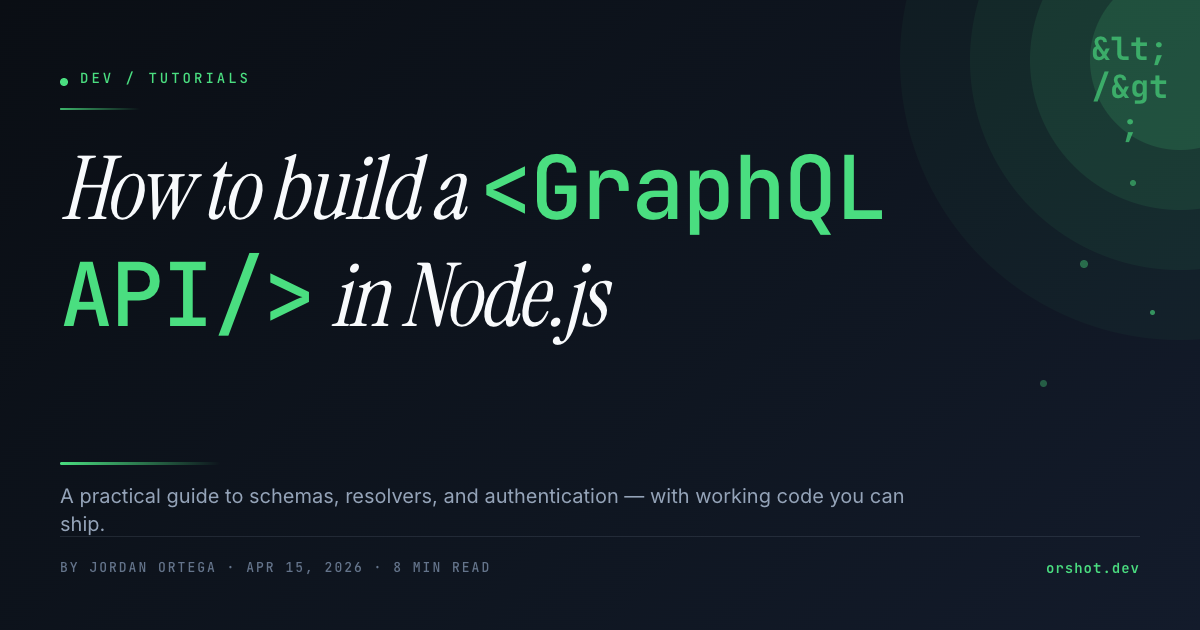
How to Build — Dev Tutorial Blog OG Image
Dev blog OG image — dark terminal theme, Instrument Serif italic + JetBrains Mono emerald-accent headline, byline row, radial glow, parameterized. 1200×630.
- 100% customizable in the editor
- Render via API, Zapier, Make & n8n
- Export PNG, JPG, PDF & MP4
- Generate at scale from a spreadsheet
- Remix it with the AI design agent
Automate
Automate this template via API & Agents
Render PNG, PDF and WebP via API, n8n, Make, Zapier or an AI agent.
1Trigger
Receiving data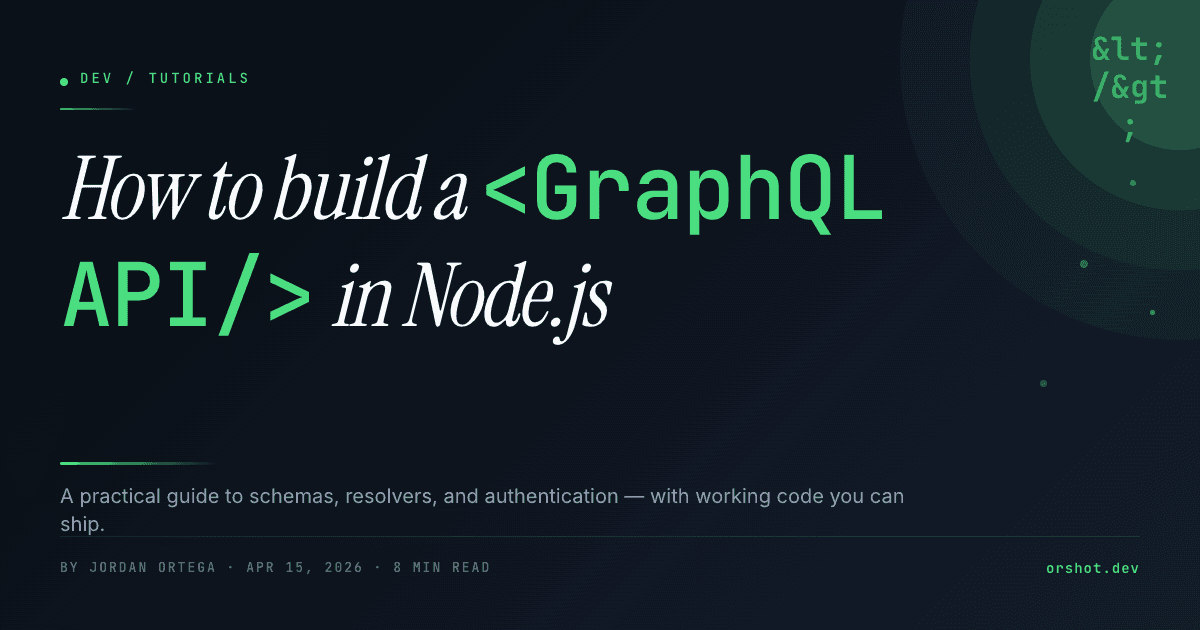
How to Build template
- kicker
- DEV / TUTORIALS
- headline
- <p><span style="fo…
- description
- A practical guide…
3Render and deliver
 Instagramhow-build.pngpng
- Your backendhow-build.pdfpdf
 LinkedInhow-build.webpwebp
01
Start from this template
Skip the blank canvas — this design is ready to make your own.
02
Customize it free
Edit text, colors and images in the Orshot editor in minutes.
03
Render or automate
Export instantly, or generate at scale via API, Zapier, Make & n8n.
For developers
Backend Usage
You can generate How to Build — Dev Tutorial Blog OG Image renders using Rest API
await fetch("https://api.orshot.com/v1/studio/render", {
  method: "POST",
  headers: {
    "Content-Type": "application/json",
    Authorization: "Bearer <ORSHOT_API_KEY>",
  },
  body: JSON.stringify({
    "templateId": 157,
    "response": {
      "format": "png",
      "type": "base64",
      "scale": 1
    },
    "modifications": {
      "<YOUR_DYNAMIC_PARAMETERS>"
    }
  }),
});