All Templates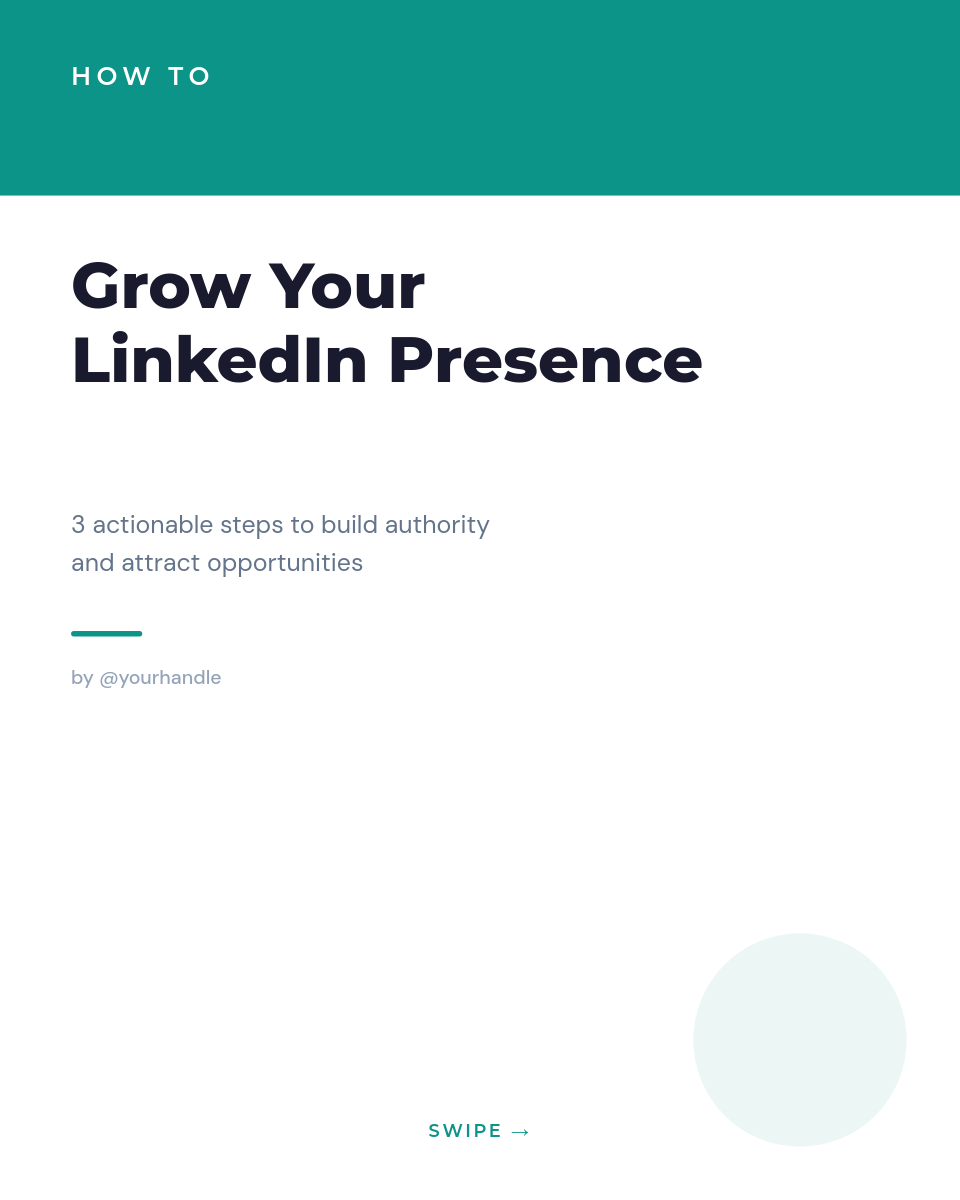

LinkedIn How-To Carousel — Step-by-Step Tutorial
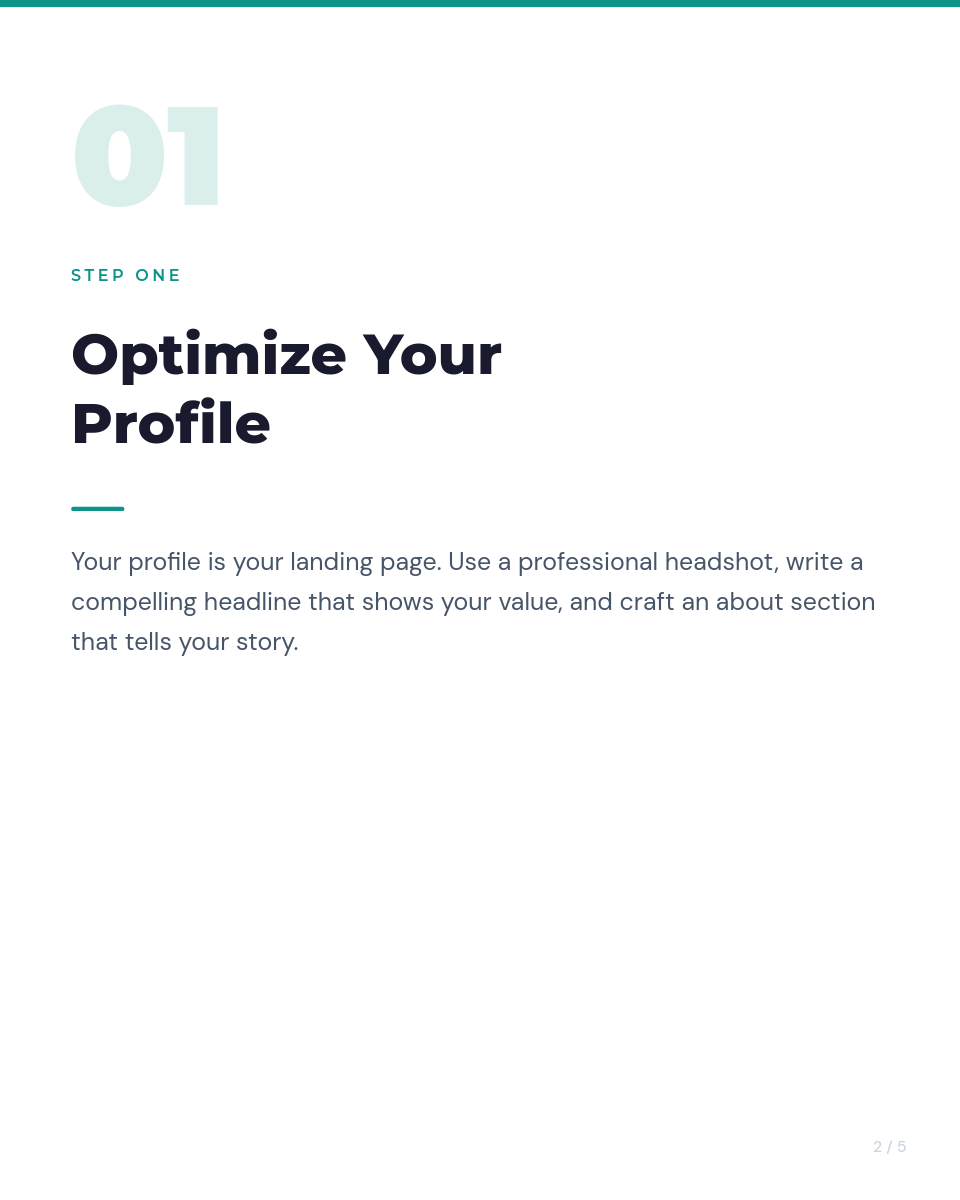
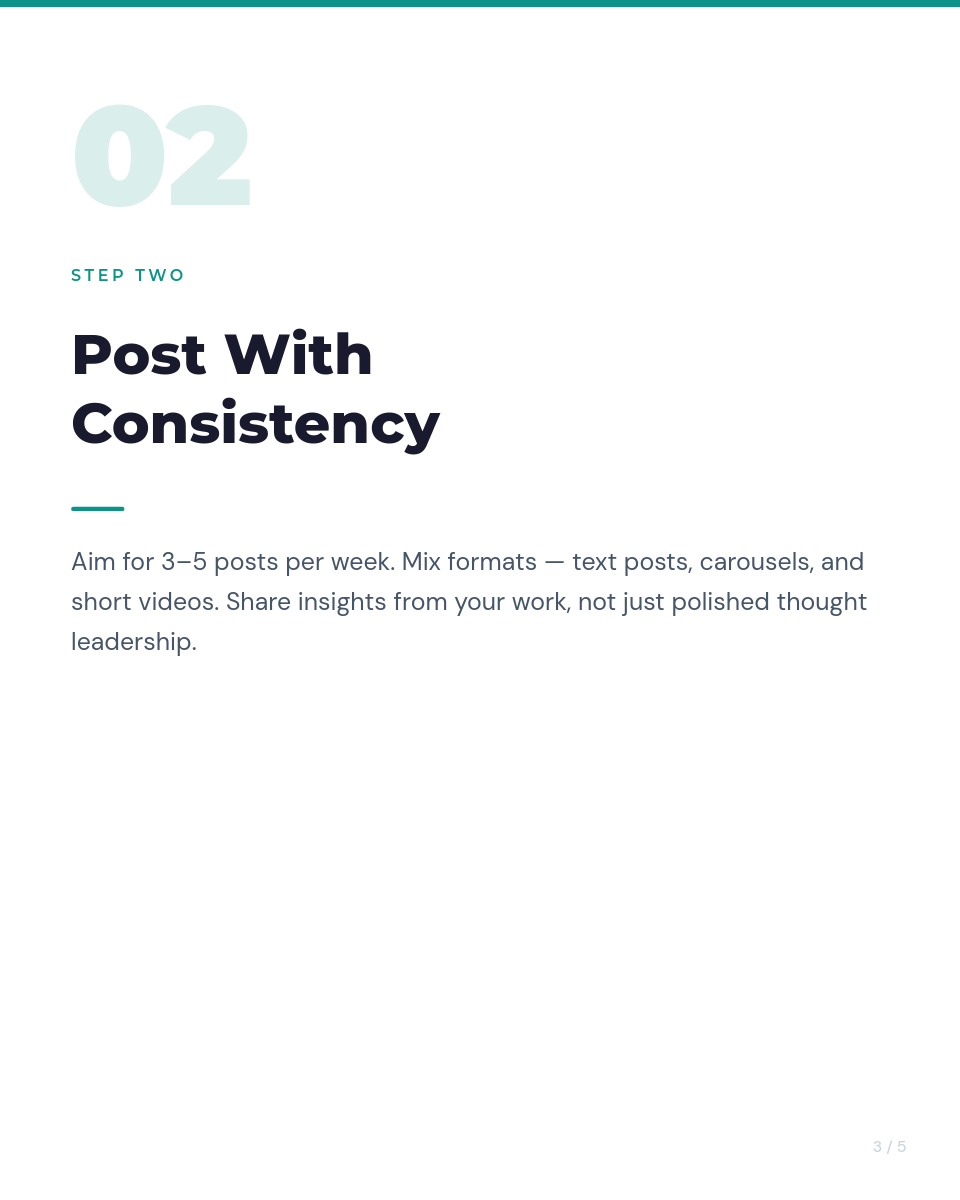
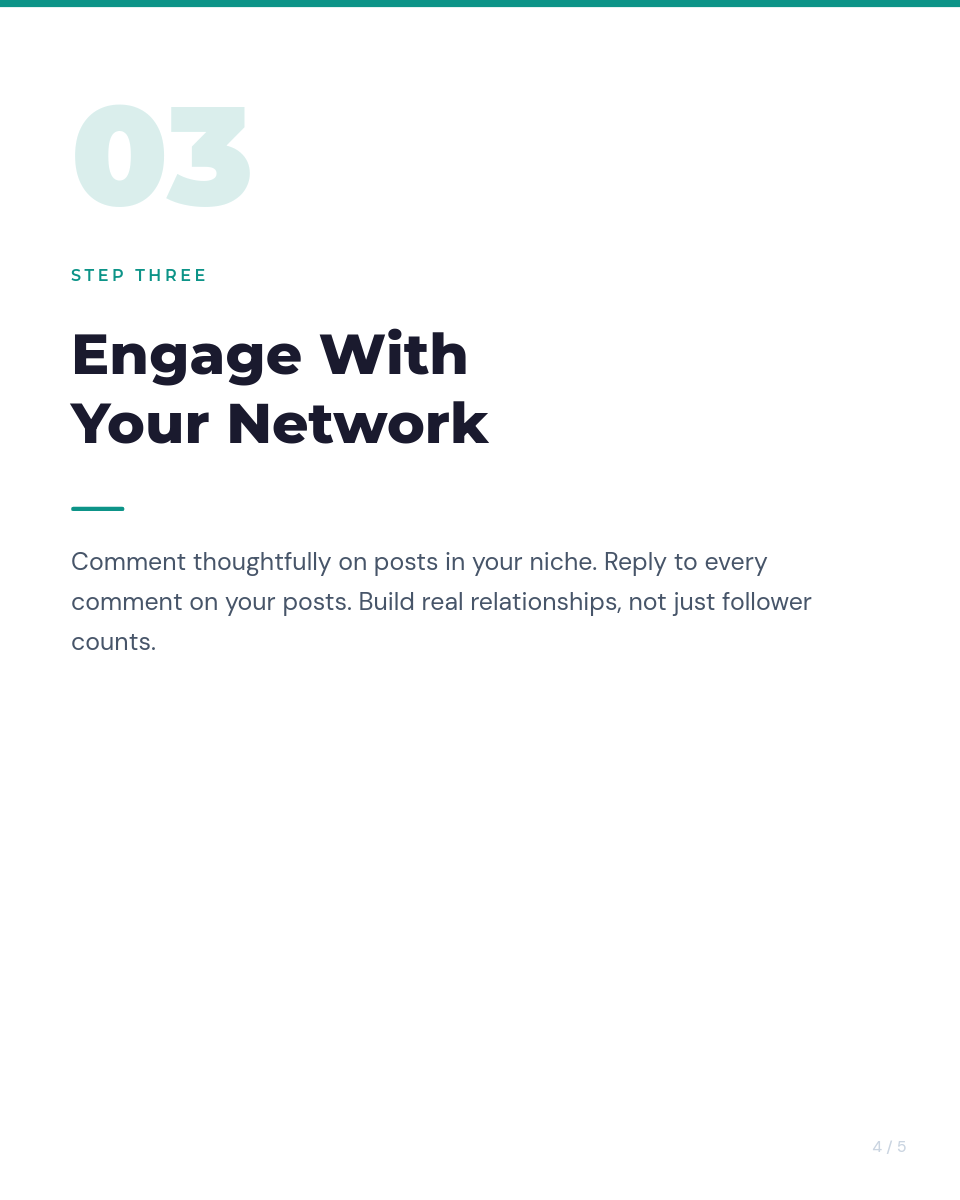
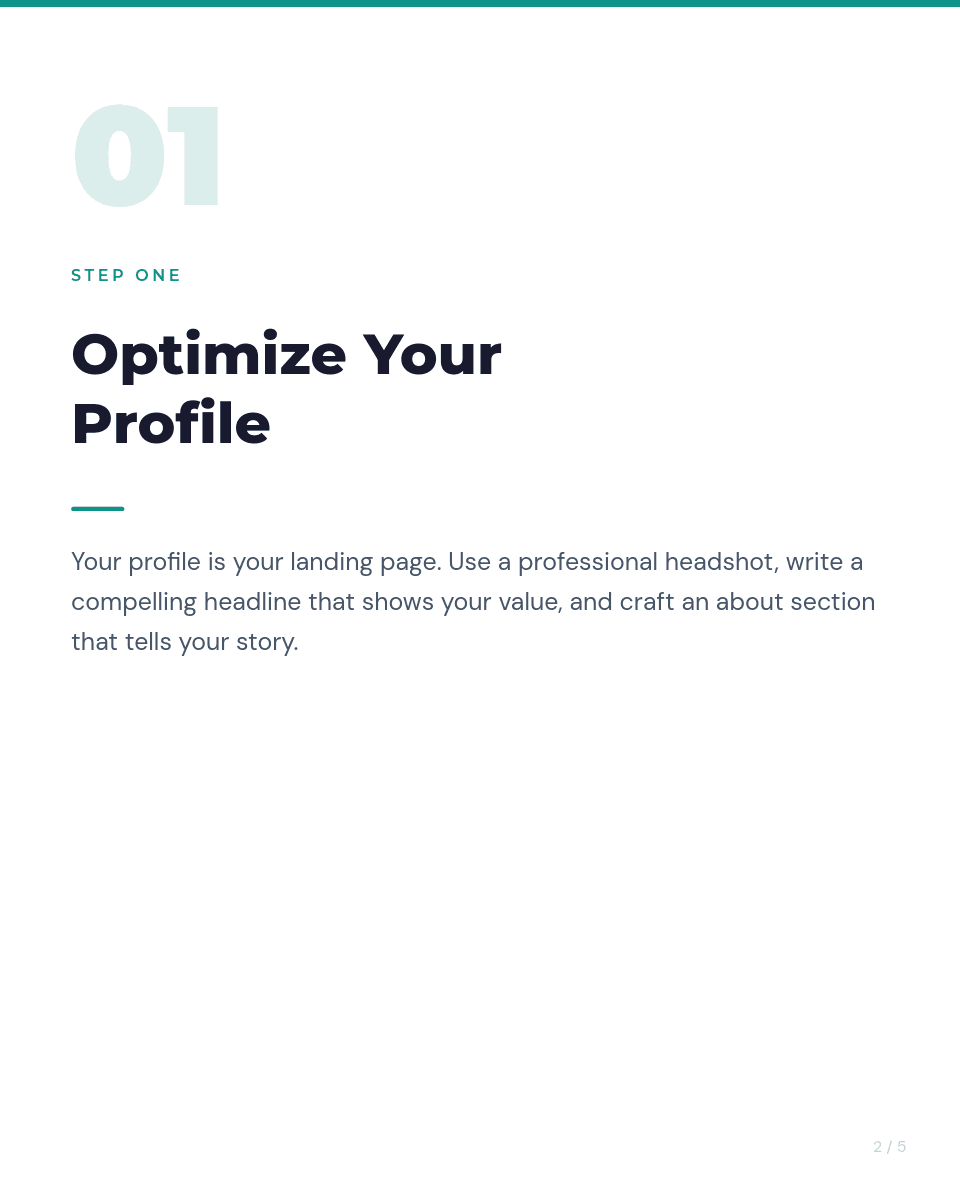
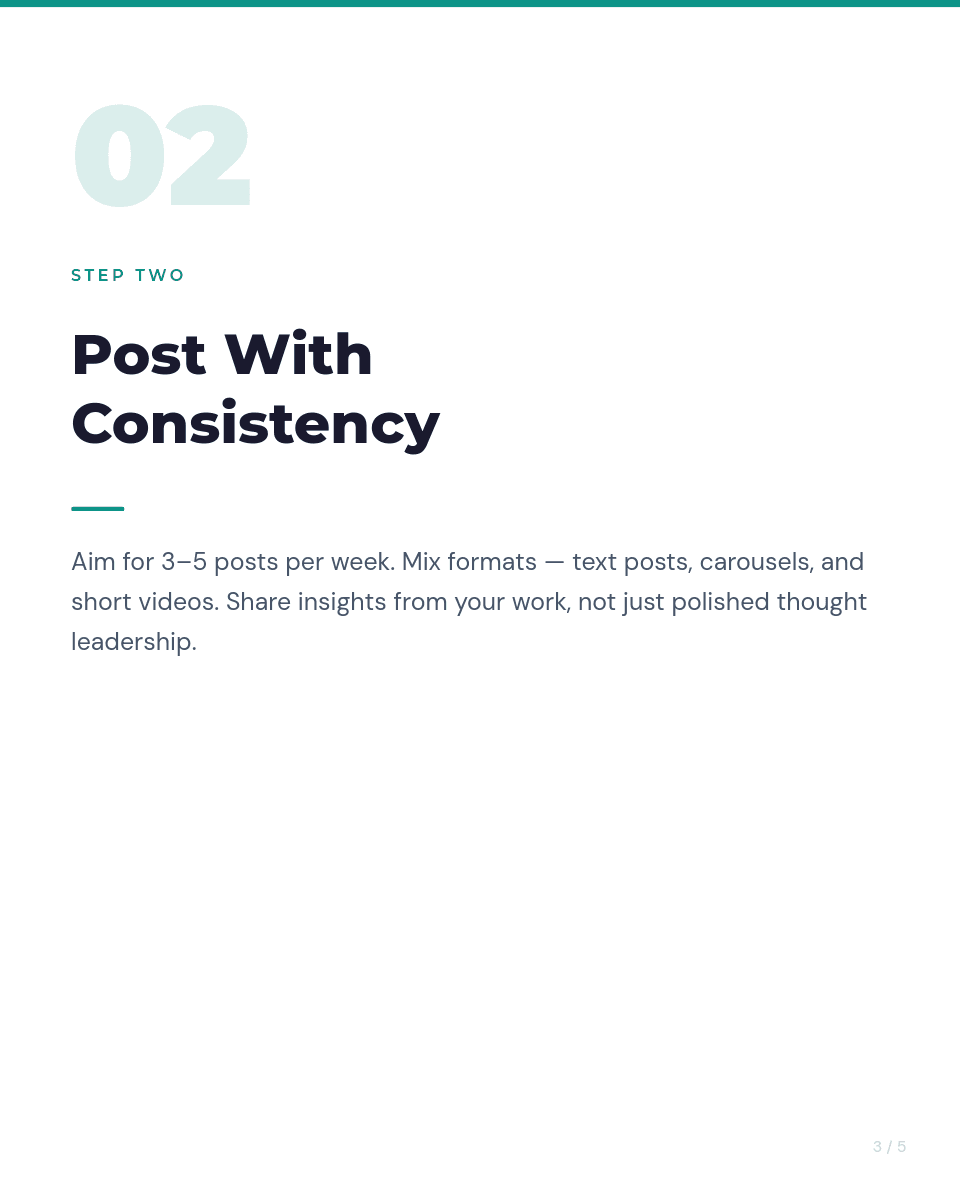
LinkedIn carousel template for step-by-step tutorials — clean white cards with teal accents, numbered steps, and swipe indicator. 5 slides.
- 100% customizable in the editor
- Render via API, Zapier, Make & n8n
- Export PNG, JPG, PDF & MP4
- Generate at scale from a spreadsheet
- Remix it with the AI design agent
1 / 5
Automate
Automate this template via API & Agents
Render PNG, PDF and WebP via API, n8n, Make, Zapier or an AI agent.
1Trigger
Receiving data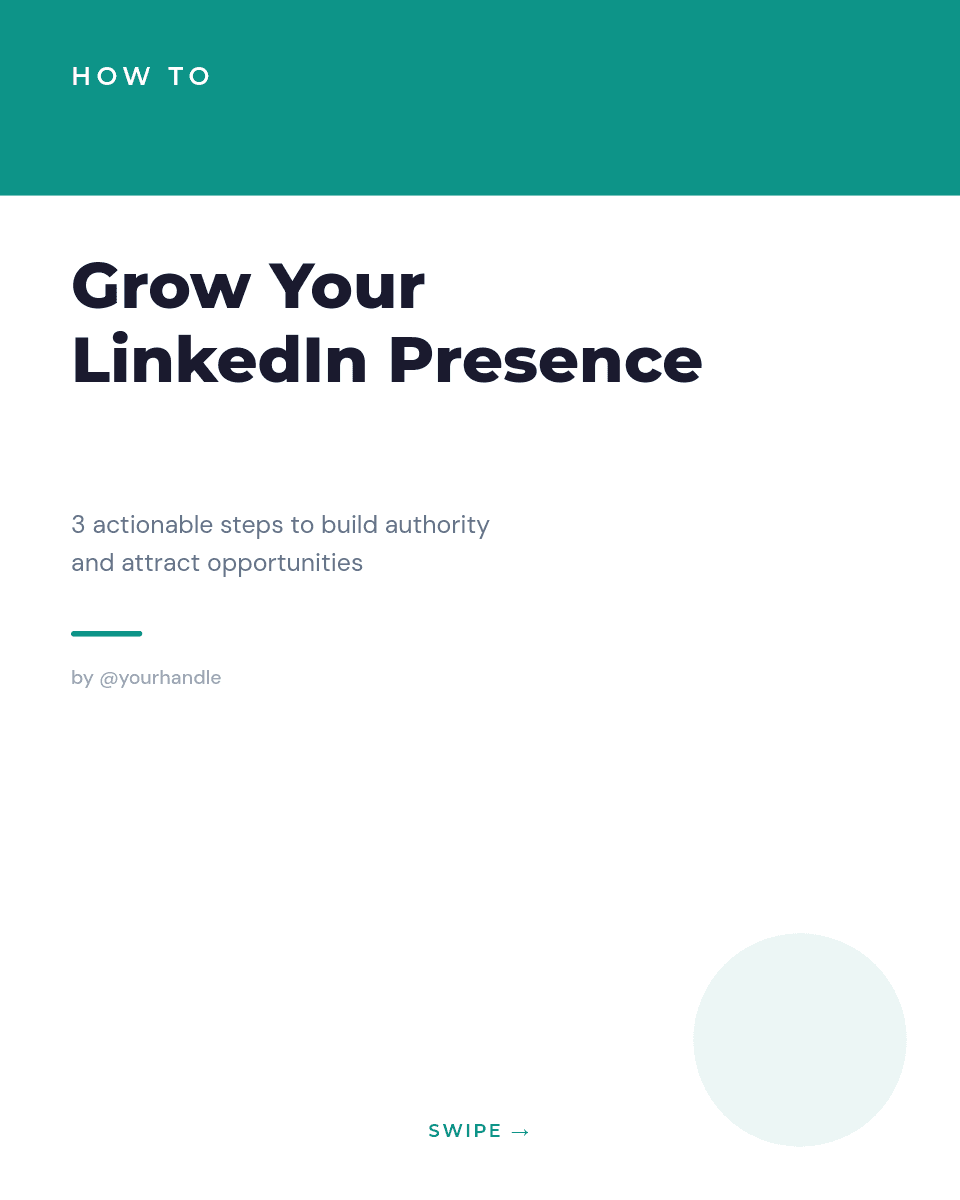
LinkedIn How-To Carousel template
- page1@page1@headline
- Grow Your…
- page1@page1@subtitle
- 3 actionable…
- page1@page1@author
- by @yourhandle
3Render and deliver
 Instagramlinkedin-how-to-carousel.pngpng
- Your backend
 linkedin-how-to-carousel.pdfpdf
 LinkedIn
 linkedin-how-to-carousel.webpwebp
01
Start from this template
Skip the blank canvas — this design is ready to make your own.
02
Customize it free
Edit text, colors and images in the Orshot editor in minutes.
03
Render or automate
Export instantly, or generate at scale via API, Zapier, Make & n8n.
For developers
Backend Usage
You can generate LinkedIn How-To Carousel — Step-by-Step Tutorial renders using Rest API
await fetch("https://api.orshot.com/v1/studio/render", {
  method: "POST",
  headers: {
    "Content-Type": "application/json",
    Authorization: "Bearer <ORSHOT_API_KEY>",
  },
  body: JSON.stringify({
    "templateId": 287,
    "response": {
      "format": "png",
      "type": "base64",
      "scale": 1
    },
    "modifications": {
      "<YOUR_DYNAMIC_PARAMETERS>"
    }
  }),
});