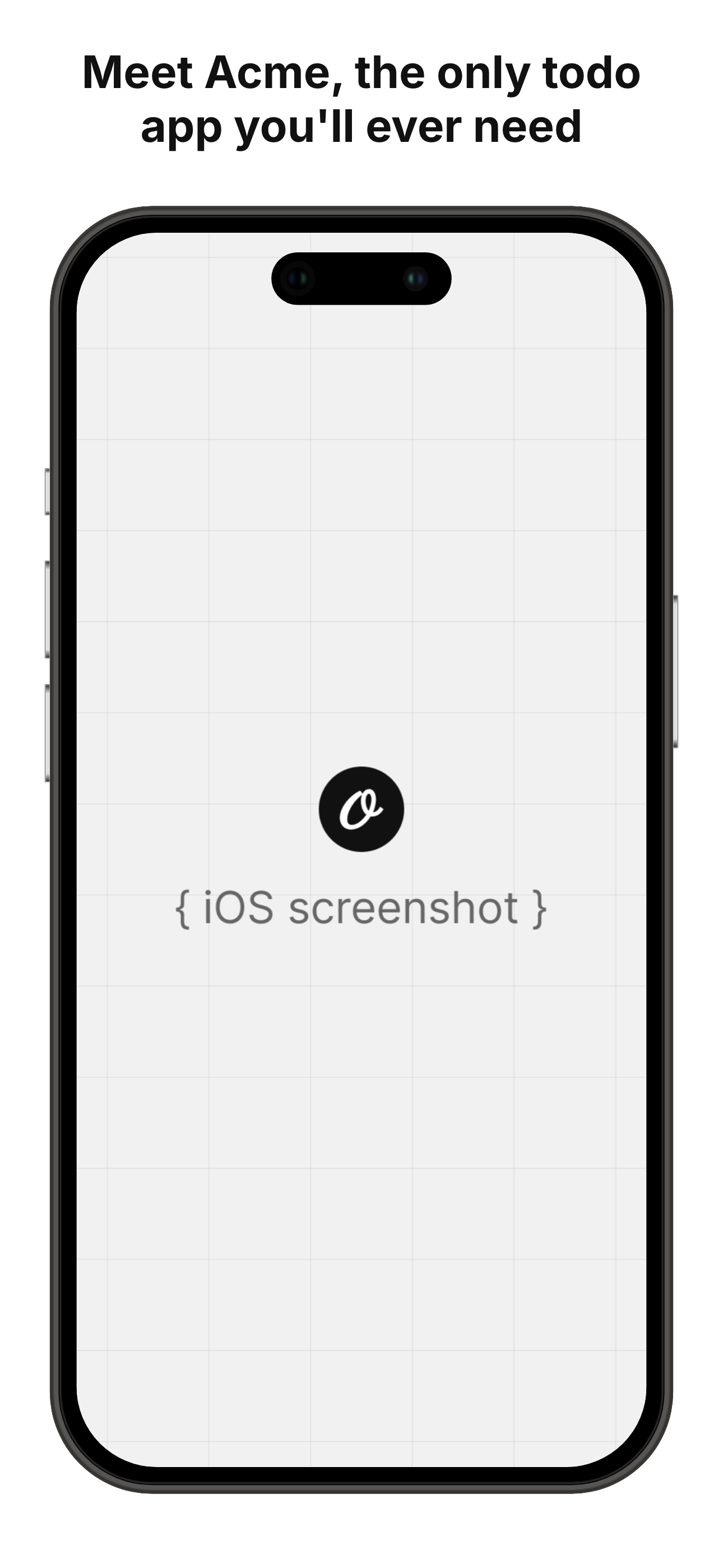
All Templates
Beautify Screenshot
Generate beautiful screenshots by adding background, patterns, shadows
- 100% customizable in the editor
- Render via API, Zapier, Make & n8n
- Export PNG, JPG, PDF & MP4
- Generate at scale from a spreadsheet
- Remix it with the AI design agent
01
Start from this template
Skip the blank canvas — this design is ready to make your own.
02
Customize it free
Edit text, colors and images in the Orshot editor in minutes.
03
Render or automate
Export instantly, or generate at scale via API, Zapier, Make & n8n.
Integrations
Automate this template using integrations








For developers
Backend Usage
You can generate Beautify Screenshot renders using Rest API and Orshot SDKs
await fetch("https://api.orshot.com/v1/generate/images", {
  method: "POST",
  headers: {
    "Content-Type": "application/json",
    Authorization: "Bearer <ORSHOT_API_KEY>",
  },
  body: JSON.stringify({
    "templateId": "beautify-screenshot",
    "response": {
      "format": "png",
      "type": "base64"
      "scale": 1
    },
    "modifications": {
      "screenshotImage": "https://cdn.pika.style/api-templates/sample-images/website-screenshot.png",
      "padding": "50",
      "borderRadius": "10",
      "screenshotShadow": "0 0 12px rgba(0,0,0,0.1)",
      "backgroundColor": "#111",
      "backgroundImageUrl": "",
      "backgroundPattern": "waves",
      "width": "1200",
      "height": "1000"
    }
  }),
});
Modifications
You can customize the template using following modifications
| Key | Description | Type |
|---|---|---|
| screenshotImage | Base64 or URL of your screenshot | string |
| padding | Spacing around the screenshot | number |
| borderRadius | Border radius of the screenshot | number |
| screenshotShadow | Shadow value in CSS shadow format for the screenshot | string |
| backgroundColor | Hex or CSS color of background | string |
| backgroundImageUrl | Link to background image | string |
| backgroundPattern | Add a background pattern, leave empty for none. | select |
| width | Width of output image | number |
| height | Height of output image | number |
More templates
View all