





← All Workflows

Post a daily top 5 reel from a spreadsheet

Each day the next unposted row in your sheet becomes a top 5 video, posted to TikTok and Instagram with the link saved back to the row.

See all workflows
Trigger1On a scheduleRun automatically at a set frequency.
Source2Google SheetsRead rows from a spreadsheet.
Transform3Filter rowsKeep only rows that match conditions.
Transform4Pick rowsKeep a random (or first/last) selection of rows.
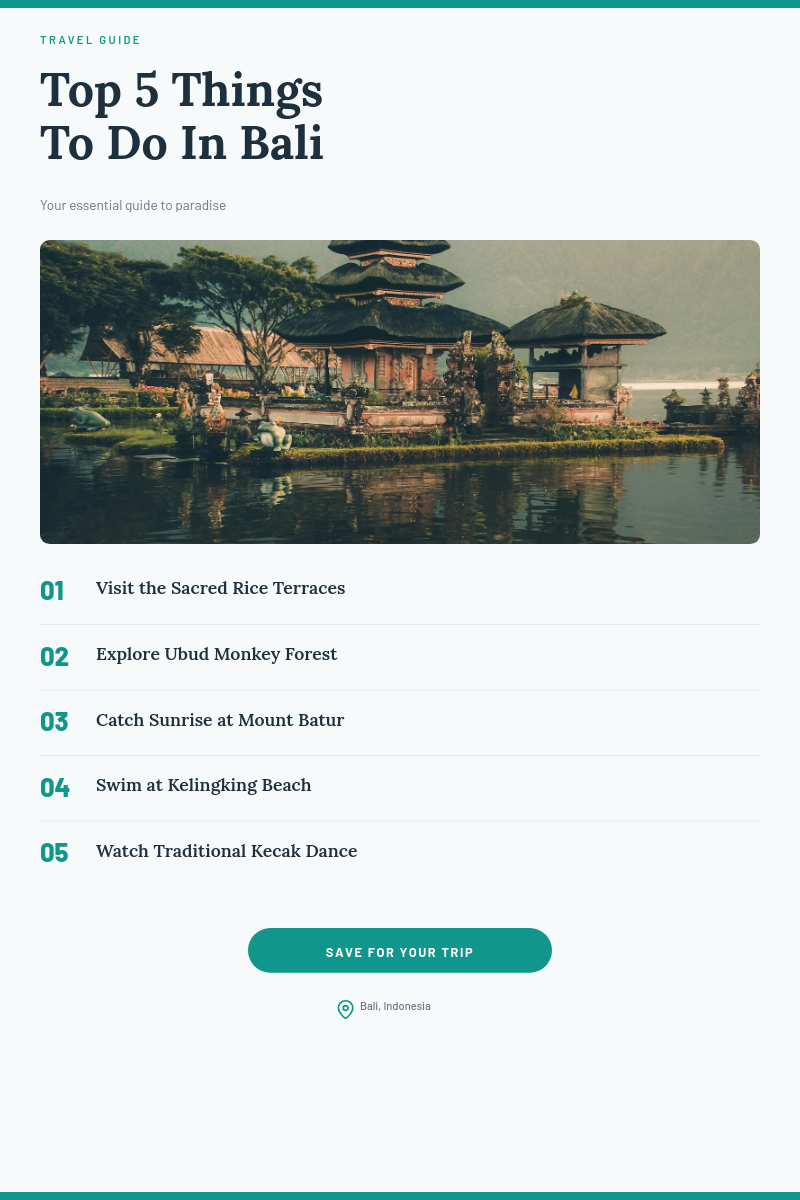
Render5Top 5 Places in Greece — Travel Listicle Pinterest PinExample template. Swap in your own design.
Destination6Post to TikTokPublish each render to TikTok.
Destination7Post to InstagramPublish each render to Instagram.
Destination8Write to Google SheetsWrite results (like the render URL) back to the source sheet.

A top 5 reel every day, written once in a spreadsheet

A daily list video is one of the easiest formats to keep up, until you have to edit one every morning. This workflow moves the work into a spreadsheet. Write a week of lists in one sitting, and each day the next row becomes a finished reel and posts on its own.

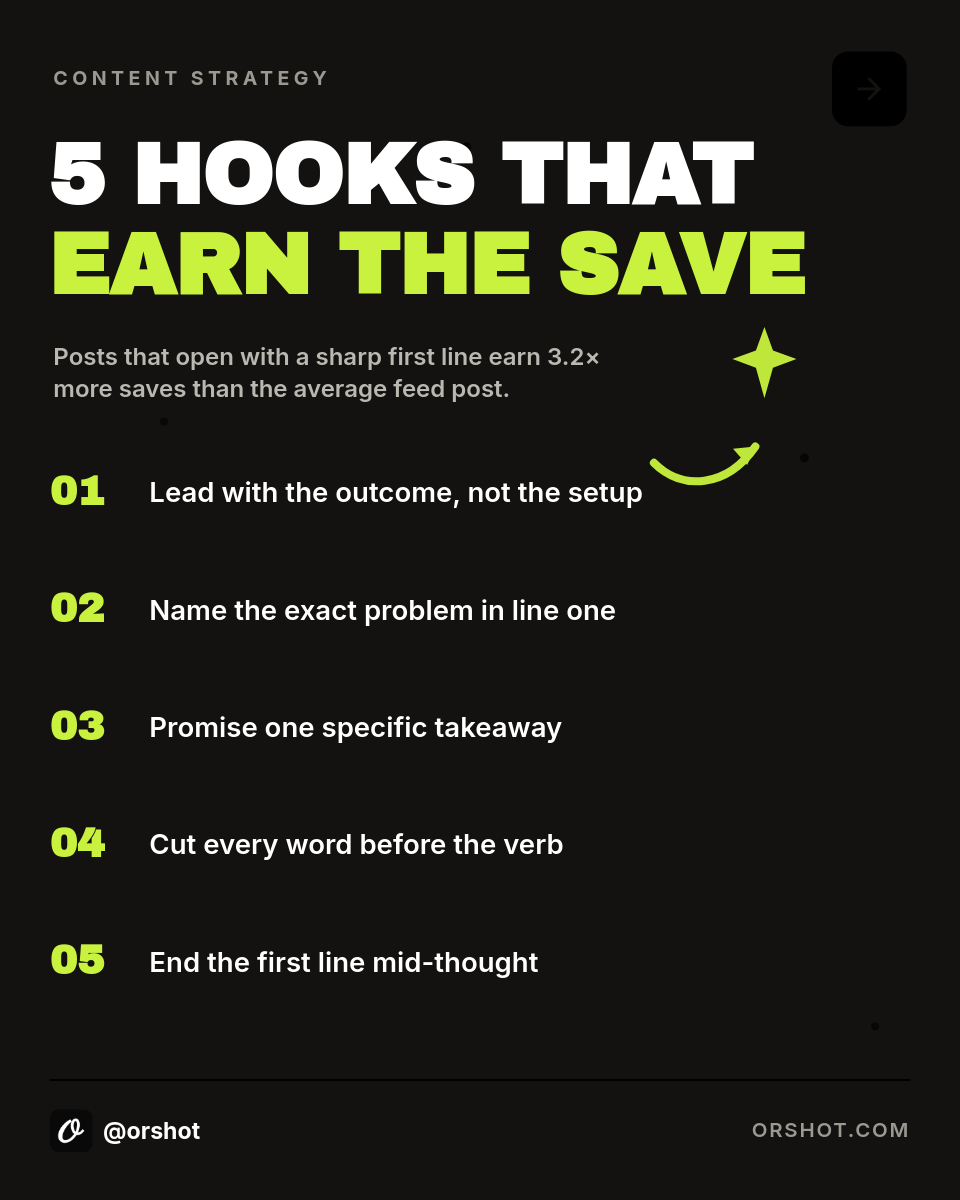
This is the top 5 reel template the workflow renders.

What happens each day

  1. The workflow runs on your schedule, every morning by default.
  2. It reads your sheet and skips rows that already have a video link.
  3. The first row left fills the template: hook, five items and the closing line.
  4. Orshot renders a 15 second vertical MP4 over your background clip, with music.
  5. The video posts to TikTok and Instagram, and its link is written back to the row.

What each video shows

  • Hook with a TOP 5 badge, in big condensed type.
  • Five beats, each with an oversized number and one short line.
  • Progress bar that fills as the list moves, so viewers stay to the end.
  • Follow card with your closing line and handle.

Who runs this

Faceless channels
A steady daily post without filming, voiceovers or an editor in the loop.
Brand social teams
Tips and lists from your own niche, written in batches and posted on a fixed rhythm.
Coaches and educators
Bite-size lessons as numbered lists, five ideas a day from one spreadsheet.
Agencies
One sheet and one template per client, each posting on its own schedule.

Prefer quotes over lists? The daily quote videos workflow posts one quote a day from a sheet the same way.


How it works, step by step

  1. Pick a top 5 reel template

    Start from the vertical top 5 template or design your own: a hook, five numbered beats and a follow card over a looping background video.

  2. Fill your content sheet

    One row per video with columns for the hook, the five items, the closing line and an optional background video URL. Leave a Video URL column empty.

  3. Map the columns

    Point the template's fields at your columns. The hook, each item and the closing line drop into their own beat.

  4. Connect TikTok and Instagram

    Link the accounts you post to. Each morning the next row without a video renders, posts, and gets its link written back.

Frequently asked

How do I post a top 5 video every day without editing?

Write the lists in a Google Sheet, one row per video, and connect this workflow. Each day it takes the next row that has no video yet, renders it into the top 5 template and posts it to TikTok and Instagram.

How does it know which row to post next?

It skips any row that already has a link in the Video URL column and picks the first one left. After posting, the video link is written into that column, so the row is never posted twice.

Can each video use a different background clip?

Yes. Add a background video URL column and the template plays that clip behind the text. Leave it empty to keep the template's default clip.

What if an item is too long?

Each item shrinks to fit its space, so a long line stays inside the frame. Keep items to one short sentence for the easiest read.

Can I change how often it posts?

Yes. Set the schedule to weekdays, twice a day or once a week. Each run posts one row.

Can I run this from n8n, Make or Zapier?

Yes. The same template renders through the Orshot API, so you can trigger it from n8n, Make, Zapier or your own scheduler instead of an Orshot workflow.