

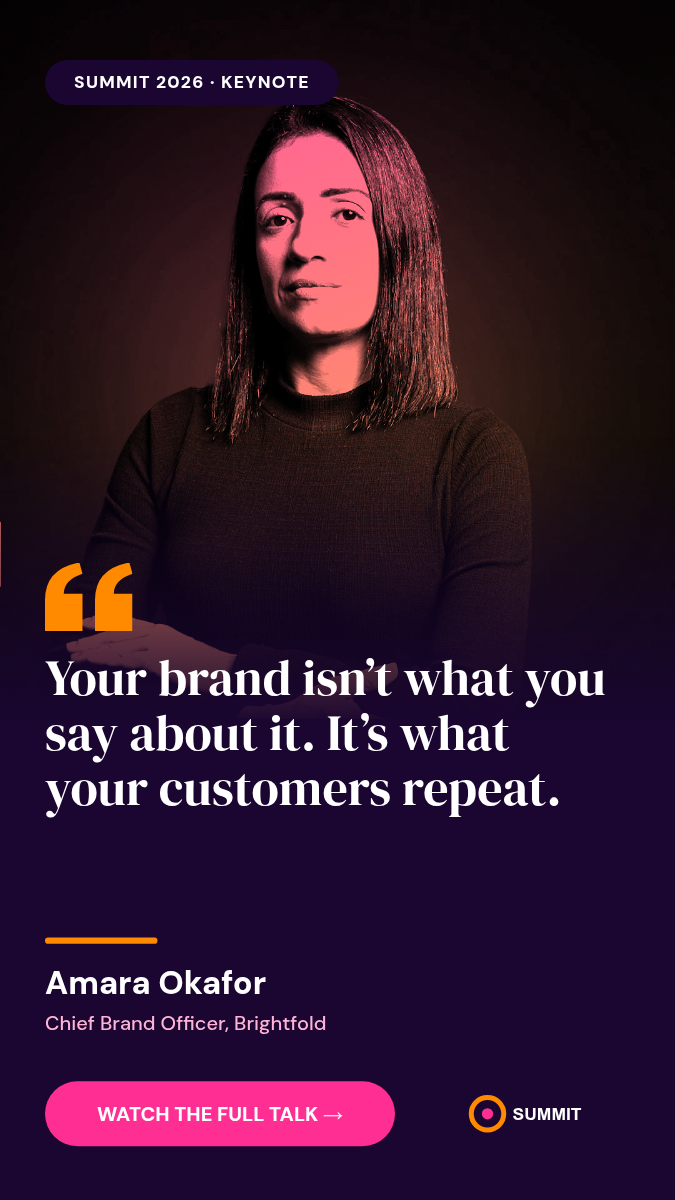
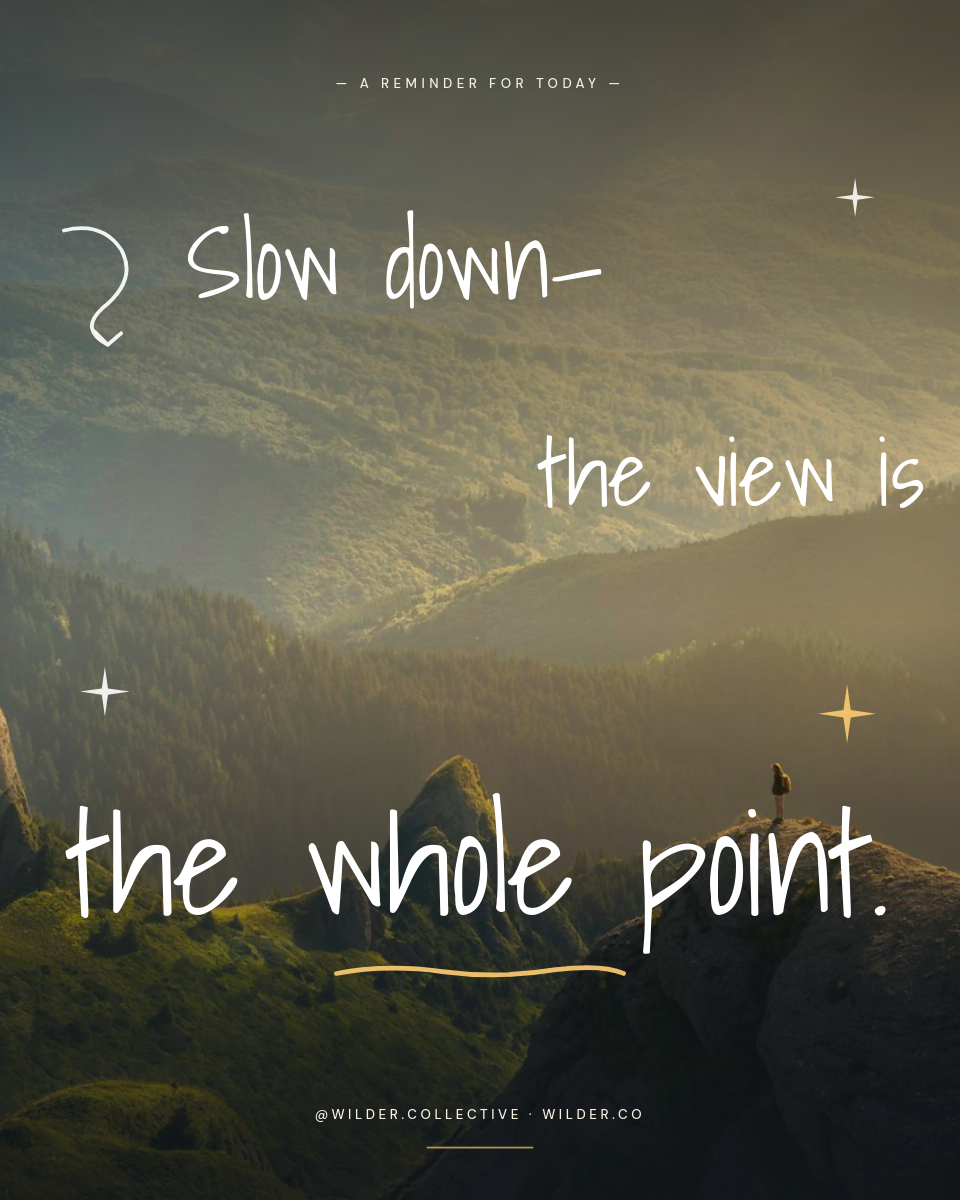
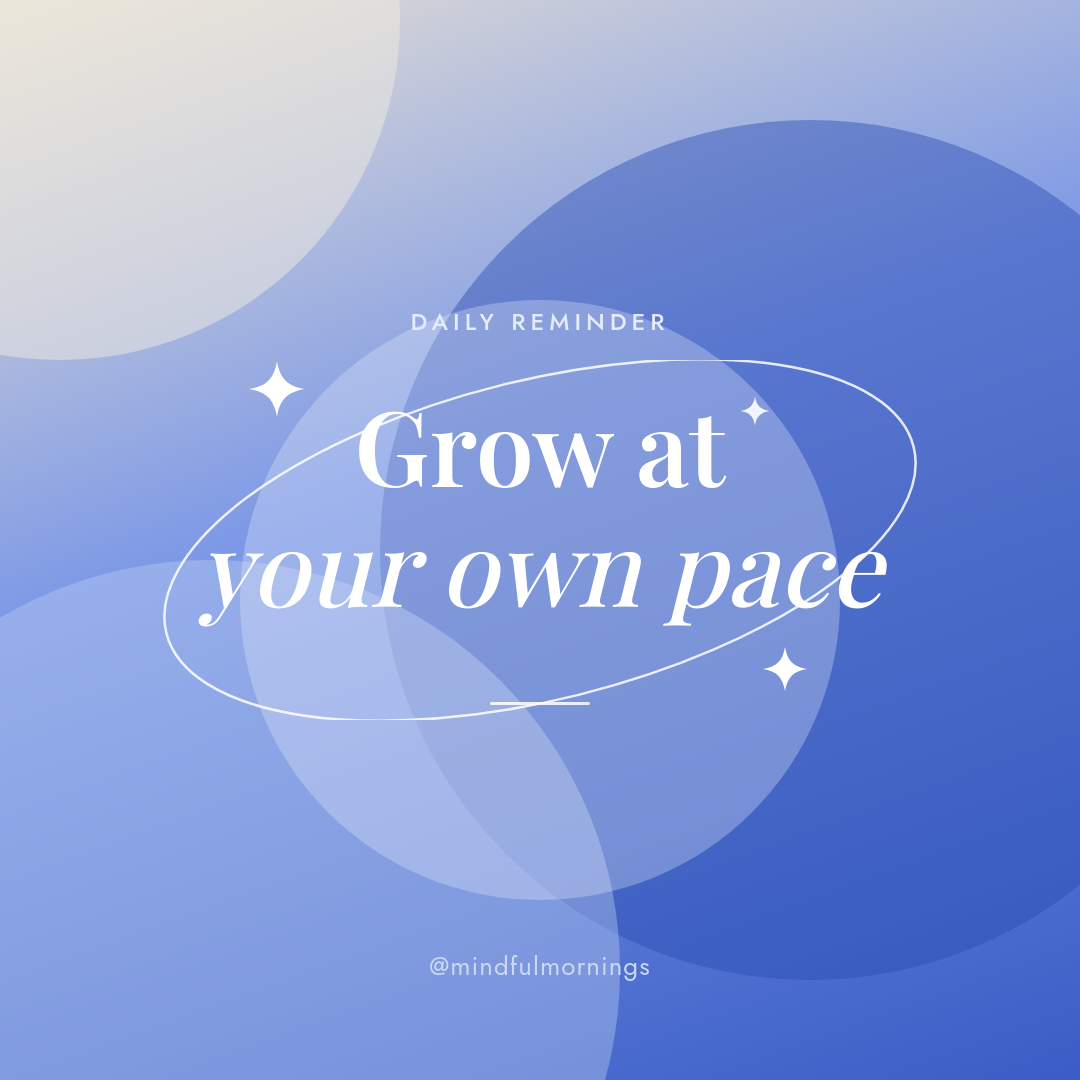
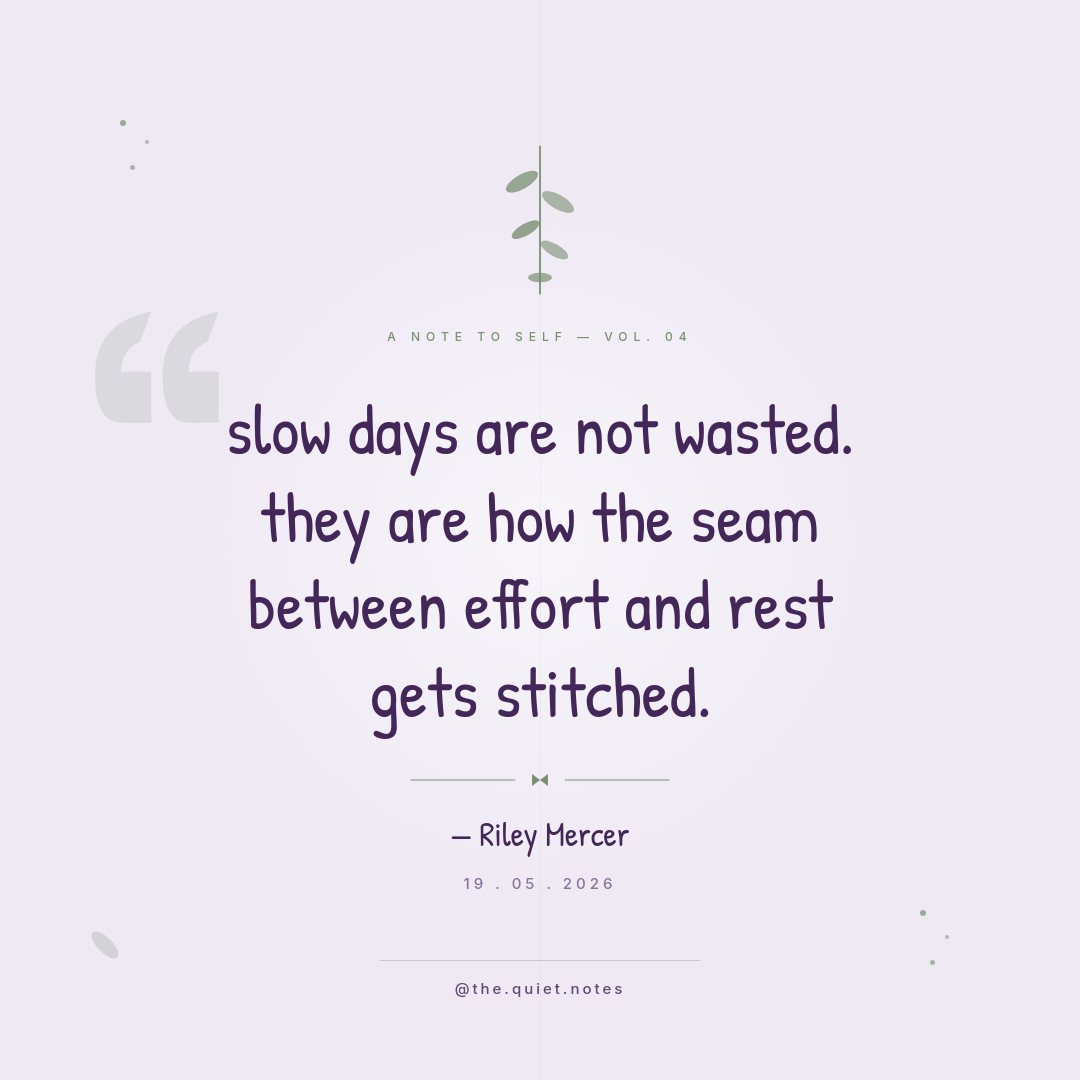
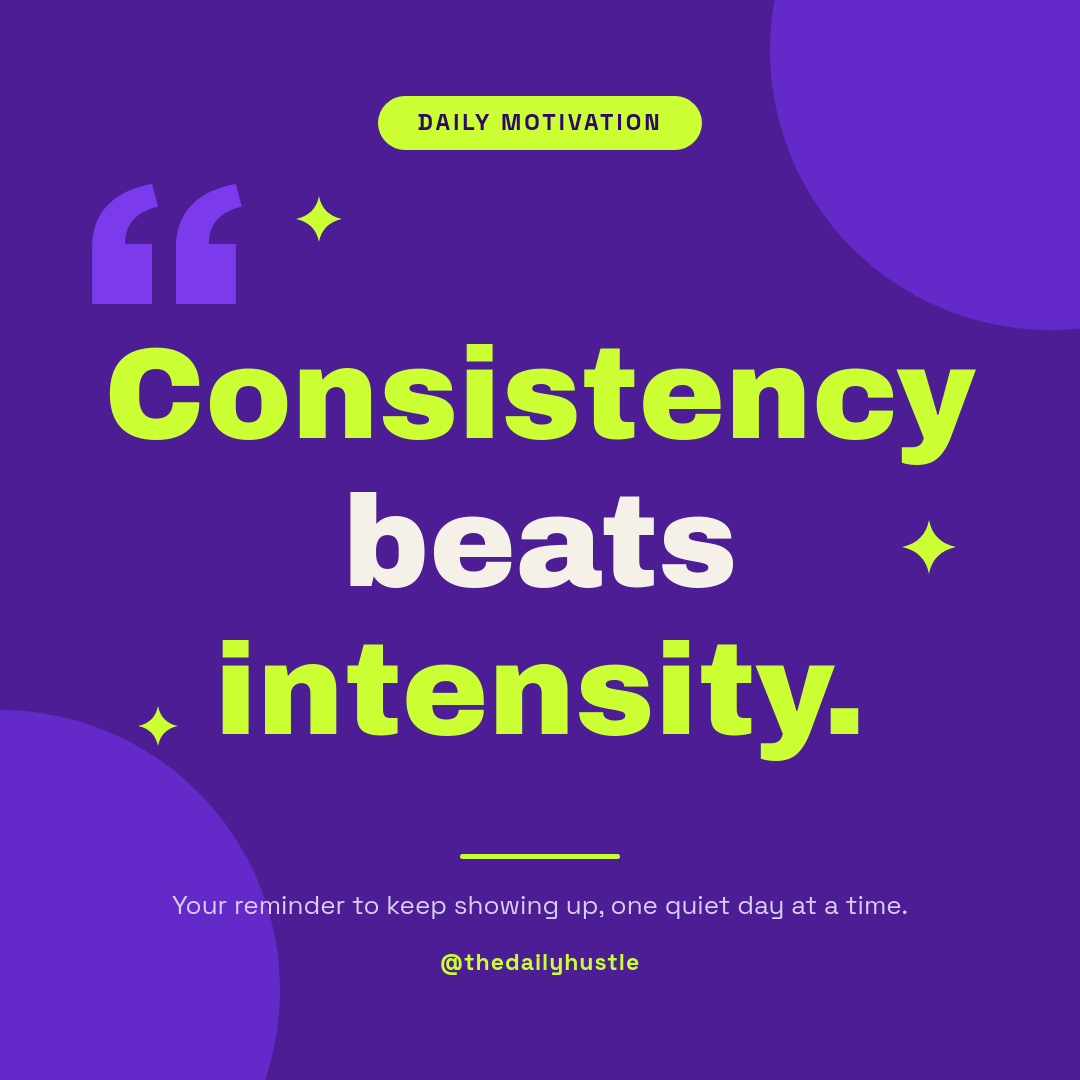
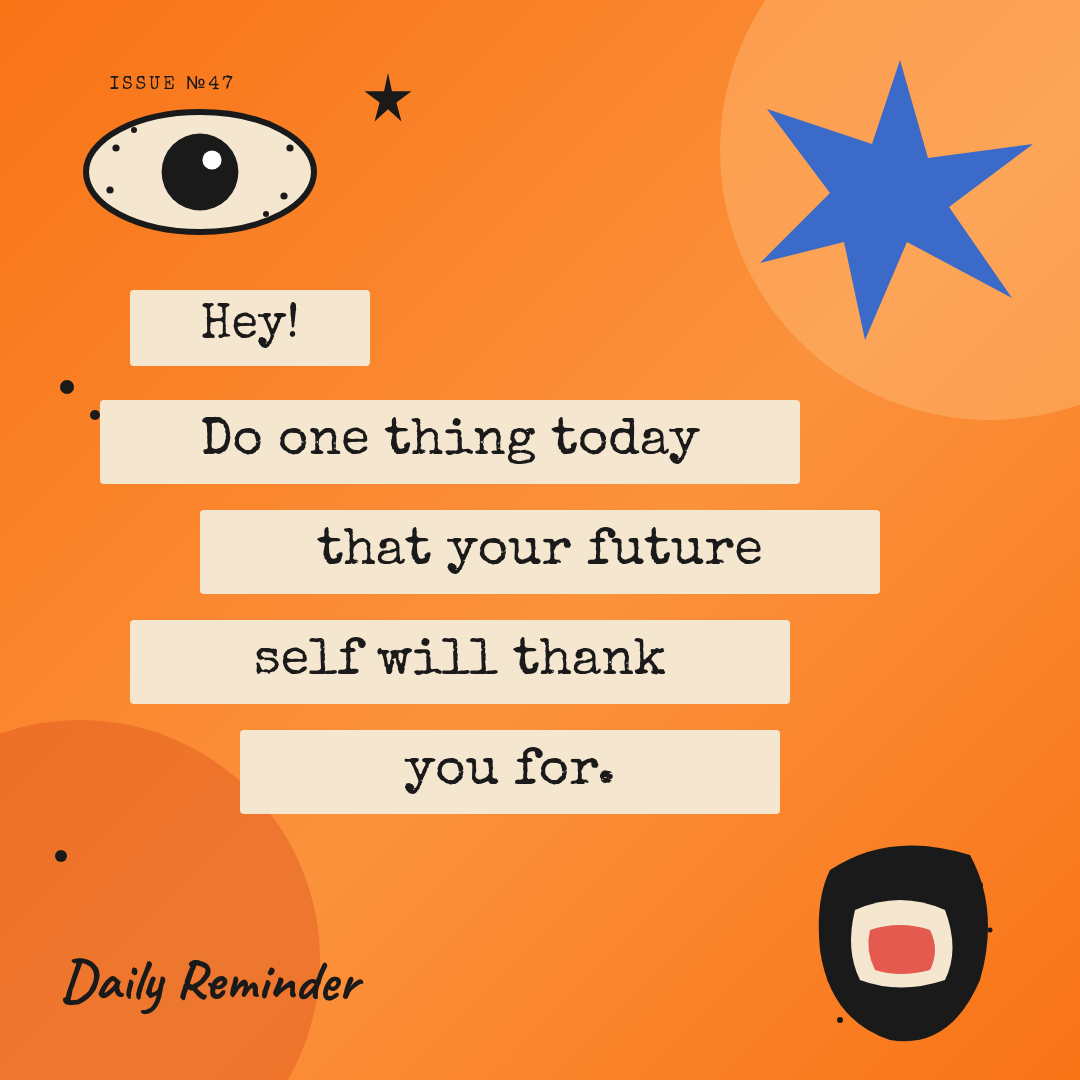
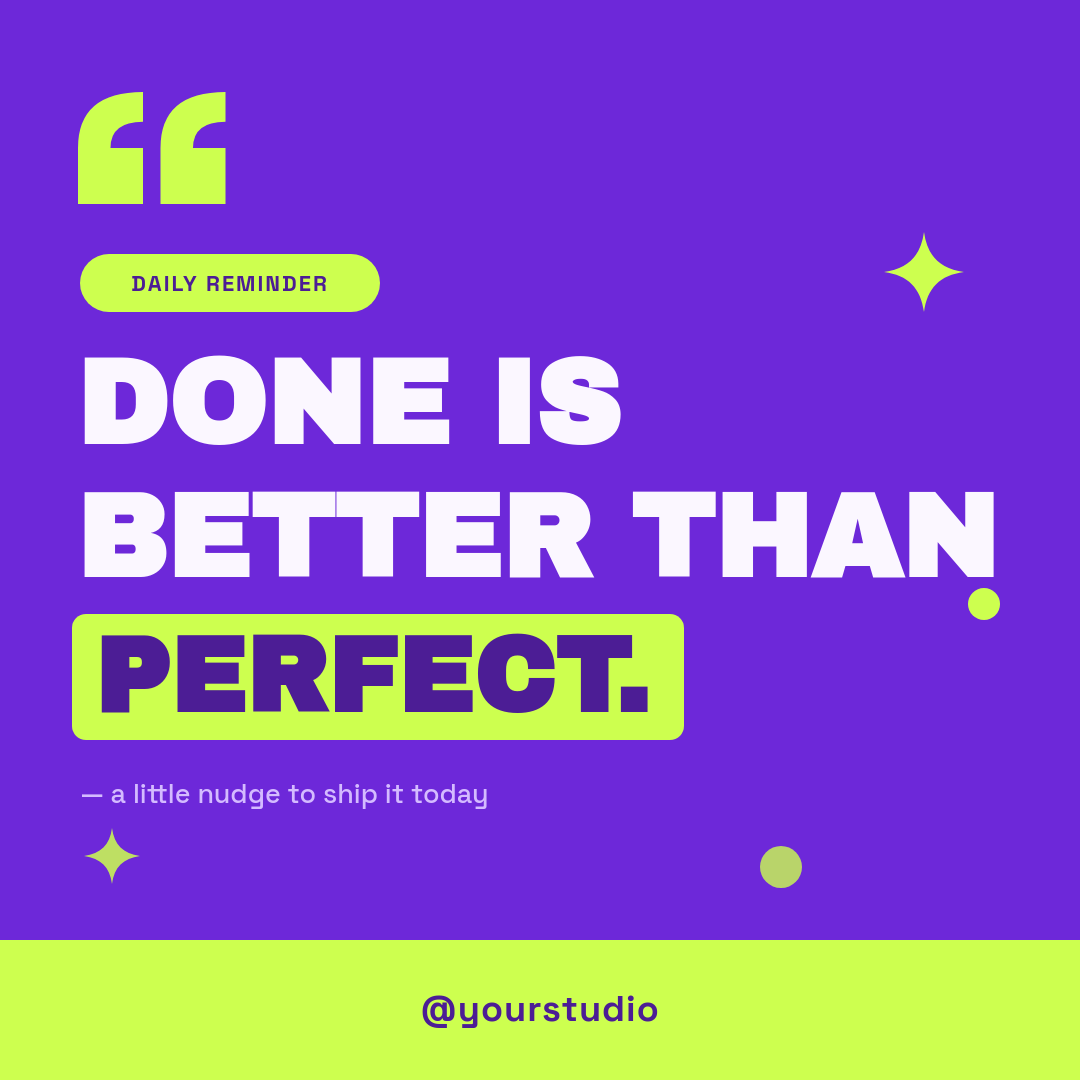
Staying consistent on TikTok is less about ideas and more about the grind of publishing. A quote account can run for months on one good template, but only if someone shows up every day to build the clip, export it, and upload it. This workflow is that someone. You keep a sheet of quotes, and a fresh quote video goes up on the schedule you set.
How the daily post happens
- You keep your quotes in a Google Sheet, one per row, with a column for the line and a column for the author.
- On the schedule you pick, say once a day, the workflow runs on its own.
- It grabs a quote from the sheet and drops it into your video template.
- Orshot renders a short vertical video with your fonts, colors, and motion.
- The finished clip posts straight to TikTok. You never open an editor or the app.
The only thing you touch after setup is the sheet. Add lines when they come to you and the queue keeps the account fed.
Long lines and short lines both fit
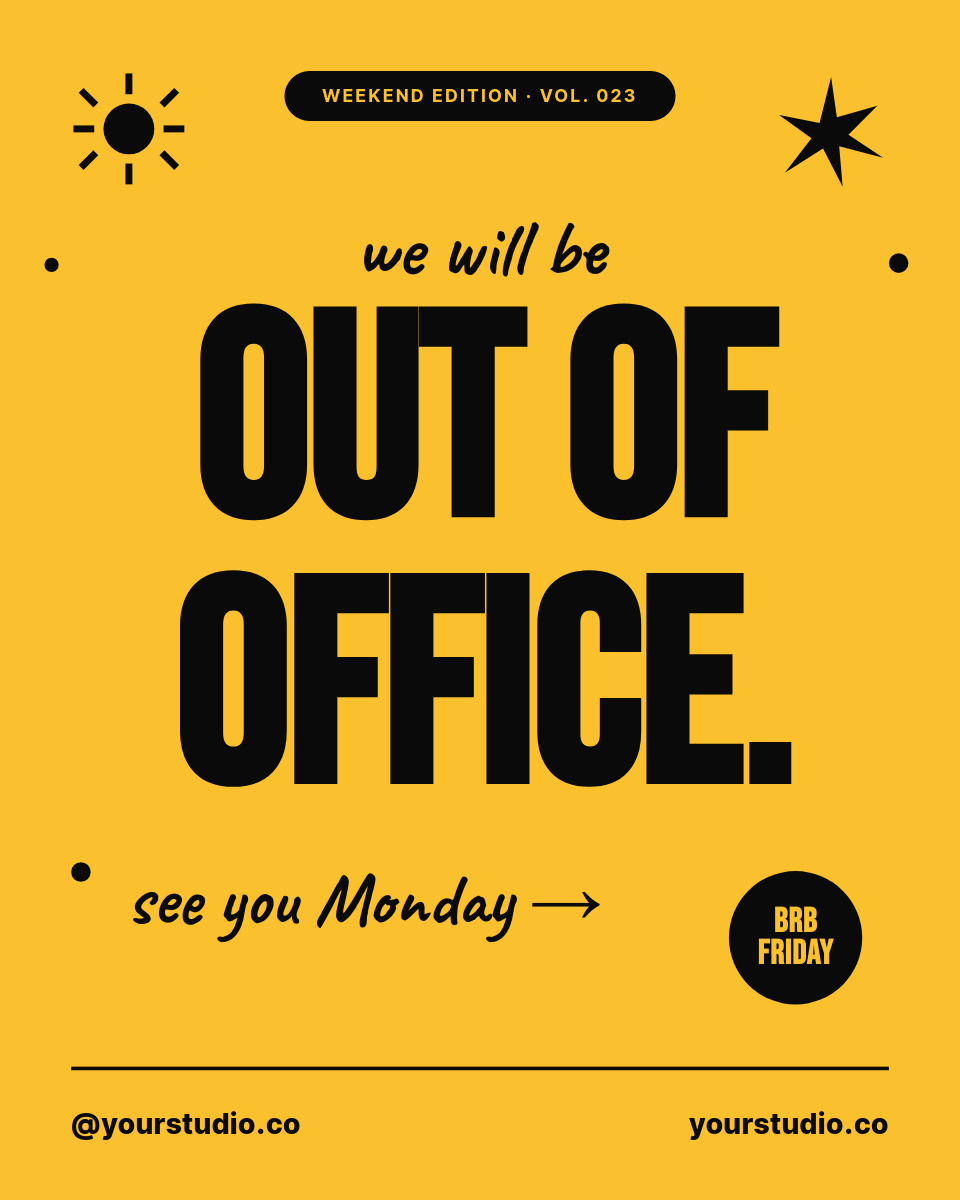
Quotes are never the same length, which is usually what breaks a template. Here the text resizes to fit the frame, so a one-liner and a full paragraph both sit cleanly in the same layout. Your brand stays exact from clip to clip, because every video comes off the one template you designed.
Send it to more than TikTok
A quote video works just as well as a Reel or a Short. Add Instagram and YouTube as destinations and the same rendered clip posts to all three in one run, so a single sheet keeps every short-form account active at once.



