All Templates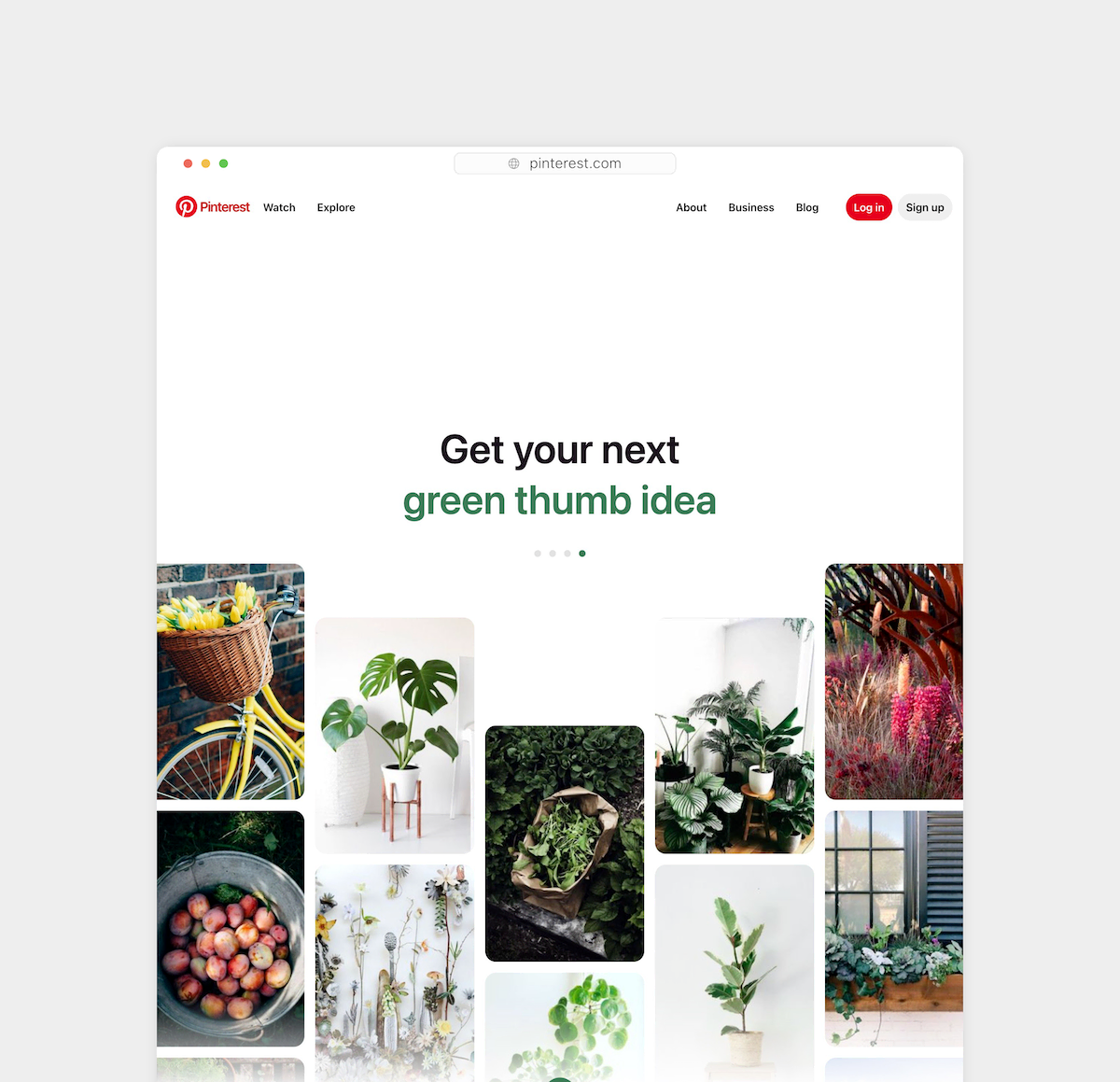
Website Screenshot
Capture customizable website screenshots from URLs via API
- 100% customizable in the editor
- Render via API, Zapier, Make & n8n
- Export PNG, JPG, PDF & MP4
- Generate at scale from a spreadsheet
- Remix it with the AI design agent
01
Start from this template
Skip the blank canvas — this design is ready to make your own.
02
Customize it free
Edit text, colors and images in the Orshot editor in minutes.
03
Render or automate
Export instantly, or generate at scale via API, Zapier, Make & n8n.
Integrations
Automate this template using integrations









For developers
Backend Usage
You can generate Website Screenshot renders using Rest API and Orshot SDKs
await fetch("https://api.orshot.com/v1/generate/images", {
  method: "POST",
  headers: {
    "Content-Type": "application/json",
    Authorization: "Bearer <ORSHOT_API_KEY>",
  },
  body: JSON.stringify({
    "templateId": "website-screenshot",
    "response": {
      "format": "png",
      "type": "base64"
      "scale": 1
    },
    "modifications": {
      "websiteUrl": "https://loversmagazine.com",
      "fullCapture": "false",
      "delay": "500",
      "width": "1200",
      "height": "1000",
      "captureElement": "",
      "blockMedia": "false"
    }
  }),
});
Modifications
You can customize the template using following modifications
| Key | Description | Type |
|---|---|---|
| websiteUrl | Website URL | string |
| fullCapture | Capture full page. Takes more time since it waits for the whole page to load | boolean |
| delay | Delay in milliseconds, make sure to increase this value if the website takes time to load, has heavy content or animations | number |
| width | Width of output image | number |
| height | Height of output image | number |
| captureElement | Capture specific element using CSS selector (tag, class, or ID) | string |
| blockMedia | Block video/media for a faster, lighter capture. Off by default so hero videos and animations render their first frame. | boolean |
More templates
View all