
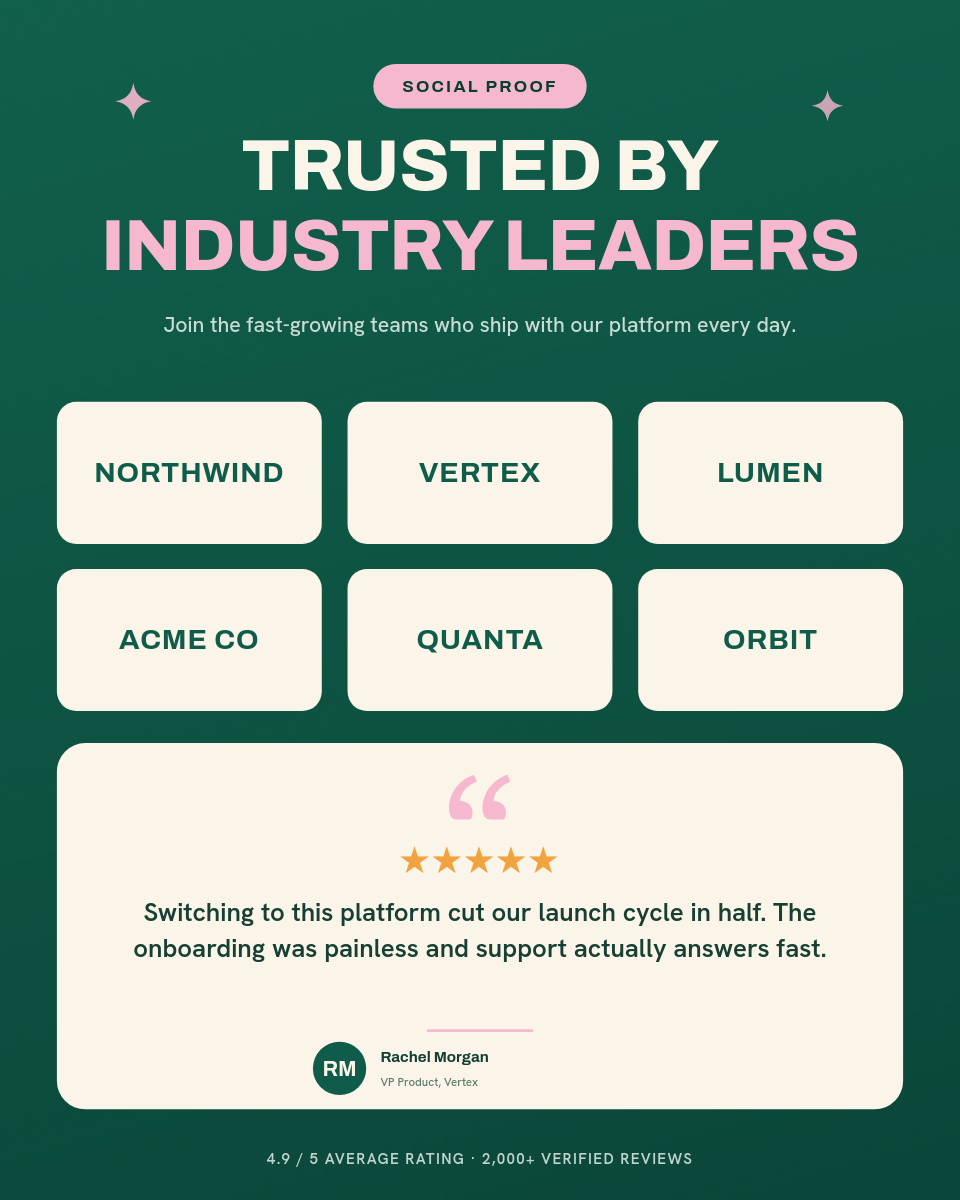






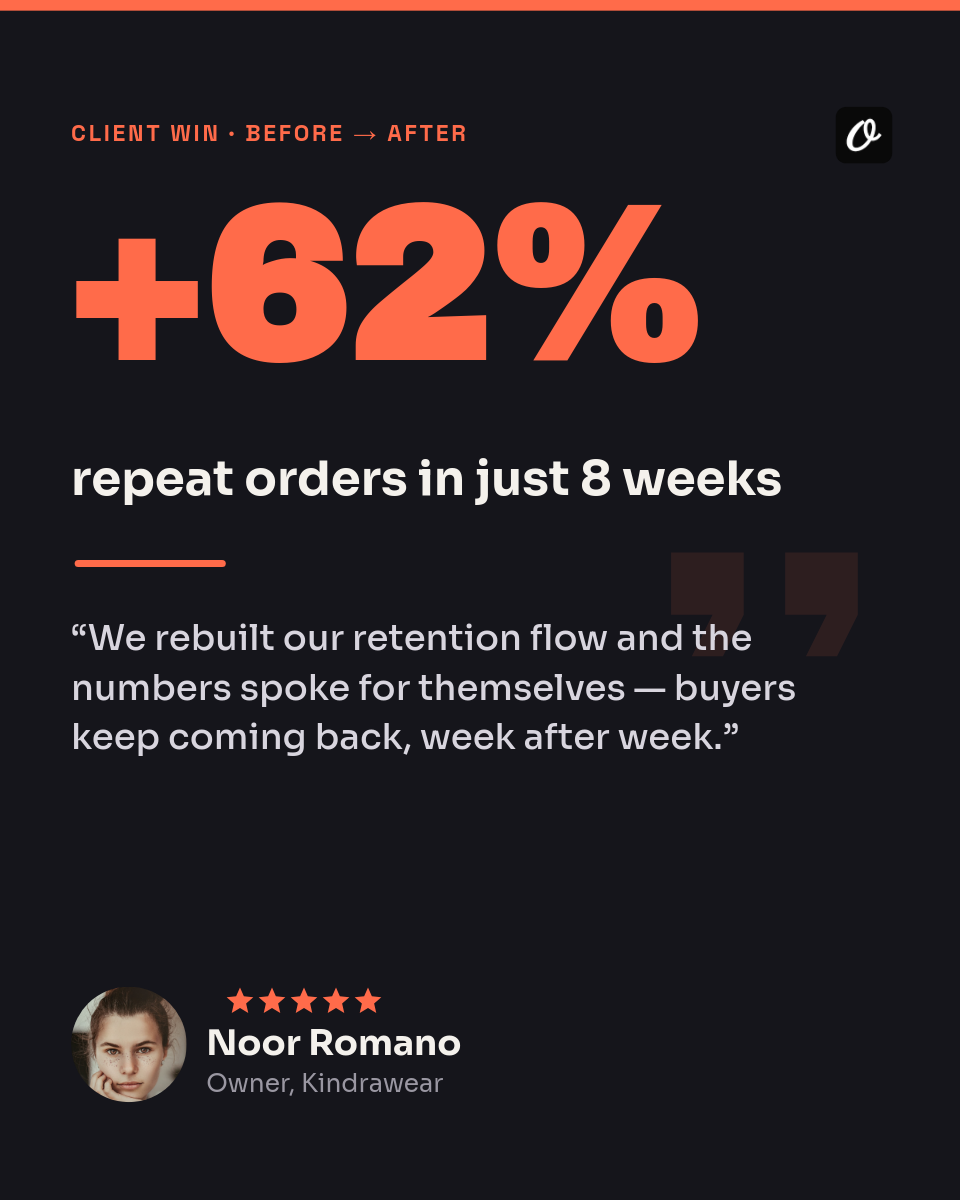
Good reviews come in and then sit in a spreadsheet or an inbox, and turning one into something you can share always waits for a free afternoon that never comes. This workflow makes the card the moment the review lands. Add the review as a row in a Google Sheet and Orshot renders a branded testimonial card, then drops it into Slack for your team to look at.
Click a row to see the card it renders:
| AReviewer | BRating | CQuote | |
|---|---|---|---|
| 1 | Priya S. | 5 | Set it up in an afternoon and it just runs. Support actually replied. |
| 2 | Marcus T. | 5 | Cut our reporting from a full day to a few minutes. |
| 3 | Elena R. | 4 | Does exactly what it says. Onboarding could be smoother. |
Rendered from row 1, one per row
Where the cards go
Each card lands in the Slack channel you pick, not straight onto a public feed. That gives your team a beat to read the quote, check it reads well, and give it a thumbs up before it goes anywhere. Once it is approved, anyone can grab the image from Slack and post it to social, add it to a deck, or drop it on the site. The rendering is automatic; the decision to publish stays with a person.