


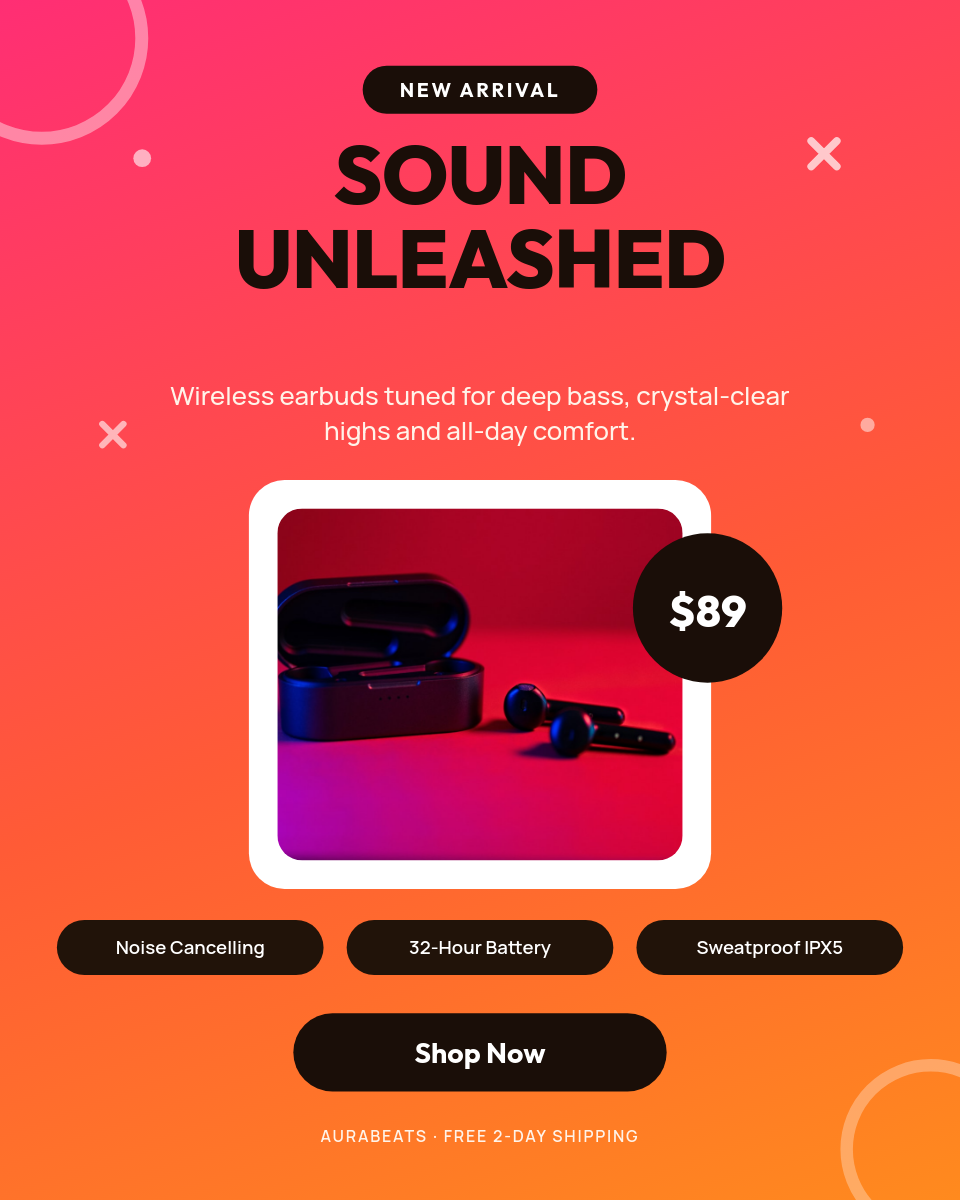
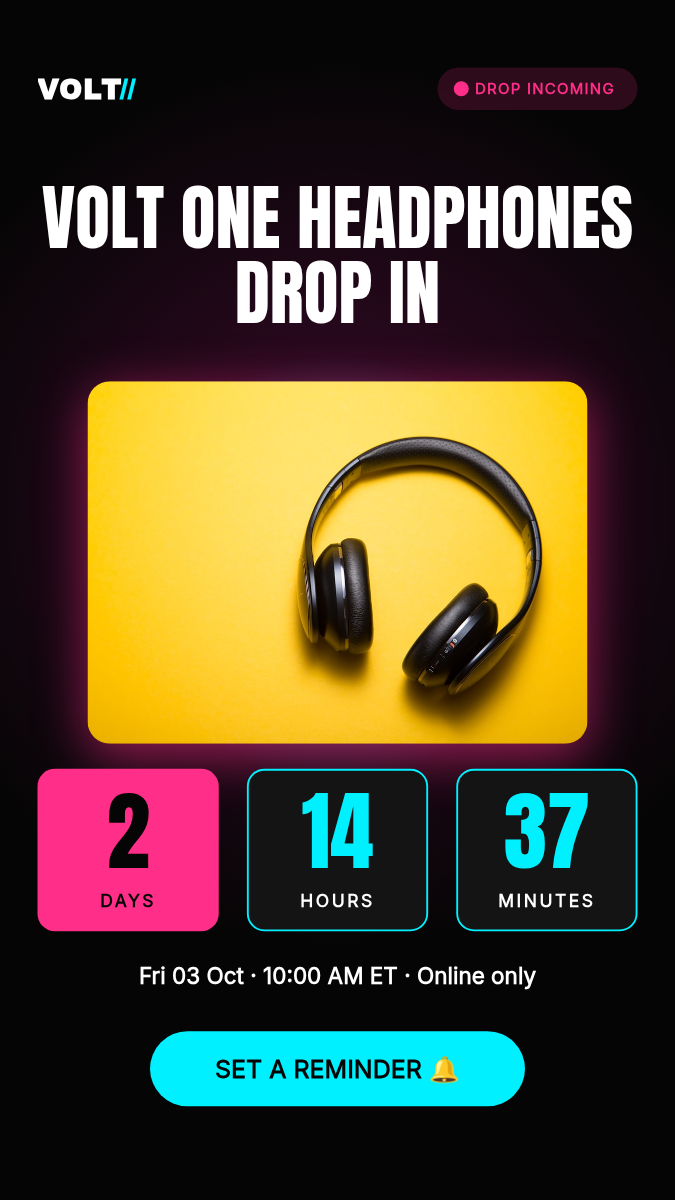






A new product is worth a post, but a promo video per product almost never happens, because it means opening an editor every single time. This workflow removes that step. Connect your store once, and every product that goes live turns into a short video on its own.
What happens when a product goes live
- You add a product in Shopify the way you always do.
- On its next check, a few minutes later, the workflow picks up the product and pulls its image, title, and price.
- Those values drop into your video template, filling in the parts that change.
- Orshot renders a short vertical clip with your brand fonts and colors.
- The video posts to Instagram and TikTok, the same day the product lands.
Checks run as often as every 15 minutes on Free and every 2 minutes on Scale, so the post goes out while the launch moment is still fresh.
Built from your own product photos
The clip is made from what is already in your catalog, so it looks like your store and not a generic template. Three fields fill the video:
- The product image, placed exactly where you set it in the design.
- The title, which resizes to fit so long names sit in the same frame as short ones.
- The price, pulled straight from the product.
Everything else stays fixed to your brand, so every product renders in the same layout with its own details.
Stores that run this
If you would rather keep the videos than publish them, point the destination at Shopify Files or Google Drive and the same clips land there instead.