








← All Workflows

Announce new arrivals the moment they land

A new record in Airtable becomes a launch post across your channels automatically.

See all workflows
Trigger1New/updated record in AirtableRun when a record is added or edited in a base.
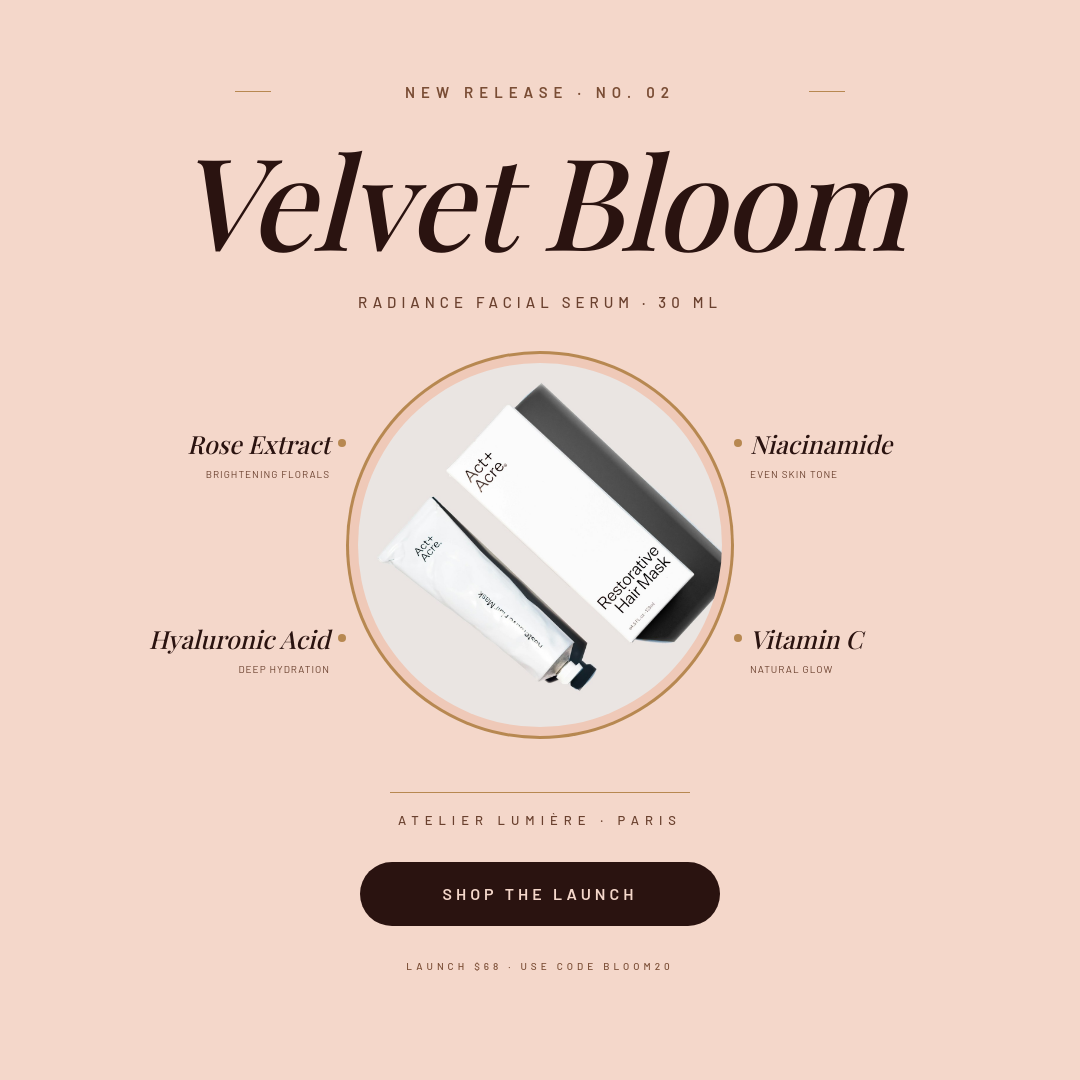
Render2Vibrant Gradient Product Launch Email Banner with Hero PhotoExample template. Swap in your own design.
Destination3Post to InstagramPublish each render to Instagram.

New product in, announcement out

New products lose their moment when the announcement lags a day behind the launch. This workflow closes that gap. You already log new products somewhere, so make that the trigger. Add the record in Airtable and the branded announcement renders and posts to Instagram on its own, while the arrival is still news.

Who runs this

Online shops
Every drop announced the hour it goes live, so new stock and its post arrive together instead of days apart.
Makers and small brands
Limited runs and restocks announced the moment they are logged, without opening a design tool mid-launch.
Ecommerce marketers
A consistent New Arrival look across a whole catalog, driven by the same base the team already updates.
Wholesale and B2B
New line items posted as they enter the catalog, keeping buyers current without a separate content task.

What happens when a record lands

  1. A new product record is added to your connected Airtable base.
  2. The workflow reads its fields: product name, price, and the photo.
  3. Those values fill your announcement template, so the layout is already right.
  4. Orshot renders the image and posts it to Instagram, no manual step in between.

Adding the product is the whole job, and the announcement takes care of itself.

How it works, step by step

  1. Design an announcement template

    Build a New Arrival image in the studio with placeholders for the product photo, name, and price.

  2. Connect your Airtable base

    Link the base where new products are added. Each new record becomes one announcement.

  3. Map fields to the template

    Match Airtable fields to the placeholders: product name, price, and the photo used as the hero image.

  4. Connect Instagram

    Link your account once. When a record lands, its image renders and posts on its own.

Frequently asked

How do I announce new arrivals automatically?

Add new products as records in an Airtable base and connect it to this workflow. The moment a record appears, Orshot renders a branded announcement from your template and posts it to Instagram, so the announcement goes out without anyone building it.

Does it post the moment a record is added?

Yes. The workflow watches your base for new records, so the announcement renders and posts as soon as the product is added, not on a delay.

Where does the product photo come from?

A photo field on the Airtable record. The template pulls it in as the hero image, cropped to fit, so each announcement shows the actual product.

Can I hold a record back until it is ready?

Yes. Add records to the connected base only when they are ready to announce, or keep a separate table the workflow does not watch until the product is set to go.

Can it post to more than Instagram?

This workflow publishes to Instagram directly. You can add more destinations like LinkedIn, or save the finished image so you can post it elsewhere too.