Send every new Shopify product to Buffer as a draft post
Each new product becomes a branded product image saved as a Buffer draft, ready for your team to review and queue.
 1New/updated product in ShopifyRun when a product is added or updated in your store.
 3Send to BufferAdd each render to your Buffer queue, schedule it, or save a draft.
Templates for this workflow
Pick one of these, make it yours in the editor, and connect it to the workflow.
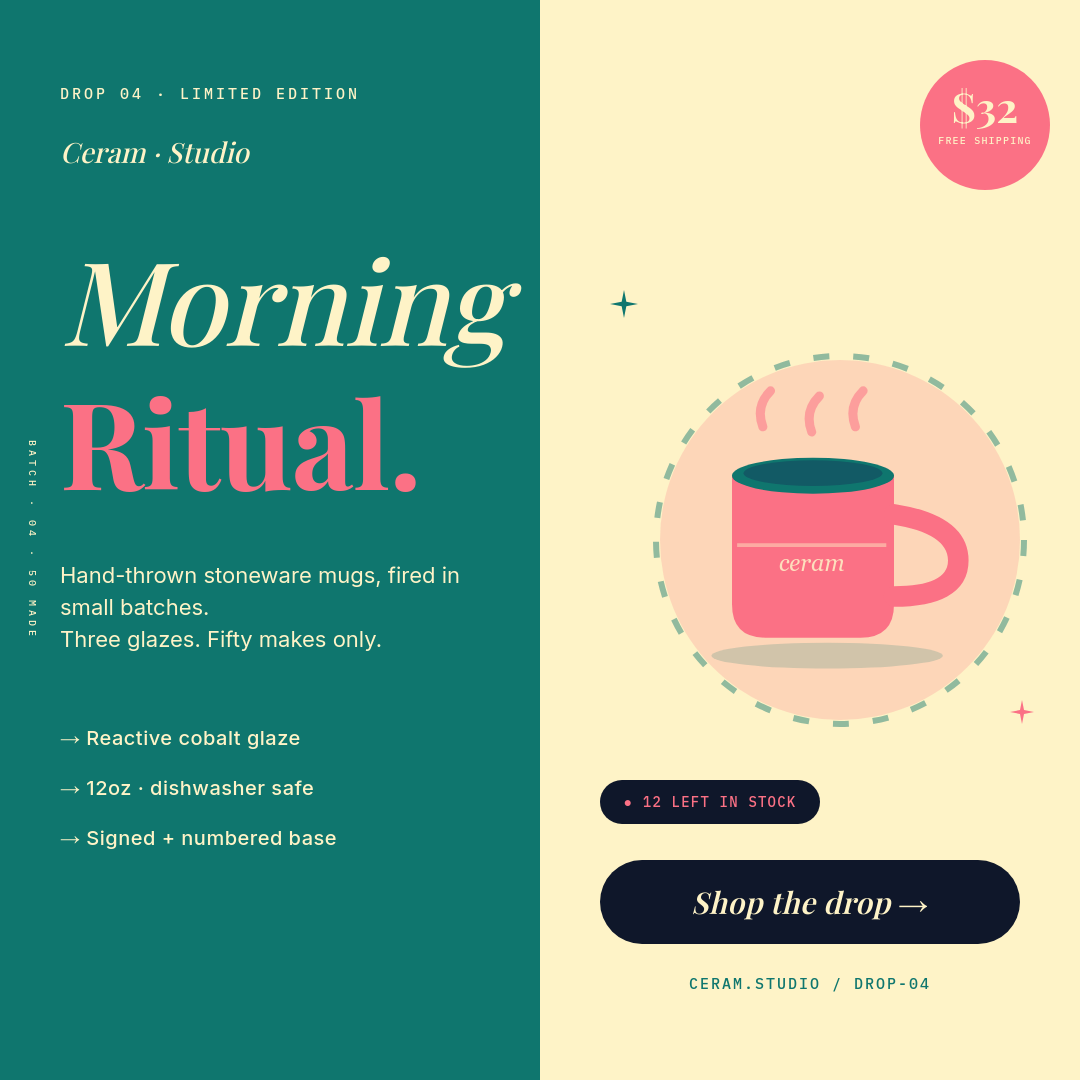
Teal & Coral Handcrafted Ceramic Mug Drop Square Ecommerce Ad

Vibrant Sunset Gradient Wireless Earbuds Product Card

Product Drop Countdown Story 9:16 — Neon Pink & Cyan on Black

Vibrant Lavender Flash Sale Handbag Product Card

Bold Productivity YouTube Thumbnail with Stacked Headline

eCommerce Discount Banner Template

Skincare Product Advertisement Template

Beauty Product Advertisement Template
Related workflows



Turn customer reviews into testimonial cards
Each new review becomes a share-ready graphic that builds trust with buyers.


Make product videos from your Shopify store
Turn each new Shopify product into a short promo video and post it to Instagram and TikTok, no editing.
Create product marketing images from your catalog
Every product gets a polished, shoppable social image without waiting on a designer.
Integrations in this workflow
Connect these apps once and the workflow moves your data through them automatically.