
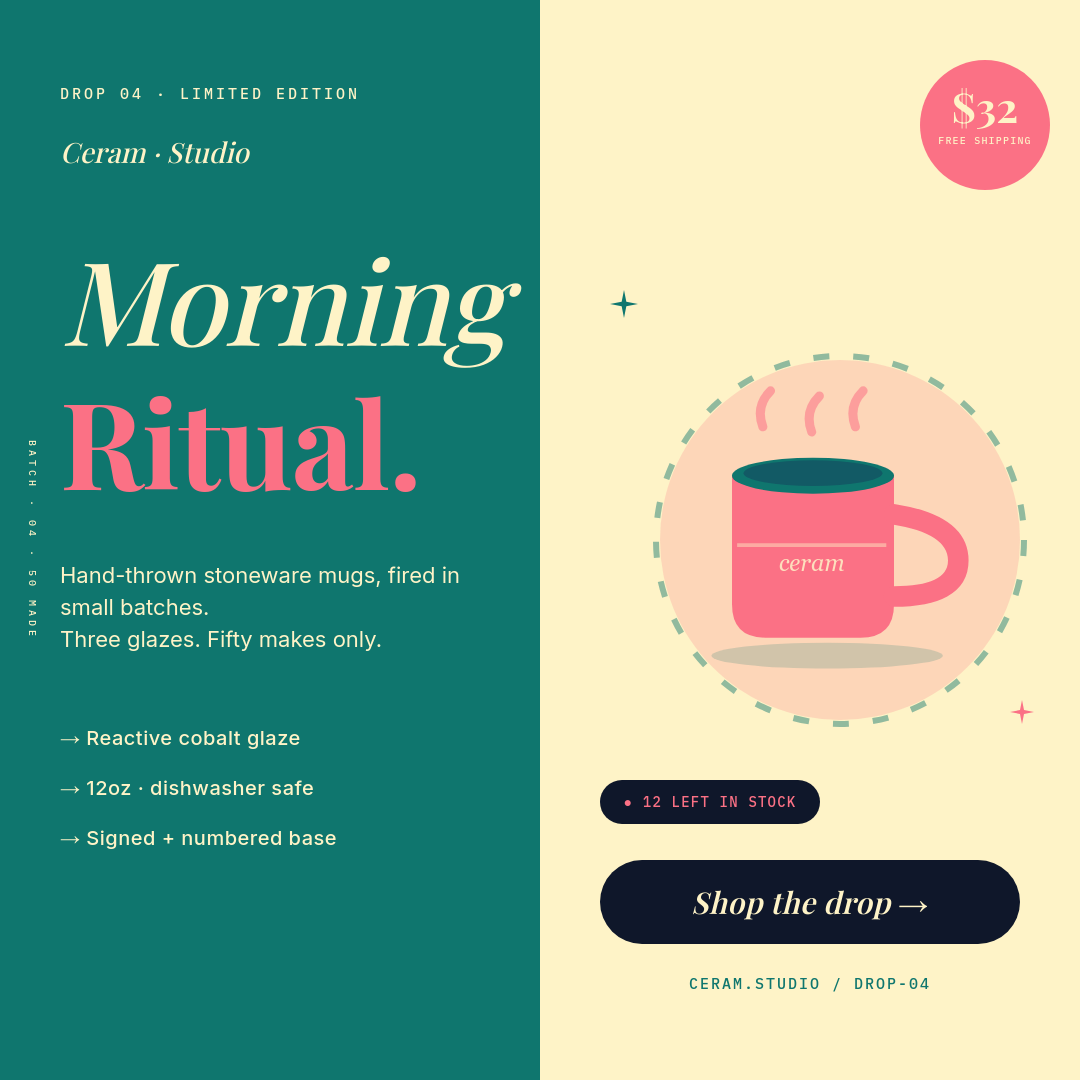



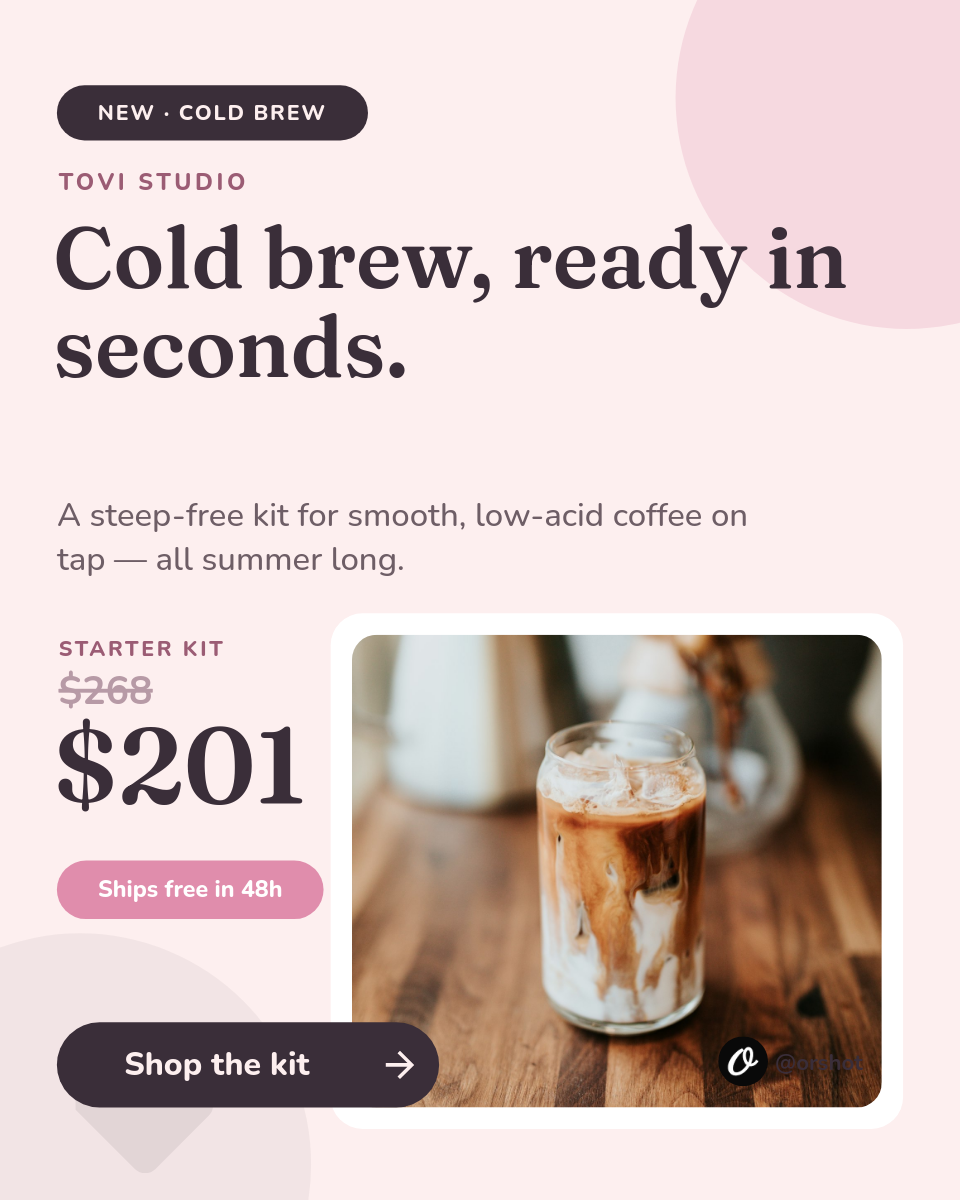

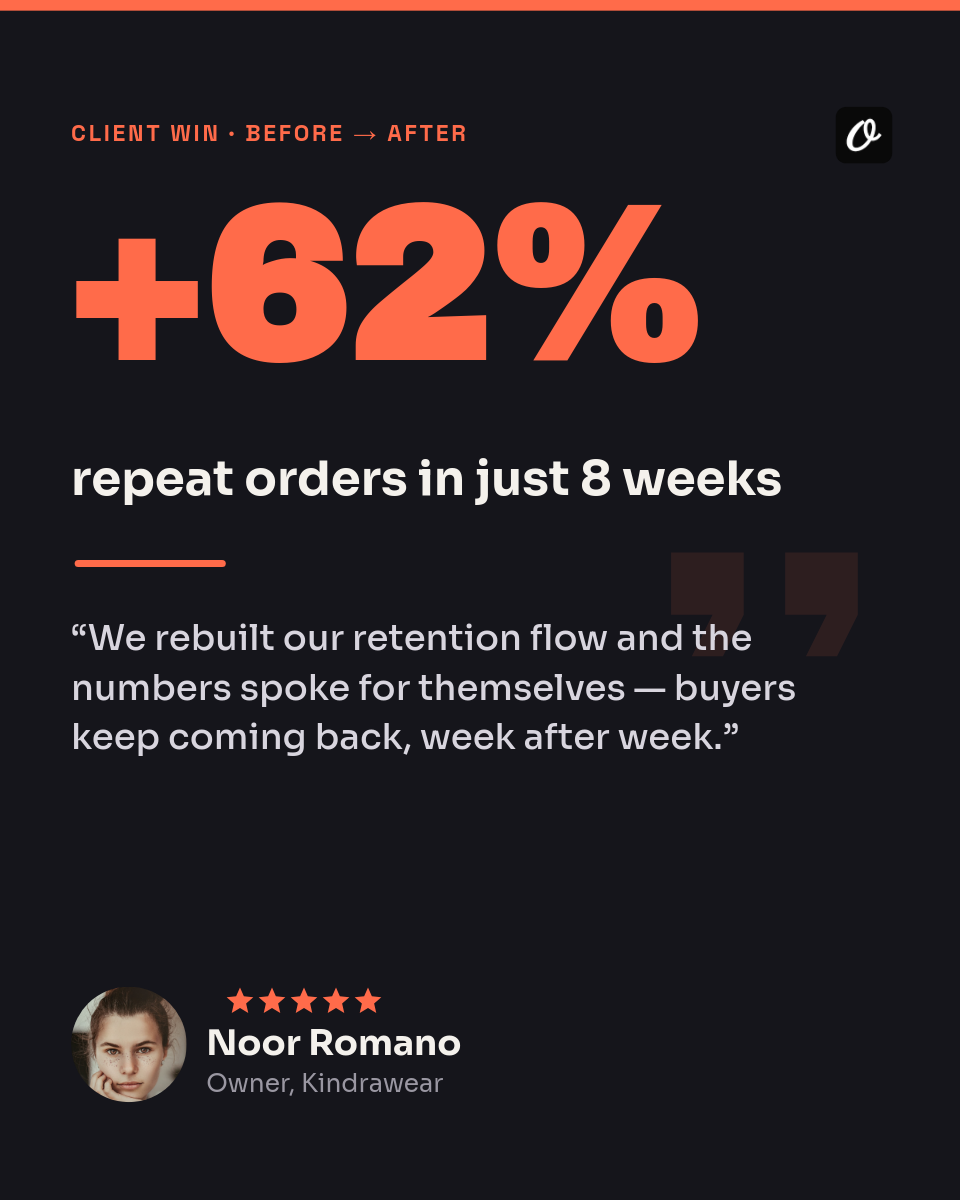
Marketing a full catalog usually means opening a design tool for every product, one at a time, and most shops just stop after the first few. This workflow makes the images a side effect of a list you already keep. Put your products in a Google Sheet, design the image once, and Orshot posts one product a day to Instagram on its own.
Who uses it
Online shops
A steady feed of product posts pulled from the catalog, so the store keeps showing up without a weekly design session.
Makers and sellers
Handmade and small-batch products announced one at a time, each looking finished instead of a phone photo.
Ecommerce marketers
A month of on-brand product posts scheduled from one sheet, freeing the calendar from manual asset work.
Multi-brand teams
One template per brand and one sheet each, so several catalogs stay consistent from the same setup.
Each row in your sheet is one product waiting to post. Click a row to see the image it renders:
One row becomes one postClick a row
| AProduct | BPrice | CTagline | |
|---|---|---|---|
| 1 | Linen Field Shirt | $68 | Breathable, gets softer every wash |
| 2 | Trailhead Backpack | $120 | 22L, built for the daily carry |
| 3 | Ceramic Pour-Over | $34 | Slow coffee, no paper waste |
Orshot renders
Post
PNG
Rendered from row 1, one per row
Set it up once
- Connect the sheet and Instagram, then pick how often a product posts.
- Add a photo URL column so each image gets the right hero shot.
- Keep price and tagline columns so every post carries the details that sell it.