

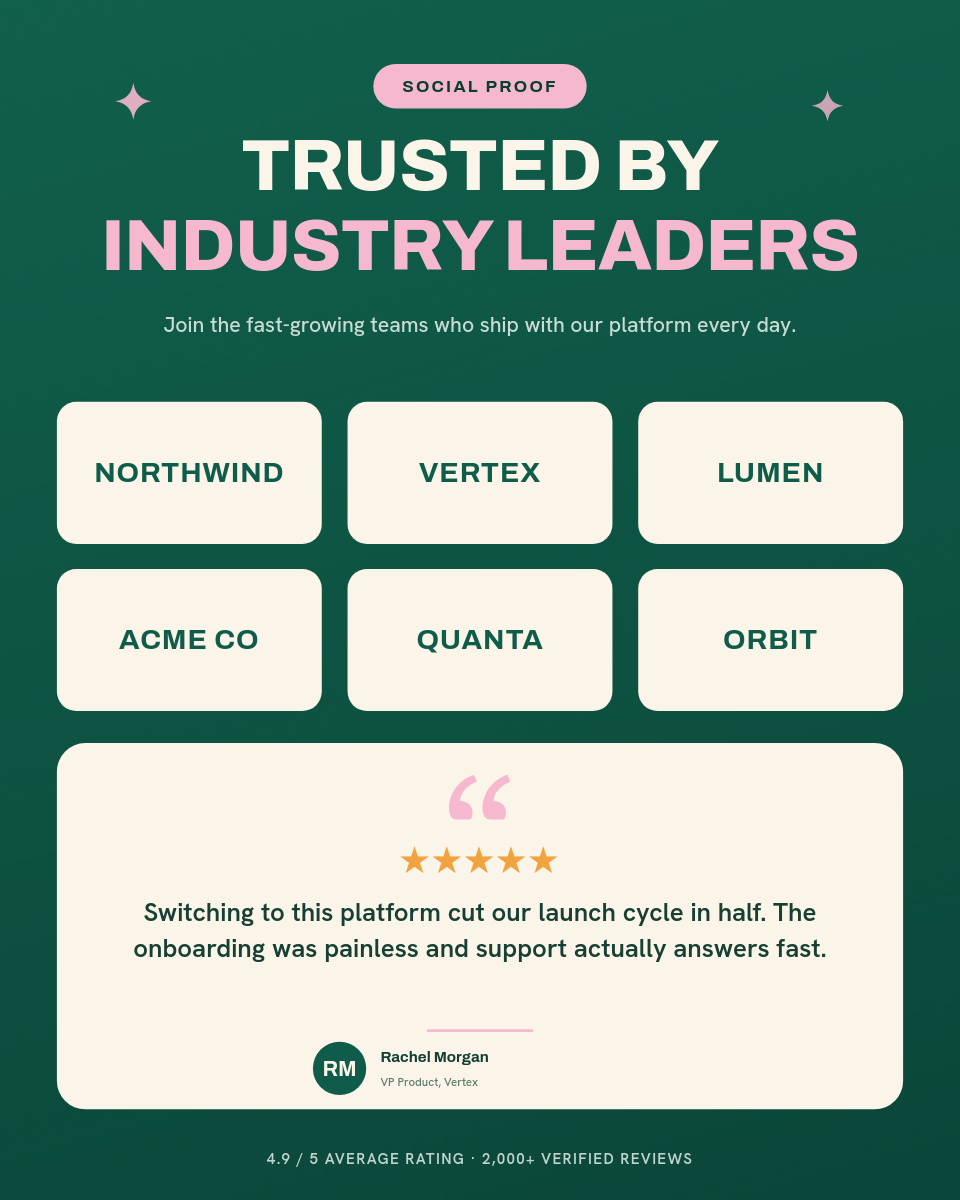

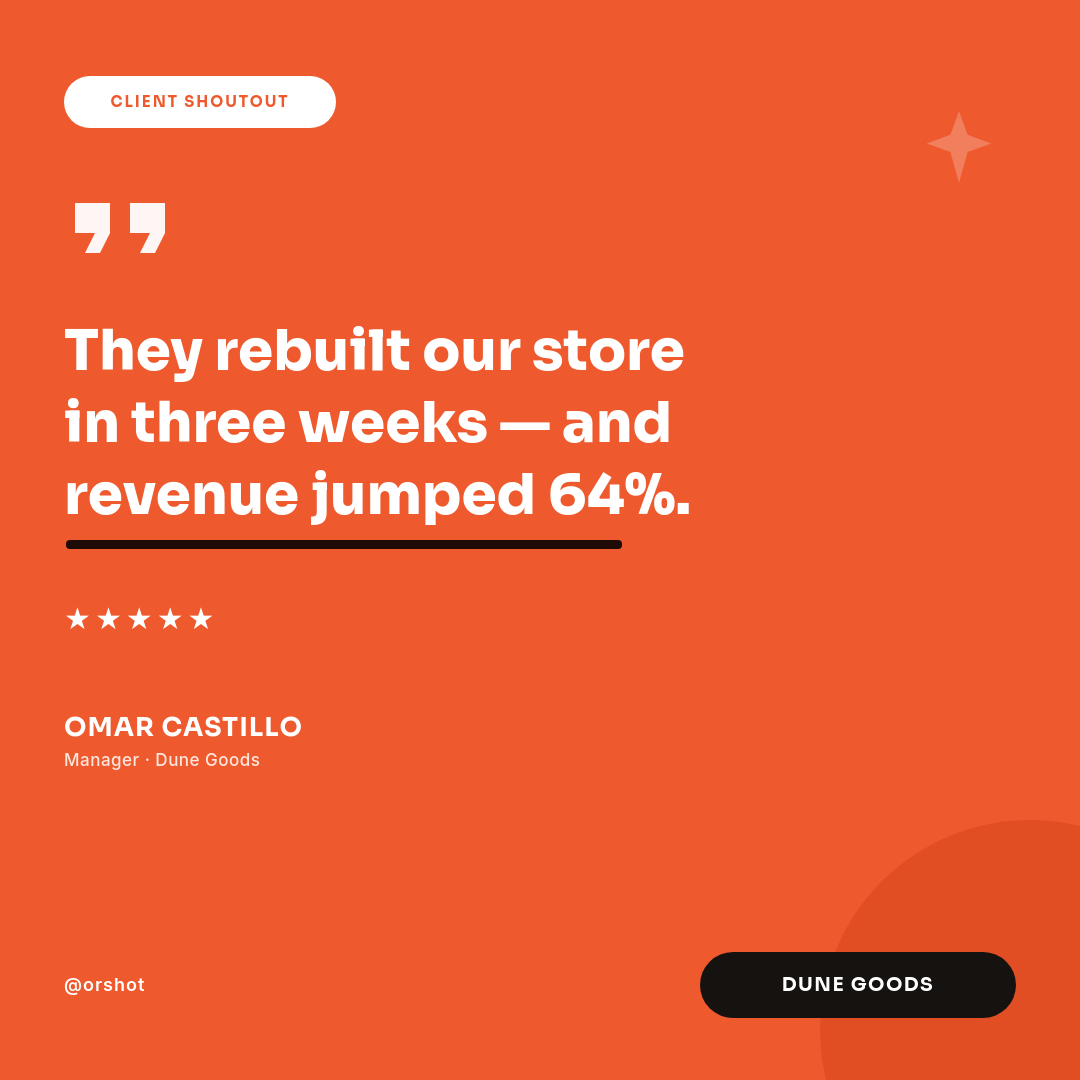





Testimonials pile up in a Notion database and rarely make it out as graphics, because turning each one into a card is a job nobody schedules. This workflow closes that gap. Collect quotes in Notion the way you already do, and each new entry comes back as a branded card in Slack.
Who keeps testimonials in Notion
Marketing teams
A running database of customer praise that should be showing up on social and in decks, not sitting unused.
Founders and customer teams
Kind words from users logged as they arrive, ready to share the moment a card is made.
From a Notion entry to a quote card
Drop a customer quote into the database, along with their name and company. The workflow reads the entry, renders a branded card from your template, and drops it into Slack. Your team sees the finished card in the channel, gives it a quick look, and posts it wherever it belongs, from LinkedIn to the next investor update.
Keep collecting quotes in Notion, and the shareable cards make themselves.