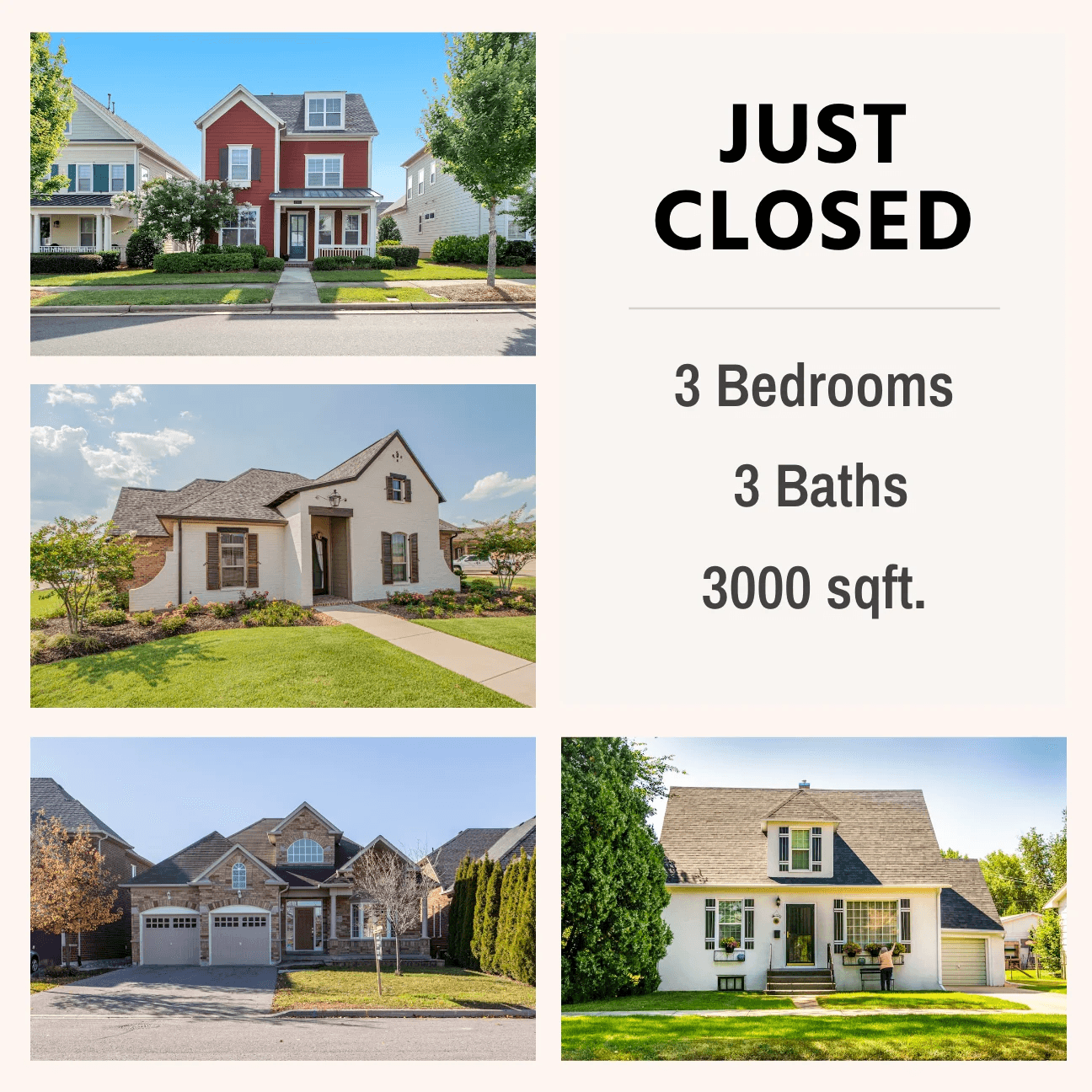

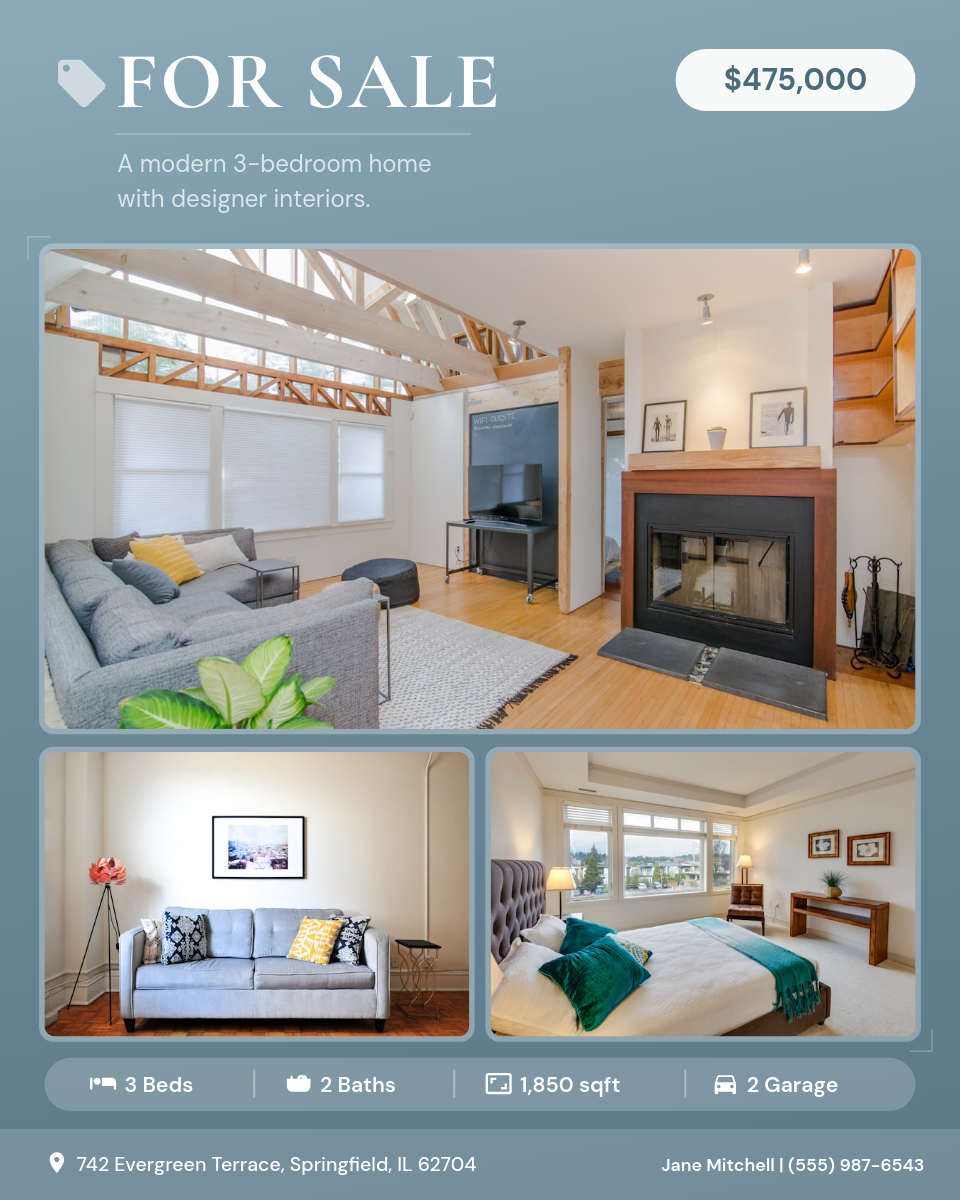
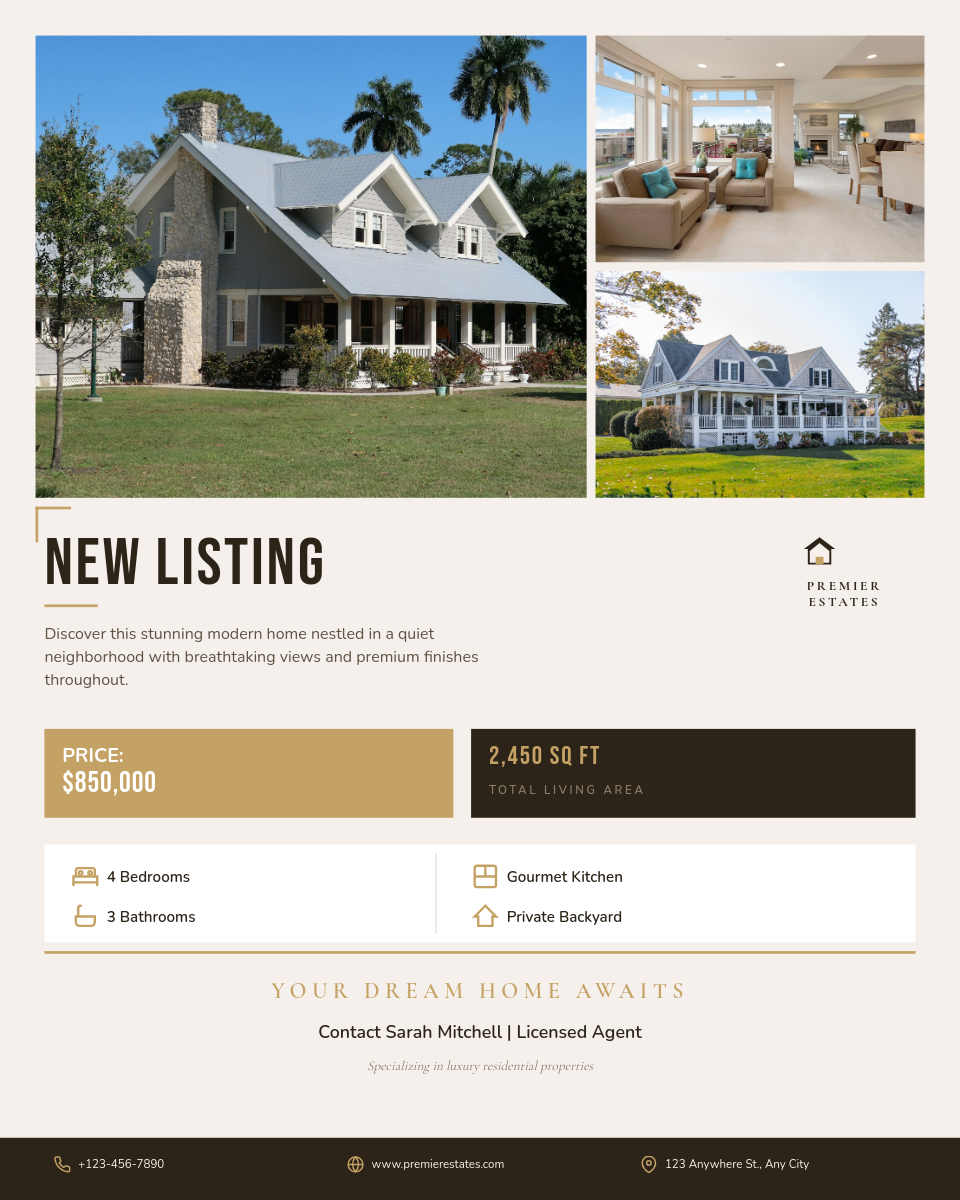
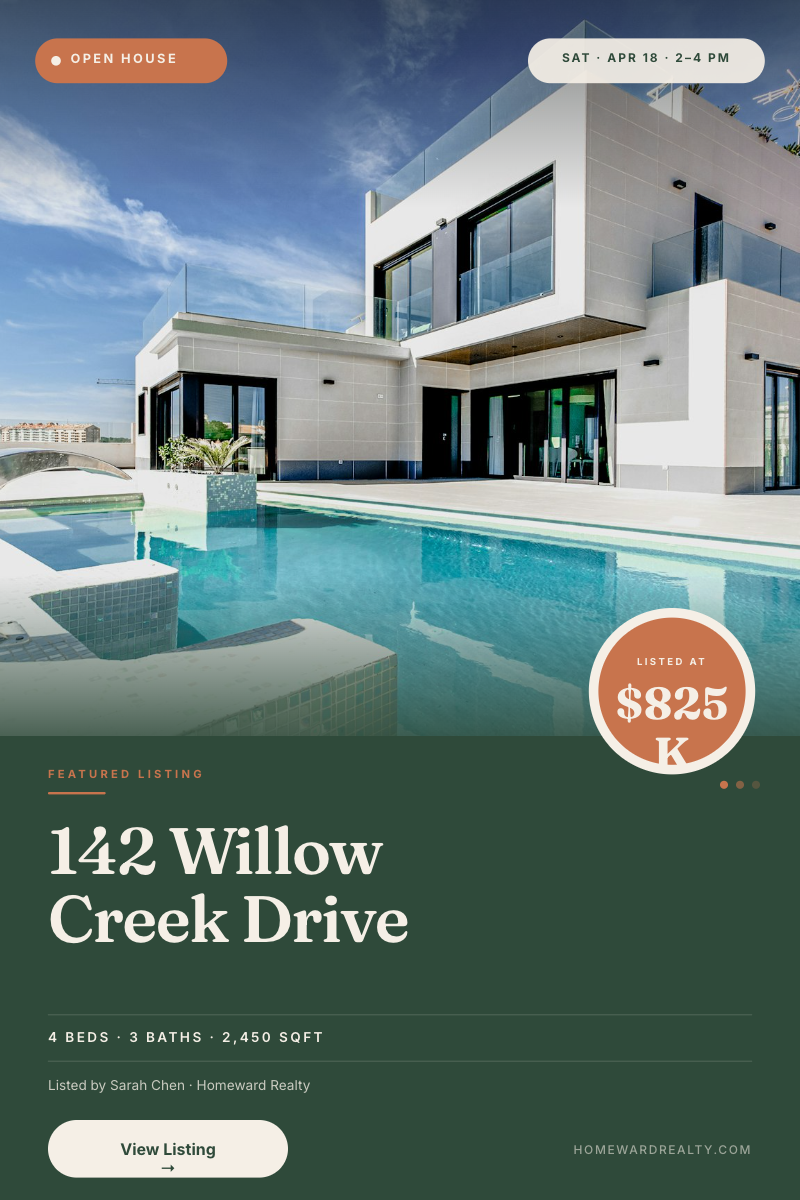
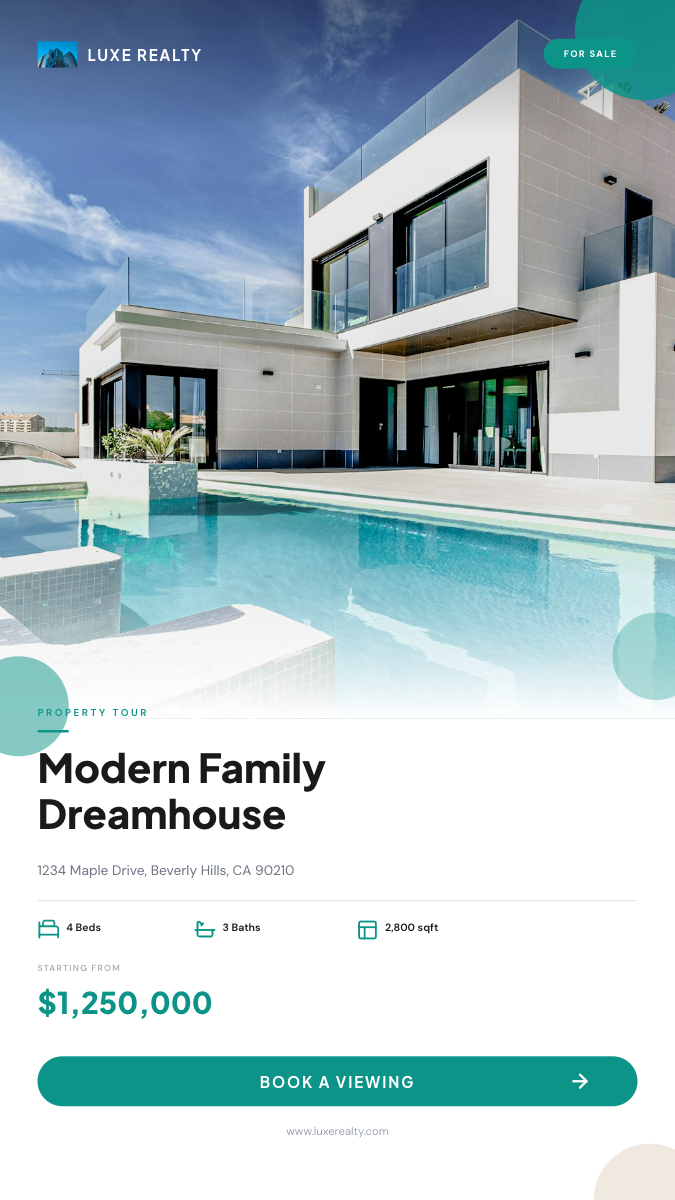
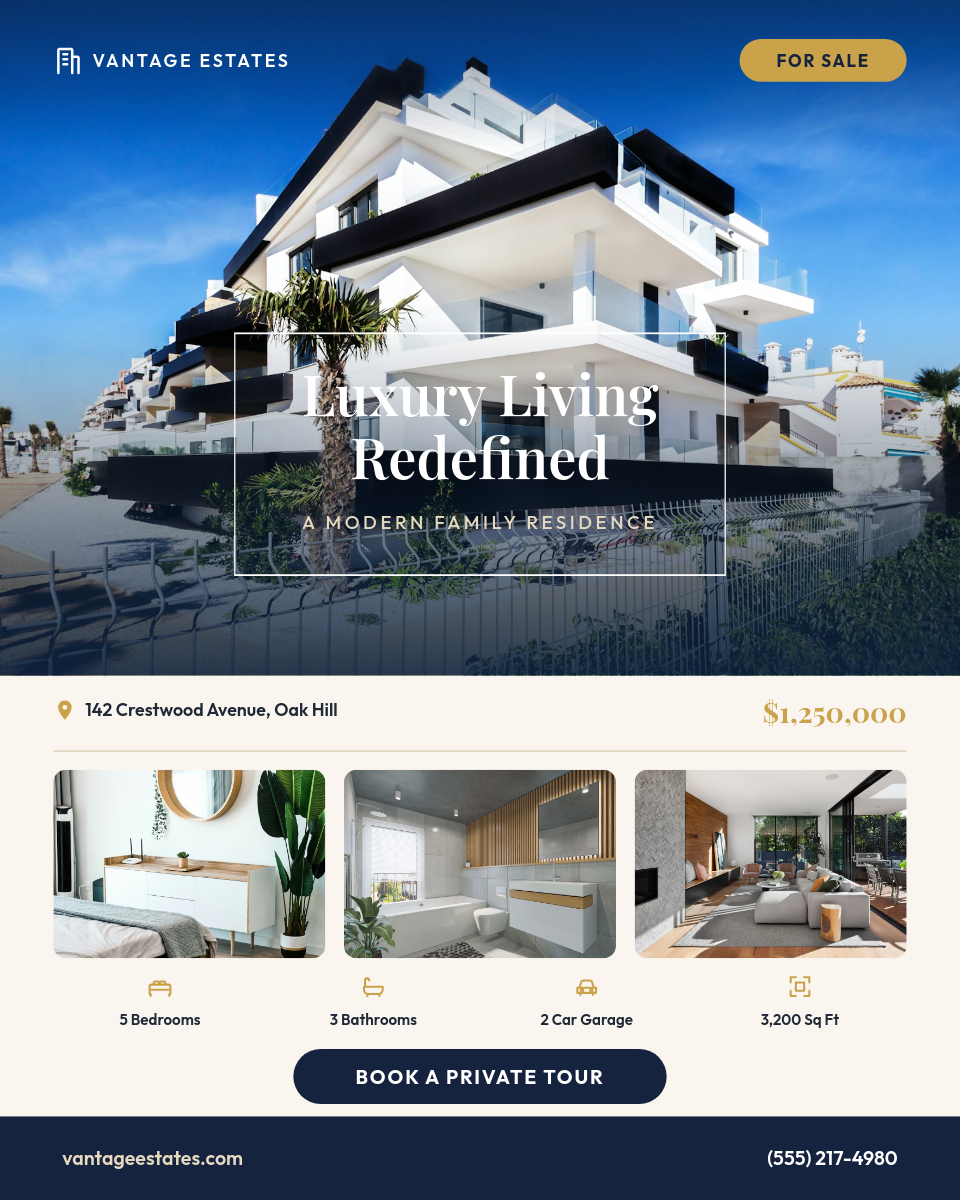
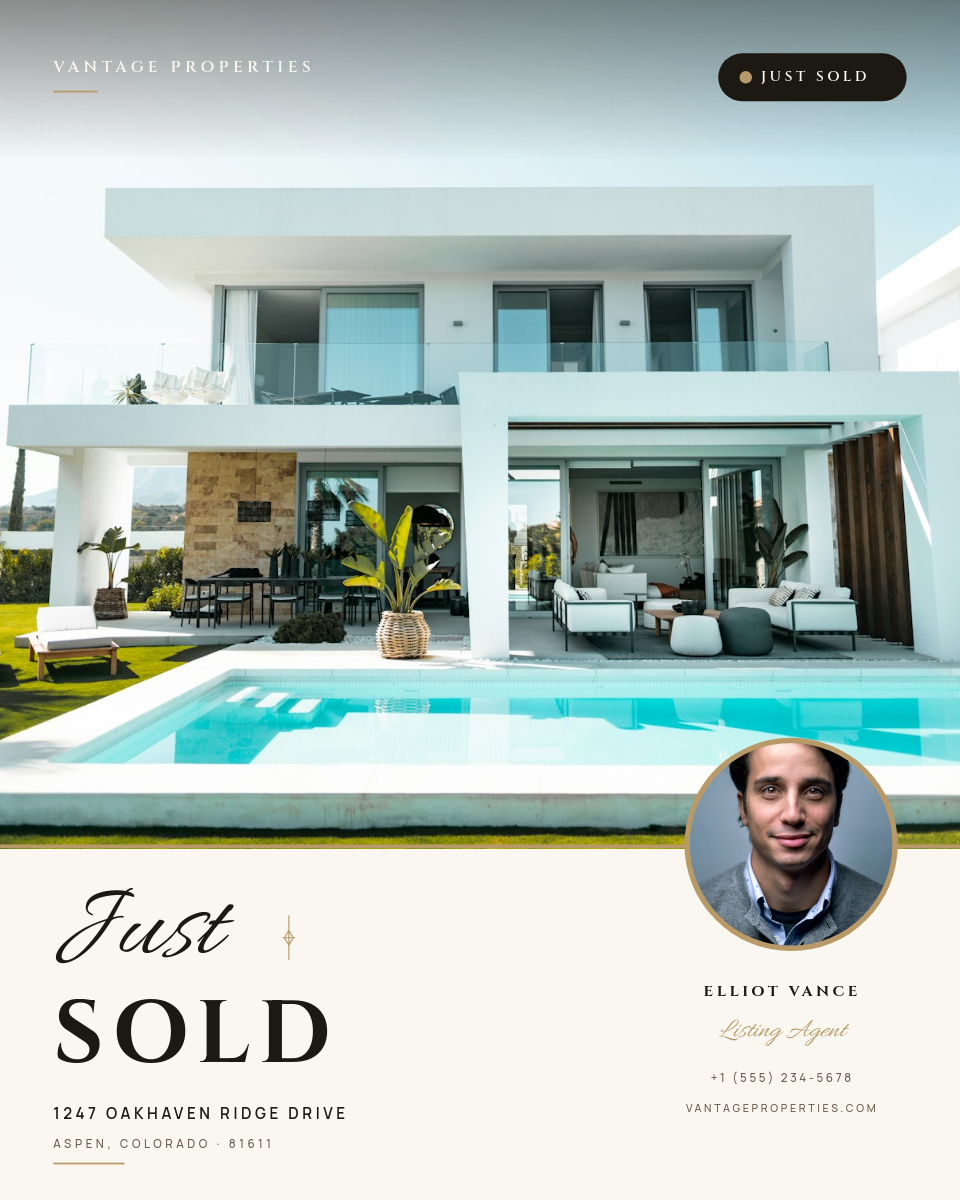
Every listing needs the same set of graphics: Just Listed, Open House, Price Improved, Sold. Agents either pay per graphic, wrestle with a design tool at 9pm, or post a bare MLS photo. This workflow makes the graphics a side effect of tracking your listings. Add the property to your sheet and the finished branded post publishes itself.
Who makes these
Individual agents
Every listing announced the day it goes live, looking like it came from a marketing team of one.
Brokerages and teams
The template carries the brokerage look across dozens of agents. Agents just add rows.
Property managers
Available rentals across a portfolio announced on a fixed cadence, without anyone opening an editor.
Real estate marketers
Social for several agents at once: one sheet and one template per client.
Every listing lives as one row. Click a row to see the post it renders:
One row becomes one listing postClick a row
| AAddress | BPrice | CBeds | DBaths | EStatus | |
|---|---|---|---|---|---|
| 1 | 24 Cedar Lane | $649,000 | 4 | 3 | Just Listed |
| 2 | 8 Marina Court | $1,120,000 | 3 | 2 | Open House |
| 3 | 102 Alder Street | $489,000 | 2 | 1 | Sold |
Orshot renders
Listing post
PNG
Rendered from row 1, one per row
What each card shows
The template pulls each column into a fixed spot and handles the fiddly parts for you:
- Hero photo from a photo URL column, cropped to the frame.
- Price and details dropped in with formatting that never varies, even when the address runs long.
- Status badge driven by the Status column, so Just Listed, Open House, and Sold reuse one template.
- Your branding on every card, so each post looks like your brokerage made it, not a generic template.
Add a row when a listing moves to Open House or Sold, and each stage renders its own post, so your feed documents the full arc of every listing.