Give every Webflow CMS item its own Open Graph image
Render a branded social image from each new blog post or case study and write it onto the item's real image field — not a text field holding a URL.
 1New/updated item in WebflowRun when a CMS item is created or updated.3Write to Webflow itemWrite the render onto the source CMS item's image field.
Templates for this workflow
Pick one of these, make it yours in the editor, and connect it to the workflow.

Dark Developer Blog OG Image with Syntax Code Card

How to Build — Dev Tutorial Blog OG Image

Editorial Essay — Blog OG Image

Wanderlust Horizons — Travel Blog OG Image

Launch Day — SaaS Product Launch OG Image

Sunday Night Margherita — Recipe Blog OG Image
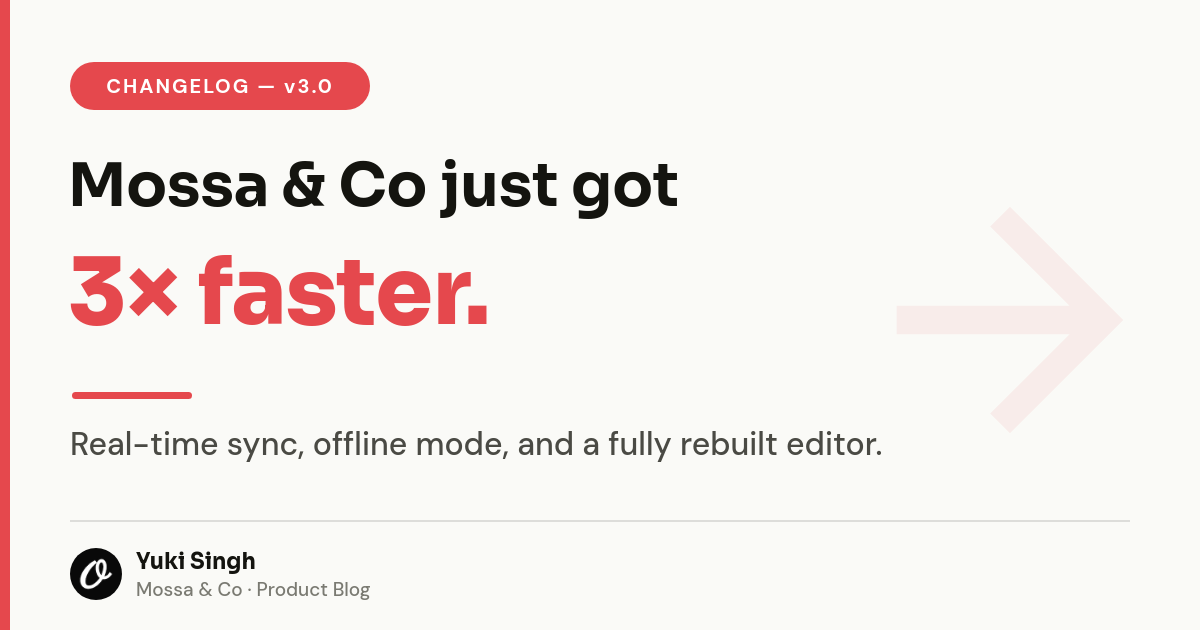
Light-Minimal Changelog OG Cover — Sora Bold Claim with Red Accent & Byline

Vibrant Gradient Marketing Blog OG Card with Author Badge
Related workflows


Give every blog post an on-brand share image
New posts get a matching Open Graph image so links look great everywhere they're shared.


Turn new listings into social-ready cards
Each listing row becomes a polished Instagram and Facebook post, straight from your sheet.
Personalize email header images per recipient
Drop each recipient's name or offer into a hero image for higher email engagement.
Integrations in this workflow
Connect these apps once and the workflow moves your data through them automatically.