



← All Workflows

Turn new blog posts into short videos

Each published post becomes a vertical video with its headline and featured image, posted to TikTok and YouTube Shorts.

See all workflows
Trigger1Incoming webhookRun when an external service posts data.
Source2Webhook payloadUse rows from the incoming webhook body.
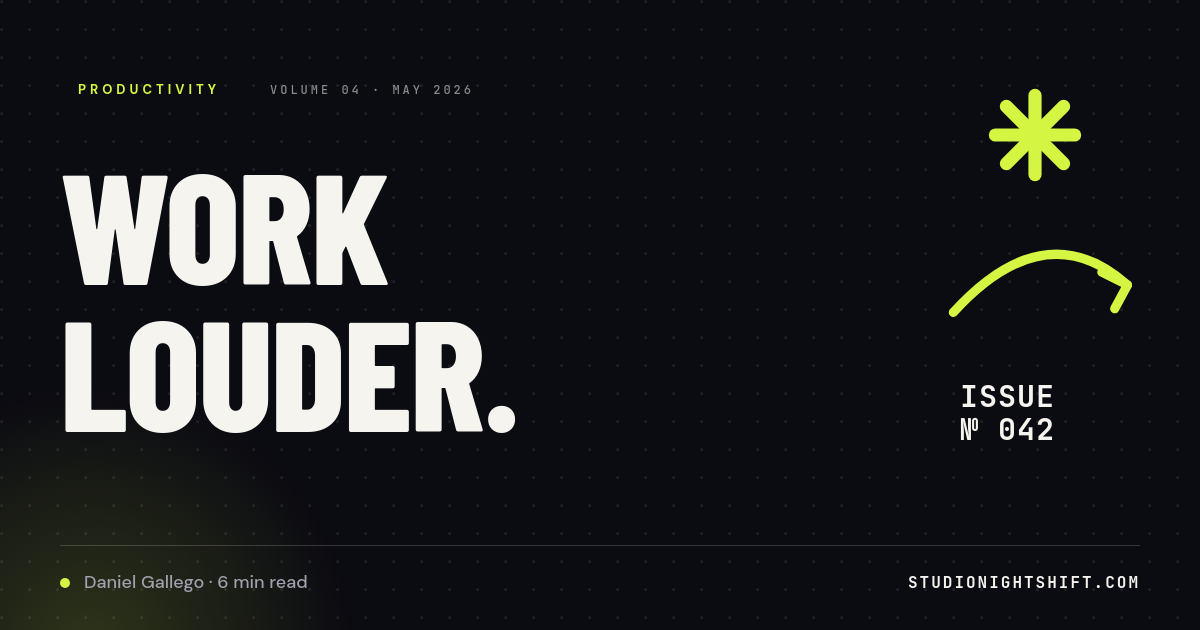
Render3Dark Editorial Newsletter OG Card with Lime Accent HeadlineExample template. Swap in your own design.
Destination4Post to TikTokPublish each render to TikTok.
Destination5Post to YouTubePublish each render to YouTube.

A short video for every post you publish

Most posts get one share on launch day and then sit in the archive. Short video is where people scroll, but cutting a clip per article never makes the schedule. This workflow makes the video a side effect of hitting publish. A new post goes out, and a vertical video with its headline and featured image renders and posts on its own.

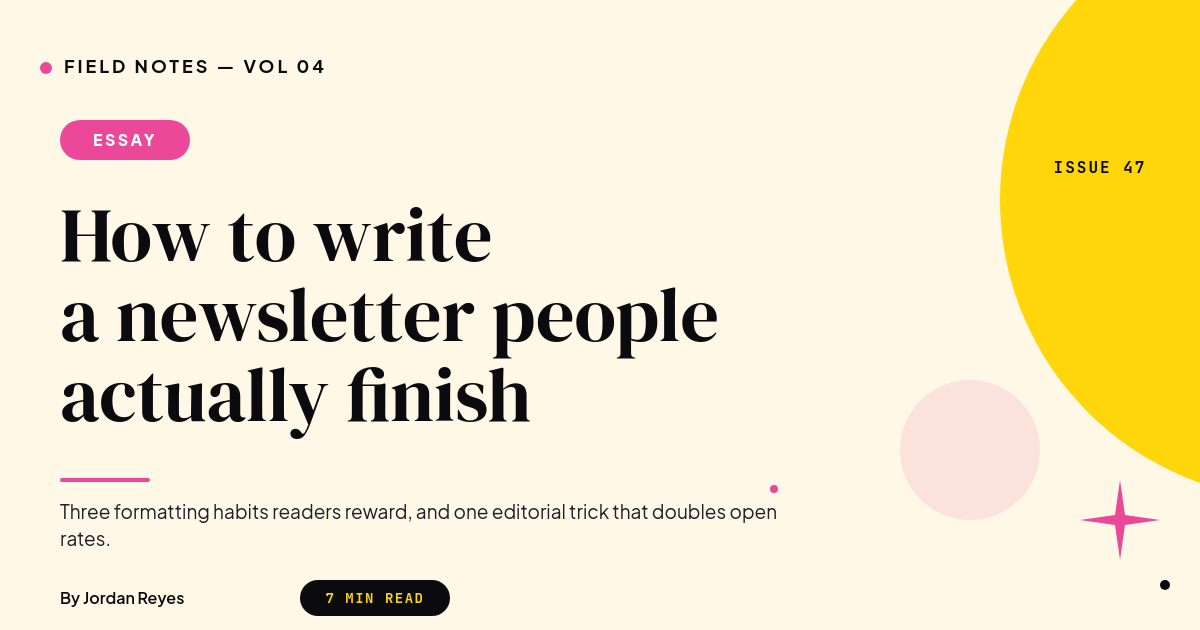
This is the blog post video template the workflow renders.

What happens when a post is published

  1. You publish a post in WordPress, Webflow or your CMS the way you already do.
  2. The CMS sends the post's title, category, excerpt, featured image and link to the workflow.
  3. Those values fill your blog video template.
  4. Orshot renders a vertical MP4 with your fonts, colors and music.
  5. The video posts to TikTok and YouTube Shorts while the post is still new.

What each video shows

The template turns one post into a short, three-beat video:

  • Headline scene with the category and the full headline under the featured image.
  • Excerpt scene with the post's opening line as a pull quote.
  • End card with your blog's name, a Read the full post button and the URL.

Long headlines shrink to fit, so a 90 character title lands in the same frame as a short one.

Who runs this

Content teams
Every article gets a short video the day it ships, without a video editor in the loop.
SaaS and product blogs
Changelogs, guides and launch posts turn into Shorts that point back to the post.
Newsletter writers
Each issue posted on the web becomes a teaser video for TikTok and YouTube.
Agencies
One template per client blog, so every client's posts go out as video automatically.

Want a still image instead? The blog OG images workflow renders a share image for every post.

How it works, step by step

  1. Pick a blog video template

    Start from the vertical blog post template or design your own with placeholders for the headline, category, excerpt and featured image.

  2. Send new posts to the webhook

    Copy the workflow's webhook URL into WordPress, Webflow or your CMS so each published post sends its title, excerpt, image and link.

  3. Map post fields

    Point the template's placeholders at the webhook fields: headline, category, excerpt, featured image, author and post URL.

  4. Connect TikTok and YouTube

    Link the accounts you post to. Each new post renders as an MP4 and goes out as a TikTok and a YouTube Short.

Frequently asked

How do I turn a blog post into a video automatically?

Design one vertical template with placeholders for the headline, excerpt and featured image, then send each new post to this workflow. Orshot fills the template, renders an MP4 and posts it, so every article gets a short video without opening an editor.

Does it work with WordPress?

Yes. Use a webhook plugin or WordPress's own publish hooks to send the post title, excerpt, featured image and link to the workflow's webhook URL when a post goes live.

Does it work with Webflow?

Yes. Add the workflow's webhook URL as a Webflow site webhook for collection item publishes, or use the Webflow trigger to run on each new blog item.

Can I use an RSS feed instead?

Yes. Run the same template from n8n, Make or Zapier with an RSS trigger: each new feed item renders a video through the Orshot API and posts it.

What if a headline is very long?

Headline and excerpt text shrink to fit their boxes, so a 90 character headline sits in the same frame as a short one.

Can I post to Instagram Reels as well?

Yes. Add Instagram as another destination and the same MP4 posts as a Reel next to the TikTok and YouTube Short.