
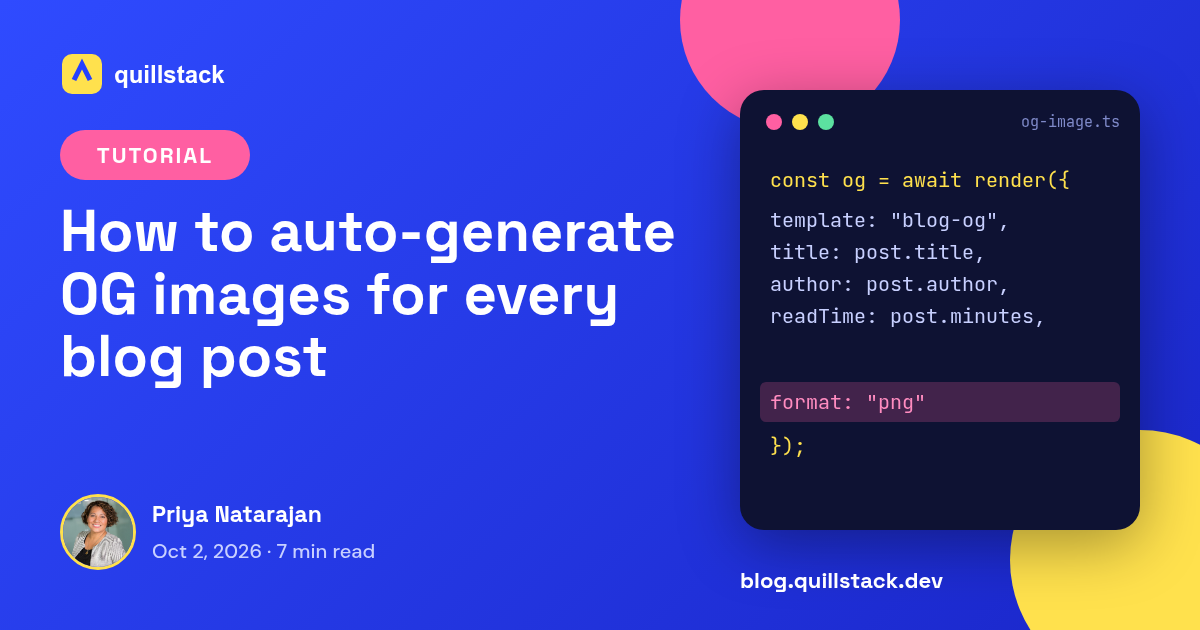
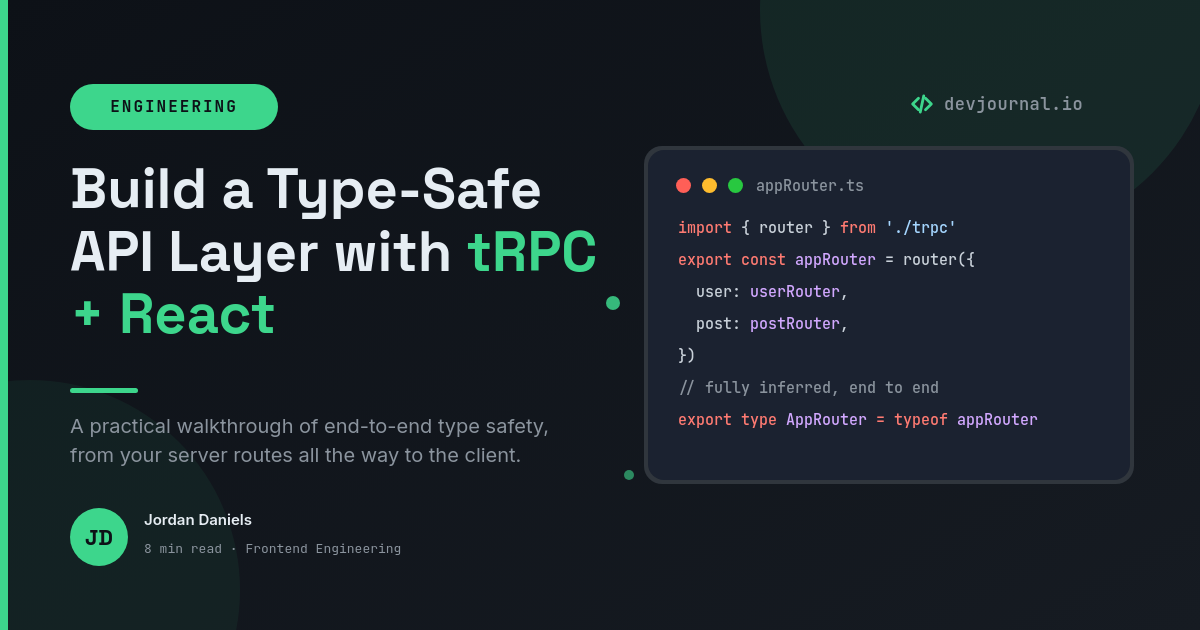

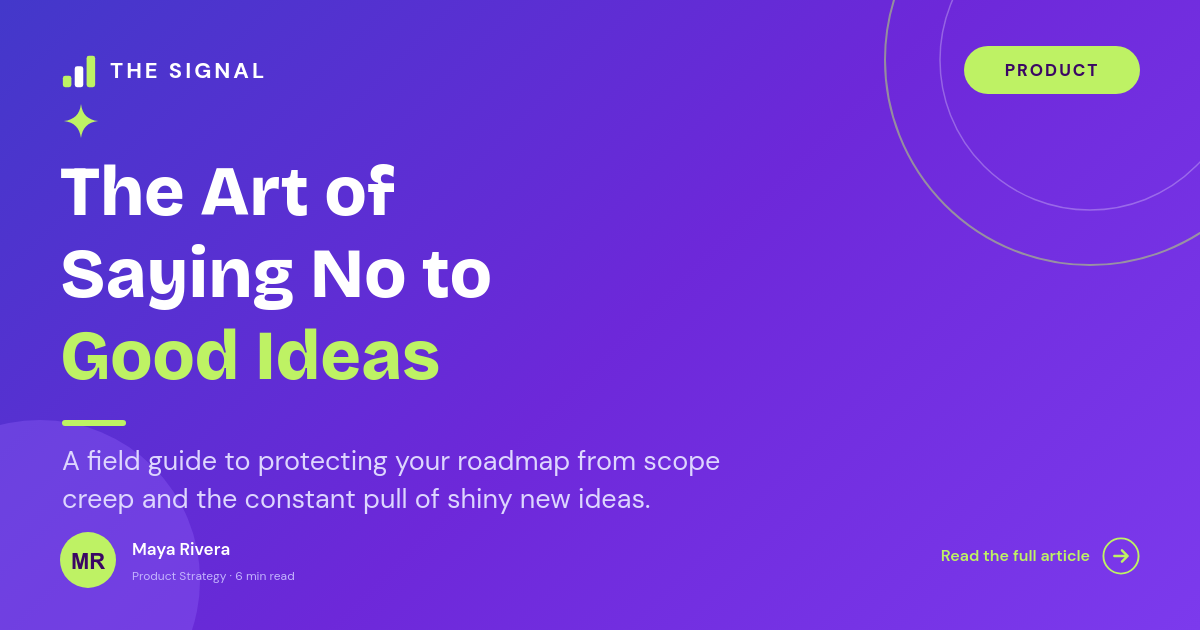
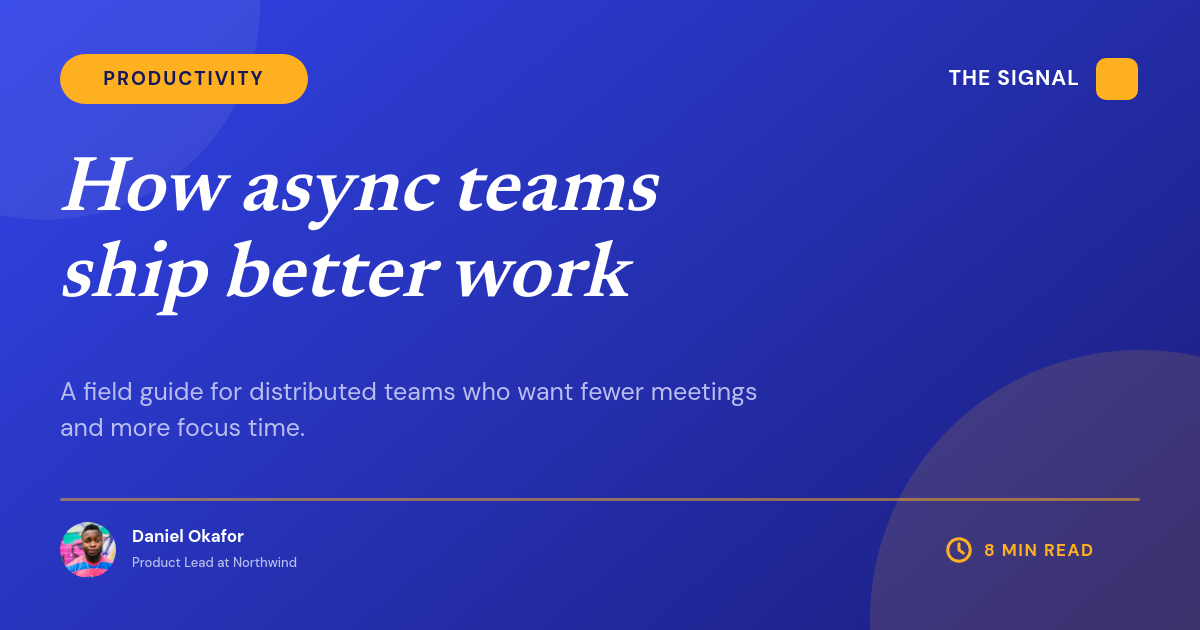


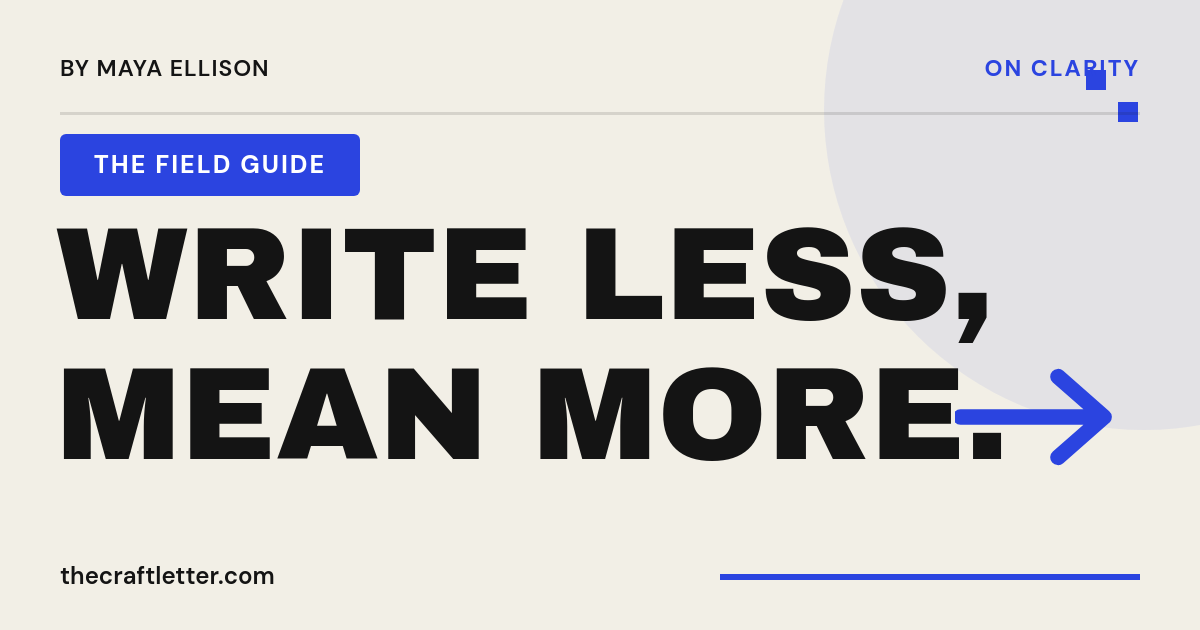
Every post on your blog needs an Open Graph image, and hand-making one per post is the kind of chore that quietly stops happening by the tenth post. This workflow generates them instead. Each post gets a single image URL that renders its social card on demand from the post's own title and author, so link previews look right everywhere the post gets shared.
Who generates OG images this way
Content teams on WordPress
Every post carries a branded card without a designer in the loop. The workflow writes the image straight back to the post.
Developers on headless or static blogs
Next.js, Astro, or Hugo sites that set the image URL from the publish hook or build step.
Newsletters and docs sites
Hundreds of existing pages backfilled once, then automated for everything published after.
How it works
- Design the card once. Build one 1200 x 630 template in the Orshot studio with a placeholder for the title, and whatever else your cards show: author, category badge, cover art.
- Give each post an image URL. The URL carries that post's values, so
og:imagefor one post points at the same template rendered with its title, author, and category. - It renders on request. The first time someone shares the link, the URL renders the PNG from those values. Long titles auto-fit rather than overflowing, which is the failure mode of most homegrown OG endpoints.
- The result is cached. Every share after the first serves the stored image instantly, so a post going viral doesn't re-render on every click.
Where the card shows up
- Search snippets, where a right-sized card helps a result stand out in the list.
- Social shares on X, LinkedIn, and Facebook, where the image is what earns the click.
- Link previews in Slack and iMessage, where a missing card leaves a gray box that costs attention.



