


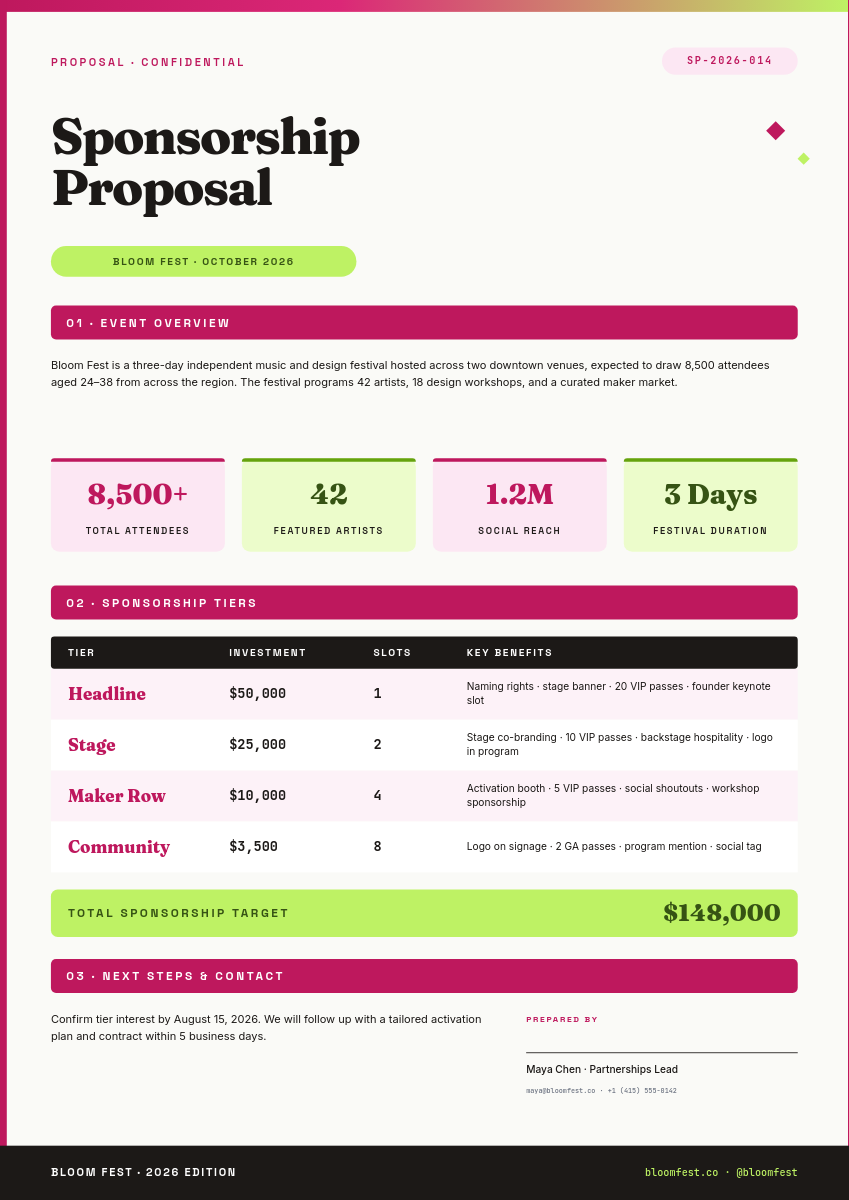
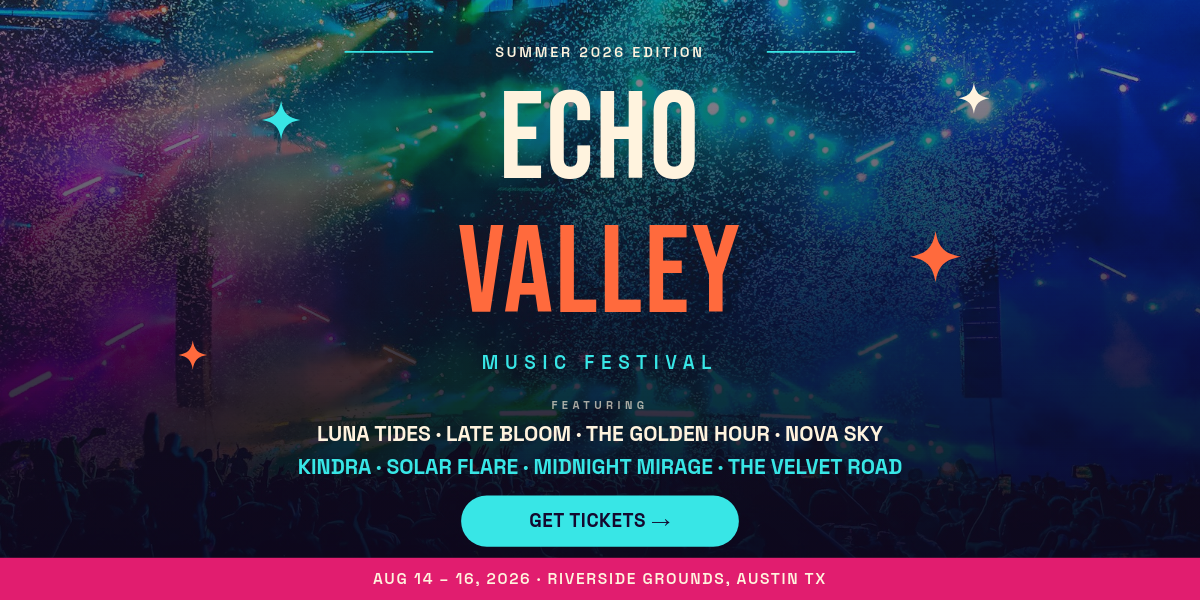
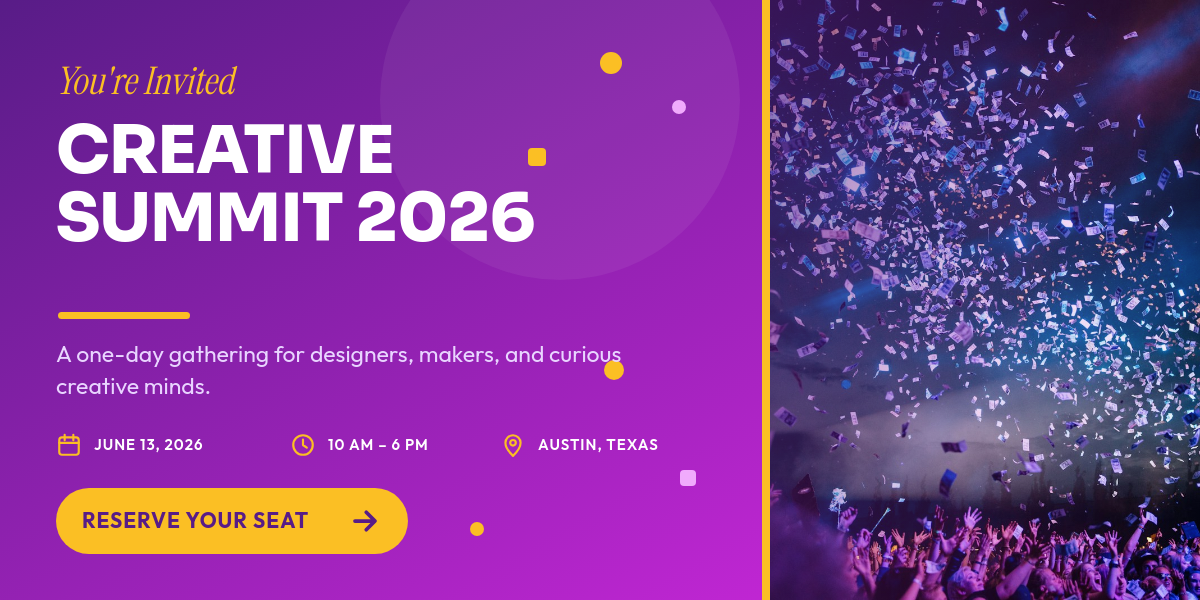
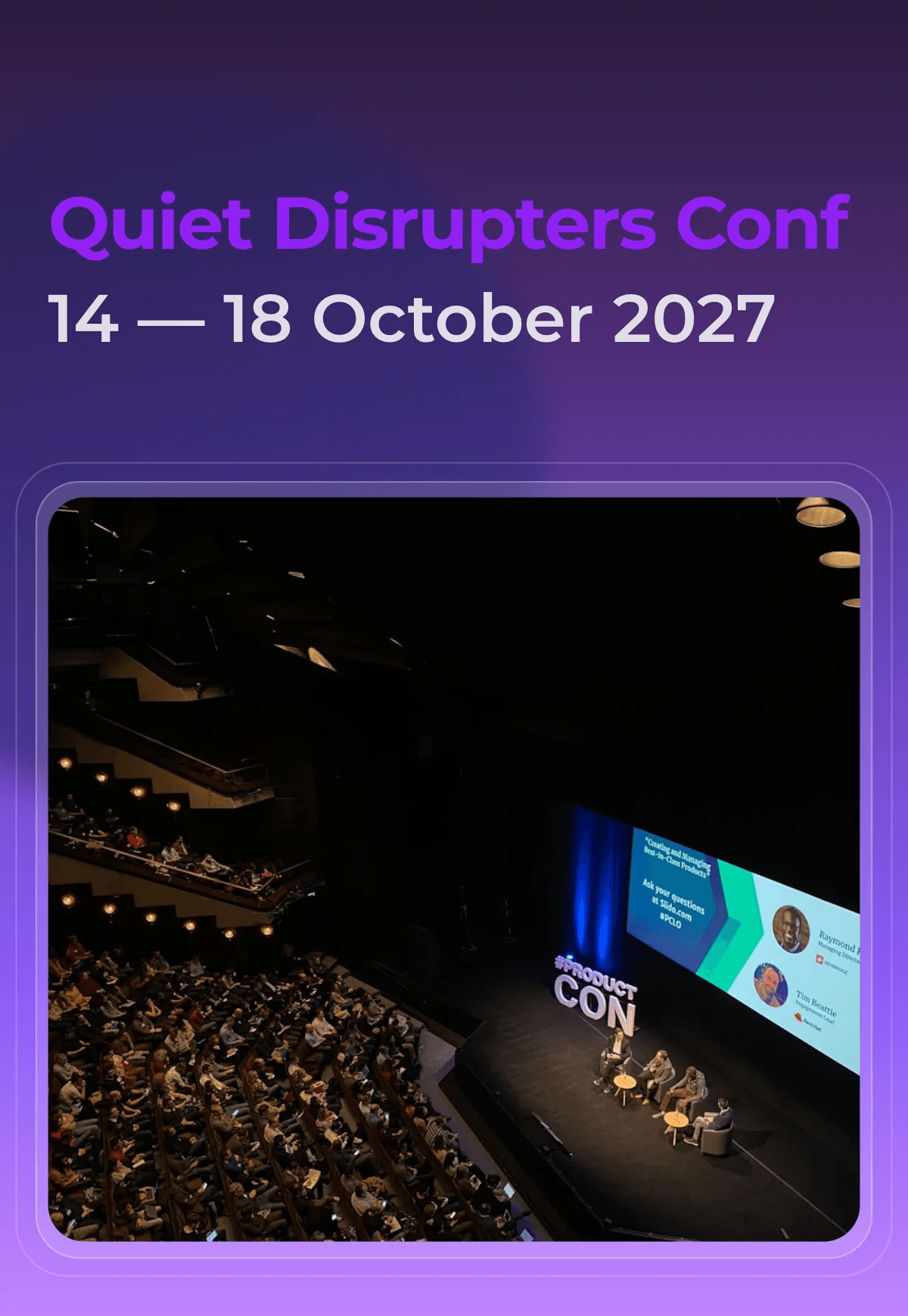
Most events get announced with a static flyer because a video means a round trip with an editor for every date. This workflow makes the promo a side effect of adding the event. Add it to Airtable and a vertical video with your branding renders and posts on its own.
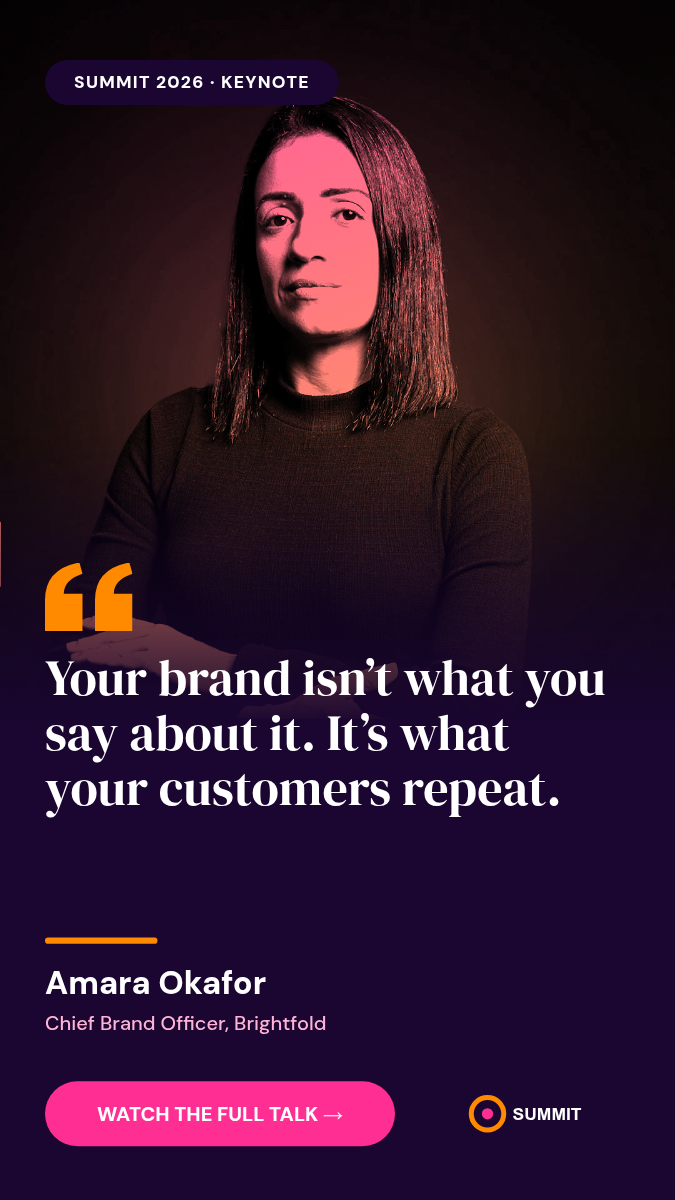
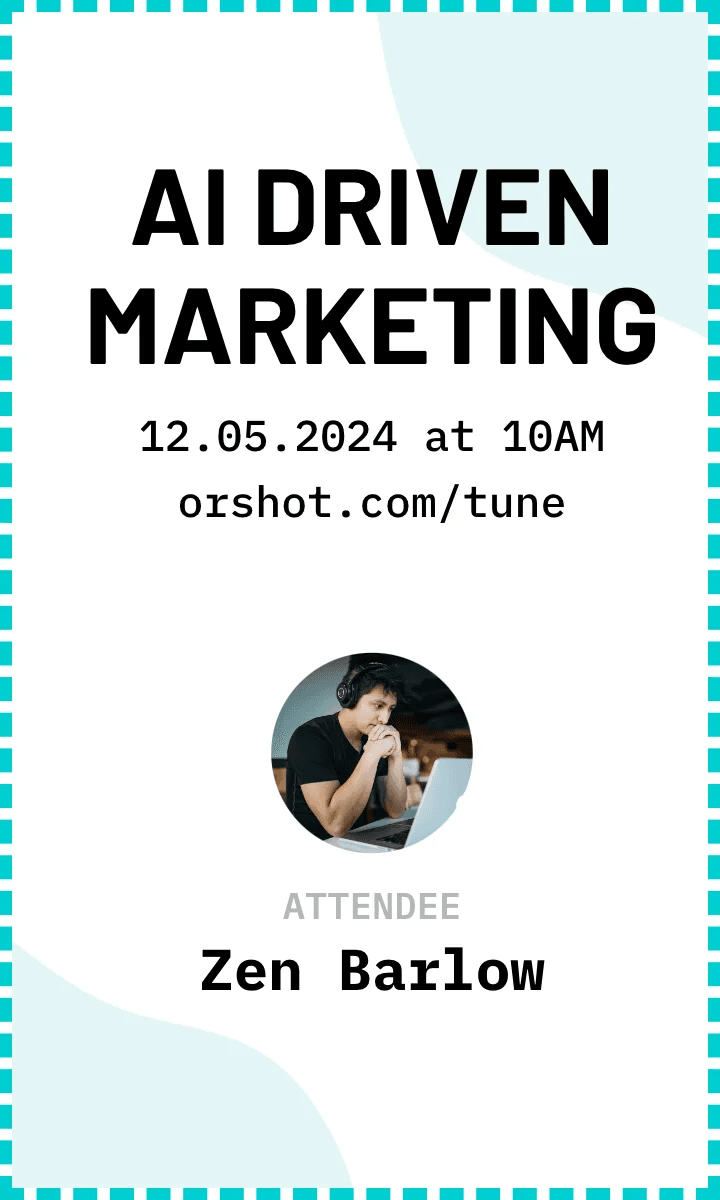
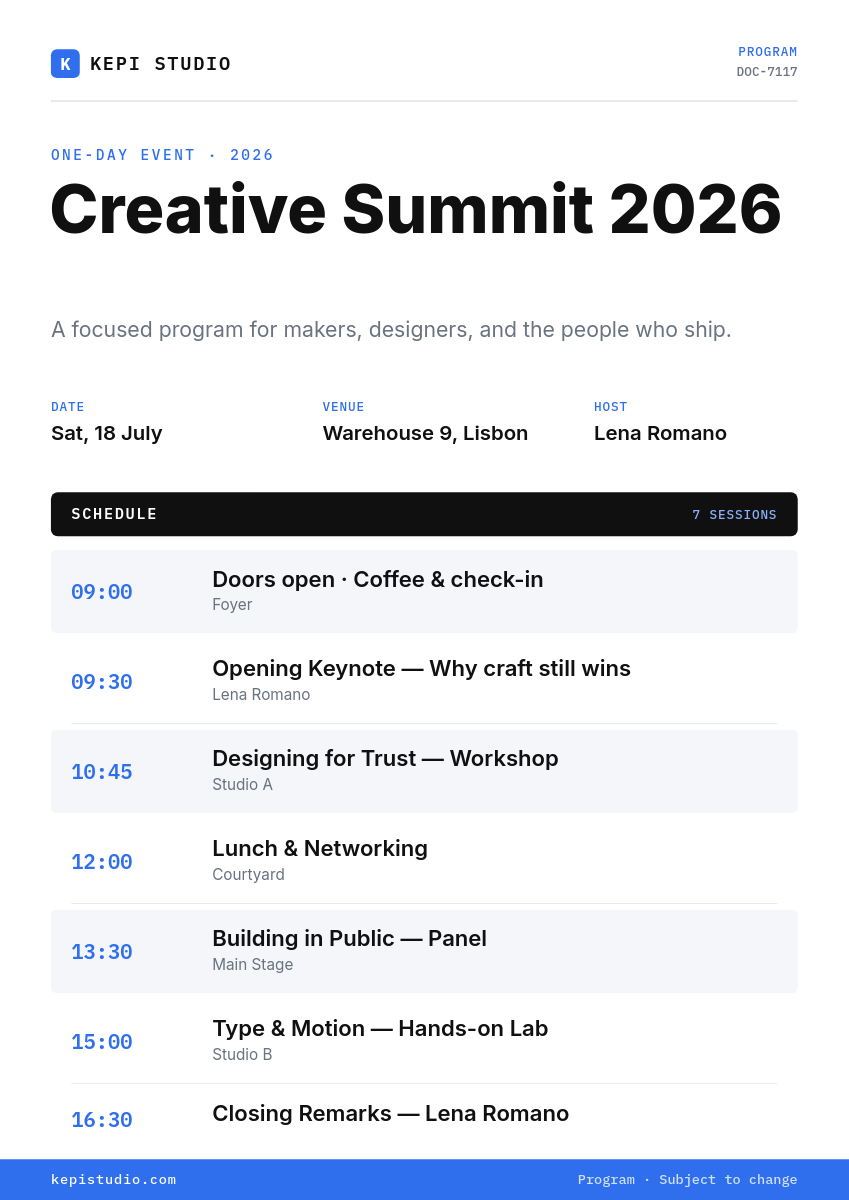
This is the event promo template the workflow renders. Each scene is its own page, combined into one video at render time.
What happens when an event is added
- You add an event to your Events table the way you already do.
- The workflow picks up the new record with its date, time, venue and photo link.
- Those values fill your event promo template.
- Orshot renders a vertical MP4 with your brand fonts, colors and motion.
- The promo posts to Instagram and TikTok, and the video link is saved back to the record.
What each promo shows
The template turns one event record into a short promo:
- Headliner in huge type over the event photo, with the tour or event name above.
- Date and venue with doors and show times, the venue name and the city.
- Lineup as up to three stacked lines: genres, support acts or what to expect.
- Tickets with a button and the ticket link to close.
Long names resize to fit, so a two-word headliner and a five-word one land in the same layout.
Who runs this
Venues and clubs
Every show on the calendar gets a promo the day it is booked, not the week before.
Promoters and festivals
One template carries the look across every date, city and lineup announcement.
Community organizers
Markets, meetups and workshops get a video post without anyone opening an editor.
Event marketers
Promos for several clients at once, with one base and one template per brand.
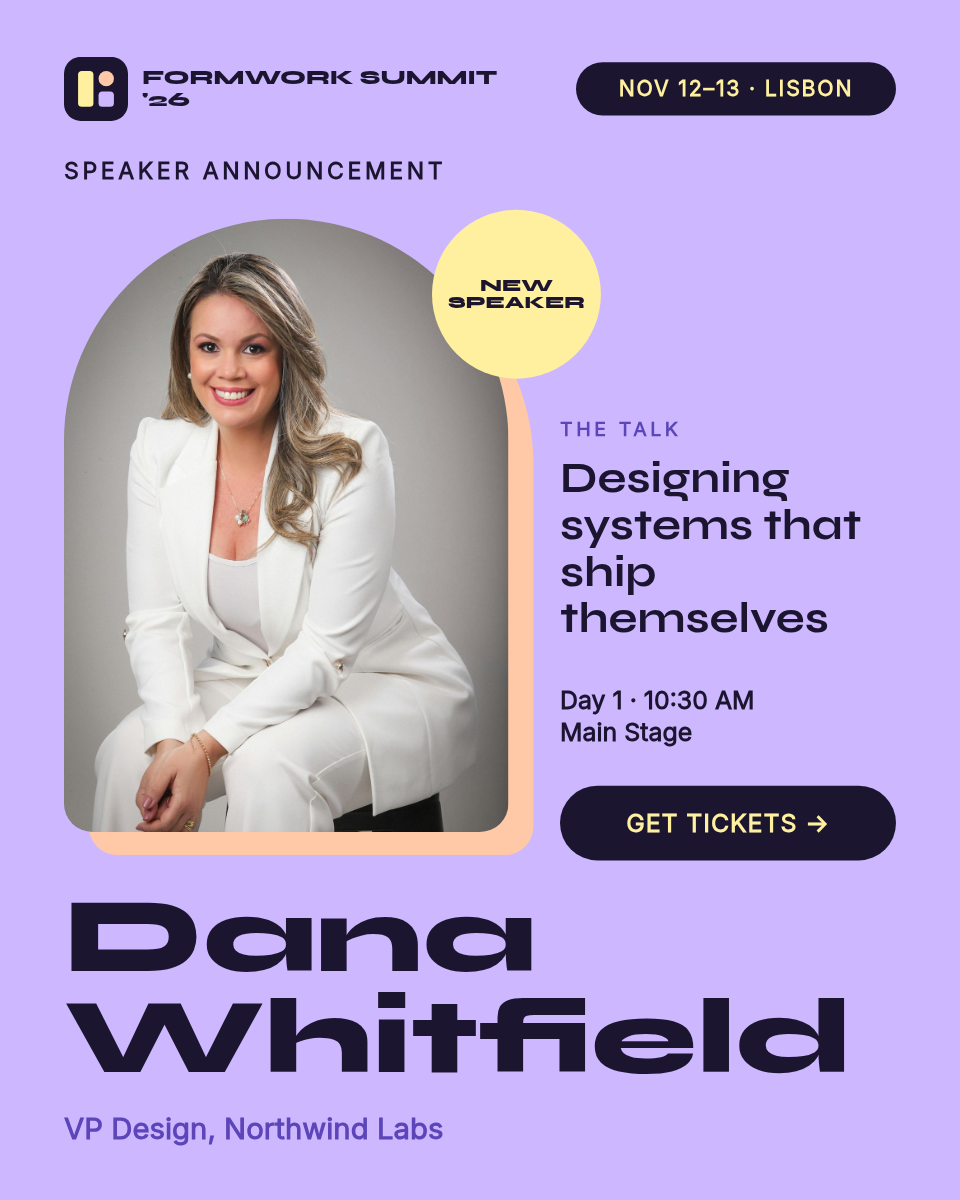
Prefer still graphics? The speaker announcement cards workflow posts an image per speaker instead, and event tickets turns registrations into PDF tickets.


