

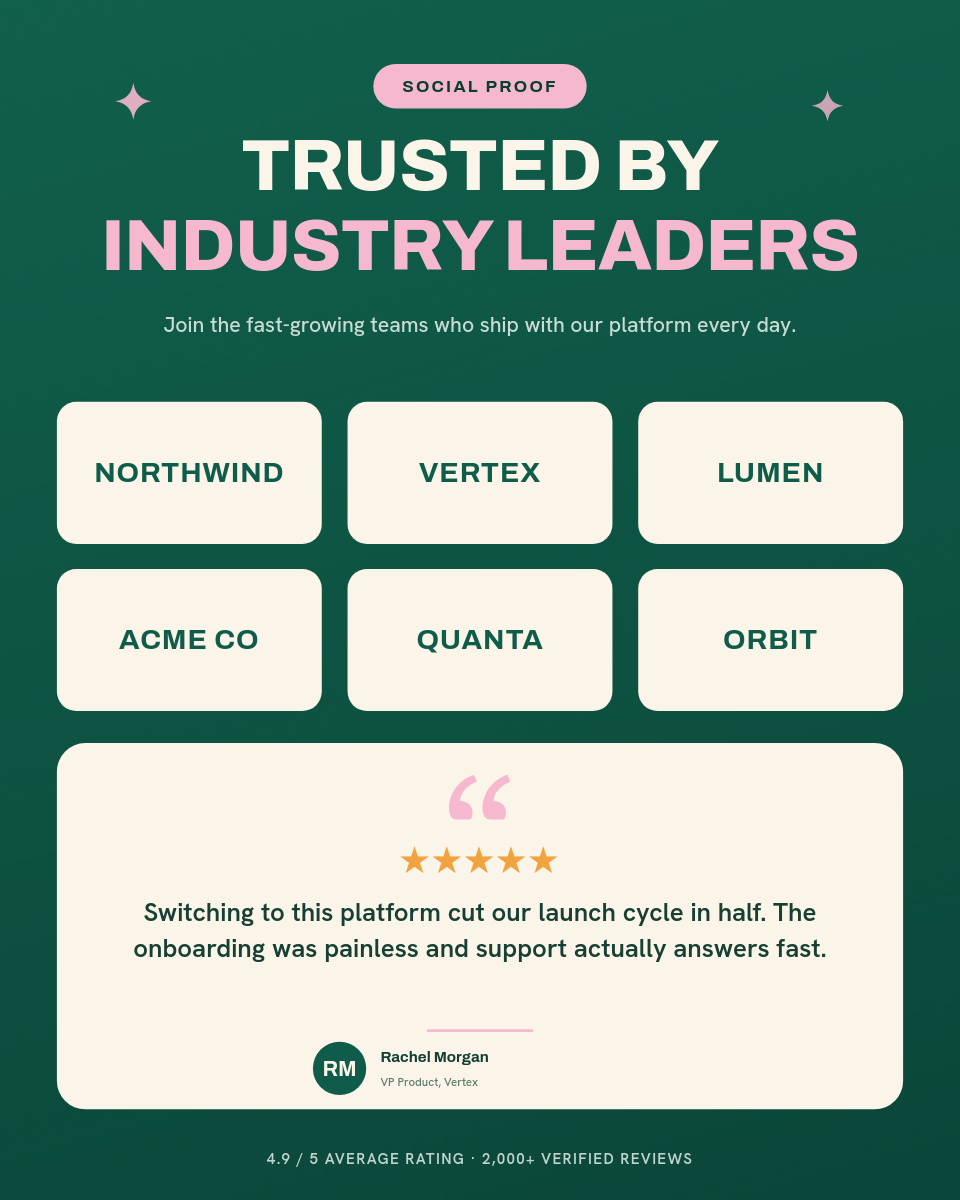

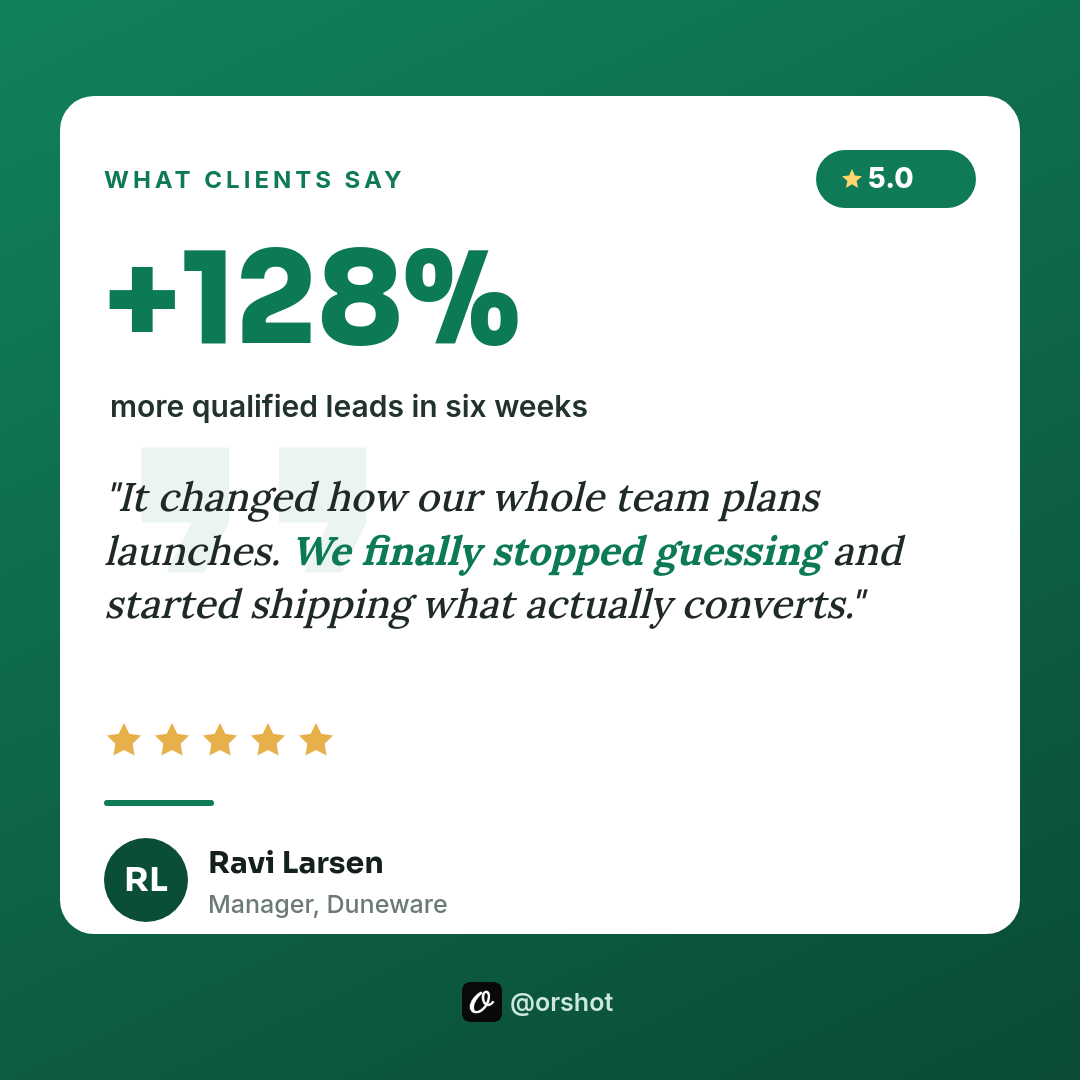
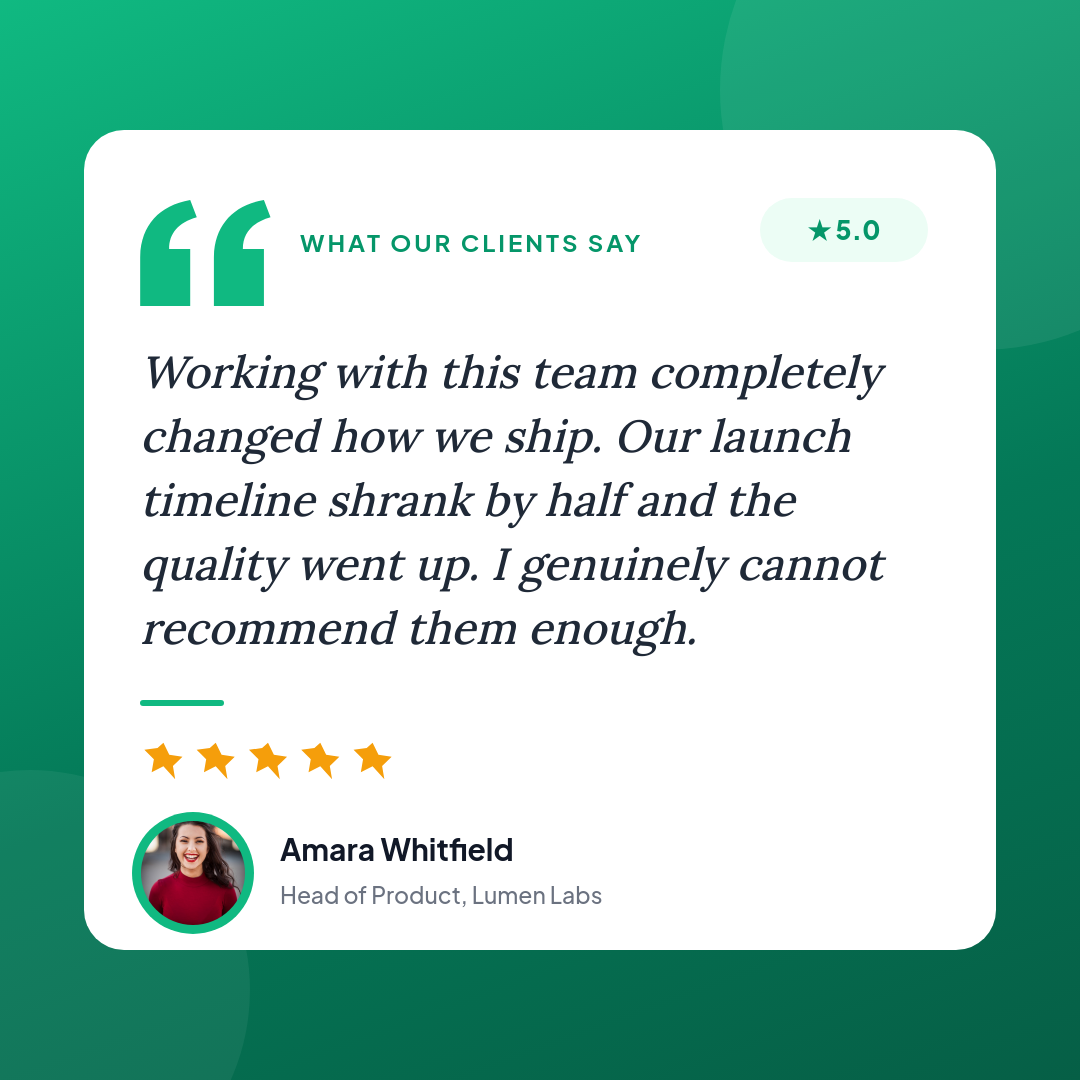
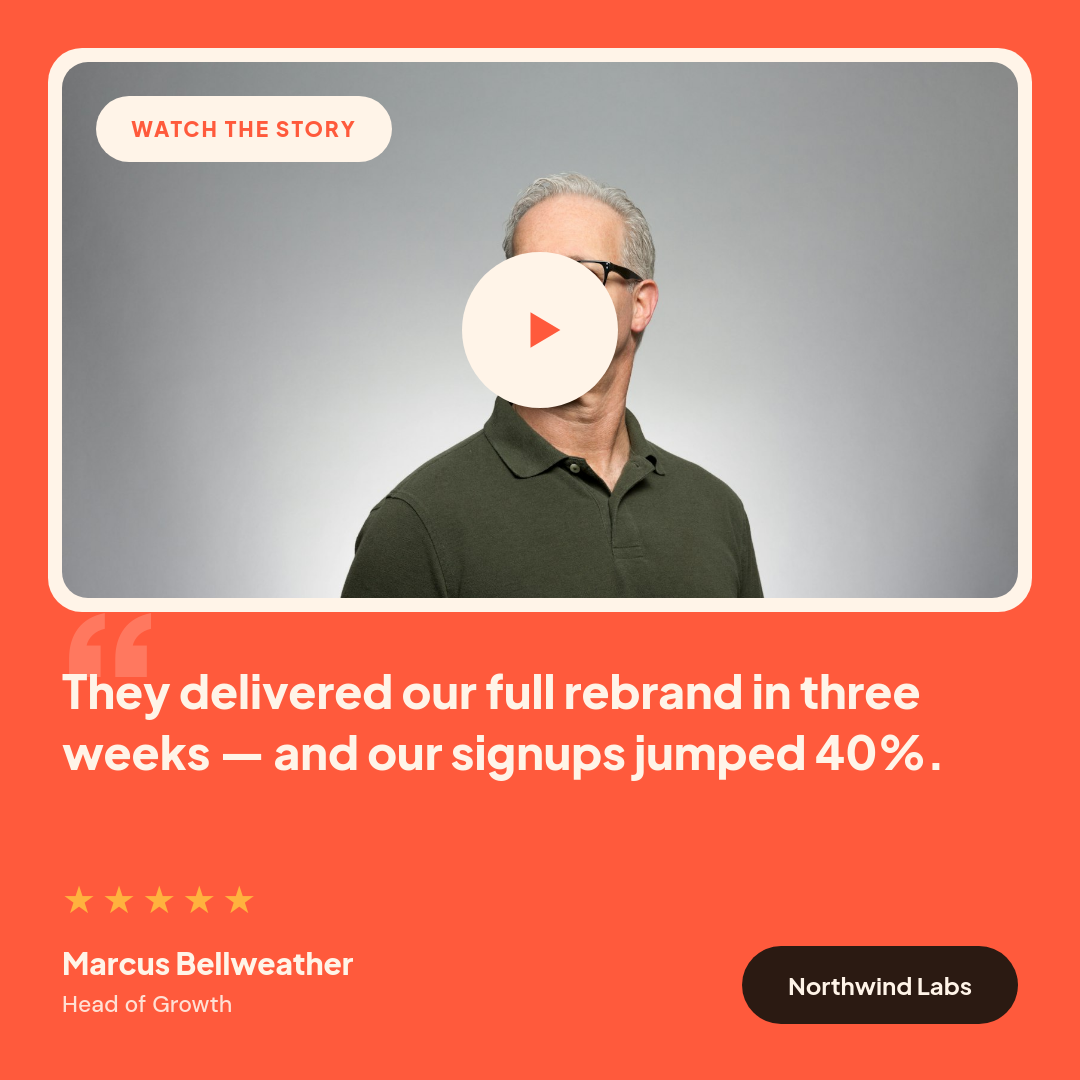
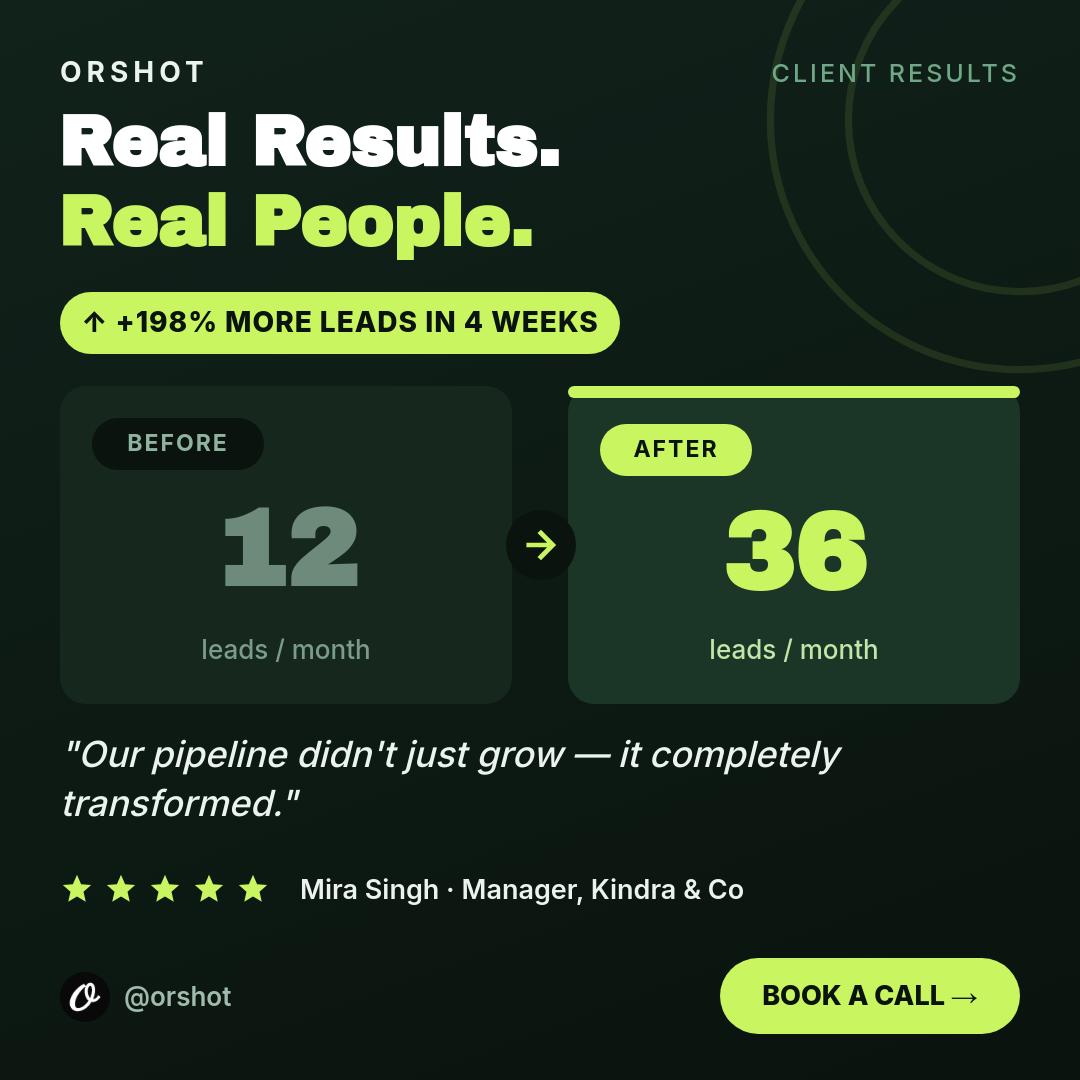
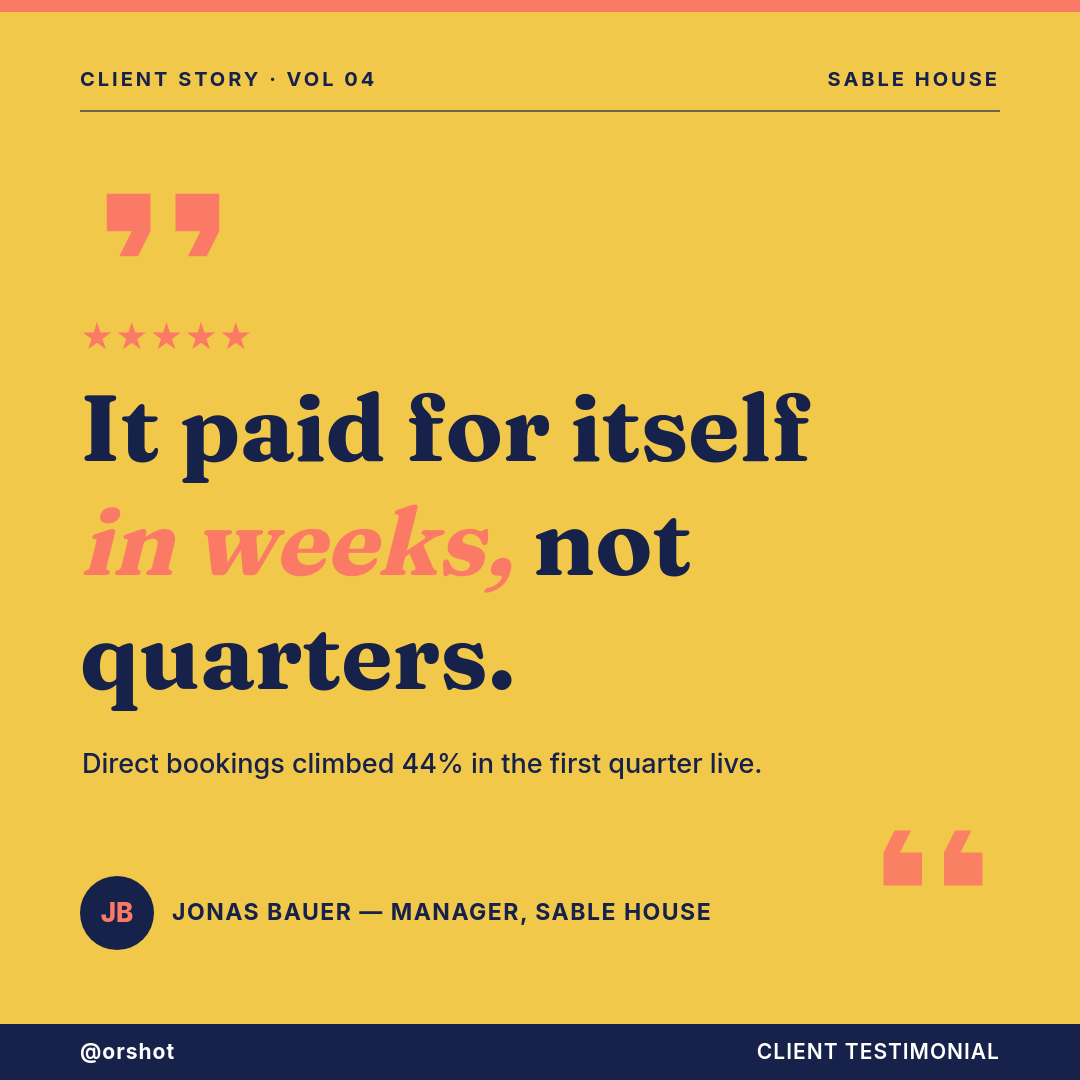
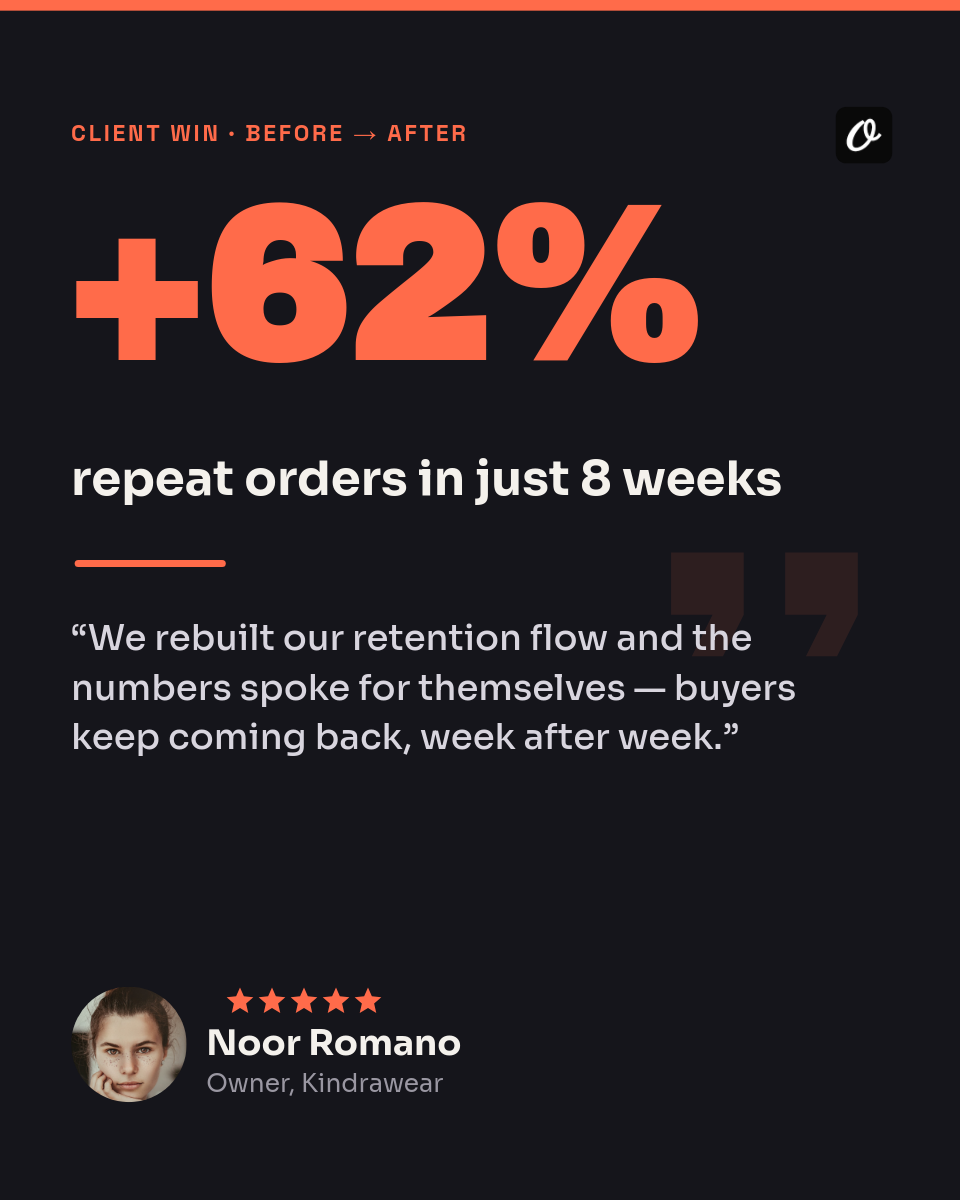
Good feedback is worth showing off, but the gap between a customer filling out your form and a shareable quote card is usually a design job that never happens. This workflow closes it. Every form submission becomes a testimonial graphic that lands in Slack, ready to review and post.
What happens on each submission
- A customer submits your feedback form. Their answers are the data: the quote, the name, the role, whatever your form asks for.
- The workflow reads the answers. There is no spreadsheet in between. The response itself triggers the render.
- A quote card is rendered. The testimonial and name land on your template, and long quotes auto-fit the layout.
- It lands in Slack. The finished card drops into the channel you pick, so the team sees every new bit of praise.
Where they land
The cards arrive in Slack, not on a social account, and that is on purpose. You get a moment to read each one, skip the ones that are not the right fit, and post the good ones to X, LinkedIn, or your site when you are ready. Nothing goes public on its own.
Who uses it
SaaS and product teams
Turn survey and NPS replies into quote cards the marketing channel can pull from.
Agencies
Capture client praise as a graphic the moment it comes in, ready for a case study or a post.
Course creators
Student feedback becomes social proof for the sales page without a design round.
Shops and makers
Reviews from a post-purchase form become shareable cards for the storefront and socials.