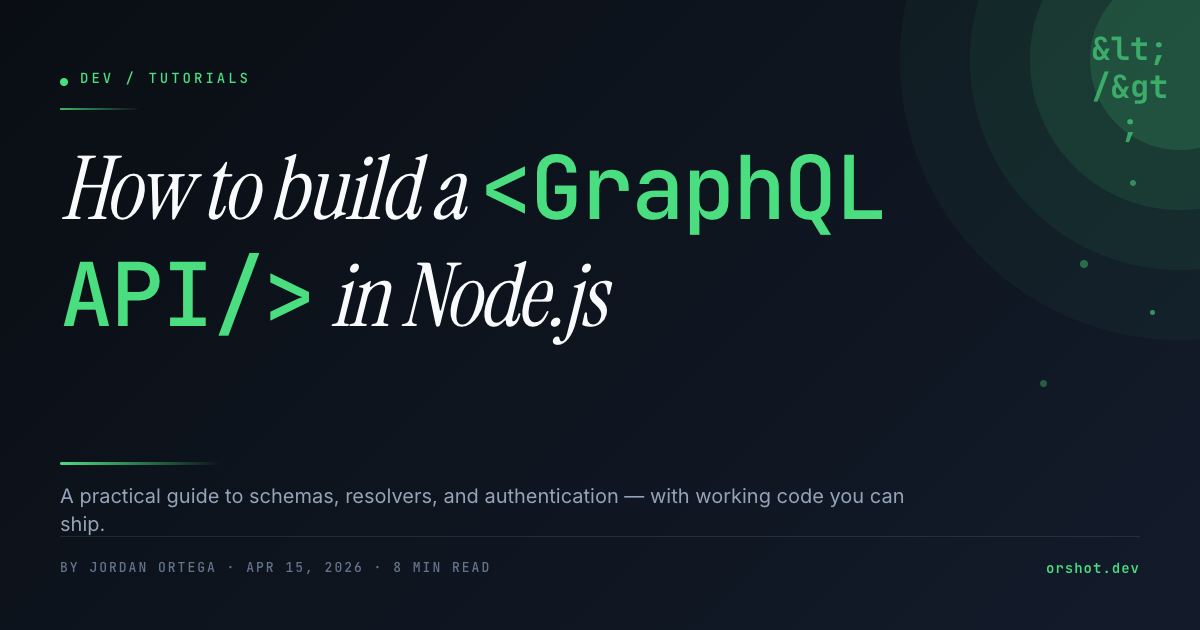
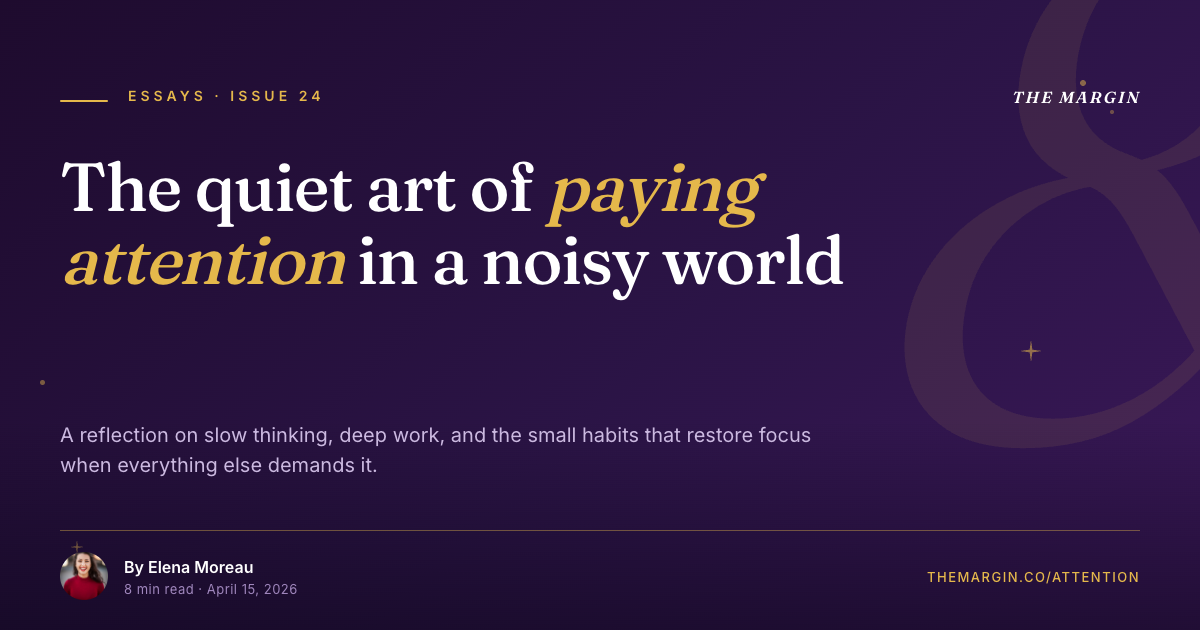
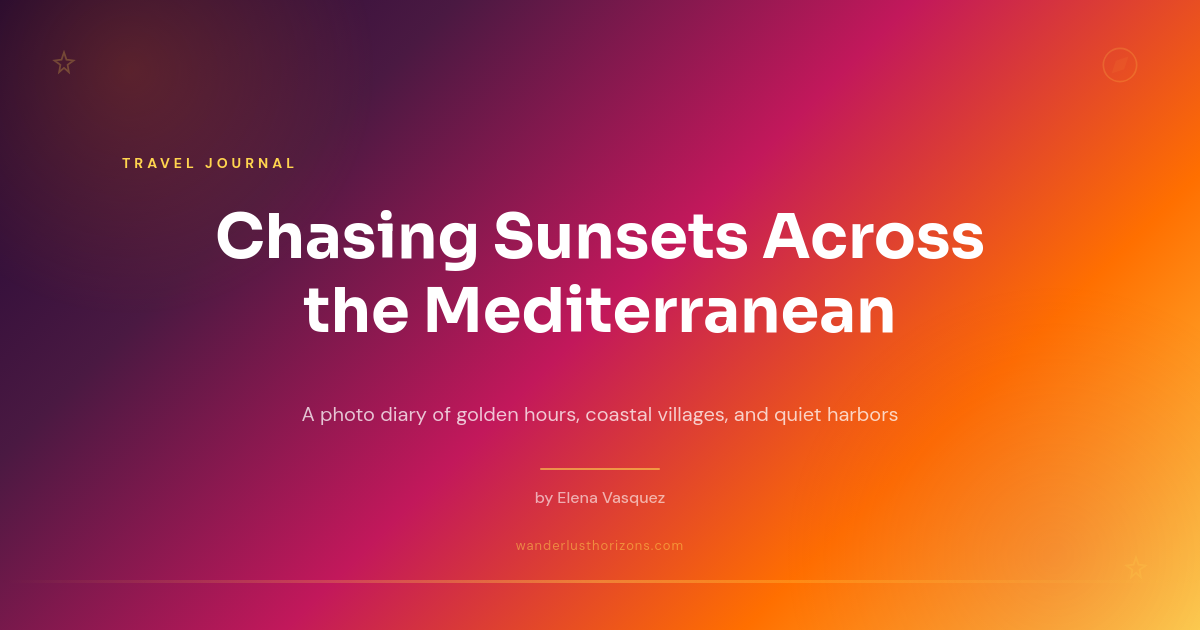
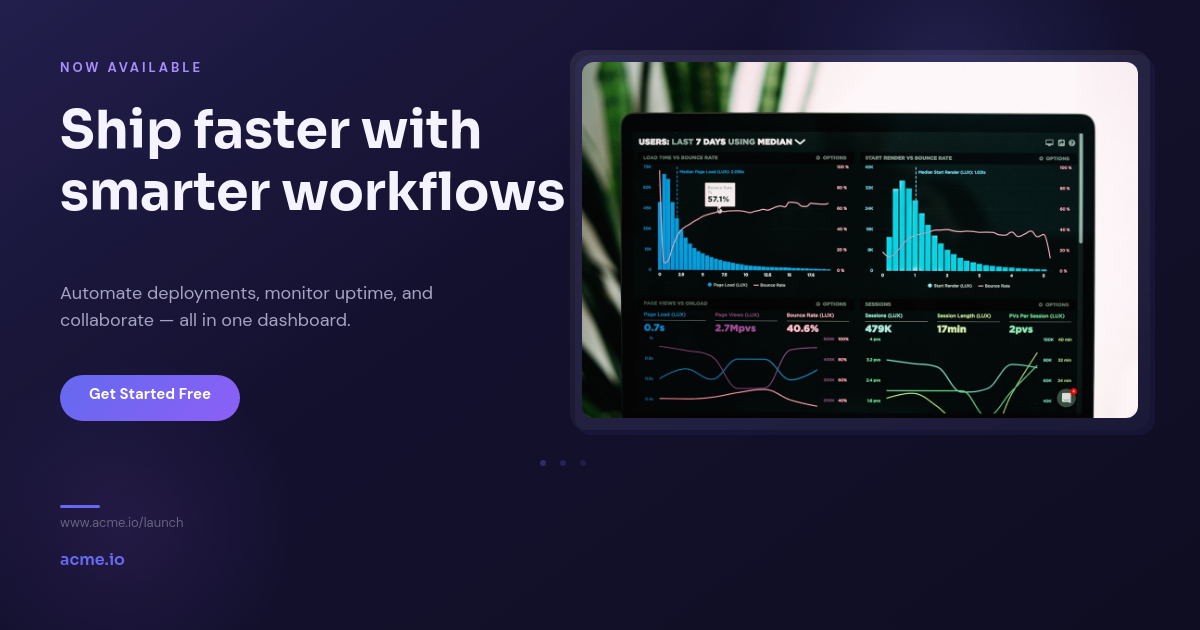

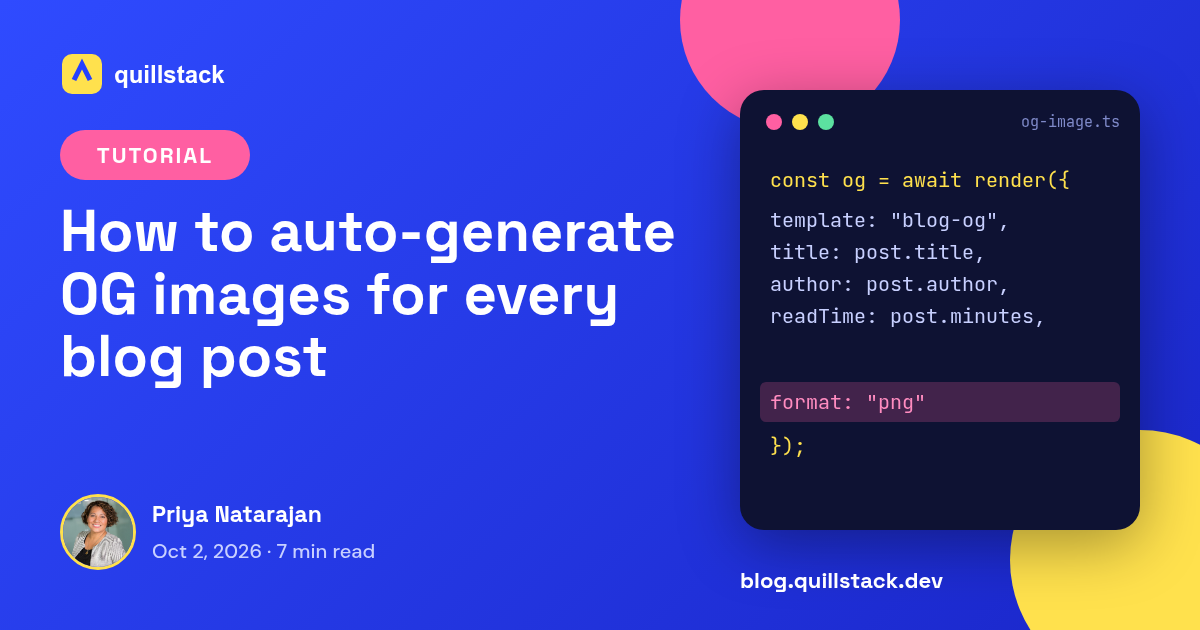
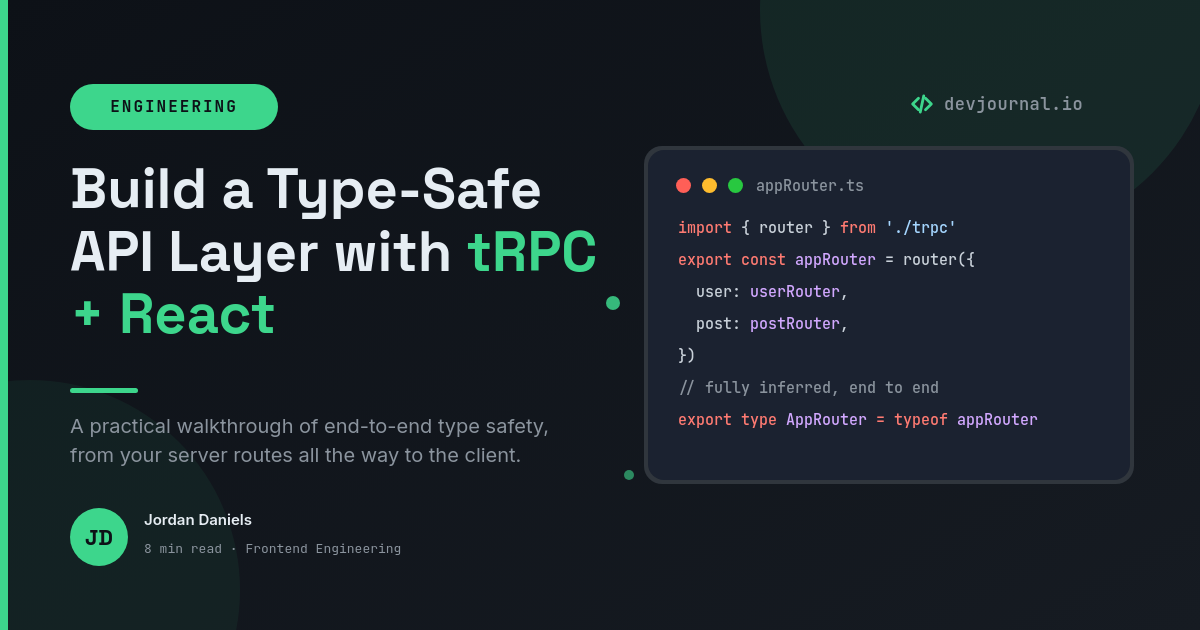

If your blog runs on a Notion database, its Open Graph images should come from the same place. Rather than hand-making a social card per post, let this workflow render one from each post's own title and author, then write the image URL back onto the page so your site can read it.
How it works
- A post is added or edited in your Notion blog database. Publishing a new page or changing a title triggers the run, so nothing goes stale.
- An Open Graph image is rendered from the page's title and author, dropped into your 1200 x 630 template. Long titles auto-fit rather than overflowing, which is the usual failure of homegrown OG endpoints.
- The image URL is written back onto the post page. Your site already pulls posts from Notion, so it reads that field straight into the og:image tag when it builds.
Where it helps
Because the card is a visual template, redesigning it later means editing the template, not touching your site code. The next edit picks it up. A correct card matters wherever a link travels:
- Search snippets, where a clean card lifts the result above a gray box.
- Social shares, so a post on X or LinkedIn shows the title, not a broken preview.
- Link previews in Slack, iMessage, and other chat apps that read og:image directly.