


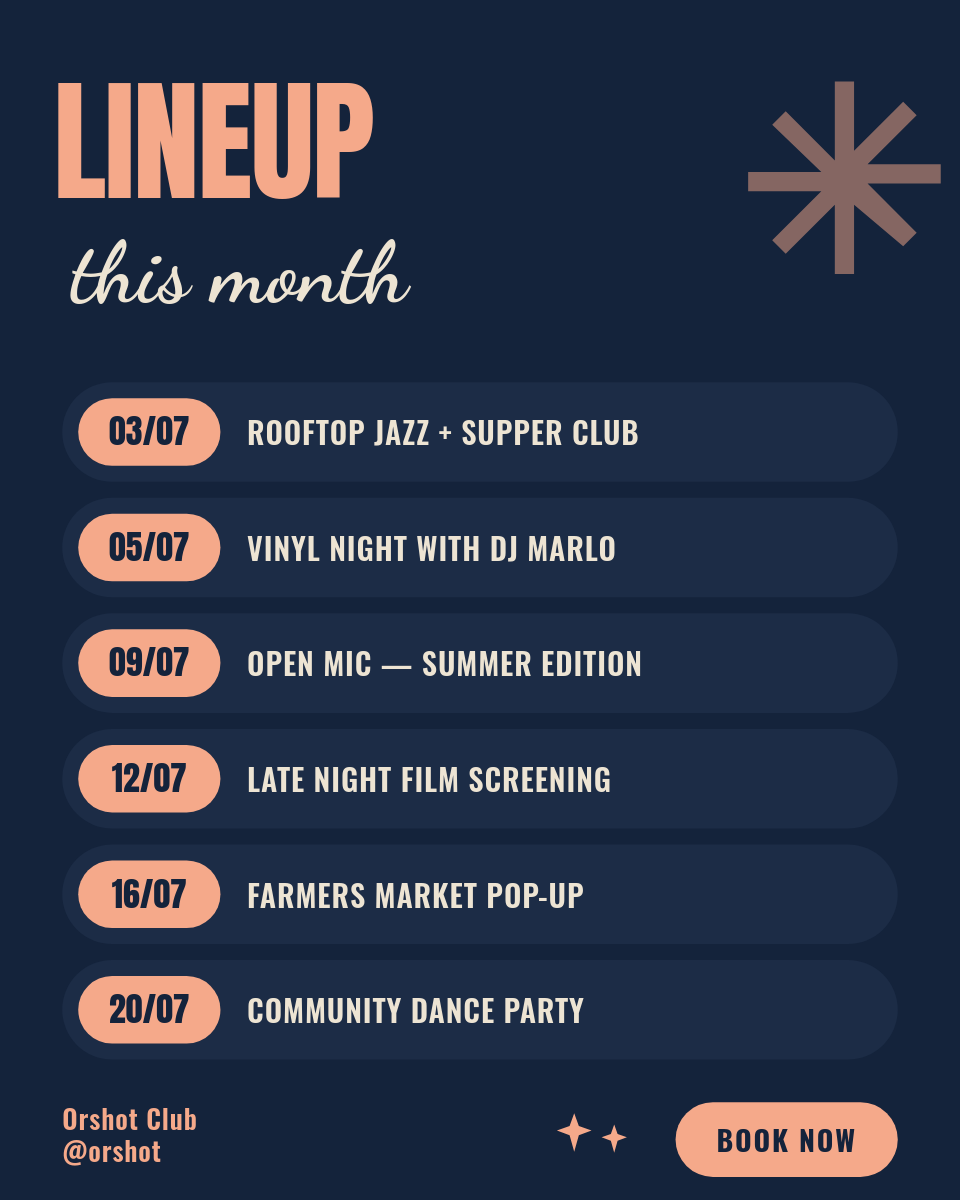
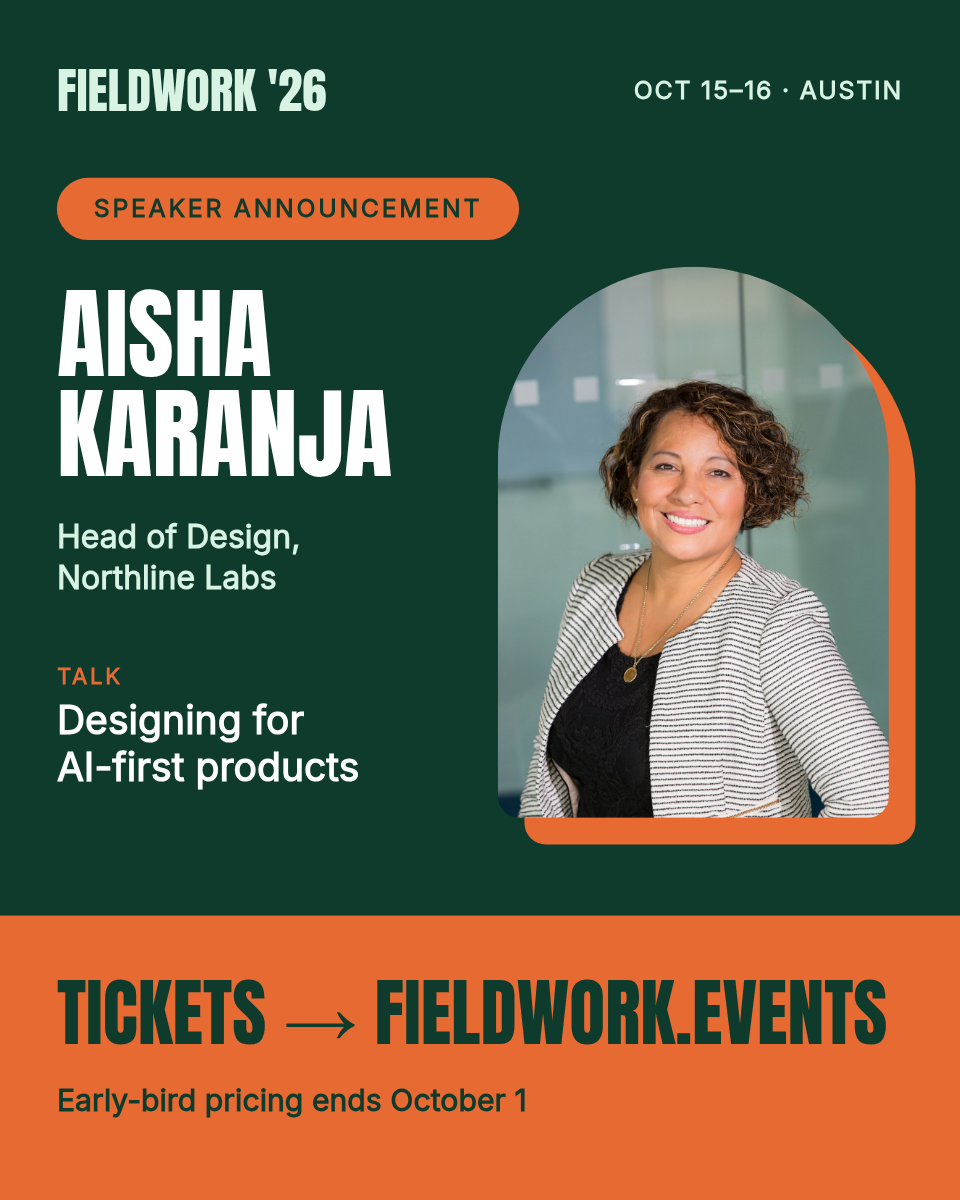


Announcing a lineup usually means making the same card ten times, once per speaker, and hoping they still match by the last one. This workflow keeps the design fixed and lets the data change. Put your speakers in a Google Sheet, run it once, and a matching card goes out for every row.
Each row is one speaker. Click to see what renders:
One row becomes one cardClick a row
| ASpeaker | BTalk | CTime | |
|---|---|---|---|
| 1 | Mei Lin | Designing for trust | 10:00 |
| 2 | Tom Alvarez | Scaling small teams | 11:30 |
| 3 | Sara Kim | The road to launch | 14:00 |
Orshot renders
Card
PNG
Rendered from row 1, one per row
What each card carries
- The speaker name, sized to fit whether it is short or long.
- The talk title, so followers know what the session is about.
- The time slot, so the card doubles as a schedule reminder.
Run the whole lineup at once
You run this one on demand, when the lineup is locked and you are ready to announce. The workflow reads every speaker row in the Sheet and renders a card for each, then posts them to Instagram and LinkedIn. Ten speakers is one run, and every card that goes out shares the same design, so the lineup looks like a set instead of ten separate posts.
Conferences and summits
A card per speaker, published as a matching set the day the lineup is announced.
Meetups and workshops
A quick lineup graphic from a Sheet you already keep, posted to both platforms at once.