
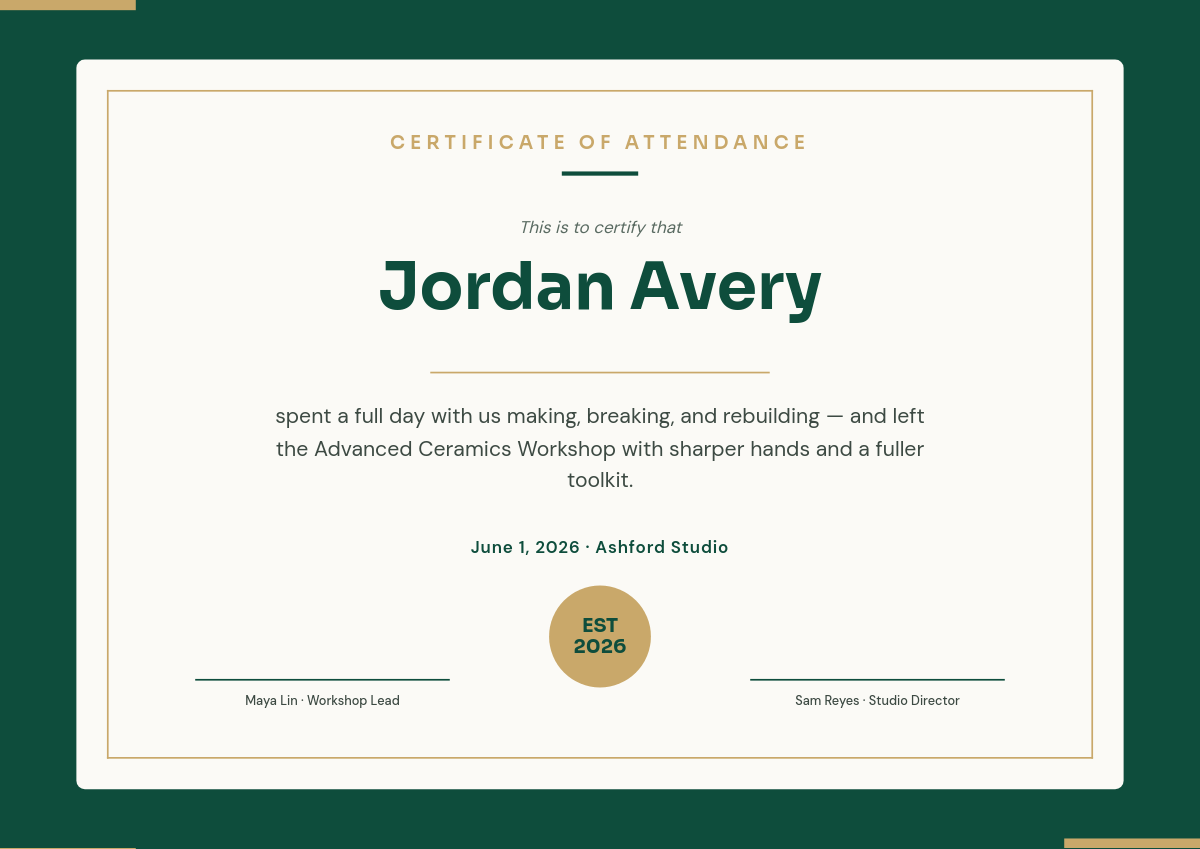
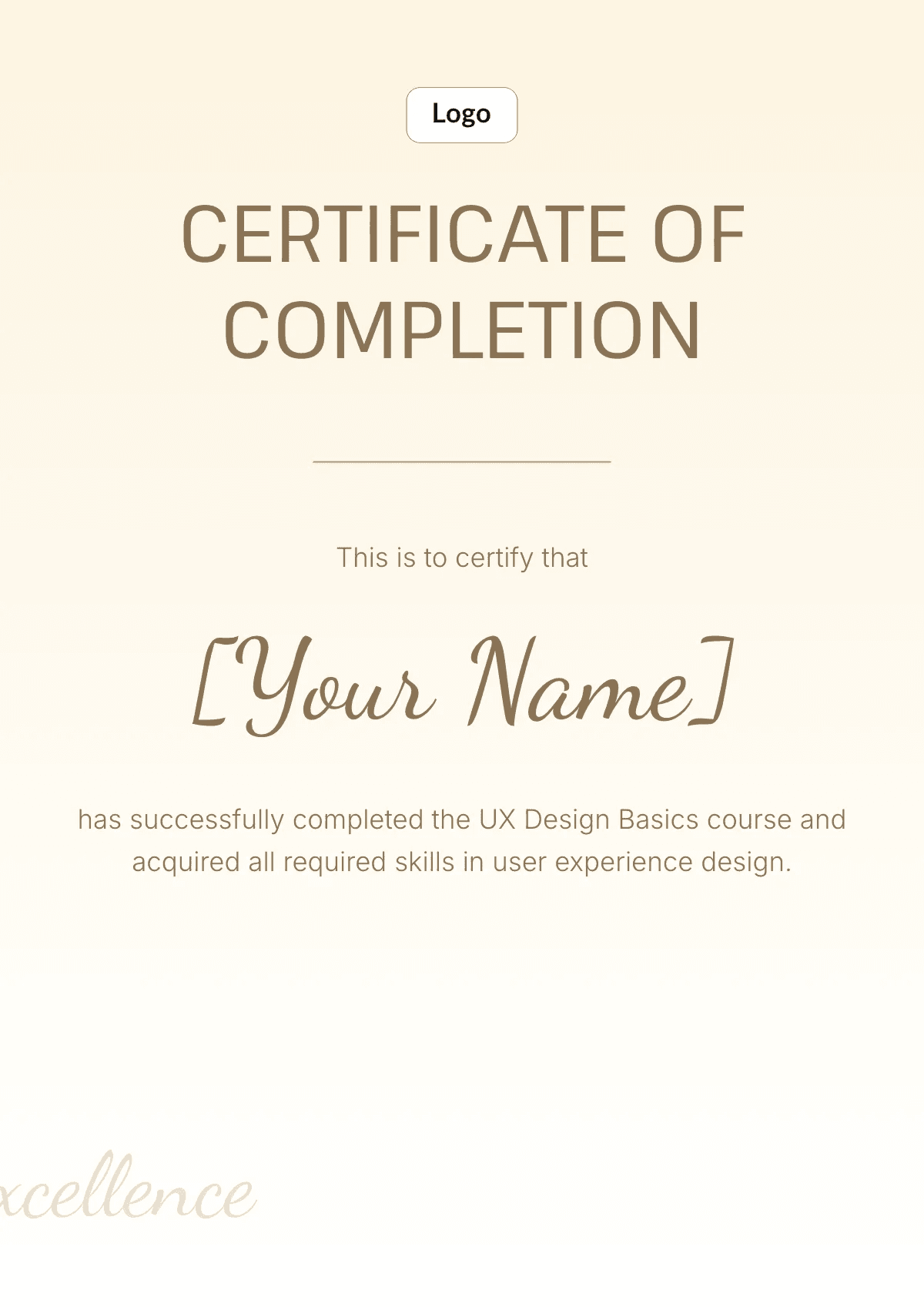
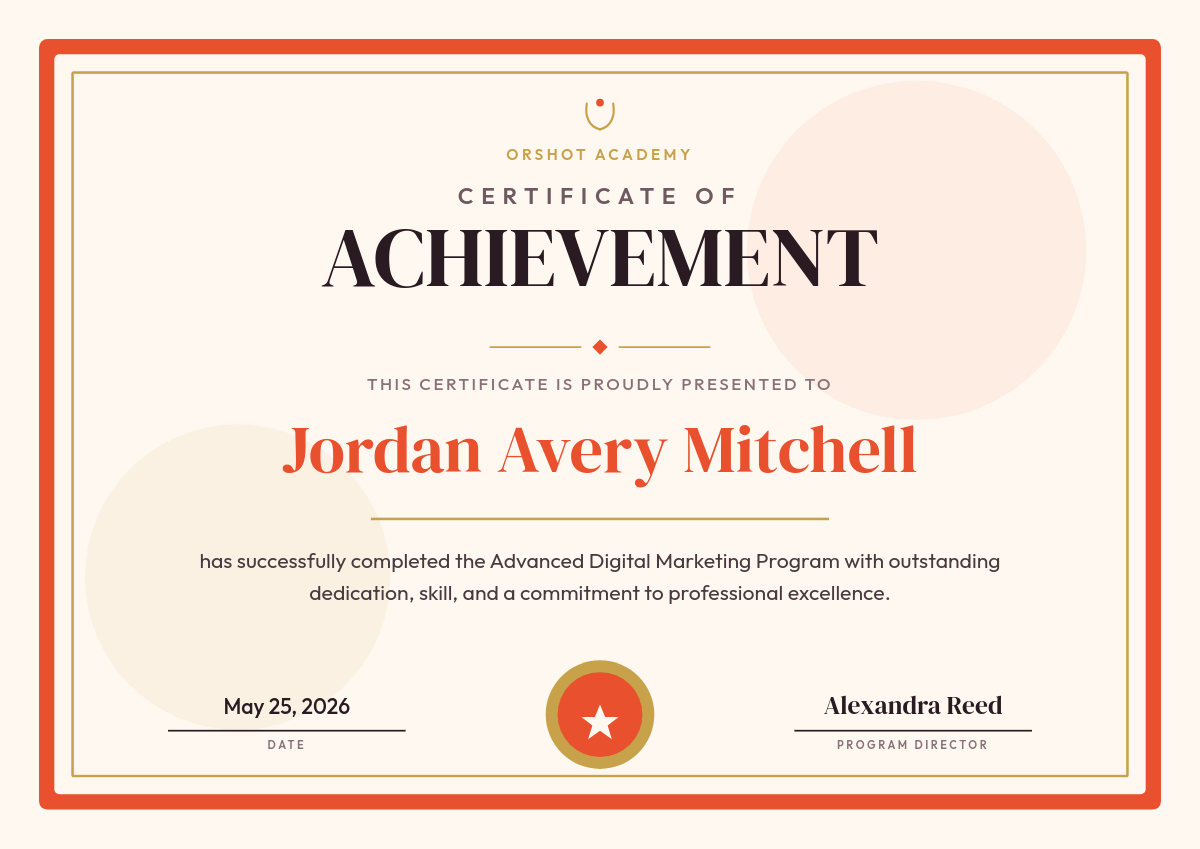
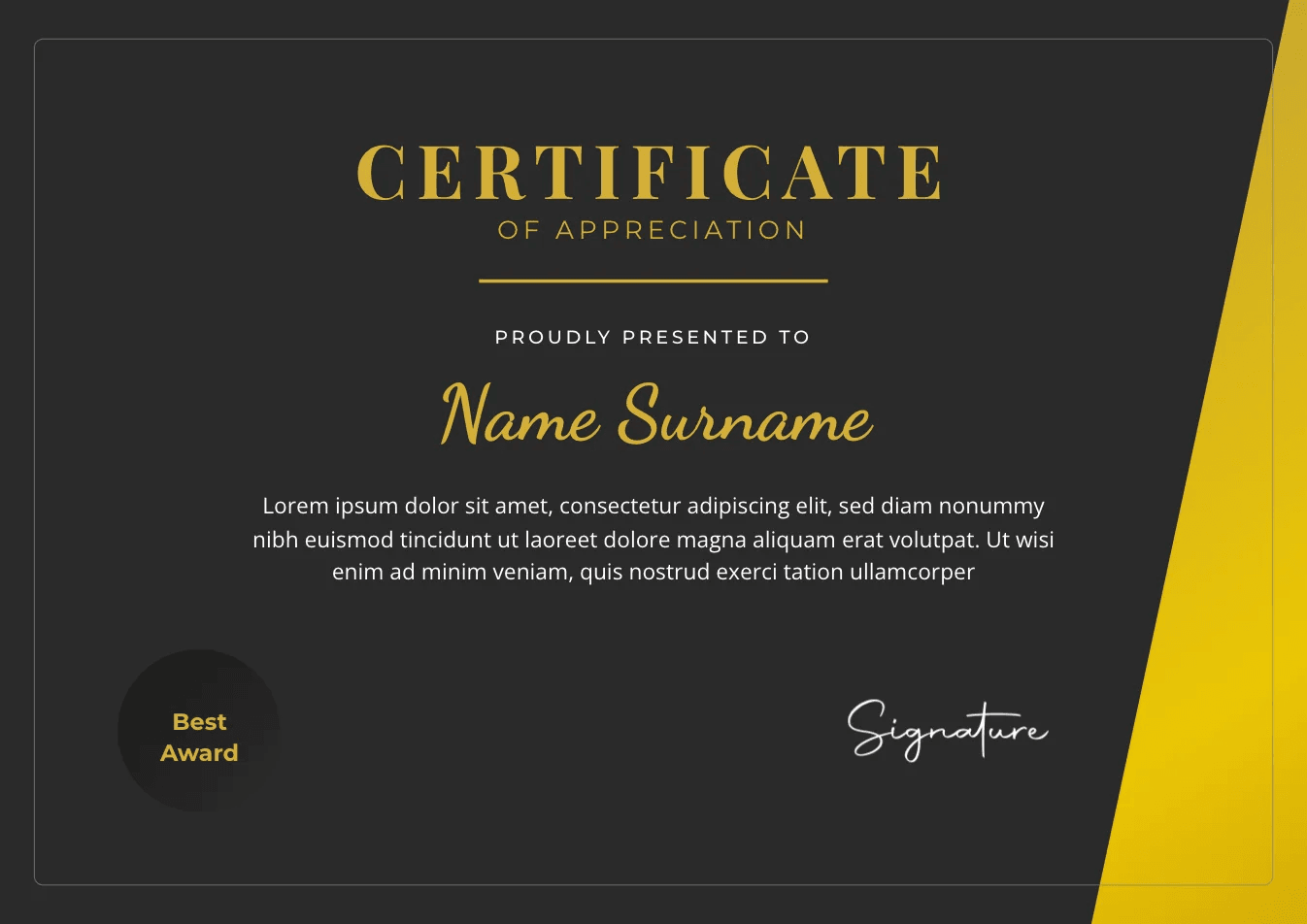
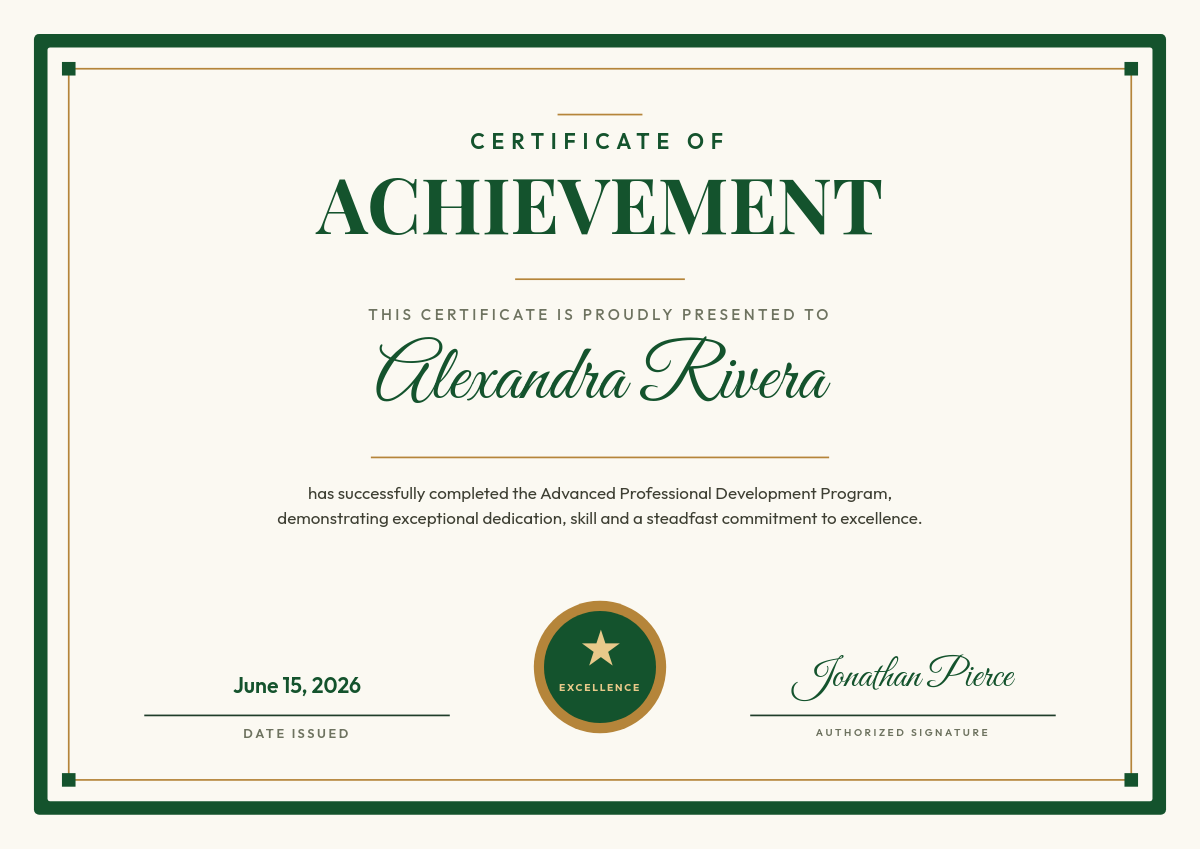
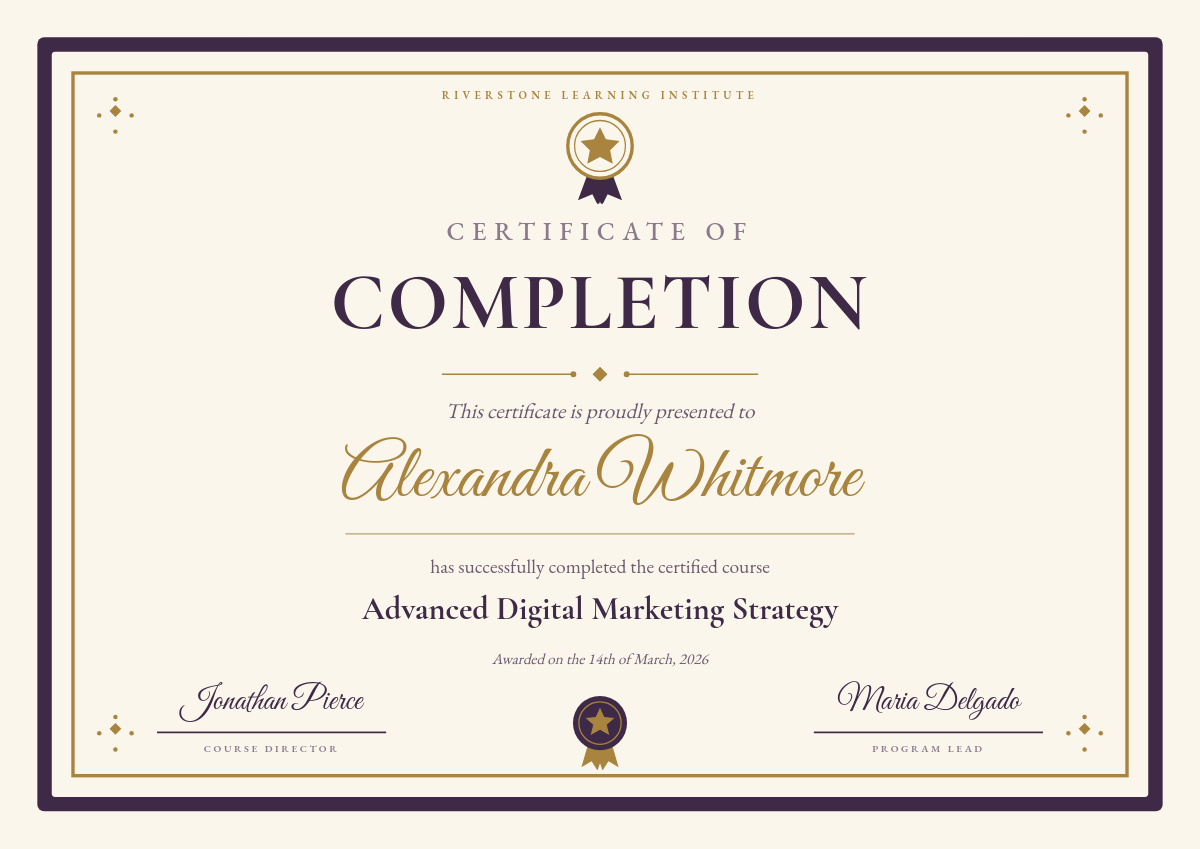
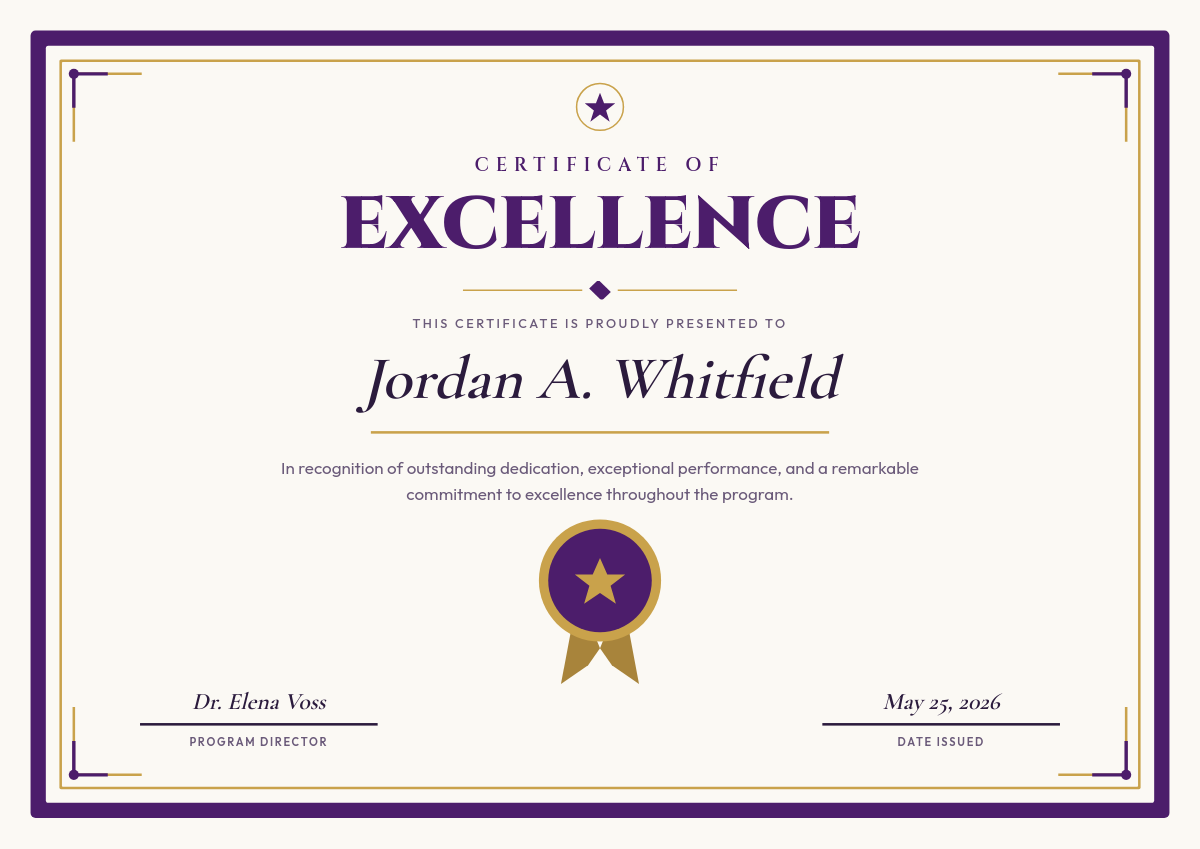
A certificate of attendance confirms that someone was present at your event, webinar, workshop, or training session. Making one is easy. Making two hundred, each with the right name, date, and hours, is the part that eats an afternoon. This workflow removes that part: your attendee list goes in, a folder of personalized PDF certificates comes out.
Who sends these
From one list to every certificate
The workflow reads your Google Sheet one row at a time and fills a certificate template with that row's values. Every certificate comes from the same template, so the design never drifts between batches. If your list lives in Excel, upload it to Google Sheets first and connect that; Airtable works as a source too. Click through the rows below to see how each one becomes its own certificate.
| AName | BEvent | CDate | DHours | |
|---|---|---|---|---|
| 1 | Priya Sharma | Intro to UX Research | June 14, 2026 | 6 |
| 2 | Daniel Okoye | Intro to UX Research | June 14, 2026 | 6 |
| 3 | Mei Lin | Intro to UX Research | June 14, 2026 | 6 |
Rendered from row 1, one per row
For recurring sessions, set the trigger to watch for new rows so anyone added to the sheet gets their certificate within minutes, no run required.