







If your event registrations come through a Google Form, badge-making is usually a frantic export the night before: download responses, mail merge, fix the formatting, print. This workflow makes badges continuously instead. Someone registers, and their print-ready badge lands in Google Drive a few minutes later. By event day the folder is simply done.
Each new response carries everything a badge needs. Click a row to see what renders:
| AName | BCompany | CTicket | DID | |
|---|---|---|---|---|
| 1 | Mei Lin | Brightside Studio | Speaker | REG-118 |
| 2 | Tom Alvarez | Self-employed | GA | REG-119 |
| 3 | Sara Kim | Loop Coffee | Volunteer | REG-120 |
Rendered from row 1, one per row
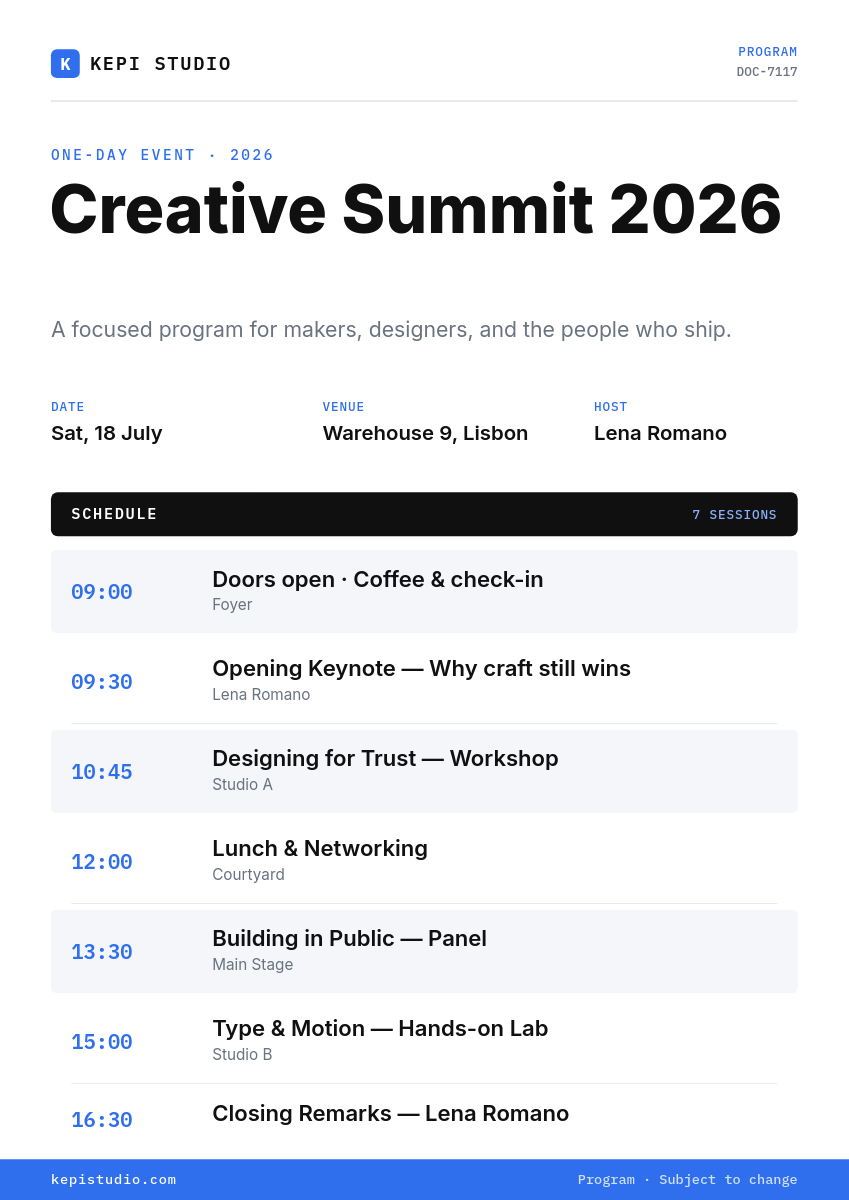
Name and company go on the front, the ticket type switches a color tag, and the per-attendee ID renders as a QR code your check-in tooling can scan at the door.
Set it up once
- Pick a badge template in the Orshot studio at print size, with placeholders for the fields your form collects.
- Connect Google Forms and select your registration form, so the trigger fires on each new response.
- Map the answers to placeholders: name, company, ticket type, and the ID behind the QR code.
- Activate, and every registration renders a print-ready badge PDF into your Drive folder as it arrives.
Late signups are the quiet win here. The person who registers two hours before doors still gets a proper printed badge, because their PDF was waiting before you noticed the response.